
Text in Oracle The Search Platform and Ultra
- Slides: 54
Text in Oracle The Search Platform and Ultra Search Omar Alonso, Senior Product Manager, Oracle Corp. Stefan Buchta, Principal Product Manager, Oracle Corp. No. COUG May 16 th 2001
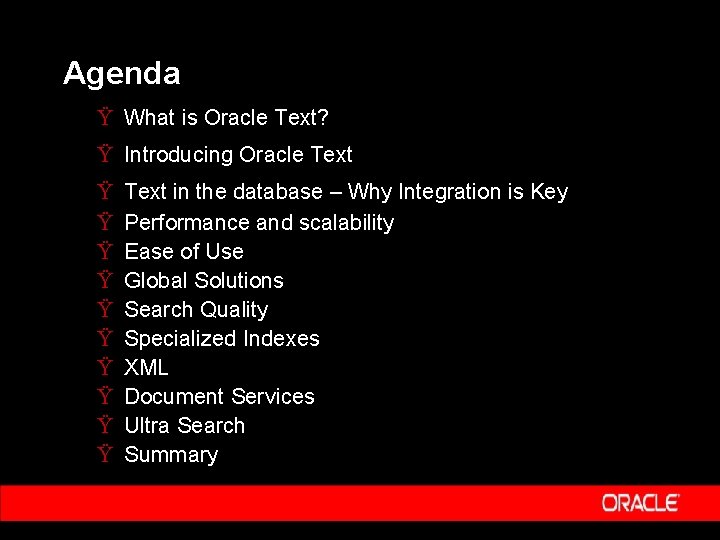
Agenda Ÿ What is Oracle Text? Ÿ Introducing Oracle Text Ÿ Ÿ Ÿ Ÿ Ÿ Text in the database – Why Integration is Key Performance and scalability Ease of Use Global Solutions Search Quality Specialized Indexes XML Document Services Ultra Search Summary
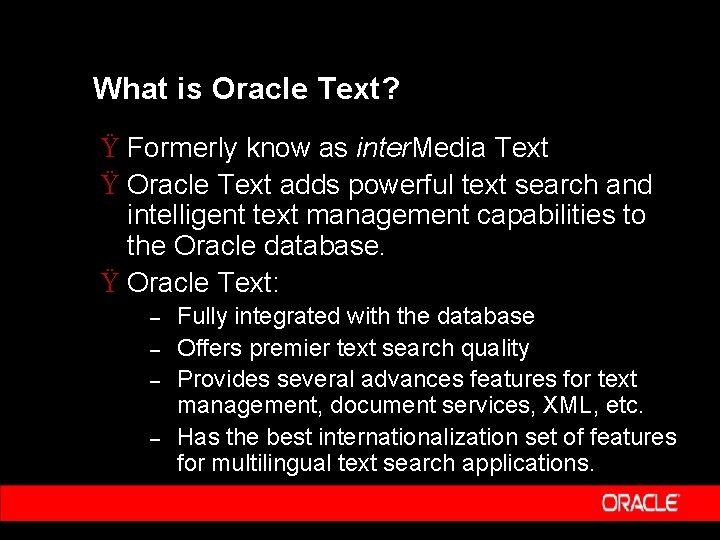
What is Oracle Text? Ÿ Formerly know as inter. Media Text Ÿ Oracle Text adds powerful text search and intelligent text management capabilities to the Oracle database. Ÿ Oracle Text: – – Fully integrated with the database Offers premier text search quality Provides several advances features for text management, document services, XML, etc. Has the best internationalization set of features for multilingual text search applications.
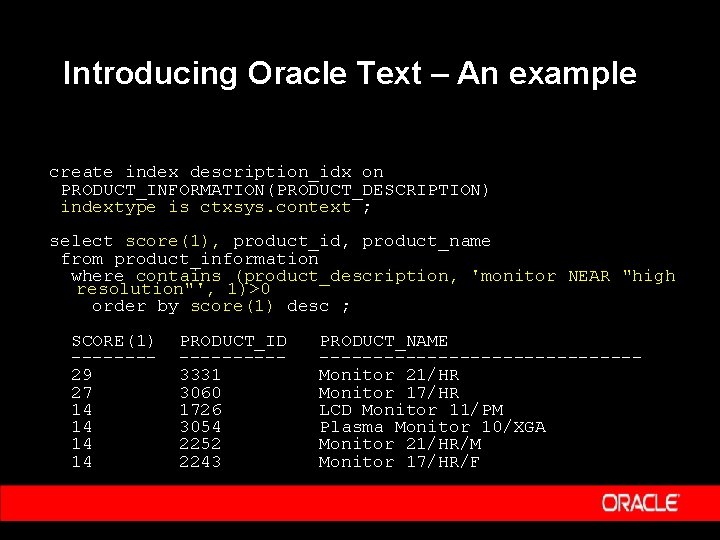
Introducing Oracle Text – An example create index description_idx on PRODUCT_INFORMATION(PRODUCT_DESCRIPTION) indextype is ctxsys. context ; select score(1), product_id, product_name from product_information where contains (product_description, 'monitor NEAR "high resolution"', 1)>0 order by score(1) desc ; SCORE(1) -------29 27 14 14 PRODUCT_ID -----3331 3060 1726 3054 2252 2243 PRODUCT_NAME ---------------Monitor 21/HR Monitor 17/HR LCD Monitor 11/PM Plasma Monitor 10/XGA Monitor 21/HR/M Monitor 17/HR/F
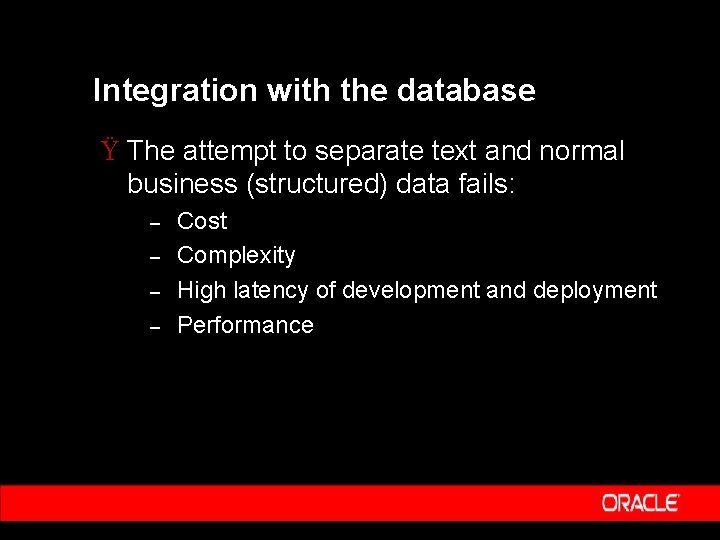
Integration with the database Ÿ The attempt to separate text and normal business (structured) data fails: – – Cost Complexity High latency of development and deployment Performance
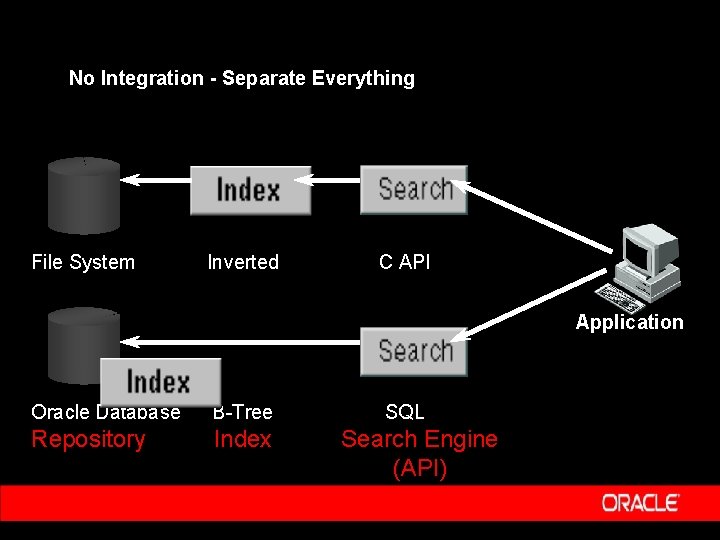
No Integration - Separate Everything File System Inverted C API Application Oracle Database B-Tree Repository Index SQL Search Engine (API)
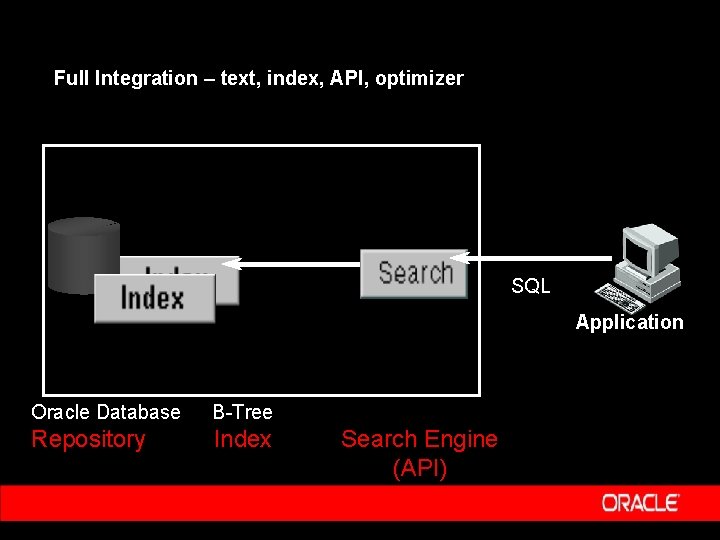
Full Integration – text, index, API, optimizer SQL Application Oracle Database B-Tree Repository Index Search Engine (API)
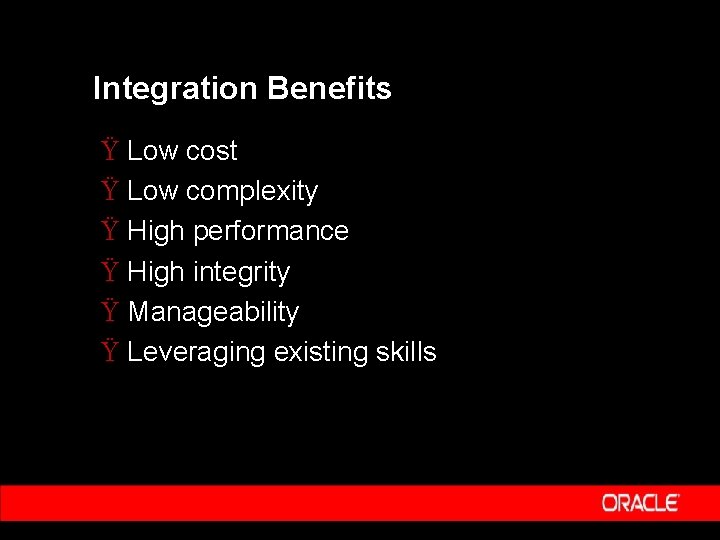
Integration Benefits Ÿ Low cost Ÿ Low complexity Ÿ High performance Ÿ High integrity Ÿ Manageability Ÿ Leveraging existing skills
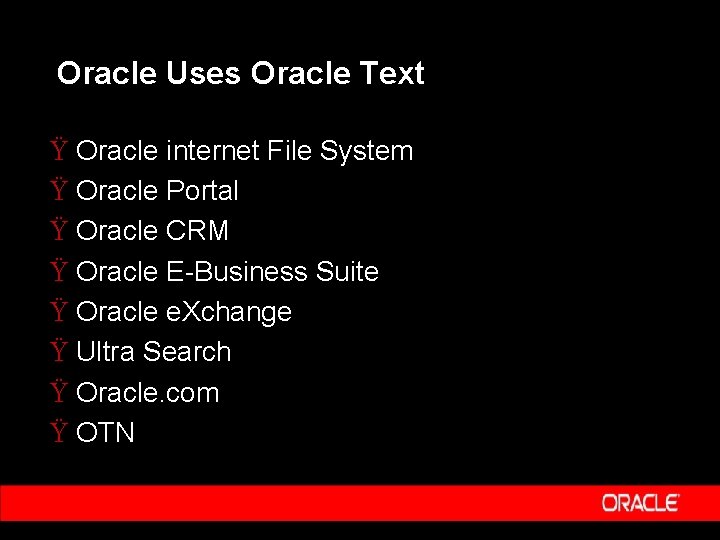
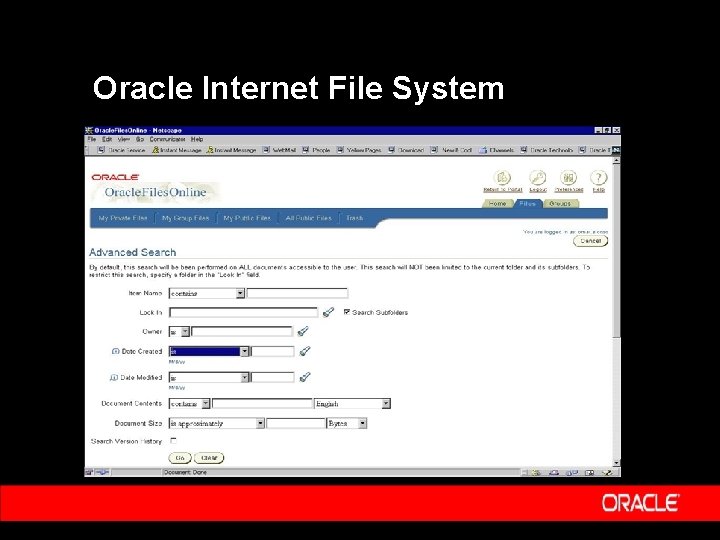
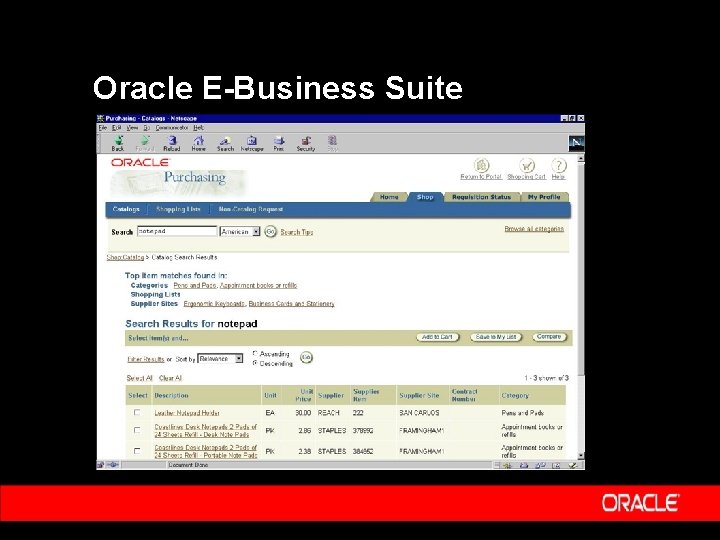
Oracle Uses Oracle Text Ÿ Oracle internet File System Ÿ Oracle Portal Ÿ Oracle CRM Ÿ Oracle E-Business Suite Ÿ Oracle e. Xchange Ÿ Ultra Search Ÿ Oracle. com Ÿ OTN
Oracle Internet File System
Oracle E-Business Suite
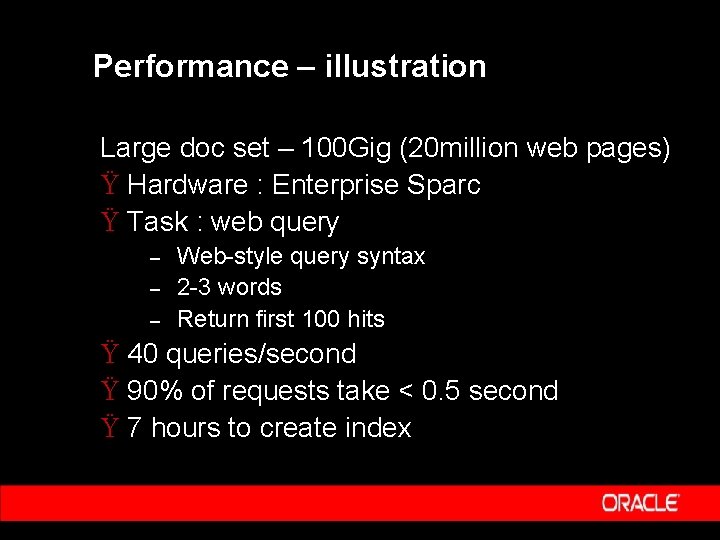
Performance – illustration Large doc set – 100 Gig (20 million web pages) Ÿ Hardware : Enterprise Sparc Ÿ Task : web query – – – Web-style query syntax 2 -3 words Return first 100 hits Ÿ 40 queries/second Ÿ 90% of requests take < 0. 5 second Ÿ 7 hours to create index
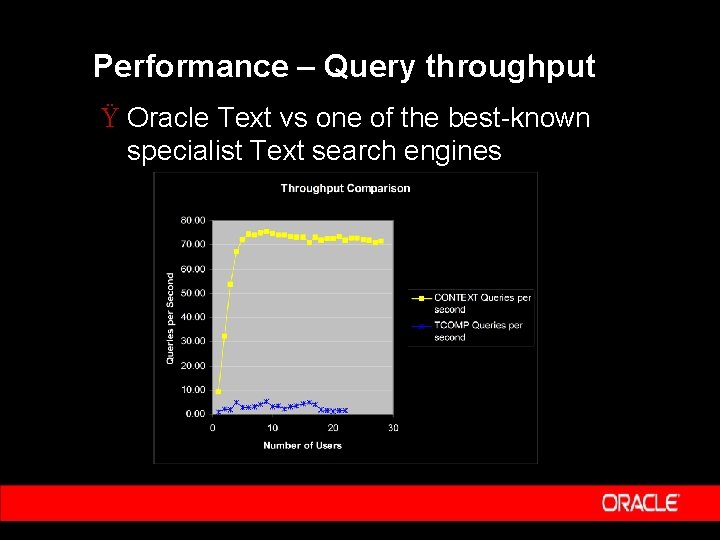
Performance – Query throughput Ÿ Oracle Text vs one of the best-known specialist Text search engines
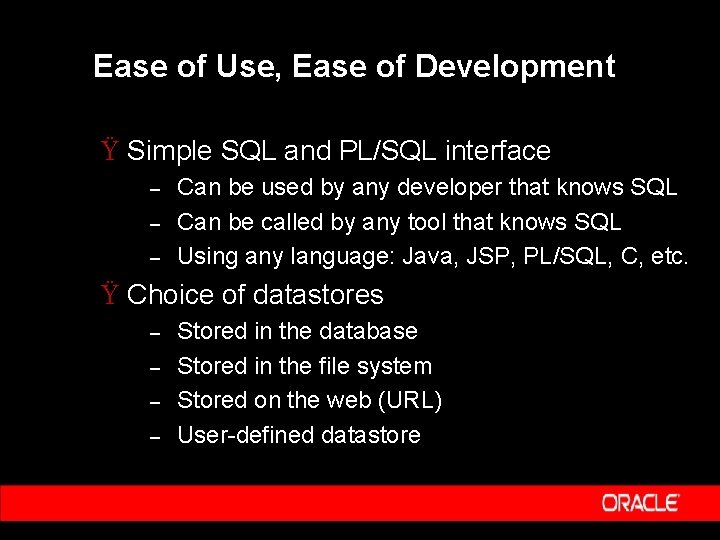
Ease of Use, Ease of Development Ÿ Simple SQL and PL/SQL interface – – – Can be used by any developer that knows SQL Can be called by any tool that knows SQL Using any language: Java, JSP, PL/SQL, C, etc. Ÿ Choice of datastores – – Stored in the database Stored in the file system Stored on the web (URL) User-defined datastore
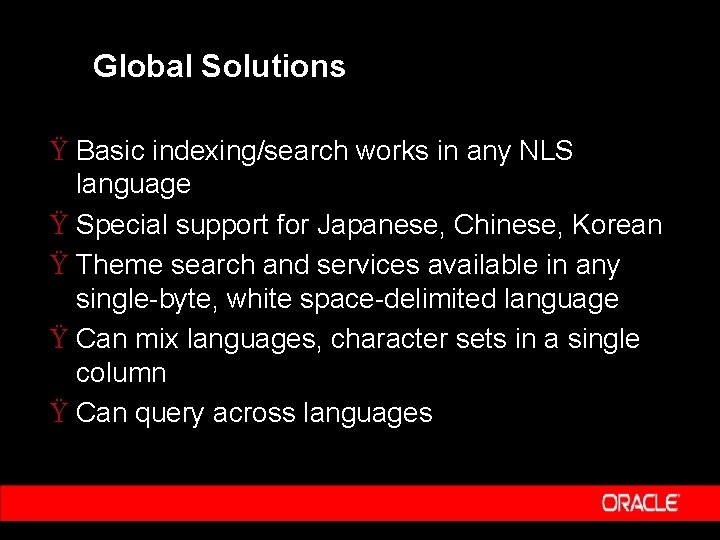
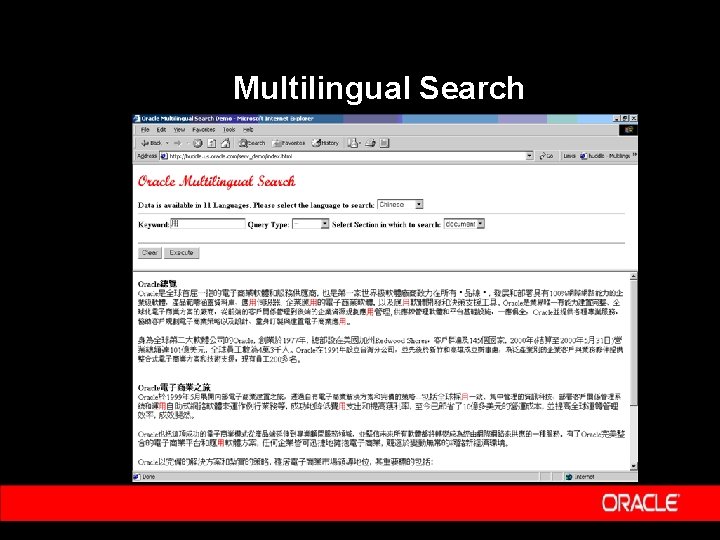
Global Solutions Ÿ Basic indexing/search works in any NLS language Ÿ Special support for Japanese, Chinese, Korean Ÿ Theme search and services available in any single-byte, white space-delimited language Ÿ Can mix languages, character sets in a single column Ÿ Can query across languages
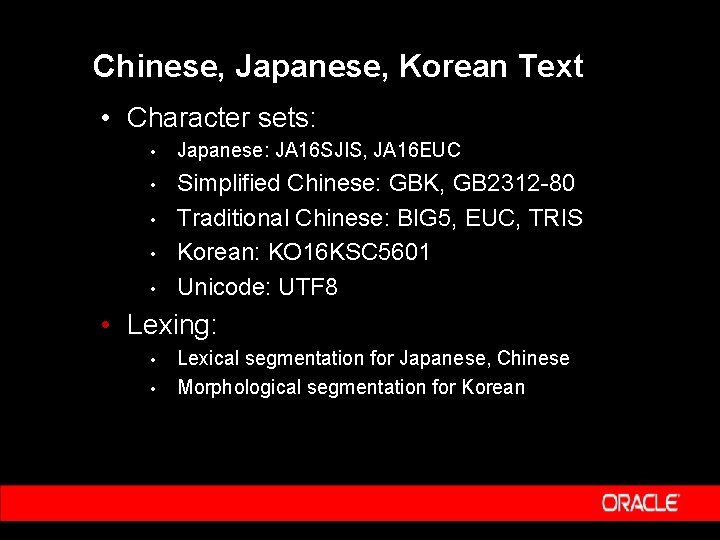
Chinese, Japanese, Korean Text • Character sets: • Japanese: JA 16 SJIS, JA 16 EUC • Simplified Chinese: GBK, GB 2312 -80 Traditional Chinese: BIG 5, EUC, TRIS Korean: KO 16 KSC 5601 Unicode: UTF 8 • • Lexing: • • Lexical segmentation for Japanese, Chinese Morphological segmentation for Korean
Multilingual Search
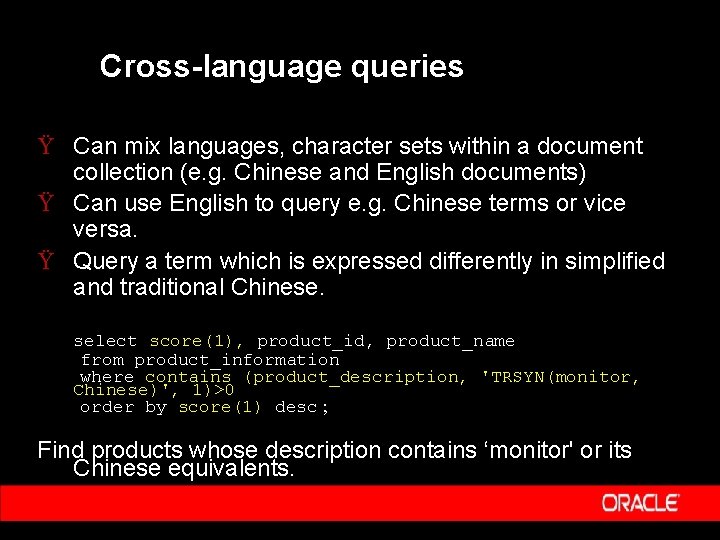
Cross-language queries Ÿ Can mix languages, character sets within a document collection (e. g. Chinese and English documents) Ÿ Can use English to query e. g. Chinese terms or vice versa. Ÿ Query a term which is expressed differently in simplified and traditional Chinese. select score(1), product_id, product_name from product_information where contains (product_description, 'TRSYN(monitor, Chinese)', 1)>0 order by score(1) desc ; Find products whose description contains ‘monitor' or its Chinese equivalents.
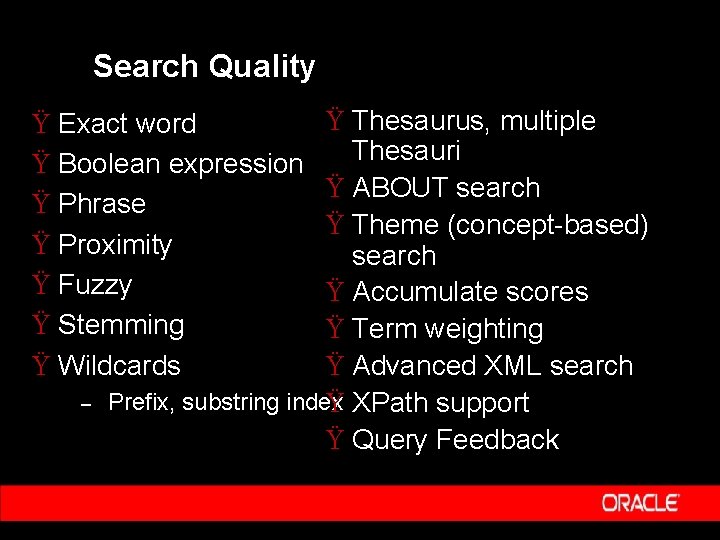
Search Quality Ÿ Thesaurus, multiple Thesauri Ÿ ABOUT search Ÿ Theme (concept-based) search Ÿ Accumulate scores Ÿ Term weighting Ÿ Advanced XML search Prefix, substring index Ÿ XPath support Ÿ Query Feedback Ÿ Exact word Ÿ Boolean expression Ÿ Phrase Ÿ Proximity Ÿ Fuzzy Ÿ Stemming Ÿ Wildcards –
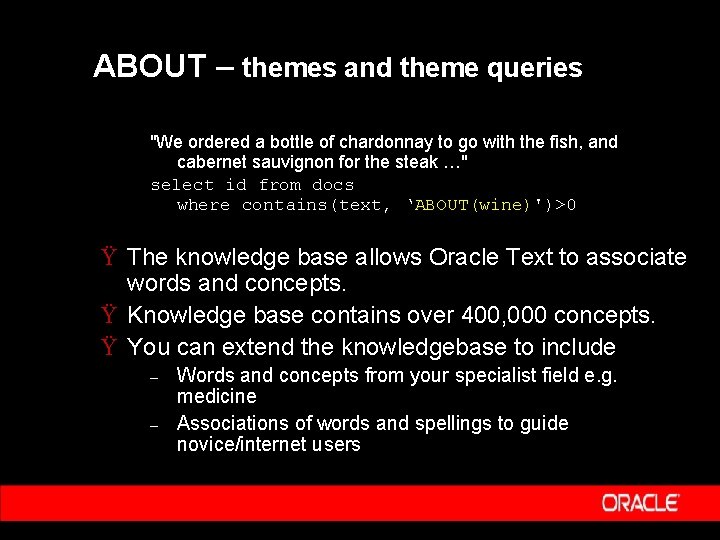
ABOUT – themes and theme queries "We ordered a bottle of chardonnay to go with the fish, and cabernet sauvignon for the steak …" select id from docs where contains(text, ‘ABOUT(wine)')>0 Ÿ The knowledge base allows Oracle Text to associate words and concepts. Ÿ Knowledge base contains over 400, 000 concepts. Ÿ You can extend the knowledgebase to include – – Words and concepts from your specialist field e. g. medicine Associations of words and spellings to guide novice/internet users
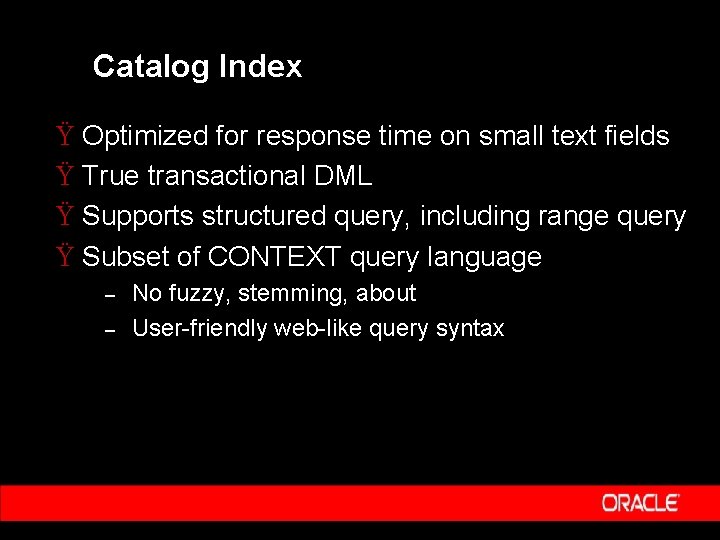
Catalog Index Ÿ Optimized for response time on small text fields Ÿ True transactional DML Ÿ Supports structured query, including range query Ÿ Subset of CONTEXT query language – – No fuzzy, stemming, about User-friendly web-like query syntax
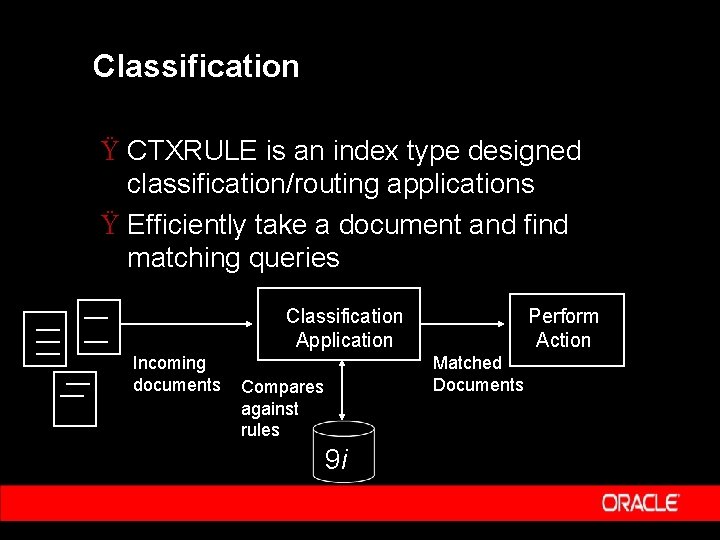
Classification Ÿ CTXRULE is an index type designed classification/routing applications Ÿ Efficiently take a document and find matching queries Classification Application Incoming documents Perform Action Matched Documents Compares against rules 9 i
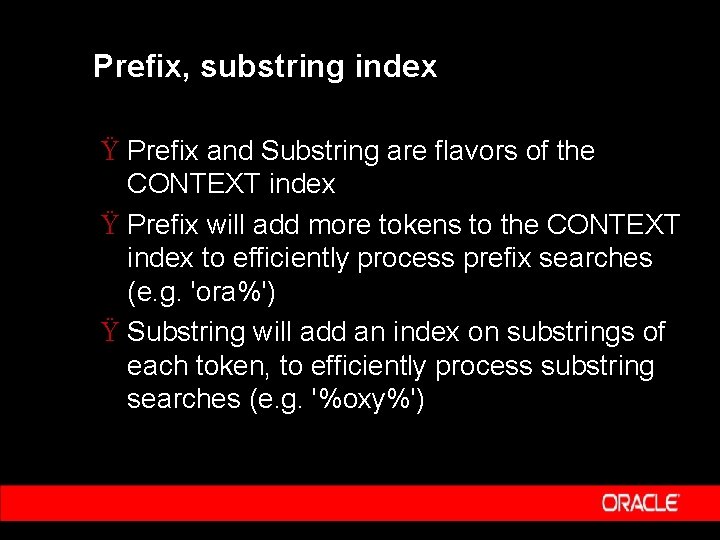
Prefix, substring index Ÿ Prefix and Substring are flavors of the CONTEXT index Ÿ Prefix will add more tokens to the CONTEXT index to efficiently process prefix searches (e. g. 'ora%') Ÿ Substring will add an index on substrings of each token, to efficiently process substring searches (e. g. '%oxy%')
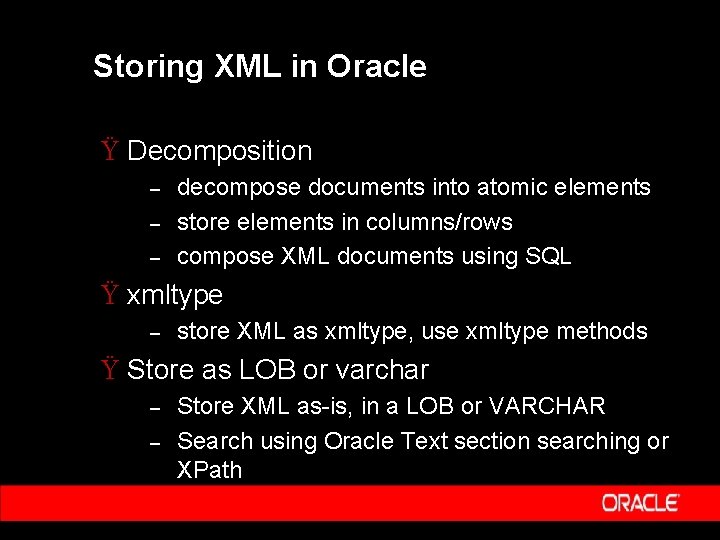
Storing XML in Oracle Ÿ Decomposition – – – decompose documents into atomic elements store elements in columns/rows compose XML documents using SQL Ÿ xmltype – store XML as xmltype, use xmltype methods Ÿ Store as LOB or varchar – – Store XML as-is, in a LOB or VARCHAR Search using Oracle Text section searching or XPath
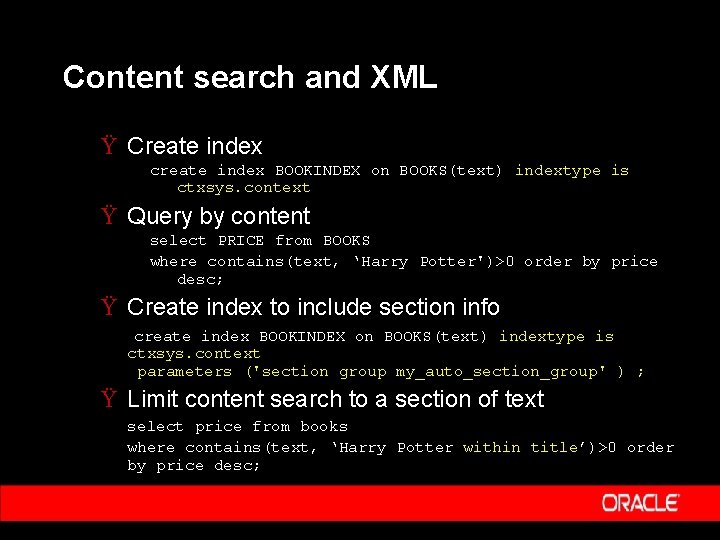
Content search and XML Ÿ Create index create index BOOKINDEX on BOOKS(text) indextype is ctxsys. context Ÿ Query by content select PRICE from BOOKS where contains(text, ‘Harry Potter')>0 order by price desc; Ÿ Create index to include section info create index BOOKINDEX on BOOKS(text) indextype is ctxsys. context parameters ('section group my_auto_section_group' ) ; Ÿ Limit content search to a section of text select price from books where contains(text, ‘Harry Potter within title’)>0 order by price desc;
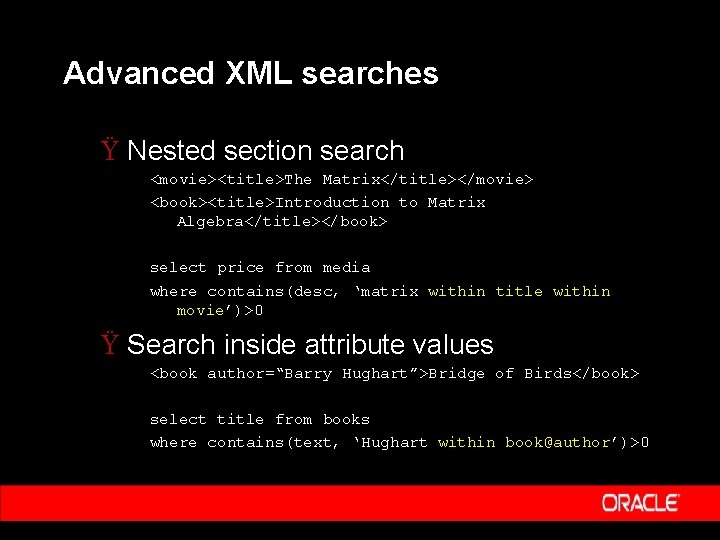
Advanced XML searches Ÿ Nested section search <movie><title>The Matrix</title></movie> <book><title>Introduction to Matrix Algebra</title></book> select price from media where contains(desc, ‘matrix within title within movie’)>0 Ÿ Search inside attribute values <book author=“Barry Hughart”>Bridge of Birds</book> select title from books where contains(text, ‘Hughart within book@author’)>0
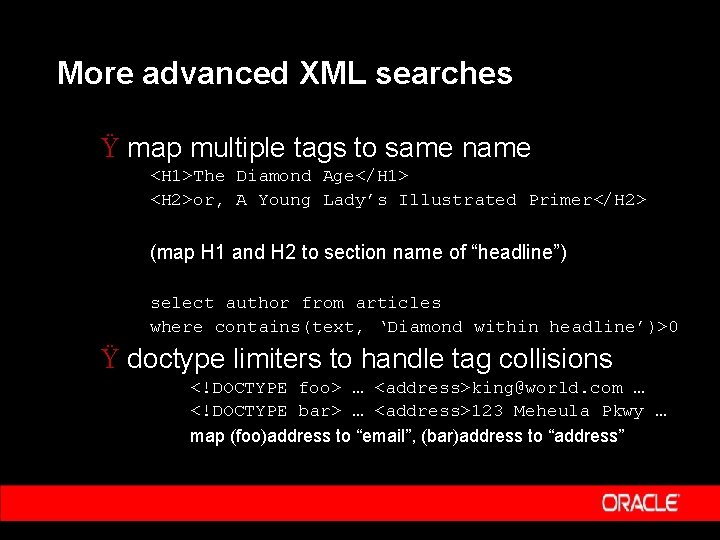
More advanced XML searches Ÿ map multiple tags to same name <H 1>The Diamond Age</H 1> <H 2>or, A Young Lady’s Illustrated Primer</H 2> (map H 1 and H 2 to section name of “headline”) select author from articles where contains(text, ‘Diamond within headline’)>0 Ÿ doctype limiters to handle tag collisions <!DOCTYPE foo> … <address>king@world. com … <!DOCTYPE bar> … <address>123 Meheula Pkwy … map (foo)address to “email”, (bar)address to “address”
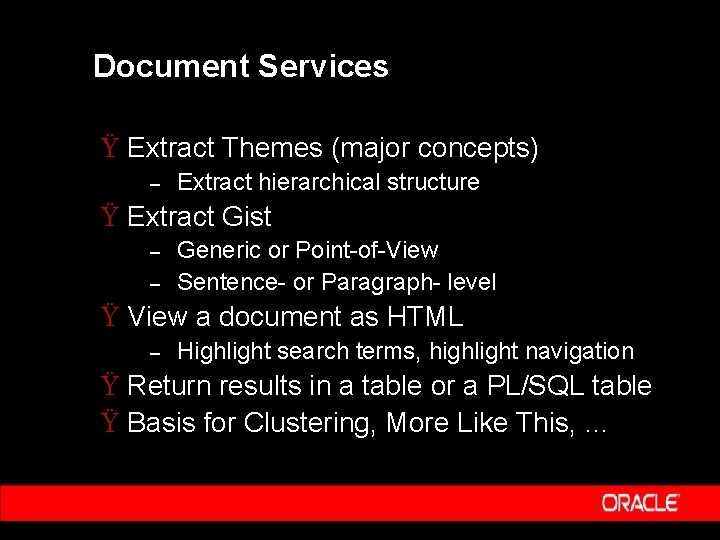
Document Services Ÿ Extract Themes (major concepts) – Extract hierarchical structure Ÿ Extract Gist – – Generic or Point-of-View Sentence- or Paragraph- level Ÿ View a document as HTML – Highlight search terms, highlight navigation Ÿ Return results in a table or a PL/SQL table Ÿ Basis for Clustering, More Like This, …
Summary Ÿ Fully integrated with the database Ÿ Premier text search quality Ÿ Advanced features for text management, document services, and XML. Ÿ Best multilingual features in the market.
Introducing Oracle Ultra Search
Issues in Corporate Search Ÿ Information Management Crisis – – – Explosive Growth of Information flowing over corporate Intranets. Knowledge scattered across: IT repositories, billions of documents, and data fragments. Non-Uniform Information Ÿ Structured in databases. Ÿ Unstructured Word processing doc. , presentations.
Impacts of Bad Search Ÿ Customers - Turn to competitor’s Website. Ÿ Employees - Waste time and money on useless searches. Ÿ Oracle Ultra Search – – Solves problem of finding relevant information. Across your company’s many disparate information repositories.
Oracle Ultra Search Ÿ Out-of-the-Box solution that – Searches text across multiple repositories Ÿ Databases, HTML Pages, Files, Mail Servers. – – – Provides the best relevance ranking and globalization in the industry. Provides value added Portal functionality. Presents Web style interface. Ÿ Built onto Oracle’s proven, reliable Text Retrieval software and Oracle 9 i server.
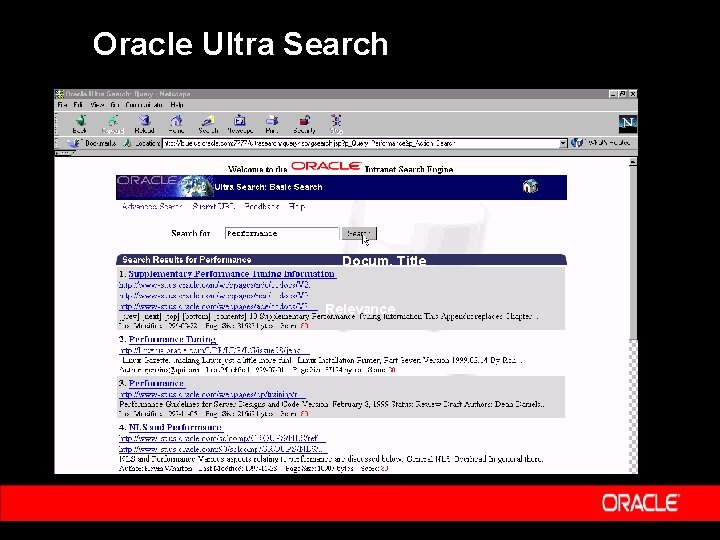
Oracle Ultra Search Docum. Title Relevance
Ultra Search Applications Ÿ Portal Search – – – Most powerful search for Oracle 9 i. AS Portal. Build your own portal. Special ‘Portlet’ crawls inside and outside of Portal Repository. Ÿ Canned Web Search for Oracle Text Ÿ Library or Archive Search Ÿ Content Management Platform Searc
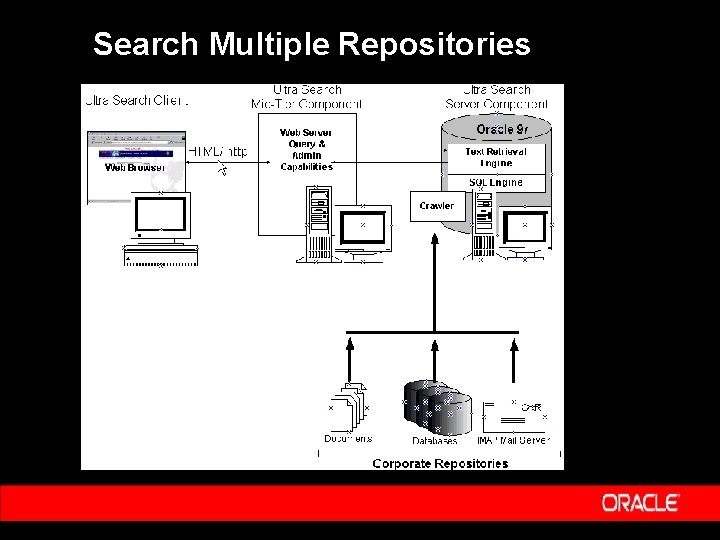
Search Multiple Repositories
Value Added Portal Functionality Ÿ ‘Canned’ Web-Style Search Ÿ Aggregates Information For Indexing – – Documents stay in their own repositories. Search returns ‘normalized’ results, uniformly ranked by relevance. Ÿ Organize & Categorize Content From Multiple Repositories – – Extract valuable metadata. Improve search by narrowing through ‘fielded search’.
‘Out-of-the-Box’ Web-Style Search Ÿ Oracle Text Application – – – Uses public Text interfaces. Enhanced with expertise about gathering and indexing information for best quality search. No coding against low level API’s. Ÿ Oracle Text Retrieval Engine – – – Highly integrated with Oracle 9 i server. Best interoperability with dynamic data. Scalability and Reliability of Oracle platform.
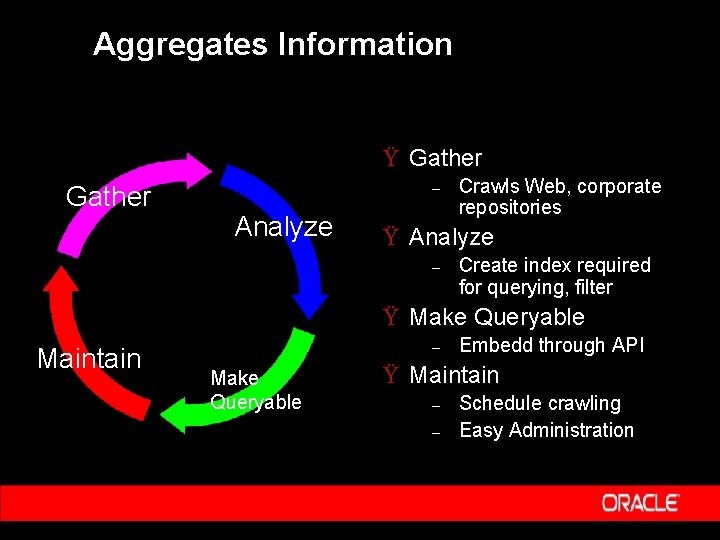
Aggregates Information Ÿ Gather – Analyze Crawls Web, corporate repositories Ÿ Analyze – Create index required for querying, filter Ÿ Make Queryable Maintain – Make Queryable Embedd through API Ÿ Maintain – – Schedule crawling Easy Administration
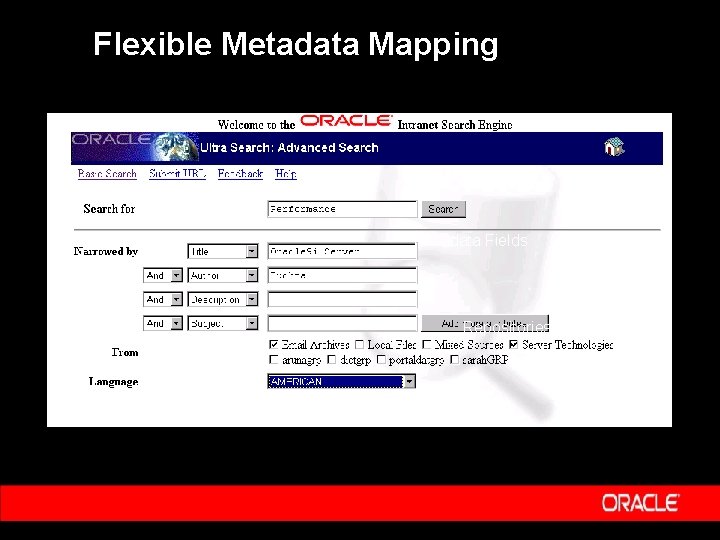
Powerful Fielded Search Ÿ Narrow search to parts of document - title, body, name of author. Ÿ Extract and use repository metadata – – – Word processing documents: Author, Title. Databases: Identify Columns. Email: Header/Body/Attachment. Ÿ Unify repositories in common, logical terms. – Uniform set of results, ranked by overall relevance.
Flexible Metadata Mapping Search Term Metadata Fields Repositories
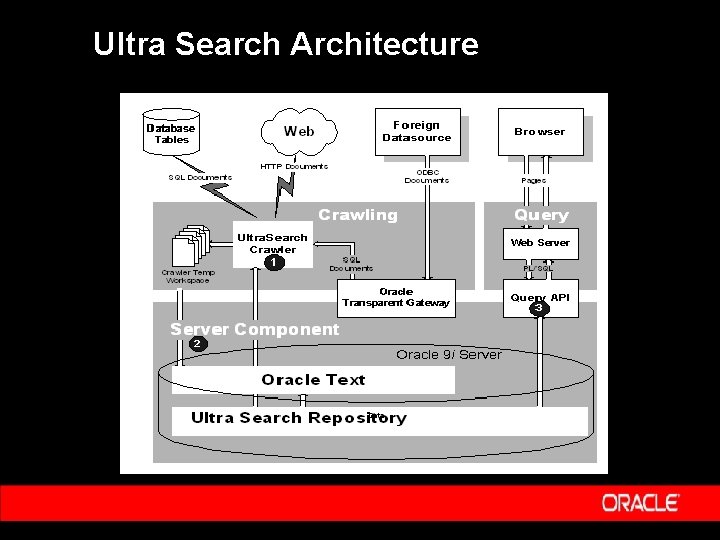
Ultra Search Architecture
Architecture Ÿ Simple, Robust Architecture Built on: – – Oracle 9 i Server Platform Oracle’s Text Retrieval Engine Ÿ Flexible Deployment – – Server-Tier Mid-Tier
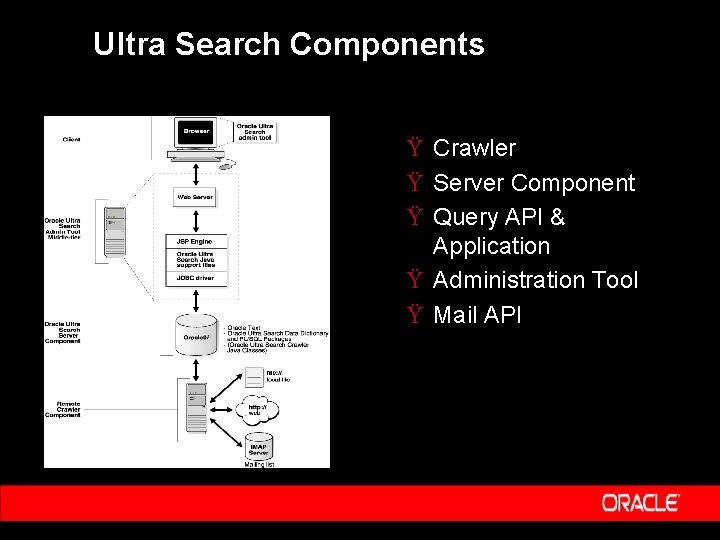
Ultra Search Components Ÿ Crawler Ÿ Server Component Ÿ Query API & Application Ÿ Administration Tool Ÿ Mail API
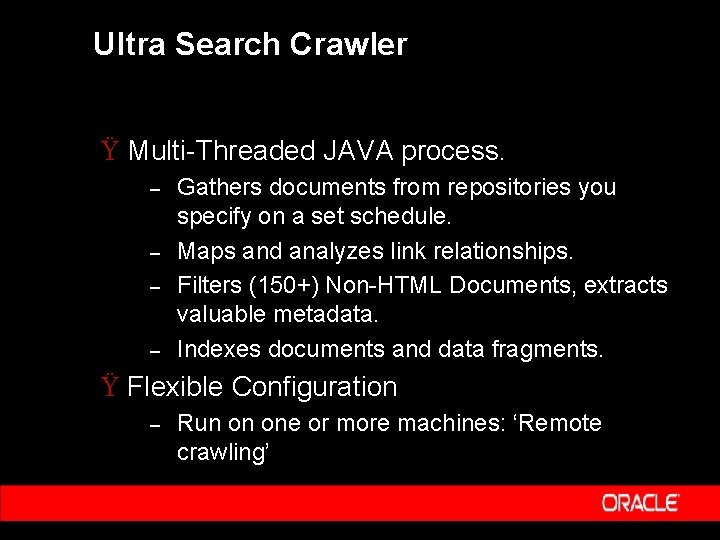
Ultra Search Crawler Ÿ Multi-Threaded JAVA process. – – Gathers documents from repositories you specify on a set schedule. Maps and analyzes link relationships. Filters (150+) Non-HTML Documents, extracts valuable metadata. Indexes documents and data fragments. Ÿ Flexible Configuration – Run on one or more machines: ‘Remote crawling’
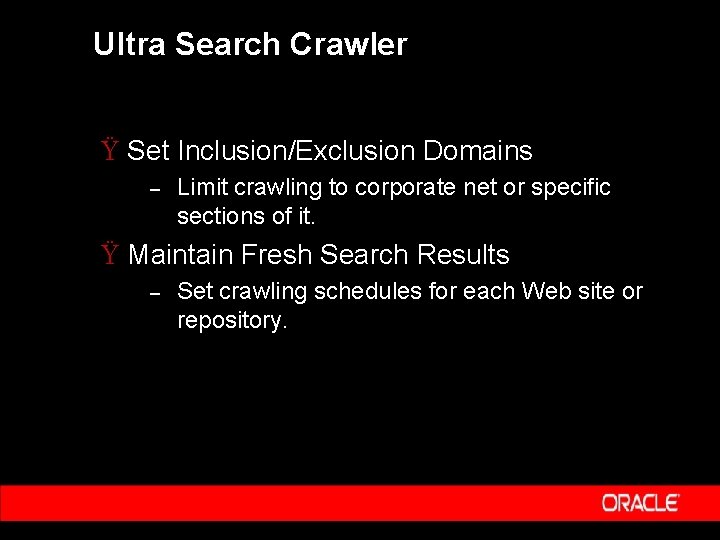
Ultra Search Crawler Ÿ Set Inclusion/Exclusion Domains – Limit crawling to corporate net or specific sections of it. Ÿ Maintain Fresh Search Results – Set crawling schedules for each Web site or repository.
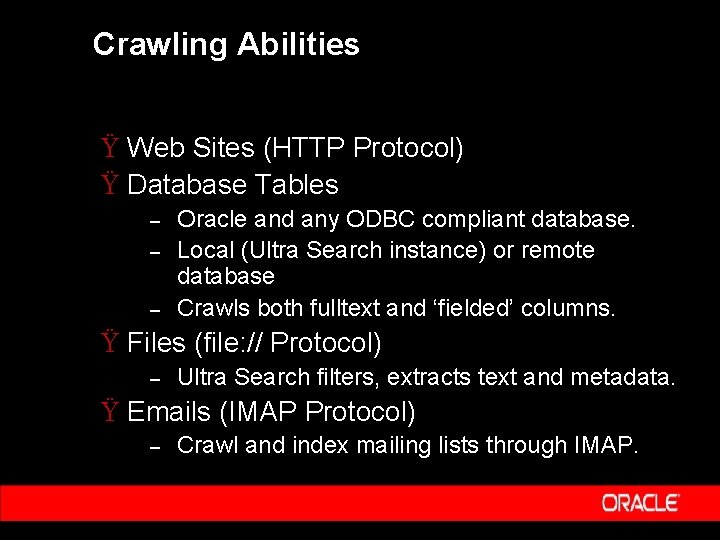
Crawling Abilities Ÿ Web Sites (HTTP Protocol) Ÿ Database Tables – – – Oracle and any ODBC compliant database. Local (Ultra Search instance) or remote database Crawls both fulltext and ‘fielded’ columns. Ÿ Files (file: // Protocol) – Ultra Search filters, extracts text and metadata. Ÿ Emails (IMAP Protocol) – Crawl and index mailing lists through IMAP.
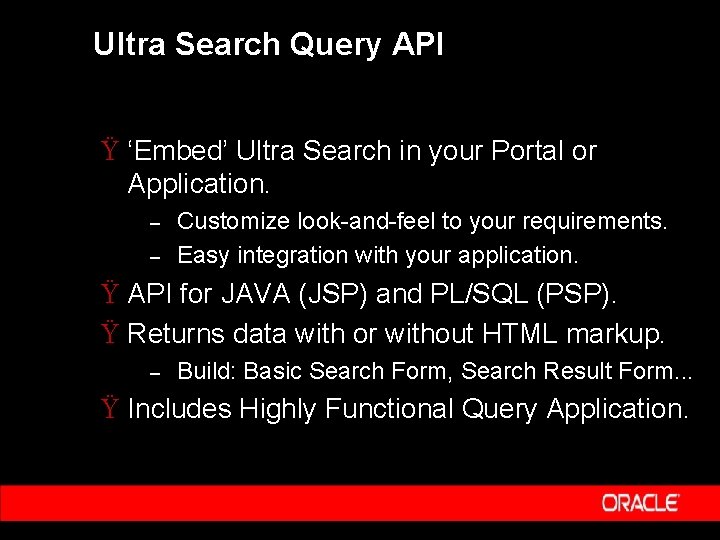
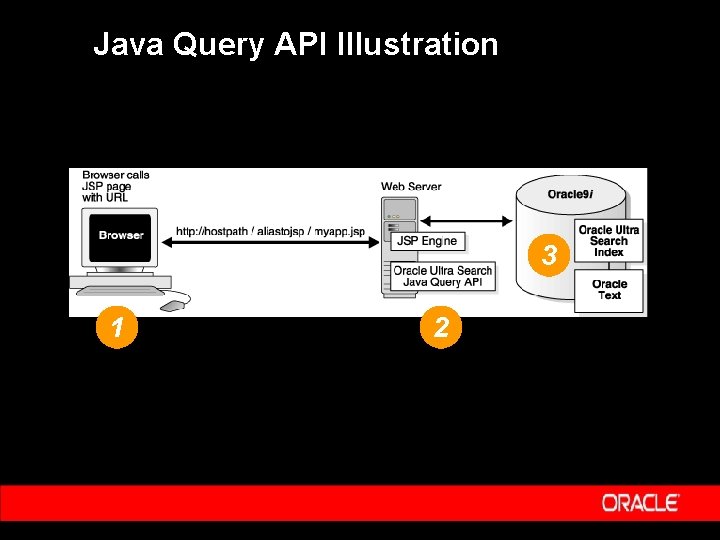
Ultra Search Query API Ÿ ‘Embed’ Ultra Search in your Portal or Application. – – Customize look-and-feel to your requirements. Easy integration with your application. Ÿ API for JAVA (JSP) and PL/SQL (PSP). Ÿ Returns data with or without HTML markup. – Build: Basic Search Form, Search Result Form. . . Ÿ Includes Highly Functional Query Application.
Java Query API Illustration 3 1 2
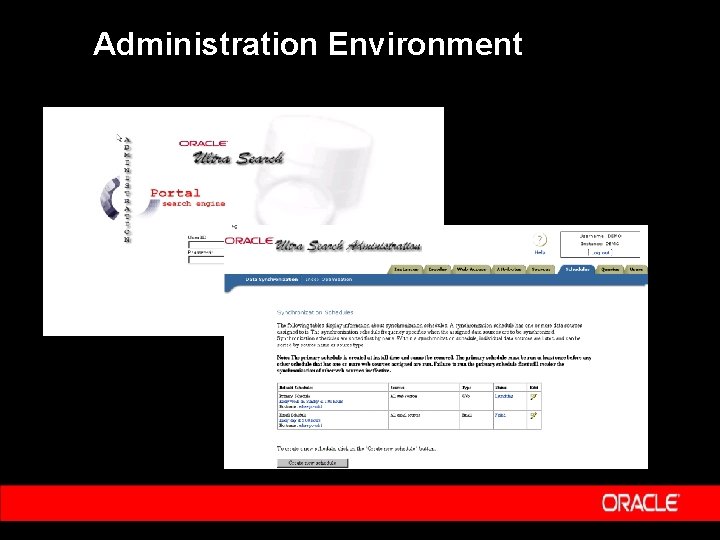
Administration Environment Ÿ Browser-based, Self-Service Web Application. Ÿ Define Ultra Search Instances. Ÿ Configure and Schedule Crawler. Ÿ Set Query Options To Narrow Searches. – – Document Attributes (e. g. TITLE, AUTHOR). Define ‘Data Source Groups’. Ÿ Manage Administrative Users.
Administration Environment
Summary Ÿ Eliminate the Chaos Inside Your Firewalls ! Ÿ Oracle Ultra Search – – Crawls, Indexes, and makes searchable your Intranet. Provides Web-style search without the need for coding. Organizes, categorizes, and unifies content from multiple repositories. Leverages Oracle 9 i platform - reliable, scalable, always available.
Q& A Q U E S T I O N S A N S W E R S