
TEXAS STATE SAN MARCOS MAP VISUALIZATION C 1900

- Slides: 11
TEXAS STATE (SAN MARCOS) MAP VISUALIZATION C. 1900 TO 2015 PROJECT Proposal Submission to the Texas State University Archives Project Manager: Christian T. Hartnett MSc, RPA, GISP Filed: September 25, 2015 GIS Analysts: Corby Schaub Dylan Epley Johnnie German 1
INTRODUCTION Nmotion GIS is collaborating with the Texas State University Archives to develop a “unified map collection and a visualization to see how the physical San Marcos campus has developed over time” This will be accomplished using datasets provided by the Texas State University Archives and the Facilities Office Historic Aerials, Maps, and Images to tell the story of Texas State University from c. 1900 to 2015 2
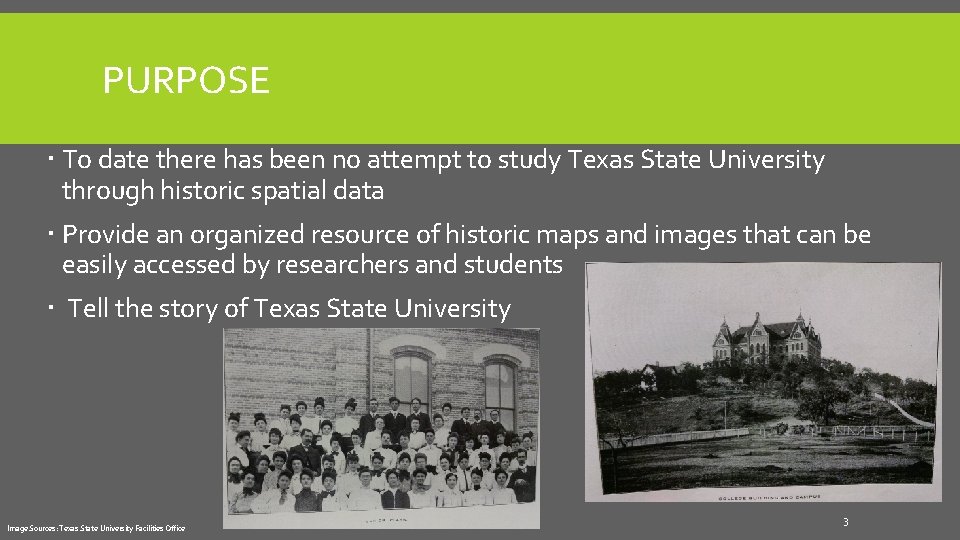
PURPOSE To date there has been no attempt to study Texas State University through historic spatial data Provide an organized resource of historic maps and images that can be easily accessed by researchers and students Tell the story of Texas State University Image Sources: Texas State University Facilities Office 3
DATA SOURCES Primary data source Data provided by Texas State University Facilities Office (20 gbs!) Additional University Archives Data Available at http: //guides. library. txstate. edu/univhistory/GEOG Secondary Data Sources (as needed) Historic Maps of San Marcos Texas Department of Transportation Historic Overlay USGS topo. View website 4
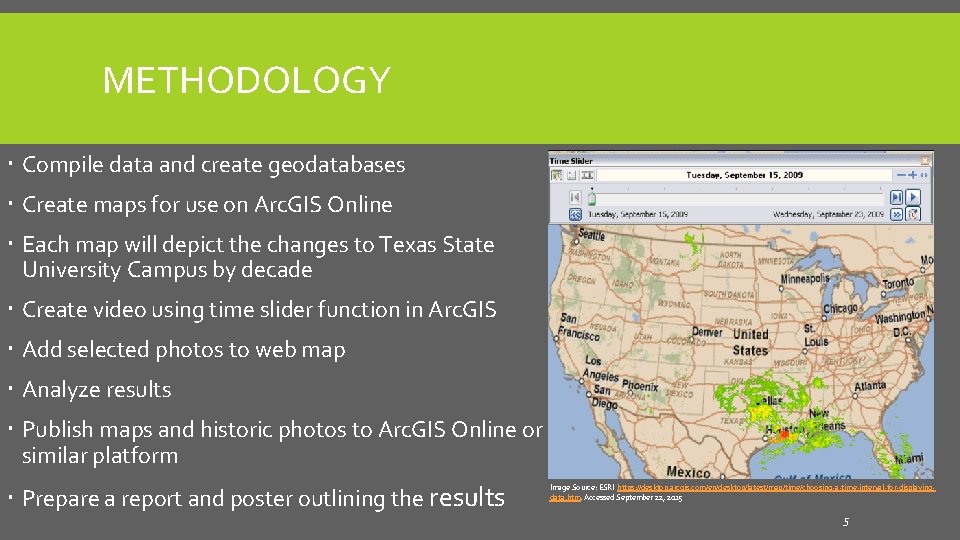
METHODOLOGY Compile data and create geodatabases Create maps for use on Arc. GIS Online Each map will depict the changes to Texas State University Campus by decade Create video using time slider function in Arc. GIS Add selected photos to web map Analyze results Publish maps and historic photos to Arc. GIS Online or similar platform Prepare a report and poster outlining the results Image Source: ESRI https: //desktop. arcgis. com/en/desktop/latest/map/time/choosing-a-time-interval-for-displayingdata. htm. Accessed September 22, 2015 5
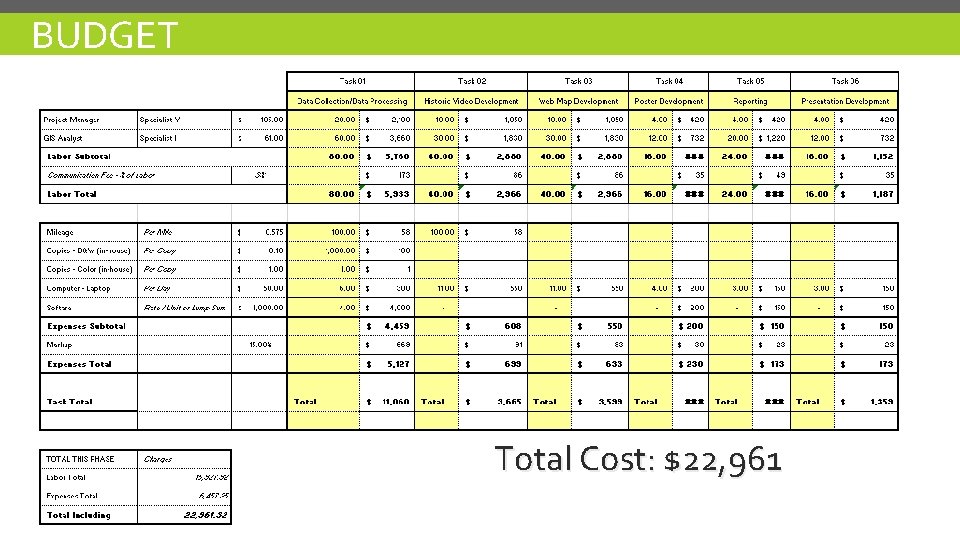
BUDGET Total Cost: $22, 961 6
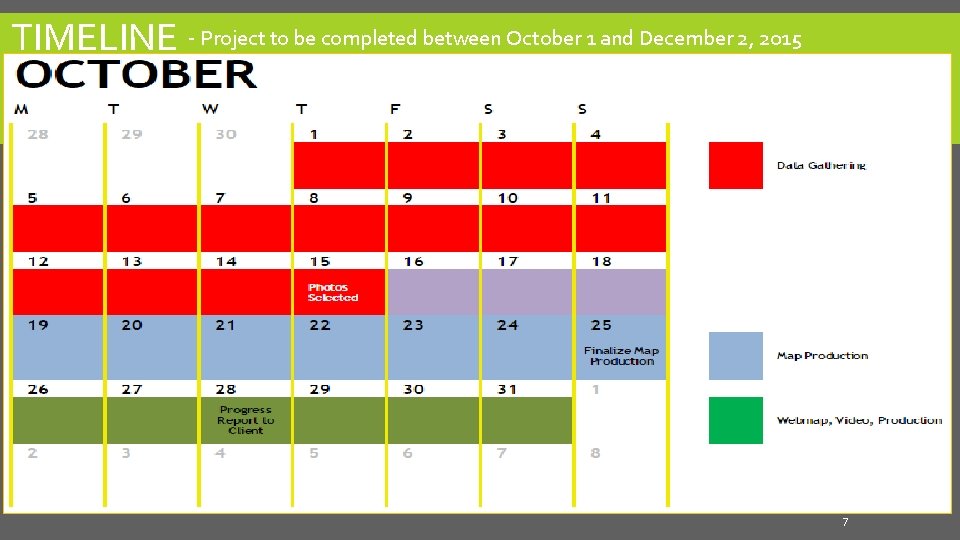
TIMELINE - Project to be completed between October 1 and December 2, 2015 7
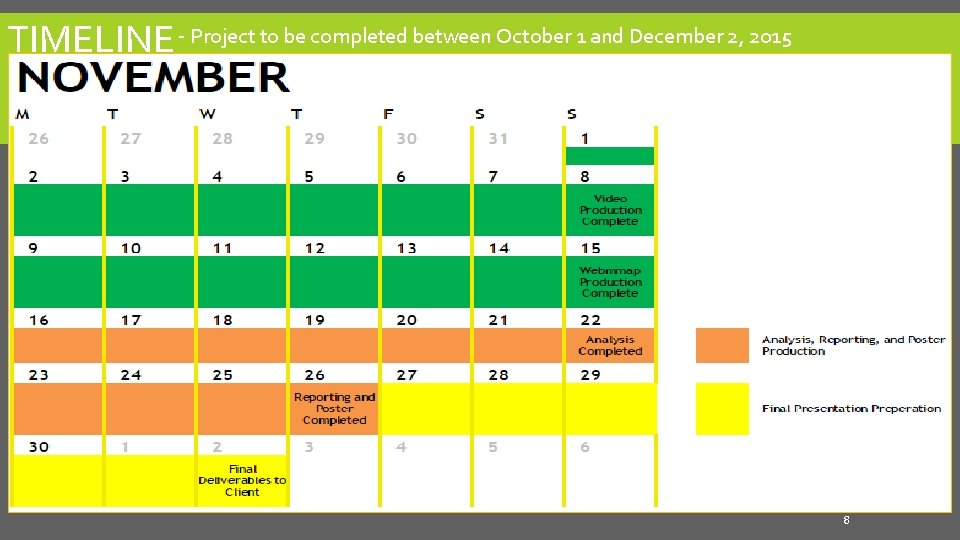
TIMELINE - Project to be completed between October 1 and December 2, 2015 8
DELIVERABLES Geodatabase of all spatial data used in the project Video showing growth and interesting historical facts. Web map that allows users to choose different eras of Texas State University’s development spatially with interactive pop ups of pictures and historical facts. Story Map Example 1 - The Assassination of Abraham Lincoln Story Map Example 2 – Mapping Historic Aggieland Written final report outlining the project. Poster that shows final maps and showcases Texas State University’s expansion. Final Presentation to be given in class by Nmotion GIS 9
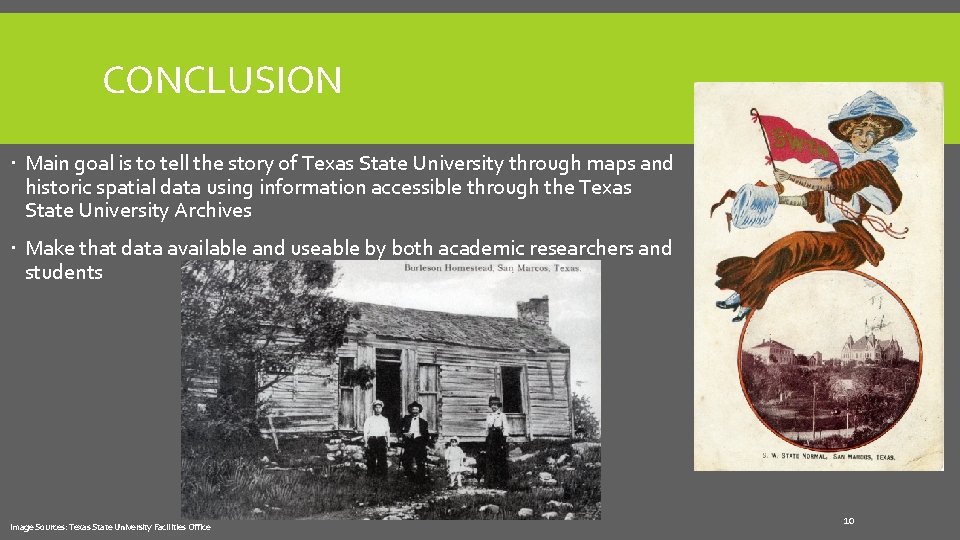
CONCLUSION Main goal is to tell the story of Texas State University through maps and historic spatial data using information accessible through the Texas State University Archives Make that data available and useable by both academic researchers and students Image Sources: Texas State University Facilities Office 10
QUESTIONS? Project Manager: Christian T. Hartnett MSc, RPA, GISP GIS Analysts: Corby Schaub Dylan Epley Johnnie German 11