
Testing the dynamic perquery scheduling with a FIFO


- Slides: 8
Testing the dynamic per-query scheduling (with a FIFO queue) Jan Iwaszkiewicz
Per-Job vs. Per-Session • Per-Session scheduling – Default in PROOF • Per-Job – Start a new session only on the master – Call Get. Workers just when the user calls TProof: : Process. – Possibility of keeping the inactive workers after the query (avoid startup times) while other jobs can use the CPUs.
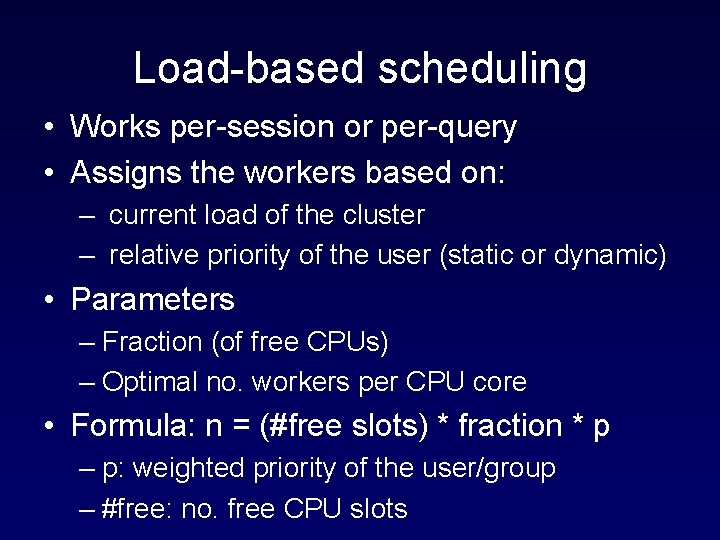
Load-based scheduling • Works per-session or per-query • Assigns the workers based on: – current load of the cluster – relative priority of the user (static or dynamic) • Parameters – Fraction (of free CPUs) – Optimal no. workers per CPU core • Formula: n = (#free slots) * fraction * p – p: weighted priority of the user/group – #free: no. free CPU slots
Queuing • A global queue in the scheduler • To be used in case of heavy load and to optimize the average service time • Implementation uses the PROOF asynchronous mode. • First version with FIFO algorithm in SVN! • Enable by: schedparm queue: fifo
Sending a query in the dynamic load-based mode • Call Get. Workers • If the list is empty swich to the asychronous mode and wait for a k. PROOF_RESUME message. • Start workers and process the query
Tests: input • Workload file format: – Time – Dataset – No. Events – Selector – Username • Generating the workload – e. g. Downey 1997
Tests: running • Script to start a query and save result • Script to execute the workload – Start jobs at appropriate times
Tests: Analysis • Read results from DB or ROOT files • Calculate cost function of the schedule – Convex in respect to service time – Proportional to DS size? – Proportional to user priority