
Terminology Source Code the Original ProblemSolving Logical Solution
Terminology • Source Code: the Original Problem-Solving, Logical Solution Written in a Programming Language (e. g. C++) • Compiling: the Action of Turning the Source Code into a Format the Computer Can Use • Linking: the Action of Bringing in Already Written Code (Libraries) for Use in a New Program • Executable: the Result of Compiling and Linking a Source Program; the “. exe” file that the Computer Can Run
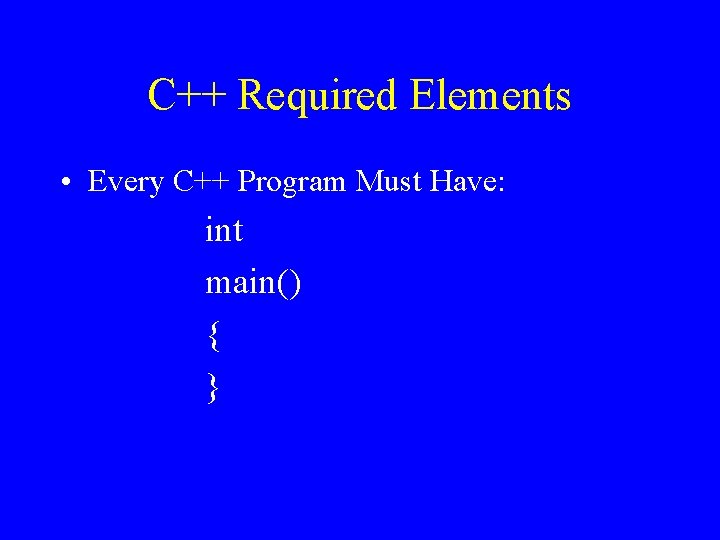
C++ Required Elements • Every C++ Program Must Have: int main() { }
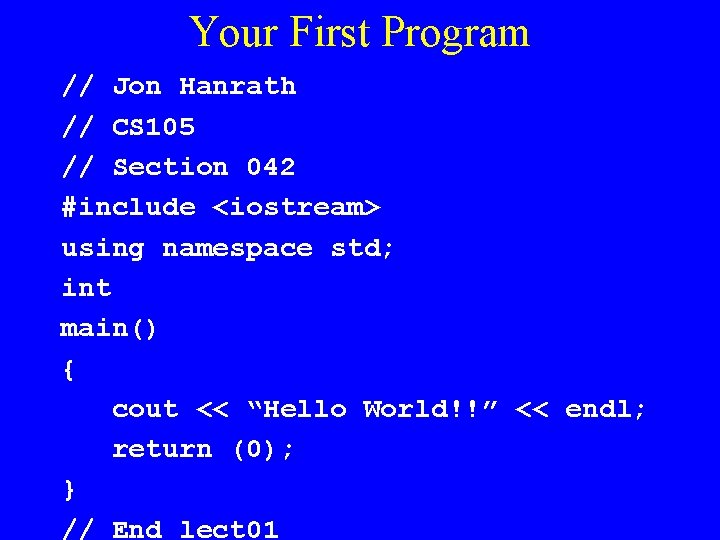
Your First Program // Jon Hanrath // CS 105 // Section 042 #include <iostream> using namespace std; int main() { cout << “Hello World!!” << endl; return (0); } // End lect 01
Compiler • Converts Source Code into an Object File or Machine Code • Each Change to Source File Requires a Recompilation • Compiler Detects Syntax Errors • Syntax Error: a Non-Proper, Not Allowable, Sequence of Characters or Words Given a Particular Language
Syntax Errors • Spelling Errors Examples: – Undefined Variable Name – Unrecognized Keyword – Cannot Find Include File or Library • Punctuation Errors Examples: – Missing Curly Braces – Missing Semicolons – Malformed Comments • Syntax Errors Are Listed at Bottom of Screen When Compilation Is Complete
Syntax Errors (Cont) • Syntax Errors Are Listed at Bottom of Screen When Compilation Is Completed • Two Kinds of Messages: – Warning: Compiler Thinks There Is a Problem, but Lets It Go By Without Failing – Error: Compiler Finds an Error and Fails to Compile • First Error in Program May “Cause” Other Errors to Show Up • General Rule: Fix First Error (and Any Obvious Errors); Then Recompile
Logic Errors – “Bugs” • Also Called Semantic or Run-Time Errors • Program Compiles, but Doesn’t Produce the Expected Results • Examples: – – – Program Keeps Running Forever (Infinite Loop) Nothing Happens Program Output Is Incorrect Error Message at Run Time (e. g. Dividing by 0) Errors May Be Intermittent • May Be Able to Find Semantic Problems with Debugger
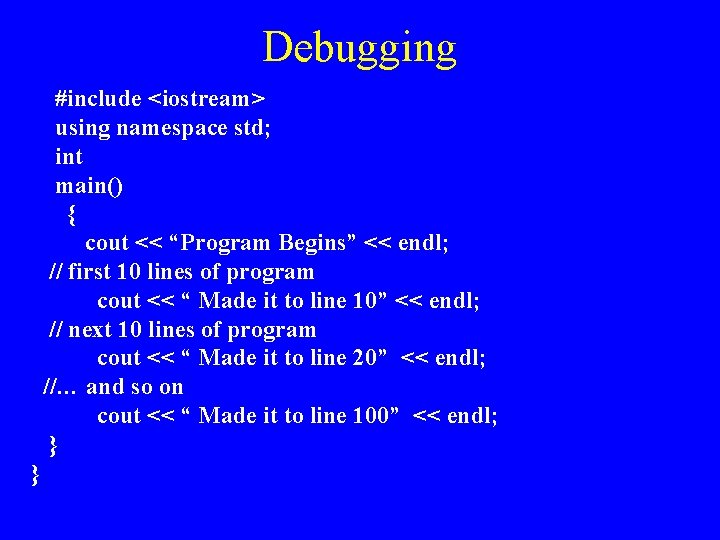
Debugging #include <iostream> using namespace std; int main() { cout << “Program Begins” << endl; // first 10 lines of program cout << “ Made it to line 10” << endl; // next 10 lines of program cout << “ Made it to line 20” << endl; //… and so on cout << “ Made it to line 100” << endl; } }
Detecting “Bugs” • Running Program Should Be Tested Several Times with Different Inputs • Test Plan – Series of tests (e. g. , inputs) that have predetermined expected outputs. • Running Program Should Be Tested Several Times under All Potential Conditions • When Errors Detected: Analysis Needed: Debugging Mechanism
Test Plan • What should the Test Plan contain for a program that accepts numerical input from a user, and outputs the square of the input?
Comments • Comments: Describe a Program • // Comment to end of line • /* Comment until first occurrence of star slash */ • Difficult to Understate Importance of Good Comments • Should Be at Beginning of Program (Overall Summary) • Should Be Next to Variable Declaration Briefly Describing Uses of Variable • Should Be Anywhere in Program Where Unobvious Coding Is Performed
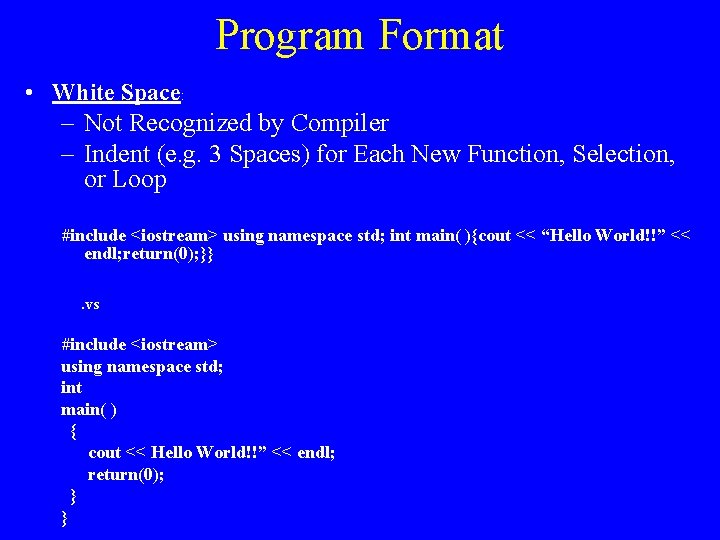
Program Format • White Space: – Not Recognized by Compiler – Indent (e. g. 3 Spaces) for Each New Function, Selection, or Loop #include <iostream> using namespace std; int main( ){cout << “Hello World!!” << endl; return(0); }}. vs #include <iostream> using namespace std; int main( ) { cout << Hello World!!” << endl; return(0); } }
Variables • Identifiers Used to Store Values that May Change • Every Variable Has a Type : What Kind of Value (e. g. , Integer, Floating Point Number, Character) Is Begin Stored • Every Variable Has a Value which Is Assigned and Can Be Changed • Every Variable Must Be Declared, which Sets Aside Memory for the Storage Location
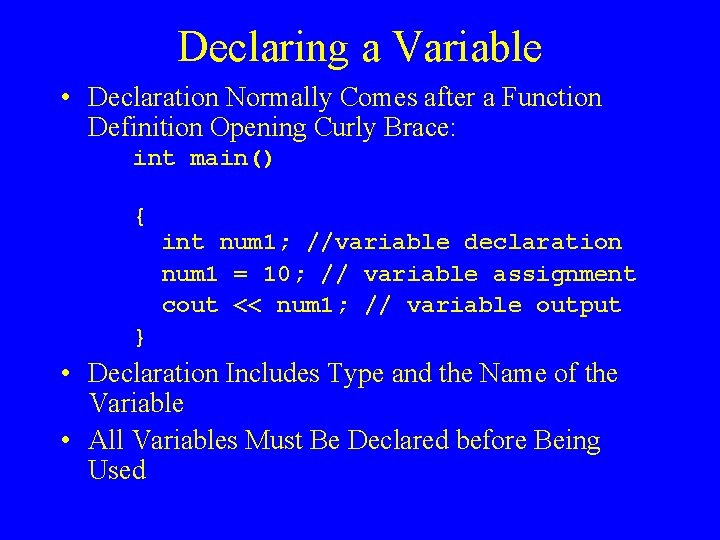
Declaring a Variable • Declaration Normally Comes after a Function Definition Opening Curly Brace: int main() { int num 1; //variable declaration num 1 = 10; // variable assignment cout << num 1; // variable output } • Declaration Includes Type and the Name of the Variable • All Variables Must Be Declared before Being Used
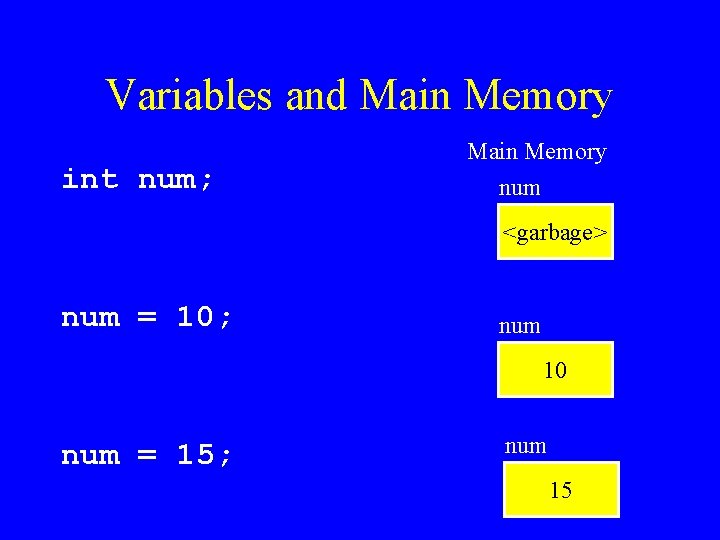
Variables and Main Memory int num; Main Memory num <garbage> num = 10; num 10 num = 15; num 15
Main Memory • • • Storage Location of Data in a Computer Used When a Program Is Running “Wiped Clean” When Computer Rebooted Bit: A “ 1 or 0” representing “on or off” Byte: Basic Unit of Storage (Can Store One Letter of the Alphabet or Keyboard) (8 bits – 256 combinations) • Kilobyte (KB): 1000 (or 1024) Bytes (Pages of Text) • Megabyte (MB): 1, 000 Bytes (Large Pictures) • Gigabyte (GB): 1, 000, 000 Bytes (Music Files, Video Files)
Initialization and Assignment • Initialization: Value Given to Variable at Declaration • Assignment: Value Given to Variable in Execution Statement
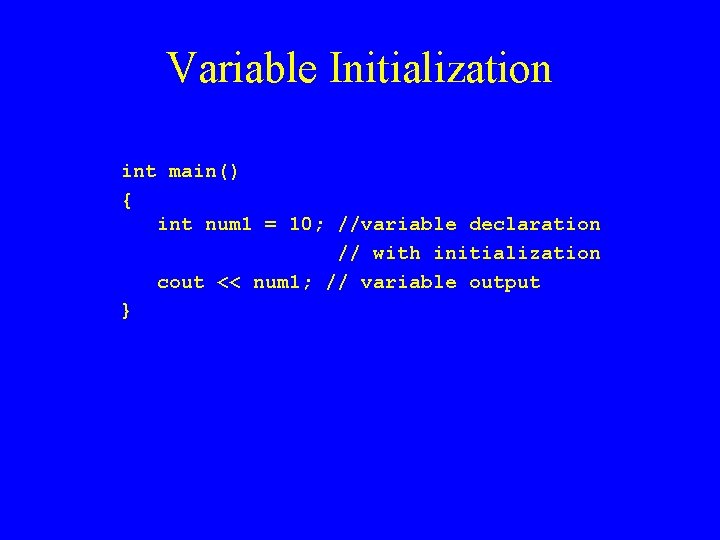
Variable Initialization int main() { int num 1 = 10; //variable declaration // with initialization cout << num 1; // variable output }
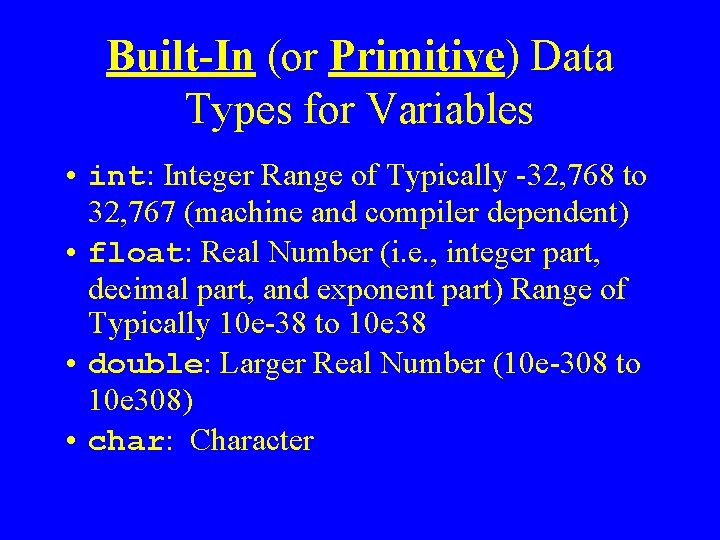
Built-In (or Primitive) Data Types for Variables • int: Integer Range of Typically -32, 768 to 32, 767 (machine and compiler dependent) • float: Real Number (i. e. , integer part, decimal part, and exponent part) Range of Typically 10 e-38 to 10 e 38 • double: Larger Real Number (10 e-308 to 10 e 308) • char: Character
Naming Variables in C++: Identifiers • Can Use Letters: Remember That C++ is Case Sensitive (e. g. , Num. Widgets Is Not the Same as numwidgets) • Can Use Digits 0 -9, and Underscore • Cannot Start with a Digit • Cannot Contain Spaces or Other Characters • Typically Maximum of 32 Characters • Cannot Use C++ Keywords
Naming Variables (Cont) • Should Use a Meaningful, Descriptive Name so that Variable’s Use Is Easily Understood: • Examples: counter, second, minute, length, width • Be Consistent with Case; Usually Lower Case with Upper Case for Second Part of Variable Name • Examples: average. Rainfall, total. Student. Grades, max. Building. Height, min. Package. Weight;
- Slides: 21