
Ten tips for online course development Dr Cynthia



- Slides: 28
Ten tips for online course development Dr. Cynthia Gautreau Director, Instructional Design & Technology Program
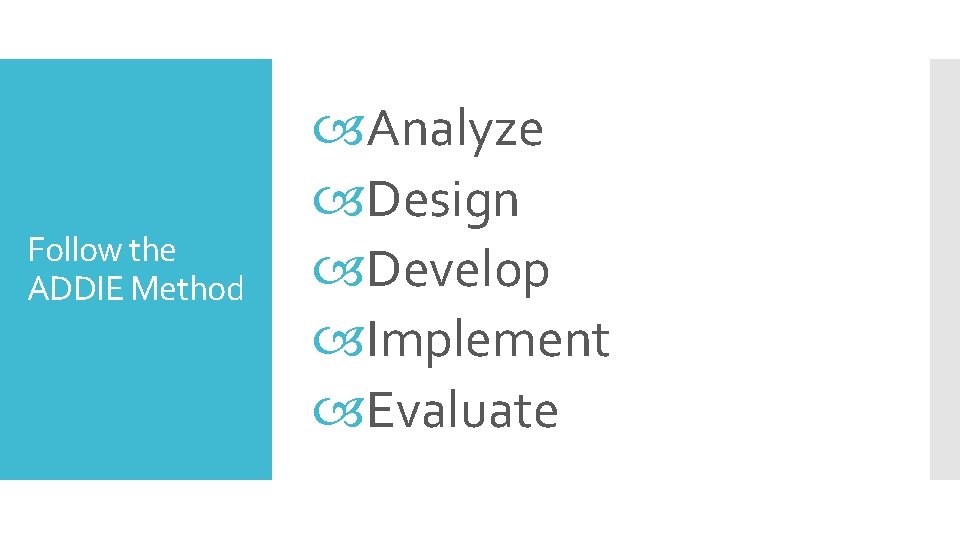
Follow the ADDIE Method Analyze Design Develop Implement Evaluate
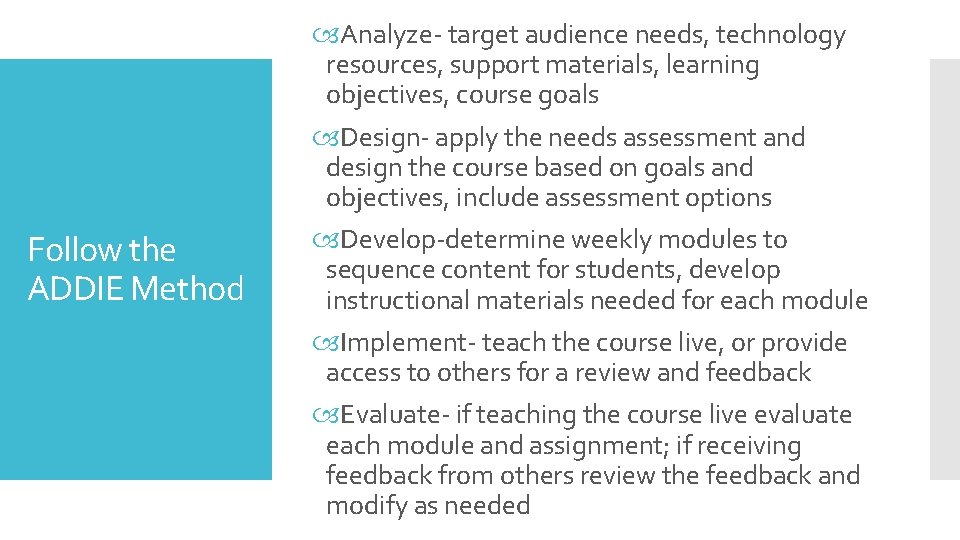
Follow the ADDIE Method Analyze- target audience needs, technology resources, support materials, learning objectives, course goals Design- apply the needs assessment and design the course based on goals and objectives, include assessment options Develop-determine weekly modules to sequence content for students, develop instructional materials needed for each module Implement- teach the course live, or provide access to others for a review and feedback Evaluate- if teaching the course live evaluate each module and assignment; if receiving feedback from others review the feedback and modify as needed
ADDIE resources https: //educationaltechnology. net/the-addie-model-instructionaldesign/
Tip #1 Course Syllabus
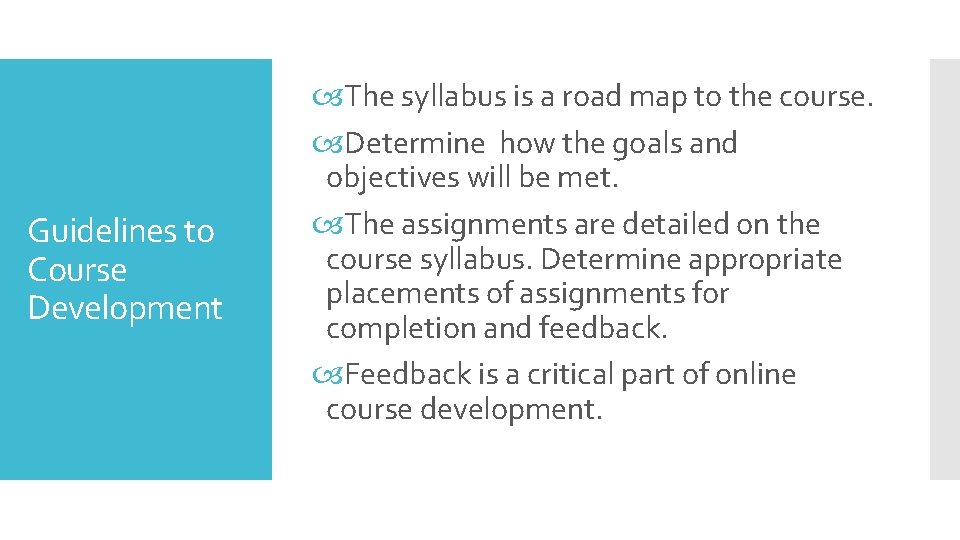
Guidelines to Course Development The syllabus is a road map to the course. Determine how the goals and objectives will be met. The assignments are detailed on the course syllabus. Determine appropriate placements of assignments for completion and feedback. Feedback is a critical part of online course development.
Course Syllabus Resources https: //docs. google. com/document/d/1 l. OHo 6 T 5 F 0 G 8 URUf. S 7 HK OOf. RBm 8 e__t 7 m. FAc. Fo. Gd-OPY/edit
#2 Feedback, Faculty Presence
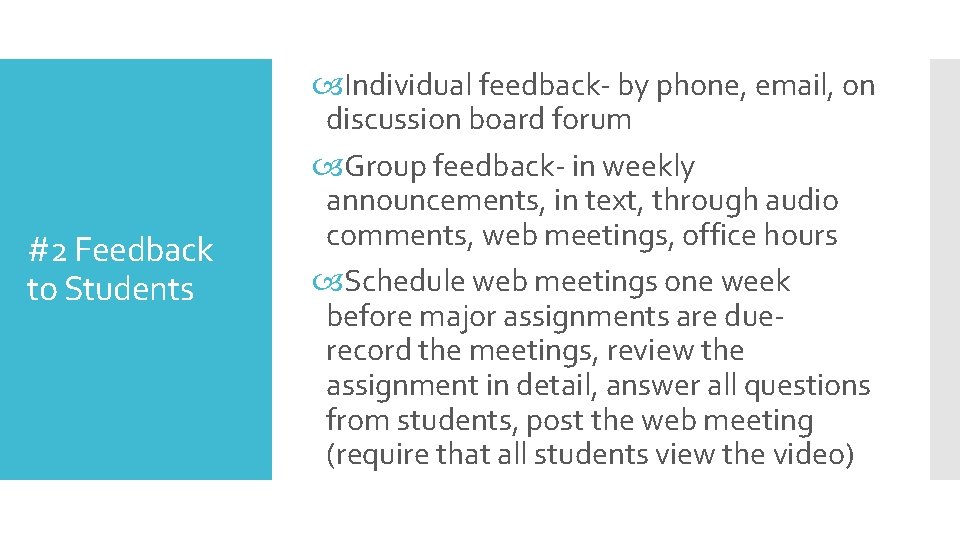
#2 Feedback to Students Individual feedback- by phone, email, on discussion board forum Group feedback- in weekly announcements, in text, through audio comments, web meetings, office hours Schedule web meetings one week before major assignments are duerecord the meetings, review the assignment in detail, answer all questions from students, post the web meeting (require that all students view the video)
Feedback to students https: //cft. vanderbilt. edu/guides-sub-pages/student-feedback/
#3 Modules and Organization
Design Modules that Engage Students Each Module should have a topic Provide sufficient details List the learning objectives Be clear and specific Use a standard design that is easy to follow Include text, audio, video, supplementary materials, active engagement, quizzes, surveys
Modules http: //www. fctl. ucf. edu/teachingandlearningresources/learningen vironments/teachingonline/modules. php
#4 Checkpoints for Students
Check in with your students First discussion board forum---find out about your students, what are their interests, needs Midway through the semester---survey, find out what is going well with the course, what needs to be improved, what are you doing well as a faculty member End of the semester---survey students, what are 2 new things you learned in this course, what went well for you in this course, what are some items that could be improved---give students a voice
#5 Assignments
Create an assignment section in the course Provide an example of the assignment. Provide a scoring rubric If necessary, provide a template or worksheet for students to follow as they create their assignment Provide a video or powerpoint to explain the assignment and connect the assignment to the course goals/objectives.
#6 Office Hours
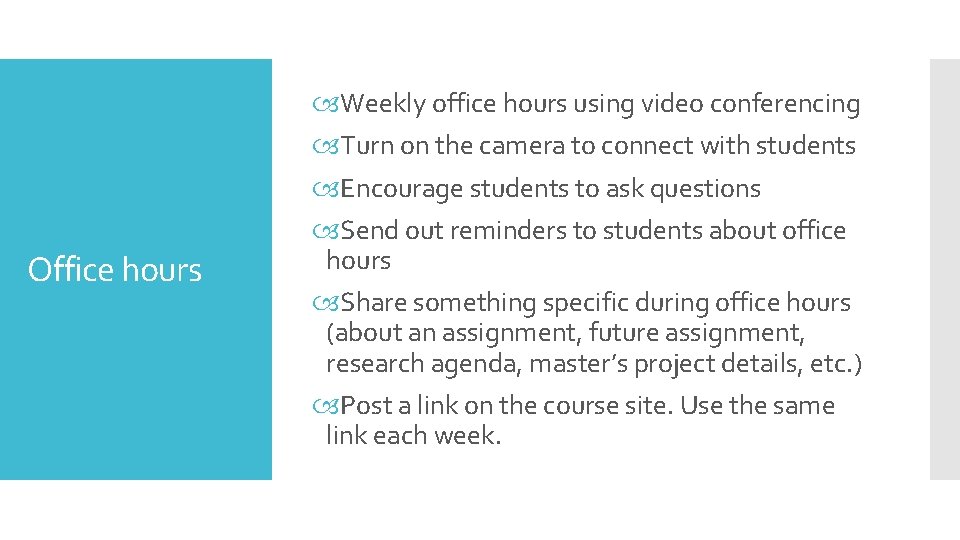
Office hours Weekly office hours using video conferencing Turn on the camera to connect with students Encourage students to ask questions Send out reminders to students about office hours Share something specific during office hours (about an assignment, future assignment, research agenda, master’s project details, etc. ) Post a link on the course site. Use the same link each week.
#7 Variety of Strategies
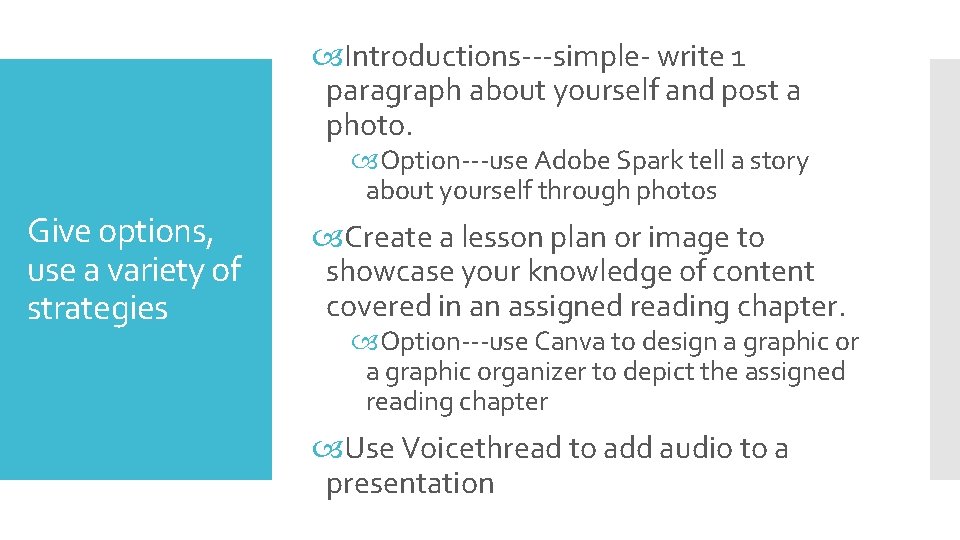
Introductions---simple- write 1 paragraph about yourself and post a photo. Option---use Adobe Spark tell a story about yourself through photos Give options, use a variety of strategies Create a lesson plan or image to showcase your knowledge of content covered in an assigned reading chapter. Option---use Canva to design a graphic organizer to depict the assigned reading chapter Use Voicethread to add audio to a presentation
#8 Discussion board forums
#8 Discussion board forums Whole Class or Small Groups Try using both options Provide some variety Takes longer to set up the small groups—but it helps to provide a change for students Some students like the change, others do not
#9 Videos
Ted Talks As of today 2400+ ted talks #9 Videos https: //www. ted. com/talks Videos add interest to courses—provide a common thread for students to think about, engage the learner, design a discussion board forum around a video message
Supplementary Materials for your online course
Locate resources online that support your learning objectives. What if you cannot find quality resources? #10 Supplementary Materials Ask the librarian at the university. Ask other faculty. Give the students an assignment---”search online, locate one quality resource related to XYZ and post it to the discussion board forum this week. What did you find? Why do you consider this high quality? This will help you with the next course. Review the online resources that the students posted. Are any of the resources excellent? Save the links/videos/articles for future use.
Supplementary Materials on Merlot & Curriki https: //www. merlot. org/merlot/index. htm Click on Search Materials Math http: //www. curriki. org/ K-12 materials