
TEMPLATE 4 Timeline Analysis Creating a Timeline Analysis
- Slides: 4
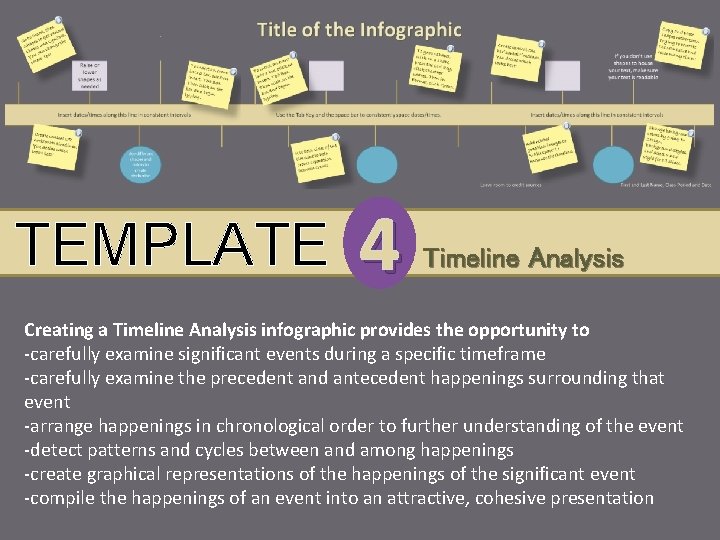
. TEMPLATE 4 Timeline Analysis Creating a Timeline Analysis infographic provides the opportunity to -carefully examine significant events during a specific timeframe -carefully examine the precedent and antecedent happenings surrounding that event -arrange happenings in chronological order to further understanding of the event -detect patterns and cycles between and among happenings -create graphical representations of the happenings of the significant event -compile the happenings of an event into an attractive, cohesive presentation
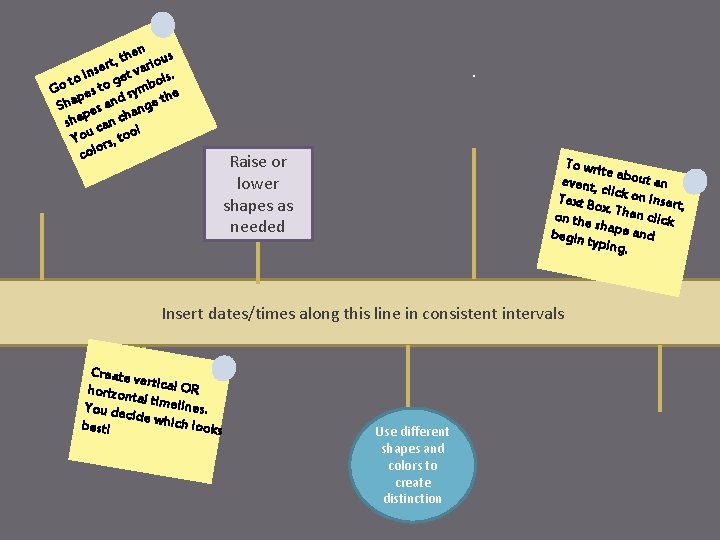
hen ous t , t ser t vari s. n I ge to ol Go pes to symb he t d Sha es an ange p sha can ch ! You rs, too colo . Raise or lower shapes as needed To writ e event, about an cli Text Bo ck on Insert, x on the. Then click sh begin t ape and yping. Insert dates/times along this line in consistent intervals Create v er horizon tical OR tal You dec timelines. ide whic h looks best! Use different shapes and colors to create distinction
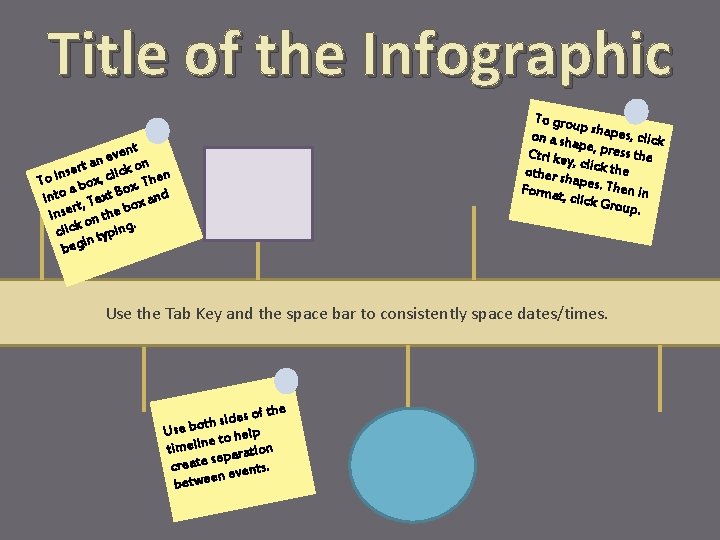
Title of the Infographic ent v e n ert a click on n s n i To ox, ox. The b a into t, Text B ox and r Inse on the b. click typing in beg To grou p on a shapes, click pe Ctrl key , press the , c other sh lick the apes. Th e Format , click G n in roup. Use the Tab Key and the space bar to consistently space dates/times. e es of th d i s h t Use bo to help e timelin paration se create events. n betwee
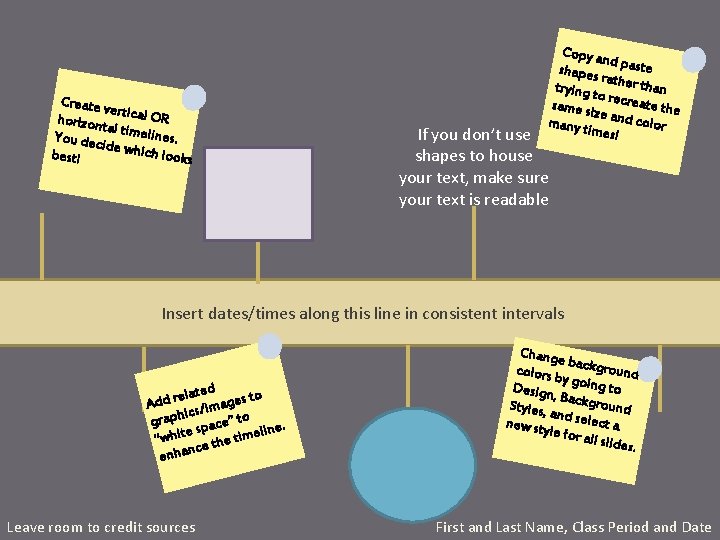
Create v er horizon tical OR tal You dec timelines. ide whic h looks best! Copy a nd shapes paste ra trying t ther than o same si recreate the ze many t and color imes! If you don’t use shapes to house your text, make sure your text is readable Insert dates/times along this line in consistent intervals elated ges to r d d a A cs/im to i h p a ” gr space meline. e t i h “w the ti e c n a enh Leave room to credit sources Change b colors b ackground y Design going to , B Styles, ackground an new sty d select a le for a ll slides. First and Last Name, Class Period and Date