
Technology Training That Works for Staff Not Against
- Slides: 30
Technology Training That Works for Staff, Not Against Them OLA SUPER CONFERENCE 2010 JANE FOO, DIGITAL SERVICES LIBRARIAN JENNIFER PETERS-LISE, DIGITAL SERVICES LIBRARIAN
Outline of the Session Background Who We are Seneca Libraries Staff Tech Day What We Learned Hits and Misses Lessons Learned Avoid our Mistakes The Bigger Picture Technology Training That Works for Faculty Related Outcomes 2010 and Beyond
Questions for You What is the situation at your library? What have you tried / seen in terms of staff technology education & training? Do you find it easier to relegate technology-related tasks to specific staff members or do you train all your stuff on library technology?
There is no…
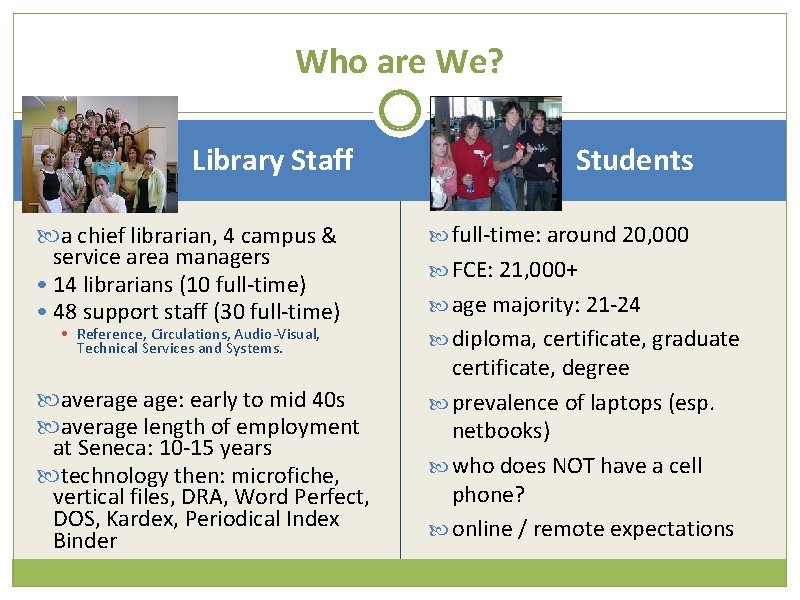
Who are We? Library Staff a chief librarian, 4 campus & service area managers • 14 librarians (10 full-time) • 48 support staff (30 full-time) • Reference, Circulations, Audio-Visual, Technical Services and Systems. average age: early to mid 40 s average length of employment at Seneca: 10 -15 years technology then: microfiche, vertical files, DRA, Word Perfect, DOS, Kardex, Periodical Index Binder Students full-time: around 20, 000 FCE: 21, 000+ age majority: 21 -24 diploma, certificate, graduate certificate, degree prevalence of laptops (esp. netbooks) who does NOT have a cell phone? online / remote expectations
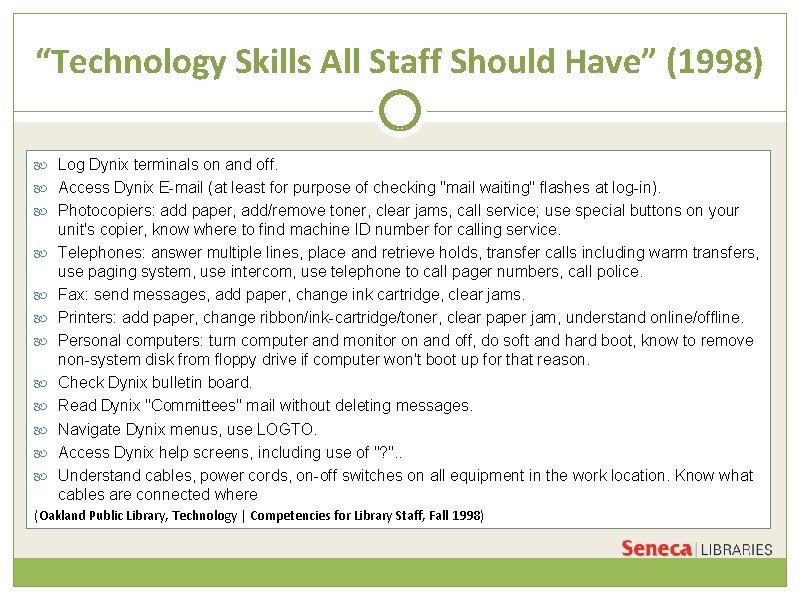
“Technology Skills All Staff Should Have” (1998) Log Dynix terminals on and off. Access Dynix E-mail (at least for purpose of checking "mail waiting" flashes at log-in). Photocopiers: add paper, add/remove toner, clear jams, call service; use special buttons on your unit's copier, know where to find machine ID number for calling service. Telephones: answer multiple lines, place and retrieve holds, transfer calls including warm transfers, use paging system, use intercom, use telephone to call pager numbers, call police. Fax: send messages, add paper, change ink cartridge, clear jams. Printers: add paper, change ribbon/ink-cartridge/toner, clear paper jam, understand online/offline. Personal computers: turn computer and monitor on and off, do soft and hard boot, know to remove non-system disk from floppy drive if computer won't boot up for that reason. Check Dynix bulletin board. Read Dynix "Committees" mail without deleting messages. Navigate Dynix menus, use LOGTO. Access Dynix help screens, including use of "? ". . Understand cables, power cords, on-off switches on all equipment in the work location. Know what cables are connected where (Oakland Public Library, Technology | Competencies for Library Staff, Fall 1998)
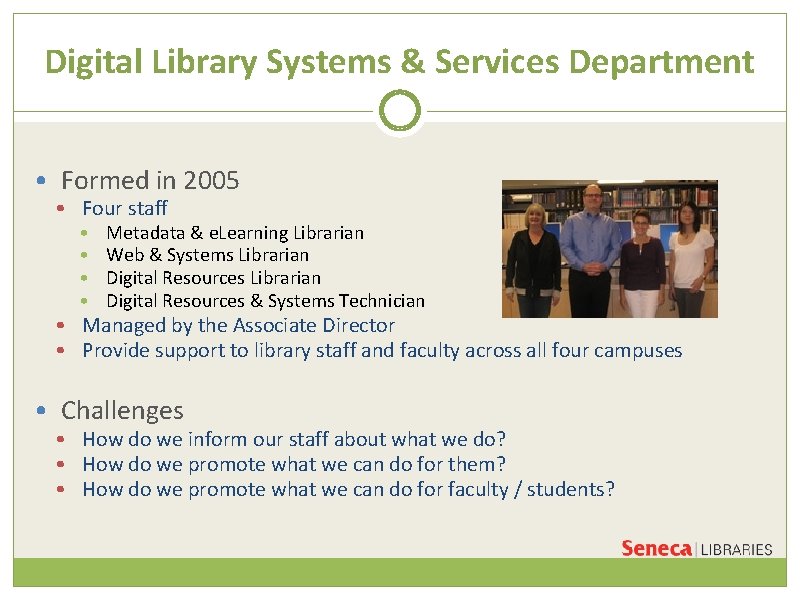
Digital Library Systems & Services Department • Formed in 2005 • Four staff • • Metadata & e. Learning Librarian Web & Systems Librarian Digital Resources & Systems Technician • Managed by the Associate Director • Provide support to library staff and faculty across all four campuses • Challenges • How do we inform our staff about what we do? • How do we promote what we can do for them? • How do we promote what we can do for faculty / students?
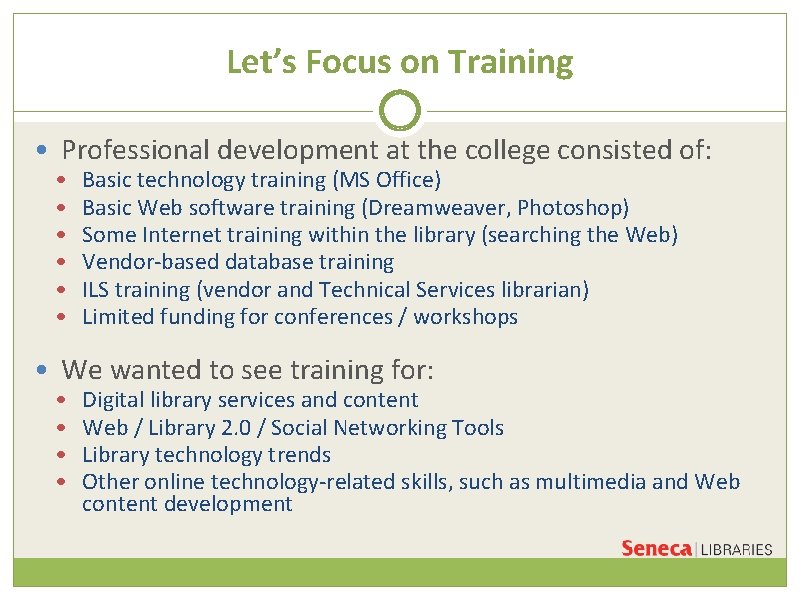
Let’s Focus on Training • Professional development at the college consisted of: • • • Basic technology training (MS Office) Basic Web software training (Dreamweaver, Photoshop) Some Internet training within the library (searching the Web) Vendor-based database training ILS training (vendor and Technical Services librarian) Limited funding for conferences / workshops • We wanted to see training for: • • Digital library services and content Web / Library 2. 0 / Social Networking Tools Library technology trends Other online technology-related skills, such as multimedia and Web content development
Seneca Libraries Tech Day Purpose Bring all staff’s technology skills up to the same level Inform staff of our services Process Developed a committee Created a theme, objectives and learning outcomes Framework Recommended vs mandatory? Annual event? Topics? Hands-on, labs, workshops, exercises
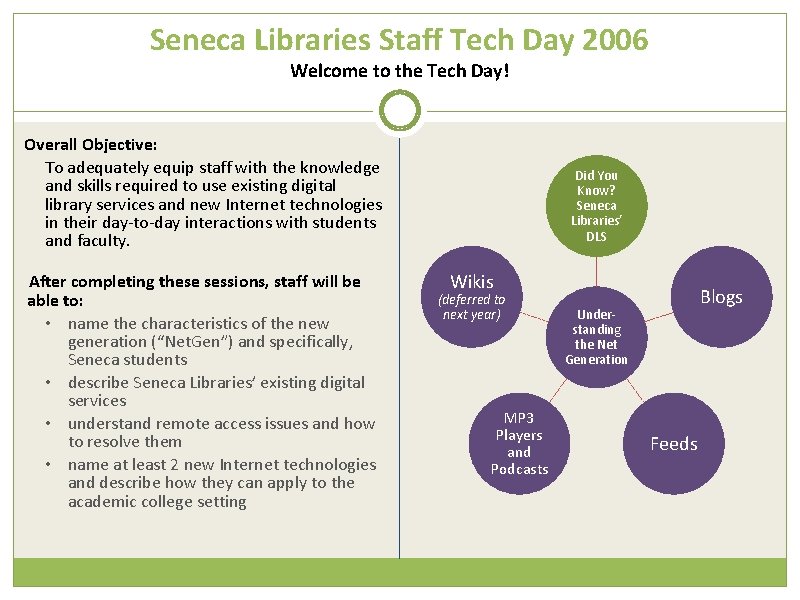
Seneca Libraries Staff Tech Day 2006 Welcome to the Tech Day! Overall Objective: To adequately equip staff with the knowledge and skills required to use existing digital library services and new Internet technologies in their day-to-day interactions with students and faculty. After completing these sessions, staff will be able to: • name the characteristics of the new generation (“Net. Gen”) and specifically, Seneca students • describe Seneca Libraries’ existing digital services • understand remote access issues and how to resolve them • name at least 2 new Internet technologies and describe how they can apply to the academic college setting Did You Know? Seneca Libraries’ DLS Wikis (deferred to next year) MP 3 Players and Podcasts Blogs Understanding the Net Generation Feeds
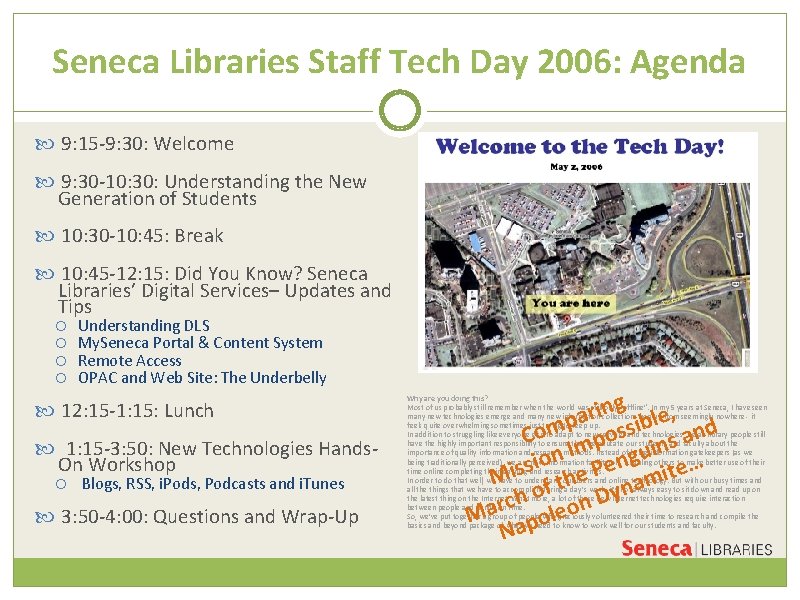
Seneca Libraries Staff Tech Day 2006: Agenda 9: 15 -9: 30: Welcome 9: 30 -10: 30: Understanding the New Generation of Students 10: 30 -10: 45: Break 10: 45 -12: 15: Did You Know? Seneca Libraries’ Digital Services– Updates and Tips Understanding DLS My. Seneca Portal & Content System Remote Access OPAC and Web Site: The Underbelly 12: 15 -1: 15: Lunch 1: 15 -3: 50: New Technologies Hands. On Workshop Blogs, RSS, i. Pods, Podcasts and i. Tunes 3: 50 -4: 00: Questions and Wrap-Up g n i , r e a l p b Com mpossi ins and I n gu e… o n i e s s Mi f the P namit o n Dy h c r Ma apoleo N Why are you doing this? Most of us probably still remember when the world was still only “offline”. In my 5 years at Seneca, I have seen many new technologies emerge and many new information collections pop up from seemingly nowhere - it feels quite overwhelming sometimes just trying to keep up. In addition to struggling like everyone else to adapt to new services and technologies, we as library people still have the highly important responsibility to ensure that we educate our students and faculty about the importance of quality information and research methods. Instead of being information gatekeepers (as we being traditionally perceived), we are now information facilitators, enabling others to make better use of their time online completing their learning and research activities. In order to do that well, we have to understand our users and online technology. But with our busy times and all the things that we have to accomplish during a day’s work, it’s not always easy to sit down and read up on the latest thing on the Internet. What more, a lot of these new Internet technologies require interaction between people and hands-on time. So, we’ve put together a group of people who graciously volunteered their time to research and compile the basics and beyond package of what we need to know to work well for our students and faculty.
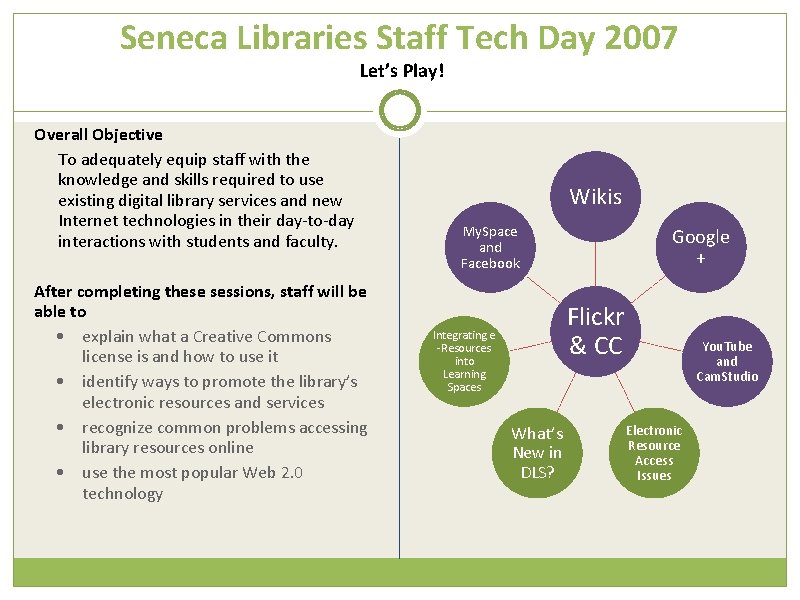
Seneca Libraries Staff Tech Day 2007 Let’s Play! Overall Objective To adequately equip staff with the knowledge and skills required to use existing digital library services and new Internet technologies in their day-to-day interactions with students and faculty. After completing these sessions, staff will be able to • explain what a Creative Commons license is and how to use it • identify ways to promote the library’s electronic resources and services • recognize common problems accessing library resources online • use the most popular Web 2. 0 technology Wikis My. Space and Facebook Integrating e -Resources into Learning Spaces Google + Flickr & CC What’s New in DLS? Electronic Resource Access Issues You. Tube and Cam. Studio
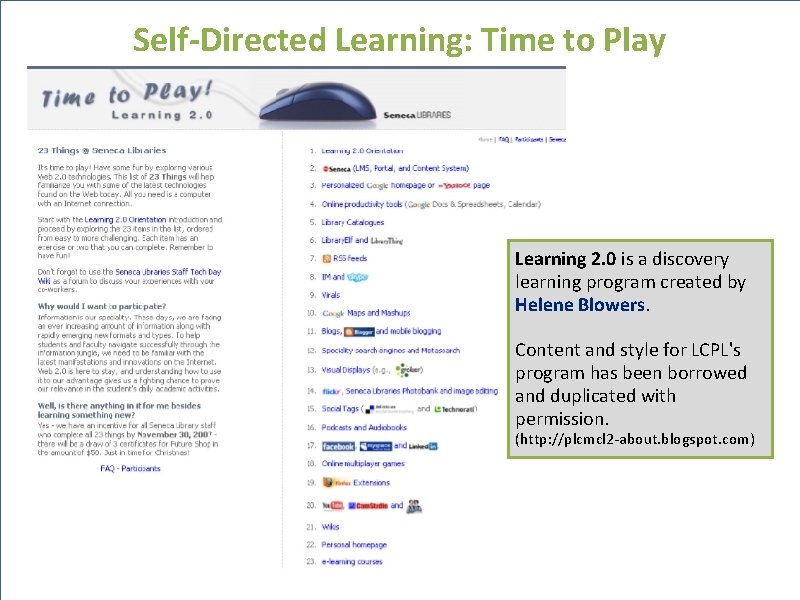
Self-Directed Learning: Time to Play Learning 2. 0 is a discovery learning program created by Helene Blowers. Content and style for LCPL's program has been borrowed and duplicated with permission. (http: //plcmcl 2 -about. blogspot. com)
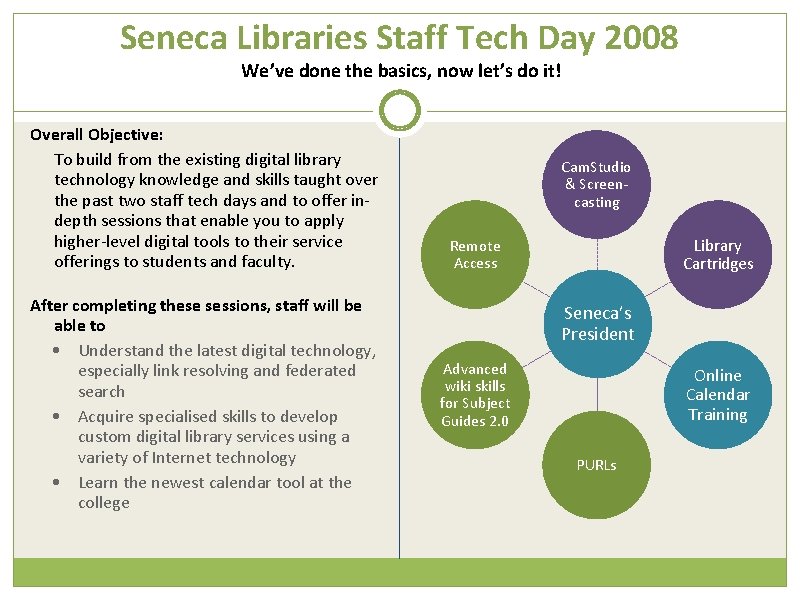
Seneca Libraries Staff Tech Day 2008 We’ve done the basics, now let’s do it! Overall Objective: To build from the existing digital library technology knowledge and skills taught over the past two staff tech days and to offer indepth sessions that enable you to apply higher-level digital tools to their service offerings to students and faculty. After completing these sessions, staff will be able to • Understand the latest digital technology, especially link resolving and federated search • Acquire specialised skills to develop custom digital library services using a variety of Internet technology • Learn the newest calendar tool at the college Cam. Studio & Screencasting Library Cartridges Remote Access Seneca’s President Advanced wiki skills for Subject Guides 2. 0 Online Calendar Training PURLs
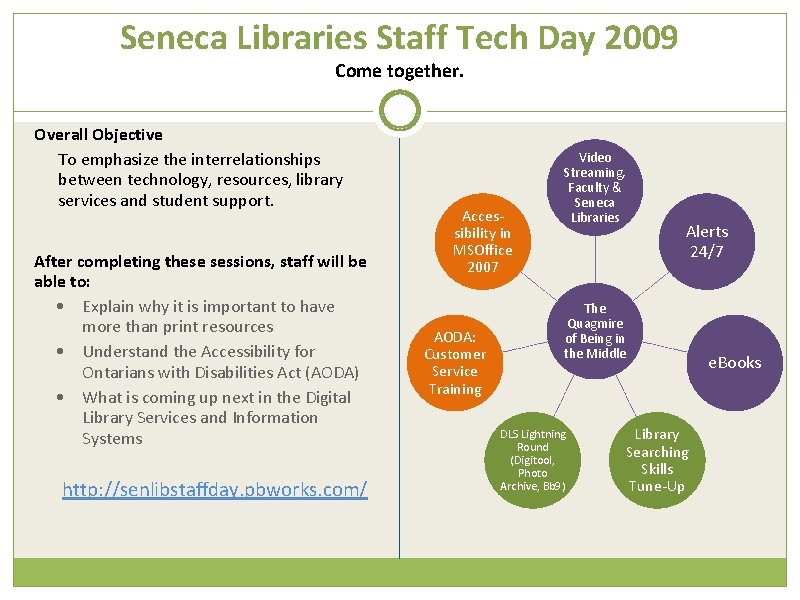
Seneca Libraries Staff Tech Day 2009 Come together. Overall Objective To emphasize the interrelationships between technology, resources, library services and student support. After completing these sessions, staff will be able to: • Explain why it is important to have more than print resources • Understand the Accessibility for Ontarians with Disabilities Act (AODA) • What is coming up next in the Digital Library Services and Information Systems http: //senlibstaffday. pbworks. com/ Accessibility in MSOffice 2007 AODA: Customer Service Training Video Streaming, Faculty & Seneca Libraries Alerts 24/7 The Quagmire of Being in the Middle DLS Lightning Round (Digitool, Photo Archive, Bb 9) Library Searching Skills Tune-Up e. Books
Tech Day 2009
What we learned…
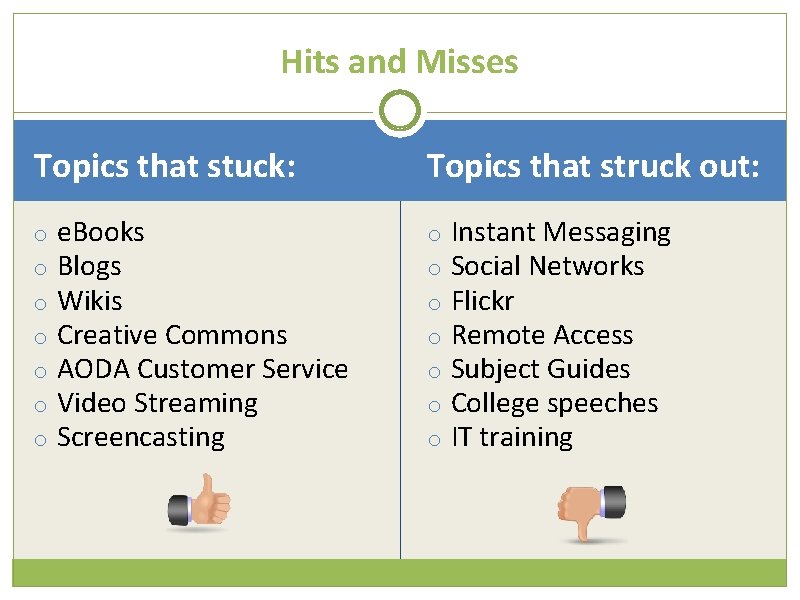
Hits and Misses Topics that stuck: o o o o e. Books Blogs Wikis Creative Commons AODA Customer Service Video Streaming Screencasting Topics that struck out: o o o o Instant Messaging Social Networks Flickr Remote Access Subject Guides College speeches IT training
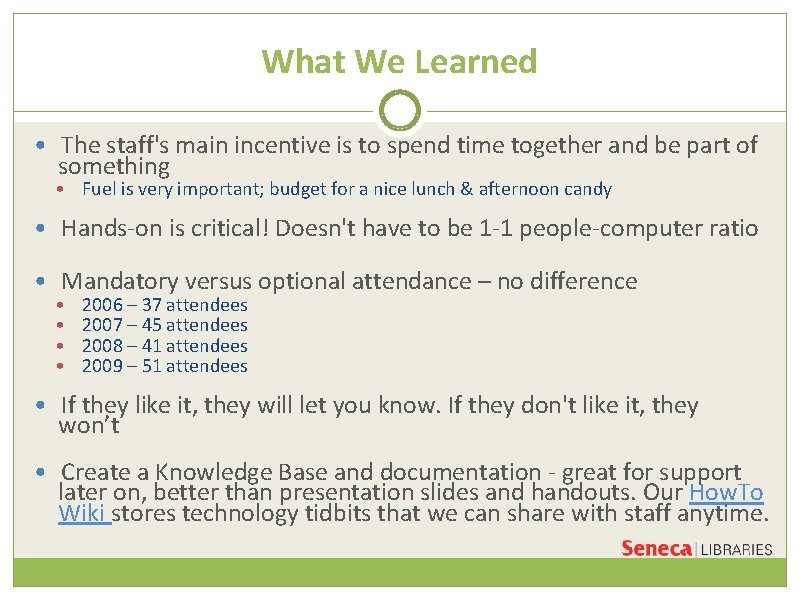
What We Learned • The staff's main incentive is to spend time together and be part of something • Fuel is very important; budget for a nice lunch & afternoon candy • Hands-on is critical! Doesn't have to be 1 -1 people-computer ratio • Mandatory versus optional attendance – no difference • • 2006 – 37 attendees 2007 – 45 attendees 2008 – 41 attendees 2009 – 51 attendees • If they like it, they will let you know. If they don't like it, they won’t • Create a Knowledge Base and documentation - great for support later on, better than presentation slides and handouts. Our How. To Wiki stores technology tidbits that we can share with staff anytime.
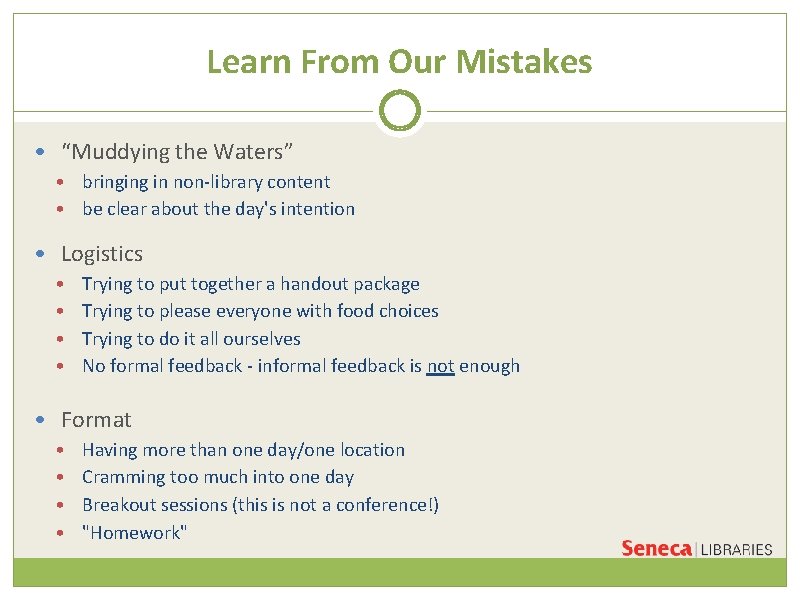
Learn From Our Mistakes • “Muddying the Waters” • bringing in non-library content • be clear about the day's intention • Logistics • • Trying to put together a handout package Trying to please everyone with food choices Trying to do it all ourselves No formal feedback - informal feedback is not enough • Format • • Having more than one day/one location Cramming too much into one day Breakout sessions (this is not a conference!) "Homework"
Tips and Tricks • Always provide/post handouts - the shorter, the better! • Include staff from all areas of the library in the planning process • Encourage staff to present about a special project they are working on (i. e. Seneca Photo Archive) • Naming and overall goals are important –shapes planning and staff perception (“townhall” vs. “workshop” vs. “training”) • Elicit feedback from Staff and Managers
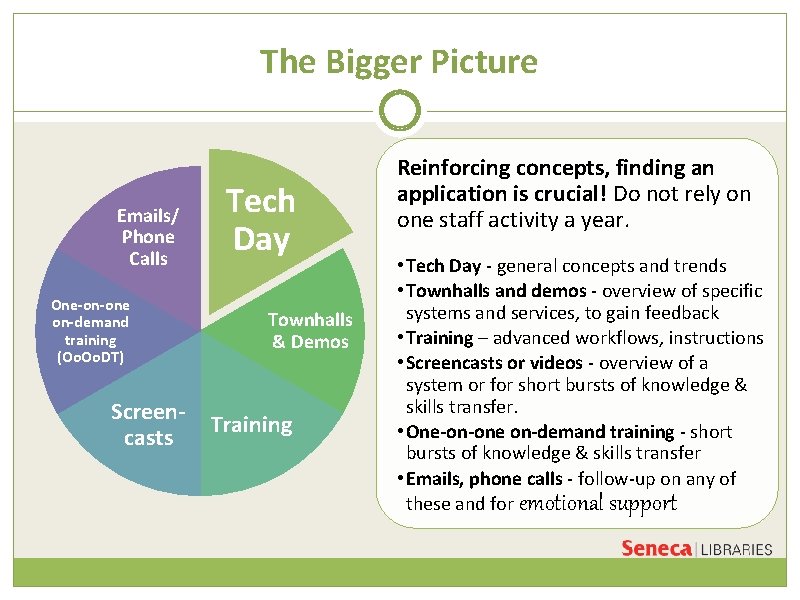
The Bigger Picture Emails/ Phone Calls One-on-one on-demand training (Oo. DT) Screencasts Tech Day Townhalls & Demos Training Reinforcing concepts, finding an application is crucial! Do not rely on one staff activity a year. • Tech Day - general concepts and trends • Townhalls and demos - overview of specific systems and services, to gain feedback • Training – advanced workflows, instructions • Screencasts or videos - overview of a system or for short bursts of knowledge & skills transfer. • One-on-one on-demand training - short bursts of knowledge & skills transfer • Emails, phone calls - follow-up on any of these and for emotional support
Ourania's Experience (Feb. 2010)
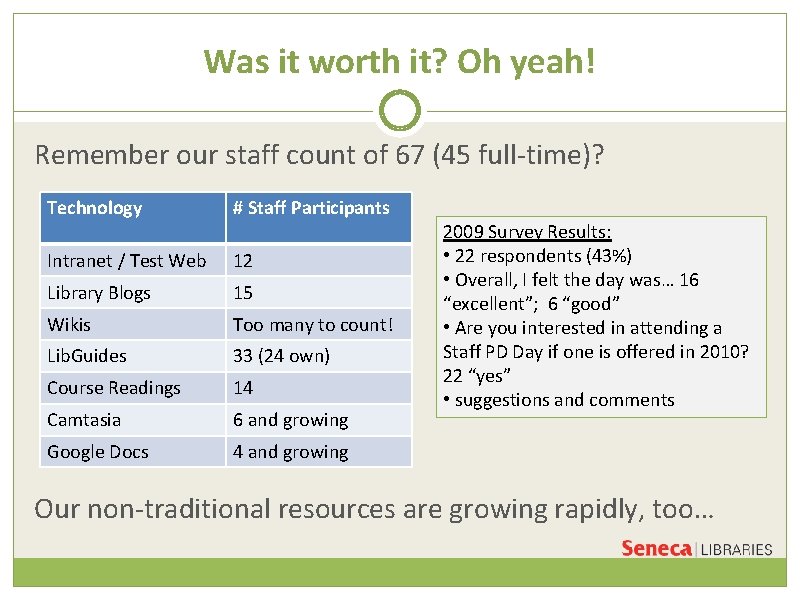
Was it worth it? Oh yeah! Remember our staff count of 67 (45 full-time)? Technology # Staff Participants Intranet / Test Web 12 Library Blogs 15 Wikis Too many to count! Lib. Guides 33 (24 own) Course Readings 14 Camtasia 6 and growing Google Docs 4 and growing 2009 Survey Results: • 22 respondents (43%) • Overall, I felt the day was… 16 “excellent”; 6 “good” • Are you interested in attending a Staff PD Day if one is offered in 2010? 22 “yes” • suggestions and comments Our non-traditional resources are growing rapidly, too…
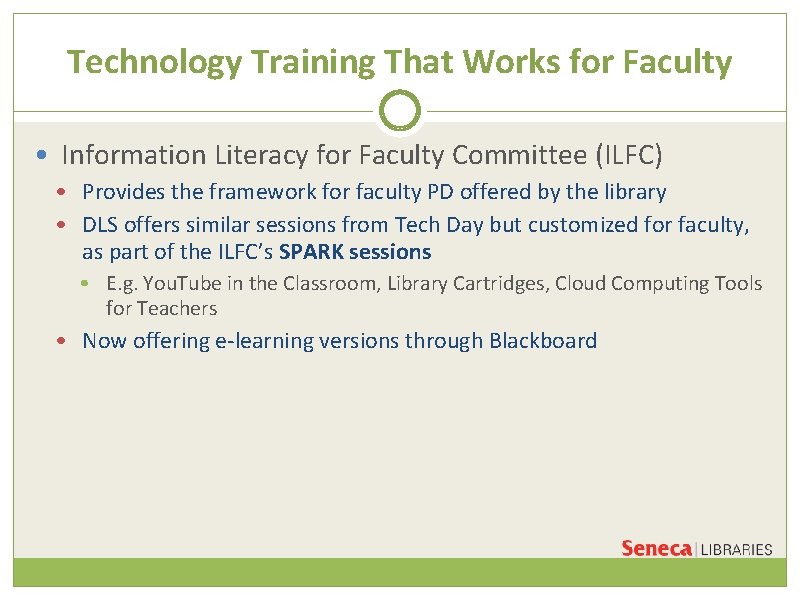
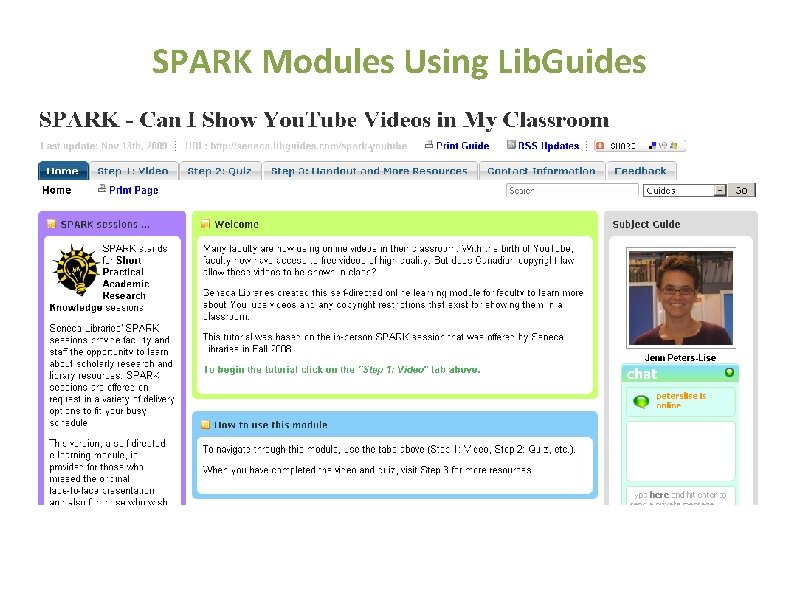
Technology Training That Works for Faculty • Information Literacy for Faculty Committee (ILFC) • Provides the framework for faculty PD offered by the library • DLS offers similar sessions from Tech Day but customized for faculty, as part of the ILFC’s SPARK sessions • E. g. You. Tube in the Classroom, Library Cartridges, Cloud Computing Tools for Teachers • Now offering e-learning versions through Blackboard
SPARK Modules Using Lib. Guides
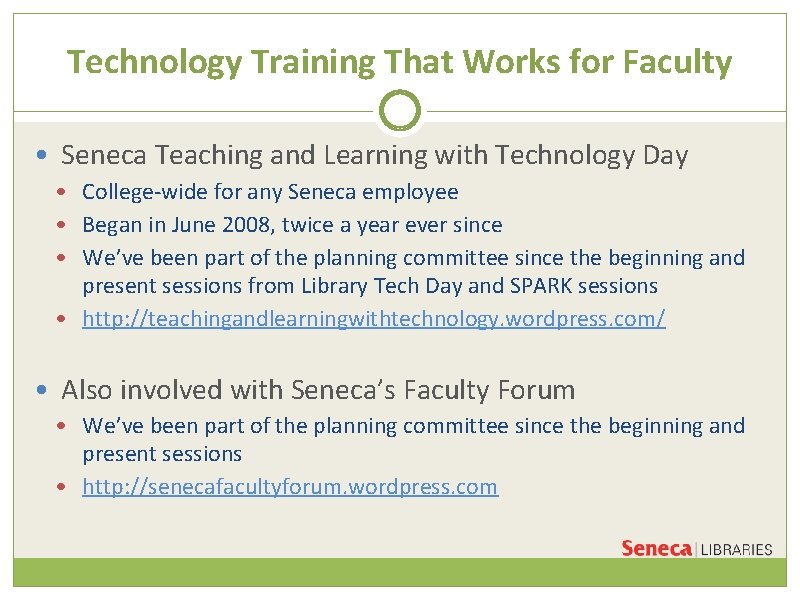
Technology Training That Works for Faculty • Seneca Teaching and Learning with Technology Day • College-wide for any Seneca employee • Began in June 2008, twice a year ever since • We’ve been part of the planning committee since the beginning and present sessions from Library Tech Day and SPARK sessions • http: //teachingandlearningwithtechnology. wordpress. com/ • Also involved with Seneca’s Faculty Forum • We’ve been part of the planning committee since the beginning and present sessions • http: //senecafacultyforum. wordpress. com
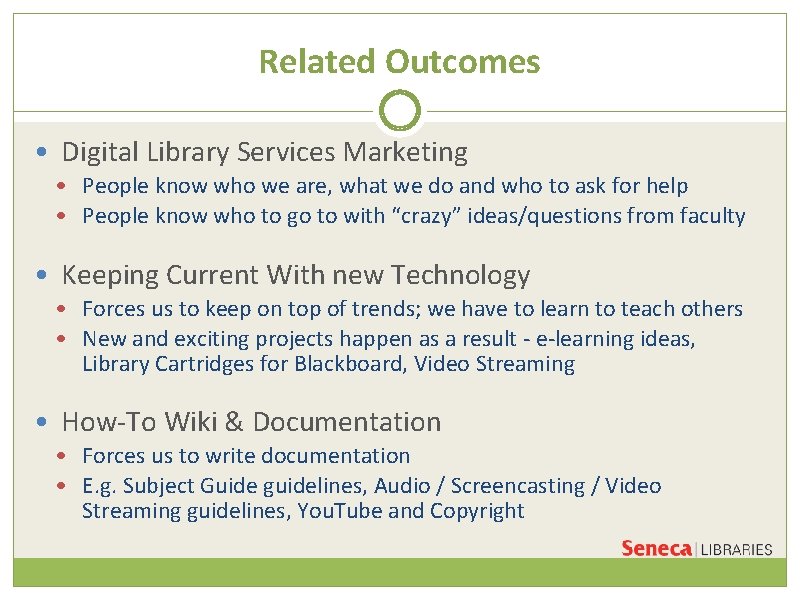
Related Outcomes • Digital Library Services Marketing • People know who we are, what we do and who to ask for help • People know who to go to with “crazy” ideas/questions from faculty • Keeping Current With new Technology • Forces us to keep on top of trends; we have to learn to teach others • New and exciting projects happen as a result - e-learning ideas, Library Cartridges for Blackboard, Video Streaming • How-To Wiki & Documentation • Forces us to write documentation • E. g. Subject Guide guidelines, Audio / Screencasting / Video Streaming guidelines, You. Tube and Copyright
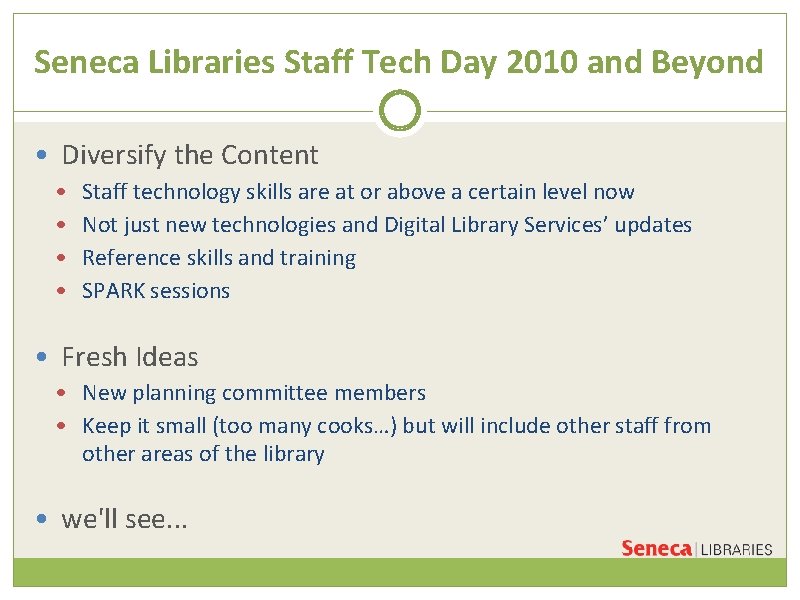
Seneca Libraries Staff Tech Day 2010 and Beyond • Diversify the Content • • Staff technology skills are at or above a certain level now Not just new technologies and Digital Library Services’ updates Reference skills and training SPARK sessions • Fresh Ideas • New planning committee members • Keep it small (too many cooks…) but will include other staff from other areas of the library • we'll see. . .
Thank you! Questions? HANDOUT “RESOURCES TO EXPLORE” http: //tinyurl. com/seneca-resources SLIDES Http: //tinyurl. com/seneca-slides CONTACT US: jane. foo@senecac. on. ca jennifer. peters-lise@senecac. on. ca IM: senlibjane |senlibjenn