
Technology Project Based Learning Day 1 Integration of
Technology & Project Based Learning Day 1 Integration of Technology into Curriculum A Cross Disciplinary Approach 1
COFFEE & ICE BREAKER Comic Chaos • Examine the comic panel on your folder. • Speak with other workshop members to place the panels in the proper sequence. • Take a seat accordingly. • Share cartoon. Has this ever happened to you? 2
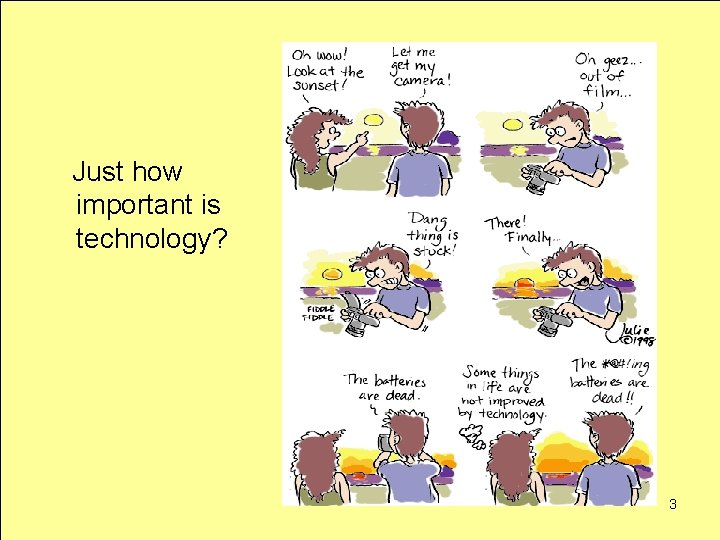
Just how important is technology? 3
Agenda Day 1 • • • Coffee & Introductions What is the Title II D Grant? What is Project-Based Learning? Benefits of Integrating Technology Review of Sample Projects & Rubrics Outlook Web Access Information Retrieval via the Internet Full Text Article Retrieval Timeliner 5. 0 4
Introductions • Who are you? • What are your expectations of today’s workshop? • What is my role as Technology Staff Developer? • How can we create a technology team within your school? • What obstacles will interfere with this plan? 5

TITLE II D • What is the Title II D Grant? • What is a Digital Learning Community? • How will it benefit… – Your students – Your school 6
OUR GOALS 1. To create interdisciplinary, technology-enhanced projects that focus on New York State Standards. 2. These projects will be the framework of the school’s digital online community, providing project ideas and lessons to teachers via the internet. 3. To identify components of high quality projects that motivate students to learn while also developing highlevel, critical thinking skills. 4. To enhance professional teaching skills and student outcomes by infusing technology into project based learning. 7
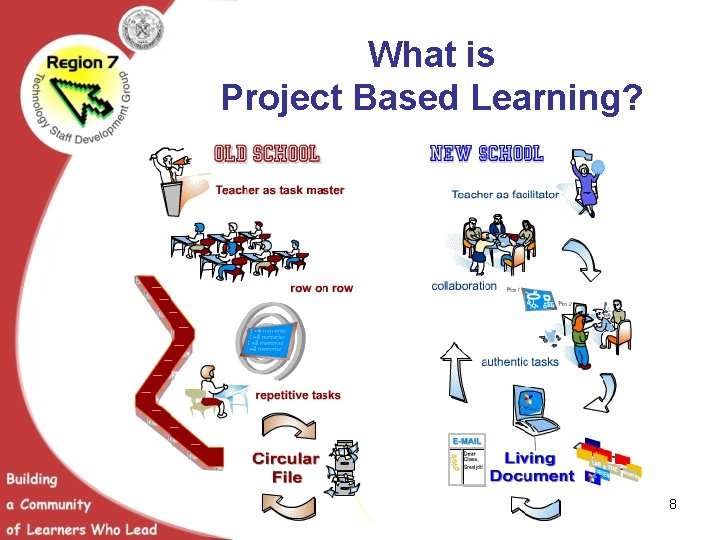
What is Project Based Learning? 8
Project Based Learning • What is Project Based Learning? – – – – Real-life, student generated topics Driven by a Guiding Question Components of a Successful Project Grouping & the Roles of Students Examination of the Research Process Technology Integration Rubrics for Evaluation • How can PBL and technology enhance your students’ ELA and math scores? 9
Coffee Break Think and share about the technology available within your school. 10
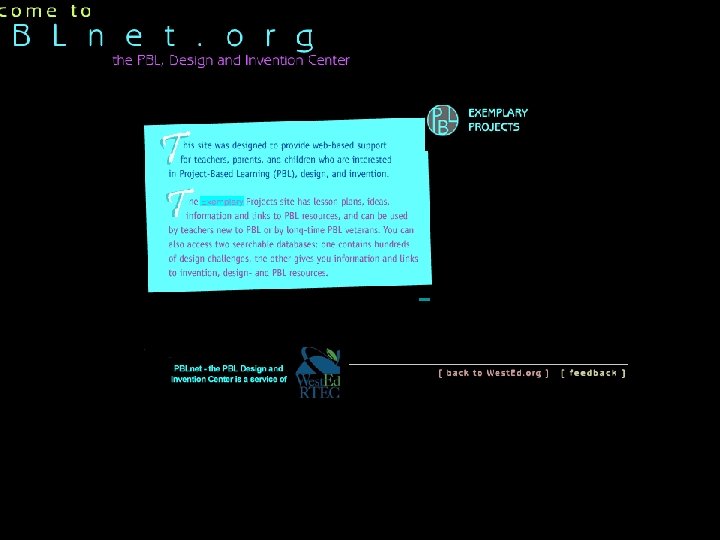
Sample Projects & Evaluations • Working with a partner, examine one exemplary project created by students at pblnet. org or ali. apple. com/ali_sites/deli/nav 5. shtml • Your task. – View the entire project – Assess the merits of its application in your classroom. Does it have all the necessary components of an effective lesson? – Share your observations. 11
Montauk & Pershing Sample Projects • Mr. Dugan’s LA Class Uses Timeliner to log their reader reactions to Wanted! by Caroline Cooney. • Ms. Papadapoulus’ class divided the learning of simple machines. • Ms. Dargan’s students designed their ow math problems, then taught their classmates how to solve. 12
13
Assessment Tools These web sites contain rubrics that may be helpful in assessing student work: • Multimedia Project Scoring Rubric • Oral Presentation Rubric • Rubistar 14
Assessment of Sample Project • Go to rubistar. 4 teachers. org • Review sample rubrics that could be used to evaluation web based projects. • Discuss: How user friendly is the site? Could it be useful to you? 15
Technology Integration How can technology enhance teacher preparation and student performance? • • Planning Information Retrieval Presentation Sharing with other teachers 16
Sample Project: Twin Towers Project • While viewing consider the following. Be prepared to discuss & share. – What were the teacher’s goals and objectives? – How effective is the presentation? – What makes it effective or ineffective? 17
Lunch Time Enjoy your break, but think about how you are going to make a good project great! 18
Communication is Key • Outlook Web Access… Does your account work? • Go to nycenet. edu • Click on employees, then Doe e-mail • Can you sign on and successfully send and retrieve e-mail? • How about using your calendar to track the progress of your project? 19
Teaching to Standards Using Online Virtual Electronic Library Resources 20

Databases for Students & Staff • Custom Newspapers • New York State Newspapers – The Buffalo News, The Post-Standard, The New York Observer, The New York Post, The New York Times • National Newspaper Index • Informe • Health Reference Center Academic • Business and Company Resource Center • Info. Trac Junior Edition • The Twayne Authors Series – World, English and US 21 Many more databases to come in January 2005
To access the databases: http: //www. nycenet. edu/ teachlearn/library • Choose DATABASES from LIBRARY MENU or list on the left • Click on the Thomson Gale logo • Username: nysl_me • Password: empirelink 22
SAMPLE SEARCH How are hurricanes named? • Standard 4 – Science – Information Systems – Key Idea 1: Information technology is used to retrieve, process, and communicate information and as a tool to enhance learning. • Use Info. Trac Junior Edition • Use Keyword Search. – Search string: NAME AND HURRICANE* – Do not search in the entire article content. Uncheck the box. • Results contain articles that address the issue. 23
A 7 th grader is doing a research report on acne. • We need to find lower reading level materials in Health Reference Center Academic. The best way to do this is to use Subject Search. • Use Health Reference Center Academic. – Use Subject Search. – Search string: ACNE 24
A student is researching how the Slinky was invented. • Use Business and Company Resource Center. – Use Advanced Search. – Change Content Area to Histories. – Search for SLINKY in Full Text. 25
A student is looking for an article from The New York Times Science section on Mount St. Helens that was published in October. • Use Custom Newspapers. – Use Keyword Search. – Search string: “SCIENCE DESK” AND MOUNT ST HELENS • Limit your search by date: OCTOBER 2004. • Limit your search by journal: NEW YORK TIMES 26
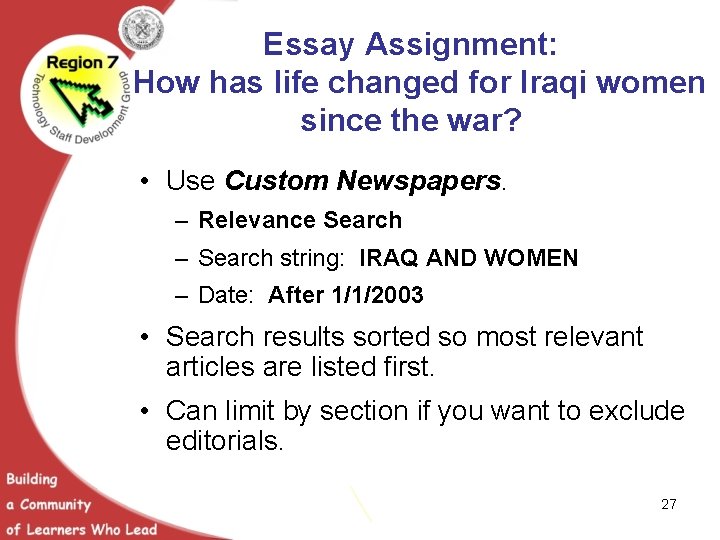
Essay Assignment: How has life changed for Iraqi women since the war? • Use Custom Newspapers. – Relevance Search – Search string: IRAQ AND WOMEN – Date: After 1/1/2003 • Search results sorted so most relevant articles are listed first. • Can limit by section if you want to exclude editorials. 27
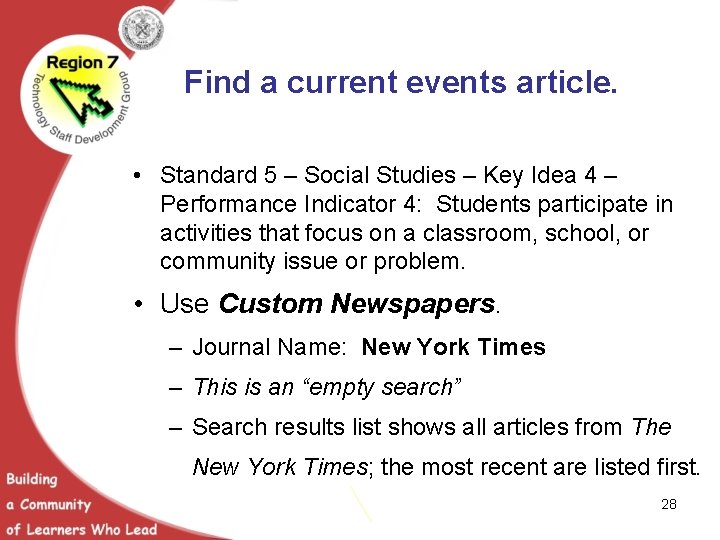
Find a current events article. • Standard 5 – Social Studies – Key Idea 4 – Performance Indicator 4: Students participate in activities that focus on a classroom, school, or community issue or problem. • Use Custom Newspapers. – Journal Name: New York Times – This is an “empty search” – Search results list shows all articles from The New York Times; the most recent are listed first. 28

AVOIDING PLAGARISM A student is suspected of plagiarism for his essay on the aurora borealis. • Check for plagiarism using this line from the student’s essay: “The three giant sunspots responsible for the unprecedented auroral display eventually disappeared during the sun's rotation. ” • Use Info. Trac Junior Edition – Use Keyword Search. – Make sure to search for term(s) in full article. – Search string • “THREE GIANT SUNSPOTS RESPONSIBLE” 29
Benefits of Full Text Access in your Classroom • Working with others at your table, assess the merits of the online virtual electronic library. • Share findings. 30
Project Based Learning & Technology Day 2 Integrating Technology into Curriculum A Cross Disciplinary Approach 31
Agenda Day 2 Project Planning with Technology » POWERPOINT » WORD / WORD ART » INSPIRATION » UNITED STREAMING. COM » RIVERDEEP. COM » WEB PAGE DESIGN 32
Online Resources for Teachers http: //nylearns. org – check it out ! Brooklynexpedition. org… a collaborative project of the Brooklyn Museum, Brooklyn Public Library & the Brooklyn Children’s Museum. What are your favorite online resources? 33
Develop Your PBL Guiding Question • Identify four or five NYS Standards that will be key in your project. • Identify four or five project goals. • How will your projects be interdisciplinary? • How will you use technology sensibly? • How will your students use technology to present their research findings? • What are the real world applications to your project? 34
Project Based Learning In Your Classroom Using the Project Planning Form in your folder, draft your initial plans for the project you will implement in your classroom. 35
Project Planning Phase • Before the end of our session today, have your project finalized and ready for me to help you with implementation. • Design rubric to evaluate student work using technology. Check out the following rubric creator. http: //rubistar. 4 teachers. org • Think about how you will enhance your existing lesson plans to incorporate technology components. • Make me a copy of your teaching schedule with class, subject and times noted. • Keep in mind that you must include the New York State standards in all your project designs. http: //www. nysed. gov/standards. html 36
Thank You • Please go to the link below and evaluate our training. http: //www. surveymonkey. com/s. asp? A=56354036 E 46747 37
- Slides: 37