
Technology Orientation 2008 Access Account Your Access Account

- Slides: 28
Technology Orientation 2008
Access Account Your Access Account is your access to University services such as e-mail, the Internet, Web. Mail, ANGEL, e-Lion, library resources, and more.
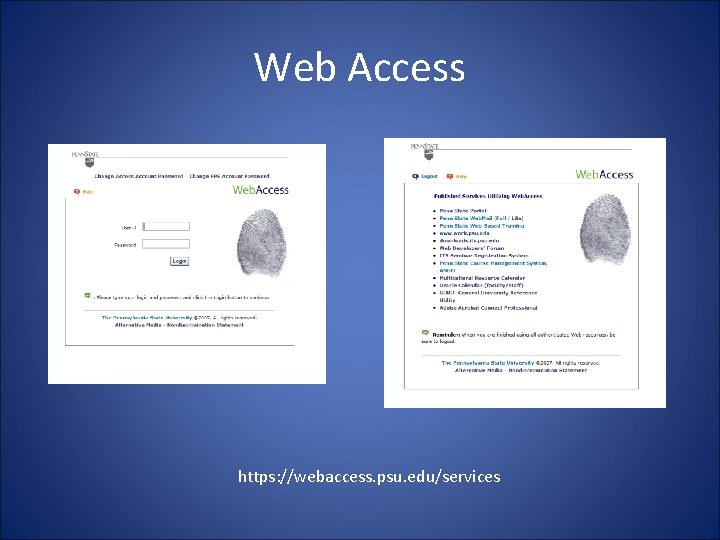
Web Access https: //webaccess. psu. edu/services
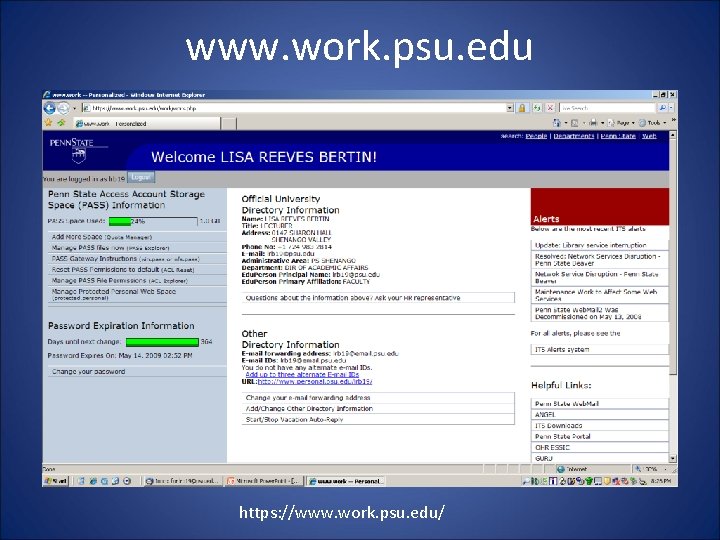
www. work. psu. edu https: //www. work. psu. edu/
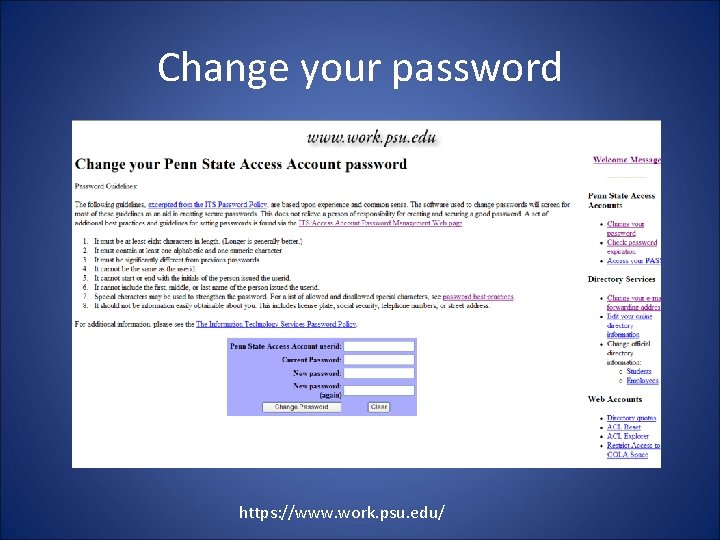
Change your password https: //www. work. psu. edu/
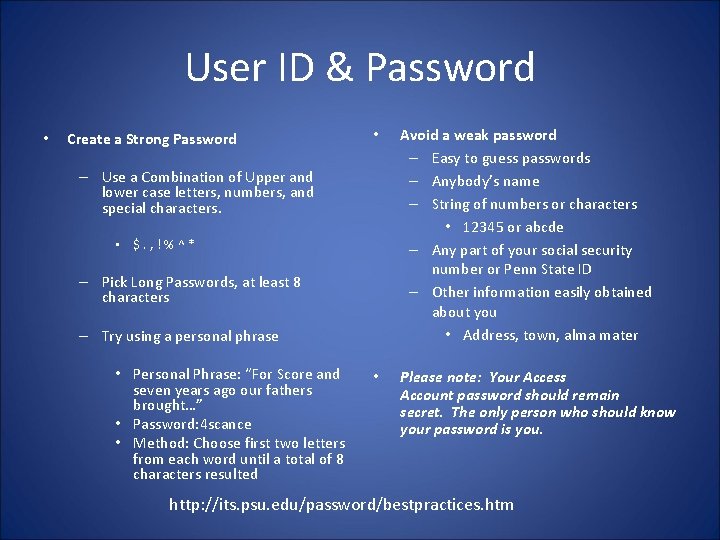
User ID & Password • Create a Strong Password • Avoid a weak password – Easy to guess passwords – Anybody’s name – String of numbers or characters • 12345 or abcde – Any part of your social security number or Penn State ID – Other information easily obtained about you • Address, town, alma mater • Please note: Your Access Account password should remain secret. The only person who should know your password is you. – Use a Combination of Upper and lower case letters, numbers, and special characters. • $. , !%^* – Pick Long Passwords, at least 8 characters – Try using a personal phrase • Personal Phrase: “For Score and seven years ago our fathers brought…” • Password: 4 scance • Method: Choose first two letters from each word until a total of 8 characters resulted http: //its. psu. edu/password/bestpractices. htm
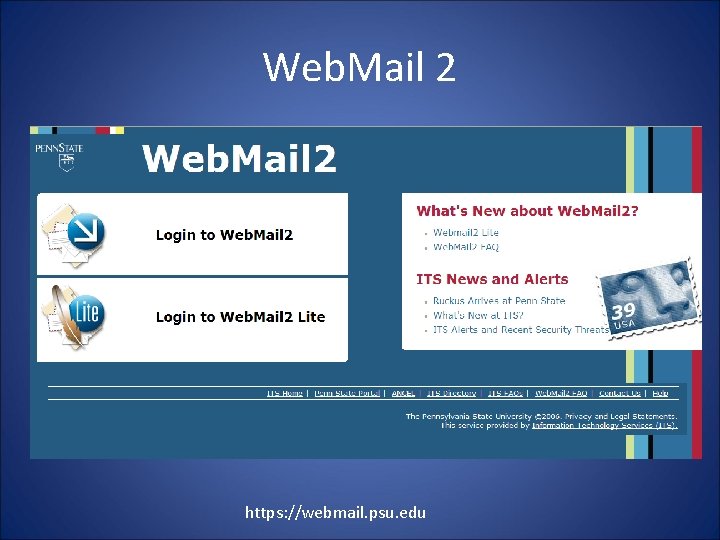
Web. Mail 2 https: //webmail. psu. edu
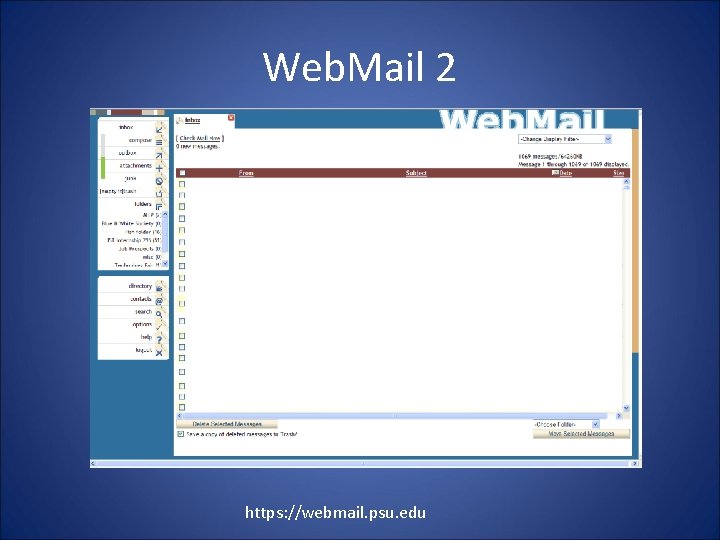
Web. Mail 2 https: //webmail. psu. edu
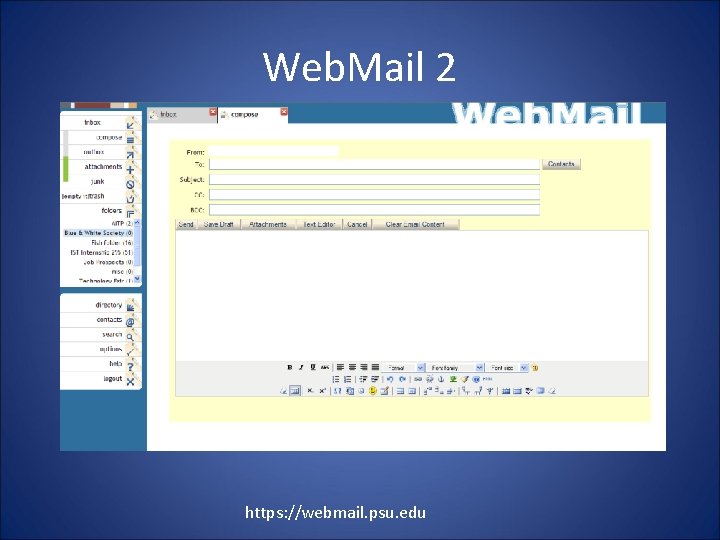
Web. Mail 2 https: //webmail. psu. edu
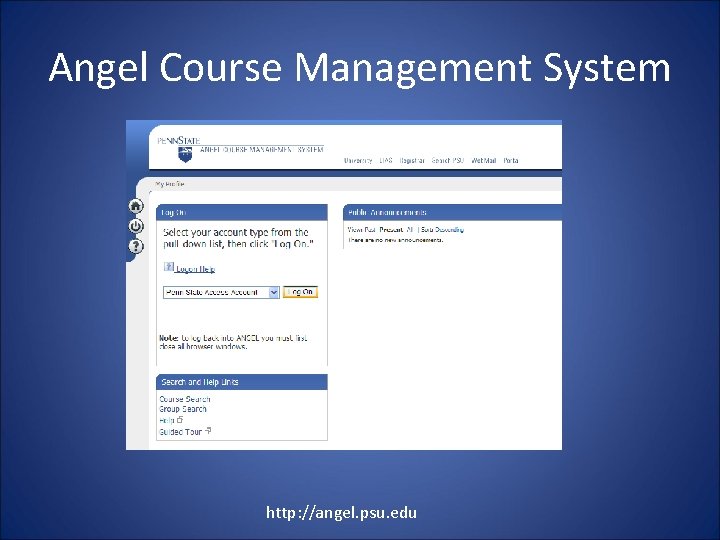
Angel Course Management System http: //angel. psu. edu
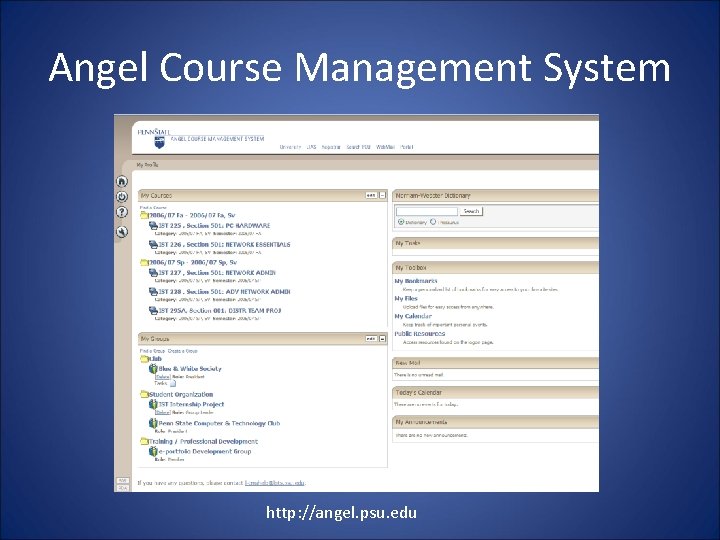
Angel Course Management System http: //angel. psu. edu
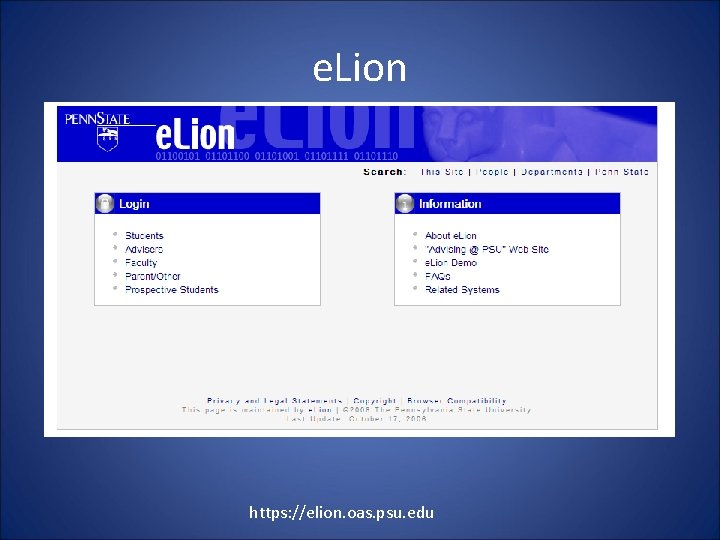
e. Lion https: //elion. oas. psu. edu
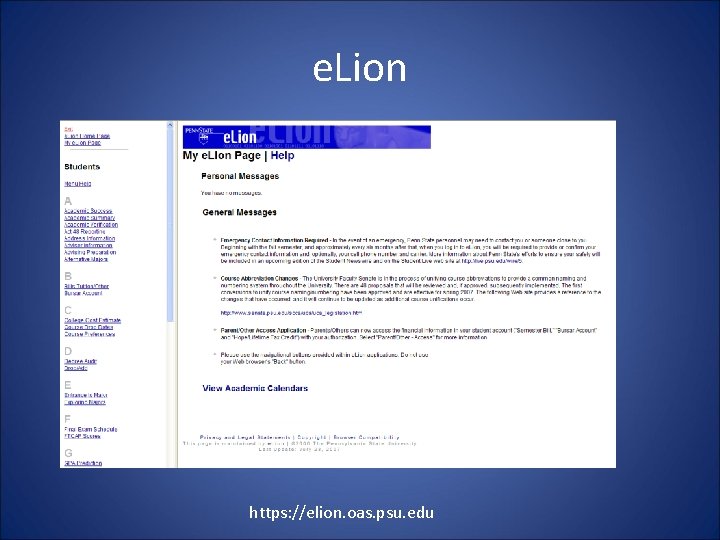
e. Lion https: //elion. oas. psu. edu
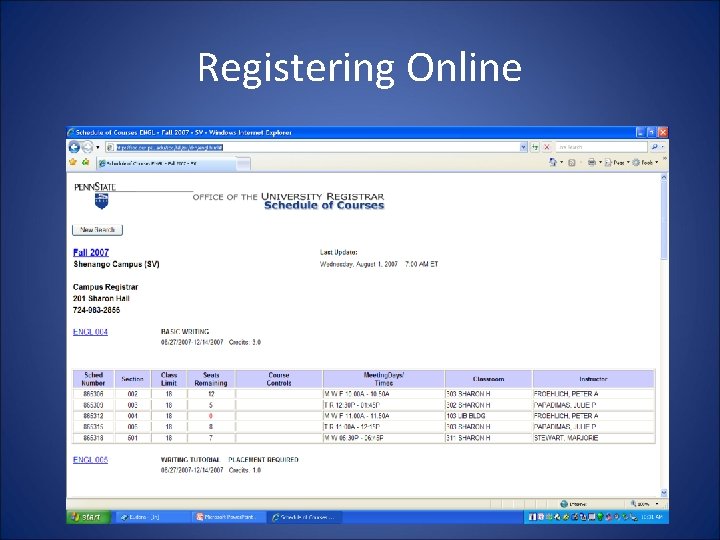
Registering Online
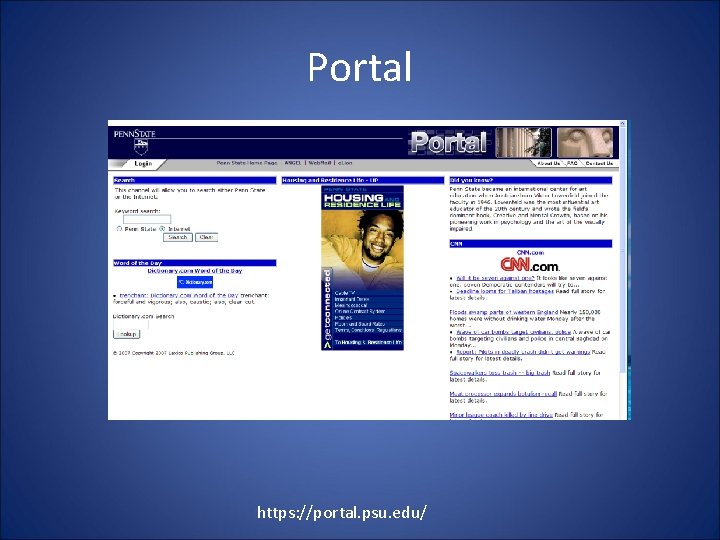
Portal https: //portal. psu. edu/
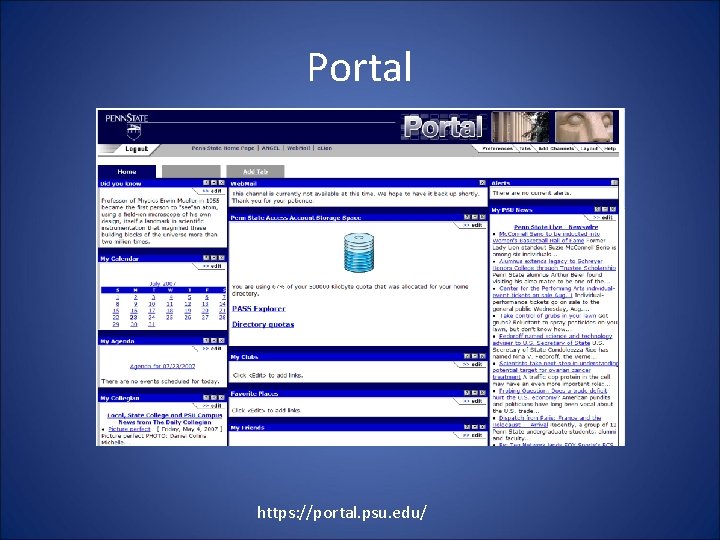
Portal https: //portal. psu. edu/
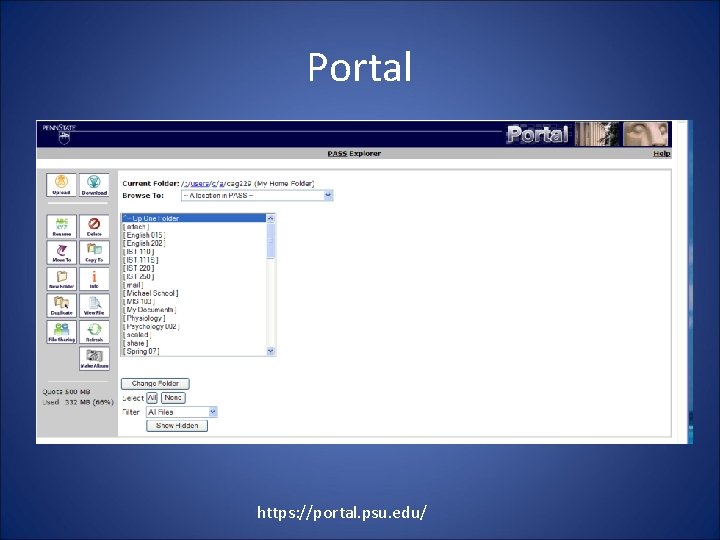
Portal https: //portal. psu. edu/
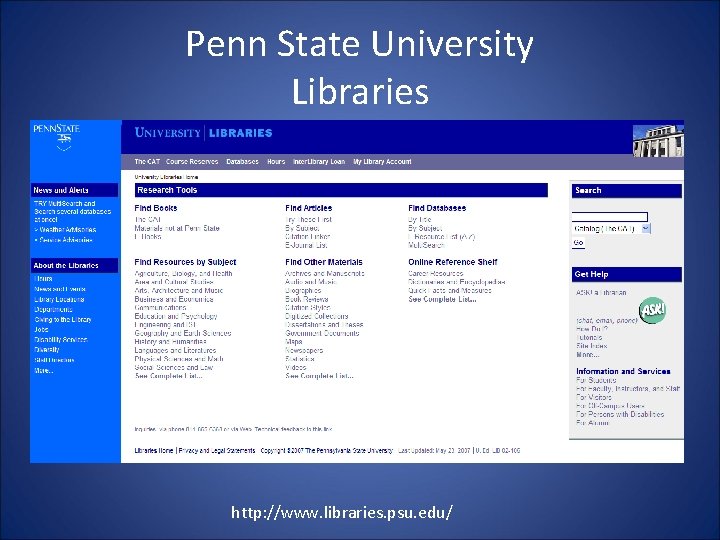
Penn State University Libraries http: //www. libraries. psu. edu/
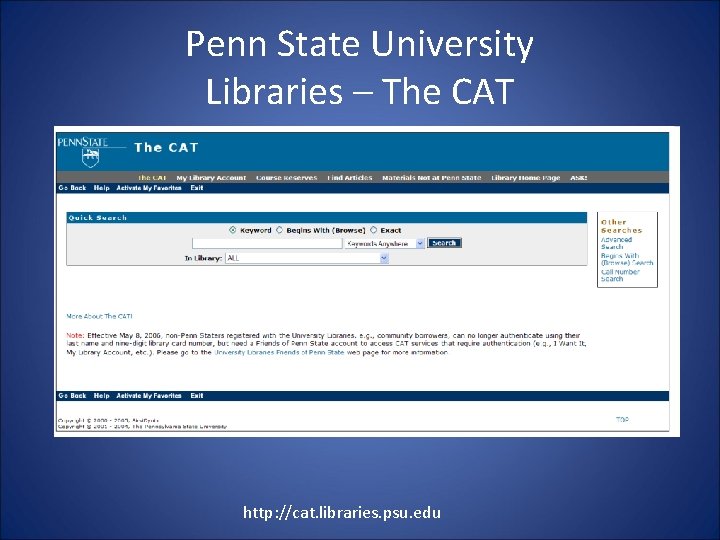
Penn State University Libraries – The CAT http: //cat. libraries. psu. edu
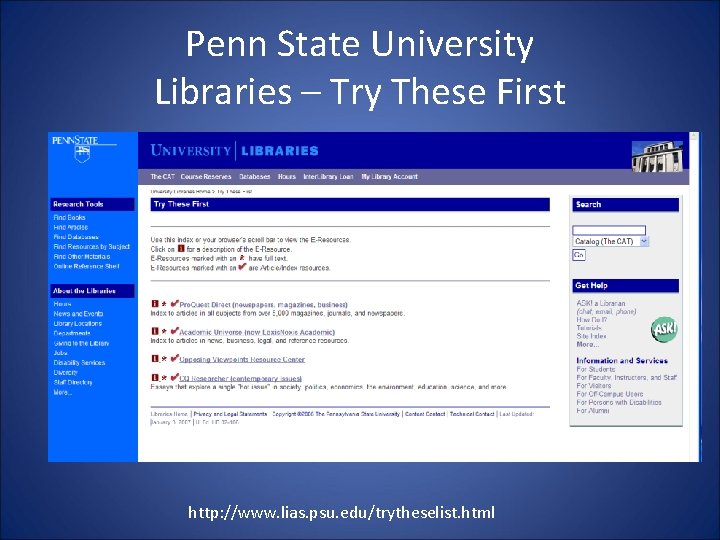
Penn State University Libraries – Try These First http: //www. lias. psu. edu/trytheselist. html
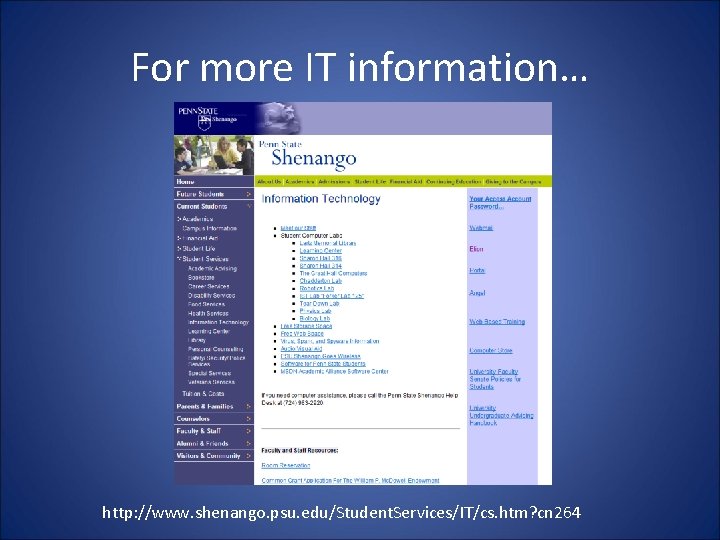
For more IT information… http: //www. shenango. psu. edu/Student. Services/IT/cs. htm? cn 264
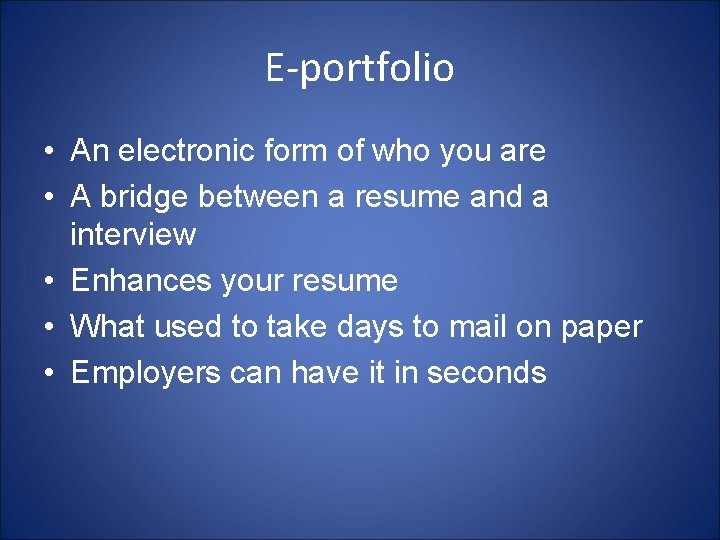
E-portfolio • An electronic form of who you are • A bridge between a resume and a interview • Enhances your resume • What used to take days to mail on paper • Employers can have it in seconds
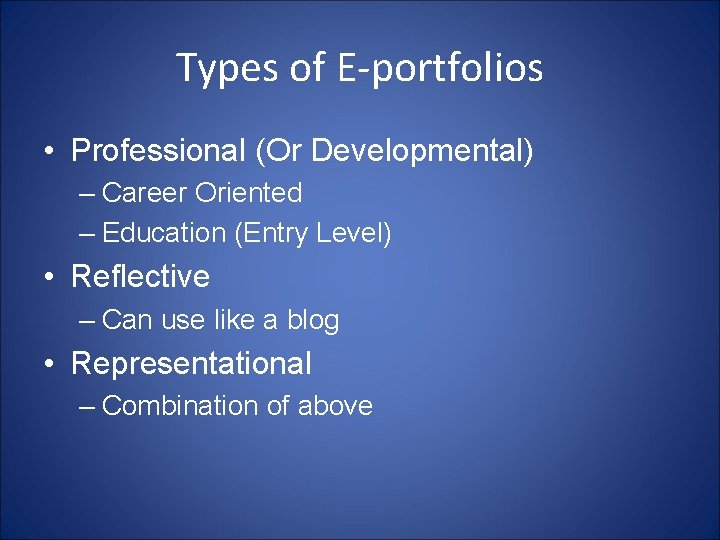
Types of E-portfolios • Professional (Or Developmental) – Career Oriented – Education (Entry Level) • Reflective – Can use like a blog • Representational – Combination of above
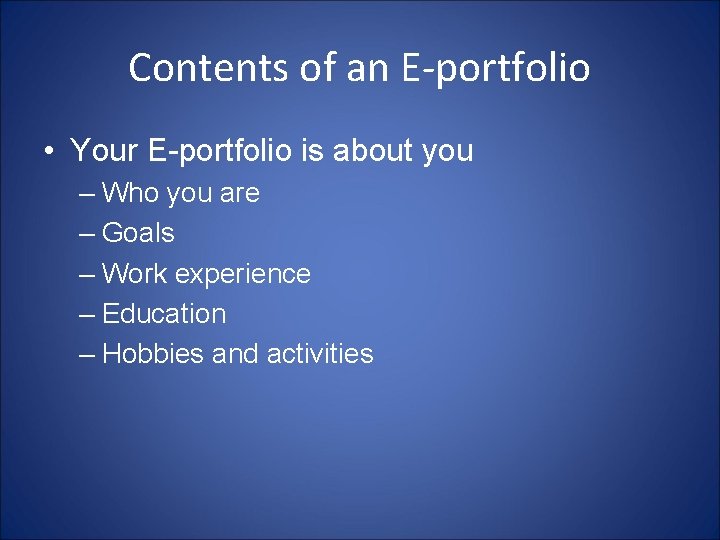
Contents of an E-portfolio • Your E-portfolio is about you – Who you are – Goals – Work experience – Education – Hobbies and activities
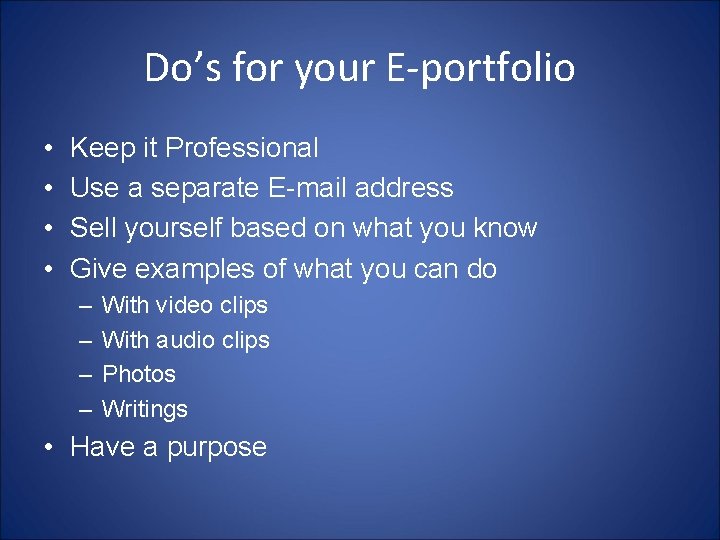
Do’s for your E-portfolio • • Keep it Professional Use a separate E-mail address Sell yourself based on what you know Give examples of what you can do – – With video clips With audio clips Photos Writings • Have a purpose
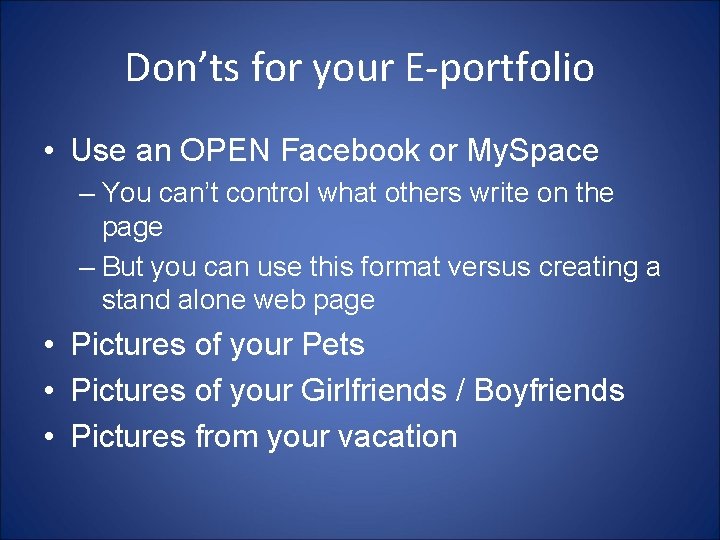
Don’ts for your E-portfolio • Use an OPEN Facebook or My. Space – You can’t control what others write on the page – But you can use this format versus creating a stand alone web page • Pictures of your Pets • Pictures of your Girlfriends / Boyfriends • Pictures from your vacation
Summary • • • Access Account User ID & Password Web. Mail Angel e. Lion Portal • www. work. psu. edu – Changing your password – Forwarding your email • Library – The CAT • E-portfolio
Useful Links • • • http: //its. psu. edu/password/bestpractices. htm https: //webmail. psu. edu http: //angel. psu. edu https: //elion. oas. psu. edu https: //portal. psu. edu/ https: //www. work. psu. edu/ http: //www. libraries. psu. edu/ http: //cat. libraries. psu. edu http: //www. lias. psu. edu/trytheselist. html http: //www. shenango. psu. edu/Student. Services/IT/cs. htm? cn 26 4