
Technology in ESOL Classrooms Preparing Teachers for Successful













- Slides: 77
Technology in ESOL Classrooms & Preparing Teachers for Successful Integration TESOL Intersession Presentation: Computer-Assisted Language Learning (CALL) And Elementary Education Interest Sections **** Presenters: Dr. Christel Broady, Dr. Karen Kuhel, Ellen Dougherty, Margaret Mc. Kenzie, Stacey Abbott, Sandra Annette Rogers, and Benjamin Fabie
SESSION SUMMARY The panel explores successful integration of technology in ELL elementary classrooms, considering the why (research findings) and how (practical examples and demonstration of technology). It also discusses training: 1) how teachers can be successfully prepared in teacher education programs, and 2) two online TESOL professional development opportunities in technology.
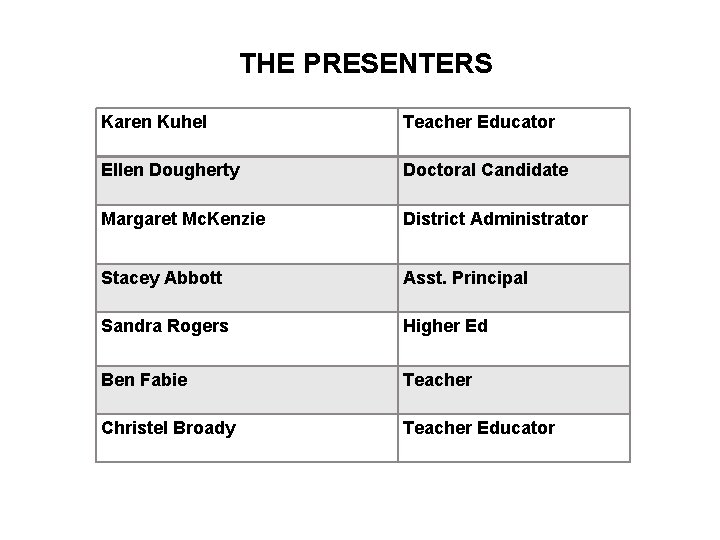
THE PRESENTERS Karen Kuhel Teacher Educator Ellen Dougherty Doctoral Candidate Margaret Mc. Kenzie District Administrator Stacey Abbott Asst. Principal Sandra Rogers Higher Ed Ben Fabie Teacher Christel Broady Teacher Educator
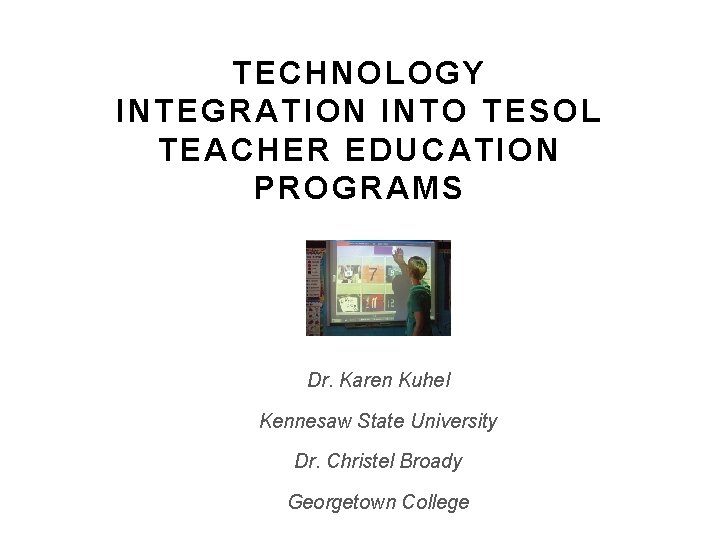
TECHNOLOGY INTEGRATION INTO TESOL TEACHER EDUCATION PROGRAMS Dr. Karen Kuhel Kennesaw State University Dr. Christel Broady Georgetown College
THE NEED FOR TECHNOLOGY IN TEACHER EDUCATION PROGRAMS v Technological natives vs. technological immigrants v Resistance based upon lack of understanding • Teacher Educator • Preservice Teacher • Practicing Teacher v Need to meet teacher education program standards* • Accreditation • P-12 – NCATE • General Education • Common Core • NETS *example is from the United States
THE HOW OF TECHNOLOGY IN TESOL TEACHER EDUCATION PROGRAMS v Stand alone technology course v Introductory technology course + intentional systematic embedding of technology throughout rest of program v Only intentional systematic embedding of technology throughout program
THE PEDAGOGY OF SUSTAINABILITY v Develop knowledge and skills to consider which technology best meets the needs of a specific teaching/learning situation v Develop skills in specific technologies v Develop Communities of Practice in order to sustain systematic appropriate use of technology(ies) for academic achievement
DETERMINE WHICH TECHNOLOGY BEST MEET THE NEEDS OF A SPECIFIC TEACHING/LEARNING SITUATION Pedagogically, how can teacher education programs help preservice and practicing teachers become reflective consumers of technology? v Situate technology learning and application within the content and context of the classroom; v Stress active reflection on the effectiveness of all areas of instruction (content, language, and technology); v Utilize project-based collaborative learning v Draw on resources from others who have a long history of using technology to develop differentiation of instruction
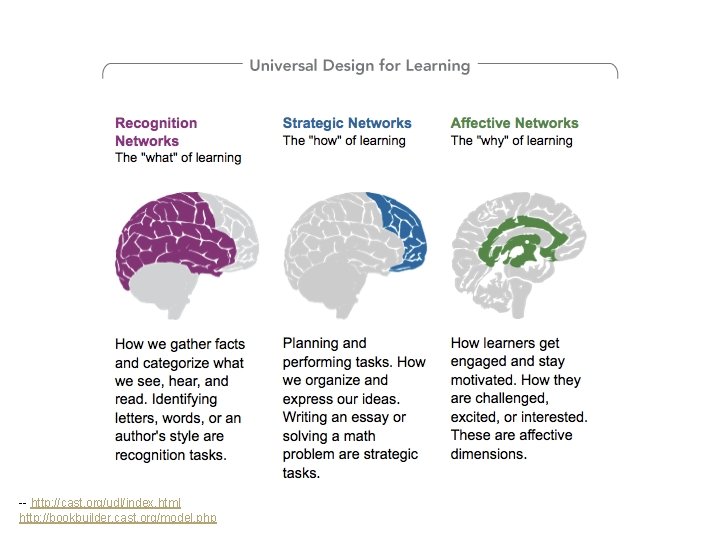
-- http: //cast. org/udl/index. html http: //bookbuilder. cast. org/model. php
IN KENTUCKY, ALL TEACHERS ARE ESL TEACHERS
WHERE TO BEGIN?
COLLABORATION OF REGULAR TEACHERS WITH ESL SPECIALIST
CREATING Communities of Practice Via Asynchronous Technology And Social Media
TECHNOLOGY
AUDIO …DOWNLOADABLE
VIDEOS. . …MODELS OF BEST PRACTICE of
ASSESSMENT TIPS
ACCOMMODATIONS
CULTURAL INFORMATION
PSYCHOLOGICAL INFORMATION
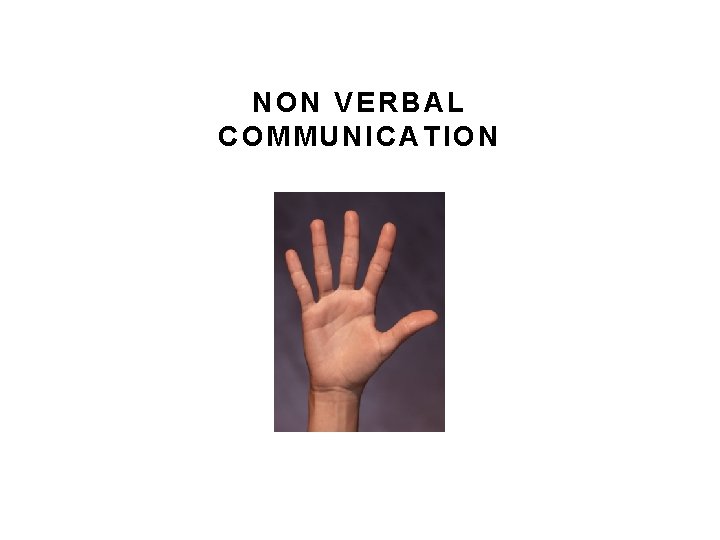
NON VERBAL COMMUNICATION
BLOG http: //gtownesl. blogspot. com/
TWITTER http: //twitter. com/Georgetown. ESL? evid=UPFMfu. Trr 0 S bgm. K 9 h 30 o%2 F 0 zw. Nt. W%2 FKdb. K 1 F 5 Zz%2 Fp. Y 3 q 4% 3 D&utm_campaign=newfollow 20100823&utm_content =profile&utm_medium=email&utm_source=follow
WEBPAGE http: //kentuckyclassroom. org/georgetownesl/ Should represent the latest professional news and development
WIKI Build Knowledge
PROFESSIONAL LEADERSHIP v Become an active member in professional organizations v Contribute to the profession v Model advocacy on the levels of school, state, and beyond
CONSULTATION v Skype v Google Chat v Google documents for review v Drop Box
HOW WILL TEACHERS BE PREPARED? 5 ESL Endorsement courses weaving technology with content, accreditation standards, Praxis exam content, and anything else required of a program. Practical examples:
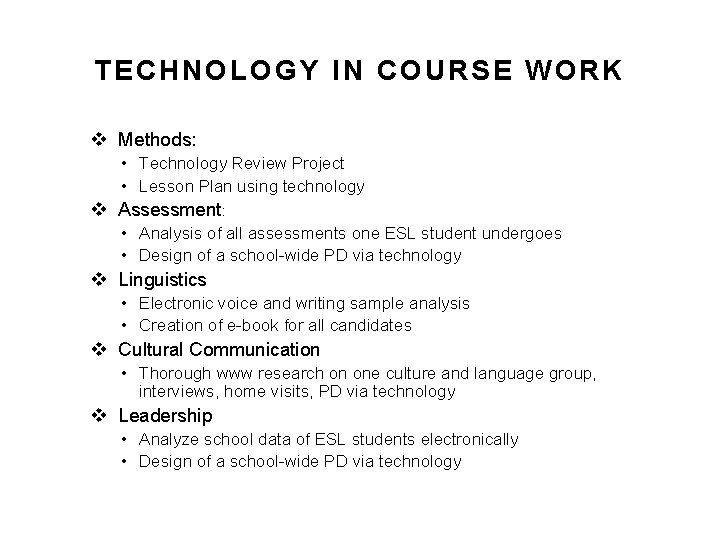
TECHNOLOGY IN COURSE WORK v Methods: • Technology Review Project • Lesson Plan using technology v Assessment: • Analysis of all assessments one ESL student undergoes • Design of a school-wide PD via technology v Linguistics • Electronic voice and writing sample analysis • Creation of e-book for all candidates v Cultural Communication • Thorough www research on one culture and language group, interviews, home visits, PD via technology v Leadership • Analyze school data of ESL students electronically • Design of a school-wide PD via technology
TECHNOLOGY INTEGRATION – THE SCHOOL DISTRICT PERSPECTIVE Margaret Mc. Kenzie Cobb County Georgia School District
COBB COUNTY SCHOOL DISTRICT WHO ARE WE? • Second largest school district in GA • 114 schools • 106, 642 students • 8, 000 ELLs and 2, 000 ELLMs
SOME DISTRICT LEVEL CHALLENGES v ESOL teachers spread over wide area and in multiple schools v Limited face-time for district staff to meet with school level staff v Limited technology support and training v Highly transient population
“Administrators play a pivotal role in determining how well technology is used in our schools. ” http: //www. iste. org/standards/nets-for-administrators. aspx iste (International Society for Technology in Education) NETS-A (National Educational Technology Standards)
THE HALLMARKS OF THE NEW SCHOOL LEADER Critical understanding: 1. For administrators to create and sustain a culture that supports digital-age learning, they must become comfortable collaborating as colearners with colleagues and students around the world.
THE HALLMARKS OF THE NEW SCHOOL LEADER Critical understanding: 2. In today’s digital learning culture, it’s less about staying ahead and more about moving forward as members of dynamic learning communities. Administrators convey a vision for technology infusion and ensure development of their own technology skills and those of others.
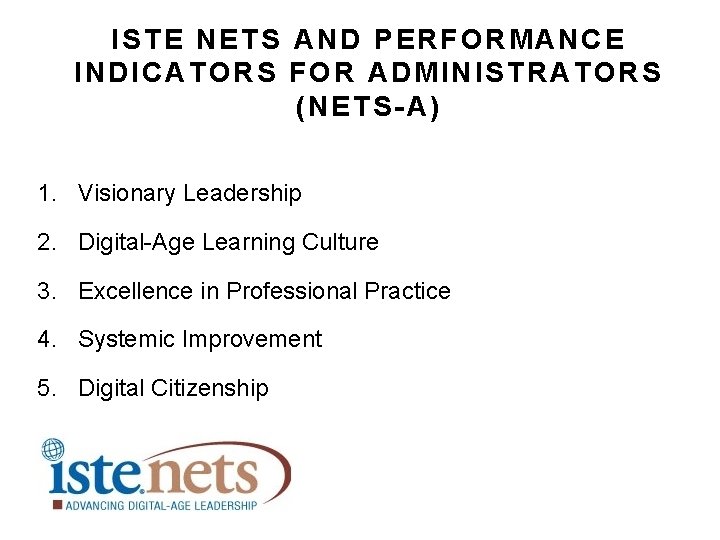
ISTE NETS AND PERFORMANCE INDICATORS FOR ADMINISTRATORS (NETS-A) 1. Visionary Leadership 2. Digital-Age Learning Culture 3. Excellence in Professional Practice 4. Systemic Improvement 5. Digital Citizenship
SO…HOW CAN TECHNOLOGY HELP DISTRICT LEVEL STAFF SUPPORT THEIR COLLEAGUES IN HIGHER ED AND ON THE LOCAL SCHOOL LEVEL?
QUICK ACCESS TO INFORMATION AND RESOURCES Websites or blogs v Cobb ESOL Blog v Cobb FL/ESOL Tech Integration Blog
ONLINE COLLABORATION Wikis (PBWorks) Google. Docs Drop. Box Blackboard Skype
INFORMATION GATHERING Google. Docs – online forms, spreadsheets
TECHNOLOGY INTEGRATION INTO THE ELEMENTARY CLASSROOM – SCHOOL ADMINISTRATIVE PERSPECTIVE Stacey Abbott Cobb County School District
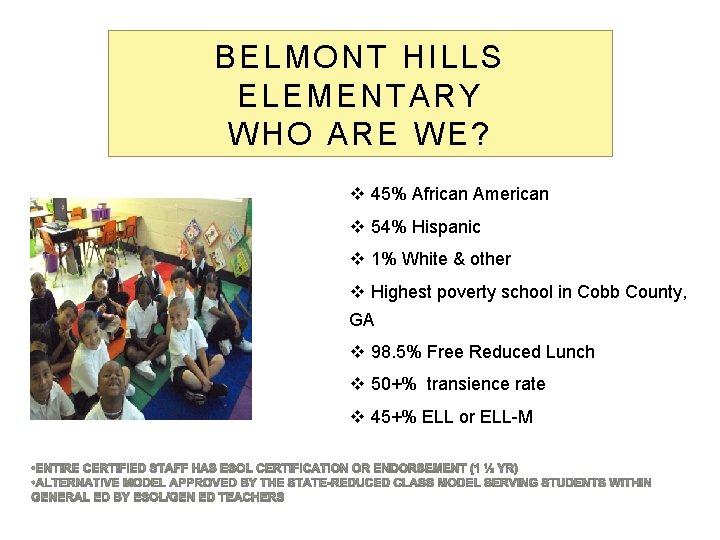
BELMONT HILLS ELEMENTARY WHO ARE WE? v 45% African American v 54% Hispanic v 1% White & other v Highest poverty school in Cobb County, GA v 98. 5% Free Reduced Lunch v 50+% transience rate v 45+% ELL or ELL-M
USING TECHNOLOGY WITH ELLS SCHOOL ADMINISTRATION LEVEL v. Develop Teacher Buy-In v. Dedicate Support & Materials v. Dedicate Time v. Develop Accountability
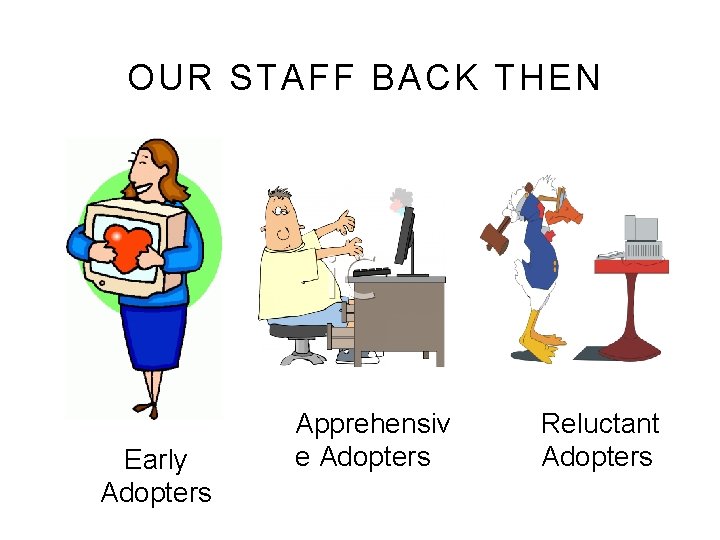
OUR STAFF BACK THEN Early Adopters Apprehensiv e Adopters Reluctant Adopters
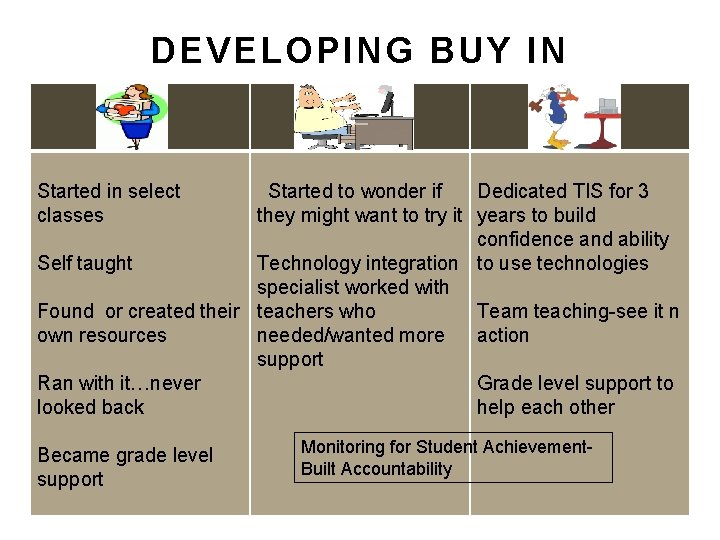
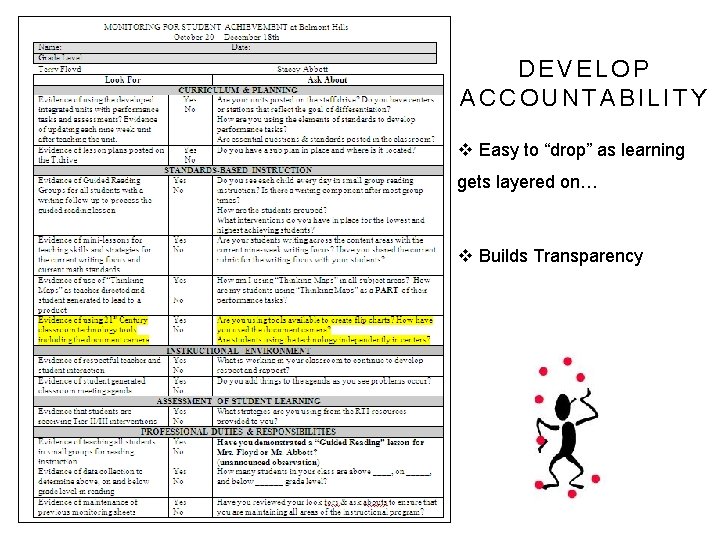
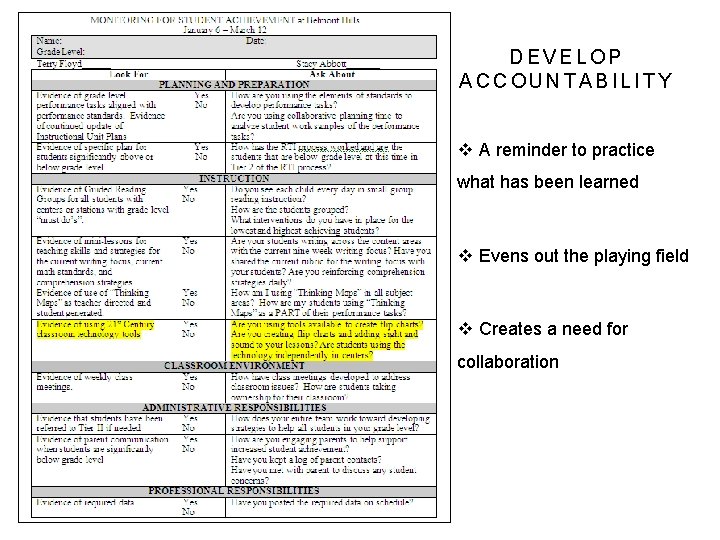
DEVELOPING BUY IN Started in select classes Started to wonder if Dedicated TIS for 3 they might want to try it years to build confidence and ability Self taught Technology integration to use technologies specialist worked with Found or created their teachers who Team teaching-see it n own resources needed/wanted more action support Ran with it…never Grade level support to looked back help each other Became grade level support Monitoring for Student Achievement- Built Accountability
DEDICATE SUPPORT & MATERIALS v Initial training to use new technology provided by companies (Promethean, Active Studio/Inspire) v Local school Technology Integration Specialist continued support during collaboration time (document cameras, CPS, i. Respond) v Continued to purchase/seek curricular resources to use with technologies v Recently added an ipod cart for use with ELLs
DEDICATE TIME v Collaboration- 2 hour protected collaboration (Learn, hyperlink into units, skype) v Unit planner development-use of shared drive v Peer Observations to learn from each other
DEVELOP ACCOUNTABILITY v Easy to “drop” as learning gets layered on… v Builds Transparency
DEVELOP ACCOUNTABILITY v A reminder to practice what has been learned v Evens out the playing field v Creates a need for collaboration
TECHNOLOGY INTEGRATION INTO THE ELEMENTARY CLASSROOM – TEACHER PERSPECTIVE Benjamin Fabie Belmont Hills Elementary
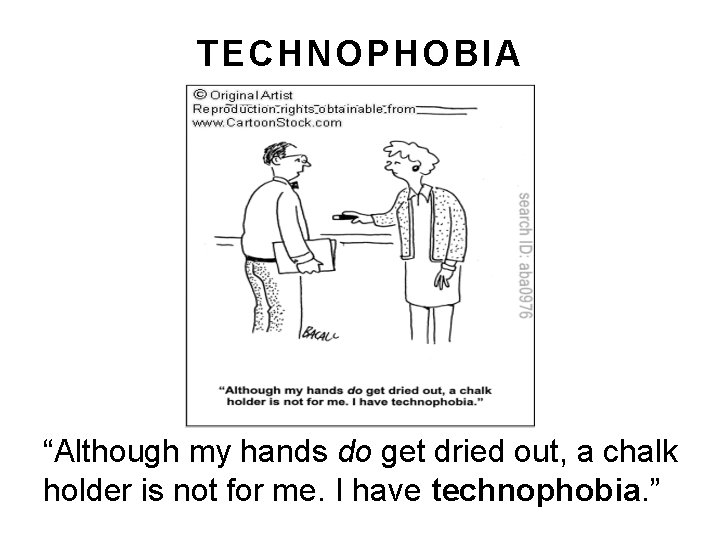
TECHNOPHOBIA “Although my hands do get dried out, a chalk holder is not for me. I have technophobia. ”
21 S T CENTURY CLASSROOM v During the 2007 -2008 school year, the Cobb County School District in Georgia launched the “ 21 st Century Classroom” project, which included placing IWBs in every working classroom within seven demonstration schools. v “The 21 st Century Classroom initiative will turn classrooms into high-tech, interactive learning environments at the seven schools. ”
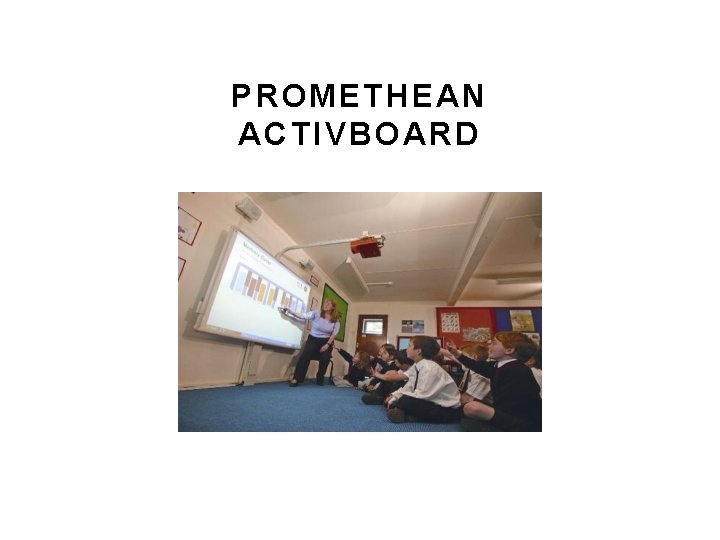
PROMETHEAN ACTIVBOARD
SOFTWARE PROGRAMS v. Activ. Studio v. Activ. Inspire • Flipcharts • Teacher/student created • Steal with zeal! • www. prometheanplanet. com • Collaborative sharing on school server
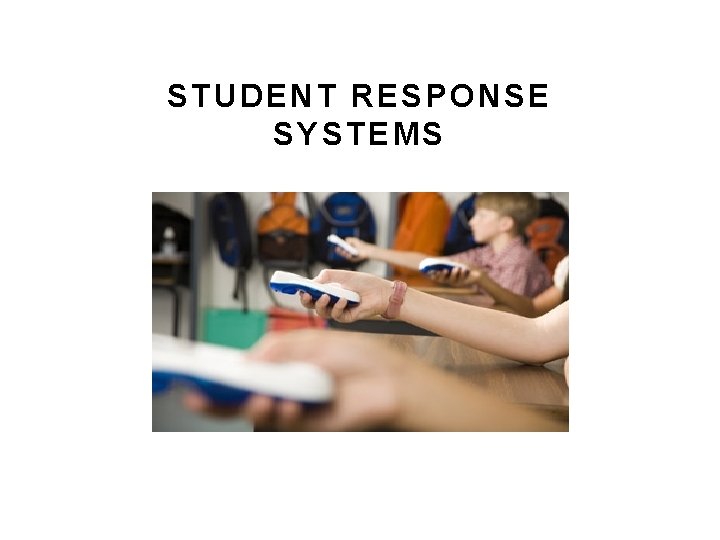
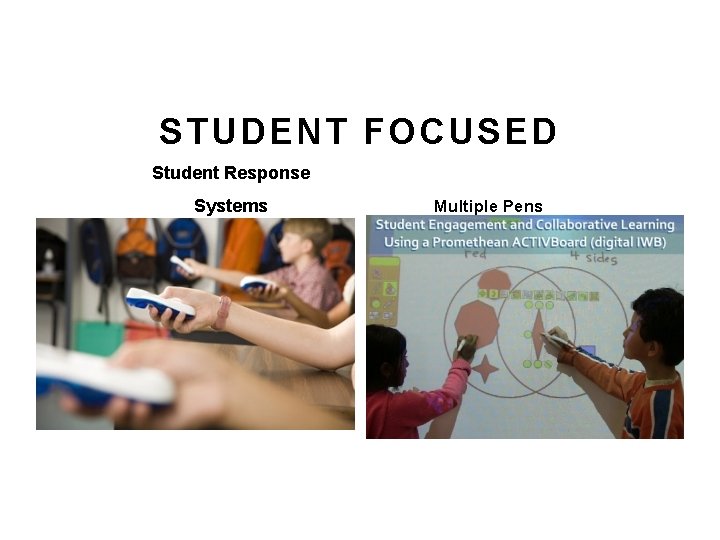
STUDENT RESPONSE SYSTEMS
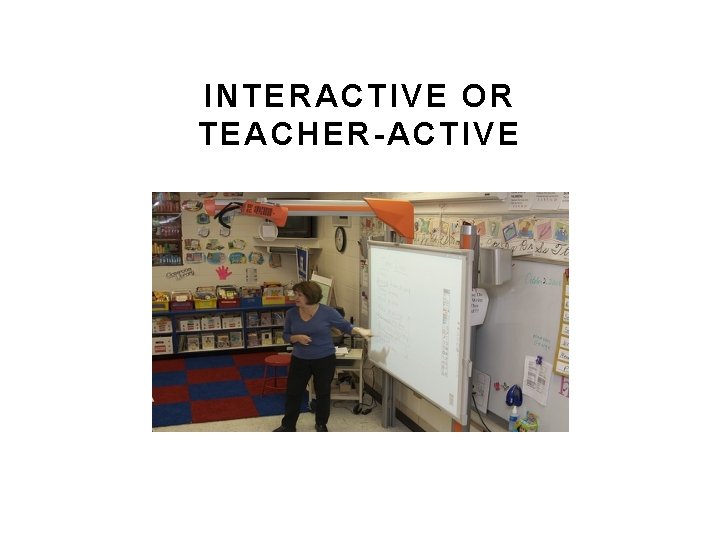
INTERACTIVE OR TEACHER-ACTIVE
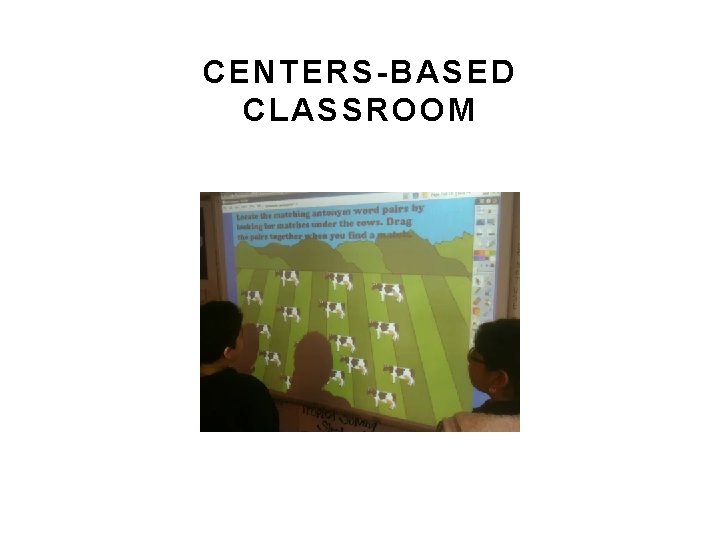
CENTERS-BASED CLASSROOM
STUDENT FOCUSED Student Response Systems Multiple Pens
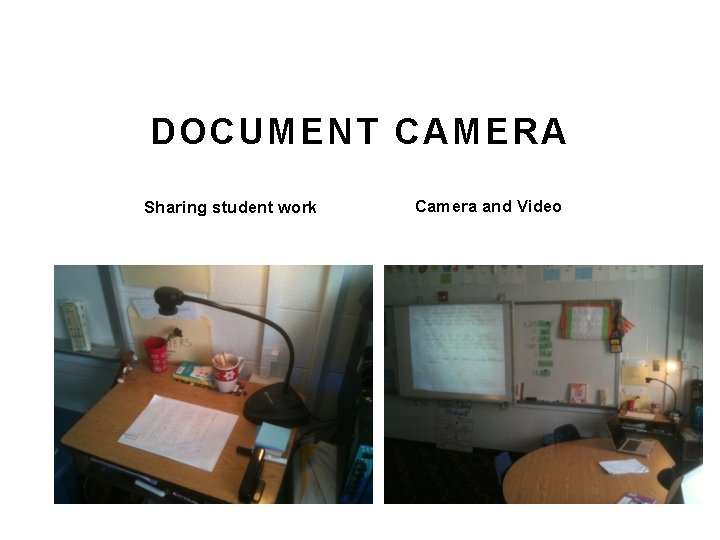
DOCUMENT CAMERA Sharing student work Camera and Video
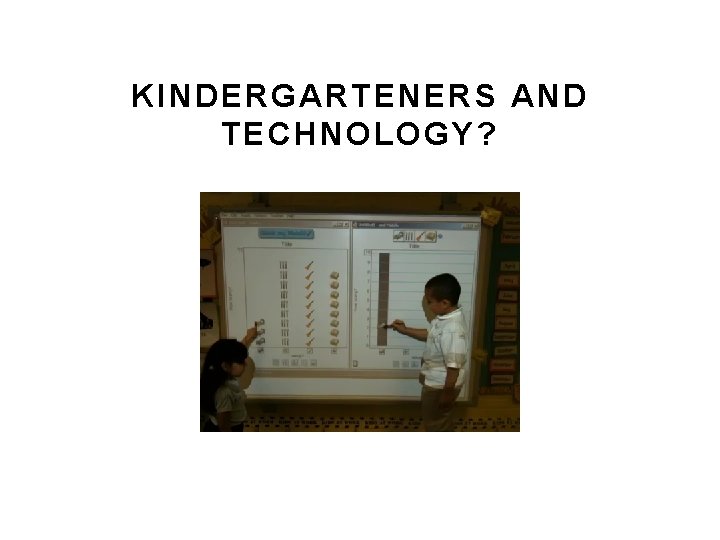
KINDERGARTENERS AND TECHNOLOGY?
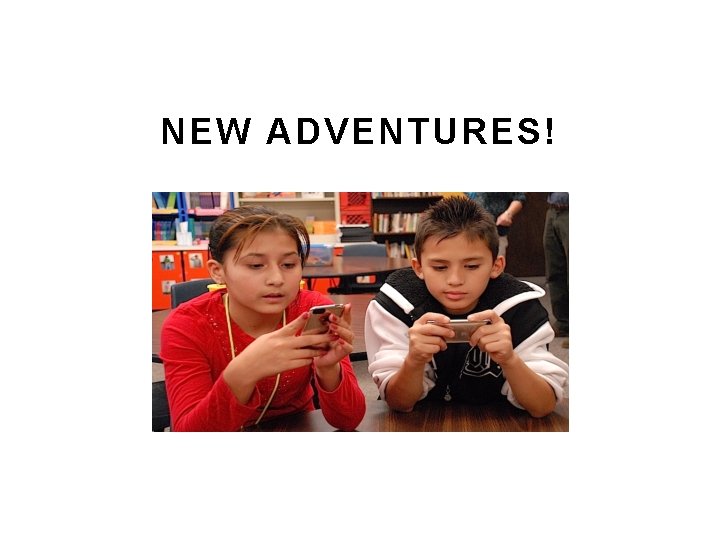
NEW ADVENTURES!
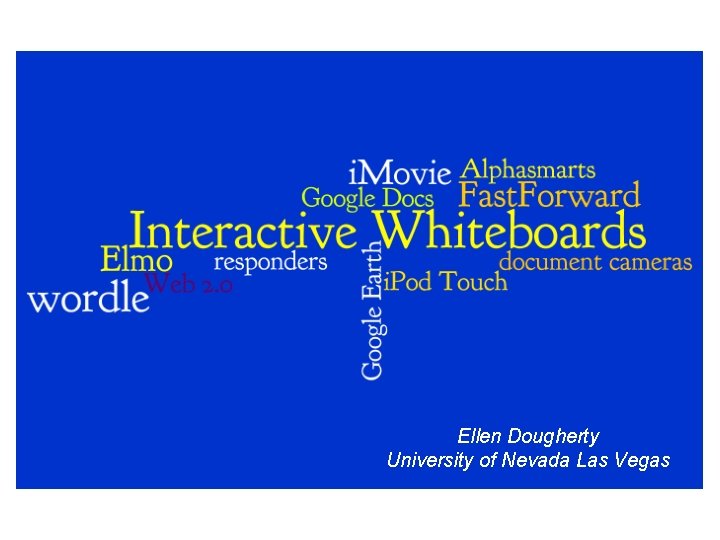
Ellen Dougherty University of Nevada Las Vegas
CONDITIONS FOR OPTIMAL LEARNING ENVIRONMENTS (EGBERT & HANSON-SMITH, 2007) v Interact & negotiate meaning v Interact in target language with authentic audience v Involved in authentic tasks v Exposure to and encouraged to produce varied & creative language v Sufficient time & feedback v Guided to attend mindfully to learning process v Atmosphere with ideal stress & anxiety level v Autonomy is supported
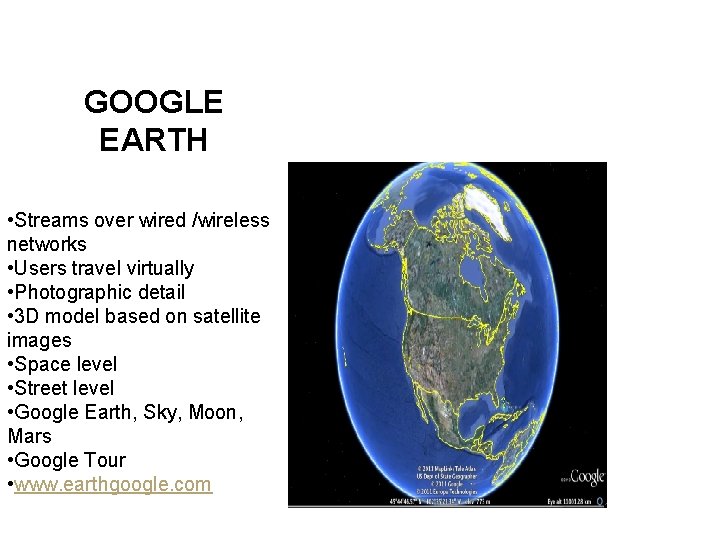
GOOGLE EARTH • Streams over wired /wireless networks • Users travel virtually • Photographic detail • 3 D model based on satellite images • Space level • Street level • Google Earth, Sky, Moon, Mars • Google Tour • www. earthgoogle. com networks • Users travel virtually • Photographic detail • 3 D model based on satellite images • Space level • Street level • Google Earth, Sky, Moon, Mars • Google Tour
WORD PROCESSING * Basic Literacies * Follow directions • Attention to detail • Microsoft Office • Google Docs • The Important Book by Margaret Wise Brown http: //www. writingfix. com/Pictu re_Book_Prompts/Important. B ook 1. htm
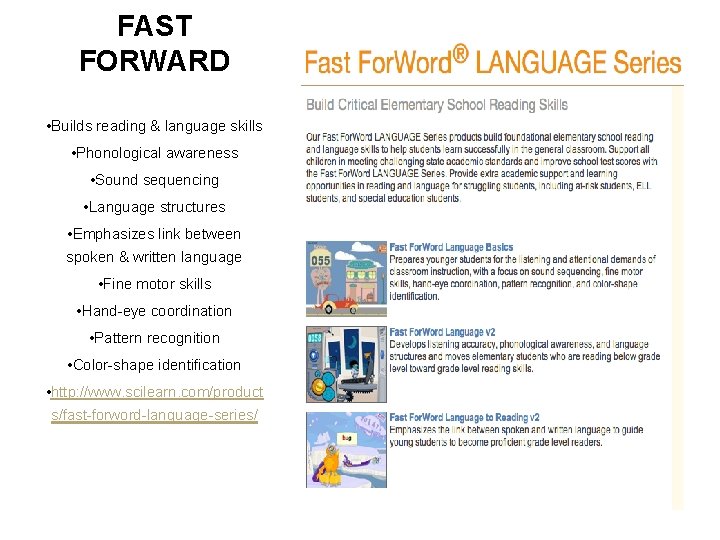
FAST FORWARD • Builds reading & language skills • Phonological awareness • Sound sequencing • Language structures • Emphasizes link between spoken & written language • Fine motor skills • Hand-eye coordination • Pattern recognition • Color-shape identification • http: //www. scilearn. com/product s/fast-forword-language-series/
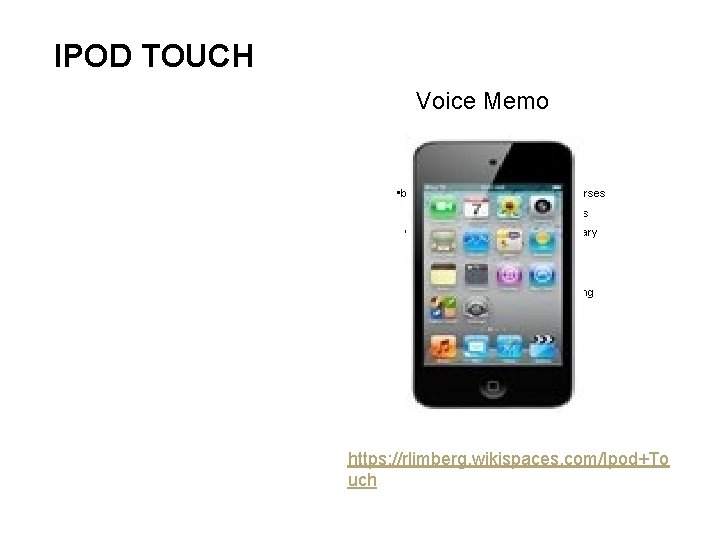
IPOD TOUCH Voice Memo • busuu. com - Interactive language courses • Learning English –New York Times • Story Kit - Int. Children’s Digital Library • Conversation English • Allen English – Grammar • ESL - Innovative Language Learning • Scrabble • Kaplan TOEFL Vocabulary • Hubble. Site. org https: //rlimberg. wikispaces. com/Ipod+To uch
PROFESSIONAL DEVELOPMENT Sandra Rogers University of South Alabama
INDEPENDENT ONLINE LEARNING OPPORTUNITIES 1. TESOL's Principles & Practices of Online Teaching (PPOT) Certificate v This yearlong course hosted by TESOL is conducted at the University of Wisconsin-Eau Claire via online v This certification is for Teaching English to Speakers of Other Languages (TESOL); however, it's open to anyone from any field. v PPOT courses encourage social networking and highlights the free online tools that could be used for educational purposes.
PPOT CERTIFICATE Sample Coursework: Foundation course (history of online teaching, methodology and research findings), Creating and Using Multimedia Online, Teaching Reading and Writing Online, Teaching Listening Online, e. Commerce for Teachers and Administrators, and a Completion course (final projects, debriefings, and summation).
ELECTRONIC VILLAGE ONLINE (EVO) 2. TESOL's CALL-IS Electronic Village Online (EVO) v CALL-IS actually created the PPOT Certificate program. EVO takes place annually during the first part of the year and is not a certificate course; it provides various sessions free of charge. v To get involved next year, look for announcements for the call to participate in December of this year for EVO 2012. These announcements are generally shared on the TESOL list serves, so make sure you join the one connected to your interest section. v Even though the session has ended, you can still view the content covered. Generally, the sessions are participatory and conclude with a final project. Therefore, there are numerous projects to view that include sample lesson plans, blogs, wikis, videos, photography, audio files, etc.
EVO'S MISSION STATEMENT The EVO is a creation of TESOL's CALL Interest Section. In this age of electronic communication, it seems a natural way to bring the issues of our profession to the international stage. Our goal is to allow learning anywhere, anytime, with as little expense as possible. Thus EVO moderators and trainers are all volunteers, and participants need only provide their own Internet access to take part in activities. Contribution as a Moderator is a significant act of volunteerism, and forms an important service to our profession.