
TECHNOLOGY GUIDE ONE Computer Hardware TECHNOLOGY GUIDE OUTLINE
- Slides: 52
TECHNOLOGY GUIDE ONE Computer Hardware
TECHNOLOGY GUIDE OUTLINE TG 1. 1 Introduction TG 1. 2 The Central Processing Unit TG 1. 3 Computer Memory TG 1. 4 Computer Hierarchy TG 1. 5 Input and Output Technologies TG 1. 6 Innovations in Hardware Utilization TG 1. 7 Strategic Hardware Issues
LEARNING OBJECTIVES n Identify the major hardware components of a computer system. n Describe the design and functioning of the central processing unit. n Discuss the relationships between microprocessor component designs and performance. n Describe the main types of primary and secondary storage.
LEARNING OBJECTIVES (continued) n Distinguish between primary and secondary storage along the dimensions of speed, cost, and capacity. n Define enterprise storage and describe the various types of enterprise storage. n Describe the hierarchy of computers according to power and their respective roles.
LEARNING OBJECTIVES (continued) n Differentiate among the various types of input and output technologies and their uses. n Discuss the innovations in hardware utilization. n Discuss strategic issues that link hardware design to business strategy.
TG 1. 1 Introduction Hardware refers to the physical equipment used for the input, processing, output and storage activities of a computer system.
Hardware consists of: n Central processing unit (CPU) n Primary storage n Secondary storage n Input technologies n Output technologies n Communication technologies
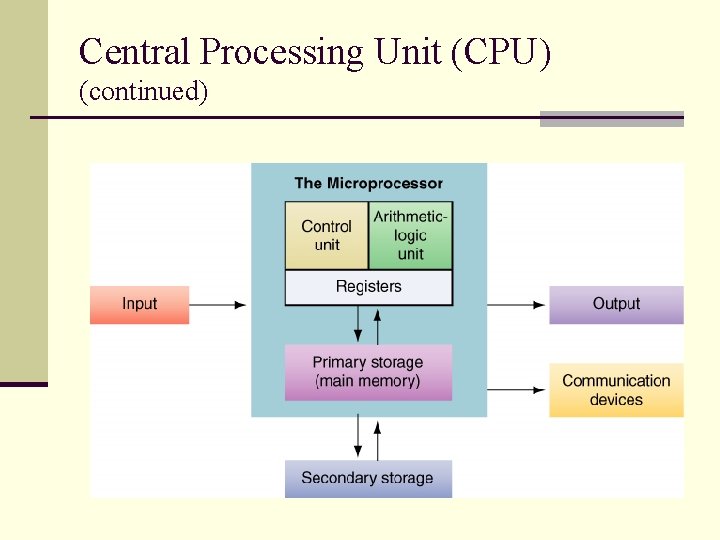
TG 1. 2 The Central Processing Unit n Central processing unit (CPU) performs the actual computation or “number crunching” inside any computer. n Microprocessor Control unit n Arithmetic-logic unit (ALU) n Registers n
Central Processing Unit (CPU) (continued)
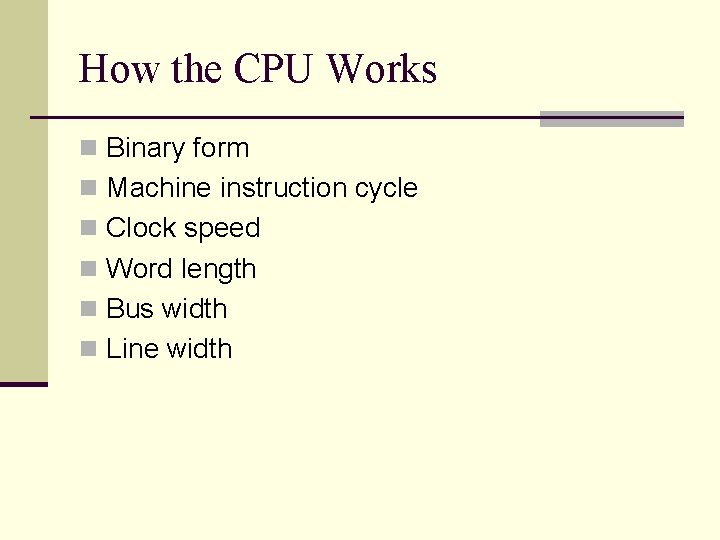
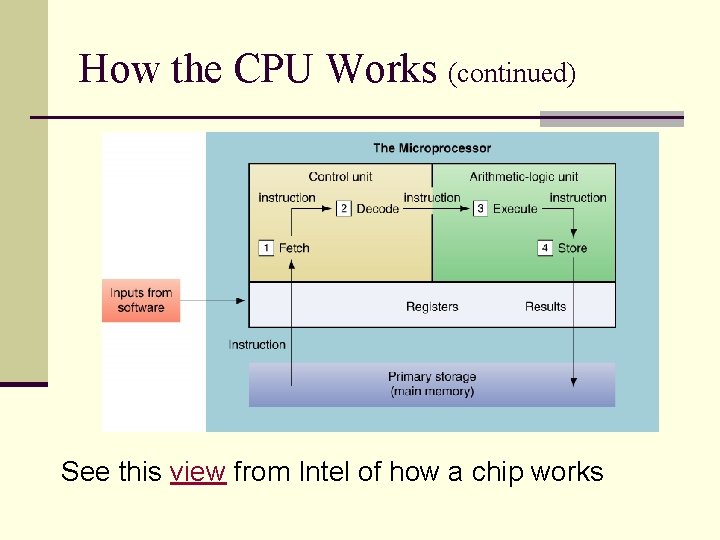
How the CPU Works n Binary form n Machine instruction cycle n Clock speed n Word length n Bus width n Line width
How the CPU Works (continued) See this view from Intel of how a chip works
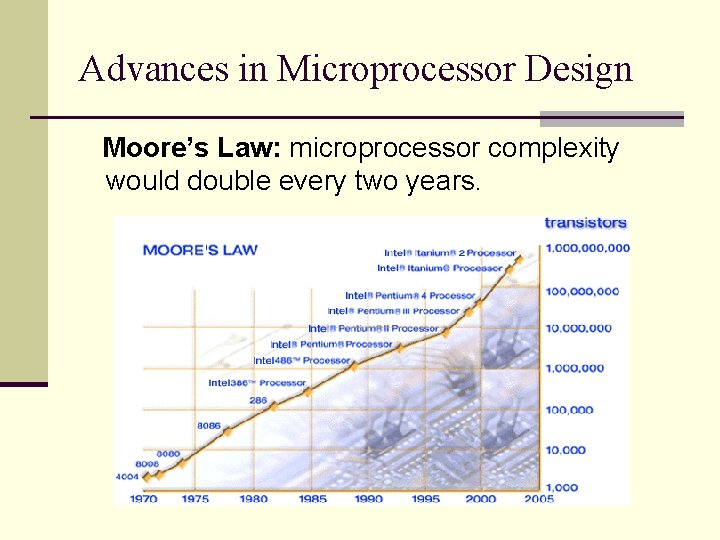
Advances in Microprocessor Design Moore’s Law: microprocessor complexity would double every two years.
The Evolution of Chips For a look at the evolution of chips from the Intel 4004 to multicore chips, click here.
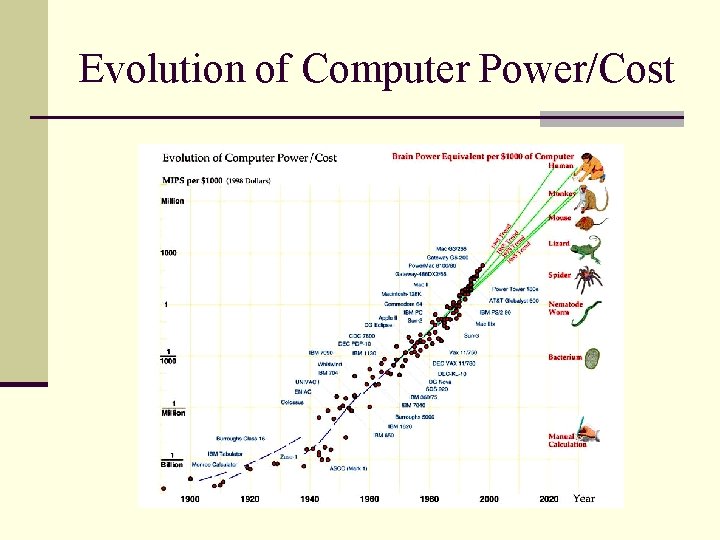
Evolution of Computer Power/Cost
TG 1. 3 Computer Memory Two basic categories of computer memory: Primary Storage n Secondary Storage n
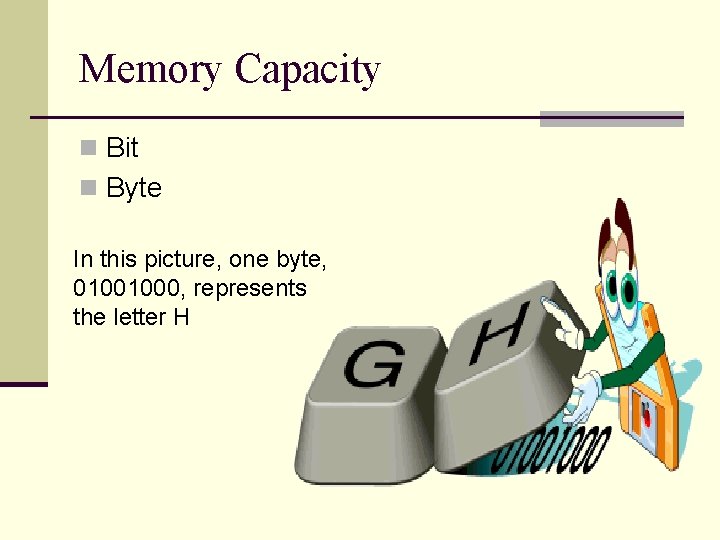
Memory Capacity n Bit n Byte In this picture, one byte, 01001000, represents the letter H
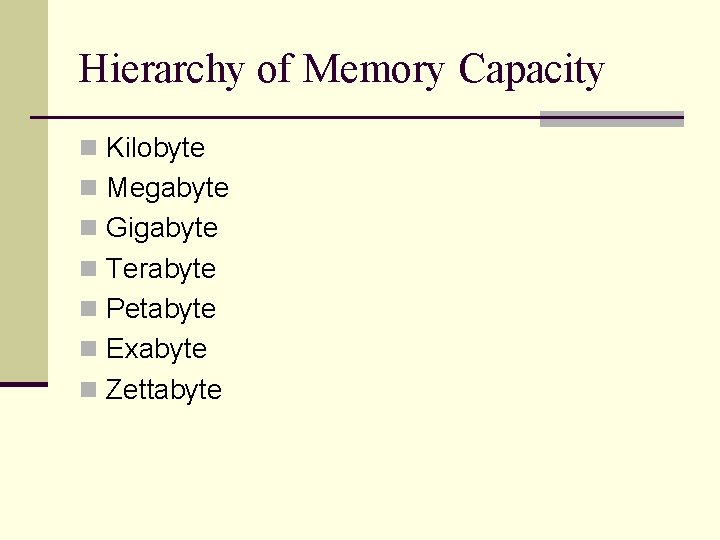
Hierarchy of Memory Capacity n Kilobyte n Megabyte n Gigabyte n Terabyte n Petabyte n Exabyte n Zettabyte
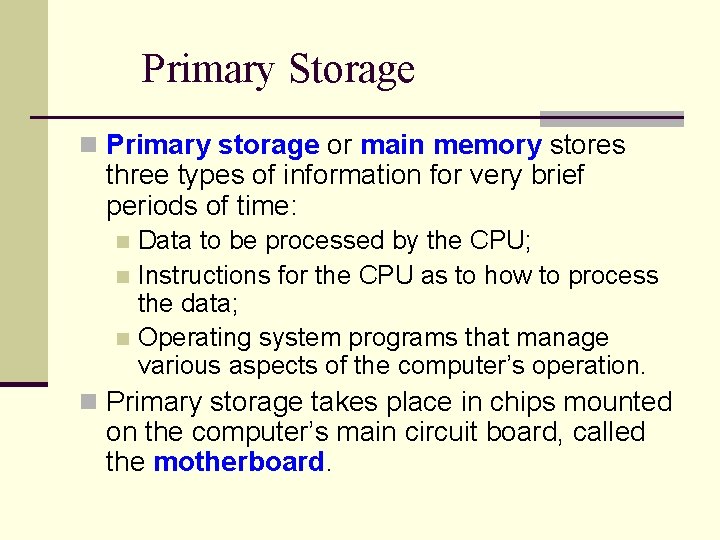
Primary Storage n Primary storage or main memory stores three types of information for very brief periods of time: Data to be processed by the CPU; n Instructions for the CPU as to how to process the data; n Operating system programs that manage various aspects of the computer’s operation. n n Primary storage takes place in chips mounted on the computer’s main circuit board, called the motherboard.
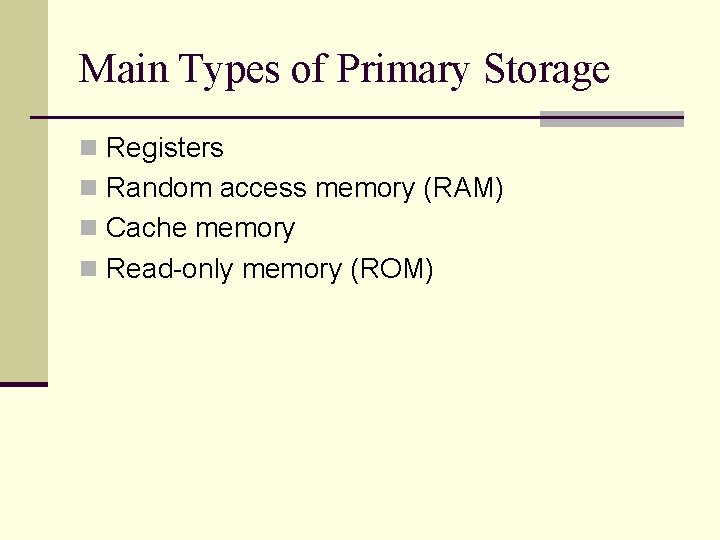
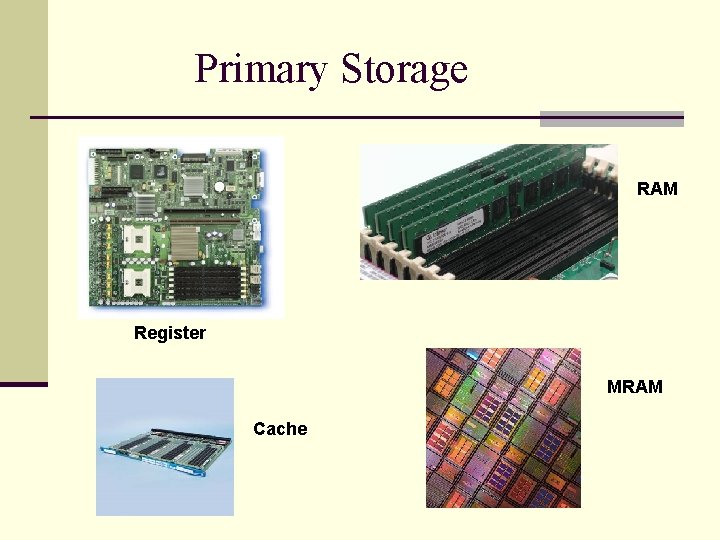
Main Types of Primary Storage n Registers n Random access memory (RAM) n Cache memory n Read-only memory (ROM)
Primary Storage RAM Register MRAM Cache
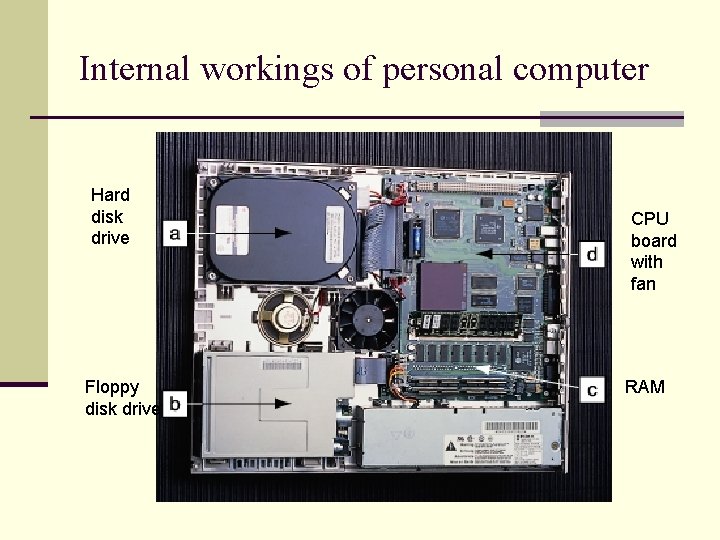
Internal workings of personal computer Hard disk drive Floppy disk drive CPU board with fan RAM
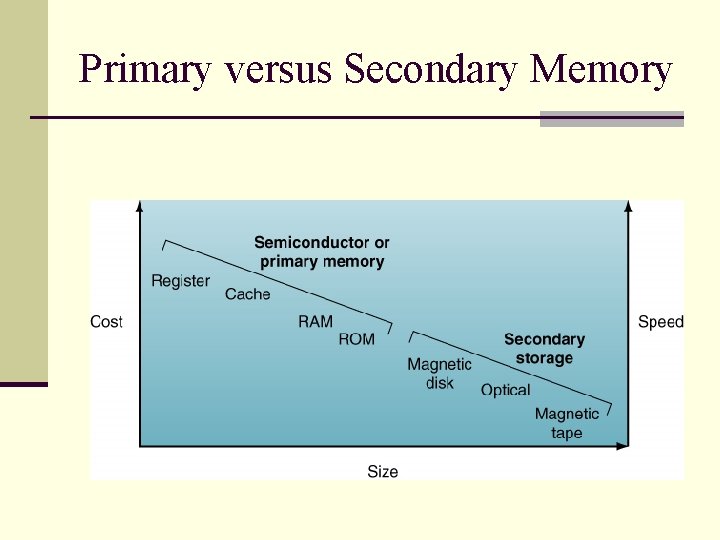
Primary versus Secondary Memory
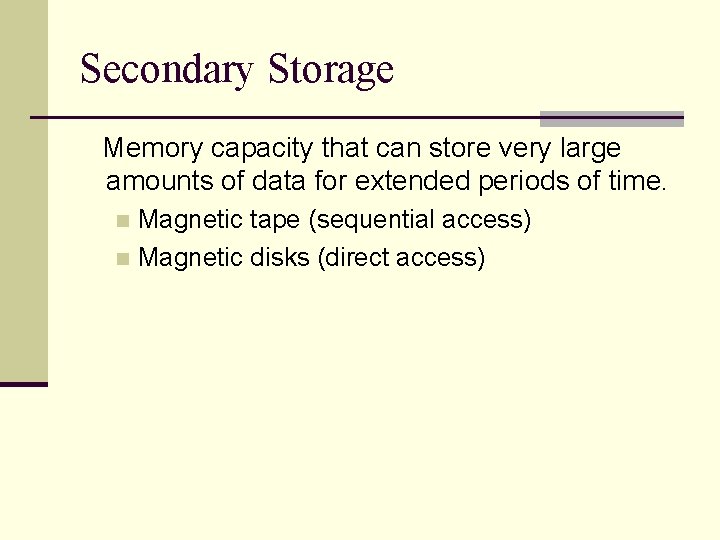
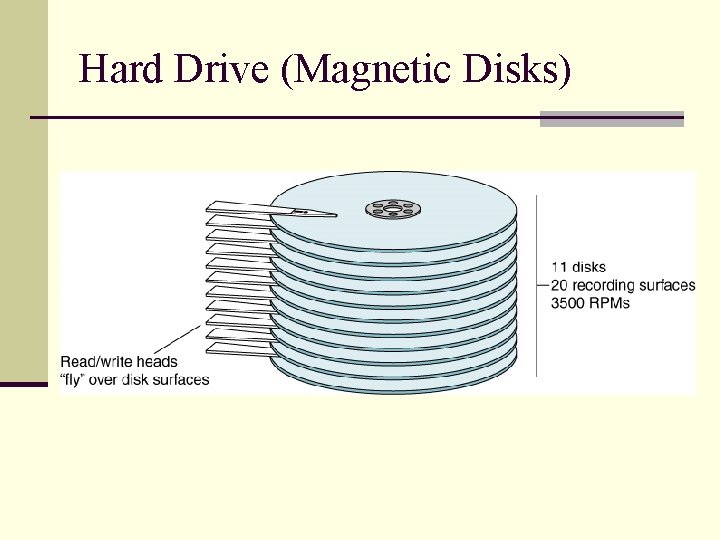
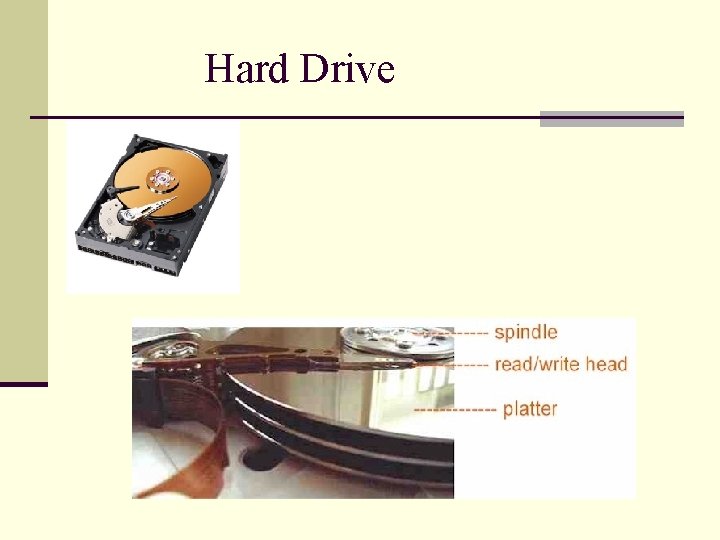
Secondary Storage Memory capacity that can store very large amounts of data for extended periods of time. Magnetic tape (sequential access) n Magnetic disks (direct access) n
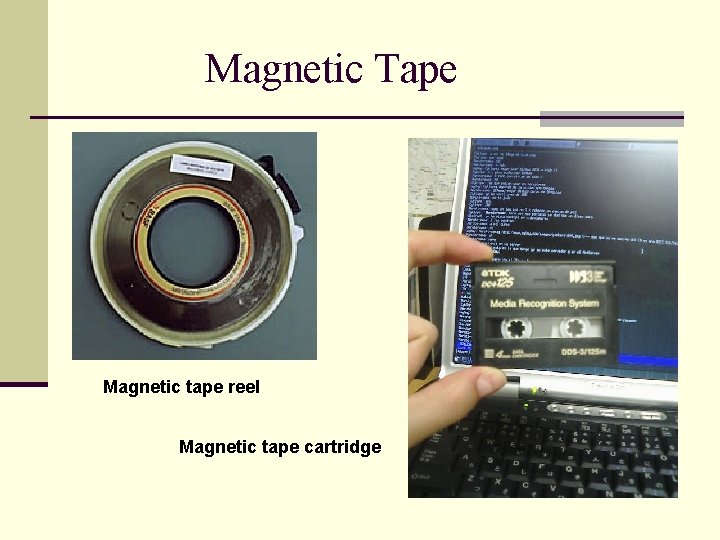
Magnetic Tape Magnetic tape reel Magnetic tape cartridge
Hard Drive (Magnetic Disks)
Hard Drive
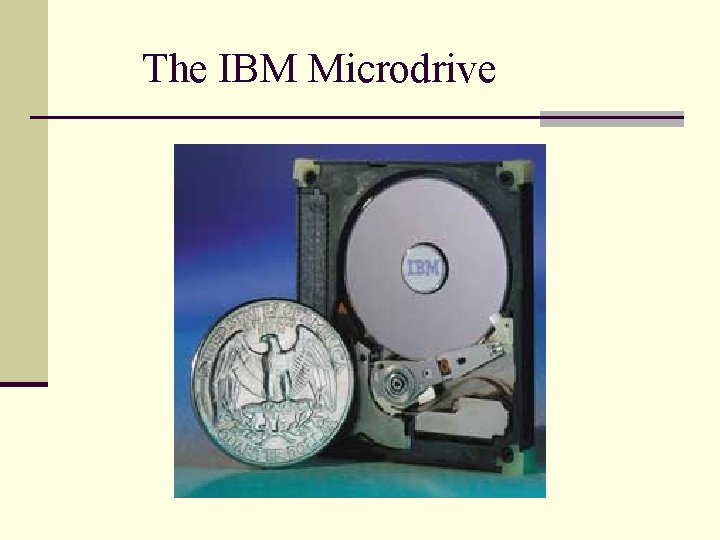
The IBM Microdrive
Optical Storage Devices n Optical storage devices: A form of secondary storage in which a laser reads the surface of a reflective plastic platter. Compact Disk, Read-Only Memory (CD-ROM) n Digital Video Disk (DVD) n
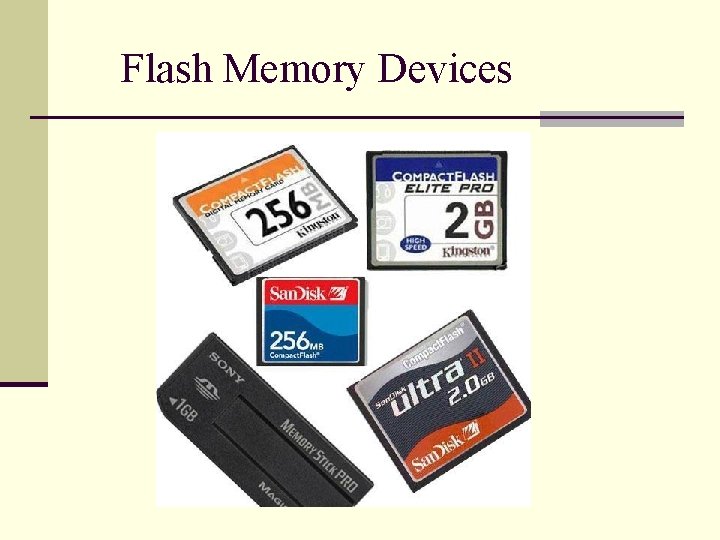
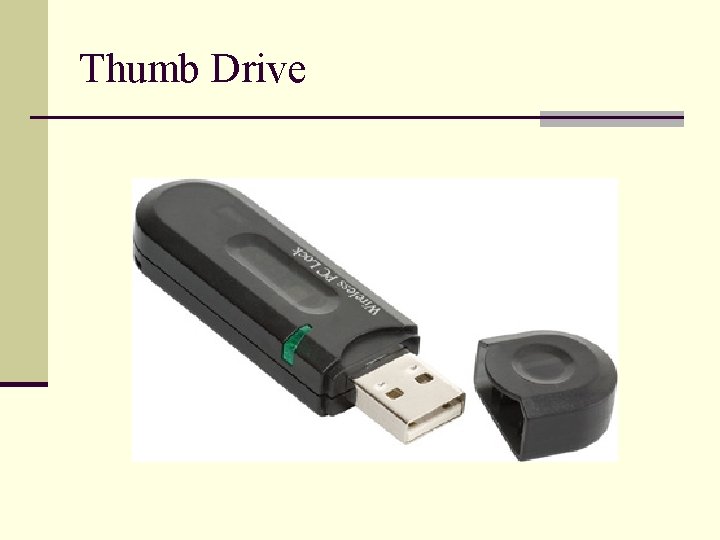
Flash Memory Devices n Flash memory devices n Thumb drive
Flash Memory Devices
Thumb Drive
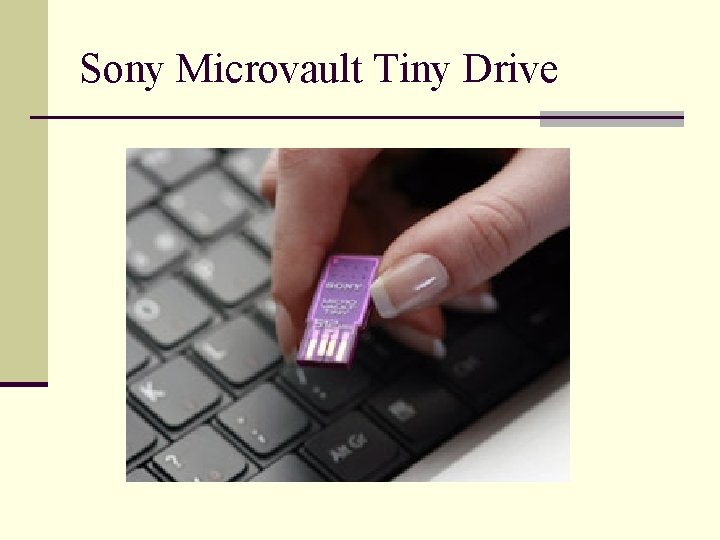
Sony Microvault Tiny Drive
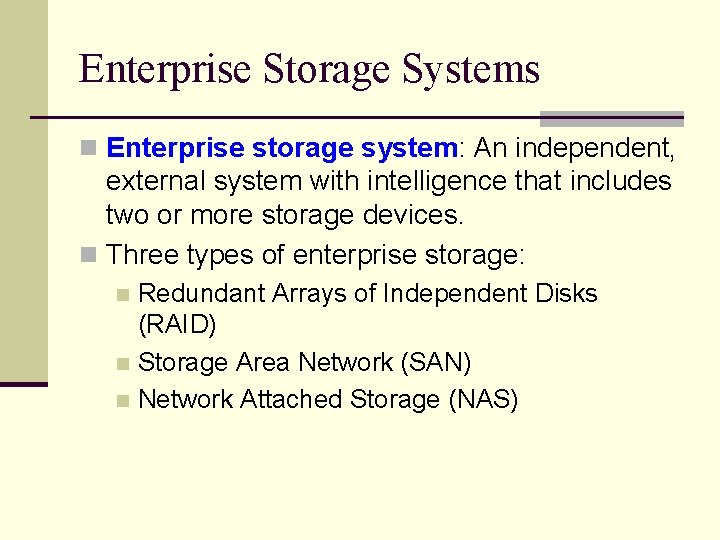
Enterprise Storage Systems n Enterprise storage system: An independent, external system with intelligence that includes two or more storage devices. n Three types of enterprise storage: Redundant Arrays of Independent Disks (RAID) n Storage Area Network (SAN) n Network Attached Storage (NAS) n
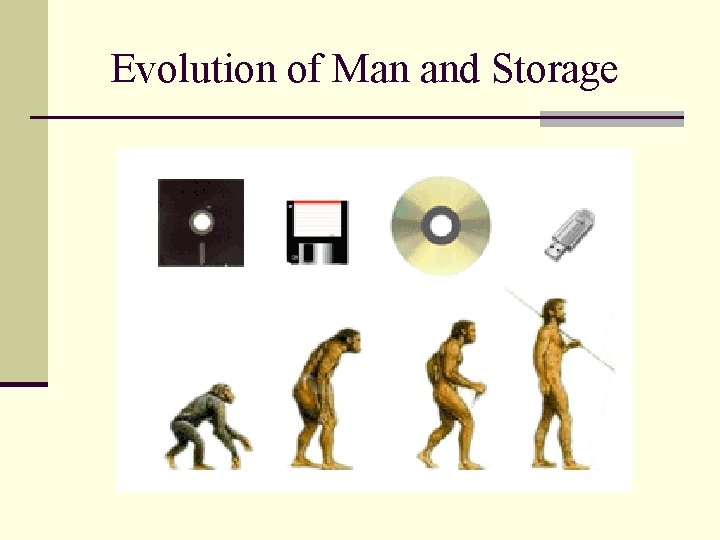
Evolution of Man and Storage
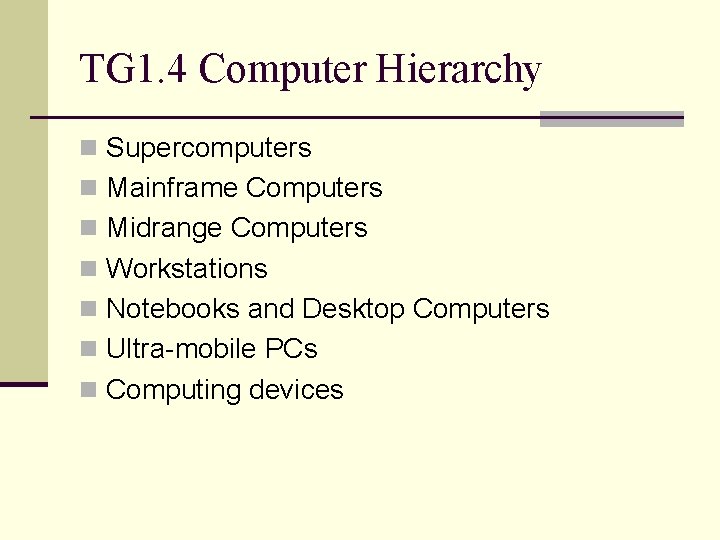
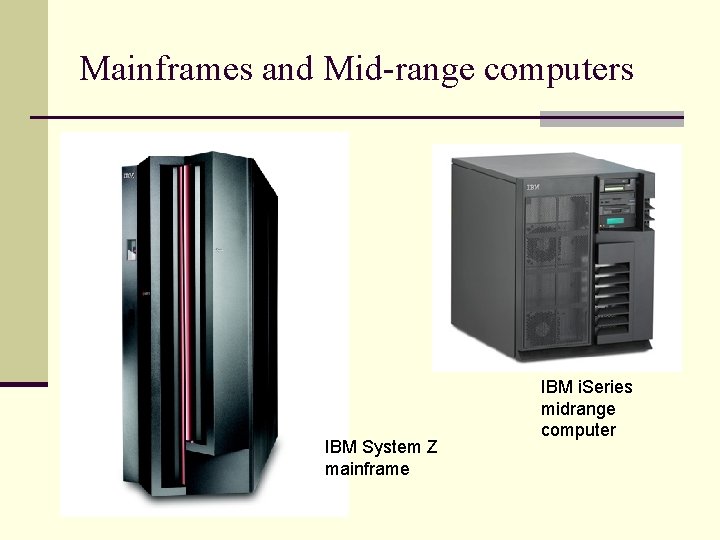
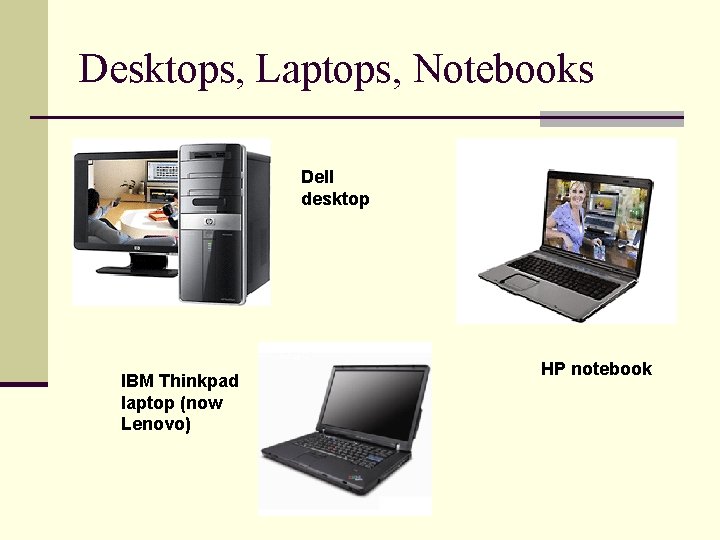
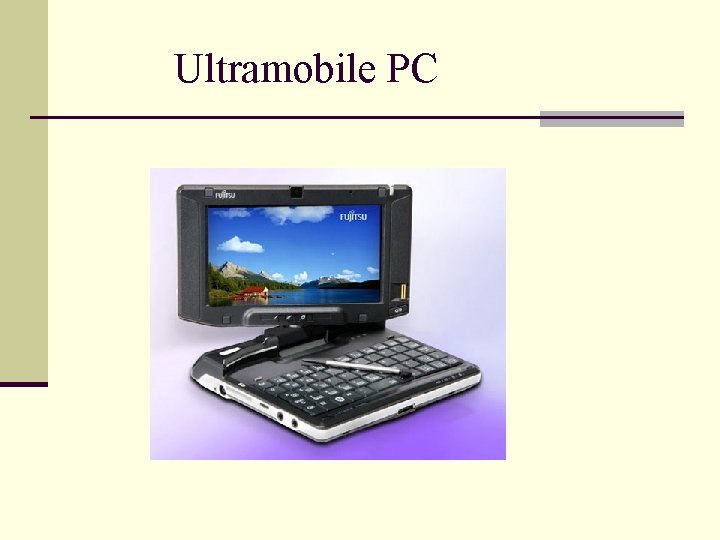
TG 1. 4 Computer Hierarchy n Supercomputers n Mainframe Computers n Midrange Computers n Workstations n Notebooks and Desktop Computers n Ultra-mobile PCs n Computing devices
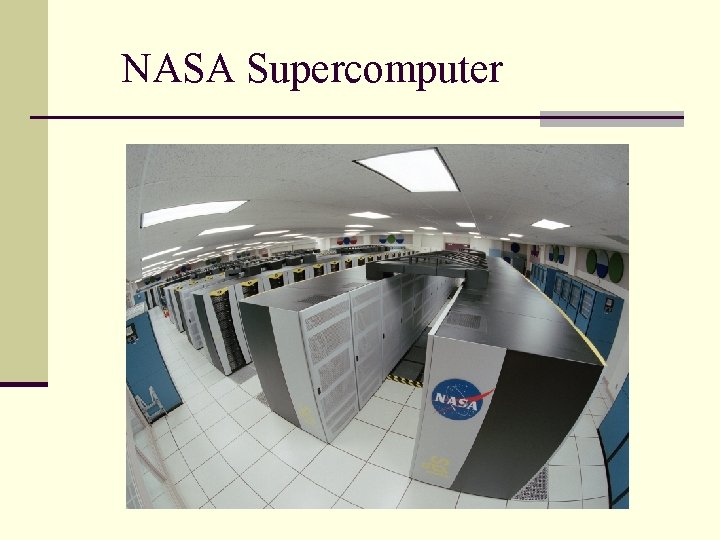
NASA Supercomputer
Mainframes and Mid-range computers IBM System Z mainframe IBM i. Series midrange computer
Desktops, Laptops, Notebooks Dell desktop IBM Thinkpad laptop (now Lenovo) HP notebook
Ultramobile PC
TG 1. 5 Input and Output Technologies n Input technologies allow people and other technologies to put data into a computer. The two main types of input devices are: n n human data-entry devices include keyboards, mouse, trackball, joystick, touchscreen, stylus and voice recognition; source-data automation devices input data with minimal human intervention (e. g. barcode reader). n Speed up data collection; n Reduce errors; n Gather data at the source of a transaction or other event.
Input and Output Technologies (continued) n Output generated by a computer can be transmitted to the user over several output devices and media, which include: Monitors n Printers n Plotters n Voice n
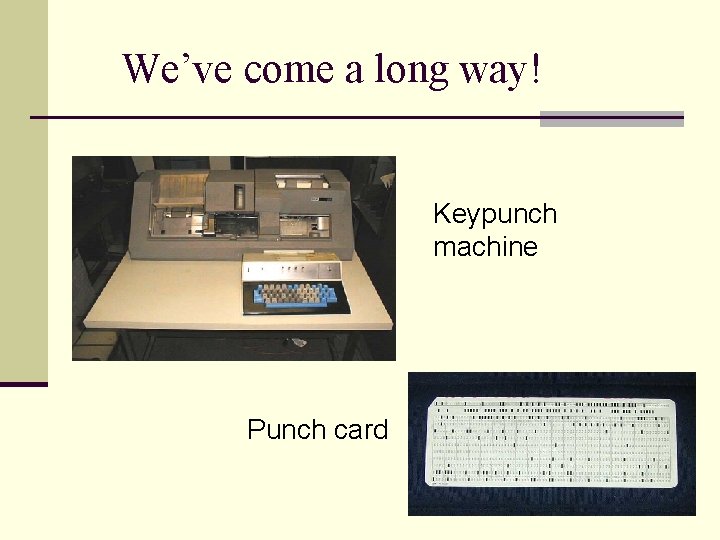
We’ve come a long way! Keypunch machine Punch card
The First Mouse A very early (if not the first) mouse demonstration in 1968.
Microsoft Seadragon is a very interesting interface. See a demonstration here.
The Multitouch Screen Jeff Han presents the multitouch screen at the TED talks.
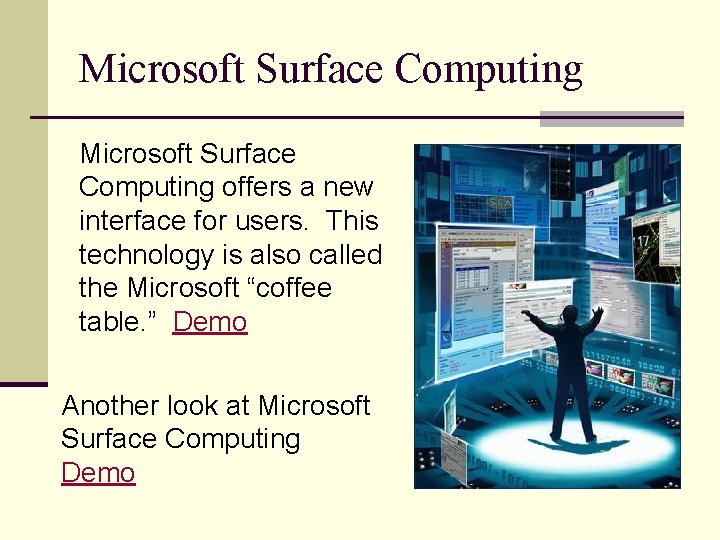
Microsoft Surface Computing offers a new interface for users. This technology is also called the Microsoft “coffee table. ” Demo Another look at Microsoft Surface Computing Demo
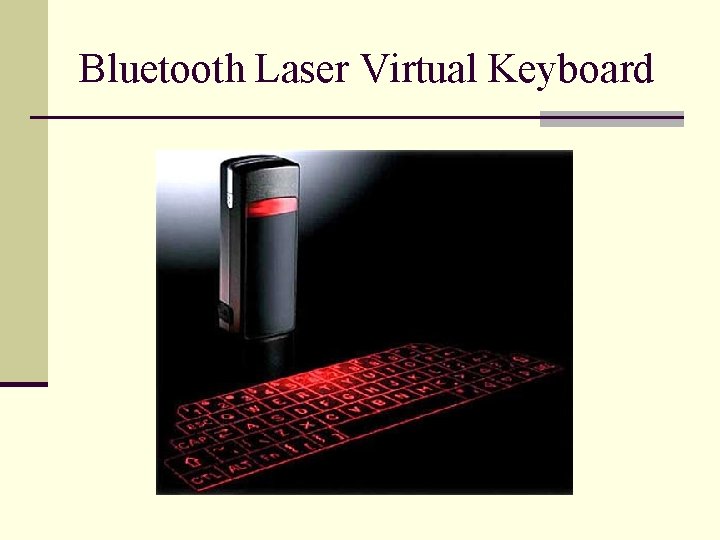
Bluetooth Laser Virtual Keyboard
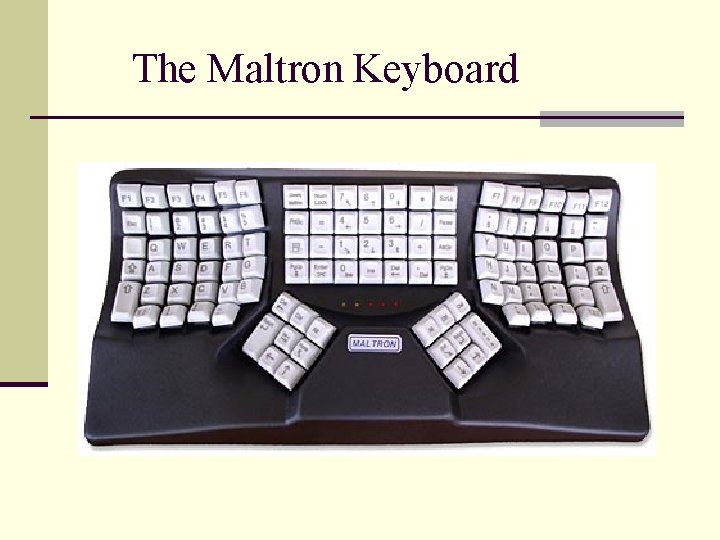
The Maltron Keyboard
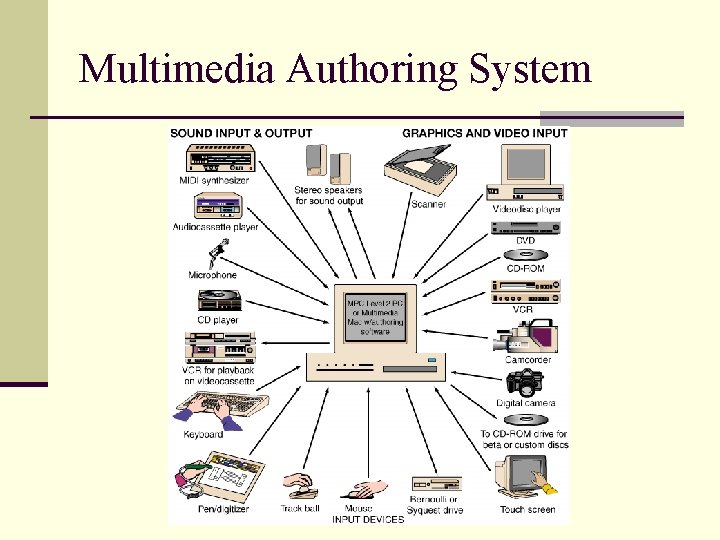
Multimedia Technology n Multimedia technology is the computer- based integration of text, sound, still images, animation and digitized motion video. n Merges capabilities of computers with televisions, VCRs, CD players, DVD players, video and audio recording equipment, music and gaming technologies.
Multimedia Authoring System
TG 1. 6 Innovations in Hardware Utilization n Server Farms n Virtualization n Grid computing n Utility computing n Edge Computing n Autonomic Computing n Nanotechnology (see these slides)
TG 1. 7 Strategic Hardware Issues n How do organizations keep up with the rapid price n n and performance advancements in hardware? How often should an organization upgrade its computers and storage systems? Will upgrades increase personal and organizational productivity? How can organizations measure such increase? How do organizations manage telecommuting?