
Technology Accessibility in K12 Speech Control The Mouseless
Technology Accessibility in K-12
Speech Control

The Mouse-less Web
![Screen Reading Software and Refreshable Braille Displays • By Eddau (Own work) [CC 0],](http://slidetodoc.com/presentation_image_h2/32bc522a504b01d17df2cd8f0d5ce8b8/image-4.jpg "Screen Reading Software and Refreshable Braille Displays • By Eddau (Own work) [CC 0],")
Screen Reading Software and Refreshable Braille Displays • By Eddau (Own work) [CC 0], via Wikimedia Commons
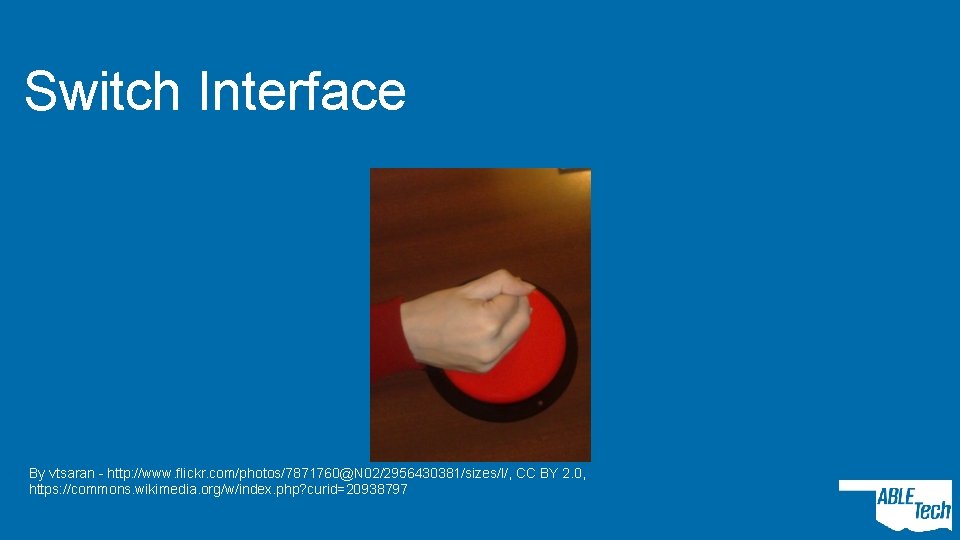
Switch Interface • By vtsaran - http: //www. flickr. com/photos/7871760@N 02/2956430381/sizes/l/, CC BY 2. 0, https: //commons. wikimedia. org/w/index. php? curid=20938797
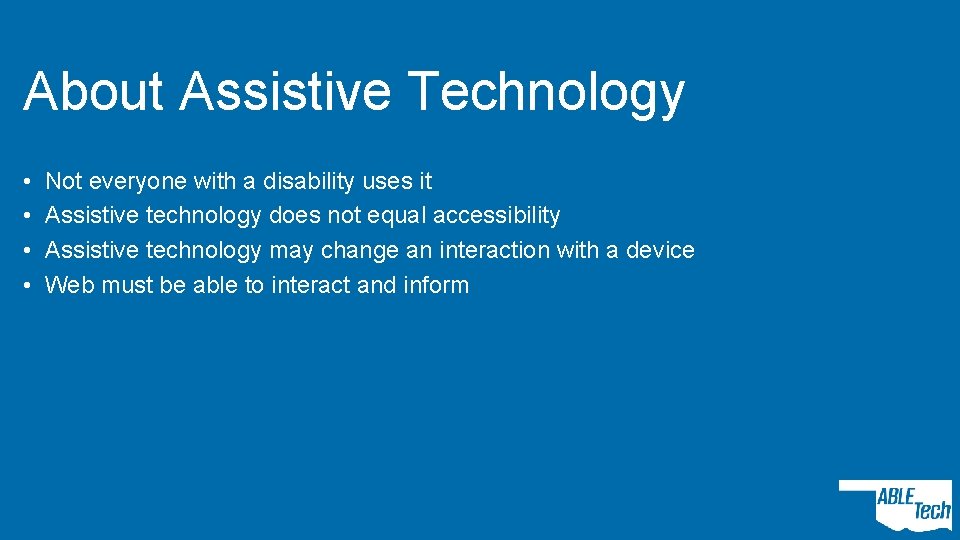
About Assistive Technology • • Not everyone with a disability uses it Assistive technology does not equal accessibility Assistive technology may change an interaction with a device Web must be able to interact and inform
Accessibility Defined • “Accessible” means that individuals with disabilities are able to independently acquire the same information, engage in the same interactions, and enjoy the same services within the same timeframe as individuals without disabilities, with substantially equivalent ease of use. • From Department of Education Office of Civil Rights
We Know what Accessible Looks and Acts Like • International standards Ø Federal policy Ø State law
Legal Stuff (Stay with Me) • Individuals with Disabilities Education Act (IDEA) • Section 504 • The Americans with Disabilities Act

Intersections • Students • Technology • Civil Rights
Technology • • • Classroom and educational technology Digital curricula Administrative and productivity tools Websites Social media Mobile apps
HOW? Moving Accessibility Forward
Big Picture Steps • Bake accessibility into creation • Build accessibility into technology use and purchase decisions • Integrate accessibility from the start
Practically Speaking • Time is money • Doing accessibility at the end costs time
Address Accessibility Holistically • Who creates and influences our technology? • • Special educators Teachers Classroom technology experts Information technology Marketing and web Purchasing Etc.

Q’s and A’s • Fire away!
- Slides: 16