
Technological Tips and Tricks September 2017 Orientation Dalhousie
Technological Tips and Tricks September 2017 Orientation Dalhousie School of Information Management
YOUR DIGITAL IDENTIFICATION Banner ID: B 00###### Sometimes called a boo number or your Dalhousie ID Can be used to identify yourself on assignments, exams, or university documents Use it to access your Net. ID: Aa 123456 Your original email address aa 123456@dal. ca This is used to log in to most of the portals you will be using Needs to be activated before use
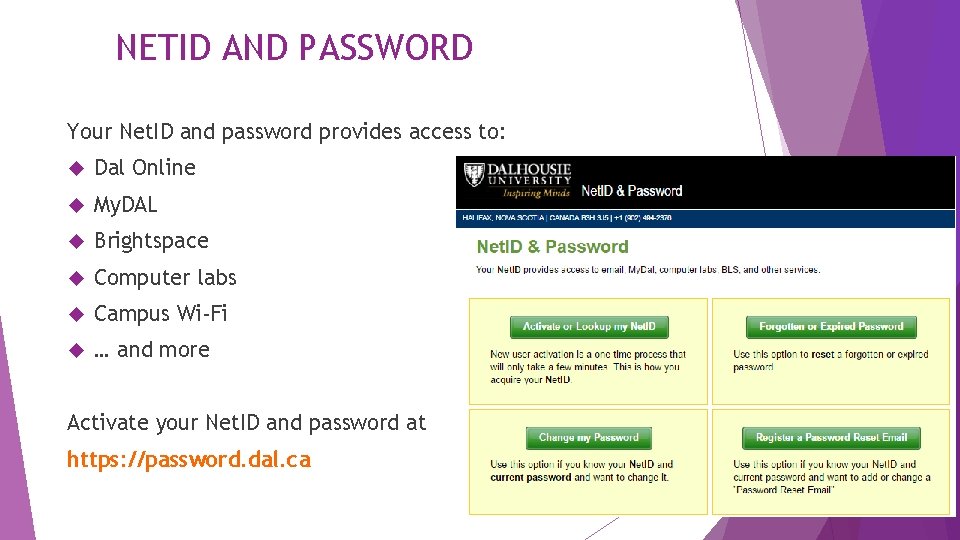
NETID AND PASSWORD Your Net. ID and password provides access to: Dal Online My. DAL Brightspace Computer labs Campus Wi-Fi … and more Activate your Net. ID and password at https: //password. dal. ca
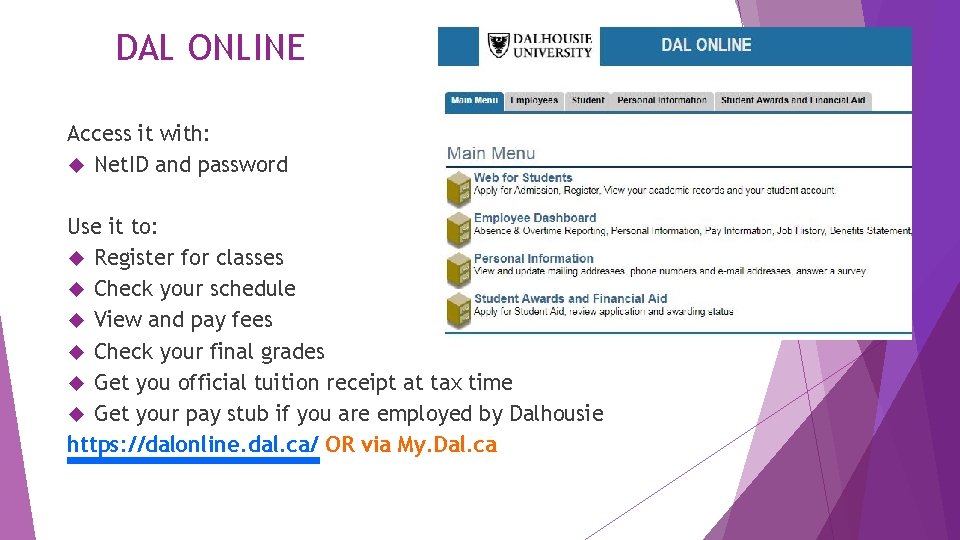
DAL ONLINE Access it with: Net. ID and password Use it to: Register for classes Check your schedule View and pay fees Check your final grades Get you official tuition receipt at tax time Get your pay stub if you are employed by Dalhousie https: //dalonline. dal. ca/ OR via My. Dal. ca
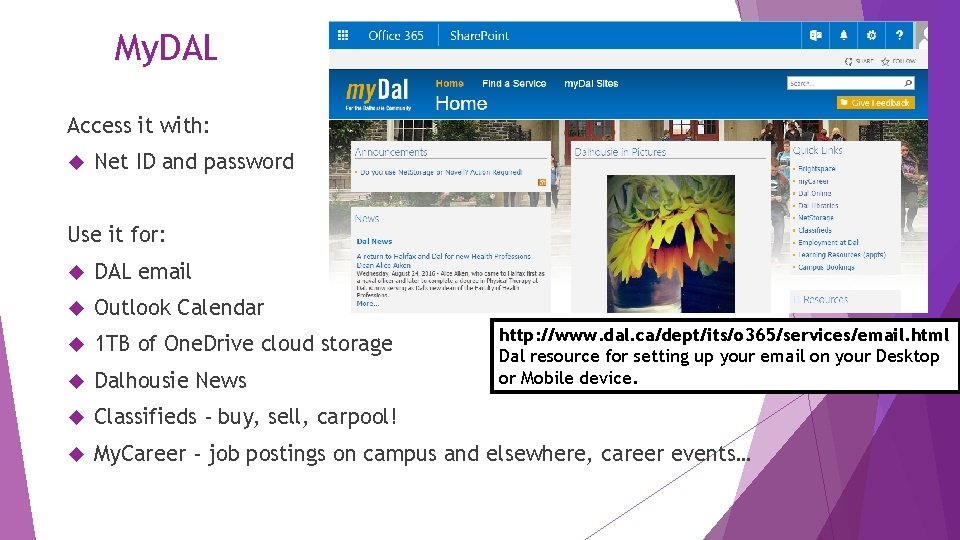
My. DAL Access it with: Net ID and password Use it for: DAL email Outlook Calendar 1 TB of One. Drive cloud storage Dalhousie News Classifieds - buy, sell, carpool! My. Career - job postings on campus and elsewhere, career events… http: //www. dal. ca/dept/its/o 365/services/email. html Dal resource for setting up your email on your Desktop or Mobile device.
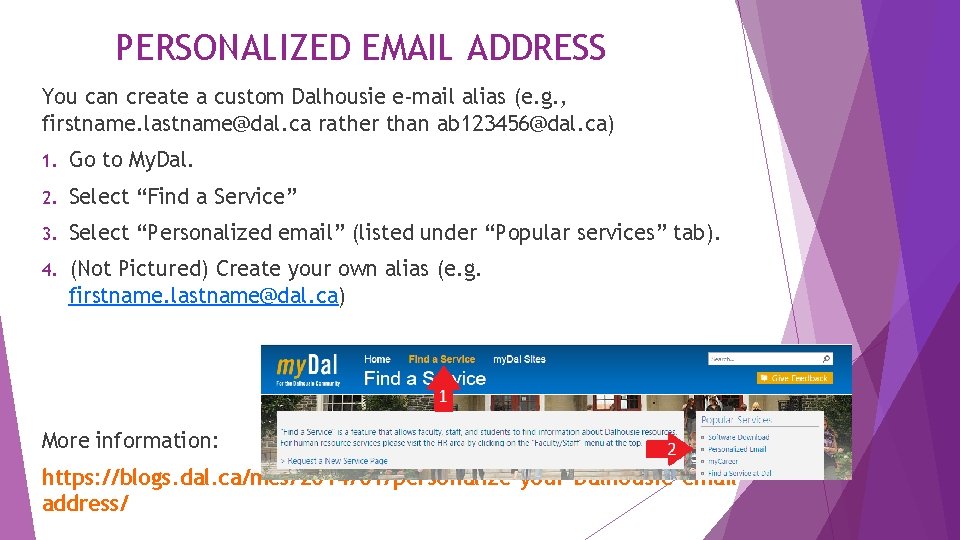
PERSONALIZED EMAIL ADDRESS You can create a custom Dalhousie e-mail alias (e. g. , firstname. lastname@dal. ca rather than ab 123456@dal. ca) 1. Go to My. Dal. 2. Select “Find a Service” 3. Select “Personalized email” (listed under “Popular services” tab). 4. (Not Pictured) Create your own alias (e. g. firstname. lastname@dal. ca) More information: https: //blogs. dal. ca/mcs/2014/01/personalize-your-Dalhousie-emailaddress/
EMAIL FORWARDING Note: You must use your Dal email address when emailing anyone on Dalhousie business! All SIM correspondence must be sent via @dal. ca. How to forward your email from a personal account to your Dal email: Login to your email provider (such as Gmail or Outlook) Click “Settings” (Gmail) or “Options” (Outlook) Click “Forwarding and POP/IMAP” (Gmail) or “Forwarding” (Outlook) Type in your Dalhousie email
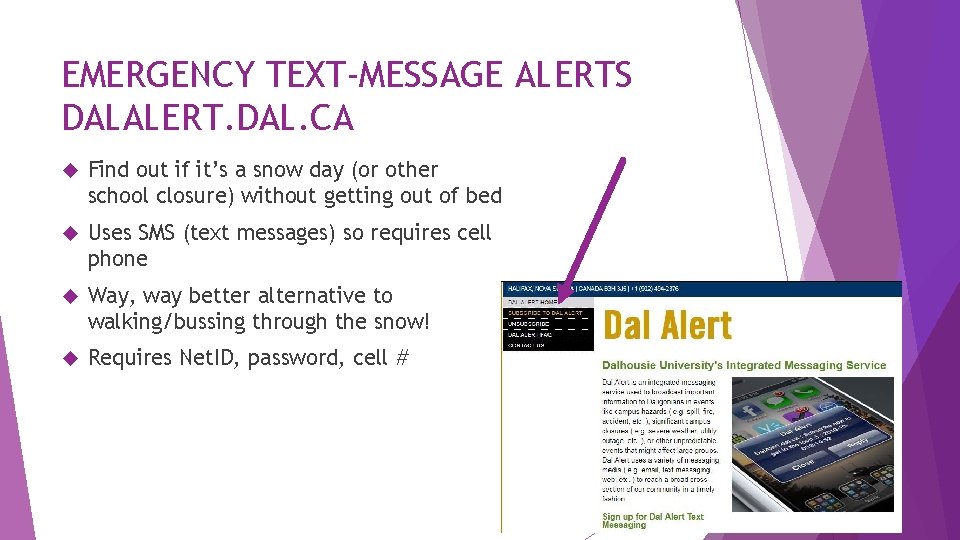
EMERGENCY TEXT-MESSAGE ALERTS DALALERT. DAL. CA Find out if it’s a snow day (or other school closure) without getting out of bed Uses SMS (text messages) so requires cell phone Way, way better alternative to walking/bussing through the snow! Requires Net. ID, password, cell #
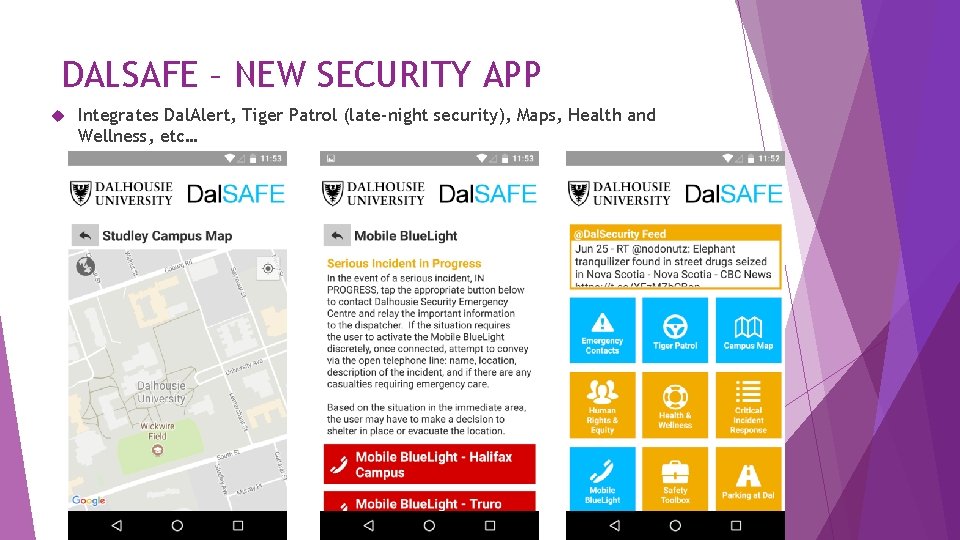
DALSAFE – NEW SECURITY APP Integrates Dal. Alert, Tiger Patrol (late-night security), Maps, Health and Wellness, etc…
OFFICE 365 PRO PLUS Don’t have Office yet? Need Word and Power. Point for classes? Dal has you covered. Login to My. Dal Click the gear in the top right-hand corner and choose “Office 365 Settings” Click “Install Status” in the left-hand menu Click “Install Desktop Applications” Click “Install” to begin the download If prompted: Choose Enter Office 365 Account (should be option B). your Net. ID@dal. ca and password.
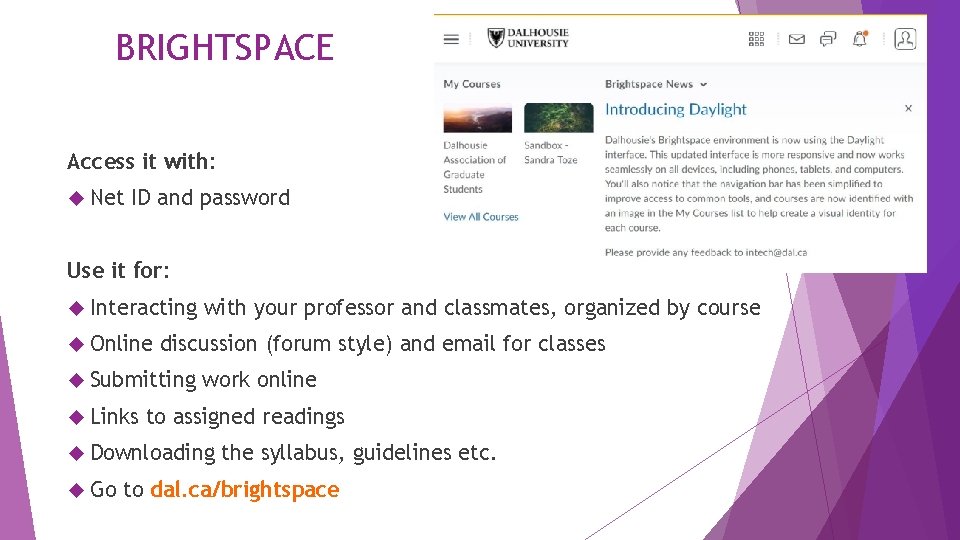
BRIGHTSPACE Access it with: Net ID and password Use it for: Interacting Online discussion (forum style) and email for classes Submitting Links with your professor and classmates, organized by course work online to assigned readings Downloading Go the syllabus, guidelines etc. to dal. ca/brightspace
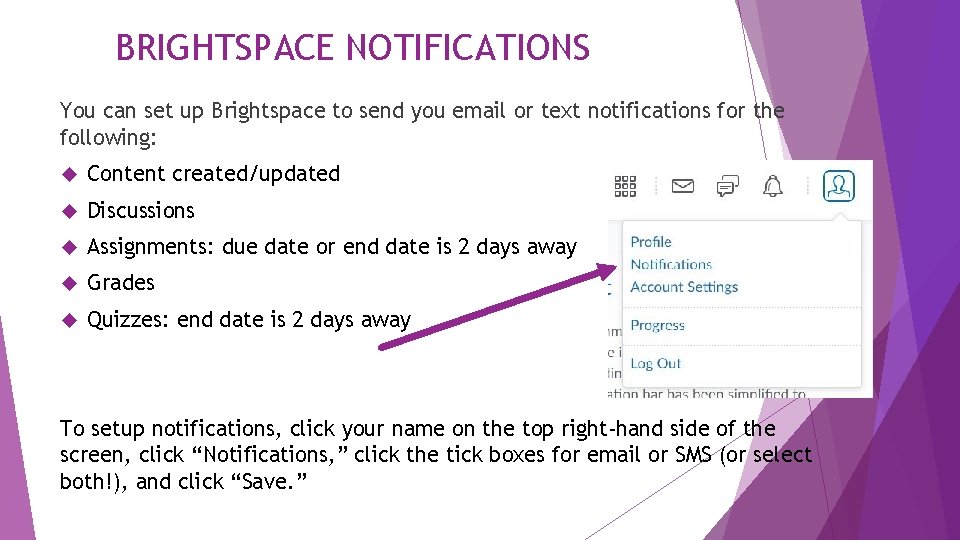
BRIGHTSPACE NOTIFICATIONS You can set up Brightspace to send you email or text notifications for the following: Content created/updated Discussions Assignments: due date or end date is 2 days away Grades Quizzes: end date is 2 days away To setup notifications, click your name on the top right-hand side of the screen, click “Notifications, ” click the tick boxes for email or SMS (or select both!), and click “Save. ”
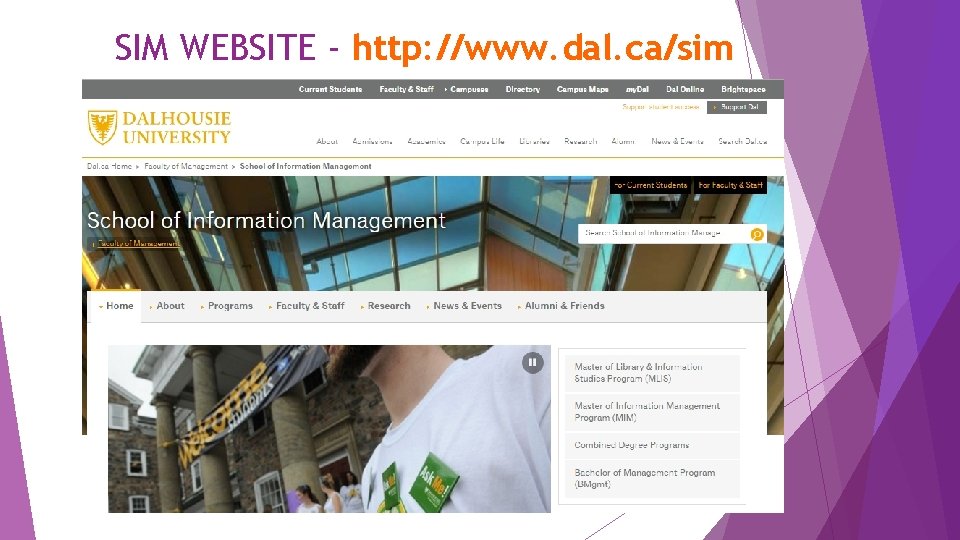
SIM WEBSITE - http: //www. dal. ca/sim
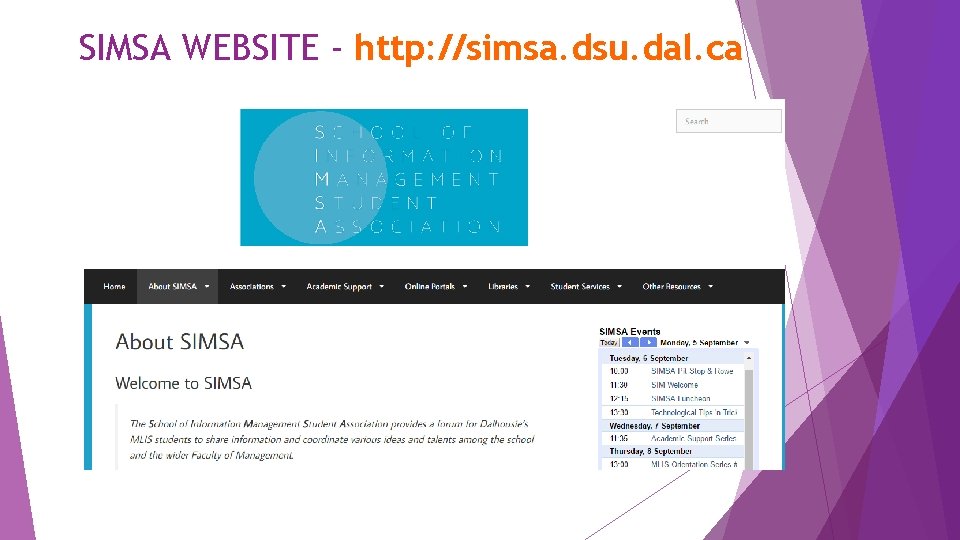
SIMSA WEBSITE - http: //simsa. dsu. dal. ca
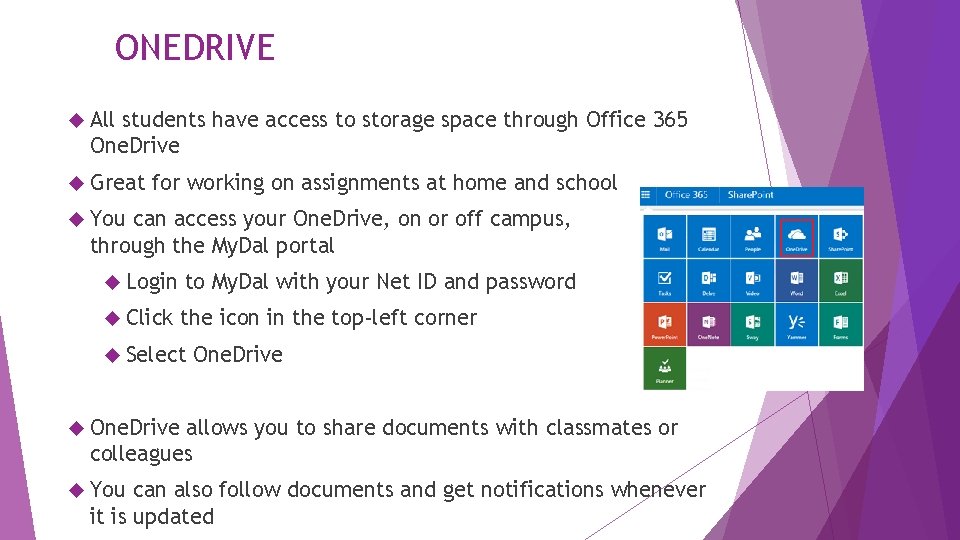
ONEDRIVE All students have access to storage space through Office 365 One. Drive Great for working on assignments at home and school You can access your One. Drive, on or off campus, through the My. Dal portal Login to My. Dal with your Net ID and password Click the icon in the top-left corner Select One. Drive allows you to share documents with classmates or colleagues You can also follow documents and get notifications whenever it is updated
GOOGLE DRIVE AND DROP BOX Alternatives to One. Drive Back up your files to or from multiple devices • Useful for sharing documents • Good at collaborating • Not great at formatting • Useful for storing documents • Share files and documents with others • No built in editing or collaborating tools https: //www. synergyse. com/blog/create-and-access-custom-maps-in-google-drive/ http: //extension. usu. edu/innovate/images/uploads/dropbox-logo. png
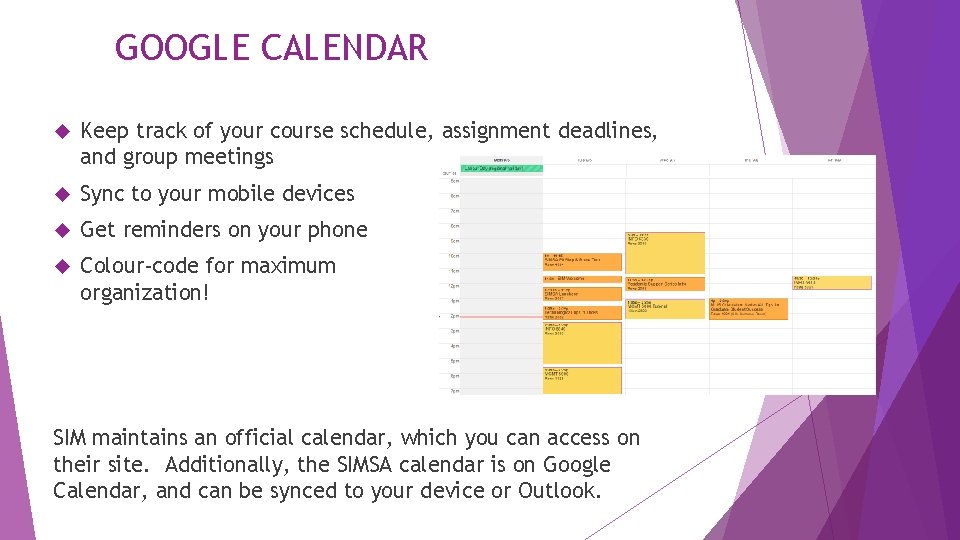
GOOGLE CALENDAR Keep track of your course schedule, assignment deadlines, and group meetings Sync to your mobile devices Get reminders on your phone Colour-code for maximum organization! SIM maintains an official calendar, which you can access on their site. Additionally, the SIMSA calendar is on Google Calendar, and can be synced to your device or Outlook.
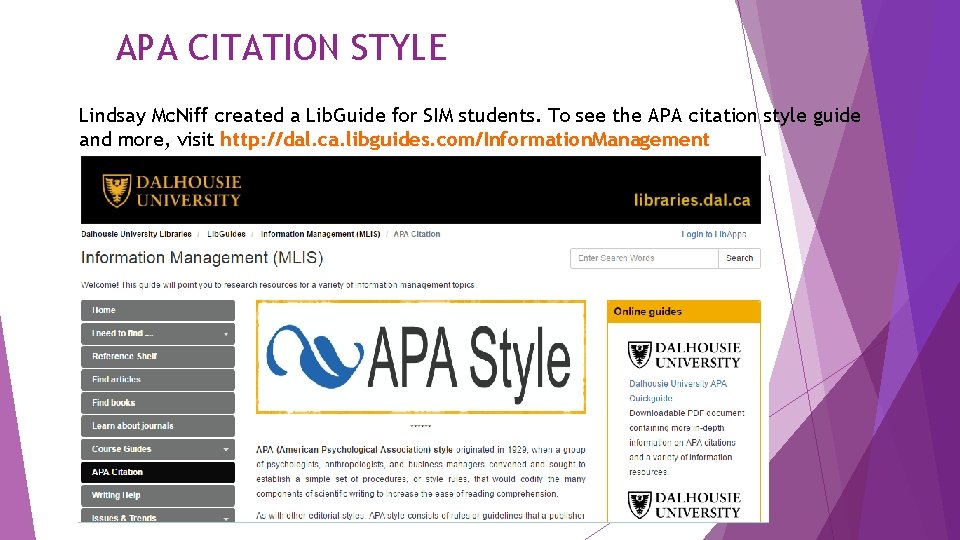
APA CITATION STYLE Lindsay Mc. Niff created a Lib. Guide for SIM students. To see the APA citation style guide and more, visit http: //dal. ca. libguides. com/Information. Management
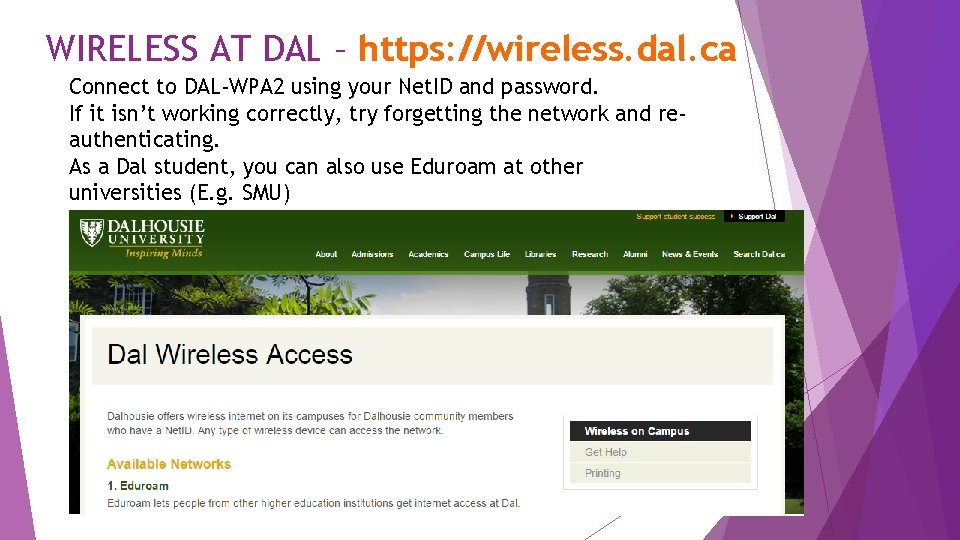
WIRELESS AT DAL – https: //wireless. dal. ca Connect to DAL-WPA 2 using your Net. ID and password. If it isn’t working correctly, try forgetting the network and reauthenticating. As a Dal student, you can also use Eduroam at other universities (E. g. SMU)
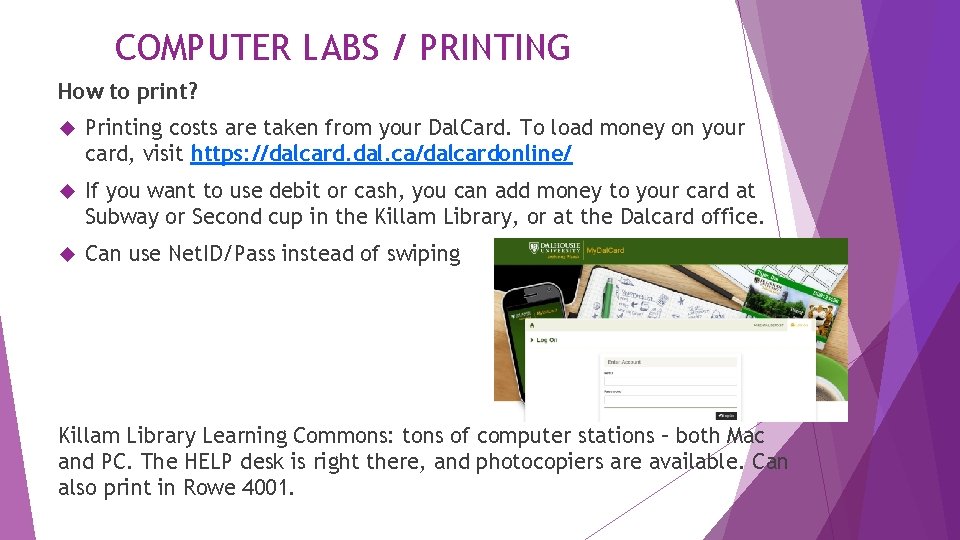
COMPUTER LABS / PRINTING How to print? Printing costs are taken from your Dal. Card. To load money on your card, visit https: //dalcard. dal. ca/dalcardonline/ If you want to use debit or cash, you can add money to your card at Subway or Second cup in the Killam Library, or at the Dalcard office. Can use Net. ID/Pass instead of swiping Killam Library Learning Commons: tons of computer stations – both Mac and PC. The HELP desk is right there, and photocopiers are available. Can also print in Rowe 4001.
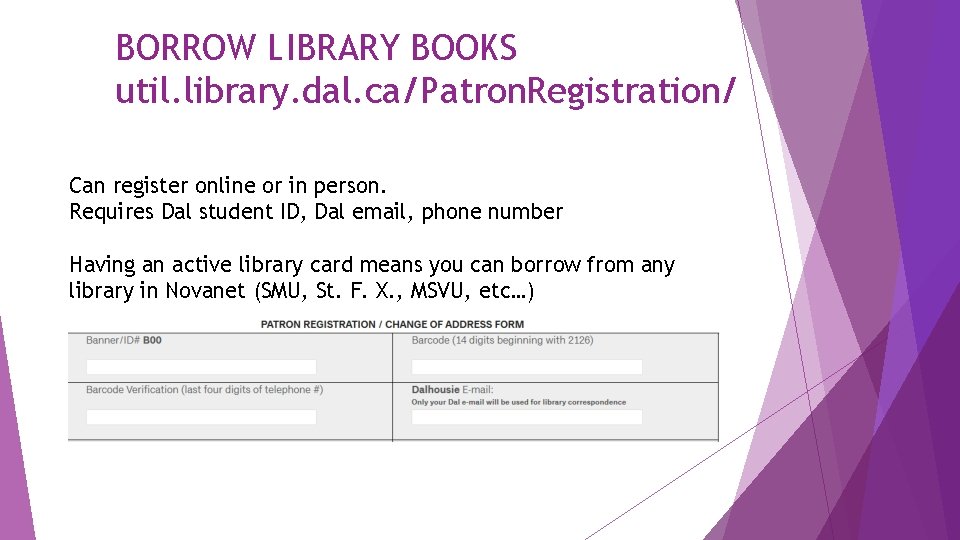
BORROW LIBRARY BOOKS util. library. dal. ca/Patron. Registration/ Can register online or in person. Requires Dal student ID, Dal email, phone number Having an active library card means you can borrow from any library in Novanet (SMU, St. F. X. , MSVU, etc…)

Saving Money in Halifax
On Campus • Opt out of Health & Dental • This money will be added to your student account • DSU Food Bank • Basement of SUB, bring your Dal. Card • Loaded Ladle • Tuesday, Wednesday, Thursday 1 pm, 1 st floor SUB • Events • Stamp Cards
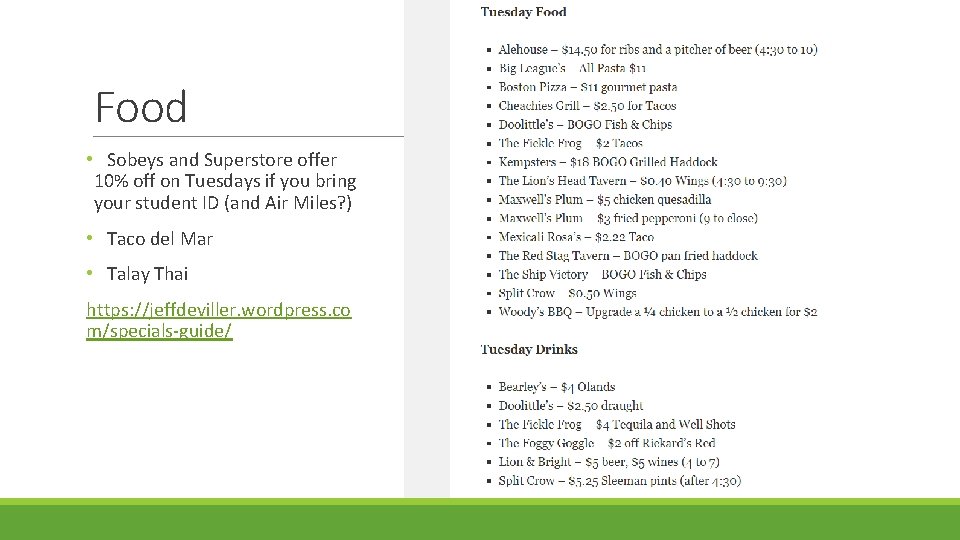
Food • Sobeys and Superstore offer 10% off on Tuesdays if you bring your student ID (and Air Miles? ) • Taco del Mar • Talay Thai https: //jeffdeviller. wordpress. co m/specials-guide/
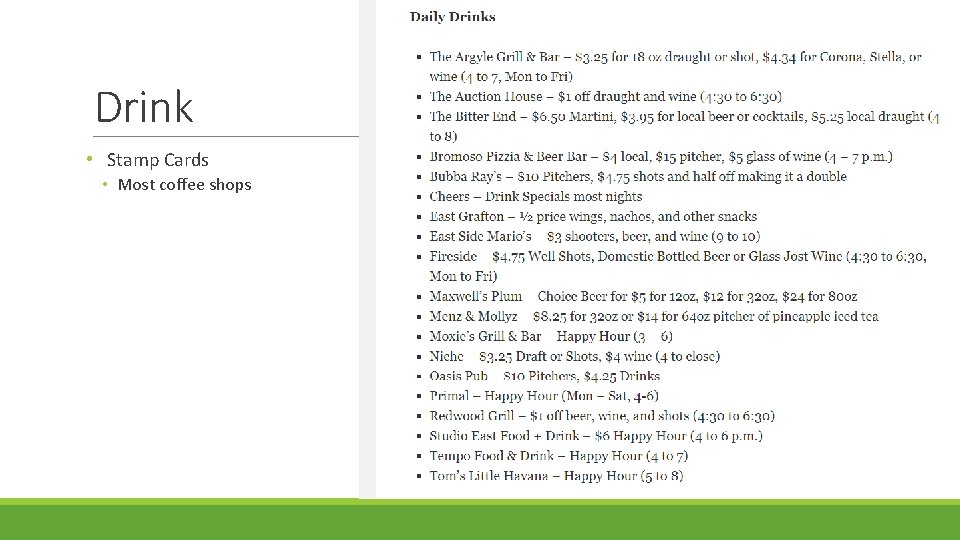
Drink • Stamp Cards • Most coffee shops
Entertainment • Mooseheads • Neptune Theatre • Art Gallery of Nova Scotia • Grafton Street Dinner Theatre • Alexander Keith’s • Yuk’s Comedy
Other • Good Life Fitness • Moksha Yoga • Ski Wentworth • Maritime Bus • SPC Card • Air Canada • Via Rail
International Students Your Experiences Count
Dalhousie International Students’ Cultural associations link: 1 https: //www. dal. ca/campus_life/internationalcentre/currentstudents/Cultural. Connections. html 2 Dalhousie International Students' Association (902) 580 -7449
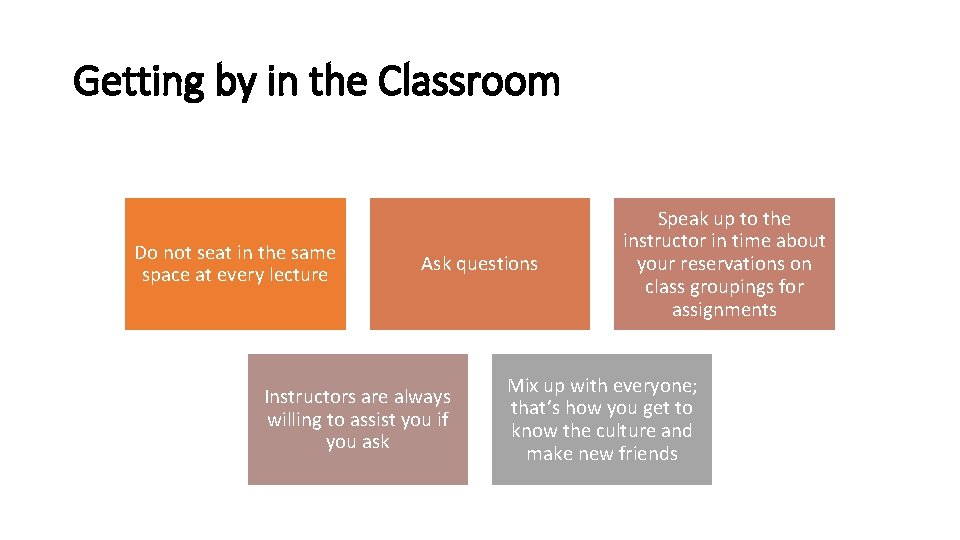
Getting by in the Classroom Do not seat in the same space at every lecture Ask questions Instructors are always willing to assist you if you ask Speak up to the instructor in time about your reservations on class groupings for assignments Mix up with everyone; that’s how you get to know the culture and make new friends

YOU ADD COLOUR TO THE CLASS

YOU ARE WELCOME

ONLINE CLASSES
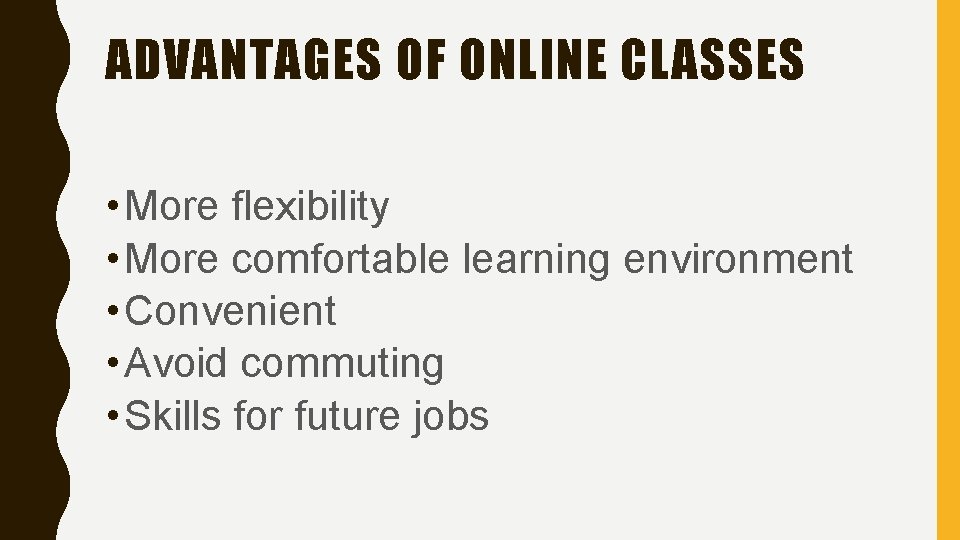
ADVANTAGES OF ONLINE CLASSES • More flexibility • More comfortable learning environment • Convenient • Avoid commuting • Skills for future jobs
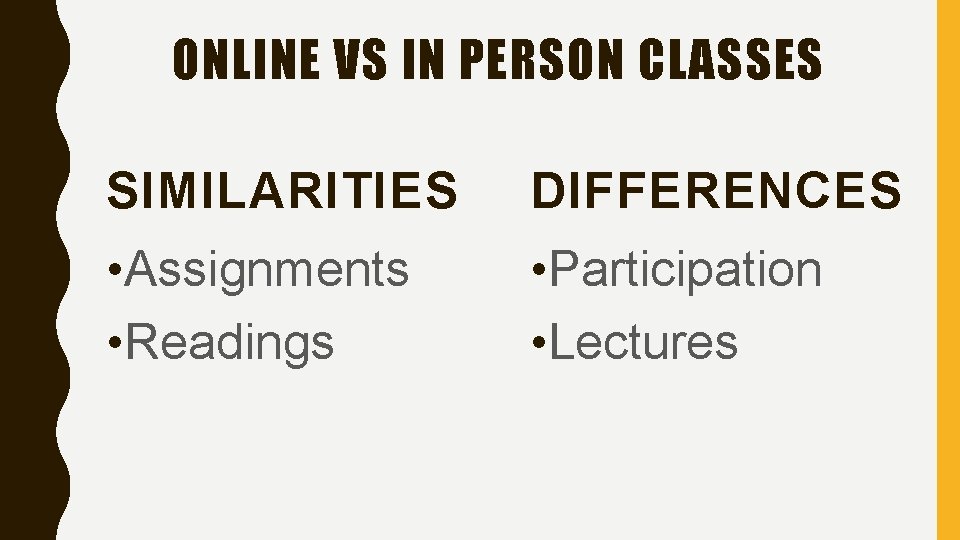
ONLINE VS IN PERSON CLASSES SIMILARITIES DIFFERENCES • Assignments • Readings • Participation • Lectures
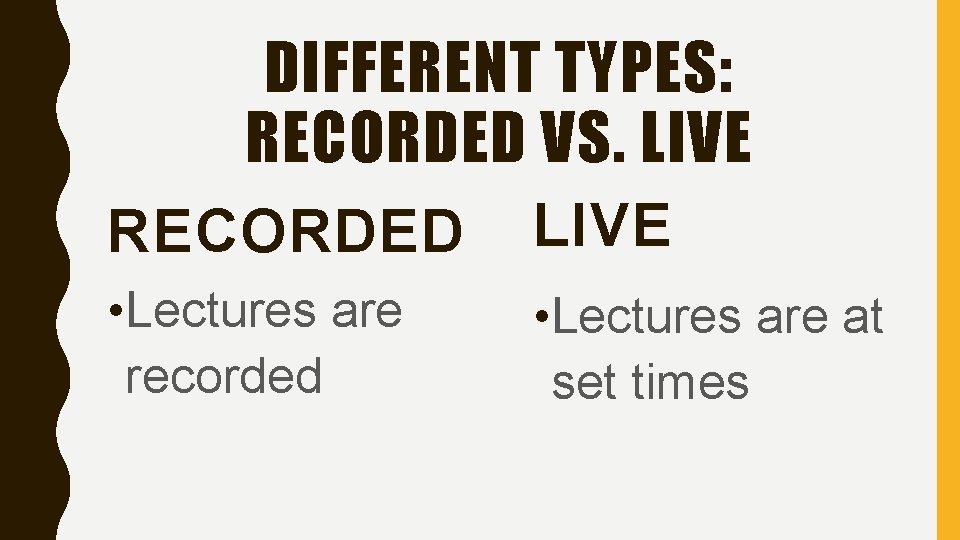
DIFFERENT TYPES: RECORDED VS. LIVE RECORDED LIVE • Lectures are recorded • Lectures are at set times
TIPS TO SURVIVE • Keep on top of classwork • Engage with the discussions • Quite environment • Headphones

DEMO HTTPS: //CA. BBCOLLAB. COM/GUEST/D 8 D 354 C 2441 B 4 C 68 B 7 D F 3981 B 6485 A 2 E
- Slides: 38