
Technical Writing Effective Formatting Effective communication is the

- Slides: 18
Technical Writing Effective Formatting
Effective communication is the goal. • Why write it if no one wants to read it? • Make life easy on the reader • Standard guidelines lead to consistent formatting • Consistent formatting leads to greater readability
Think in terms of the Golden Rule … what would you be more inclined to read? • A long document or a short one? • Filler and fluff or just what is necessary? • Pages filled from edge to edge or pages that include intentional white space? • Random thoughts or a logical progression? • Jargon that means nothing to you or terms that understandable? • Confusing discussion or clear explanations? • All words with no “pictures” or graphics that minimize the word count?
The purpose of having guidelines is to make the document more readable. • Written documents should adhere to standard guidelines. Such guidelines govern – Format – page layout, numbering conventions, etc. (the reason we use La. Te. X) – Graphics – use of figures, graphs, charts, tables – Voice – appropriate use of active and passive voice – Verb tense – appropriate for and consistent within each section – References & citations – giving appropriate credit • Technical documents have different guidelines than other forms of writing.
As you are planning the document, keep the background of your audience in mind. • Do they have a technical background? • Are they knowledgeable on your subject? • Their background should impact – The amount of background information provided – Your use of technical terms (jargon) – The types of graphical items used – How data is presented – How data is discussed
The format of the document should aid the reader. • Margins and white space keep the reader from being overwhelmed. • Headings and subheadings direct the reader’s attention. • Paragraphs…hmm…why is it that I have to remind students to use paragraphs? (Read this document about paragraph structure from the UCF Writing Center!) • Figures and tables should be placed to coincide with the associated text, unless otherwise directed. • Consistency in fonts, justification, numbering, etc. make the document more readable.
The use of graphics can make or break a document. • Each graph/table/image should help achieve your ultimate purpose. • Adhere to standard conventions for placement (usually centered at the top or bottom of a page). • All captions should be description. (1 -2 sentences is appropriate. ) • Every figure* and table should be referenced by name in the paper. • Figures and tables should appear in the order they are referenced. *Charts, graphs, photos, drawings, anything that isn’t a table.
Graphs and charts communicate quantitative information. • Figure captions always go below the figure. • Graphs should be fully labeled – axes, units, descriptive titles – all with legible font sizes. • Legends should only be included when necessary. • Avoid using frames around graphs and charts. • Think about the use of color. (Different line styles may be better than relying on different colors. )
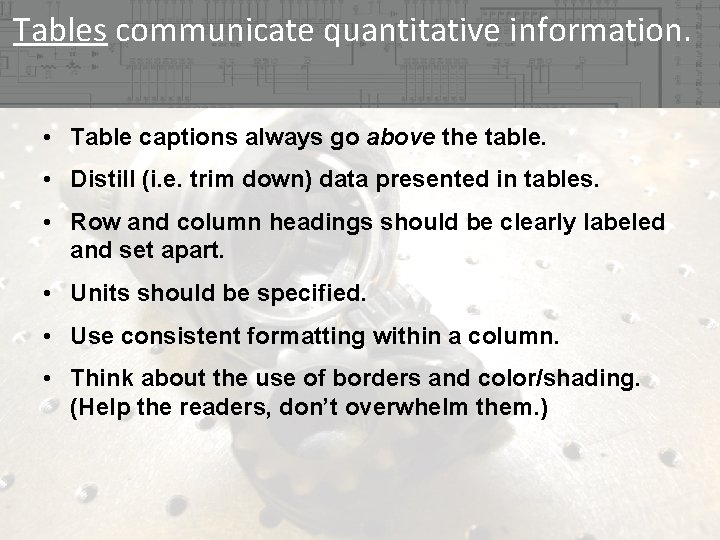
Tables communicate quantitative information. • Table captions always go above the table. • Distill (i. e. trim down) data presented in tables. • Row and column headings should be clearly labeled and set apart. • Units should be specified. • Use consistent formatting within a column. • Think about the use of borders and color/shading. (Help the readers, don’t overwhelm them. )
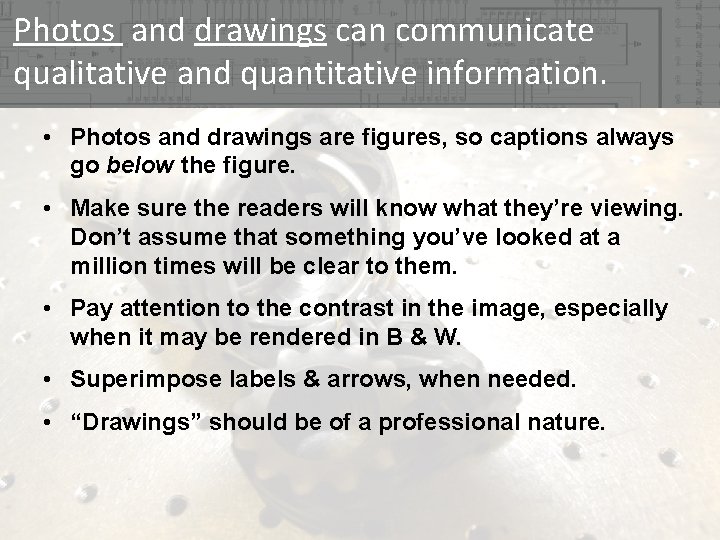
Photos and drawings can communicate qualitative and quantitative information. • Photos and drawings are figures, so captions always go below the figure. • Make sure the readers will know what they’re viewing. Don’t assume that something you’ve looked at a million times will be clear to them. • Pay attention to the contrast in the image, especially when it may be rendered in B & W. • Superimpose labels & arrows, when needed. • “Drawings” should be of a professional nature.
Specific references to parts of a document and specific quantities help the reader. • References to figures, tables, sections, and equations must be automated (using the ~ref{} command in La. Te. X). • Think in terms of referring to things by their full name – first and last. – Figure 3 (Figure~ref{fig 3 label}) – Table 1 (Table~ref{tab 1 label}) – Section 3. 2 (Section~ref{sec 32 label}) – 10 meters – 47 k
The voice should place proper emphasis. • Active voice emphasizes the actor. • Passive voice emphasizes the action. • It is okay to have a mix of both…just know when each is appropriate! • http: //www. protrainco. com/essays/passive. htm
The verb tense should correspond to the subject matter. • Use the past tense when talking about the experiment or work that has been completed. – “The objective of the experiment was. . . ” • The report, theory, the results, and the permanent equipment still exist; therefore, these are referenced in the present tense: – – “The purpose of this report is. . . ” “Bragg's Law for diffraction is. . . ” “The results show …” “The scanning electron microscope produces micrographs. . . ” • Recommendations and future work are given in future tense.
Proper citations are key to maintaining credibility. • Cite sources whenever you are quoting, paraphrasing, or summarizing work that is not your own – Quoting directly is discouraged • Sources include: – Books – Journal, magazine, or newspaper articles – Interviews – Conference Proceedings – Lectures – Websites
Proper citations are key to maintaining credibility. • Shows your credibility as a researcher • Gives proper credit to authors and researchers • Protects you from accusations of plagiarism • Bibliography formats – Various styles – Can include only cited references or all references – Citations in La. Te. X done with cite{} command
Plan. Outline. Draft. Revise. Proofread (self). Edit. Proofread (others). Edit. Submit. • Plan – see the previous 14 slides • Outline – see the “Reporting the Outcome” handout (Dym & Little) • Draft & Revise – also known as writing • Proofread – see the following slide • Edit – correct problems found during proofreading
The proofreading process can make a huge difference in effectiveness (and in your grade). • Proofread for – Big picture understanding – Spelling errors – Conciseness (concision checklist) – Grammar errors (subject-verb agreement & punctuation) – Verb use (appropriate tense, consistent tense w/in sections, use of active and passive voice) – Ambiguity (avoiding ambiguous words) – Sentence coherence (checking sentence coherence) – Paragraph coherence (checking paragraph coherence) – Sectional coherence
Being a good steward of your time allows for maximum effectiveness and growth as a writer. • Start early. • Plan your document. • Make use of tools like the Topic-Sentence Outline. • Find good proofreaders and give them time to be thorough. • Incorporate the proofreaders’ feedback. • Don’t view submission of the paper as the end of the assignment.