
Technical Session Information and Power Point Presentation Guidelines





- Slides: 14
Technical Session Information and Power Point Presentation Guidelines IEEE IAS Annual Meeting 2006
This file contains: • General session information (2 pages) • Background and text color guidelines (2 pages) • Font Guidelines (1 page) • Guidelines for graphs and figures (1 page) • A Sample presentation (5 pages) • A sample “bad” figure (2 pages)
General Session Information • All presentations are scheduled for 30 minutes including questions – Specific details can be arranged with your session chair before the conference or at the author’s breakfast on the morning of your presentation • Computer projection equipment and a computer will be provided in every session room – Always a good idea to bring your own laptop (as backup) whenever possible – Only Microsoft Power Point presentation software should be used—other formats are not likely to be supported
General Session Information • It is your responsibility to – Coordinate the transfer of your presentation with your session chair for installation on the computer in the session room • A common approach is to bring the presentation to the conference on a CD or memory stick—consider bringing a backup copy as well – Verify that your presentation does not use fonts or other features that are not installed on the computer in the session room
Poor Color Choices • This combination will be impossible to see - no contrast • This combination can’t be read by people who are color blind • This combination has good contrast but this dark back-ground will blacken the room too much and if your font is too thin, it won’t be visible
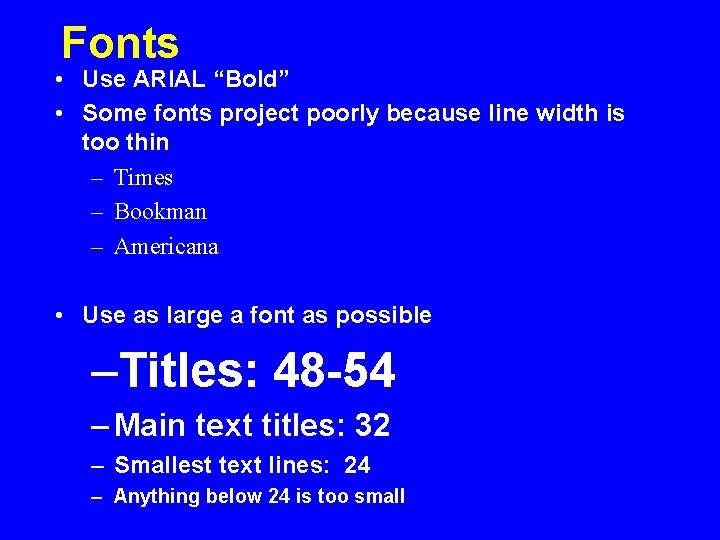
Fonts • Use ARIAL “Bold” • Some fonts project poorly because line width is too thin – Times – Bookman – Americana • Use as large a font as possible –Titles: 48 -54 – Main text titles: 32 – Smallest text lines: 24 – Anything below 24 is too small
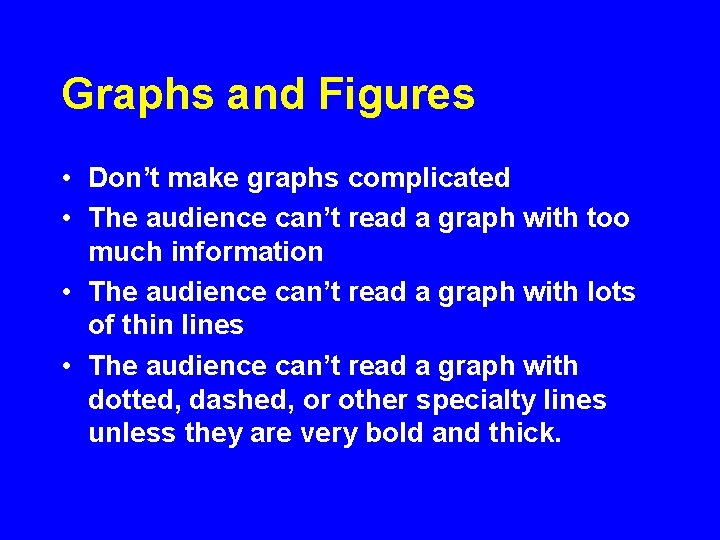
Graphs and Figures • Don’t make graphs complicated • The audience can’t read a graph with too much information • The audience can’t read a graph with lots of thin lines • The audience can’t read a graph with dotted, dashed, or other specialty lines unless they are very bold and thick.
Sample Presentation • Title Slide – May contain logo • Text Slides – Do not contain commercial or corporate logos • Schematic Slide
A 2. 5 V, 333 MHz Embedded Memory with Differential I/O Joel Stevenson, Johnson, Skip Douglas and Jack Taylor High Performance Design Center Dallas, Texas
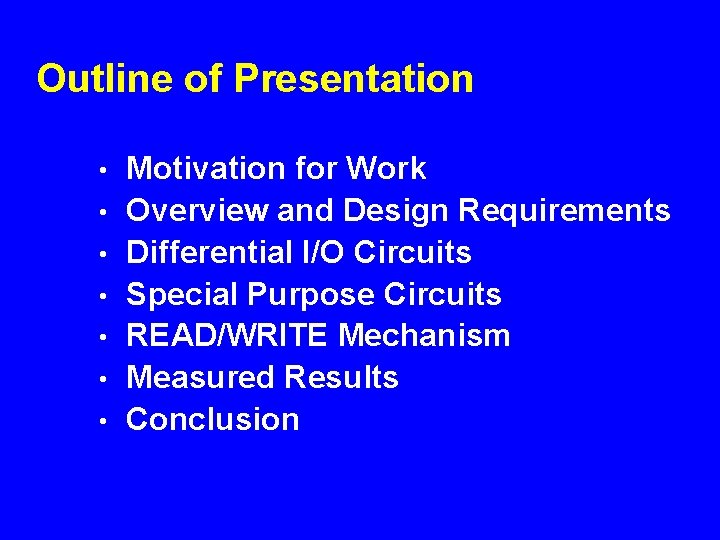
Outline of Presentation • • Motivation for Work Overview and Design Requirements Differential I/O Circuits Special Purpose Circuits READ/WRITE Mechanism Measured Results Conclusion
Differential I/O Circuits tp 0 VIN VOUT VIN f tn 0 • Text and drawing are visible to everyone
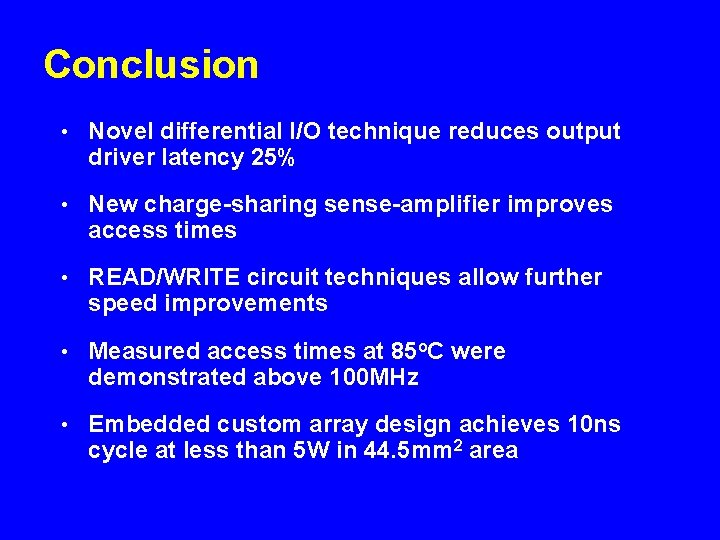
Conclusion • Novel differential I/O technique reduces output driver latency 25% • New charge-sharing sense-amplifier improves access times • READ/WRITE circuit techniques allow further speed improvements • Measured access times at 85 o. C were demonstrated above 100 MHz • Embedded custom array design achieves 10 ns cycle at less than 5 W in 44. 5 mm 2 area
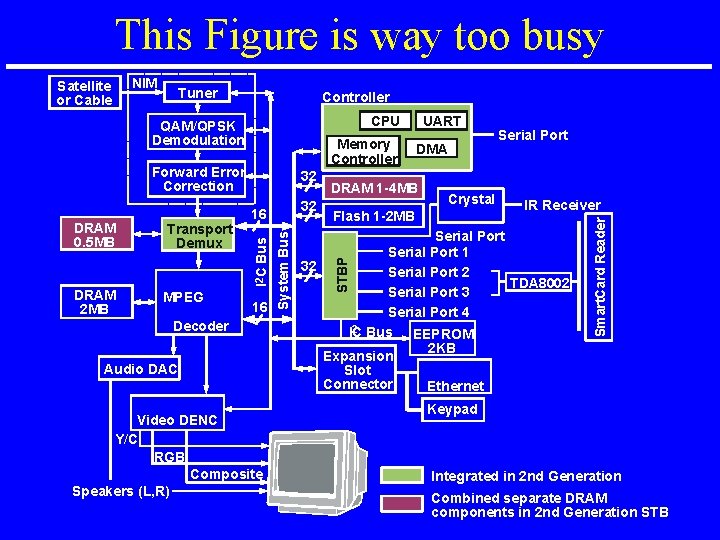
“Bad” Figure Example on next page • Too busy • Too many lines • Fonts too small
This Figure is way too busy Tuner Controller CPU QAM/QPSK Demodulation Memory Controller Forward Error Correction MPEG 16 Decoder Audio DAC Video DENC Y/C RGB Composite Speakers (L, R) System Bus DRAM 2 MB Transport Demux 32 16 I 2 C Bus DRAM 0. 5 MB 32 UART DMA DRAM 1 -4 MB Crystal Flash 1 -2 MB Serial Port IR Receiver Serial Port 1 32 Serial Port 2 TDA 8002 Serial Port 3 Serial Port 4 2 Bus IC EEPROM 2 KB Expansion Slot Connector Ethernet Smart. Card Reader NIM STBP Satellite or Cable Keypad Integrated in 2 nd Generation Combined separate DRAM components in 2 nd Generation STB