
Technical Issues with Establishing Levels of Assurance Zephyr
Technical Issues with Establishing Levels of Assurance Zephyr Mc. Laughlin Lead, Security Middleware Computing & Communications University of Washington
Today’s Talk in one Slide • Overview of the University of Washington (UW) • Drivers for Levels of Assurance (Lo. A) • Application Perspective • User Perspective • Exploring the Solution Space
UW’s Environment • Central IT makes up about 1/4 of the IT staff • Central IT has very little control over what departmental applications do • Many diverse populations: • 80, 000 + Faculty, Staff and Students (18, 000 Med Ctr Employees) • 500, 000 + Alumni and Affiliates • 1, 000 + Patients • Other diverse populations (Cascadia Community College, WA State K-12 students, Library Patrons, etc. )
UW’s Enterprise Credential (UW Net. ID) • A large amount of effort has gone into making the UW Net. ID UW’s single enterprise credential. • More than 360, 000 active UW Net. IDs • 300, 000+ more potential users (1, 300, 000 + if we include patients) • Our credentials are stored in both Kerberos and Windows AD • We have 5 different UW Net. ID Types (not to be confused with Lo. As!)
What Lo. As does the UW Net. ID Support? One size fits all… well almost! • ~ 7, 400 people have 2 -factor authn (Secur. ID) • We support a group of EAuth level 1 credentials (very small test group)
A Tale of Two Populations • Two populations one old one new • 200 K + K-12 Students and Educators (WA State Digital Learning Commons) • 18 K + UW Medicine Employees • Some Commonalities • Both need to authn • Both are critical to UW’s mission • Some Directly Competing Requirements • Stronger password requirements vs. weaker password requirements
A Tale of Two Populations (cont) Discussion starters: How do we support both populations and uses with the same credential? What are the advantages and disadvantages to using the same credential vs separate credentials?
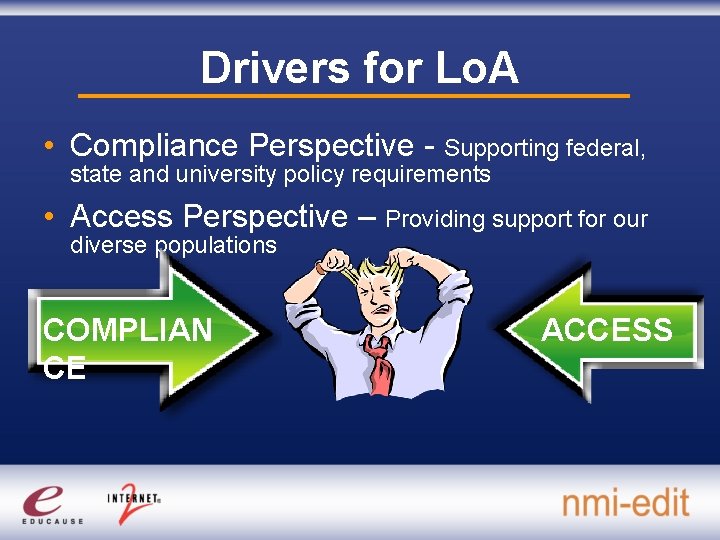
Drivers for Lo. A • Compliance Perspective - Supporting federal, state and university policy requirements • Access Perspective – Providing support for our diverse populations COMPLIAN CE ACCESS
Compliance Drivers for Lo. A • Regulatory – Government requirements • • HIPAA FERPA WA State ISB Standards WA State Security Breach Notification Law (6043) – 37 other states now have something like this • Contractual – Liability protection issues • Payment Card Industries/ Data Security Standards (PCI/DSS) • Professional and International Standards – Represent due care • E-Authentication • ISO, NIST, COBIT etc. • University Policy
Compliance Requirements for Lo. A • Password Requirements • Expiration (120 days? 90 days? 30 days? ) • Lockout (3 attempts? 100 K attempts? ) • Strength checking (minimum char length, dictionary checking, known info checking, etc) • Protections ( Encrypted Authn, Strong Password Management ) • Authn Requirements (Multi-factor) • Logging/ Audit Requirements • Identity Proofing Requirements
Access Drivers for Lo. A • A subset of applications require a higher assurance level that’s costly to provide • A subset of apps require low bar for entrance • Globally distributed users create ID proofing challenges • Provide service to individuals with little or no known personal data • Password restrictions can be potentially unfriendly to certain classes of users
Access Requirements for Lo. A • Support requirements of each individual application (Wireless network access vs. access to PHI) • Support many different types and levels of identity proofing • Allow users to access to certain applications when less ID proofing has been done • Allow different password requirements based on what the user needs access to.

The Application Perspective • How can existing apps be converted to use Lo. A? • Why don’t you have population X in your system? • Aren’t all your credentials people? • Aren’t all your credentials highly secure? • Why can’t you make it easier for people to get IDs?
The User Perspective • It’s hard to choose a usable password! • Why do I have to keep changing my password? • Why do I have to give my personal information? • What do you mean I have to come show my picture id? • What do I need to do to access application ____?
Exploring the Solution Space • A well defined set of assurance levels • A collection of Net. ID and Authn characteristics are used to determine Lo. A • An application that allows users to view their current Lo. A • Clearly defined standards for what Lo. A each app type requires • Support for Lo. A in authn services (Web Signon, Kerberos, Windows AD)
Characteristics that Defines Lo. A • Net. ID Characteristics • • • Type of Identity Proofing # of failed authns Password age Is Compromised? Shared, recycled or system credentials? • Authn Time Characteristics • Type of authn (single factor password authn? 2 factor? ) • Time of authn
Types of Identity Proofing • High Assurance ID Proofing • • Photo ID in person Notarized Photo ID via mail/ fax Phone verified ( 5 or more pieces of info ) One-time password by mail • Low Assurance • Phone verified ( 2 pieces of info minimum ) • Email verified • Verified by trusted member
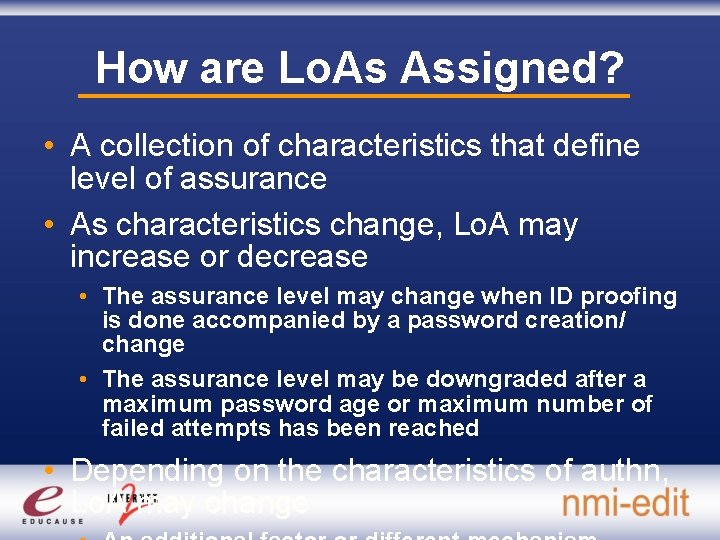
How are Lo. As Assigned? • A collection of characteristics that define level of assurance • As characteristics change, Lo. A may increase or decrease • The assurance level may change when ID proofing is done accompanied by a password creation/ change • The assurance level may be downgraded after a maximum password age or maximum number of failed attempts has been reached • Depending on the characteristics of authn, Lo. A may change
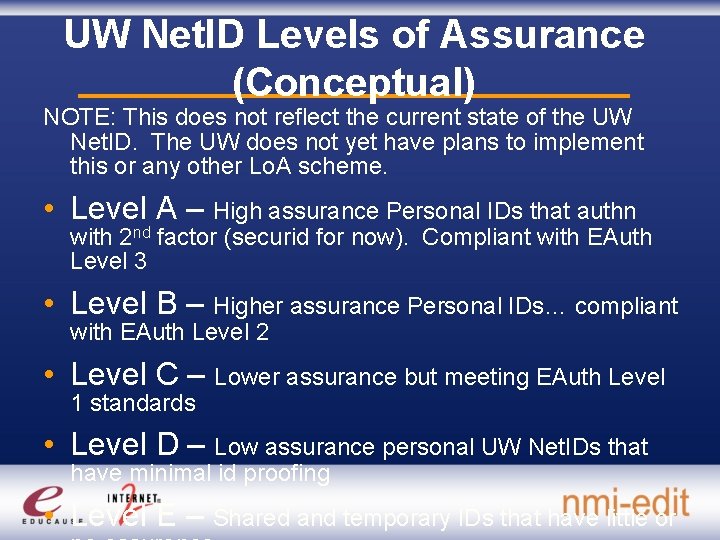
UW Net. ID Levels of Assurance (Conceptual) NOTE: This does not reflect the current state of the UW Net. ID. The UW does not yet have plans to implement this or any other Lo. A scheme. • Level A – High assurance Personal IDs that authn with 2 nd factor (securid for now). Compliant with EAuth Level 3 • Level B – Higher assurance Personal IDs… compliant with EAuth Level 2 • Level C – Lower assurance but meeting EAuth Level 1 standards • Level D – Low assurance personal UW Net. IDs that have minimal id proofing • Level E – Shared and temporary IDs that have little or
Credential Lo. As are Just the Beginning… • How do we assert the level of assurance we have that any attribute associated with the id really belongs to the specific person authenticating? • How do we address back door system accounts? • How is the user assured that the app they are assigning on is really what it says it is?
More Questions, Comments, Feedback? Directory Support directorysupport@washington. edu Zephyr Mc. Laughlin zephyrmc@washington. edu IDM Discussion List idm@listserv. educause. edu
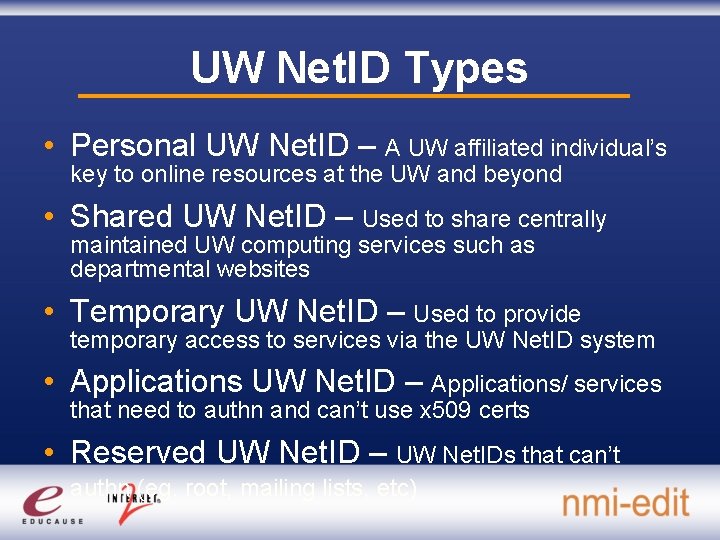
UW Net. ID Types • Personal UW Net. ID – A UW affiliated individual’s key to online resources at the UW and beyond • Shared UW Net. ID – Used to share centrally maintained UW computing services such as departmental websites • Temporary UW Net. ID – Used to provide temporary access to services via the UW Net. ID system • Applications UW Net. ID – Applications/ services that need to authn and can’t use x 509 certs • Reserved UW Net. ID – UW Net. IDs that can’t authn (eg. root, mailing lists, etc)
- Slides: 22