
Technical Communication Process and Product Seventh Edition Sharon


- Slides: 35
Technical Communication: Process and Product Seventh Edition Sharon Gerson and Steven Gerson Pearson Education, Inc.
Technical Communication: Process and Product Seventh Edition Sharon Gerson and Steven Gerson Chapter 10: Using Visual Aids in Technical Communication Pearson Education, Inc.
Chapter 10: Using Visual Aids in Technical Communication This chapter discusses the following: • Benefits • Criteria for Effective Graphics • Types of Graphics Technical Communication: Process and Product, 7/e Sharon Gerson and Steven Gerson 3 Copyright © 2012, 2008, 2003, 1992, 1980 by Pearson Education, Inc. Upper Saddle River, New Jersey 07458 • All Rights Reserved
The Benefits of Visual Aids Wall-to-wall text is neither clear nor concise. Effective technical communication includes graphics, which provide the following benefits: Technical Communication: Process and Product, 7/e Sharon Gerson and Steven Gerson 4 Copyright © 2012, 2008, 2003, 1992, 1980 by Pearson Education, Inc. Upper Saddle River, New Jersey 07458 • All Rights Reserved
The Benefits of Visual Aids (cont. ) • Conciseness—visual aids can convey large amounts of information in less space. Technical Communication: Process and Product, 7/e Sharon Gerson and Steven Gerson 5 Copyright © 2012, 2008, 2003, 1992, 1980 by Pearson Education, Inc. Upper Saddle River, New Jersey 07458 • All Rights Reserved
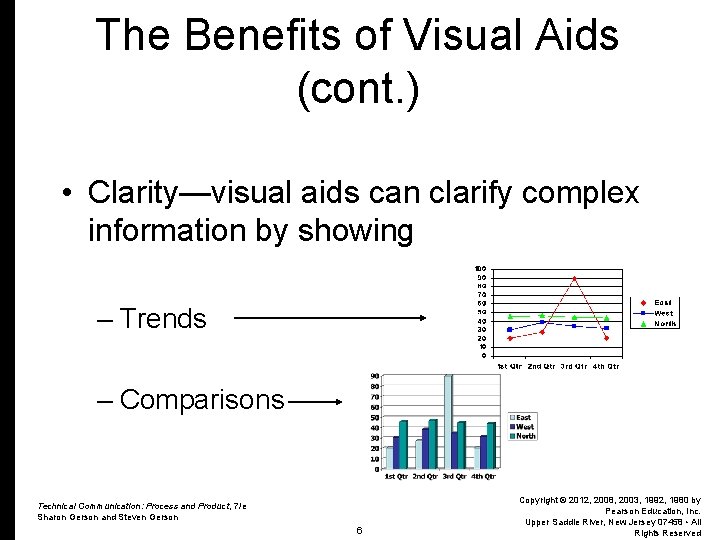
The Benefits of Visual Aids (cont. ) • Clarity—visual aids can clarify complex information by showing – Trends – Comparisons Technical Communication: Process and Product, 7/e Sharon Gerson and Steven Gerson 6 Copyright © 2012, 2008, 2003, 1992, 1980 by Pearson Education, Inc. Upper Saddle River, New Jersey 07458 • All Rights Reserved
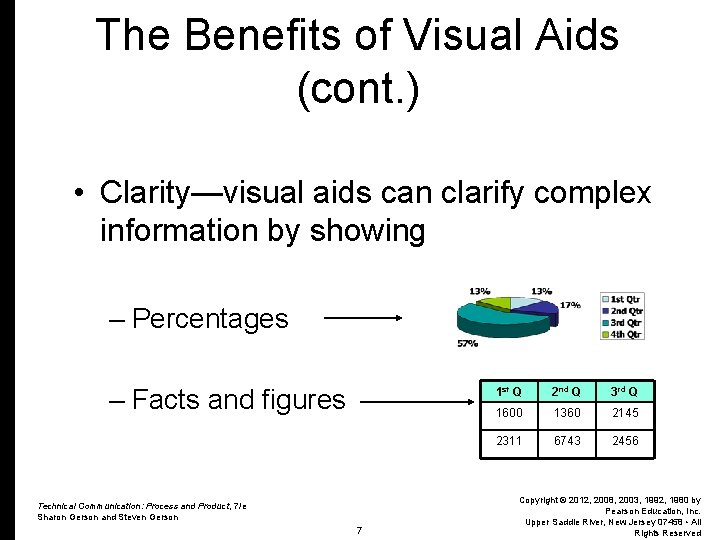
The Benefits of Visual Aids (cont. ) • Clarity—visual aids can clarify complex information by showing – Percentages – Facts and figures Technical Communication: Process and Product, 7/e Sharon Gerson and Steven Gerson 7 1 st Q 2 nd Q 3 rd Q 1600 1360 2145 2311 6743 2456 Copyright © 2012, 2008, 2003, 1992, 1980 by Pearson Education, Inc. Upper Saddle River, New Jersey 07458 • All Rights Reserved
The Benefits of Visual Aids (cont. ) • Cosmetic Appeal—visual aids add interest to documentation. Technical Communication: Process and Product, 7/e Sharon Gerson and Steven Gerson 8 Copyright © 2012, 2008, 2003, 1992, 1980 by Pearson Education, Inc. Upper Saddle River, New Jersey 07458 • All Rights Reserved
Color adds interest to visual aids. However, use color with caution. Color can cause problems: • Harsh colors can be distracting. Technical Communication: Process and Product, 7/e Sharon Gerson and Steven Gerson 9 Copyright © 2012, 2008, 2003, 1992, 1980 by Pearson Education, Inc. Upper Saddle River, New Jersey 07458 • All Rights Reserved
Color (cont. ) • Colors can be distracting. • Color can increase production cost. • Color consumes disk space. • Color can cause problems for people with visual impairments. Technical Communication: Process and Product, 7/e Sharon Gerson and Steven Gerson 10 Copyright © 2012, 2008, 2003, 1992, 1980 by Pearson Education, Inc. Upper Saddle River, New Jersey 07458 • All Rights Reserved
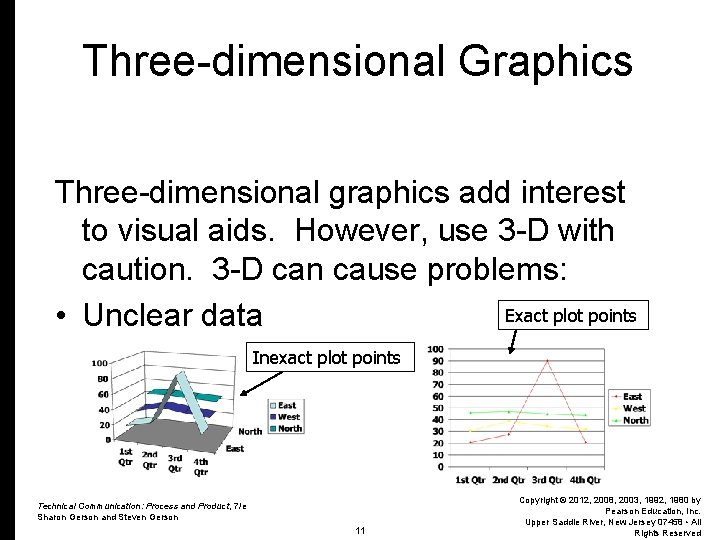
Three-dimensional Graphics Three-dimensional graphics add interest to visual aids. However, use 3 -D with caution. 3 -D can cause problems: Exact plot points • Unclear data Inexact plot points Technical Communication: Process and Product, 7/e Sharon Gerson and Steven Gerson 11 Copyright © 2012, 2008, 2003, 1992, 1980 by Pearson Education, Inc. Upper Saddle River, New Jersey 07458 • All Rights Reserved
Criteria for Effective Graphics Effective graphics are • Integrated with the text • Appropriately located • Add to the text • Communicate important information • Do no detract Technical Communication: Process and Product, 7/e Sharon Gerson and Steven Gerson 12 Copyright © 2012, 2008, 2003, 1992, 1980 by Pearson Education, Inc. Upper Saddle River, New Jersey 07458 • All Rights Reserved
Criteria for Effective Graphics (cont. ) • • Are sized effectively Are readable Are correctly labeled Are consistent in style with other graphics • Are well conceived and executed Technical Communication: Process and Product, 7/e Sharon Gerson and Steven Gerson 13 Copyright © 2012, 2008, 2003, 1992, 1980 by Pearson Education, Inc. Upper Saddle River, New Jersey 07458 • All Rights Reserved
Types of Graphics include • Tables • Figures Technical Communication: Process and Product, 7/e Sharon Gerson and Steven Gerson 14 Copyright © 2012, 2008, 2003, 1992, 1980 by Pearson Education, Inc. Upper Saddle River, New Jersey 07458 • All Rights Reserved
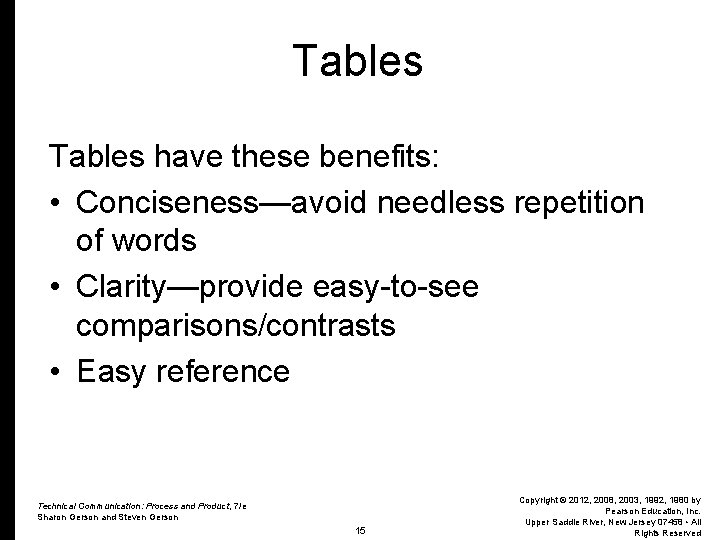
Tables have these benefits: • Conciseness—avoid needless repetition of words • Clarity—provide easy-to-see comparisons/contrasts • Easy reference Technical Communication: Process and Product, 7/e Sharon Gerson and Steven Gerson 15 Copyright © 2012, 2008, 2003, 1992, 1980 by Pearson Education, Inc. Upper Saddle River, New Jersey 07458 • All Rights Reserved
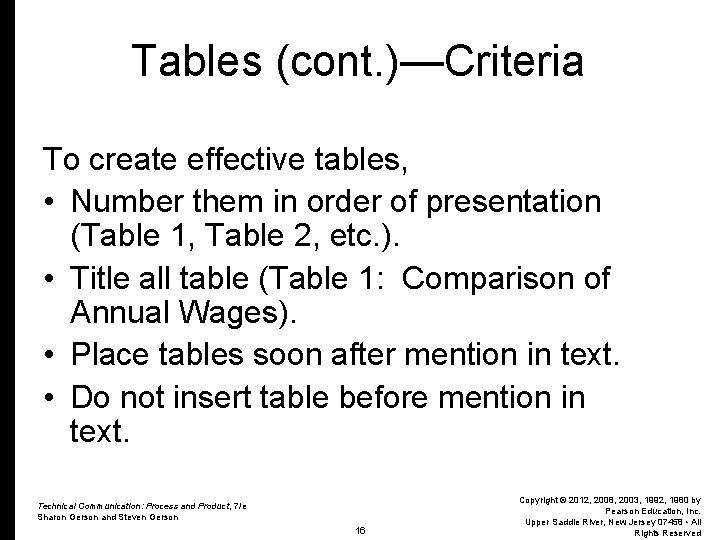
Tables (cont. )—Criteria To create effective tables, • Number them in order of presentation (Table 1, Table 2, etc. ). • Title all table (Table 1: Comparison of Annual Wages). • Place tables soon after mention in text. • Do not insert table before mention in text. Technical Communication: Process and Product, 7/e Sharon Gerson and Steven Gerson 16 Copyright © 2012, 2008, 2003, 1992, 1980 by Pearson Education, Inc. Upper Saddle River, New Jersey 07458 • All Rights Reserved
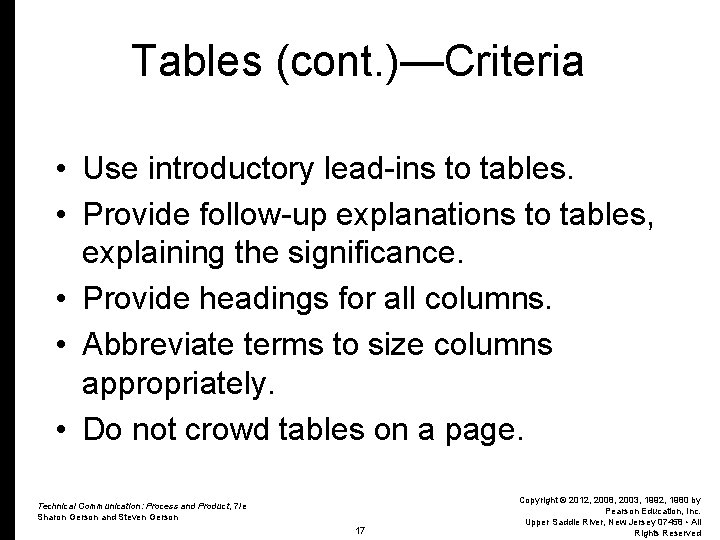
Tables (cont. )—Criteria • Use introductory lead-ins to tables. • Provide follow-up explanations to tables, explaining the significance. • Provide headings for all columns. • Abbreviate terms to size columns appropriately. • Do not crowd tables on a page. Technical Communication: Process and Product, 7/e Sharon Gerson and Steven Gerson 17 Copyright © 2012, 2008, 2003, 1992, 1980 by Pearson Education, Inc. Upper Saddle River, New Jersey 07458 • All Rights Reserved
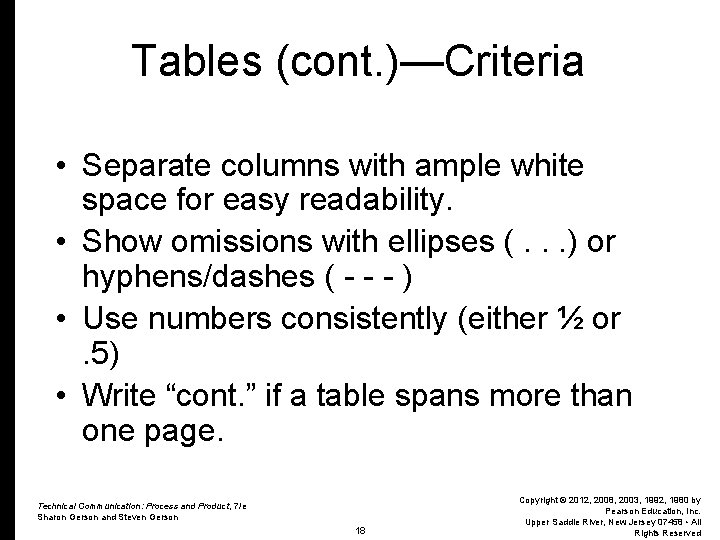
Tables (cont. )—Criteria • Separate columns with ample white space for easy readability. • Show omissions with ellipses (. . . ) or hyphens/dashes ( - - - ) • Use numbers consistently (either ½ or. 5) • Write “cont. ” if a table spans more than one page. Technical Communication: Process and Product, 7/e Sharon Gerson and Steven Gerson 18 Copyright © 2012, 2008, 2003, 1992, 1980 by Pearson Education, Inc. Upper Saddle River, New Jersey 07458 • All Rights Reserved
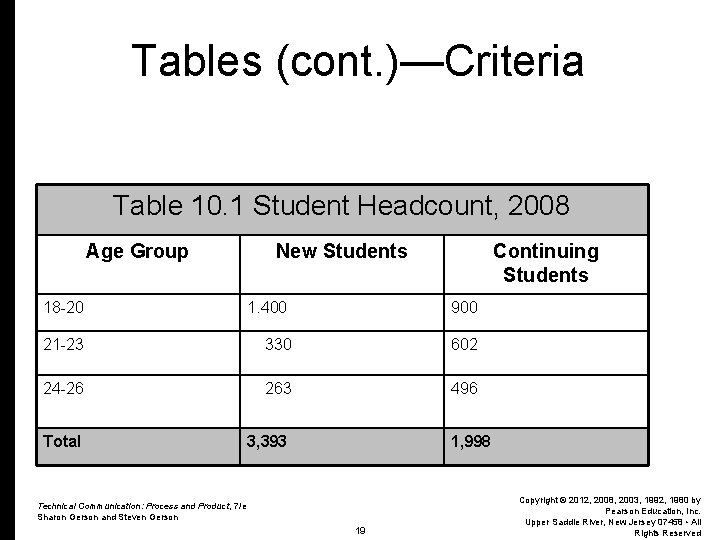
Tables (cont. )—Criteria Table 10. 1 Student Headcount, 2008 Age Group New Students Continuing Students 18 -20 1. 400 900 21 -23 330 602 24 -26 263 496 Total 3, 393 1, 998 Technical Communication: Process and Product, 7/e Sharon Gerson and Steven Gerson 19 Copyright © 2012, 2008, 2003, 1992, 1980 by Pearson Education, Inc. Upper Saddle River, New Jersey 07458 • All Rights Reserved
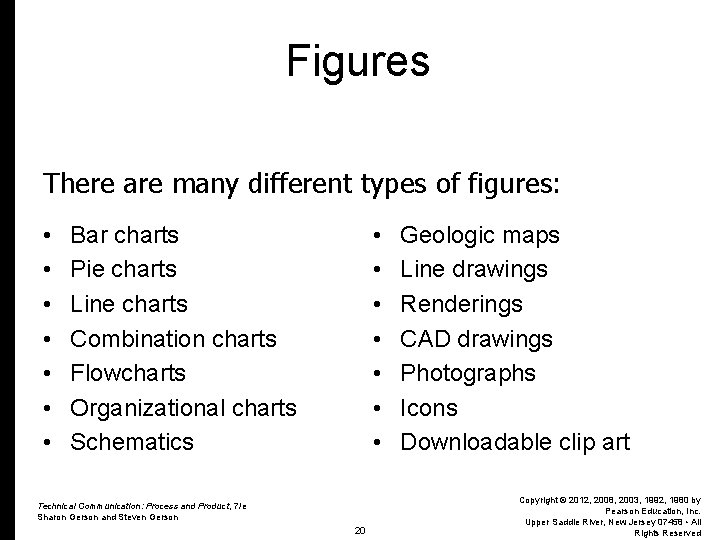
Figures There are many different types of figures: • • • • Bar charts Pie charts Line charts Combination charts Flowcharts Organizational charts Schematics Technical Communication: Process and Product, 7/e Sharon Gerson and Steven Gerson 20 Geologic maps Line drawings Renderings CAD drawings Photographs Icons Downloadable clip art Copyright © 2012, 2008, 2003, 1992, 1980 by Pearson Education, Inc. Upper Saddle River, New Jersey 07458 • All Rights Reserved
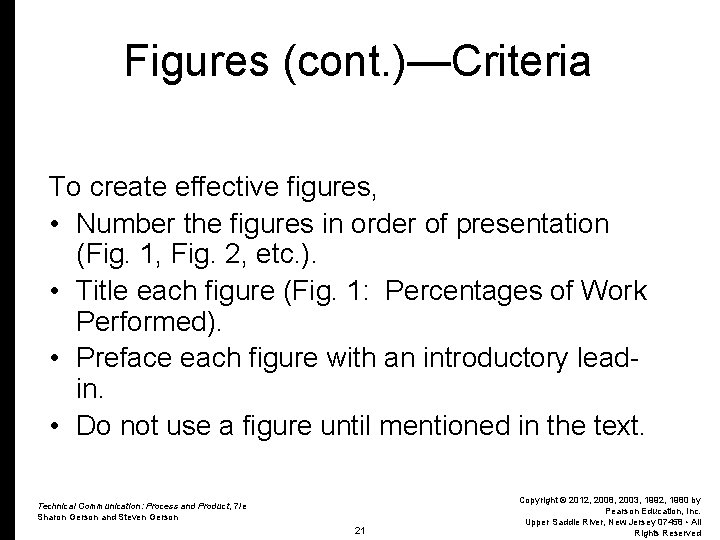
Figures (cont. )—Criteria To create effective figures, • Number the figures in order of presentation (Fig. 1, Fig. 2, etc. ). • Title each figure (Fig. 1: Percentages of Work Performed). • Preface each figure with an introductory leadin. • Do not use a figure until mentioned in the text. Technical Communication: Process and Product, 7/e Sharon Gerson and Steven Gerson 21 Copyright © 2012, 2008, 2003, 1992, 1980 by Pearson Education, Inc. Upper Saddle River, New Jersey 07458 • All Rights Reserved
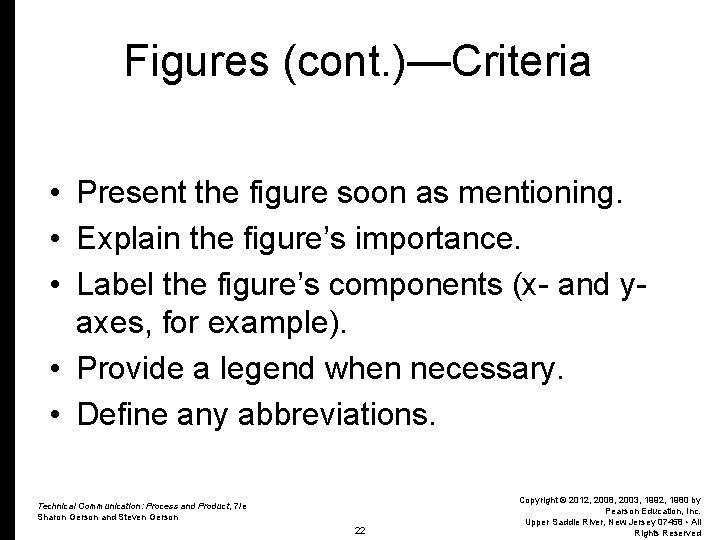
Figures (cont. )—Criteria • Present the figure soon as mentioning. • Explain the figure’s importance. • Label the figure’s components (x- and yaxes, for example). • Provide a legend when necessary. • Define any abbreviations. Technical Communication: Process and Product, 7/e Sharon Gerson and Steven Gerson 22 Copyright © 2012, 2008, 2003, 1992, 1980 by Pearson Education, Inc. Upper Saddle River, New Jersey 07458 • All Rights Reserved
Figures (cont. )—Criteria • Cite sources of information as needed. • Do not crowd figures on a page. • Size the figures appropriately for readability. Technical Communication: Process and Product, 7/e Sharon Gerson and Steven Gerson 23 Copyright © 2012, 2008, 2003, 1992, 1980 by Pearson Education, Inc. Upper Saddle River, New Jersey 07458 • All Rights Reserved
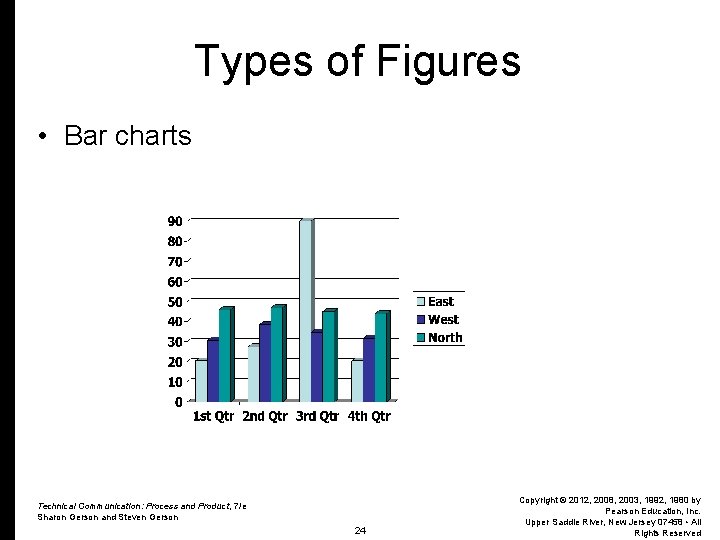
Types of Figures • Bar charts Technical Communication: Process and Product, 7/e Sharon Gerson and Steven Gerson 24 Copyright © 2012, 2008, 2003, 1992, 1980 by Pearson Education, Inc. Upper Saddle River, New Jersey 07458 • All Rights Reserved
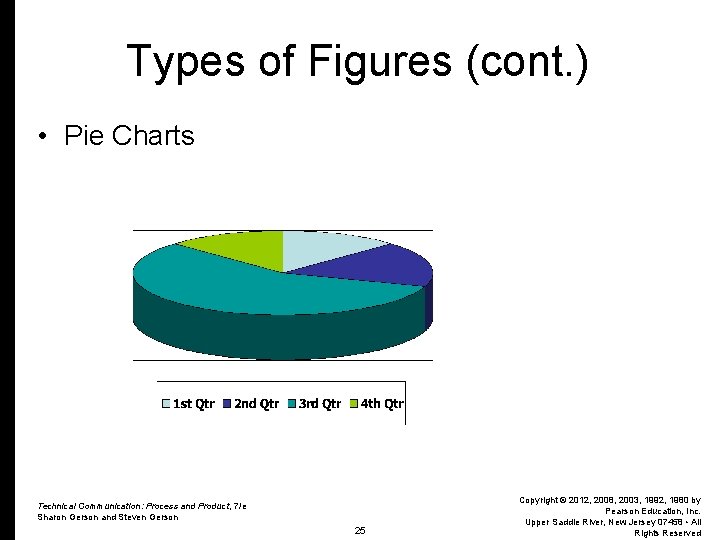
Types of Figures (cont. ) • Pie Charts Technical Communication: Process and Product, 7/e Sharon Gerson and Steven Gerson 25 Copyright © 2012, 2008, 2003, 1992, 1980 by Pearson Education, Inc. Upper Saddle River, New Jersey 07458 • All Rights Reserved
Types of Figures (cont. ) • Line Charts Technical Communication: Process and Product, 7/e Sharon Gerson and Steven Gerson 26 Copyright © 2012, 2008, 2003, 1992, 1980 by Pearson Education, Inc. Upper Saddle River, New Jersey 07458 • All Rights Reserved
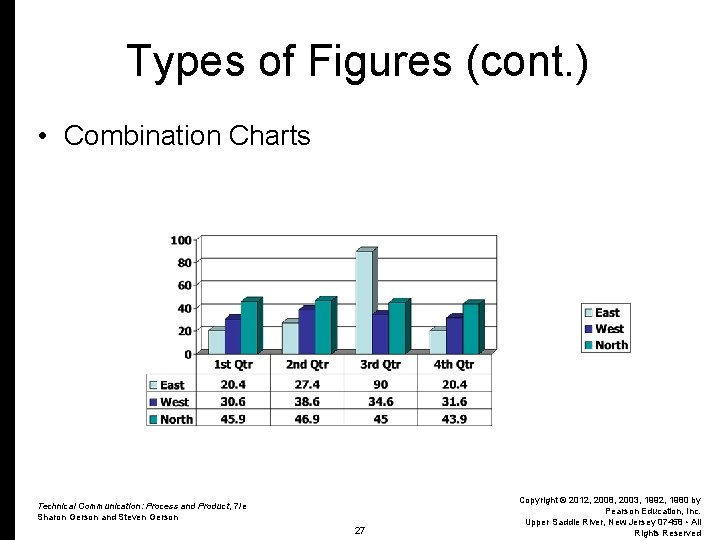
Types of Figures (cont. ) • Combination Charts Technical Communication: Process and Product, 7/e Sharon Gerson and Steven Gerson 27 Copyright © 2012, 2008, 2003, 1992, 1980 by Pearson Education, Inc. Upper Saddle River, New Jersey 07458 • All Rights Reserved
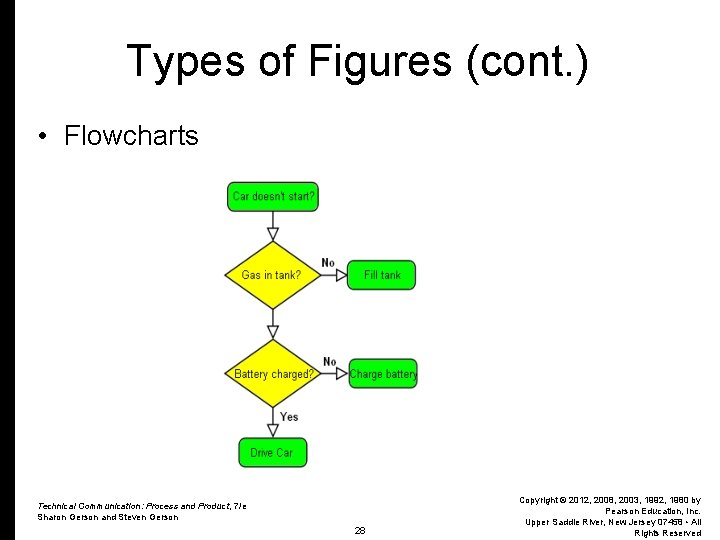
Types of Figures (cont. ) • Flowcharts Technical Communication: Process and Product, 7/e Sharon Gerson and Steven Gerson 28 Copyright © 2012, 2008, 2003, 1992, 1980 by Pearson Education, Inc. Upper Saddle River, New Jersey 07458 • All Rights Reserved
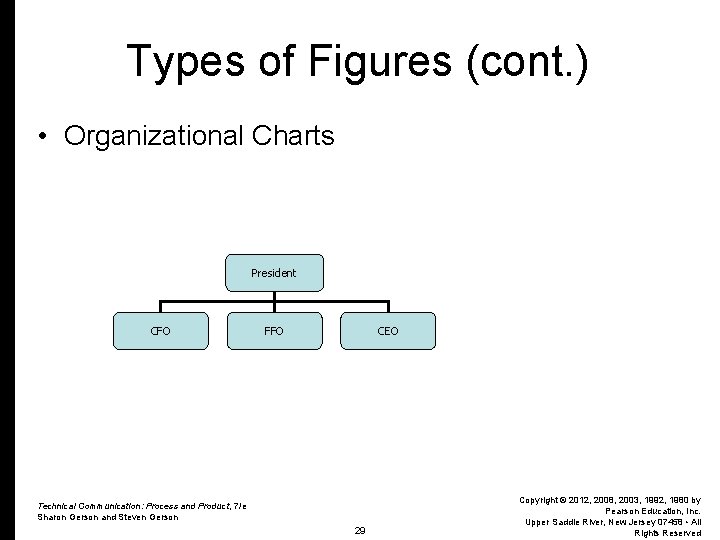
Types of Figures (cont. ) • Organizational Charts President CFO FFO CEO Technical Communication: Process and Product, 7/e Sharon Gerson and Steven Gerson 29 Copyright © 2012, 2008, 2003, 1992, 1980 by Pearson Education, Inc. Upper Saddle River, New Jersey 07458 • All Rights Reserved
Types of Figures (cont. ) • • • Schematics Geologic maps Line drawings Renderings CAD drawings Virtual Reality Technical Communication: Process and Product, 7/e Sharon Gerson and Steven Gerson 30 Copyright © 2012, 2008, 2003, 1992, 1980 by Pearson Education, Inc. Upper Saddle River, New Jersey 07458 • All Rights Reserved
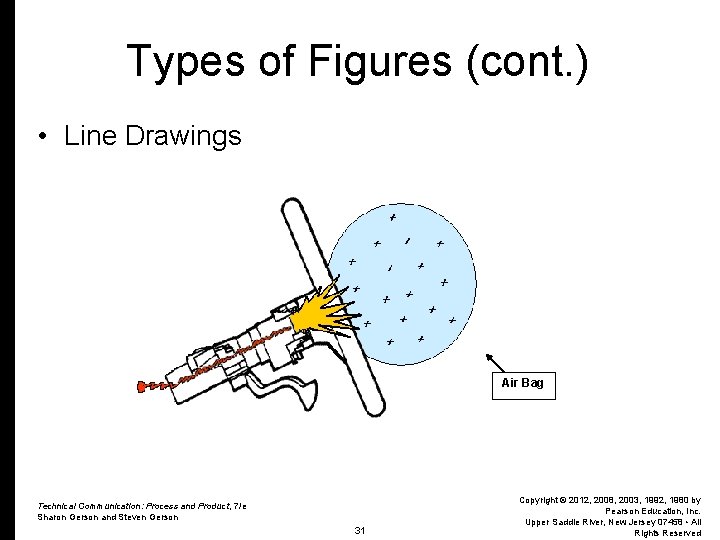
Types of Figures (cont. ) • Line Drawings Air Bag Technical Communication: Process and Product, 7/e Sharon Gerson and Steven Gerson 31 Copyright © 2012, 2008, 2003, 1992, 1980 by Pearson Education, Inc. Upper Saddle River, New Jersey 07458 • All Rights Reserved
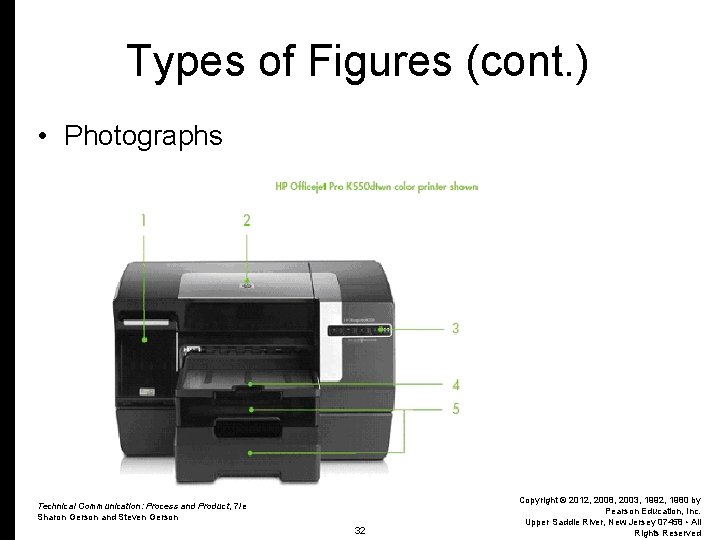
Types of Figures (cont. ) • Photographs Technical Communication: Process and Product, 7/e Sharon Gerson and Steven Gerson 32 Copyright © 2012, 2008, 2003, 1992, 1980 by Pearson Education, Inc. Upper Saddle River, New Jersey 07458 • All Rights Reserved
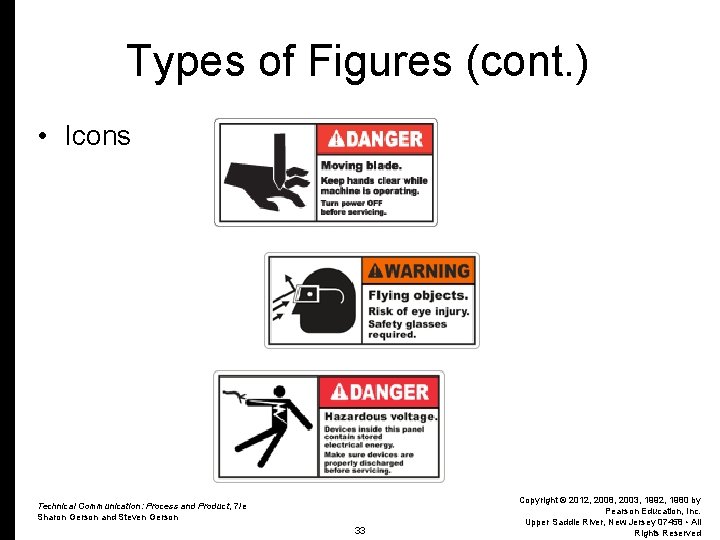
Types of Figures (cont. ) • Icons Technical Communication: Process and Product, 7/e Sharon Gerson and Steven Gerson 33 Copyright © 2012, 2008, 2003, 1992, 1980 by Pearson Education, Inc. Upper Saddle River, New Jersey 07458 • All Rights Reserved
Types of Figures (cont. ) • Downloading Existing Online Graphics – The Internet (sites like “Google”) offer millions of downloadable clip art. NOTE: Be careful when using downloadable clip art. Abide by copyright laws. n Modify the graphics n Give credit to the artists (source citations) n Get permission before use Technical Communication: Process and Product, 7/e Sharon Gerson and Steven Gerson 34 Copyright © 2012, 2008, 2003, 1992, 1980 by Pearson Education, Inc. Upper Saddle River, New Jersey 07458 • All Rights Reserved
Practice • Use the end-of-chapter activities to practice graphics. Technical Communication: Process and Product, 7/e Sharon Gerson and Steven Gerson 35 Copyright © 2012, 2008, 2003, 1992, 1980 by Pearson Education, Inc. Upper Saddle River, New Jersey 07458 • All Rights Reserved