
Teamcenter for CAD data management Agenda PLM overview
- Slides: 17
Teamcenter for CAD data management
Agenda PLM overview Big decisions Challenges CAD Integrations 2
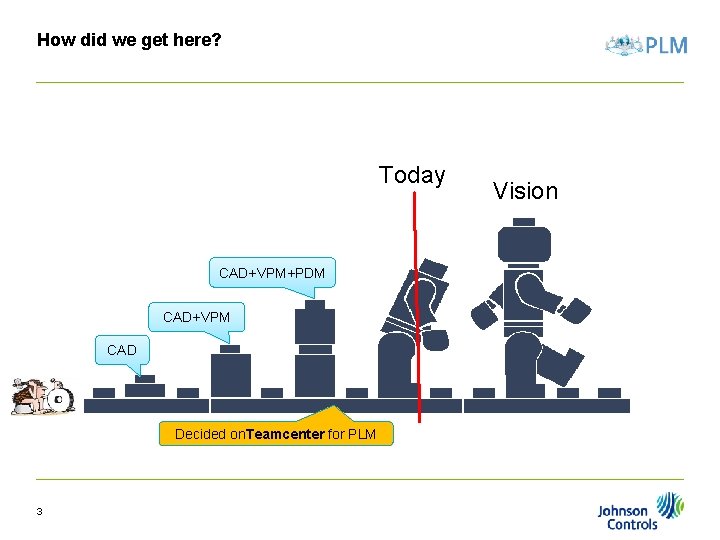
How did we get here? Today CAD+VPM+PDM CAD+VPM CAD Decided on. Teamcenter for PLM 3 Vision
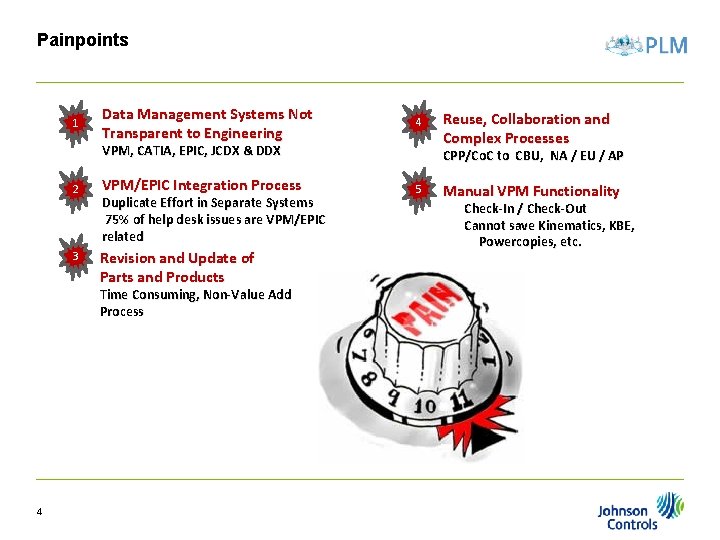
Painpoints 1 Data Management Systems Not Transparent to Engineering 4 VPM, CATIA, EPIC, JCDX & DDX 2 3 VPM/EPIC Integration Process Duplicate Effort in Separate Systems 75% of help desk issues are VPM/EPIC related Revision and Update of Parts and Products Time Consuming, Non-Value Add Process 4 Reuse, Collaboration and Complex Processes CPP/Co. C to CBU, NA / EU / AP 5 Manual VPM Functionality Check-In / Check-Out Cannot save Kinematics, KBE, Powercopies, etc.
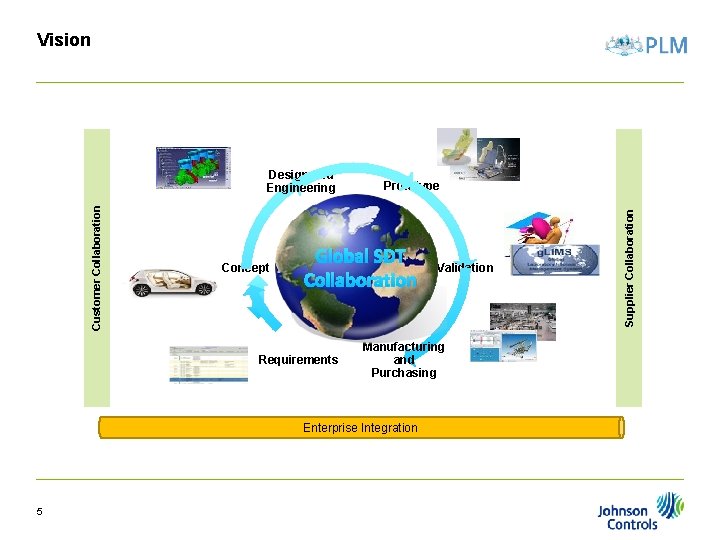
Vision Concept Prototype Global SDT Collaboration Requirements Manufacturing and Purchasing Enterprise Integration 5 Validation Supplier Collaboration Customer Collaboration Design and Engineering
Big Decisions • Part - Design Model • 1 Design for each CATIA dataset (CATPart, CATDrawing, CATProduct) • Standard Naming • OEM environments • NX differences • Precise CAD BOM • Change objects 6
Challenges • Data Migration • VPM to Tc • • No CATProduct from VPM Links • Time to migrate • Adoption of Decisions • Design/Part • Change objects • NX strategy 7
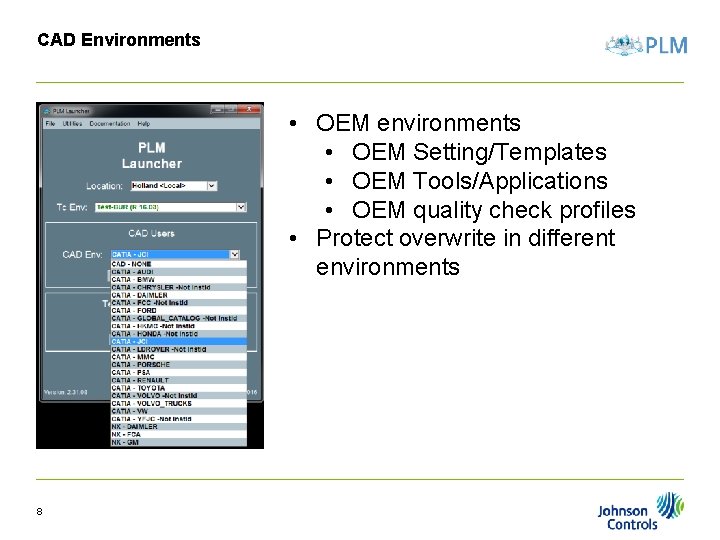
CAD Environments • OEM environments • OEM Setting/Templates • OEM Tools/Applications • OEM quality check profiles • Protect overwrite in different environments 8
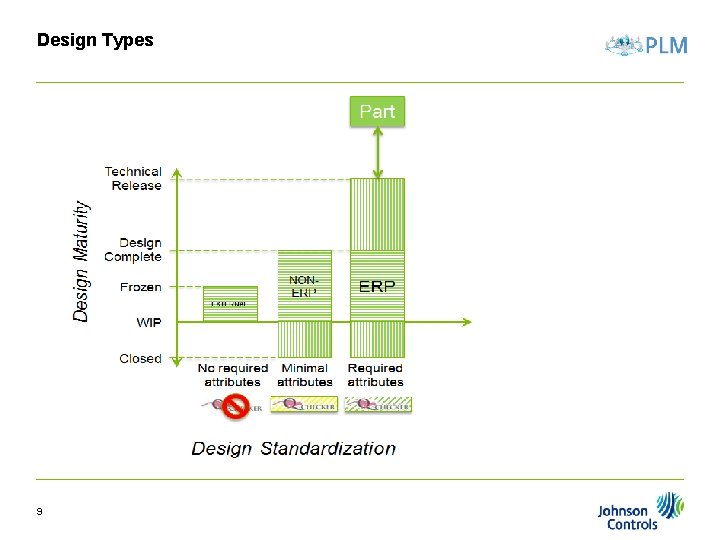
Design Types 9
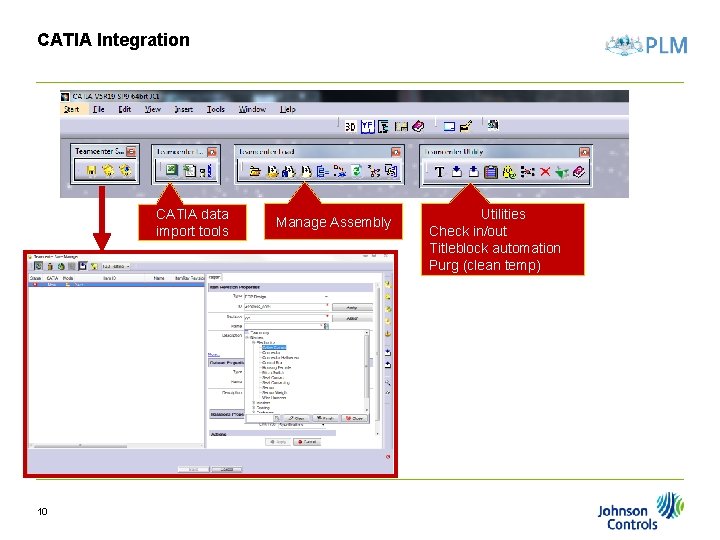
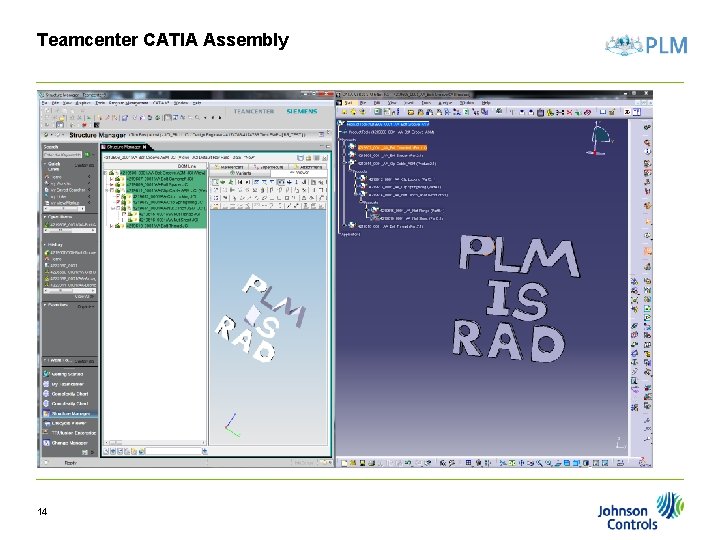
CATIA Integration CATIA data import tools 10 Manage Assembly Utilities Check in/out Titleblock automation Purg (clean temp)
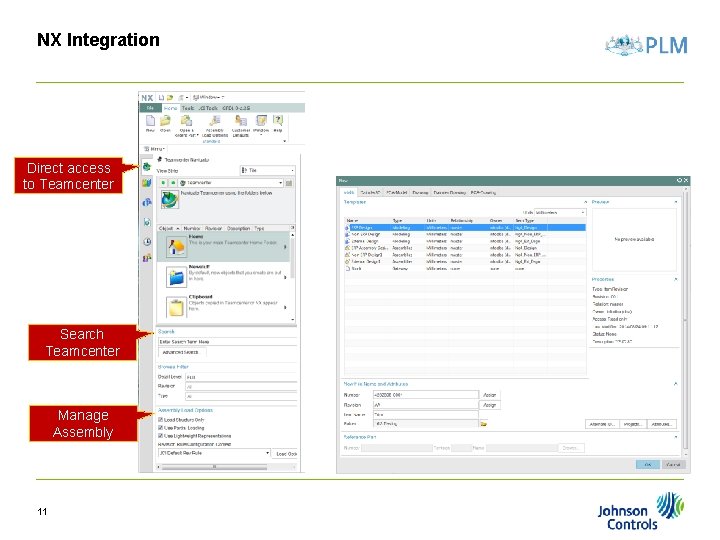
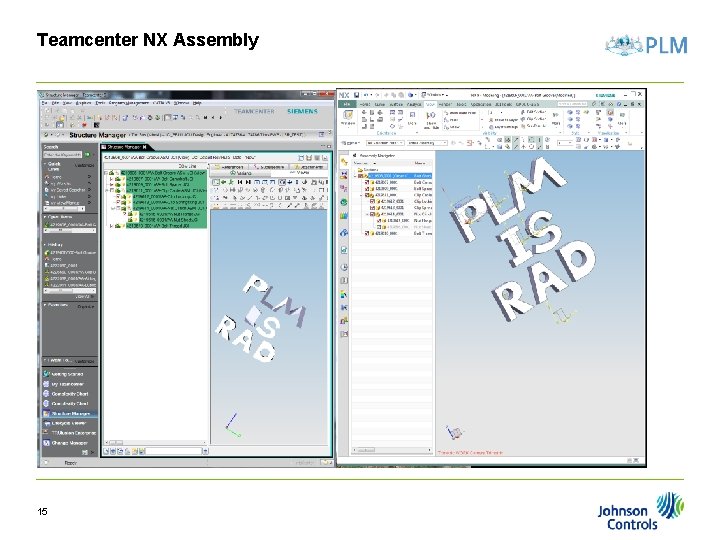
NX Integration Direct access to Teamcenter Search Teamcenter Manage Assembly 11
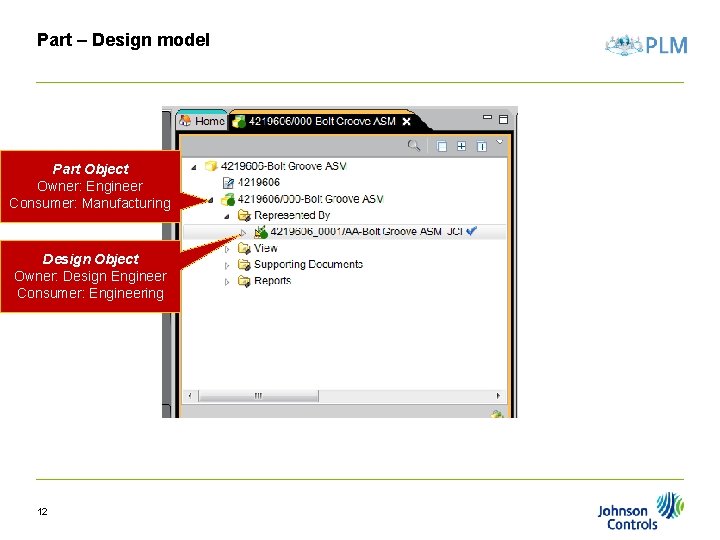
Part – Design model Part Object Owner: Engineer Consumer: Manufacturing Design Object Owner: Design Engineer Consumer: Engineering 12
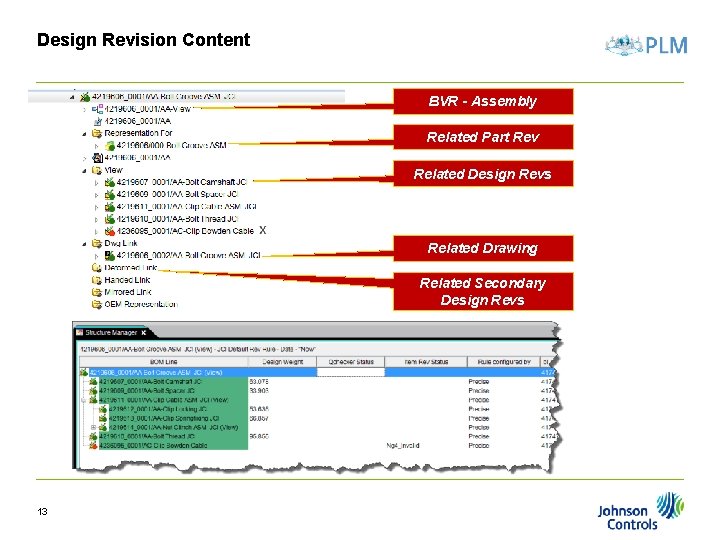
Design Revision Content BVR - Assembly Related Part Rev Related Design Revs Related Drawing Related Secondary Design Revs 13
Teamcenter CATIA Assembly 14
Teamcenter NX Assembly 15
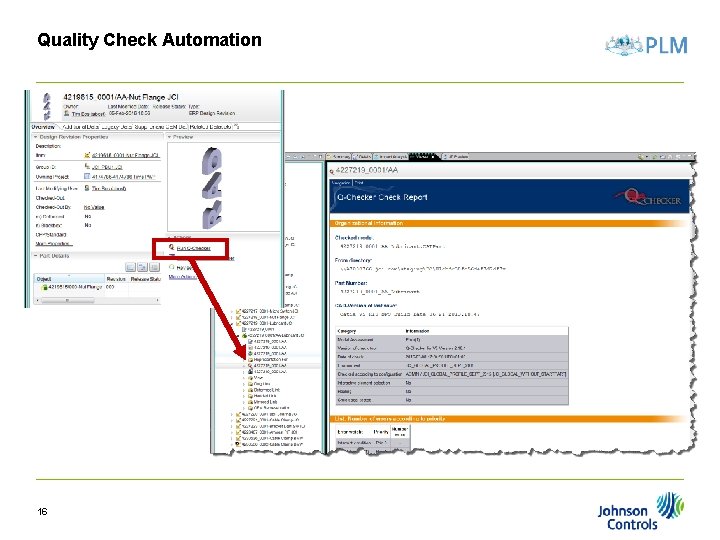
Quality Check Automation 16
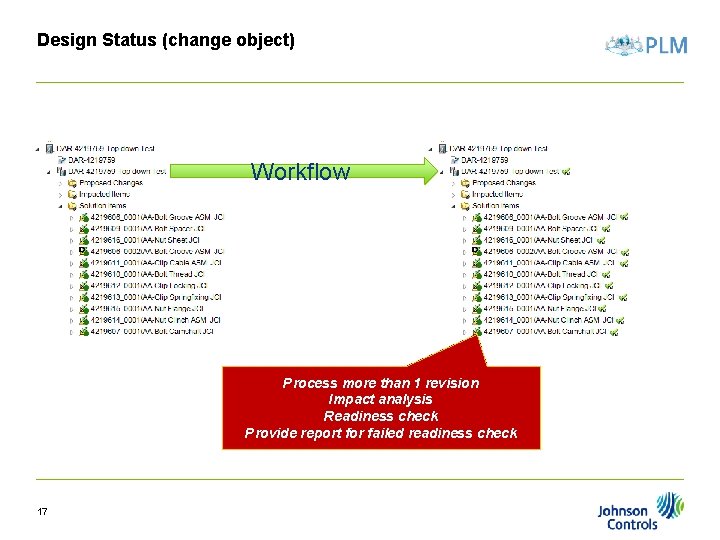
Design Status (change object) Workflow Process more than 1 revision Impact analysis Readiness check Provide report for failed readiness check 17