
Teaching Innovation Effectiveness Part 1 Integrating Interface and

- Slides: 32
Teaching Innovation & Effectiveness Part 1: Integrating Interface and Face-to-Face Methods of Instructional Delivery and Design
Integrating F 2 F & Web • This workshop will cover the basis of design and implementation of a “blended” course • In addition, best practices will be covered
Why “blended” • • • Need to use machinery Need to use specialized computer programs Need for group or individual presentations Need to test Need for group F 2 F collaboration Proximity of audience (working adults, St. Louis)
First Things First! 1. What's the purpose of the course? 2. Who is your audience? 3. What technology is your audience using?
What is the purpose of the course? • • Primary lecture Primarily application Use equipment Use computers
Know Your Audience
What Technology is Needed? • What is the technology that your students have access to? • What is the speed of their connections? • Where are they located?
Design 1. Assembling web-based materials 2. Assembling face-to-face materials
Assembling web-based materials 1. 2. 3. 4. 5. 6. 7. Identify Purpose Recognize Bandwidth (design to 28. 8 modem) Graphics (GIF or JPEG? – GIF better for bandwidth) Monitor resolution (design to 640 X 480) Recognize multiple platforms and browsers (MAC or PC and Netscape or Explorer) Navigation should be consistent & easy to use Use common Fonts
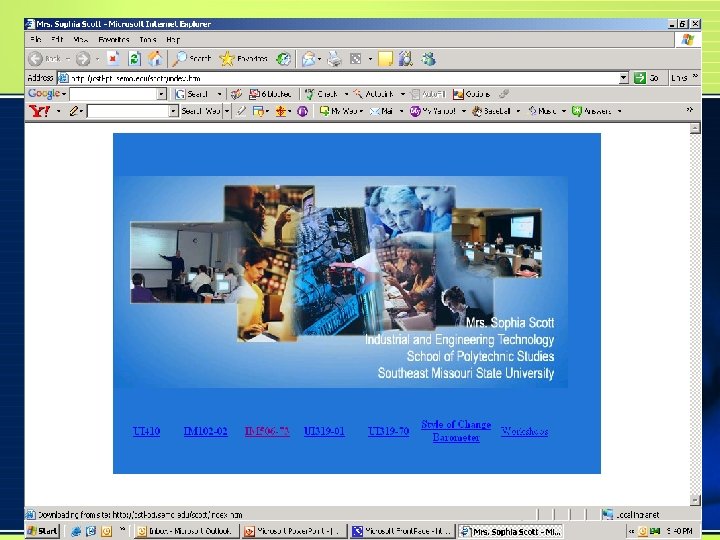
Assembling web-based materials What to include in a website… • Splash Page • Course Website – – Use OIS features Index Template folders
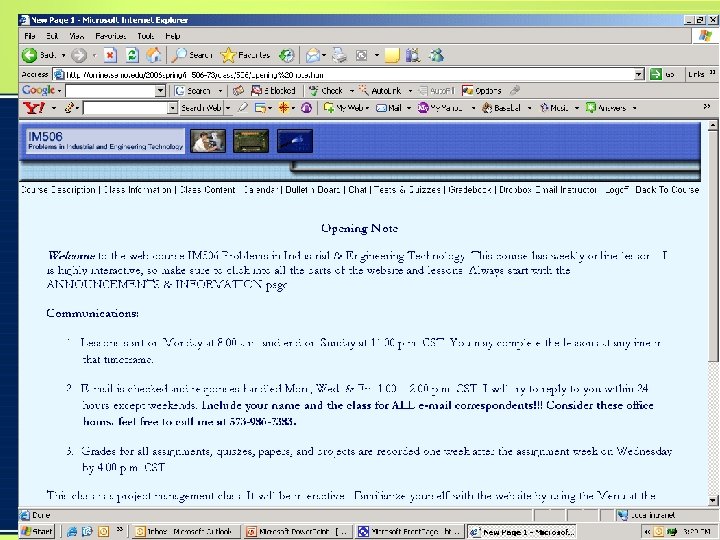
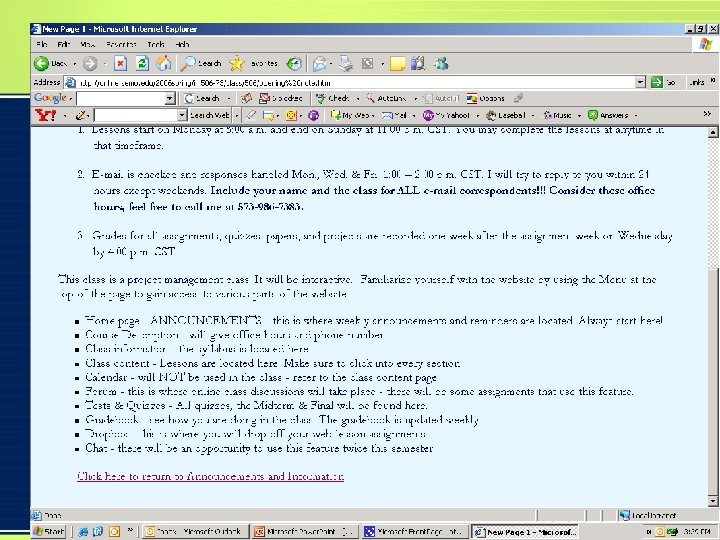
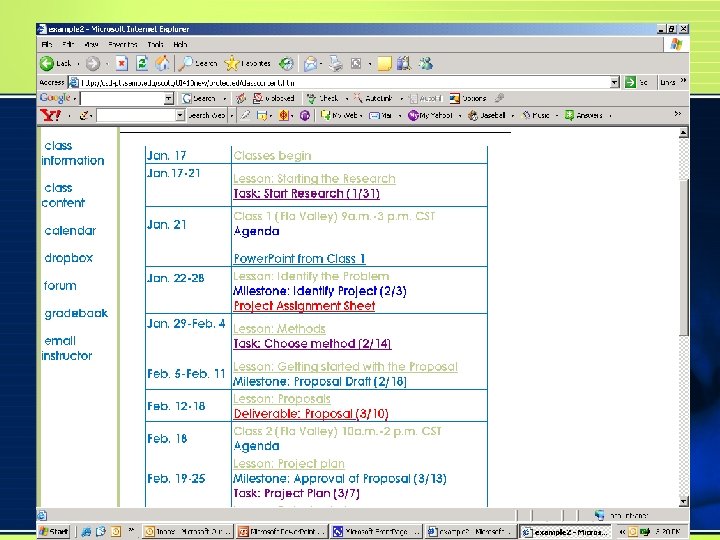
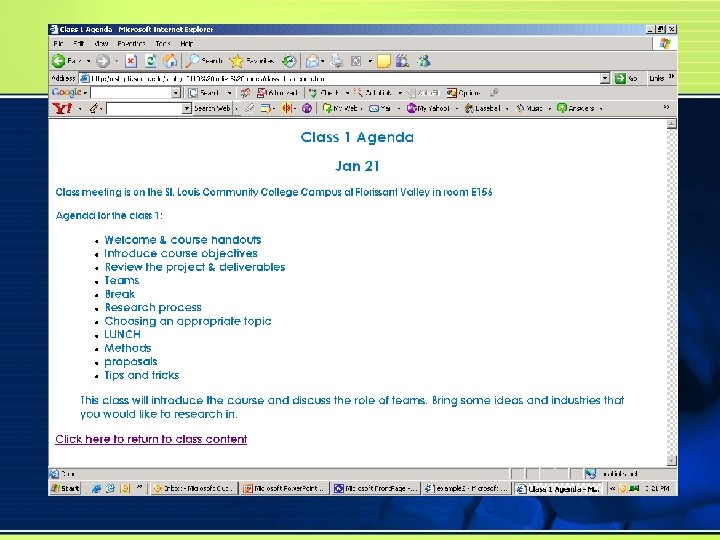
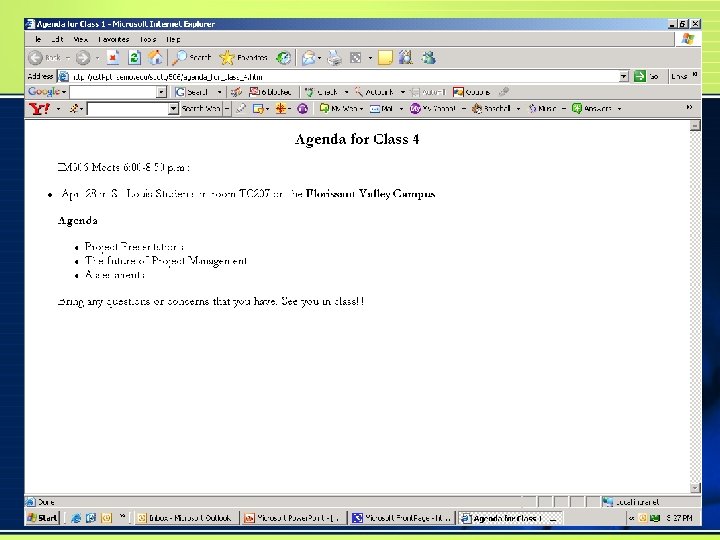
Assembling web-based materials • Have a WELCOME about a week prior to classes – Tech requirements – Meet the instructor – Opening note • • Communication plan (office hours) Expectations Organization of website Where to get content – Class meetings dates & location (agenda)
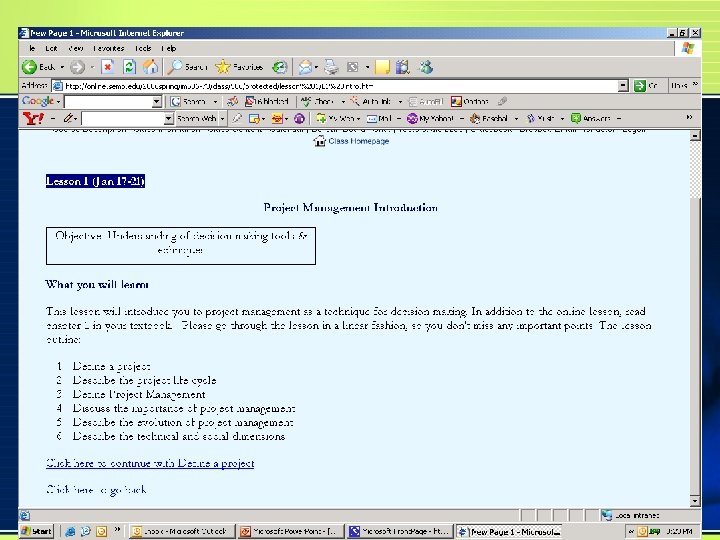
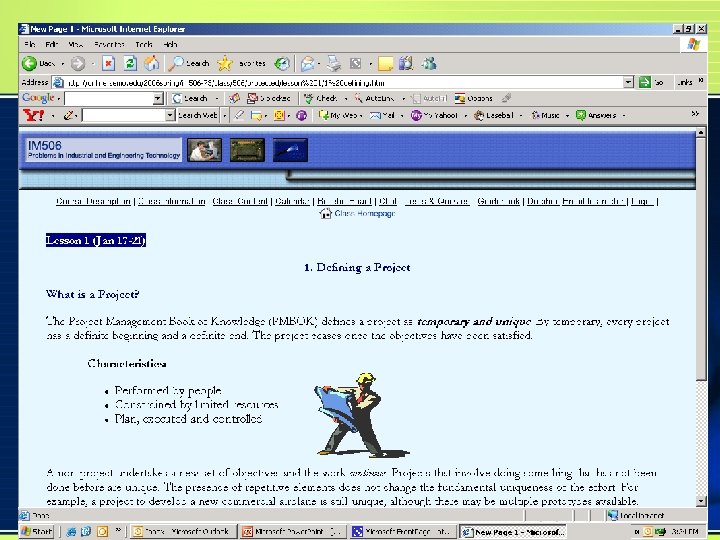
Assembling web-based materials • Begin with an introduction to the lesson – Objective – Organization of lesson – Link to content • Content – Organized – Easy to navigate – Minimize scrolling – Vary text with graphics – Chunk information – Link to assessment
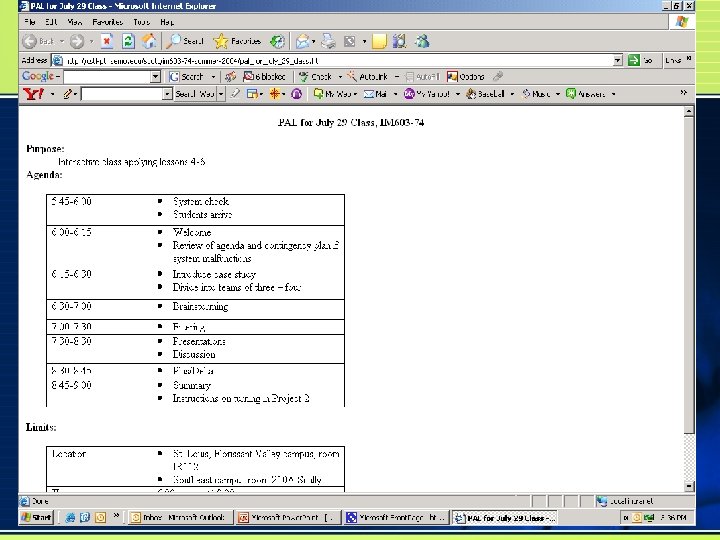
Design F 2 F • Create an agenda • Take time at beginning of class for review of web lessons • Link the web lessons to the class • Have a plan • Have a contingency plan
Implementation 1. Web portion 2. Class portion The KEY is to plan and to make the connection of both the web lesson & the F 2 F class to the objectives of the class
Student Comments • • Keep the site organized Keep the site updated Have a place for questions Have clear instructions & directions Respond in a timely manner Add additional resources Have a purpose for the content (don’t like busy work) • Use Forum & Chat
Best Practices E-mail etiquette • Set up a folder for each class in your e-mail client, and get in the habit of moving each class-related e-mail to the folder as soon as you have acted on it. This gives you an archive of e-mail traffic - invaluable for resolving grade disputes, etc! • Studies show that students expect a response to an e-mail within 24 -48 hours. Don't let e-mails "pile up". • Create and use a signature file that includes contact info.
Best Practices • Put a phony student in the class without instructor privileges so you can view the class from the student’s perspective and use that ID to log in every time you create new pages to check links and assignments • Require Southeast email • Provide opportunity for students to practice using the OIS components prior to giving them required assignments • Office hours should be listed on the Class Homepage or faculty member’s page (three hours per week are required by Southeast’s Faculty Handbook)
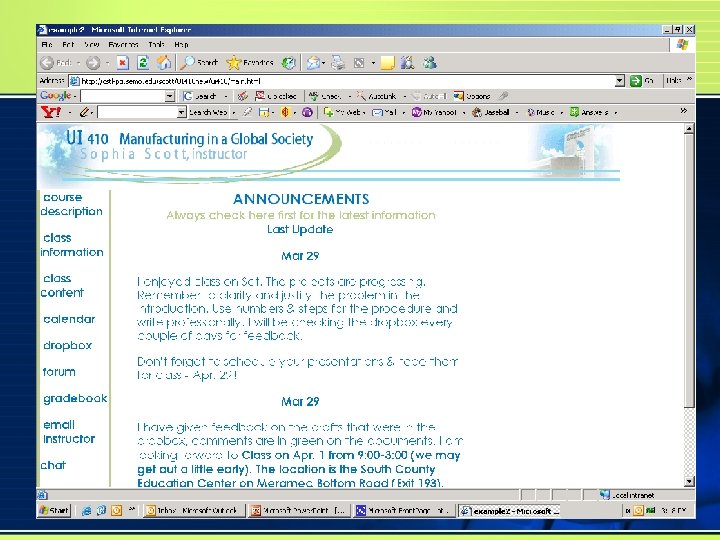
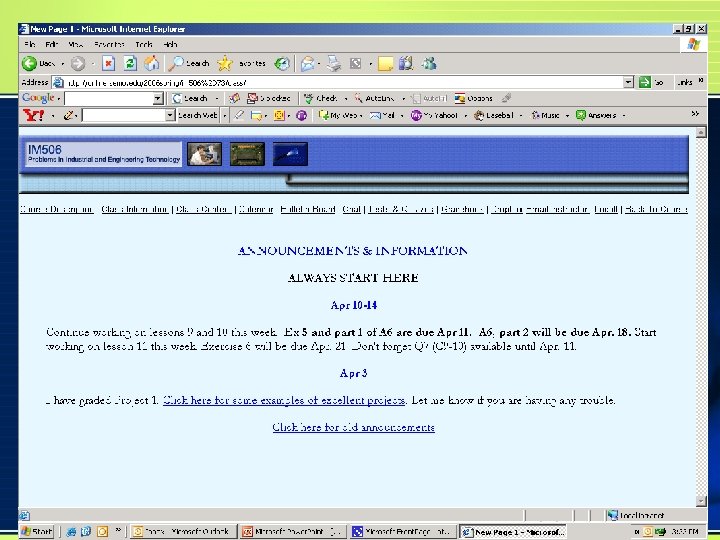
Best Practices • Keep a dynamic Announcements page • Don’t link to commercial websites (For more info, visit MORE. net) • Have a schedule which outlines the materials and available dates for the class
Best Practices • Clearly explain the objective(s) for the class and for each assignment. Students sometimes think assignments for web classes are busy work because the instructor does not do a good job explaining the rationale for the assignment. • Use a variety of assessments • Lots of smaller assessments, not a midterm and a final • Don’t put so much weight on the tests/quizzes that it tempts students to cheat • Link web lessons to class lessons
Questions Or Additional Tips
Thank you for your TIME