
Teaching and learning secondary school science with current
- Slides: 22
Teaching and learning secondary school science with current and future ICT’s EDU 205 By Owen Macer
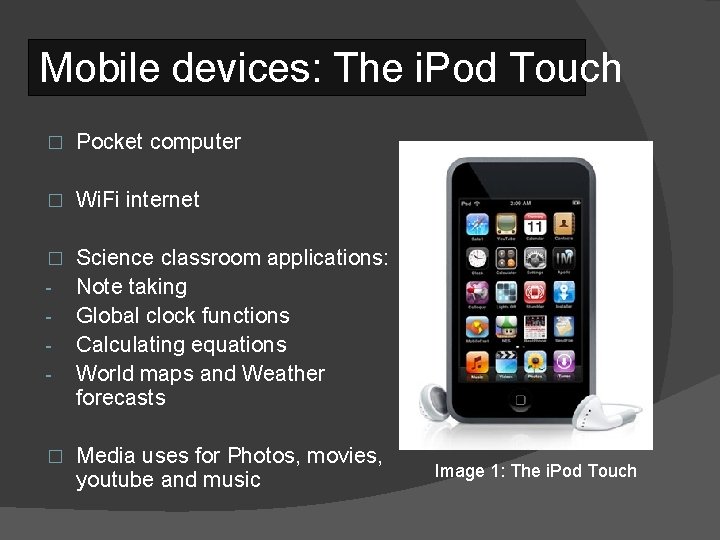
Mobile devices: The i. Pod Touch � Pocket computer � Wi. Fi internet � Science classroom applications: Note taking Global clock functions Calculating equations World maps and Weather forecasts - � Media uses for Photos, movies, youtube and music Image 1: The i. Pod Touch
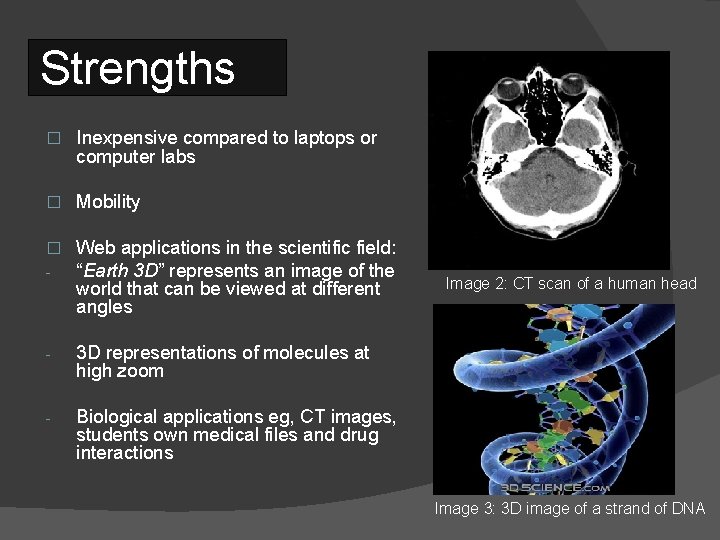
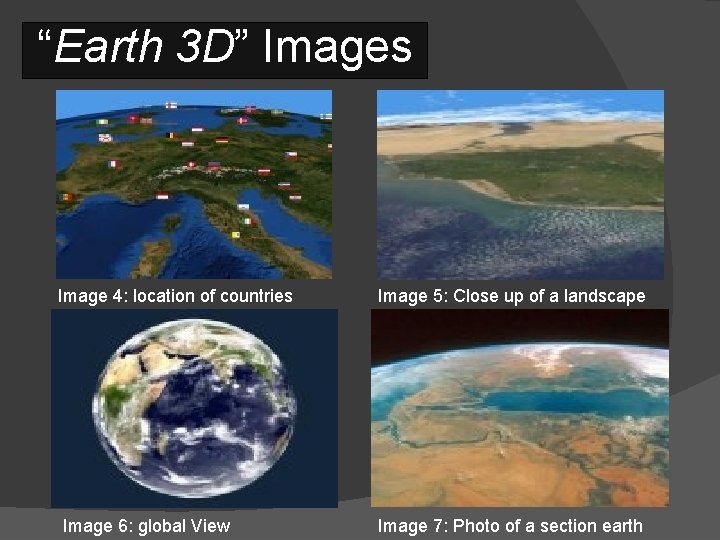
Strengths � Inexpensive compared to laptops or computer labs � Mobility � - Web applications in the scientific field: “Earth 3 D” represents an image of the world that can be viewed at different angles - 3 D representations of molecules at high zoom - Biological applications eg, CT images, students own medical files and drug interactions Image 2: CT scan of a human head Image 3: 3 D image of a strand of DNA
“Earth 3 D” Images Image 4: location of countries Image 6: global View Image 5: Close up of a landscape Image 7: Photo of a section earth
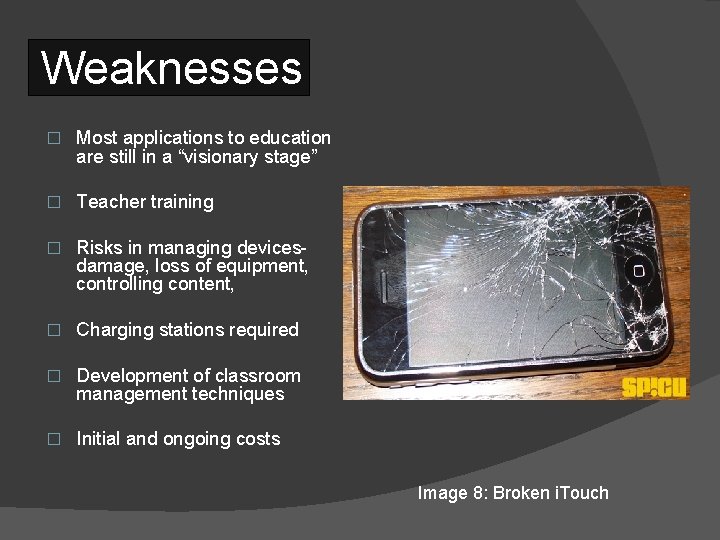
Weaknesses � Most applications to education are still in a “visionary stage” � Teacher training � Risks in managing devicesdamage, loss of equipment, controlling content, � Charging stations required � Development of classroom management techniques � Initial and ongoing costs Image 8: Broken i. Touch
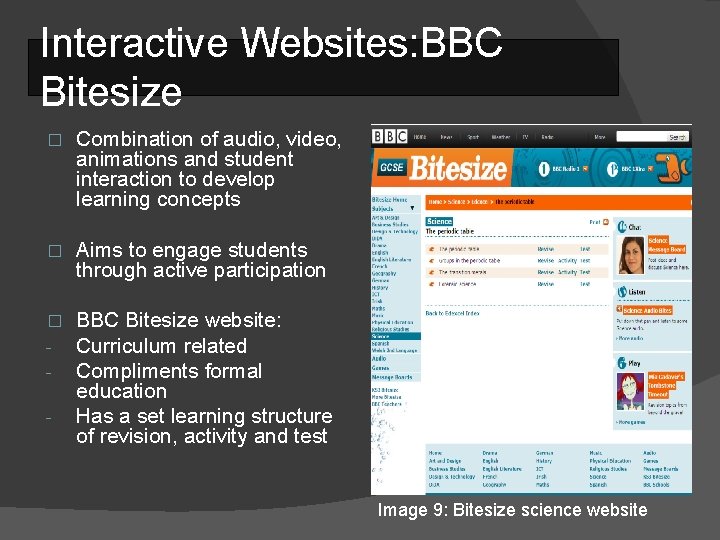
Interactive Websites: BBC Bitesize � Combination of audio, video, animations and student interaction to develop learning concepts � Aims to engage students through active participation � - BBC Bitesize website: Curriculum related Compliments formal education Has a set learning structure of revision, activity and test - Image 9: Bitesize science website
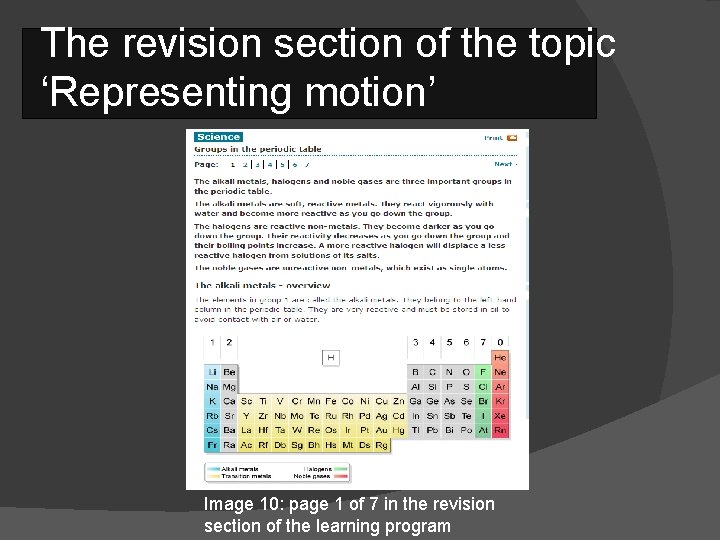
The revision section of the topic ‘Representing motion’ Image 10: page 1 of 7 in the revision section of the learning program
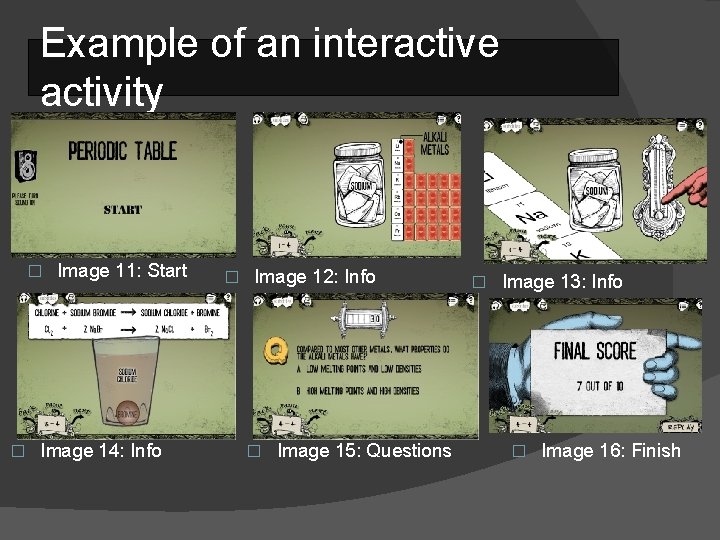
Example of an interactive activity � � Image 11: Start Image 14: Info � Image 12: Info � Image 15: Questions � Image 13: Info � Image 16: Finish
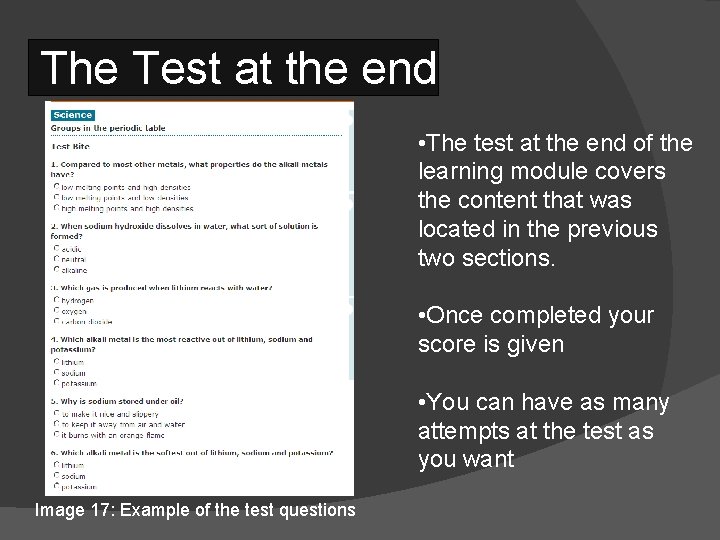
The Test at the end • The test at the end of the learning module covers the content that was located in the previous two sections. • Once completed your score is given • You can have as many attempts at the test as you want Image 17: Example of the test questions
Strengths � Students can learn at their own time and pace � Reduce teaching preparation. (no worksheets needed) � Can be accessed at home � Inspires teenagers interest outside formal learning � Develops students computer skills � Engages students into a new learning topic � Promotes reading material � Most are free to use eg. BBC Bitesize Image 18
Weaknesses � The use of humour and music may be distracting � Only covers general concepts � Doesn’t promote writing tasks � Requires internet and computer access � BBC Bitesize is a UK website so SI units are different Image 19
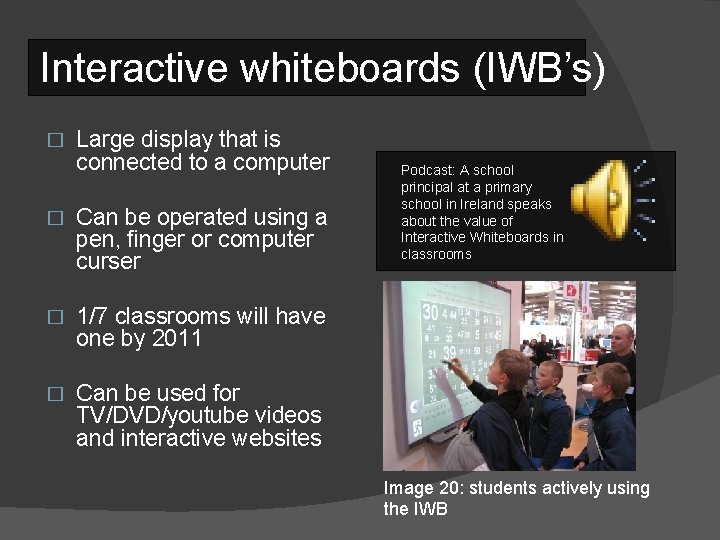
Interactive whiteboards (IWB’s) � Large display that is connected to a computer � Can be operated using a pen, finger or computer curser � 1/7 classrooms will have one by 2011 � Can be used for TV/DVD/youtube videos and interactive websites Podcast: A school principal at a primary school in Ireland speaks about the value of Interactive Whiteboards in classrooms Image 20: students actively using the IWB
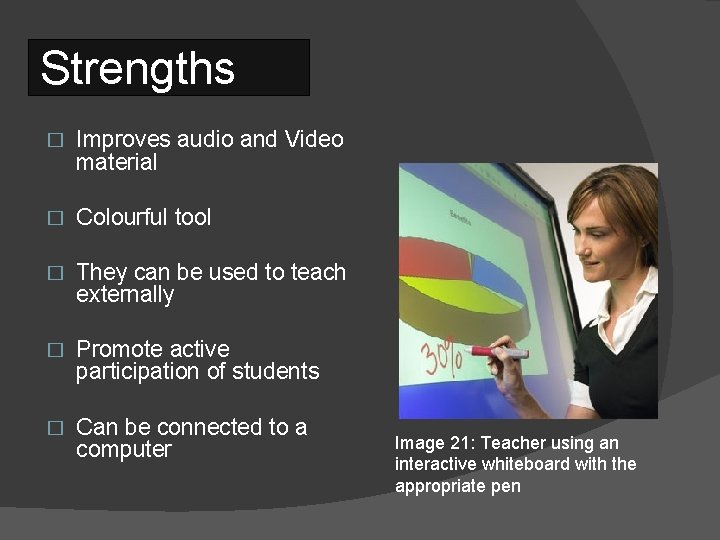
Strengths � Improves audio and Video material � Colourful tool � They can be used to teach externally � Promote active participation of students � Can be connected to a computer Image 21: Teacher using an interactive whiteboard with the appropriate pen
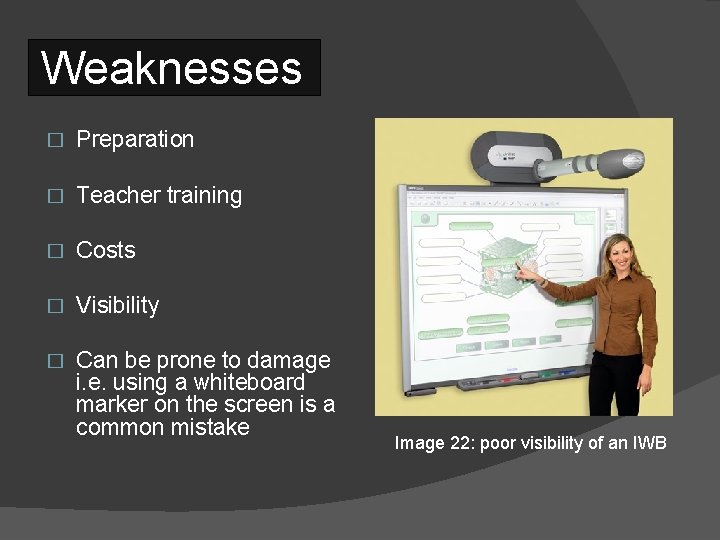
Weaknesses � Preparation � Teacher training � Costs � Visibility � Can be prone to damage i. e. using a whiteboard marker on the screen is a common mistake Image 22: poor visibility of an IWB
Power point � Are used to present information in slides � Slides can contain text, graphics, movies and other objects � Can be used in a science classroom to show complex concepts Image 23: Microsoft power point logo
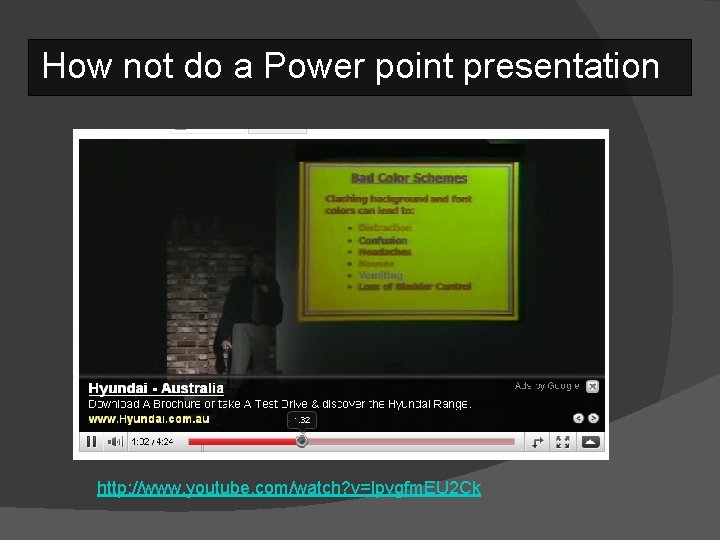
How not do a Power point presentation http: //www. youtube. com/watch? v=lpvgfm. EU 2 Ck
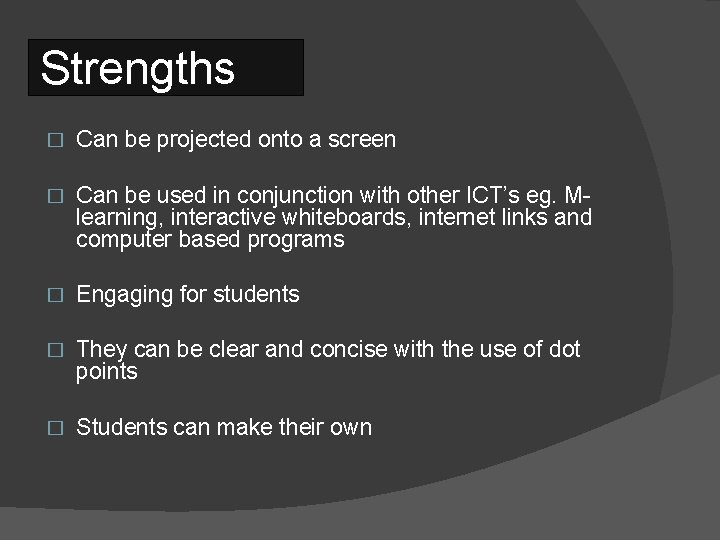
Strengths � Can be projected onto a screen � Can be used in conjunction with other ICT’s eg. Mlearning, interactive whiteboards, internet links and computer based programs � Engaging for students � They can be clear and concise with the use of dot points � Students can make their own
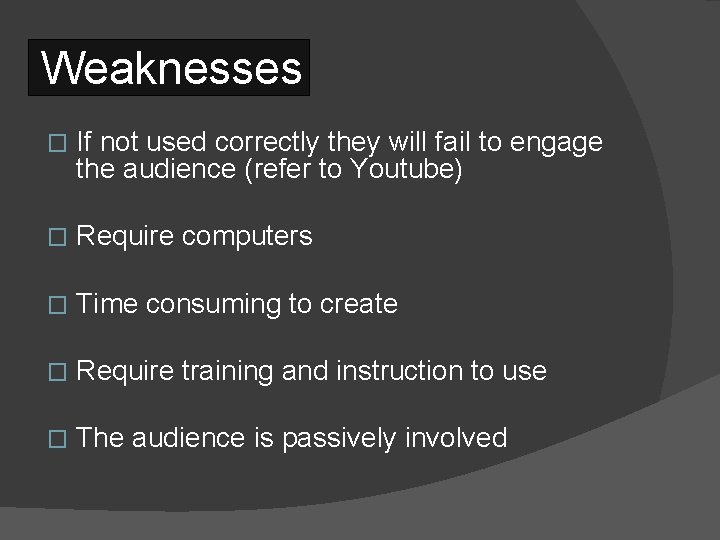
Weaknesses � If not used correctly they will fail to engage the audience (refer to Youtube) � Require computers � Time consuming to create � Require training and instruction to use � The audience is passively involved
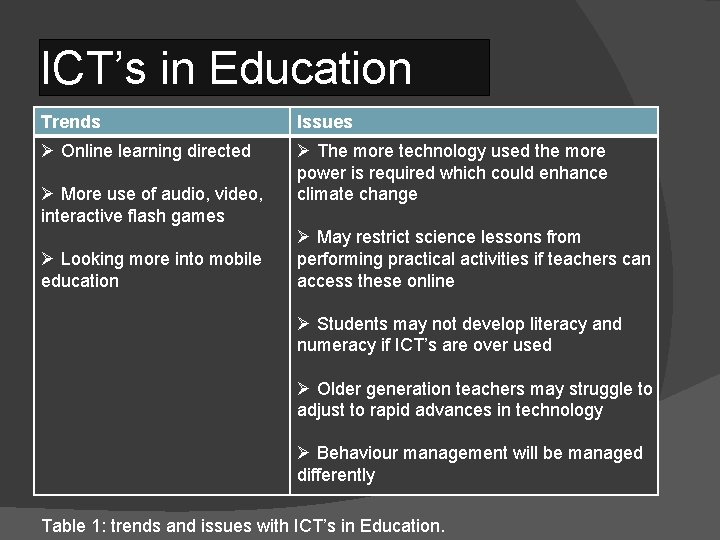
ICT’s in Education Trends Issues Ø Online learning directed Ø The more technology used the more power is required which could enhance climate change Ø More use of audio, video, interactive flash games Ø Looking more into mobile education Ø May restrict science lessons from performing practical activities if teachers can access these online Ø Students may not develop literacy and numeracy if ICT’s are over used Ø Older generation teachers may struggle to adjust to rapid advances in technology Ø Behaviour management will be managed differently Table 1: trends and issues with ICT’s in Education.
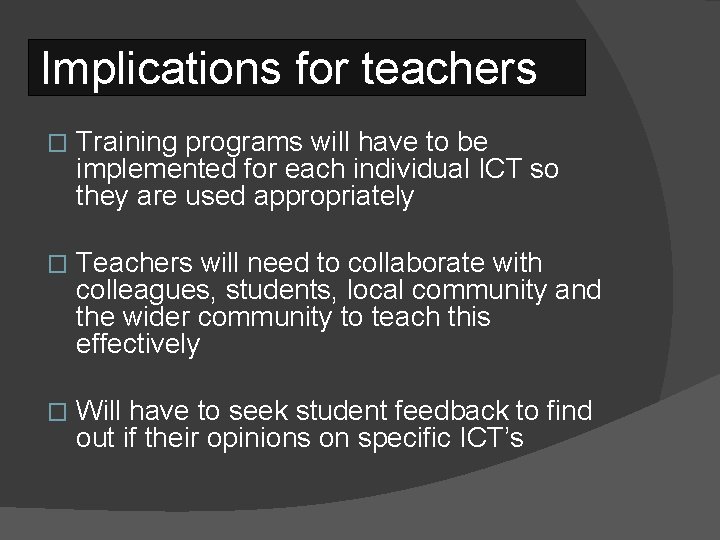
Implications for teachers � Training programs will have to be implemented for each individual ICT so they are used appropriately � Teachers will need to collaborate with colleagues, students, local community and the wider community to teach this effectively � Will have to seek student feedback to find out if their opinions on specific ICT’s
References: Images � � � � Image 1 : http: //www. ipodfactory. com/images/itouch. jpg http: //www. earth 3 d. org/ Image 2: http: //upload. wikimedia. org/wikipedia/commons/archive/d/da/20060904231838!Head_CT_scan. jpg Image 3; http: //www. 3 dscience. com/img/Products/3 D_Models/Biology/DNA_w_Phosphate_structure Images 4 -7: http: //www. earth 3 d. org/ Image 8: http: //www. spicu. com/wp-content/uploads/2008/03/itouch_broken. jpg Image 9 and 19: http: //www. bbc. co. uk/schools/gcsebitesize/science/edexcel/patterns/ Image 10: http: //www. bbc. co. uk/apps/ifl/schools/gcsebitesize/science/quizengine? quiz=edexcelgroupsintheperi odictable&template. Style=science Images 11 -16: http: //www. bbc. co. uk/schools/gcsebitesize/science/edexcel/patterns/groupsact. shtml Image 17: http: //www. bbc. co. uk/apps/ifl/schools/gcsebitesize/science/quizengine? quiz=edexcelgroupsintheperi odictable&template. Style=science Image 18: http: //www. picturesof. net/_images/student_watching_the_clock_080612 -172209092001. jpg Image 20: http: //www. ftworthfamilyhomes. com/blog/wp-content/uploads/interactive-whiteboard. jpg Image 21: http: //www. cisb. com. cn/Upload. File/Illustration/image/smart_board_04. jpg Image 22: http: //www. ivci. com/images/smart-board-600 i-interactive-whiteboard-photo. jpg Image 23: http: //www. contrib. andrew. cmu. edu/~iclanton/CCM-Website/images/Power. Point. Logo. png
References: Information � Journal Article: Banister, Savilla (2010) 'Integrating the i. Pod Touch in K-12 Education: Visions and Vices', Computers in the Schools, 27: 121 — 131 Podcast: http: //blog. teachnet. ie/? p=1612 Accessed 7/8/2010 � � Table 1: Constructed by Owen Macer 7/8/2010 Interactive website http: //www. bbc. co. uk/schools/gcsebitesize/sciences Accessed 7/8/2010 � You. Tube: http: //www. youtube. com/watch? v=lpvgfm. EU 2 Ck Accessed 7/8/2010 �