
Teaching an Asynchronous Online Course Lessons Learned Ronald

- Slides: 24
Teaching an Asynchronous Online Course Lessons Learned Ronald H. Rockland, Ph. D Professor Emeritus, School of Applied Engineering and Technology Master Teacher
Background • Taught a class (ECET 300) for many years FTF • Spent last three years (prior to retiring in 2018) providing online content for FTF section • Can’t start from scratch and go into online • Used Moodle extensively that course, to the point of almost having an online course in person • Converted to online course in 2017 • At same time taught FTF section • Have taught this course asynchronously online twice in Moodle, and transitioned to Canvas this past semester
Challenge of Asynchronous • No formal class times (Benefit/Detriment) • Information structure • Student interaction • Test
Challenge of Asynchronous No Formal Class Times • Students like no formal times • But many are not structured • Assignments still due at a specific day and time • Structured as if lesson started on Monday • Sunday at 11: 59 PM, self-review is on Wednesday at 11: 59 PM • Tests are given on a specific day - Wednesday (not a time) • Will discuss tests later • Web. Ex sessions at a time • Challenge to find time
Challenge of Asynchronous Information structure • How do I guide students through the information? • Must provide far more information via Canvas • Structuring material so I don’t have to spend a lot of time explaining it • Materials (Videos and Word documents) • Have evolved a structure that allows students to determine what materials they want and when • Will discuss in detail later
Challenge of Asynchronous Student interaction • Had 10 -minute rule in FTF class • How do I get interaction in asynchronous class? • Keeping students aware they are taking a class • Interacting with students (student/student and teacher/student) – how, how often, what to say? • Knowing that students are following week to week
Challenge of Asynchronous Tests • How do I give the test online? • When do I give the test? • How long should the test take, compared to an FTF class? • How to deal with academic integrity?
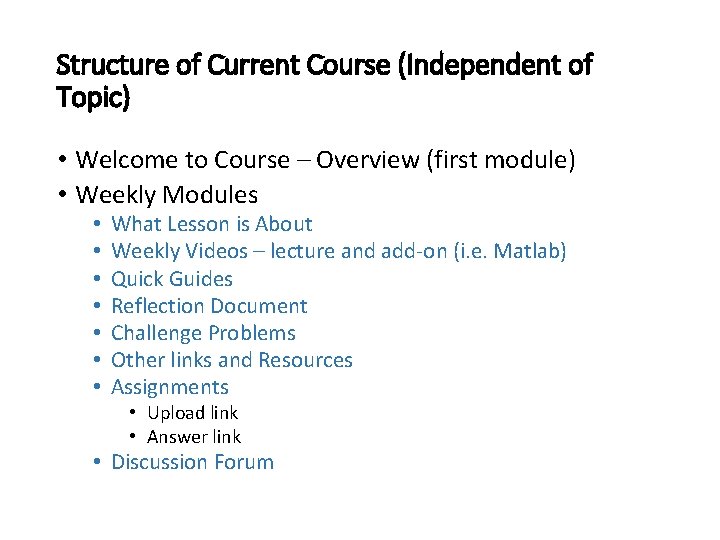
Structure of Current Course (Independent of Topic) • Welcome to Course – Overview (first module) • Weekly Modules • • What Lesson is About Weekly Videos – lecture and add-on (i. e. Matlab) Quick Guides Reflection Document Challenge Problems Other links and Resources Assignments • Upload link • Answer link • Discussion Forum
First Module
• Welcome to Course – Quick info • Course Description • Detailed Description, Co-requisite and pre-requisite, Course outcomes, Required material • Video – Canvas overview • Tour of Canvas site – how to navigate an asynchronous course • Days and Time for Web. Ex meetings • A welcoming letter to the class • Did that for FTF class • Detailed overview of the class including my background • Document on online courses • Syllabus
Courses Resources • How to upload homework, how to study for online • NJIT Student Support Services • Resources • For software (MATLAB) • For math (Khan Academy, Trig Identities, other math sites)
Format for Weekly Lesson
What Lesson is About • A brief Word document summarizing what the module (week or two) is about, how it relates to the course • Something I did each week in FTF classes • Gives students a perspective on what they will cover
Weekly Videos • Short 10 minute or less videos • Learning objects vs. taping entire lecture • Break down lecture into key points • Initially created with Power. Points, then smart paper tablet, now on computer with pen • Used in conjunction with lecture FTF • Have section for lecture video, specialty software (Matlab) videos
Quick Guides • Word document that summarizes a chapter or part of a chapter • Key concepts, formulas and sometimes tables or figures • Might have more than one Quick Guide per chapter • Think Cliff Notes • Could look at it first and then videos/text, or reverse • Up to student
Reflection Document • Outgrowth of what I did in class, at the end • List up to three things you understand, three things you don’t, and what improvements • In asynchronous course, enables students and instructors to interact • I review each one and comment on many • Help with continuous improvement • What are students asking about (Challenge Problems) • Important to be non-judgmental, and respond back to students
Challenge Problems • Came from Reflection Document • Harder problems than homework • Video – present problem, students pauses, solves, then plays answer back • If they have problems with this challenge, wait 2 -3 days, and then try again • No points assigned for these problems • Students have entire method
Homework • Upload each week at a specific time in Canvas • Either scan or pictures (apps that scan with smartphone) • Cam. Scanner on of the better ones for phone • Post solutions (mostly videos) after due date • Odd number problems have answers • Last semester, started the last few weeks to modify grading and have student’s self evaluate after the deadline • Graded on reflection on what they did wrong/what they didn’t understand about the homework • Do my comments help them to improve vs. reflection? • Homework due Sunday, answers posted Monday, selfreview is due on Wednesday
Testing – Key Issues • How to provide an online experience and maintain academic integrity? • How to deal with problem-based questions, not multiple choice, fill-ins or true and false? • Ability to use information, not just list it • How to provide the ability to answer problems, with no drawing tools? • What time period should I give the students, and when?
Testing – Answers to Key Issues • Use Respondus Monitor for delivering online tests • Show examples via Canvas • Initially I had students respond in text and limited equation editor • Different cognitive form • Major issues • Provide them with sample testing first • Allowed online testing to be longer than regular testing
Testing (cont. ) • Past semester, changed to answers and one or two lines in Canvas • Upload within 30 minutes of scanned work • Need them to practice this – similar to homework • Some students still input everything to computer • Still will provide sample test before first test • Give three tests, through out the lowest grade
Contact with students • Emails • Respond to students quickly • Issue with Canvas mailing to me, responding via Outlook • Web. Ex meeting • Prior to each test, have a review • Hard to set up a common time • Posted choice in Canvas • Finally decided on fixing time, and then taping • Reflection Document comments • Not synchronous, but contact • Discussion Forum
Contact with Students – Changes for S 21 • Class participation counts for 10% of the final grade • Will assign two points for every attendance in Web. EX meetings or interaction with the discussion forums