
Teach One Python Download NAREN DURBHA HAP 725
Teach One Python Download NAREN DURBHA HAP 725 : STATISTICAL PROCESS IMPROVEMENT
PROCESS TO DOWNLOAD PYTHON WINDOWS: HTTPS: //WWW. ANACONDA. COM/PRODUCTS/INDIVIDUAL#WINDOWS MAC: HTTPS: //WWW. ANACONDA. COM/PRODUCTS/INDIVIDUAL#MACOS
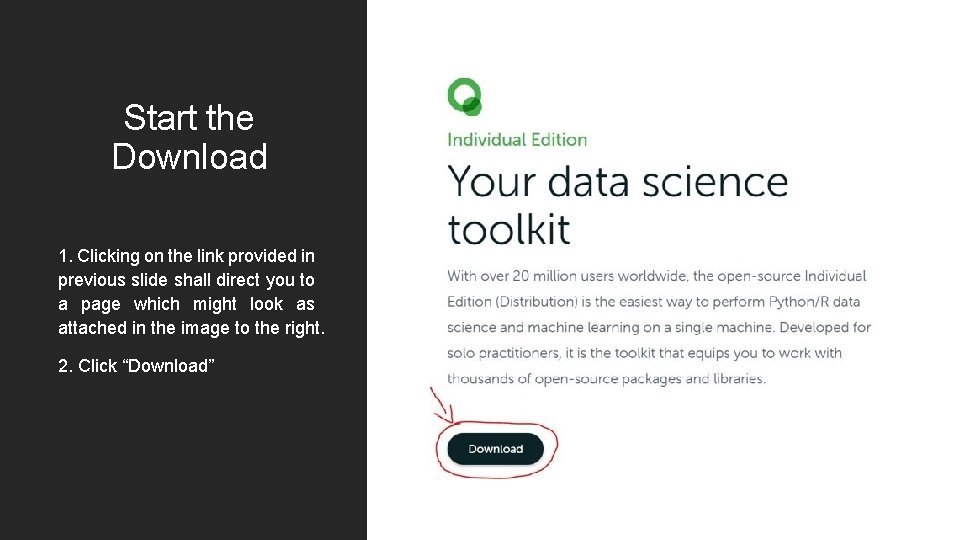
Start the Download 1. Clicking on the link provided in previous slide shall direct you to a page which might look as attached in the image to the right. 2. Click “Download”
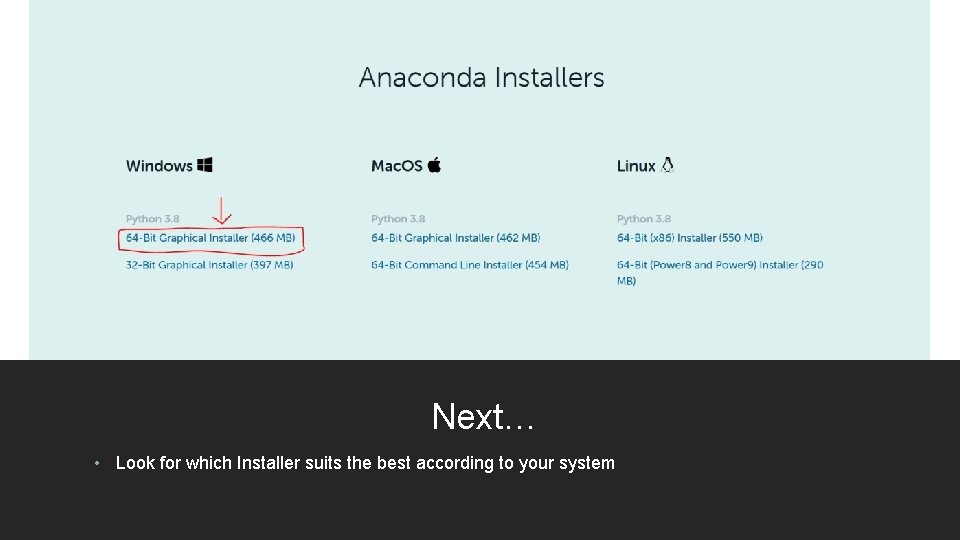
Next… • Look for which Installer suits the best according to your system
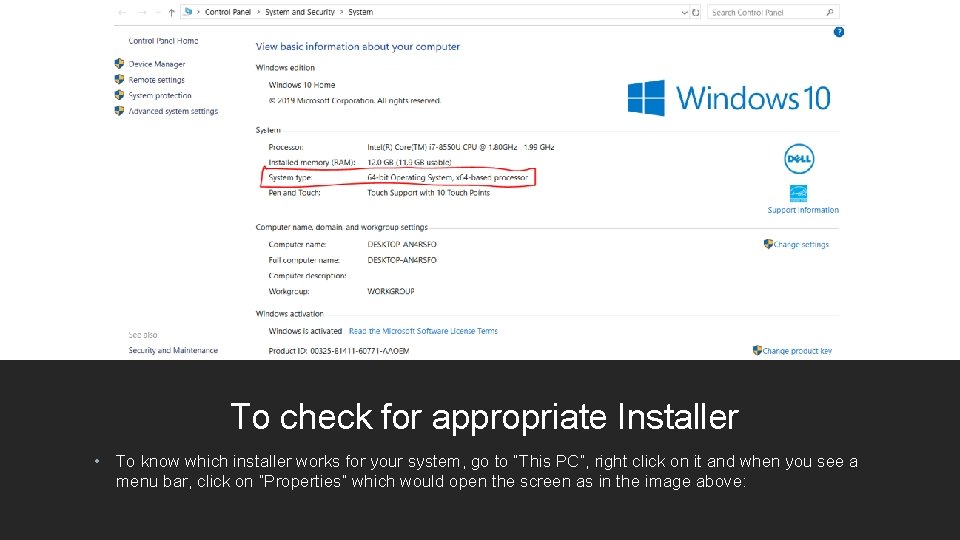
To check for appropriate Installer • To know which installer works for your system, go to “This PC”, right click on it and when you see a menu bar, click on “Properties” which would open the screen as in the image above:
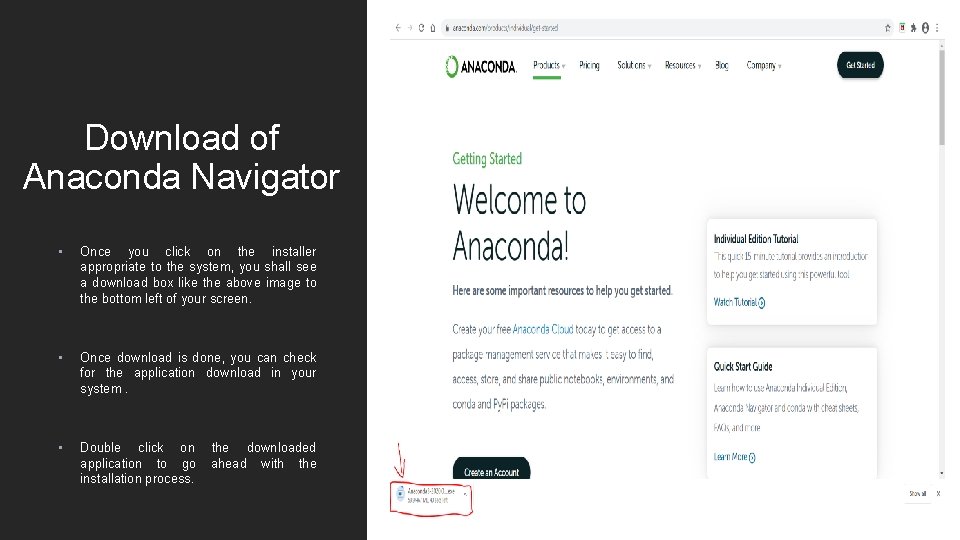
Download of Anaconda Navigator • Once you click on the installer appropriate to the system, you shall see a download box like the above image to the bottom left of your screen. • Once download is done, you can check for the application download in your system. • Double click on the downloaded application to go ahead with the installation process.
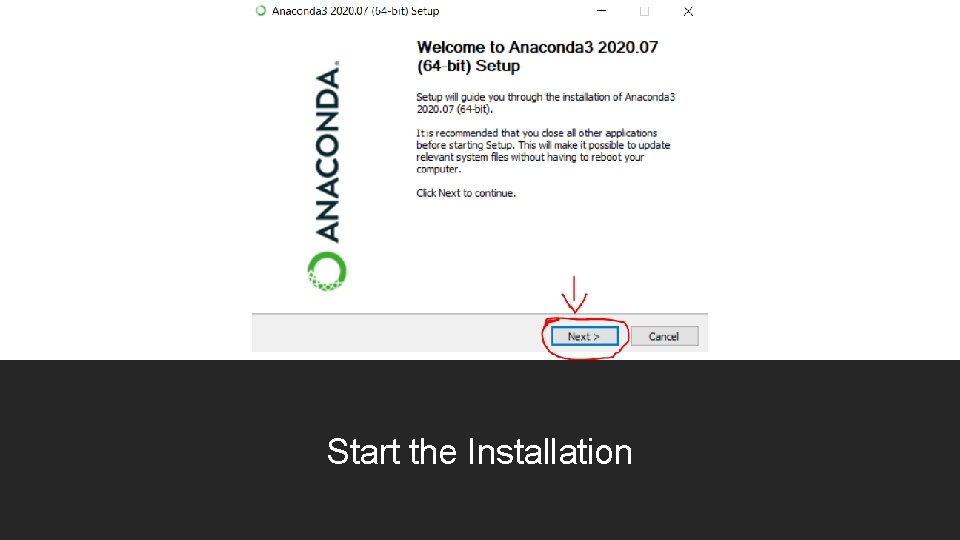
Start the Installation
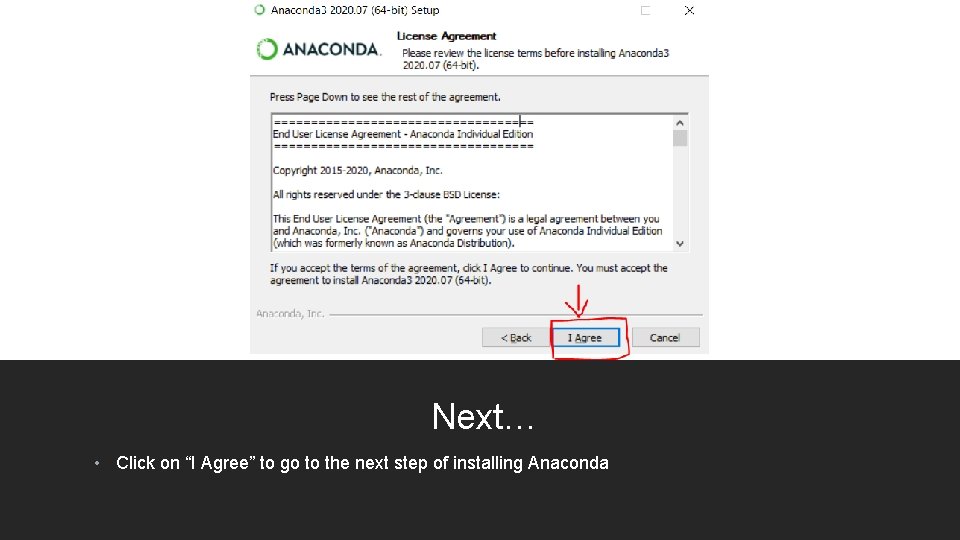
Next… • Click on “I Agree” to go to the next step of installing Anaconda

Next… • Enable “All Users” if multiple users in the system have the privilege to edit the document
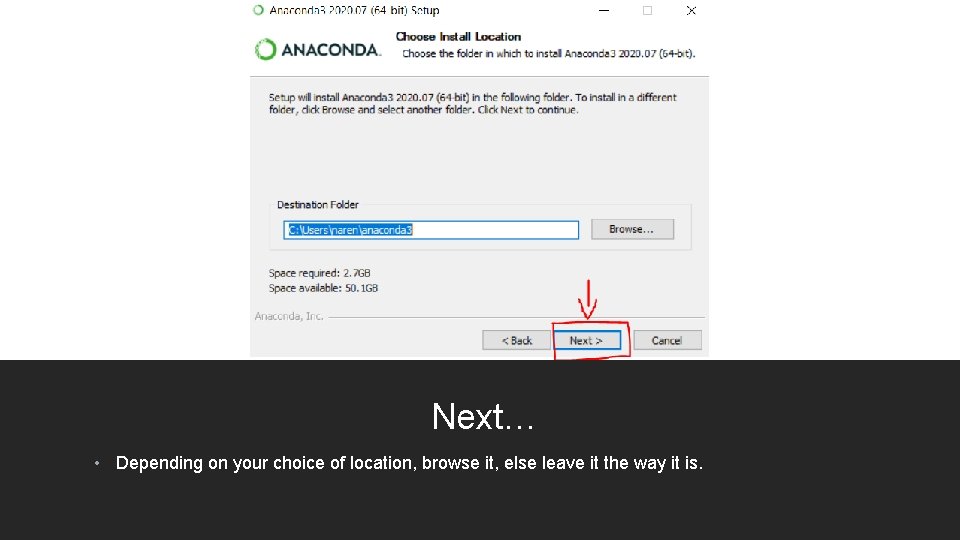
Next… • Depending on your choice of location, browse it, else leave it the way it is.
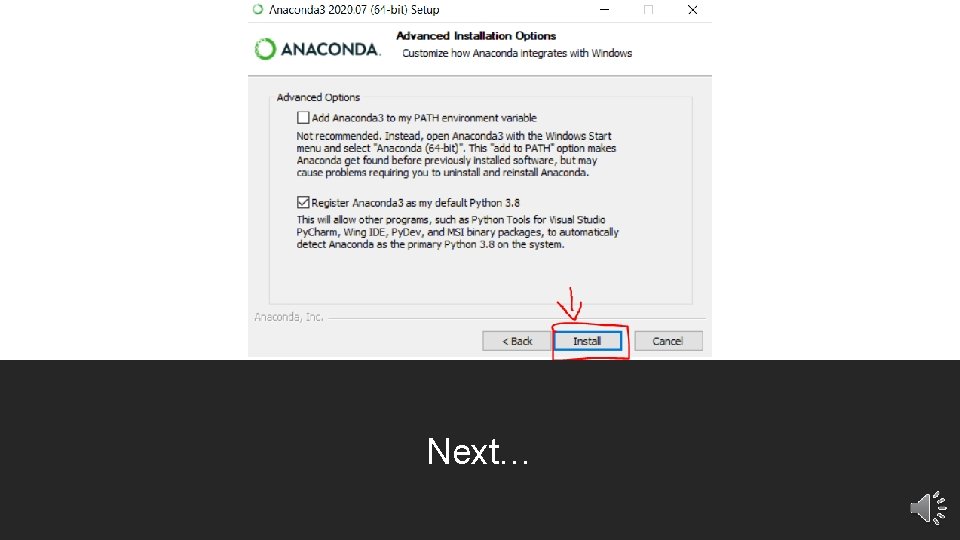
Next…
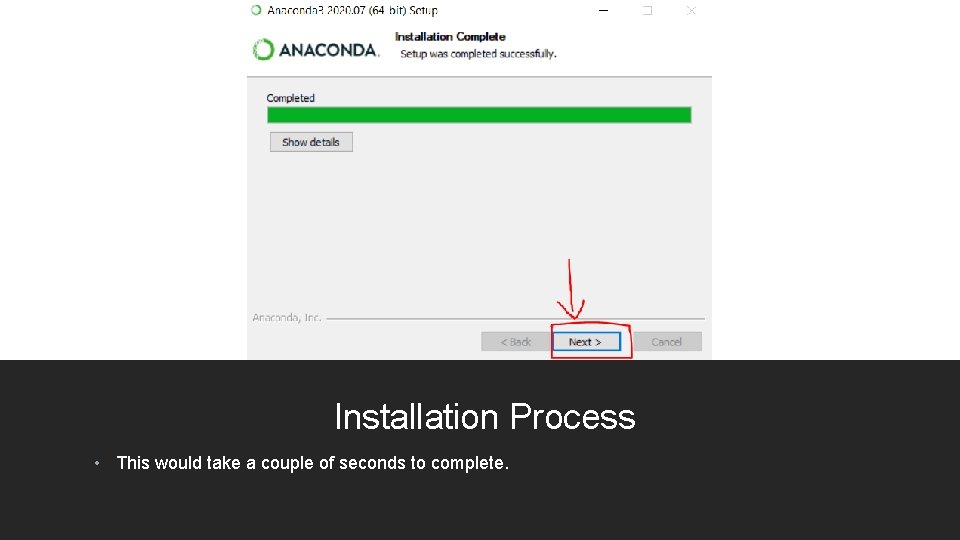
Installation Process • This would take a couple of seconds to complete.
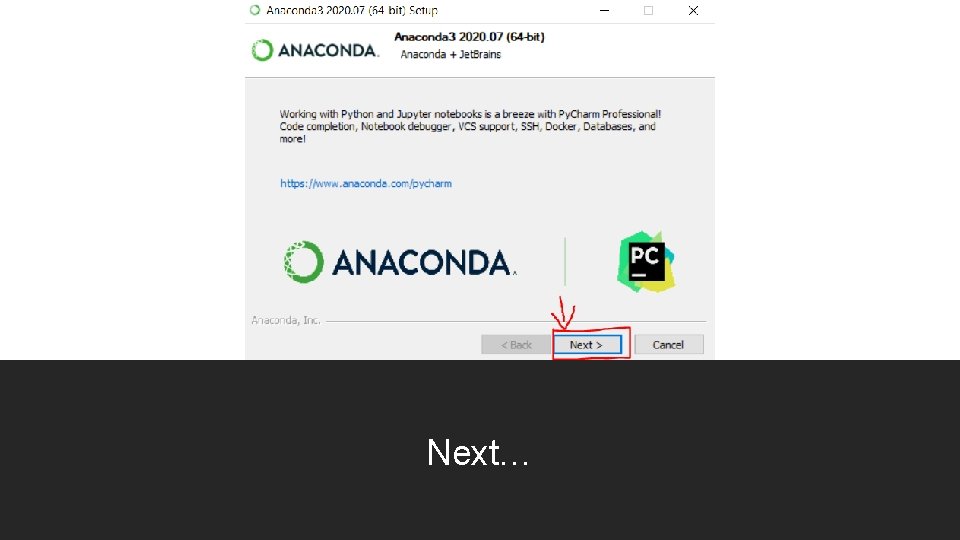
Next…
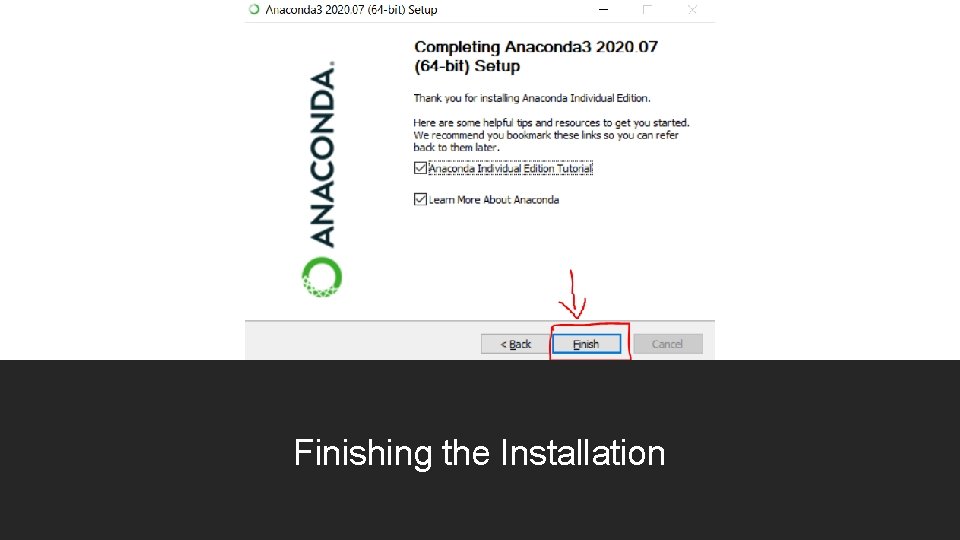
Finishing the Installation
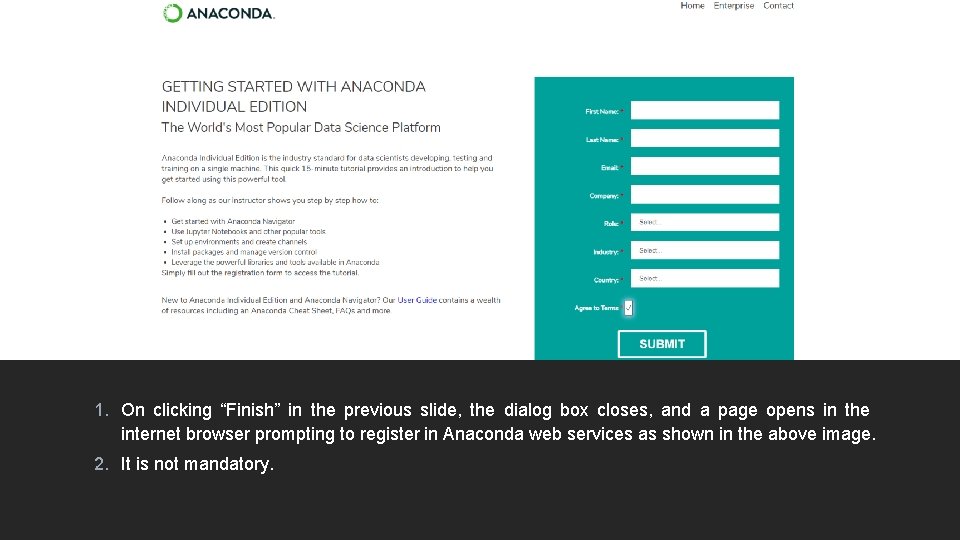
1. On clicking “Finish” in the previous slide, the dialog box closes, and a page opens in the internet browser prompting to register in Anaconda web services as shown in the above image. 2. It is not mandatory.
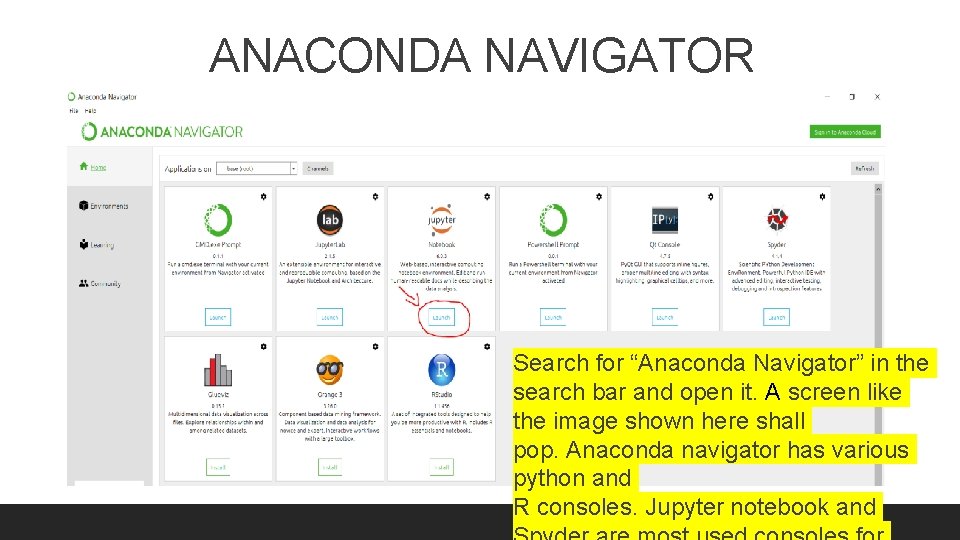
ANACONDA NAVIGATOR Search for “Anaconda Navigator” in the search bar and open it. A screen like the image shown here shall pop. Anaconda navigator has various python and R consoles. Jupyter notebook and
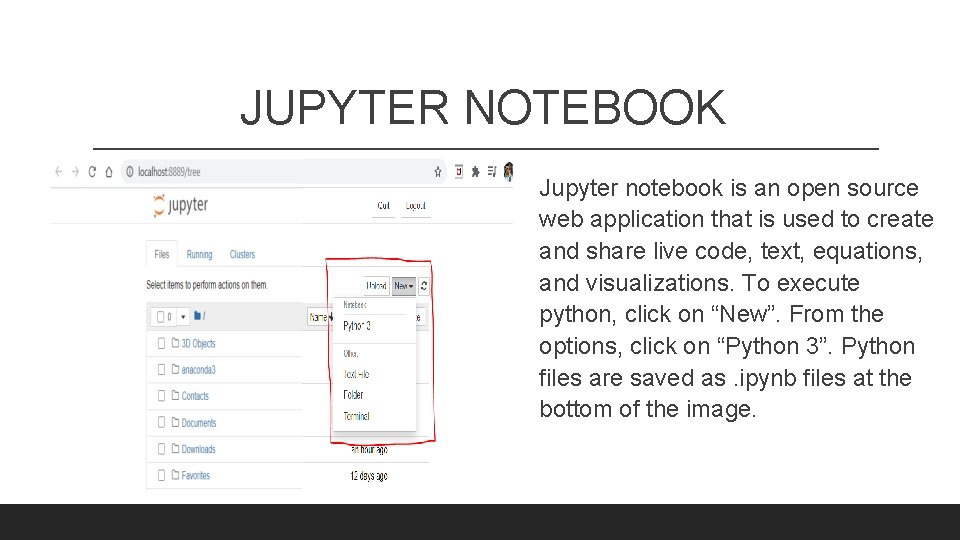
JUPYTER NOTEBOOK Jupyter notebook is an open source web application that is used to create and share live code, text, equations, and visualizations. To execute python, click on “New”. From the options, click on “Python 3”. Python files are saved as. ipynb files at the bottom of the image.
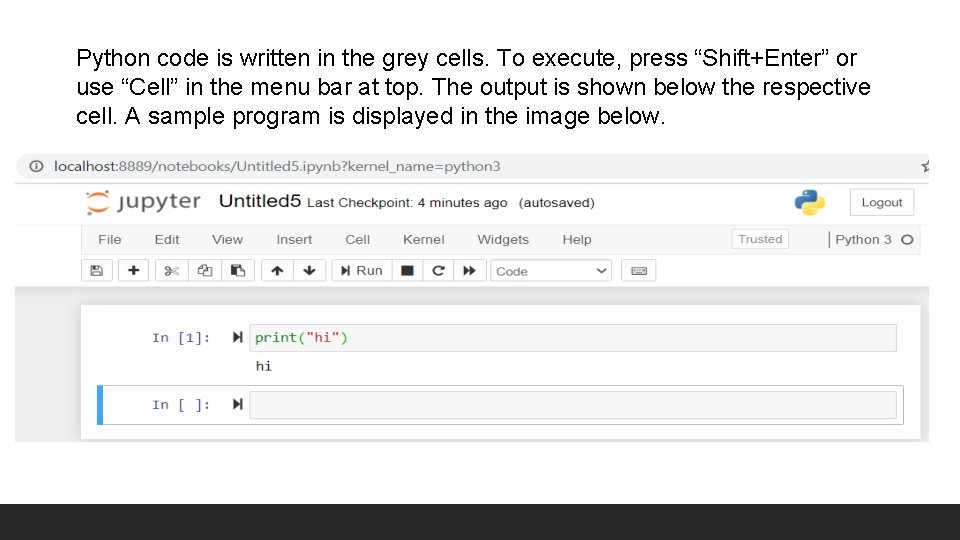
Python code is written in the grey cells. To execute, press “Shift+Enter” or use “Cell” in the menu bar at top. The output is shown below the respective cell. A sample program is displayed in the image below.

THANK YOU! • ANY QUESTIONS ?
- Slides: 19