
TE 004 Smart Change Management with Sage CRM

- Slides: 12
TE 004 Smart Change Management with Sage CRM Component Manager Robert Tan
Session Abstract • The Component Manager functionality supports the movement of customized data across different CRM implementation sites. • It allows implementers, Pre-Sales Consultants, and Certified Partners to package and reuse implementation-specific customizations in future implementations. • This session will examine the process by which a component is made. • The session will provide clear tips on how best to use this aspect of the CRM development tools.
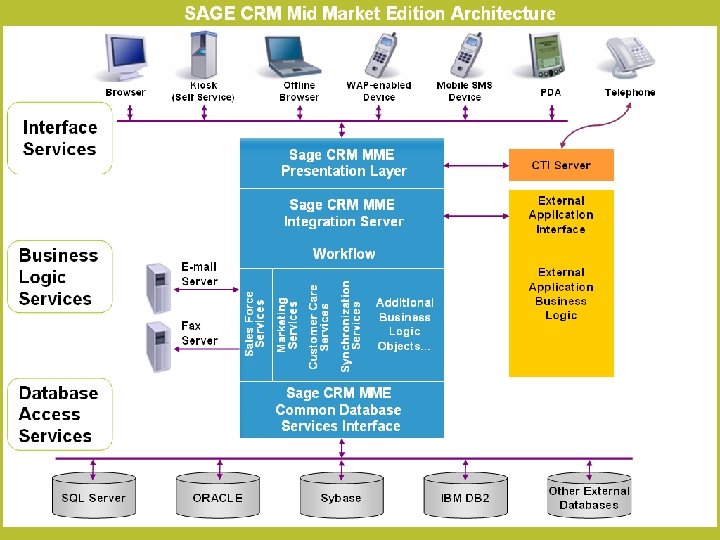
Agenda page • Introducing the API & Open Product Architecture • Extensibility & Connectivity • Components – Types of Component – Packaging and Distribution • Hints and Tips
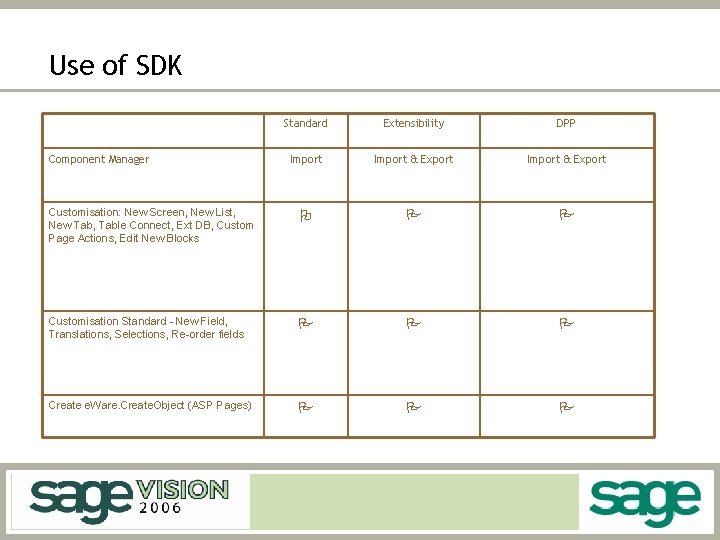
Use of SDK Standard Extensibility DPP Import & Export Customisation: New Screen, New List, New Tab, Table Connect, Ext DB, Custom Page Actions, Edit New Blocks O P P Customisation Standard - New Field, Translations, Selections, Re-order fields P P P Create e. Ware. Create. Object (ASP Pages) P P P Component Manager
Extensibility Module Blocks
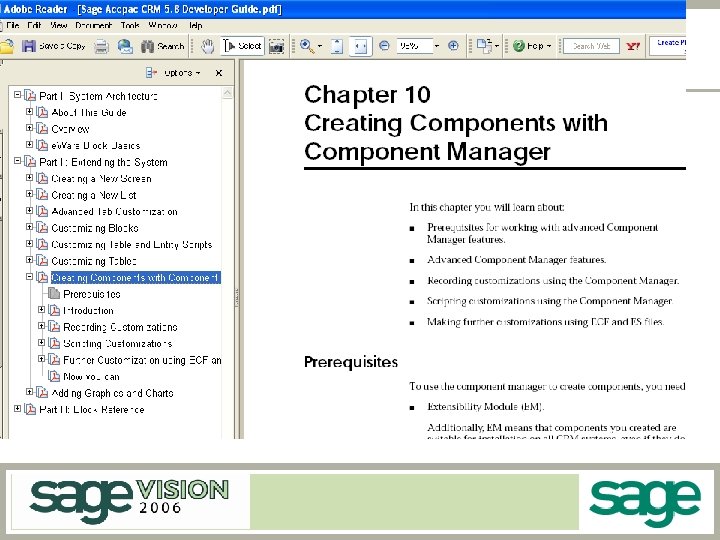
CRM Component Manager • Create Complete Add On Components • “Record & Play” Mechanism – – Do customizations using front end Automatically generate scripting to re-create customizations Allow for editing of script files Allow for install parameters • Component Packages contain – New objects (e. g. Menus, Tabs, Screens, Database, Workflow) – Customized objects – ASP & Other Files • Install shield like behaviour.
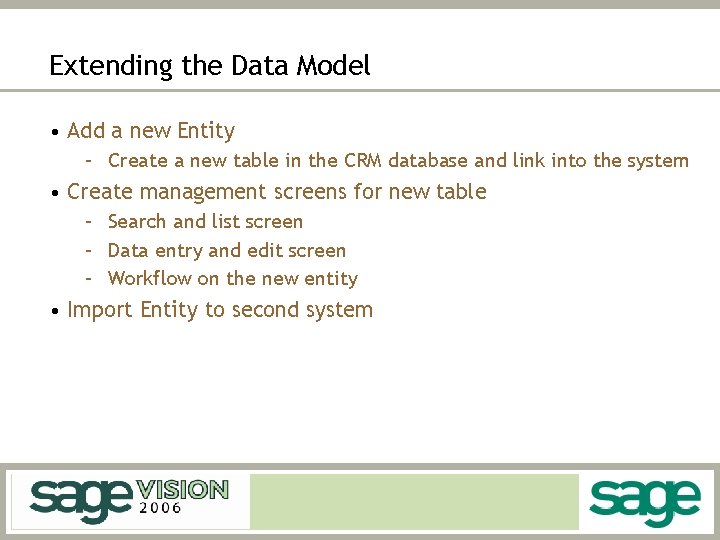
Extending the Data Model • Add a new Entity – Create a new table in the CRM database and link into the system • Create management screens for new table – Search and list screen – Data entry and edit screen – Workflow on the new entity • Import Entity to second system
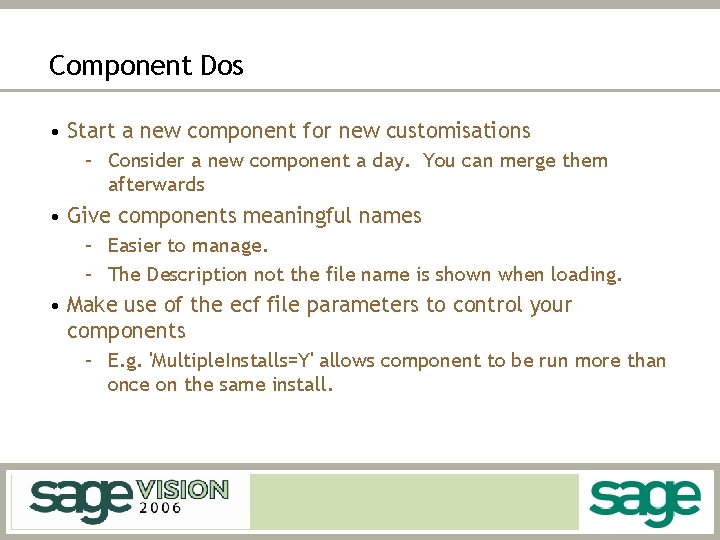
Component Dos • Start a new component for new customisations – Consider a new component a day. You can merge them afterwards • Give components meaningful names – Easier to manage. – The Description not the file name is shown when loading. • Make use of the ecf file parameters to control your components – E. g. 'Multiple. Installs=Y' allows component to be run more than once on the same install.
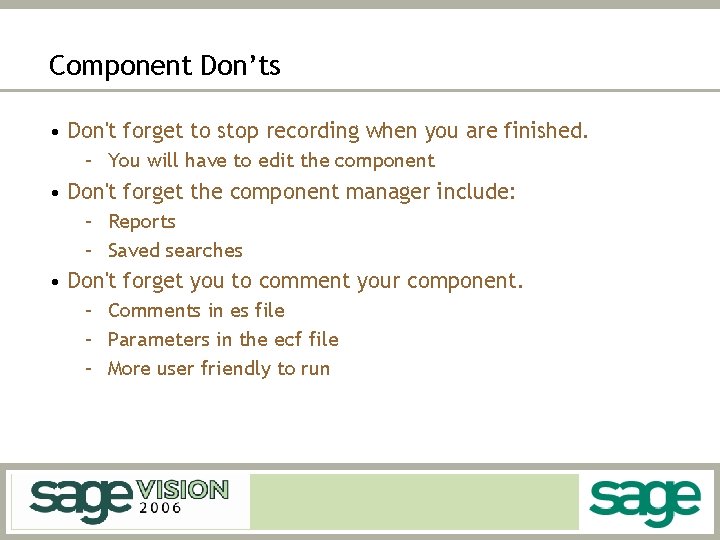
Component Don’ts • Don't forget to stop recording when you are finished. – You will have to edit the component • Don't forget the component manager include: – Reports – Saved searches • Don't forget you to comment your component. – Comments in es file – Parameters in the ecf file – More user friendly to run
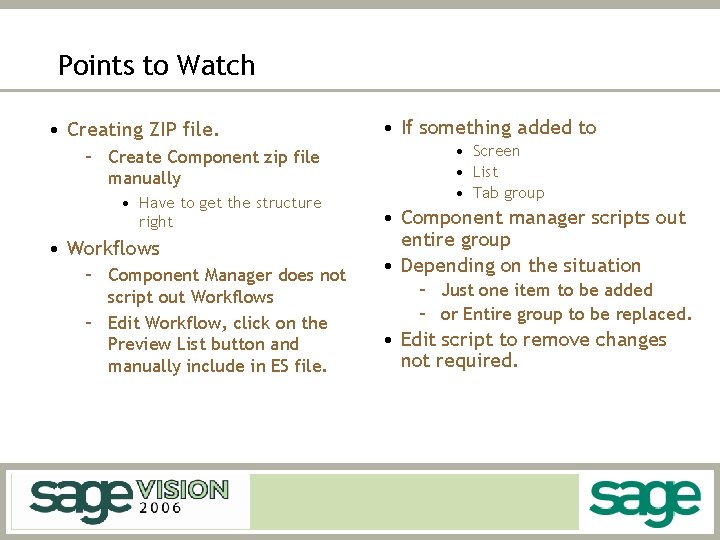
Points to Watch • Creating ZIP file. – Create Component zip file manually • Have to get the structure right • Workflows – Component Manager does not script out Workflows – Edit Workflow, click on the Preview List button and manually include in ES file. • If something added to • Screen • List • Tab group • Component manager scripts out entire group • Depending on the situation – Just one item to be added – or Entire group to be replaced. • Edit script to remove changes not required.