
TCP 13 Transmission Control Protocol Most frequently used
- Slides: 28
TCP 13강
Transmission Control Protocol • Most frequently used transport layer protocol – The most complex Internet protocol • Service model and characteristics – Connection-oriented – Reliable – In-order delivery – Full-duplex
TCP service model • Connection-oriented: data exchange possible only after “connection” is set up • Reliable: retransmission will be done if data packet is not acknowledged • In-order delivery: in the order the user process provided • Full-duplex: two data channels are open in one connection
TCP • TCP sees user data as a stream of bytes – No predetermined boundaries – Segmentation is performed by TCP • Each packet is called “segment” • Segment size can be adjusted by PMTU discovery – ICMP notifies TCP if ICMP error (packet too big but DF set) arrives • Maximum segment size (MSS) = MTU - 40
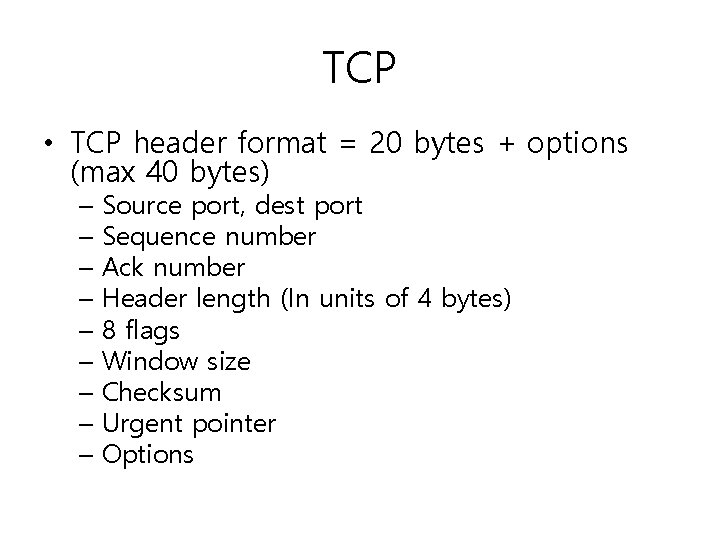
TCP • TCP header format = 20 bytes + options (max 40 bytes) – Source port, dest port – Sequence number – Ack number – Header length (In units of 4 bytes) – 8 flags – Window size – Checksum – Urgent pointer – Options
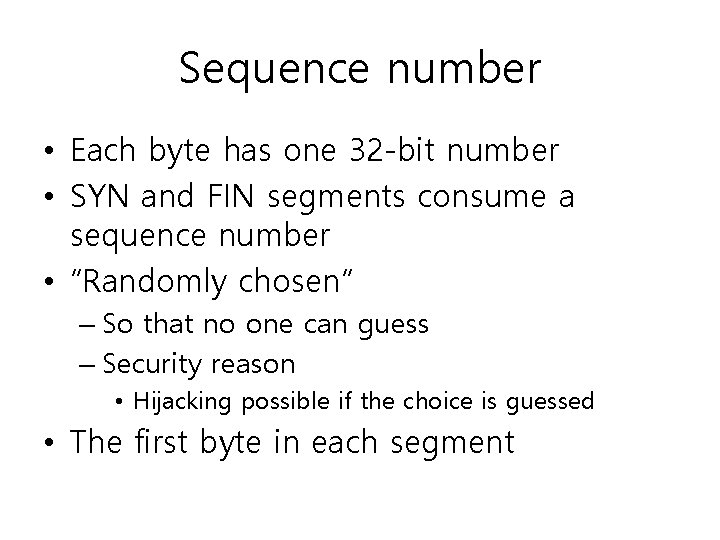
Sequence number • Each byte has one 32 -bit number • SYN and FIN segments consume a sequence number • “Randomly chosen” – So that no one can guess – Security reason • Hijacking possible if the choice is guessed • The first byte in each segment
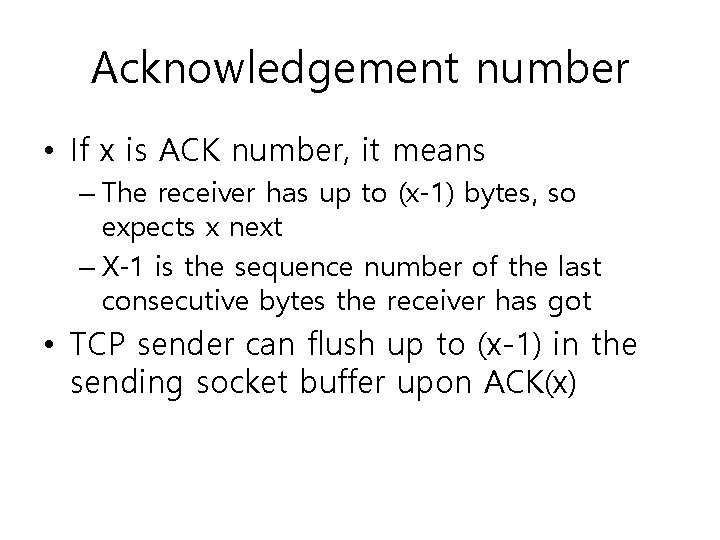
Acknowledgement number • If x is ACK number, it means – The receiver has up to (x-1) bytes, so expects x next – X-1 is the sequence number of the last consecutive bytes the receiver has got • TCP sender can flush up to (x-1) in the sending socket buffer upon ACK(x)
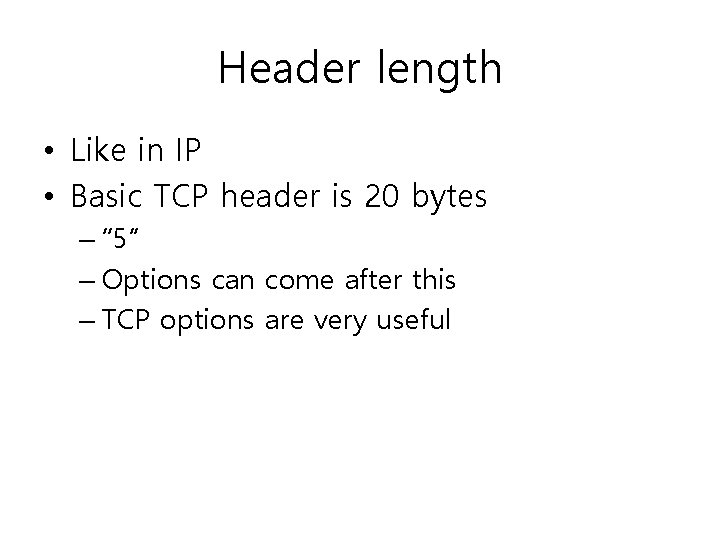
Header length • Like in IP • Basic TCP header is 20 bytes – “ 5” – Options can come after this – TCP options are very useful
Flags • CWR, ECE: congestion control use • URG: urgent pointer, means there are urgent bytes came into the byte stream • ACK: always on except in the first SYN segment • PSH: “push”, today it only means that there is no data byte in the sending socket buffer after this segment (i. e. not functional)
Flags • RST: “reset”, kills the TCP connection – Not really a reset (going back to the initial state) • SYN: “synchronize” 3 pieces of information to establish the connection – Later in connection set up • FIN: “finish” – Hangs up the connection in a graceful manner
Window size • Actually it is the available receive socket buffer space – For flow control • Must be interpreted with respect to the ACK number – E. g. 3500 bytes from ACK number 12780
TCP checksum • The Internet checksum • Covers the entire TCP segment – Header – Body • As in UDP, uses “pseudo-header” • Mandatory in TCP
Urgent pointer • Points at the last byte of the urgent data in the byte stream – Offset to the position • In TCP, urgent data cannot preempt preceding normal data – They should be served in the same way as other normal bytes • TCP does not know what kind of urgent data it is; it just knows it’s urgent
TCP connection management • Connection is an abstract notion • Connection established means that the two TCP endpoints agreed on: – Maximum Segment Size (MSS) to use – Initial Sequence Number (ISN) – Window Size • The agreement should be made for each data channel
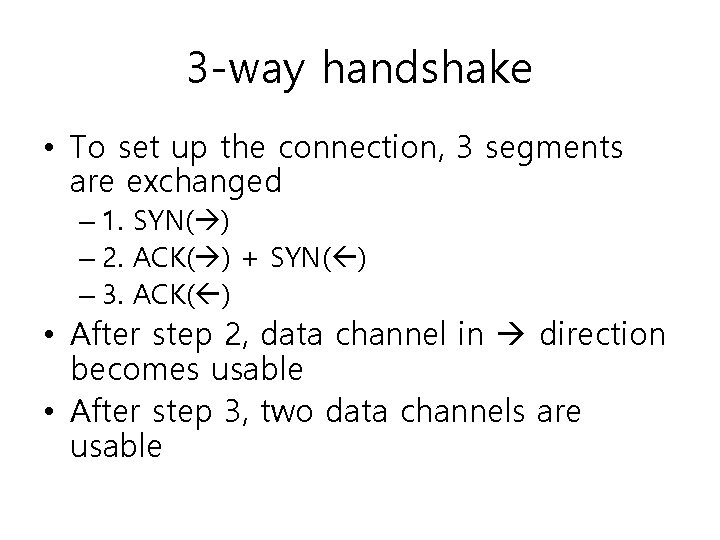
3 -way handshake • To set up the connection, 3 segments are exchanged – 1. SYN( ) – 2. ACK( ) + SYN( ) – 3. ACK( ) • After step 2, data channel in direction becomes usable • After step 3, two data channels are usable
SYN • The SYN segment carries all 3 pieces of information that should be agreed on – ISN: in “sequence number” field of the SYN – MSS: in the option field – Window size: in the “window size” field • The ISN is NOT taken by the first data byte; it is used by the SYN segment itself
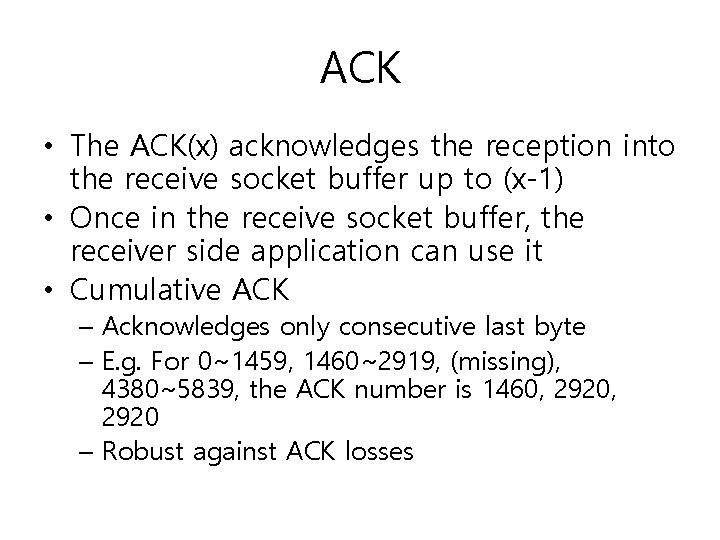
ACK • The ACK(x) acknowledges the reception into the receive socket buffer up to (x-1) • Once in the receive socket buffer, the receiver side application can use it • Cumulative ACK – Acknowledges only consecutive last byte – E. g. For 0~1459, 1460~2919, (missing), 4380~5839, the ACK number is 1460, 2920 – Robust against ACK losses
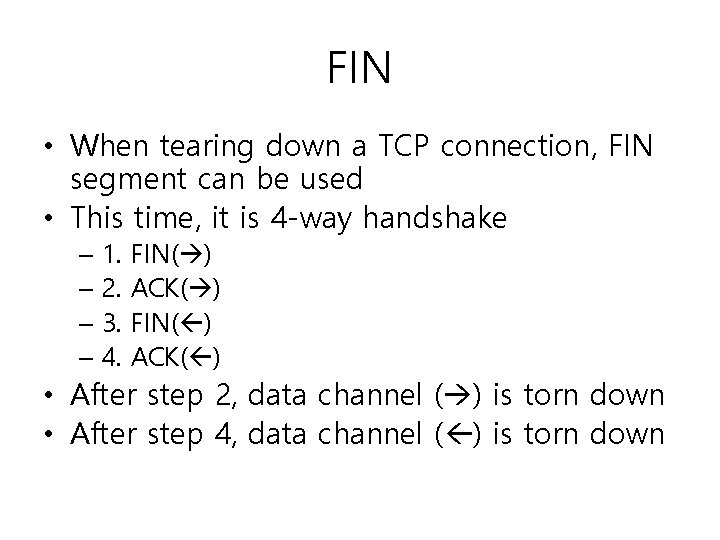
FIN • When tearing down a TCP connection, FIN segment can be used • This time, it is 4 -way handshake – 1. – 2. – 3. – 4. FIN( ) ACK( ) • After step 2, data channel ( ) is torn down • After step 4, data channel ( ) is torn down
Half-close • One of the two data channels is gone • TCP can keep working in one direction; it is called “half close” • Note that half close is not “half open” – Half open is an abnormal state where only one end of TCP thinks the connection is still on; the other has been killed (e. g. by power off of the computer)
Sequence number • Wireshark shows the relative seq. no. – “ 0”= ISN, “x”=ISN+x
Timeout of connection establishment • Your computer can be configured to give up the connection set up after k tries of sending SYN – No ACK for the SYN • If your browser takes too long for connecting to the web site, sometimes it’s the retries – Exponential: e. g. gaps between tries: 3 s, 6 s, 12 s 3 s, 9 s, 21 s of elapsed time – Just hit reload if you experience this
MSS • The same MSS gets to be used by the two data channels – The minimum of two: e. g. if ( ) is 576 bytes and ( ) is 1460, it should be 576 – This is to avoid fragmentation
Selective ACK (SACK) option • When the connection is set up, your computer can want to use SACK – In addition to the cumulative ACK using the “acknowledgement number” field – The SACK option can tell the sender what nonconsecutive blocks it received • This information is not available in the TCP header unless SACK is used – TCP sender does not have to retransmit them • Most modern computers use SACK
Window scale option • Originally a 16 bit field in the basic TCP header • What if you have more than 65535 bytes of receive socket buffer? – Specify it using the WSCALE option – It gives you the left-shift count – E. g. “ 4” = 16 x, “ 3” = 8 x – E. g. window size = 1 K, shift count = 8 actual window size = 1 K * 2^8 = 256 K
Timestamp option • TCP measures RTT once every RTT • Can increase the frequency of measurement – Every RTT every packet • Measurement is in the units of 500 ms – It does not make the measurement more precise than this; but it makes the average more solid
Path MTU discovery • When ICMP tells TCP that the current MSS size caused fragmentation, it uses one smaller segment size – There is an ordered list of sizes to try
TCP state machine • • Fig. 13 -8 Normally, follow the thick sold arrows Data exchange happens in ESTABLISHED TIME_WAIT is special – It’s because the last ACK is not acknowledged in TCP connection tear down – Has to wait lest there should be a retransmission of FIN from the other side because my ACK has been lost
Use of Reset • If there is no process at the destination port number, send RST – C. f. In UDP, ICMP port unreachable is sent • If one wants to finish the connection without the costly TIME_WAIT state, send RST – Some servers do this – TIME_WAIT can be long, e. g. 2 minutes