
Task Card Templates Choose one slide below each
Task Card Templates Choose one slide below each week to create a task card for a Tech Tub station. Make sure to fill in the “Notes” below the task card with your information.
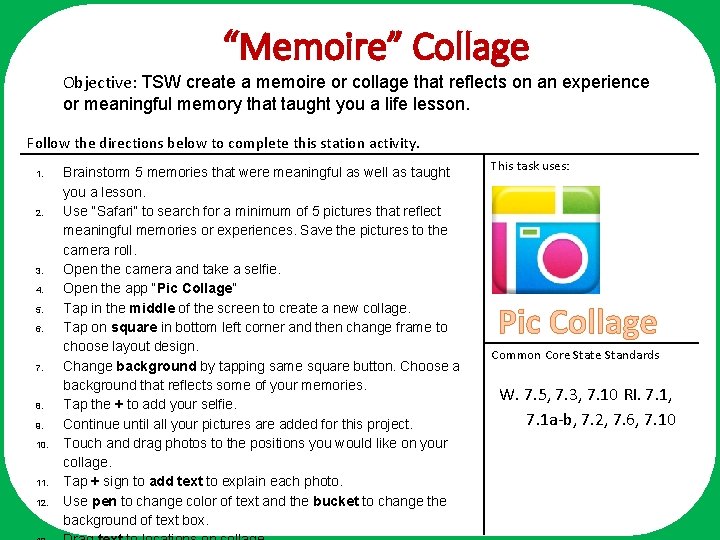
“Memoire” Collage Objective: TSW create a memoire or collage that reflects on an experience or meaningful memory that taught you a life lesson. Follow the directions below to complete this station activity. 1. 2. 3. 4. 5. 6. 7. 8. 9. 10. 11. 12. This task uses: Brainstorm 5 memories that were meaningful as well as taught you a lesson. Use “Safari” to search for a minimum of 5 pictures that reflect meaningful memories or experiences. Save the pictures to the camera roll. Open the camera and take a selfie. Open the app “Pic Collage” Choose one slide below each week to create a task card for Tap in the middle of the screen to create a new collage. a Tech Tub station. Tap on square in bottom left corner and then change frame to Make sure to fill in the “Notes” below the task. Common card with choose layout design. Core State Standards information. Change background by tapping sameyour square button. Choose a background that reflects some of your memories. W. 7. 5, 7. 3, 7. 10 RI. 7. 1, Tap the + to add your selfie. 7. 1 a-b, 7. 2, 7. 6, 7. 10 Continue until all your pictures are added for this project. Touch and drag photos to the positions you would like on your collage. Tap + sign to add text to explain each photo. Use pen to change color of text and the bucket to change the background of text box. Task Card Templates Pic Collage
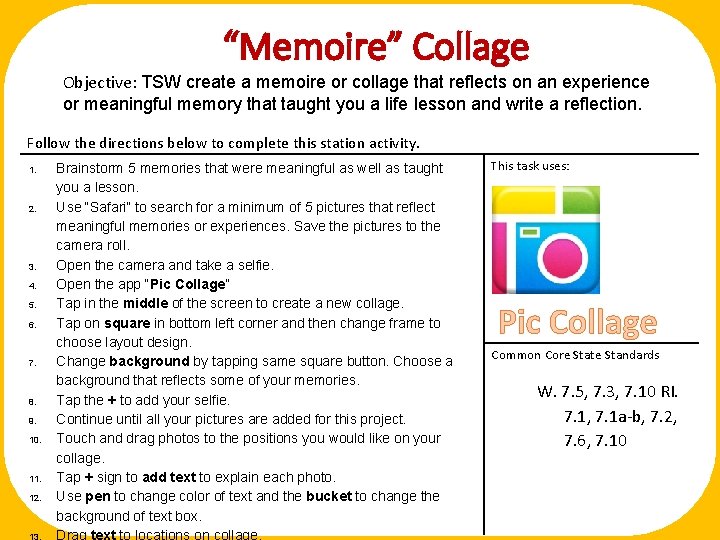
“Memoire” Collage Objective: TSW create a memoire or collage that reflects on an experience or meaningful memory that taught you a life lesson and write a reflection. Follow the directions below to complete this station activity. 1. 2. 3. 4. 5. 6. 7. 8. 9. 10. 11. 12. This task uses: Brainstorm 5 memories that were meaningful as well as taught you a lesson. Use “Safari” to search for a minimum of 5 pictures that reflect meaningful memories or experiences. Save the pictures to the camera roll. Open the camera and take a selfie. Open the app “Pic Collage” Choose slide belowaeach week to create a task card for Tap in the middle of theone screen to create new collage. a Tech Tub station. Tap on square in bottom left corner and then change frame to choose layout design. Make sure to fill in the “Notes” below the task. Common card with Core State Standards Change background by tapping same your square button. Choose a information. background that reflects some of your memories. W. 7. 5, 7. 3, 7. 10 RI. Tap the + to add your selfie. 7. 1, 7. 1 a-b, 7. 2, Continue until all your pictures are added for this project. Touch and drag photos to the positions you would like on your 7. 6, 7. 10 collage. Tap + sign to add text to explain each photo. Use pen to change color of text and the bucket to change the background of text box. Task Card Templates Pic Collage
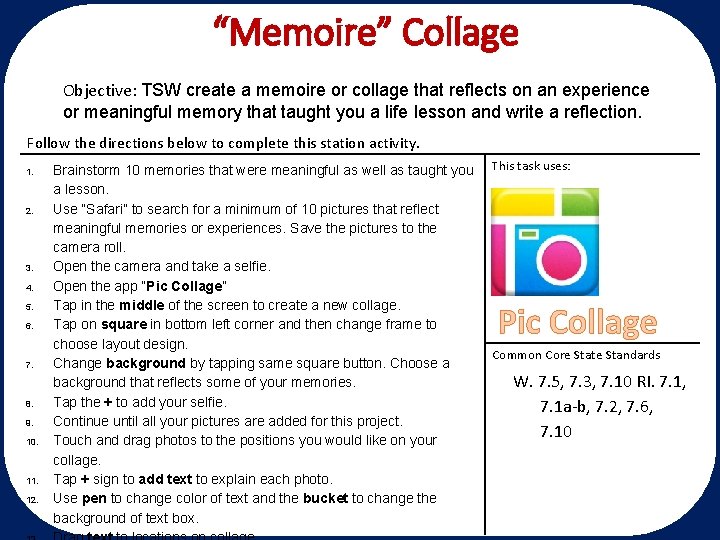
“Memoire” Collage Objective: TSW create a memoire or collage that reflects on an experience or meaningful memory that taught you a life lesson and write a reflection. Follow the directions below to complete this station activity. 1. 2. 3. 4. 5. 6. 7. 8. 9. 10. 11. 12. Brainstorm 10 memories that were meaningful as well as taught you This task uses: a lesson. Use “Safari” to search for a minimum of 10 pictures that reflect meaningful memories or experiences. Save the pictures to the camera roll. Open the camera and take a selfie. Open the app “Pic Collage” Choose slide belowa each week to create a task card for Tap in the middle of the one screen to create new collage. a then Techchange Tub station. Tap on square in bottom left corner and frame to choose layout design. Make sure to fill in the “Notes” below the task. Common card with Core State Standards Change background by tapping same square button. Choose a your information. W. 7. 5, 7. 3, 7. 10 RI. 7. 1, background that reflects some of your memories. Tap the + to add your selfie. 7. 1 a-b, 7. 2, 7. 6, Continue until all your pictures are added for this project. 7. 10 Touch and drag photos to the positions you would like on your collage. Tap + sign to add text to explain each photo. Use pen to change color of text and the bucket to change the background of text box. Task Card Templates Pic Collage
- Slides: 4