
Target Pipeline Tutorial May 2020 Customer Relationship Manager


- Slides: 19
Target Pipeline Tutorial May 2020
Customer Relationship Manager (CRM) Keep track of all of your accounts and customers visualize your sales pipeline communicate all needed details to us efficiently Process orders simply and quickly HIPAA Compliant
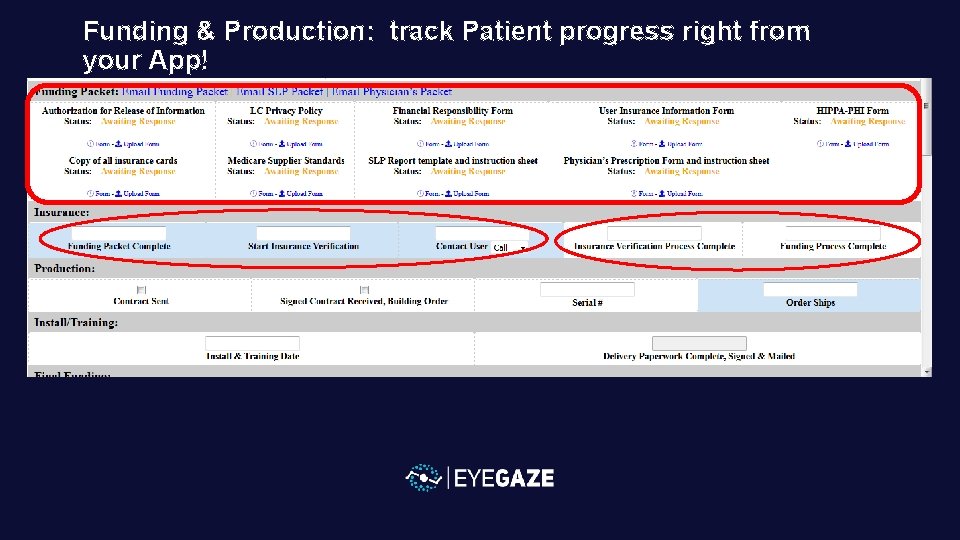
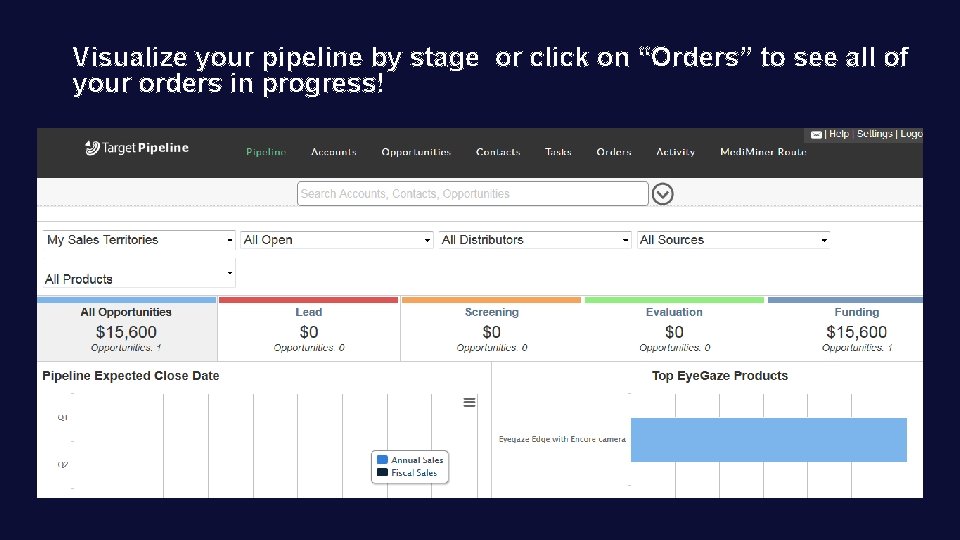
Cloud-based Dual Access—phone PC or Tablet Visual of Eyegaze Edge funding & Production Process Visual of stages of your customers & sales Help keep your sanity too!
Sensitive information: needs password protection on all devices!
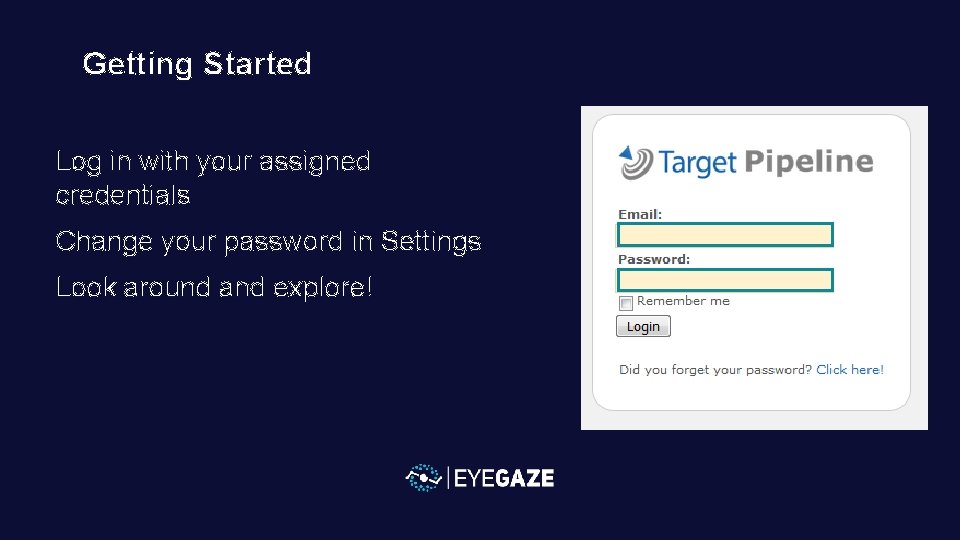
Getting Started Log in with your assigned credentials Change your password in Settings Look around and explore!
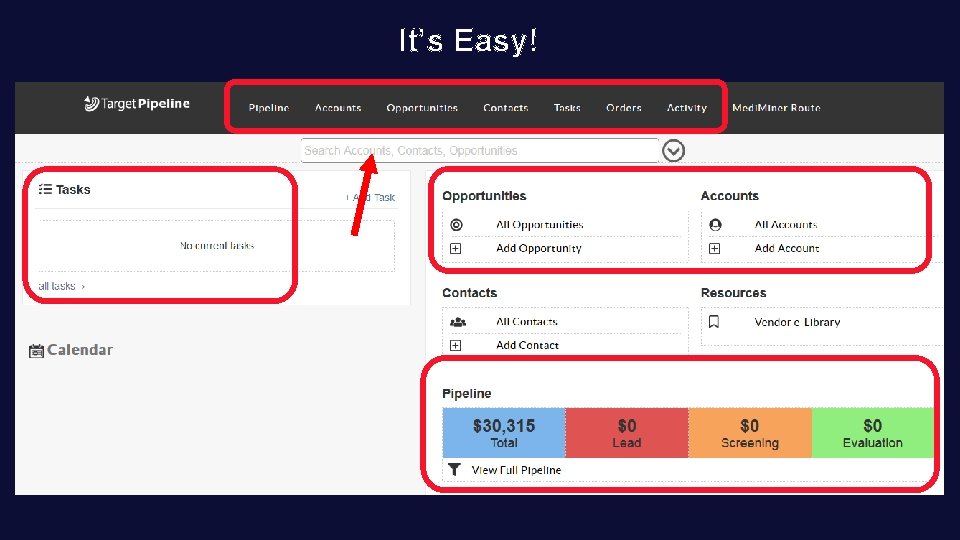
It’s Easy!
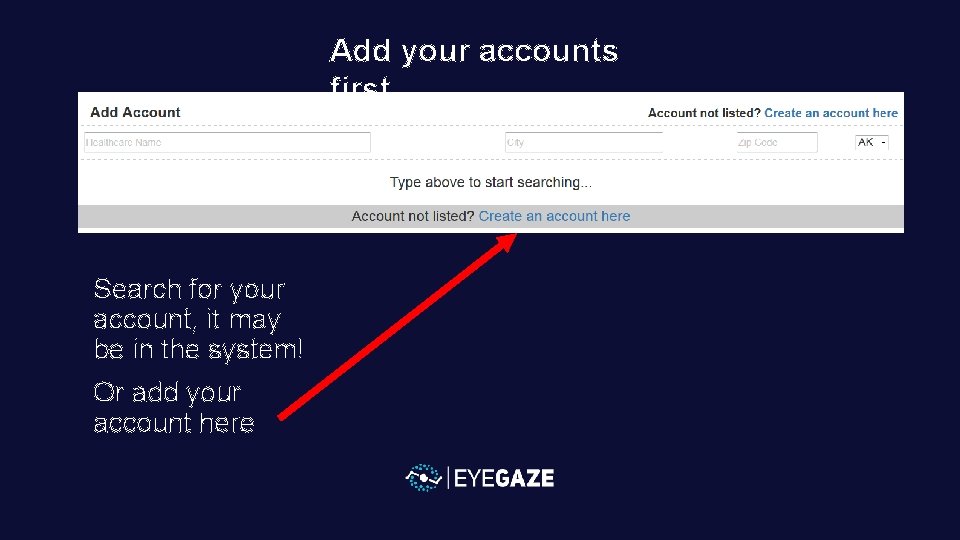
Add your accounts first Search for your account, it may be in the system! Or add your account here
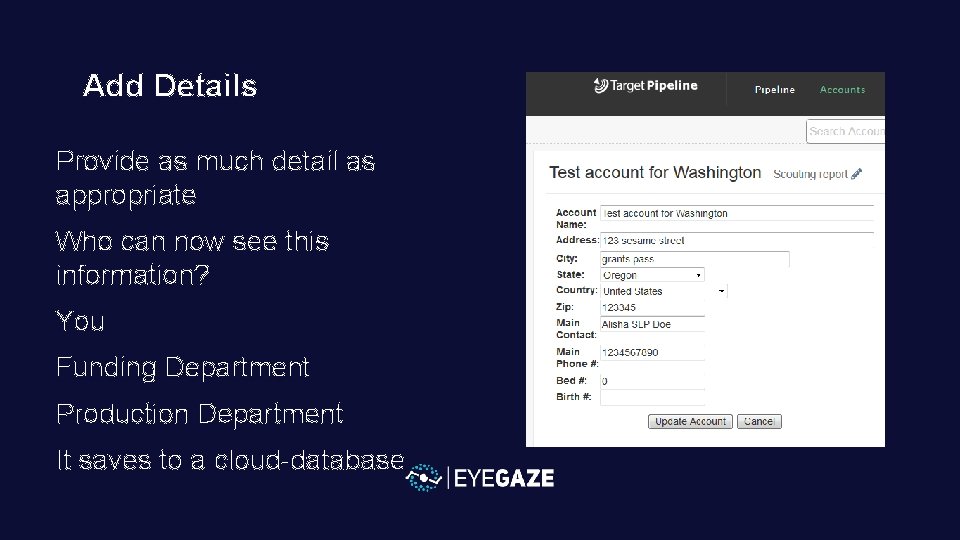
Add Details Provide as much detail as appropriate Who can now see this information? You Funding Department Production Department It saves to a cloud-database
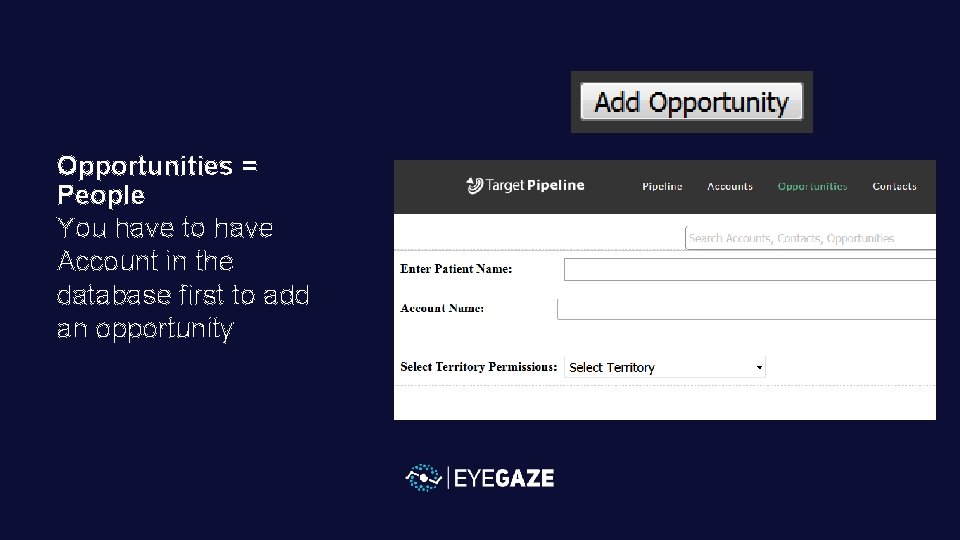
Opportunities = People You have to have Account in the database first to add an opportunity
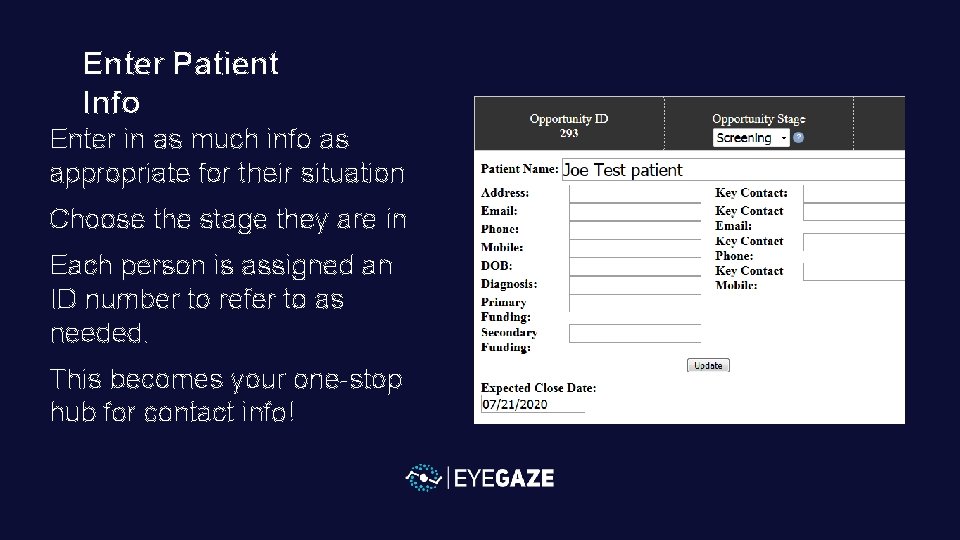
Enter Patient Info Enter in as much info as appropriate for their situation Choose the stage they are in Each person is assigned an ID number to refer to as needed. This becomes your one-stop hub for contact info!
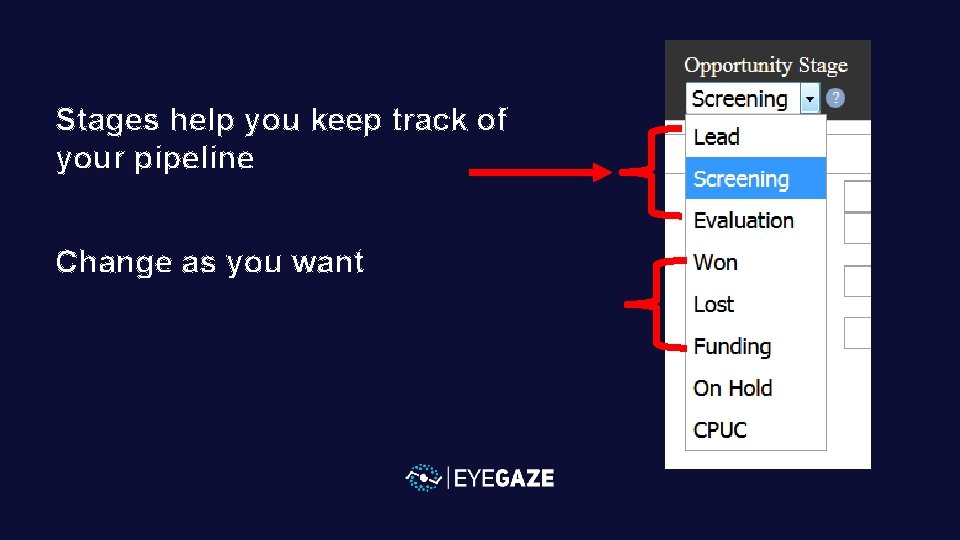
Stages help you keep track of your pipeline Change as you want
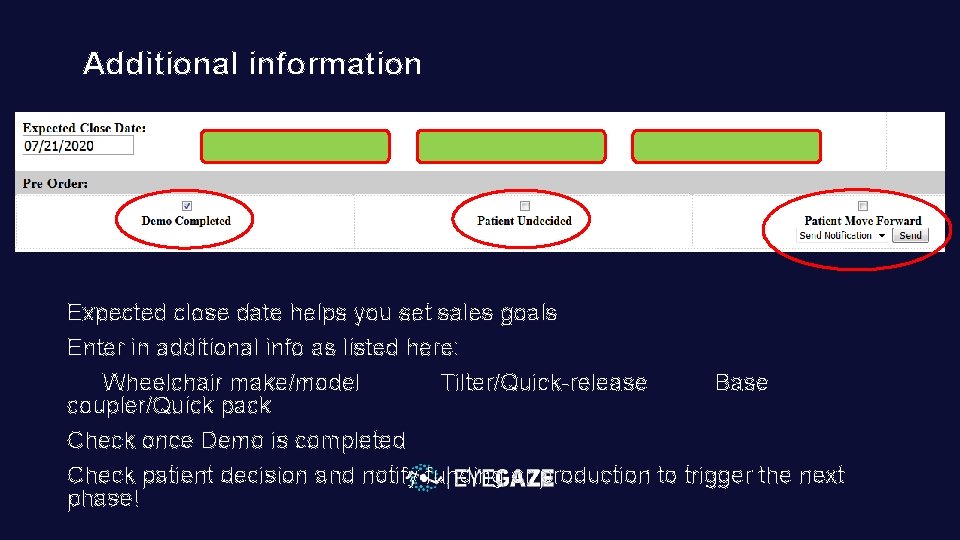
Additional information Expected close date helps you set sales goals Enter in additional info as listed here: Wheelchair make/model Tilter/Quick-release Base coupler/Quick pack Check once Demo is completed Check patient decision and notify funding or production to trigger the next phase!
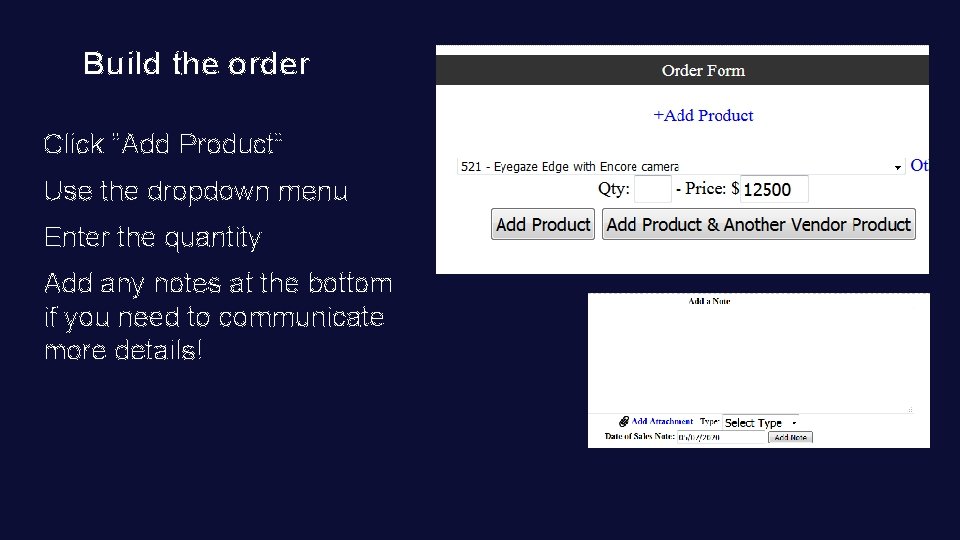
Build the order Click “Add Product” Use the dropdown menu Enter the quantity Add any notes at the bottom if you need to communicate more details!
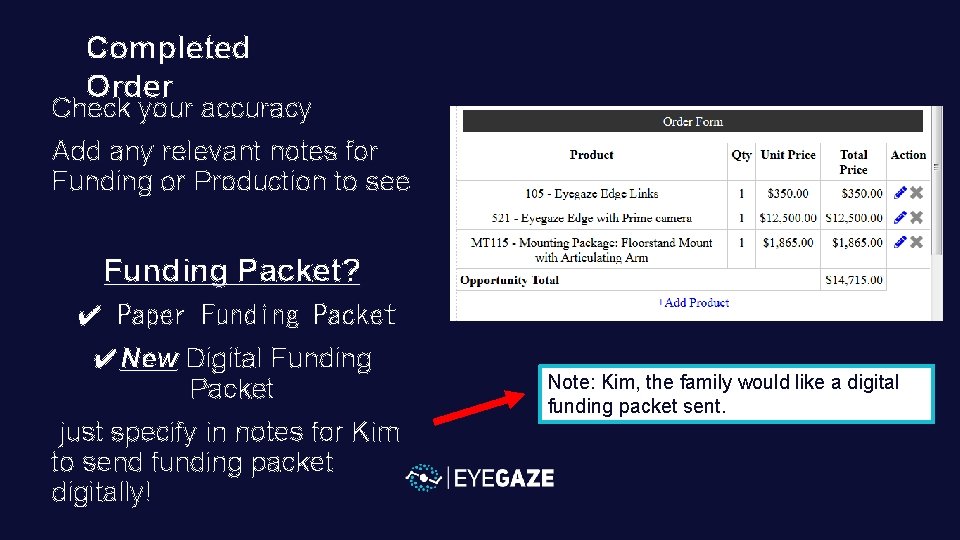
Completed Order Check your accuracy Add any relevant notes for Funding or Production to see Funding Packet? ✔ Paper Funding Packet ✔New Digital Funding Packet just specify in notes for Kim to send funding packet digitally! Note: Kim, the family would like a digital funding packet sent.
Funding & Production: track Patient progress right from your App!
Visualize your pipeline by stage or click on “Orders” to see all of your orders in progress!
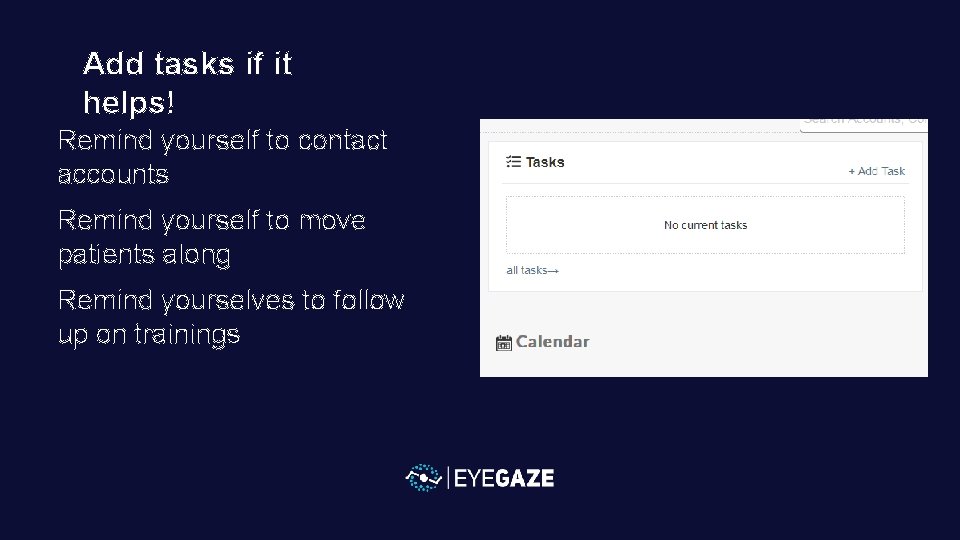
Add tasks if it helps! Remind yourself to contact accounts Remind yourself to move patients along Remind yourselves to follow up on trainings
In summary Provide contact information Use as a one-stop place for all of your accounts and customer addresses and numbers! Customize and order the Eyegaze Edge for people See and manage your sales pipeline! Communicate needed details to funding and production Depts in one simple place Add tasks to keep on track! Add your accounts Enter in opportunities Make communication efficient!
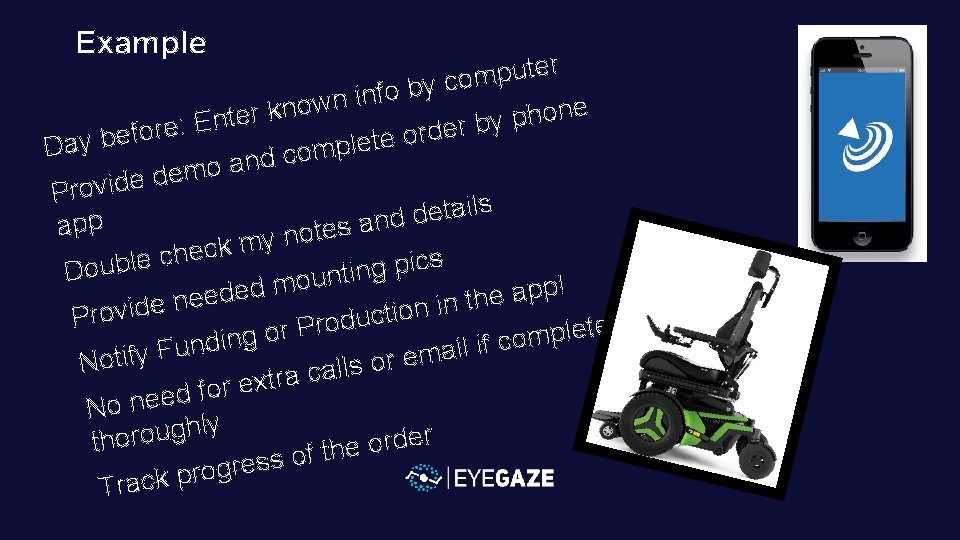
Example r e t u p m o c y b o f in n w o e n n k o r h e t p n y b : E r e e r d o r f o e b te e l p Day m o c d n a o em d e d i v Pro s l i a t e d nd a app s e t o n y m k c he c e l cs i b p u g n Do i t n u o m ! p d p e a d e e e th n n i e d i n v o i o t c Pr u d o d r e t P e r l o p g m o in c d f i n l u i F a y m e r o Notif s l l ca a r t x e for d e e n No ly h g u o r er d r tho o e h t f o s s e gr o r p k c Tra