
Taking an Open Book Examination in Exam Developer

Taking an Open Book Examination in Exam. Developer Prior to any examination being finalised, the RACP staff organise an open book examination to ensure that the items are suitable for the level that is being tested. In this process, we ask subject matter experts not involved in the development process to take the Examination. It is also a mechanism to check that no errors have been introduced during the examination process. The following RACP Examinations will require an open book examination to be completed by a member who is not affiliated with the examination process: • • RACP Divisional Written Examination (Adult Medicine and Paediatrics & Child Health) AFOEM Stage A Written Examination AFRM Module 1 Examination AFRM Fellowship Examination (Adult Medicine and Paediatrics)
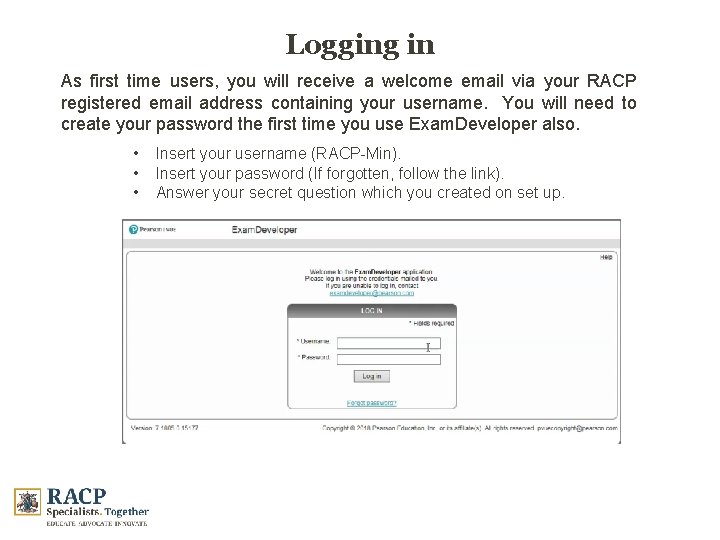
Logging in As first time users, you will receive a welcome email via your RACP registered email address containing your username. You will need to create your password the first time you use Exam. Developer also. • • • Insert your username (RACP-Min). Insert your password (If forgotten, follow the link). Answer your secret question which you created on set up.
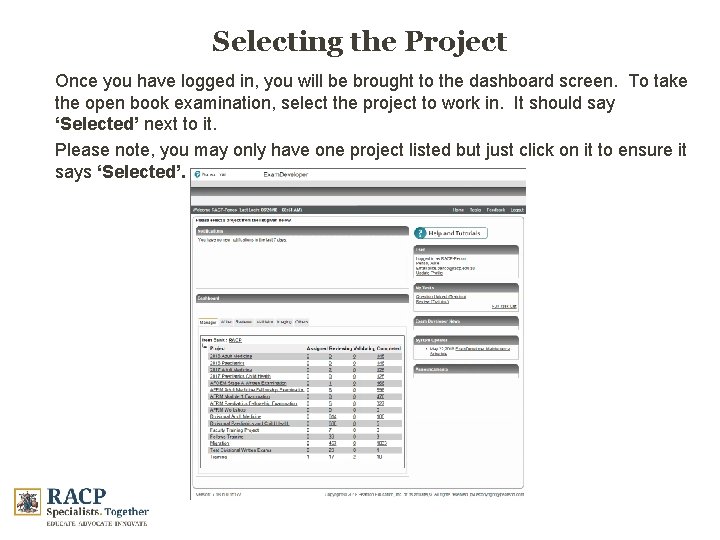
Selecting the Project Once you have logged in, you will be brought to the dashboard screen. To take the open book examination, select the project to work in. It should say ‘Selected’ next to it. Please note, you may only have one project listed but just click on it to ensure it says ‘Selected’.
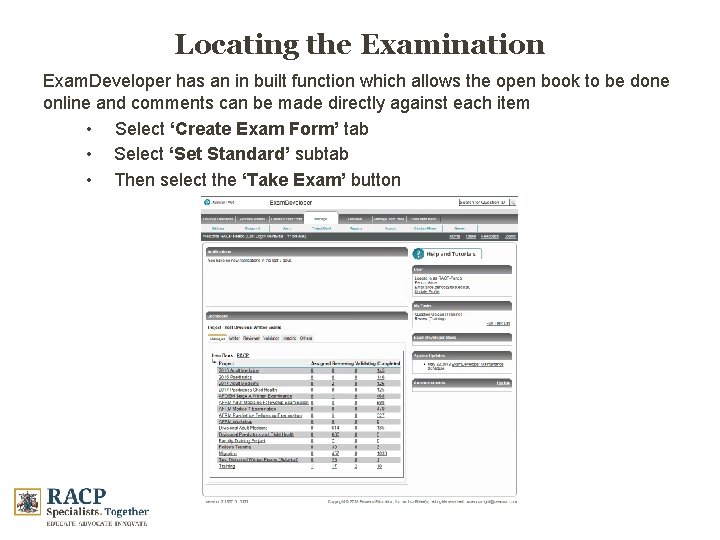
Locating the Examination Exam. Developer has an in built function which allows the open book to be done online and comments can be made directly against each item • Select ‘Create Exam Form’ tab • Select ‘Set Standard’ subtab • Then select the ‘Take Exam’ button
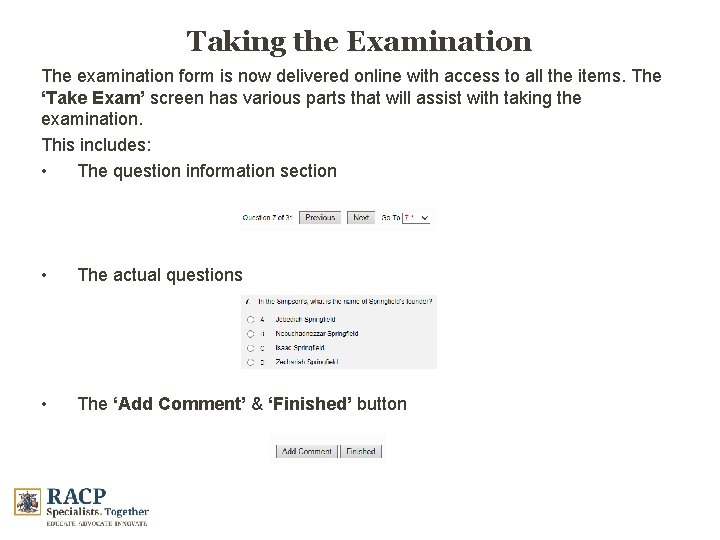
Taking the Examination The examination form is now delivered online with access to all the items. The ‘Take Exam’ screen has various parts that will assist with taking the examination. This includes: • The question information section • The actual questions • The ‘Add Comment’ & ‘Finished’ button
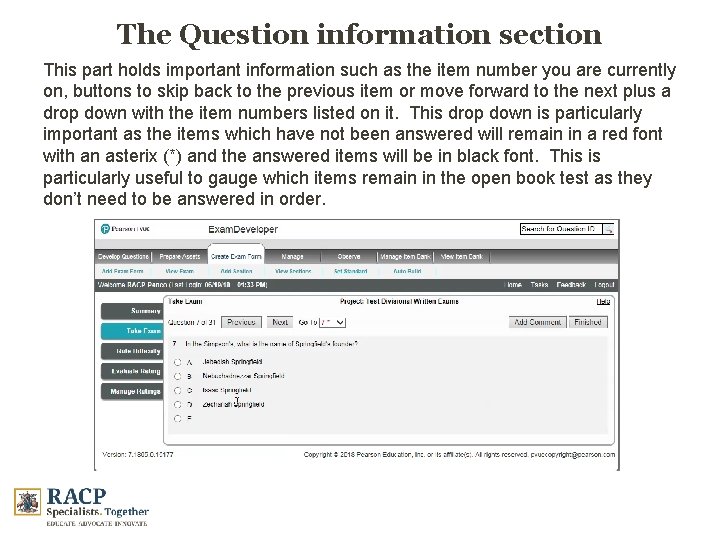
The Question information section This part holds important information such as the item number you are currently on, buttons to skip back to the previous item or move forward to the next plus a drop down with the item numbers listed on it. This drop down is particularly important as the items which have not been answered will remain in a red font with an asterix (*) and the answered items will be in black font. This is particularly useful to gauge which items remain in the open book test as they don’t need to be answered in order.
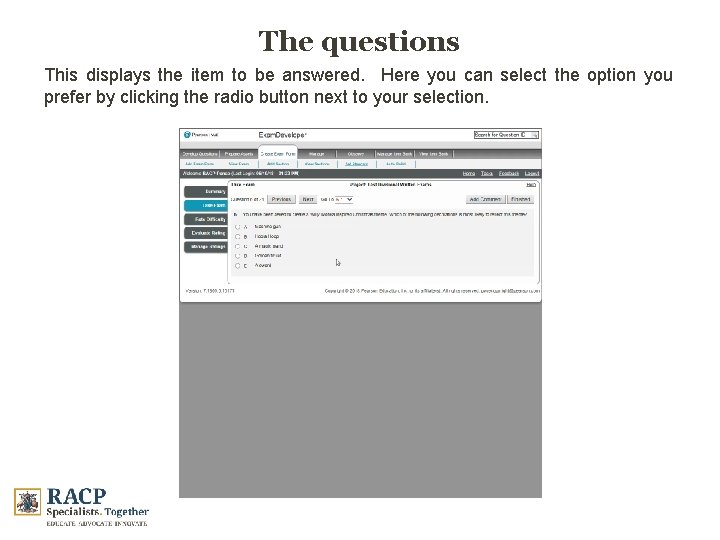
The questions This displays the item to be answered. Here you can select the option you prefer by clicking the radio button next to your selection.
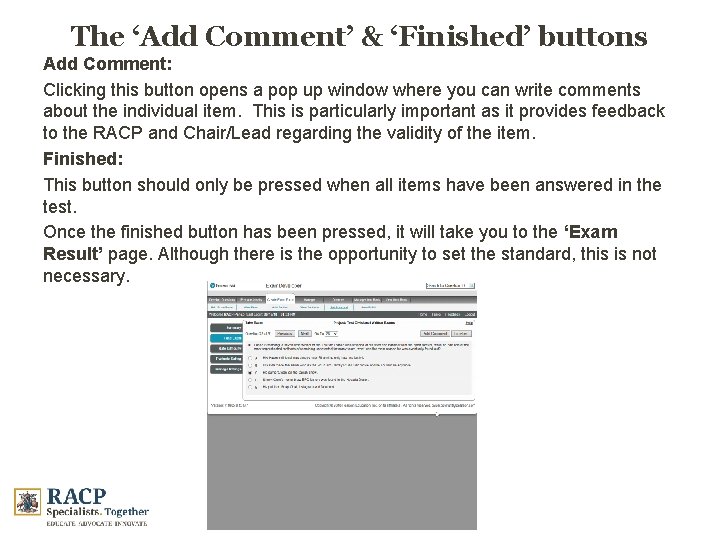
The ‘Add Comment’ & ‘Finished’ buttons Add Comment: Clicking this button opens a pop up window where you can write comments about the individual item. This is particularly important as it provides feedback to the RACP and Chair/Lead regarding the validity of the item. Finished: This button should only be pressed when all items have been answered in the test. Once the finished button has been pressed, it will take you to the ‘Exam Result’ page. Although there is the opportunity to set the standard, this is not necessary.
What type of Comment is required It is not necessary to comment on every item, however the RACP would like feedback on the following: • If you believe the question is not valid or relevant • If it is not suited to the level it is meant to be testing • If there are critical errors with regard to content • If there are more than one correct answer or there does not appear to be a correct answer. • If there are typographical errors • If there are issues with content specific to regional differences (such as different protocols or drug names between Australia and New Zealand) • If the exam appears to be too long to complete within the allotted time period
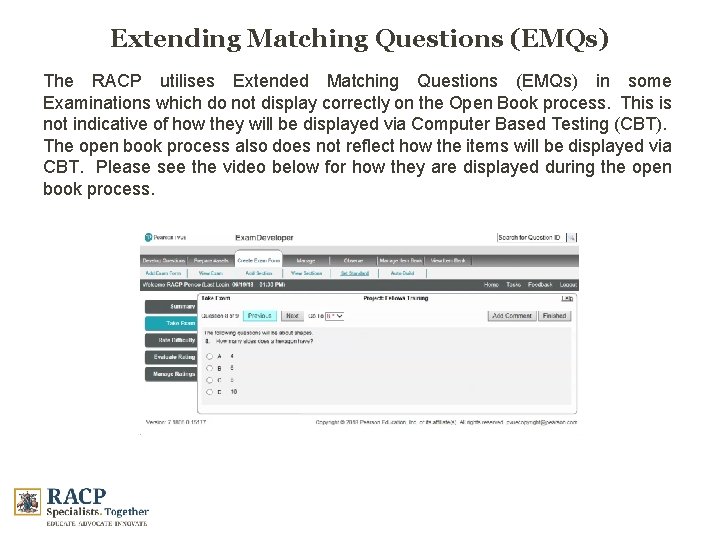
Extending Matching Questions (EMQs) The RACP utilises Extended Matching Questions (EMQs) in some Examinations which do not display correctly on the Open Book process. This is not indicative of how they will be displayed via Computer Based Testing (CBT). The open book process also does not reflect how the items will be displayed via CBT. Please see the video below for how they are displayed during the open book process.
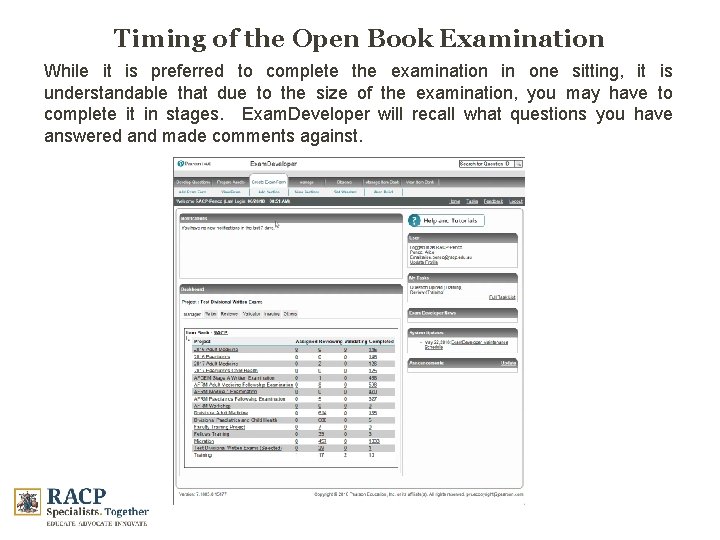
Timing of the Open Book Examination While it is preferred to complete the examination in one sitting, it is understandable that due to the size of the examination, you may have to complete it in stages. Exam. Developer will recall what questions you have answered and made comments against.
Conclusion For further information on taking the Open Book Examination, Please refer to the following document: Open Book user guide For assistance with Exam. Developer, please contact: Alice Penco: alice. penco@racp. edu. au
- Slides: 13