
Table Alteration 1 Altering Tables Table definition can
Table Alteration 1
Altering Tables • Table definition can be altered after its creation – Adding columns – Changing columns’ definition – Dropping columns – Adding constraints – And more… • Use the reserved word ALTER 2
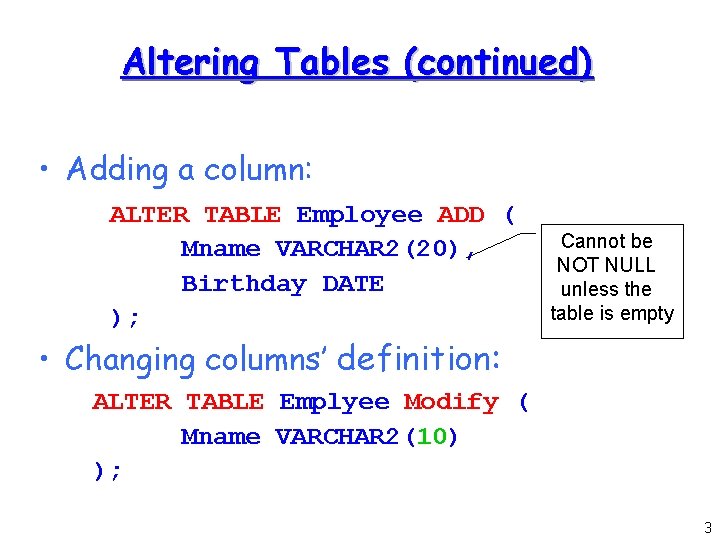
Altering Tables (continued) • Adding a column: ALTER TABLE Employee ADD ( Mname VARCHAR 2(20), Birthday DATE ); Cannot be NOT NULL unless the table is empty • Changing columns’ definition: ALTER TABLE Emplyee Modify ( Mname VARCHAR 2(10) ); 3
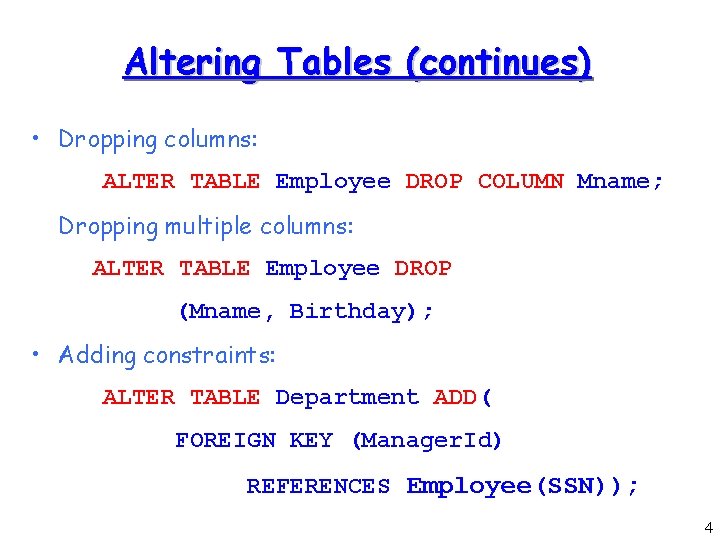
Altering Tables (continues) • Dropping columns: ALTER TABLE Employee DROP COLUMN Mname; Dropping multiple columns: ALTER TABLE Employee DROP (Mname, Birthday); • Adding constraints: ALTER TABLE Department ADD( FOREIGN KEY (Manager. Id) REFERENCES Employee(SSN)); 4
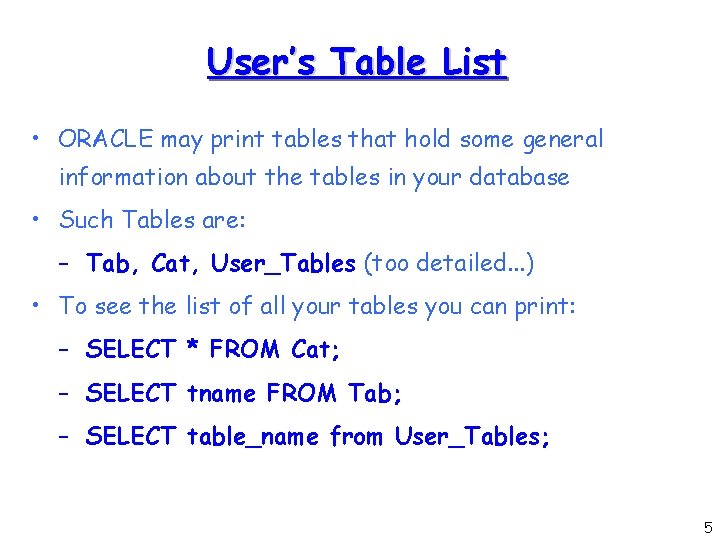
User’s Table List • ORACLE may print tables that hold some general information about the tables in your database • Such Tables are: – Tab, Cat, User_Tables (too detailed. . . ) • To see the list of all your tables you can print: – SELECT * FROM Cat; – SELECT tname FROM Tab; – SELECT table_name from User_Tables; 5
Table Data Maintenance 6
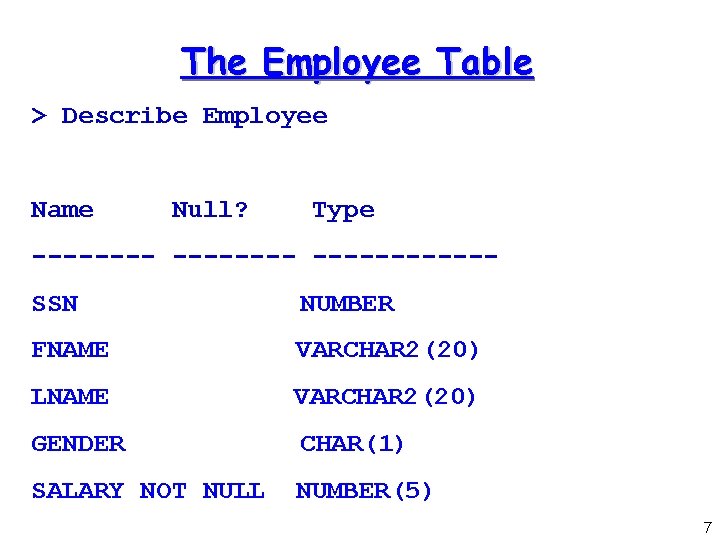
The Employee Table > Describe Employee Name Null? Type --------SSN NUMBER FNAME VARCHAR 2(20) LNAME VARCHAR 2(20) GENDER CHAR(1) SALARY NOT NULL NUMBER(5) 7
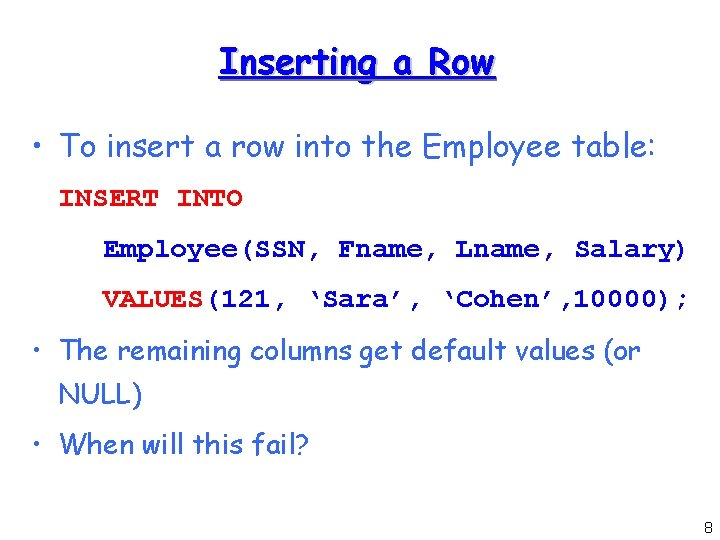
Inserting a Row • To insert a row into the Employee table: INSERT INTO Employee(SSN, Fname, Lname, Salary) VALUES(121, ‘Sara’, ‘Cohen’, 10000); • The remaining columns get default values (or NULL) • When will this fail? 8
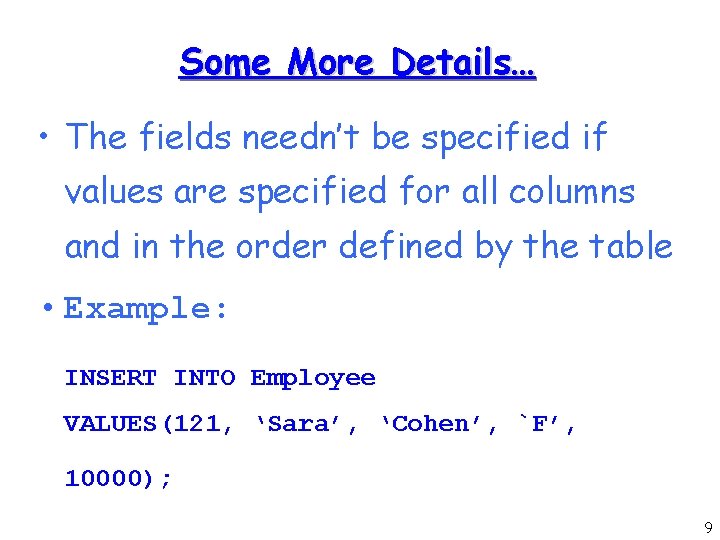
Some More Details… • The fields needn’t be specified if values are specified for all columns and in the order defined by the table • Example: INSERT INTO Employee VALUES(121, ‘Sara’, ‘Cohen’, `F’, 10000); 9
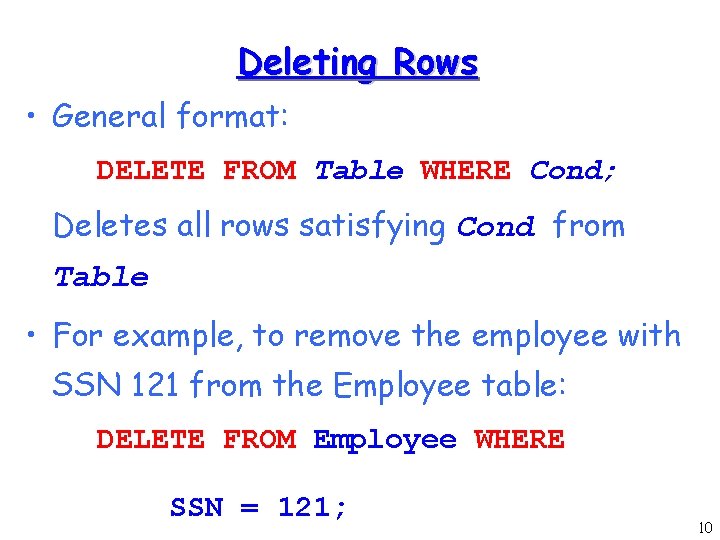
Deleting Rows • General format: DELETE FROM Table WHERE Cond; Deletes all rows satisfying Cond from Table • For example, to remove the employee with SSN 121 from the Employee table: DELETE FROM Employee WHERE SSN = 121; 10
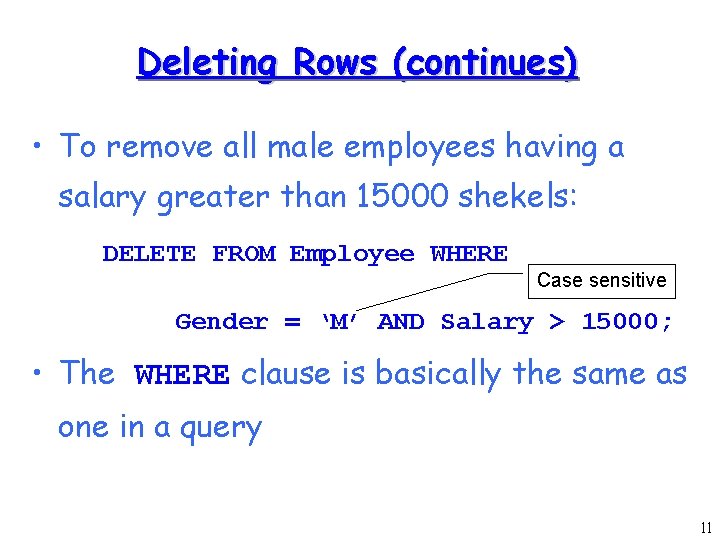
Deleting Rows (continues) • To remove all male employees having a salary greater than 15000 shekels: DELETE FROM Employee WHERE Case sensitive Gender = ‘M’ AND Salary > 15000; • The WHERE clause is basically the same as one in a query 11

Updating Rows (continues) • We can update fields of rows in a table • General format: UPDATE Table SET Field 1=value 1, , , Field. N=value. N WHERE Cond • Now we can reduce salaries instead of firing employees: UPDATE Employee SET Salary = 15000 WHERE Gender = ‘M’ AND Salary > 15000; 12
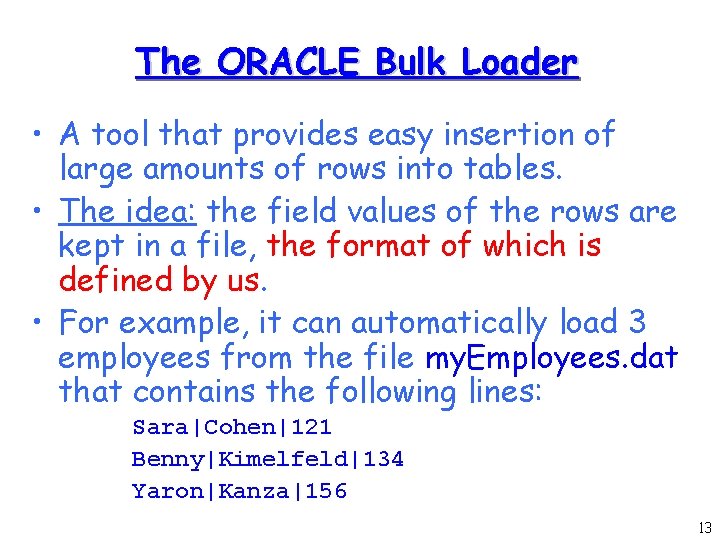
The ORACLE Bulk Loader • A tool that provides easy insertion of large amounts of rows into tables. • The idea: the field values of the rows are kept in a file, the format of which is defined by us. • For example, it can automatically load 3 employees from the file my. Employees. dat that contains the following lines: Sara|Cohen|121 Benny|Kimelfeld|134 Yaron|Kanza|156 13
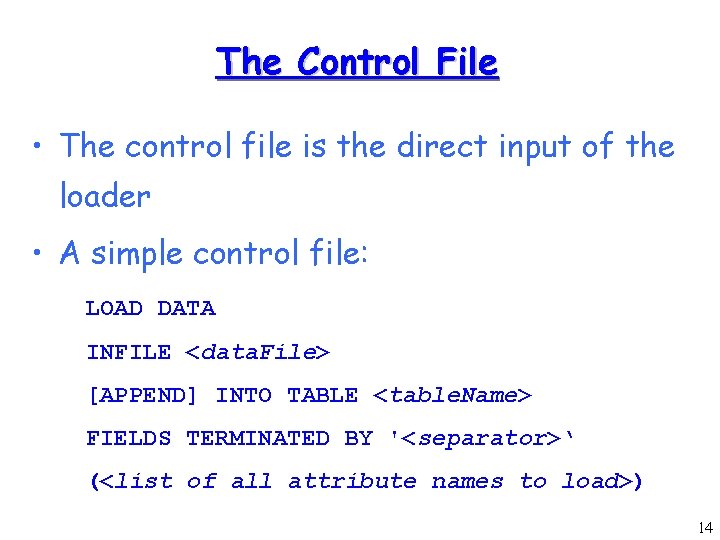
The Control File • The control file is the direct input of the loader • A simple control file: LOAD DATA INFILE <data. File> [APPEND] INTO TABLE <table. Name> FIELDS TERMINATED BY '<separator>‘ (<list of all attribute names to load>) 14
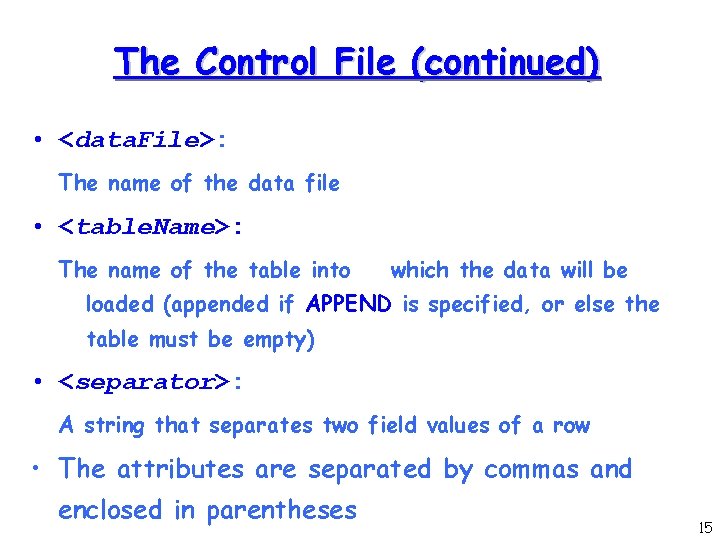
The Control File (continued) • <data. File>: The name of the data file • <table. Name>: The name of the table into which the data will be loaded (appended if APPEND is specified, or else the table must be empty) • <separator>: A string that separates two field values of a row • The attributes are separated by commas and enclosed in parentheses 15
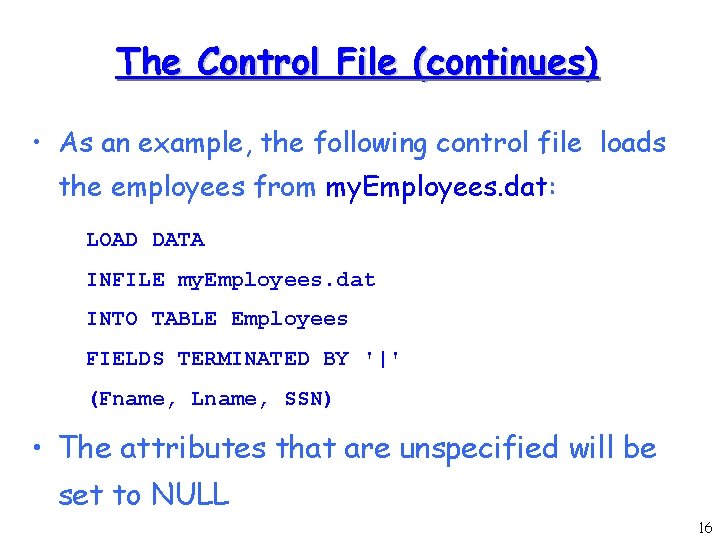
The Control File (continues) • As an example, the following control file loads the employees from my. Employees. dat: LOAD DATA INFILE my. Employees. dat INTO TABLE Employees FIELDS TERMINATED BY '|' (Fname, Lname, SSN) • The attributes that are unspecified will be set to NULL 16
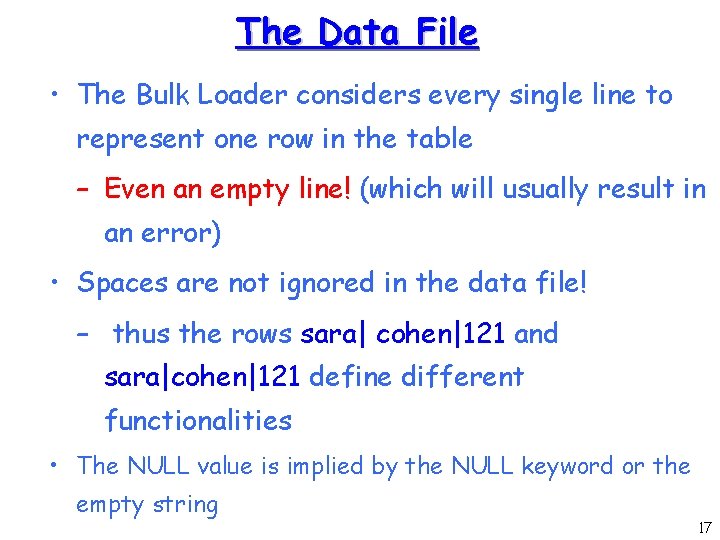
The Data File • The Bulk Loader considers every single line to represent one row in the table – Even an empty line! (which will usually result in an error) • Spaces are not ignored in the data file! – thus the rows sara| cohen|121 and sara|cohen|121 define different functionalities • The NULL value is implied by the NULL keyword or the empty string 17
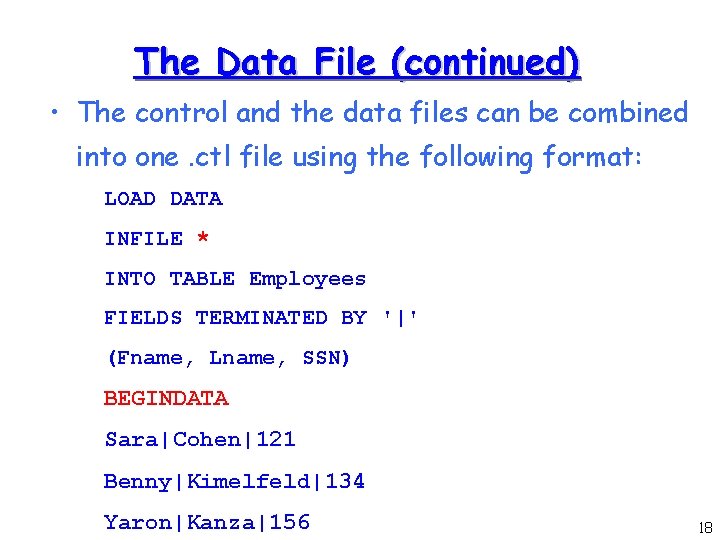
The Data File (continued) • The control and the data files can be combined into one. ctl file using the following format: LOAD DATA INFILE * INTO TABLE Employees FIELDS TERMINATED BY '|' (Fname, Lname, SSN) BEGINDATA Sara|Cohen|121 Benny|Kimelfeld|134 Yaron|Kanza|156 18
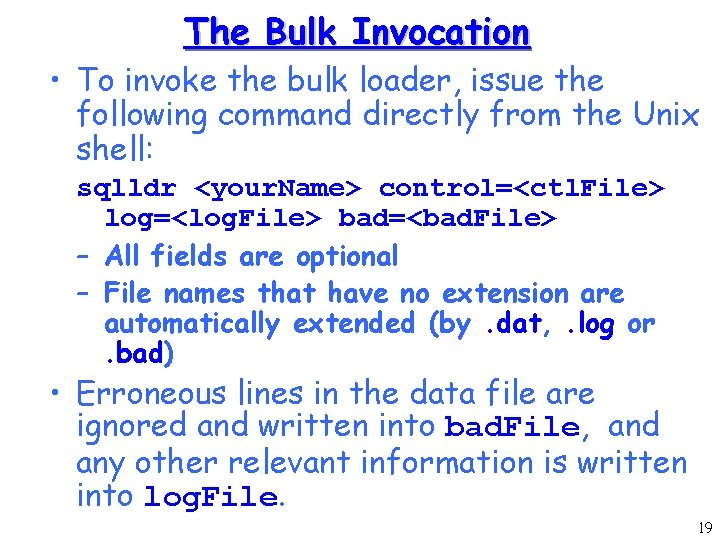
The Bulk Invocation • To invoke the bulk loader, issue the following command directly from the Unix shell: sqlldr <your. Name> control=<ctl. File> log=<log. File> bad=<bad. File> – All fields are optional – File names that have no extension are automatically extended (by. dat, . log or. bad) • Erroneous lines in the data file are ignored and written into bad. File, and any other relevant information is written into log. File. 19
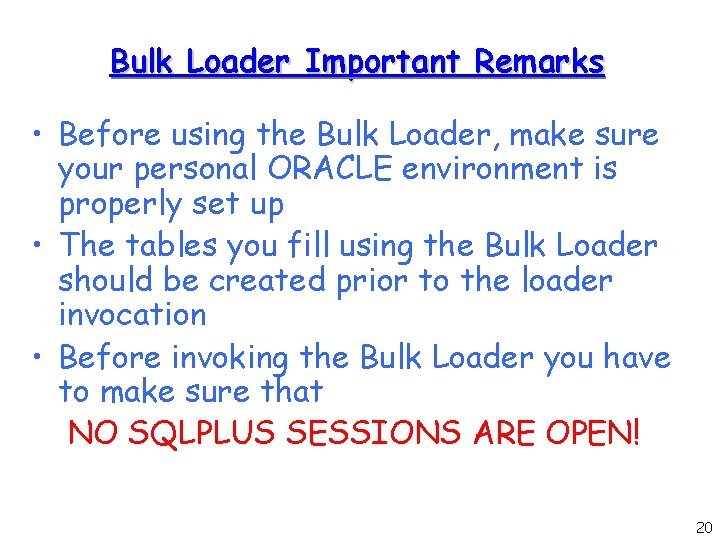
Bulk Loader Important Remarks • Before using the Bulk Loader, make sure your personal ORACLE environment is properly set up • The tables you fill using the Bulk Loader should be created prior to the loader invocation • Before invoking the Bulk Loader you have to make sure that NO SQLPLUS SESSIONS ARE OPEN! 20

SQL Queries 21
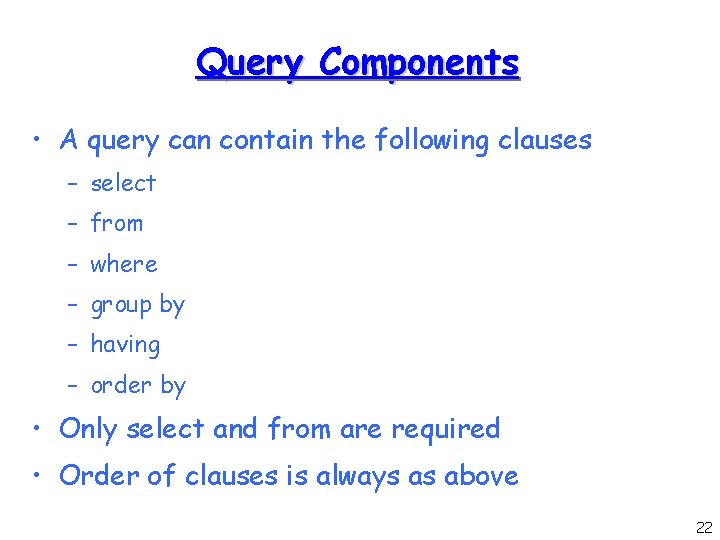
Query Components • A query can contain the following clauses – select – from – where – group by – having – order by • Only select and from are required • Order of clauses is always as above 22
![Basic SQL Query SELECT [Distinct] Attributes FROM relations WHERE condition; • Attributes: A list](http://slidetodoc.com/presentation_image_h2/871f8313422c3b170e73751c23d157e8/image-23.jpg "Basic SQL Query SELECT [Distinct] Attributes FROM relations WHERE condition; • Attributes: A list")
Basic SQL Query SELECT [Distinct] Attributes FROM relations WHERE condition; • Attributes: A list of fields onto which the query projects (For example: Eid, Ename). • relations: A list of relation names (For example: Employees, Departments, Works). • condition: A Boolean condition (For example: Eid>21, or Ename=‘Yuval’ ) • DISTINCT: Optional keyword to delete duplicates 23
![Basic SQL Query SELECT [Distinct] attributes FROM relations WHERE condition; • Notice! The "SELECT"](http://slidetodoc.com/presentation_image_h2/871f8313422c3b170e73751c23d157e8/image-24.jpg "Basic SQL Query SELECT [Distinct] attributes FROM relations WHERE condition; • Notice! The \"SELECT\"")
Basic SQL Query SELECT [Distinct] attributes FROM relations WHERE condition; • Notice! The "SELECT" clause defines the operation of projection from the relational model. Selection is defined by the WHERE clause. 24
![Basic SQL Query SELECT [Distinct] attributes FROM relations WHERE condition; Evaluation order: 1. 2.](http://slidetodoc.com/presentation_image_h2/871f8313422c3b170e73751c23d157e8/image-25.jpg "Basic SQL Query SELECT [Distinct] attributes FROM relations WHERE condition; Evaluation order: 1. 2.")
Basic SQL Query SELECT [Distinct] attributes FROM relations WHERE condition; Evaluation order: 1. 2. 3. 4. Compute the cross product of the tables in relations. Delete all rows that do not satisfy condition. Delete all columns that do not appear in attributes. If Distinct is specified eliminate duplicate rows. 25
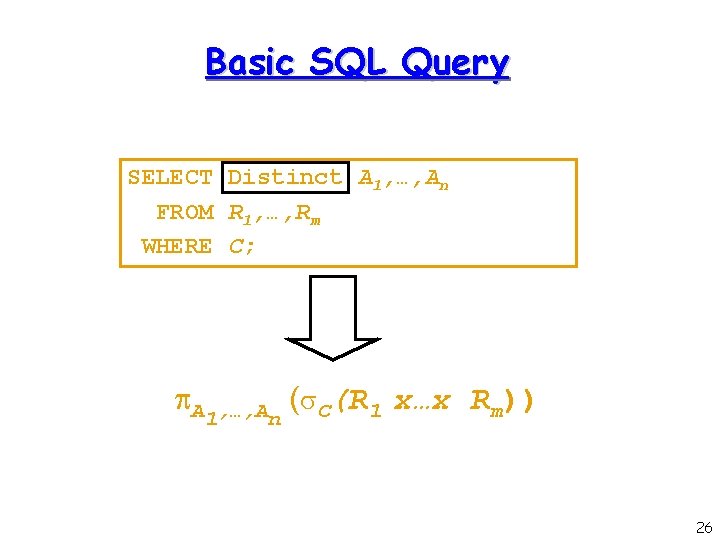
Basic SQL Query SELECT Distinct A 1, …, An FROM R 1, …, Rm WHERE C; A 1, …, An ( C(R 1 x…x Rm)) 26
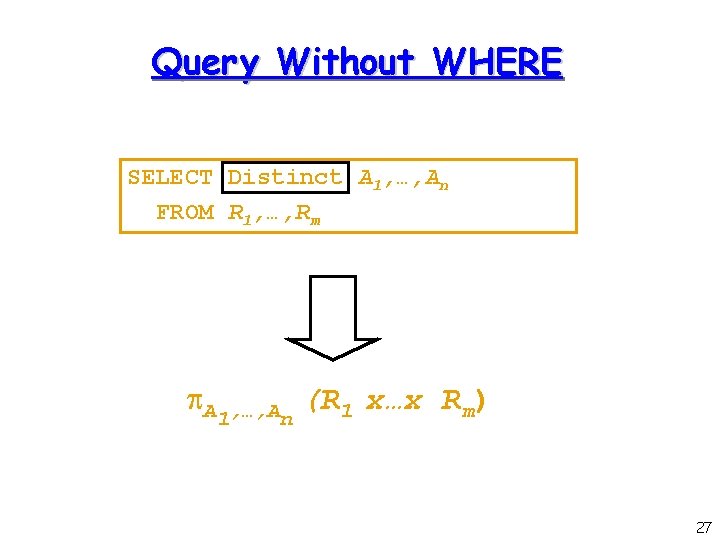
Query Without WHERE SELECT Distinct A 1, …, An FROM R 1, …, Rm A 1, …, An (R 1 x…x Rm) 27
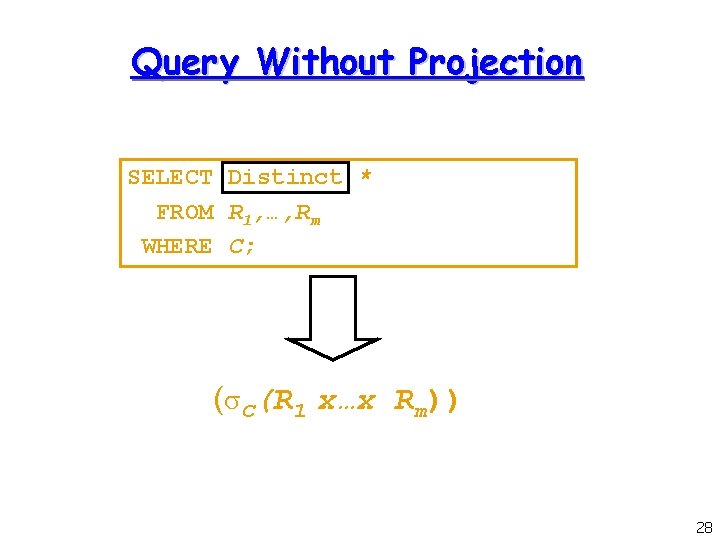
Query Without Projection SELECT Distinct * FROM R 1, …, Rm WHERE C; ( C(R 1 x…x Rm)) 28
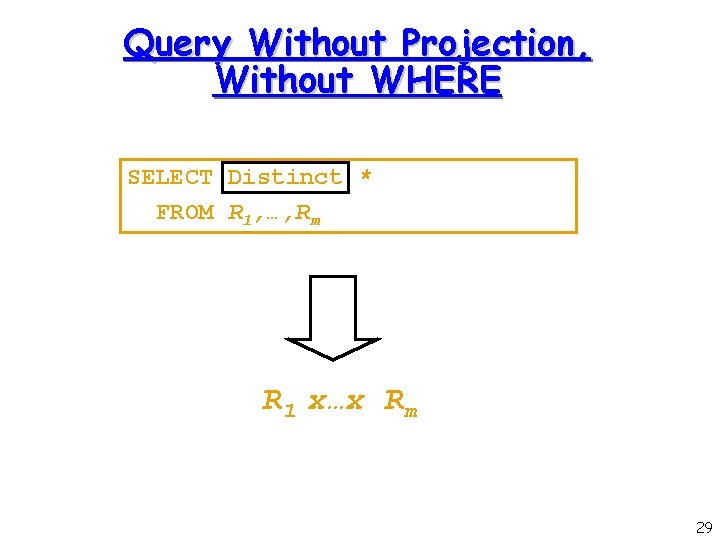
Query Without Projection, Without WHERE SELECT Distinct * FROM R 1, …, Rm R 1 x…x Rm 29
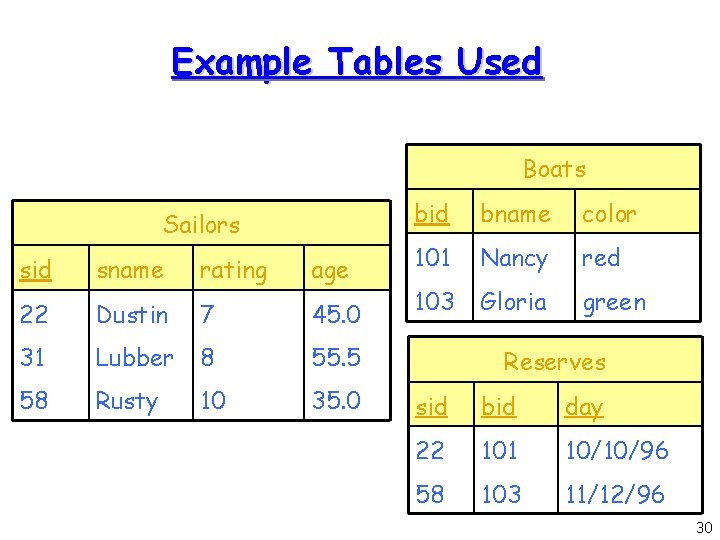
Example Tables Used Boats Sailors sid sname rating age 22 Dustin 7 45. 0 31 Lubber 8 55. 5 58 Rusty 10 35. 0 bid bname color 101 Nancy red 103 Gloria green Reserves sid bid day 22 101 10/10/96 58 103 11/12/96 30
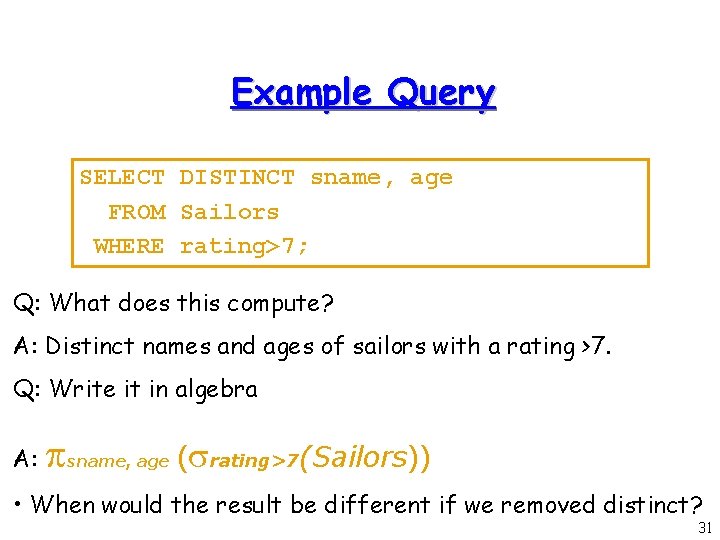
Example Query SELECT DISTINCT sname, age FROM Sailors WHERE rating>7; Q: What does this compute? A: Distinct names and ages of sailors with a rating >7. Q: Write it in algebra A: sname, age ( rating>7(Sailors)) • When would the result be different if we removed distinct? 31
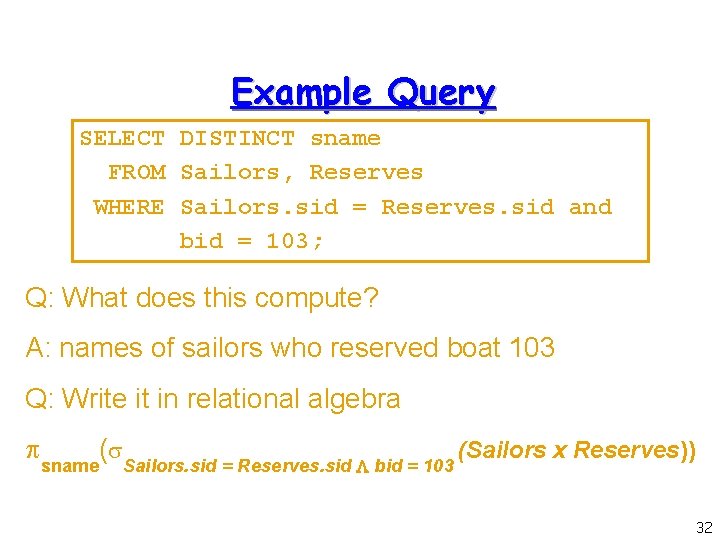
Example Query SELECT DISTINCT sname FROM Sailors, Reserves WHERE Sailors. sid = Reserves. sid and bid = 103; Q: What does this compute? A: names of sailors who reserved boat 103 Q: Write it in relational algebra sname( Sailors. sid = Reserves. sid bid = 103 (Sailors x Reserves)) 32
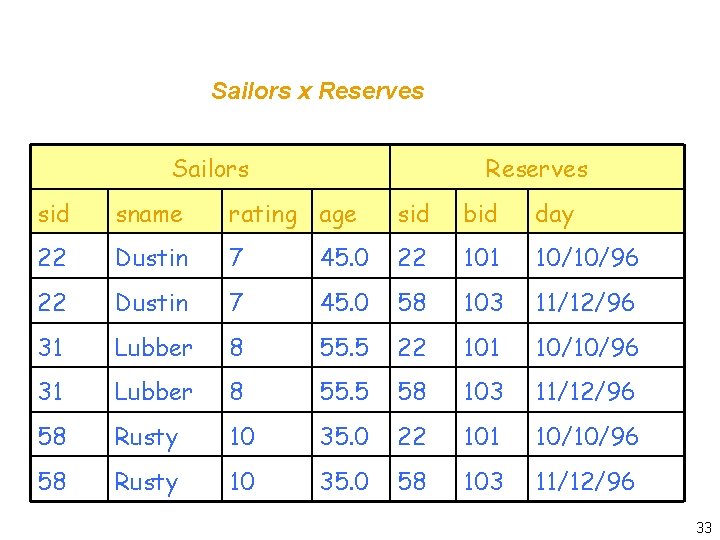
Sailors x Reserves Sailors Reserves sid sname rating age sid bid day 22 Dustin 7 45. 0 22 101 10/10/96 22 Dustin 7 45. 0 58 103 11/12/96 31 Lubber 8 55. 5 22 101 10/10/96 31 Lubber 8 55. 5 58 103 11/12/96 58 Rusty 10 35. 0 22 101 10/10/96 58 Rusty 10 35. 0 58 103 11/12/96 33
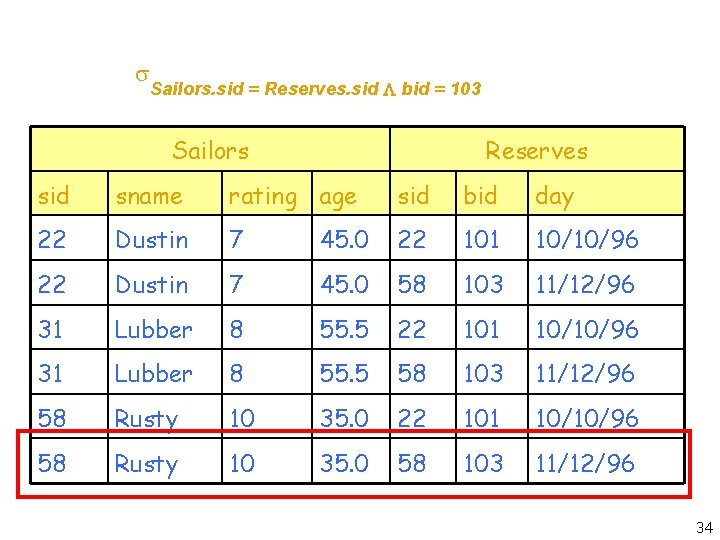
Sailors. sid = Reserves. sid bid = 103 Sailors Reserves sid sname rating age sid bid day 22 Dustin 7 45. 0 22 101 10/10/96 22 Dustin 7 45. 0 58 103 11/12/96 31 Lubber 8 55. 5 22 101 10/10/96 31 Lubber 8 55. 5 58 103 11/12/96 58 Rusty 10 35. 0 22 101 10/10/96 58 Rusty 10 35. 0 58 103 11/12/96 34
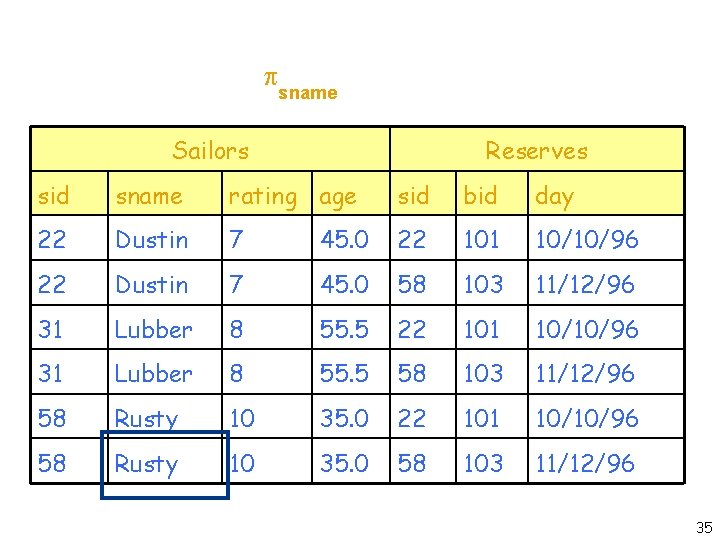
Sailors x Reserves sname Sailors Reserves sid sname rating age sid bid day 22 Dustin 7 45. 0 22 101 10/10/96 22 Dustin 7 45. 0 58 103 11/12/96 31 Lubber 8 55. 5 22 101 10/10/96 31 Lubber 8 55. 5 58 103 11/12/96 58 Rusty 10 35. 0 22 101 10/10/96 58 Rusty 10 35. 0 58 103 11/12/96 35
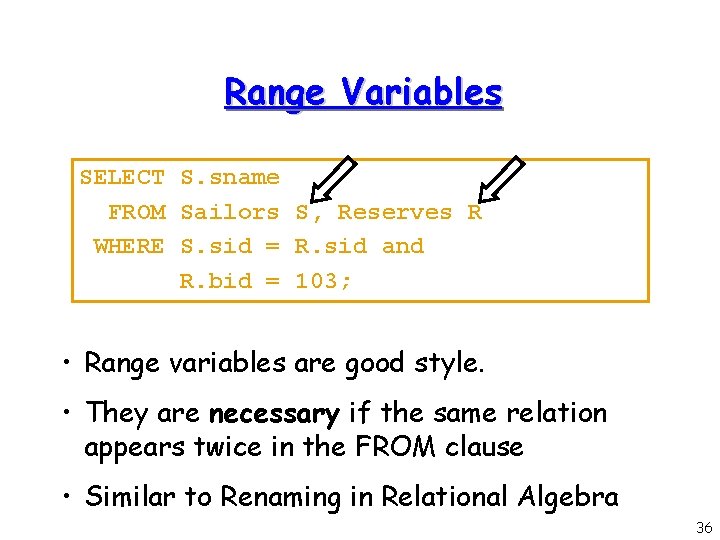
Range Variables SELECT S. sname FROM Sailors S, Reserves R WHERE S. sid = R. sid and R. bid = 103; • Range variables are good style. • They are necessary if the same relation appears twice in the FROM clause • Similar to Renaming in Relational Algebra 36
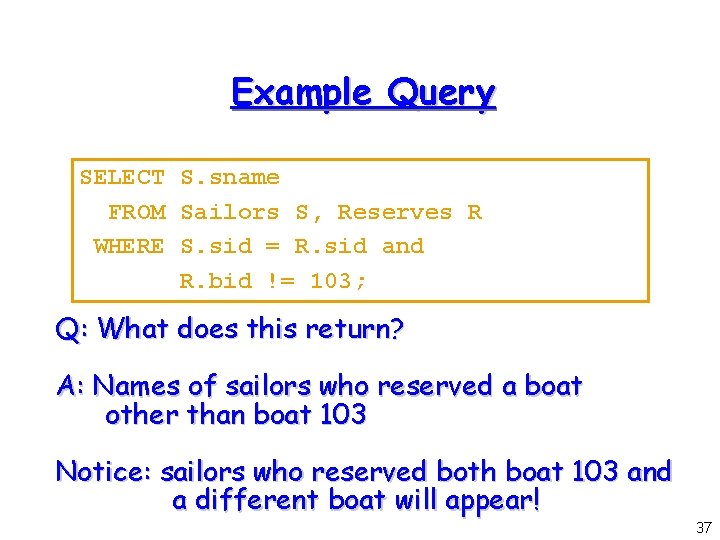
Example Query SELECT S. sname FROM Sailors S, Reserves R WHERE S. sid = R. sid and R. bid != 103; Q: What does this return? A: Names of sailors who reserved a boat other than boat 103 Notice: sailors who reserved both boat 103 and a different boat will appear! 37
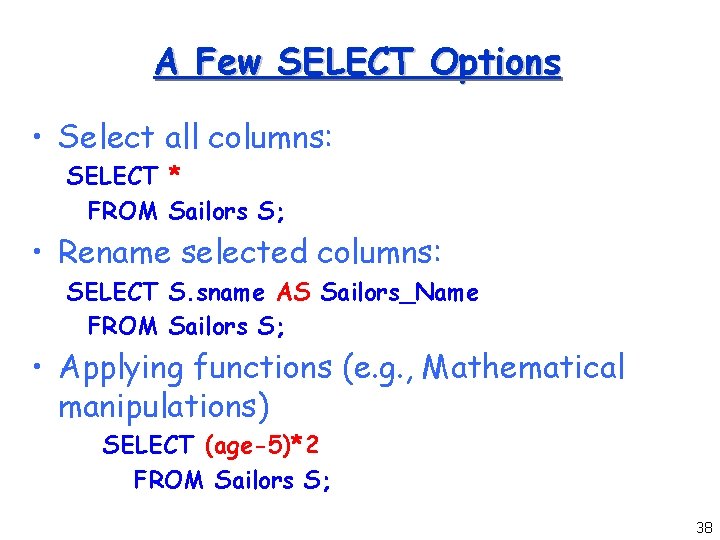
A Few SELECT Options • Select all columns: SELECT * FROM Sailors S; • Rename selected columns: SELECT S. sname AS Sailors_Name FROM Sailors S; • Applying functions (e. g. , Mathematical manipulations) SELECT (age-5)*2 FROM Sailors S; 38
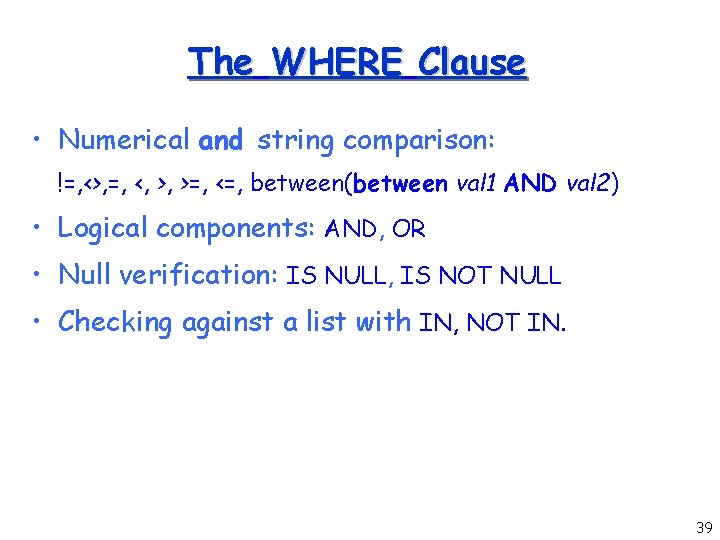
The WHERE Clause • Numerical and string comparison: !=, <>, =, <, >, >=, <=, between(between val 1 AND val 2) • Logical components: AND, OR • Null verification: IS NULL, IS NOT NULL • Checking against a list with IN, NOT IN. 39
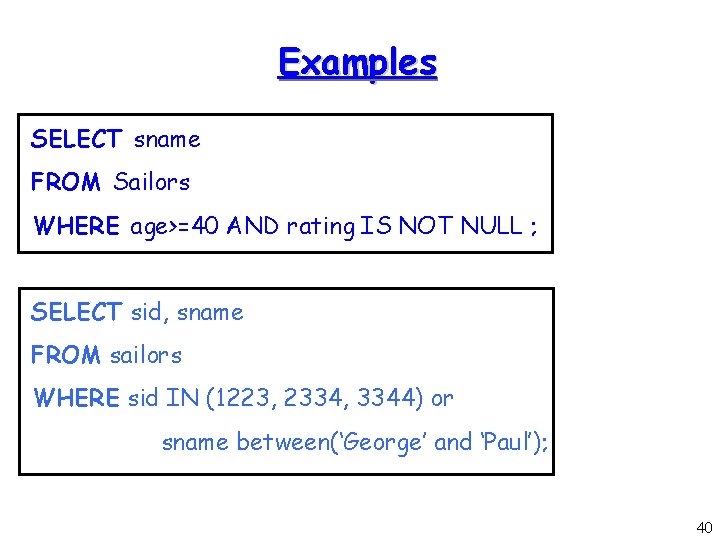
Examples SELECT sname FROM Sailors WHERE age>=40 AND rating IS NOT NULL ; SELECT sid, sname FROM sailors WHERE sid IN (1223, 2334, 3344) or sname between(‘George’ and ‘Paul’); 40
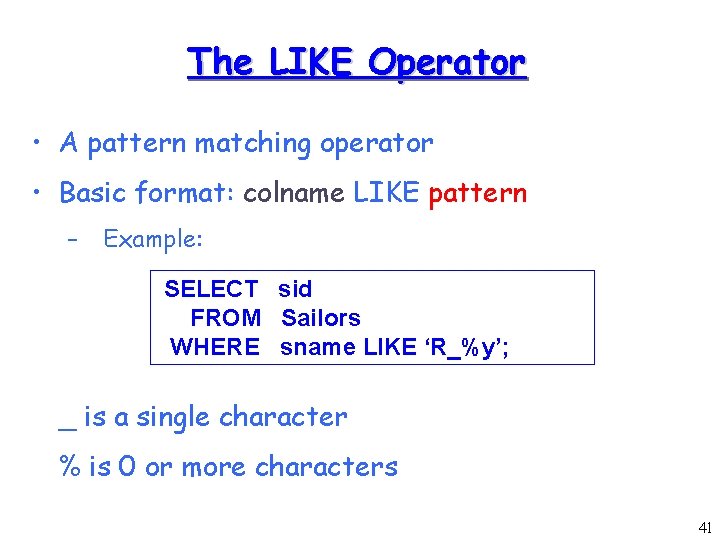
The LIKE Operator • A pattern matching operator • Basic format: colname LIKE pattern – Example: SELECT sid FROM Sailors WHERE sname LIKE ‘R_%y’; _ is a single character % is 0 or more characters 41
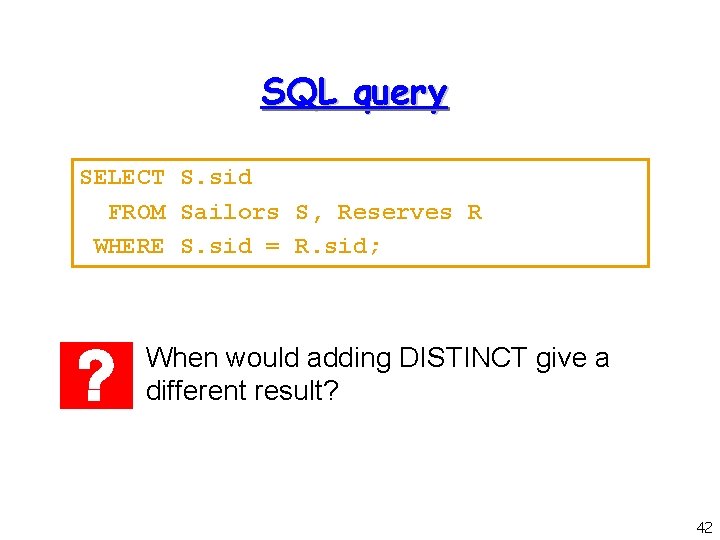
SQL query SELECT S. sid FROM Sailors S, Reserves R WHERE S. sid = R. sid; When would adding DISTINCT give a different result? 42
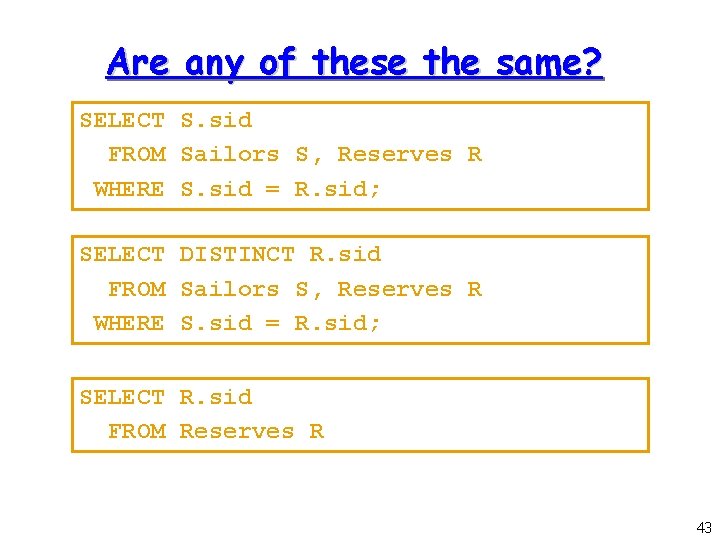
Are any of these the same? SELECT S. sid FROM Sailors S, Reserves R WHERE S. sid = R. sid; SELECT DISTINCT R. sid FROM Sailors S, Reserves R WHERE S. sid = R. sid; SELECT R. sid FROM Reserves R 43
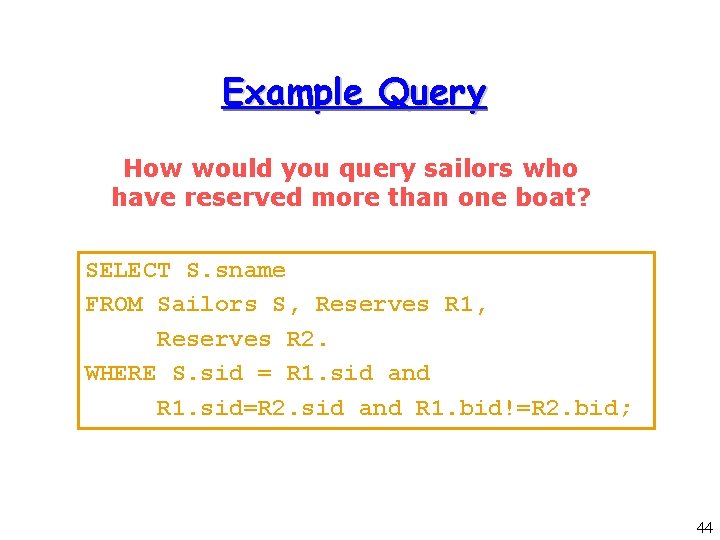
Example Query How would you query sailors who have reserved more than one boat? SELECT S. sname FROM Sailors S, Reserves R 1, Reserves R 2. WHERE S. sid = R 1. sid and R 1. sid=R 2. sid and R 1. bid!=R 2. bid; 44
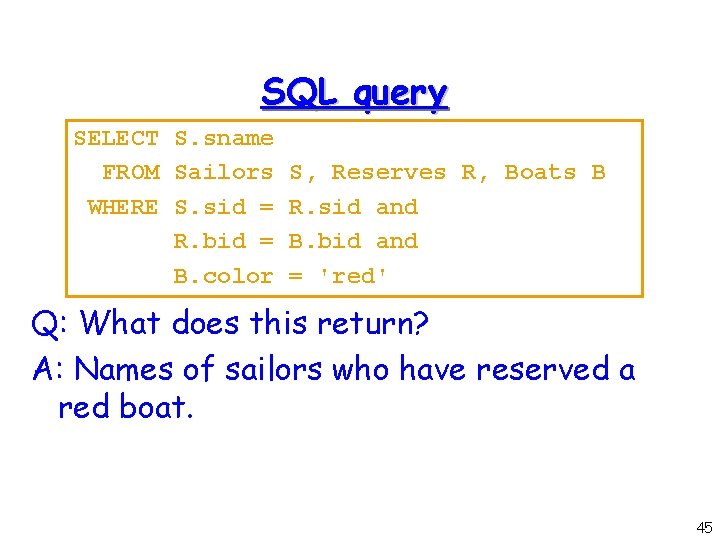
SQL query SELECT S. sname FROM Sailors S, Reserves R, Boats B WHERE S. sid = R. sid and R. bid = B. bid and B. color = 'red' Q: What does this return? A: Names of sailors who have reserved a red boat. 45
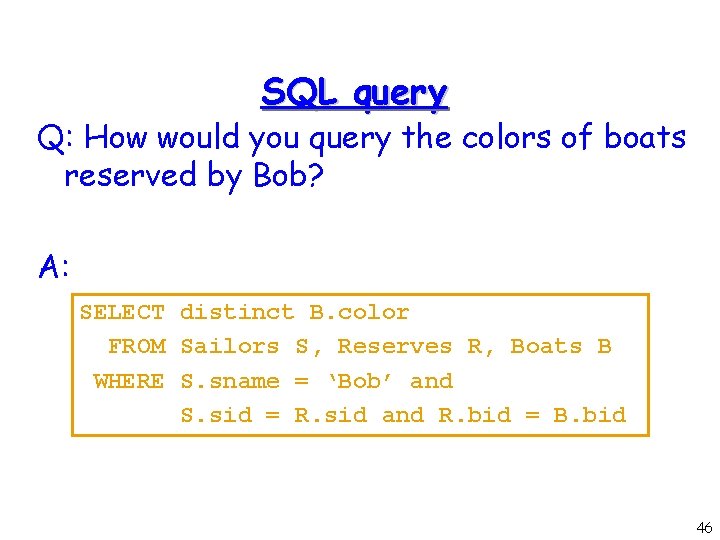
SQL query Q: How would you query the colors of boats reserved by Bob? A: SELECT distinct B. color FROM Sailors S, Reserves R, Boats B WHERE S. sname = ‘Bob’ and S. sid = R. sid and R. bid = B. bid 46
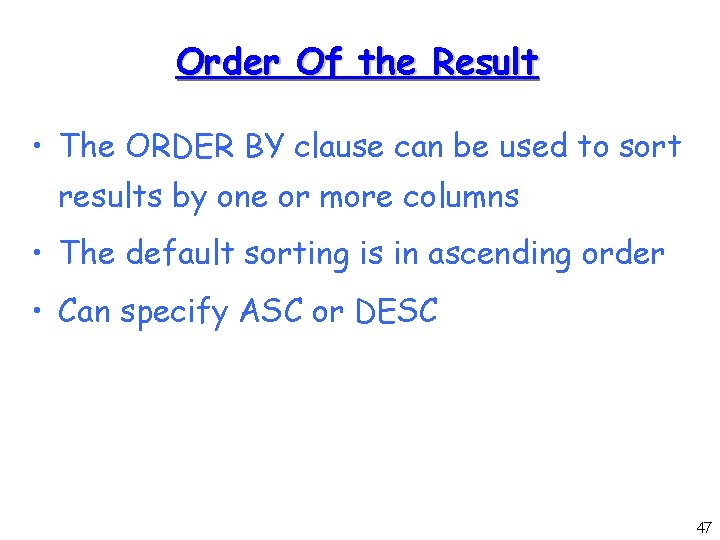
Order Of the Result • The ORDER BY clause can be used to sort results by one or more columns • The default sorting is in ascending order • Can specify ASC or DESC 47
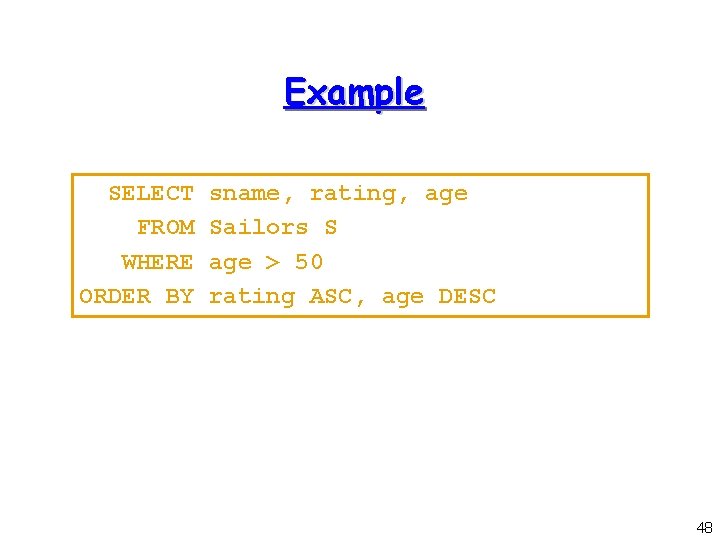
Example SELECT FROM WHERE ORDER BY sname, rating, age Sailors S age > 50 rating ASC, age DESC 48
Other Relational Algebra Operators • So far, we have seen selection, projection and Cartesian product • How do we do operators UNION and MINUS? 49
![Three SET Operators • [Query] UNION [Query] • [Query] MINUS [Query] • [Query] INTERSECT](http://slidetodoc.com/presentation_image_h2/871f8313422c3b170e73751c23d157e8/image-50.jpg "Three SET Operators • [Query] UNION [Query] • [Query] MINUS [Query] • [Query] INTERSECT")
Three SET Operators • [Query] UNION [Query] • [Query] MINUS [Query] • [Query] INTERSECT [QUERY] • Note: The operators remove duplicates by default! • How would you express intersect in Relational Algebra? 50
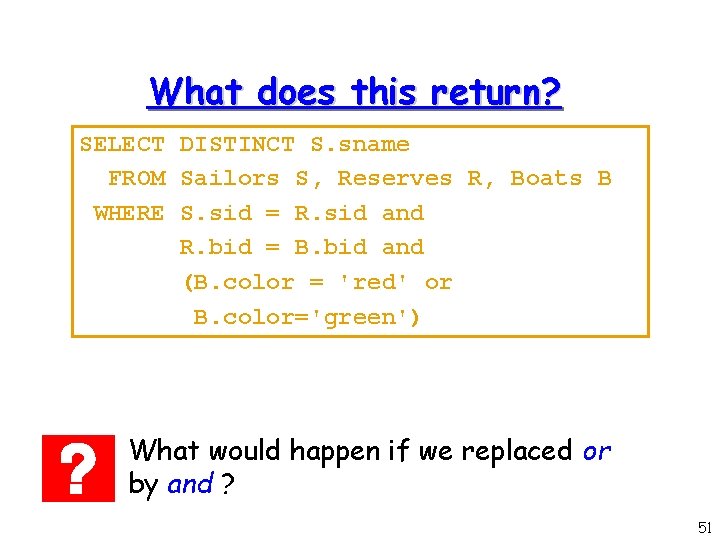
What does this return? SELECT DISTINCT S. sname FROM Sailors S, Reserves R, Boats B WHERE S. sid = R. sid and R. bid = B. bid and (B. color = 'red' or B. color='green') What would happen if we replaced or by and ? 51
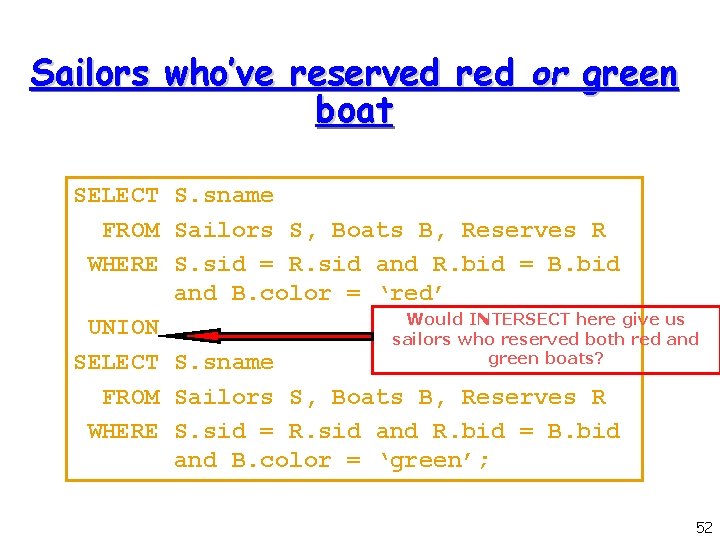
Sailors who’ve reserved red or green boat SELECT S. sname FROM Sailors S, Boats B, Reserves R WHERE S. sid = R. sid and R. bid = B. bid and B. color = ‘red’ Would INTERSECT here give us UNION sailors who reserved both red and green boats? SELECT S. sname FROM Sailors S, Boats B, Reserves R WHERE S. sid = R. sid and R. bid = B. bid and B. color = ‘green’; 52
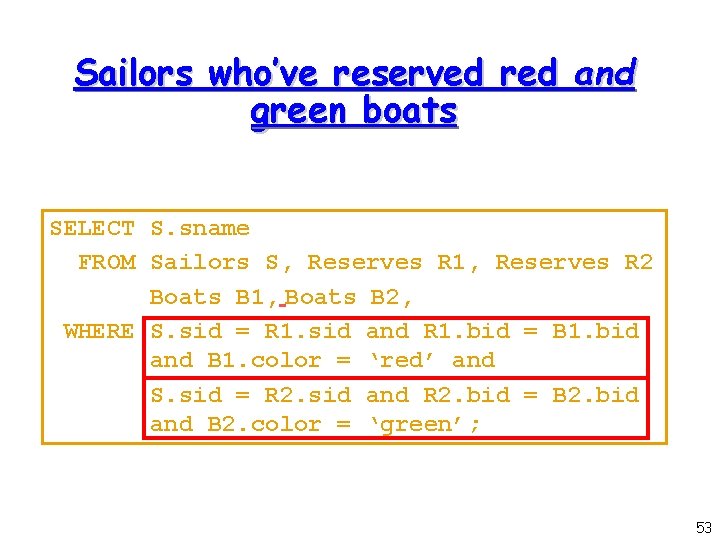
Sailors who’ve reserved red and green boats SELECT S. sname FROM Sailors S, Reserves R 1, Reserves R 2 Boats B 1, Boats B 2, WHERE S. sid = R 1. sid and R 1. bid = B 1. bid and B 1. color = ‘red’ and S. sid = R 2. sid and R 2. bid = B 2. bid and B 2. color = ‘green’; 53
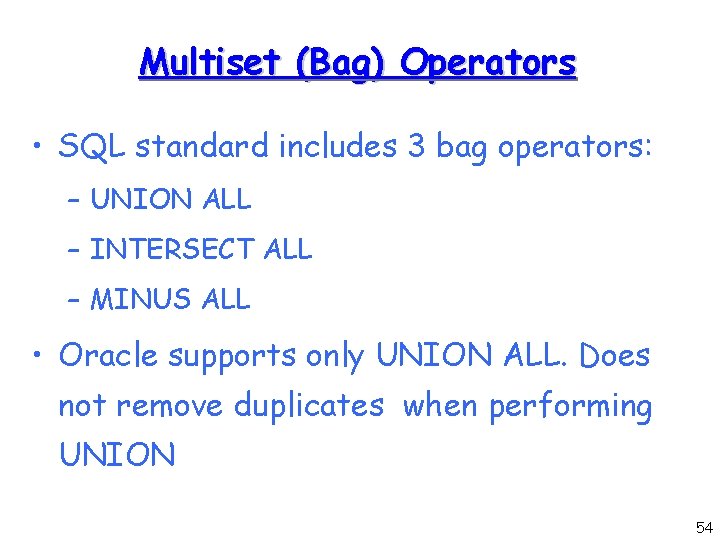
Multiset (Bag) Operators • SQL standard includes 3 bag operators: – UNION ALL – INTERSECT ALL – MINUS ALL • Oracle supports only UNION ALL. Does not remove duplicates when performing UNION 54
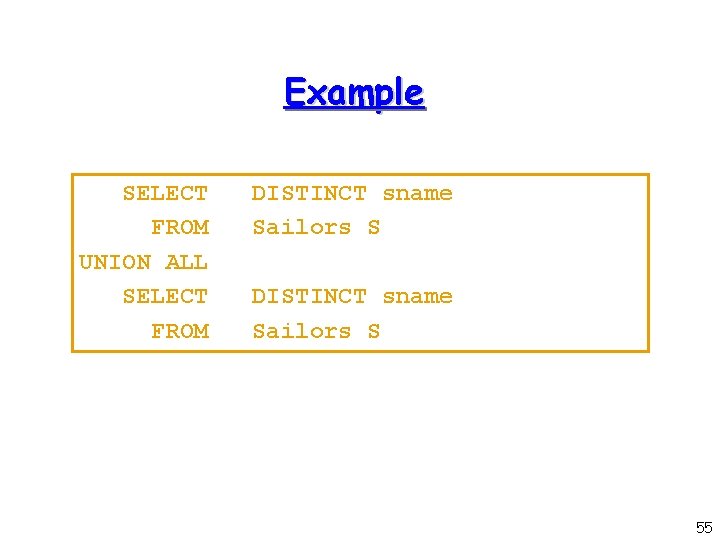
Example SELECT FROM UNION ALL SELECT FROM DISTINCT sname Sailors S 55

Nested Queries 56
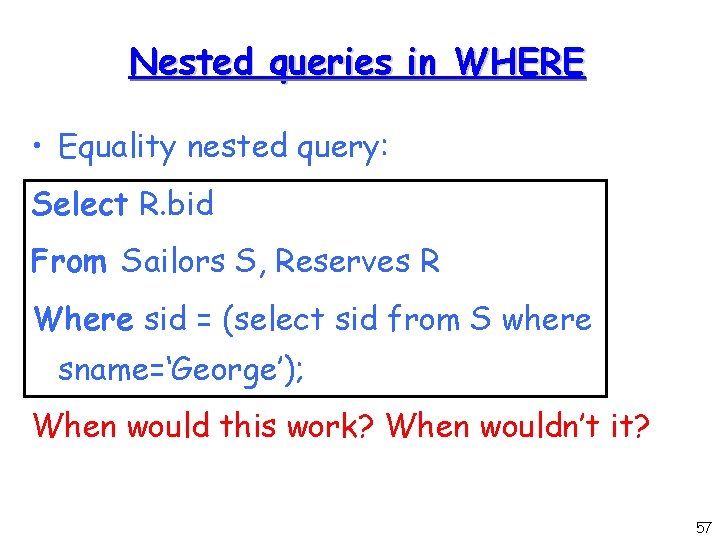
Nested queries in WHERE • Equality nested query: Select R. bid From Sailors S, Reserves R Where sid = (select sid from S where sname=‘George’); When would this work? When wouldn’t it? 57
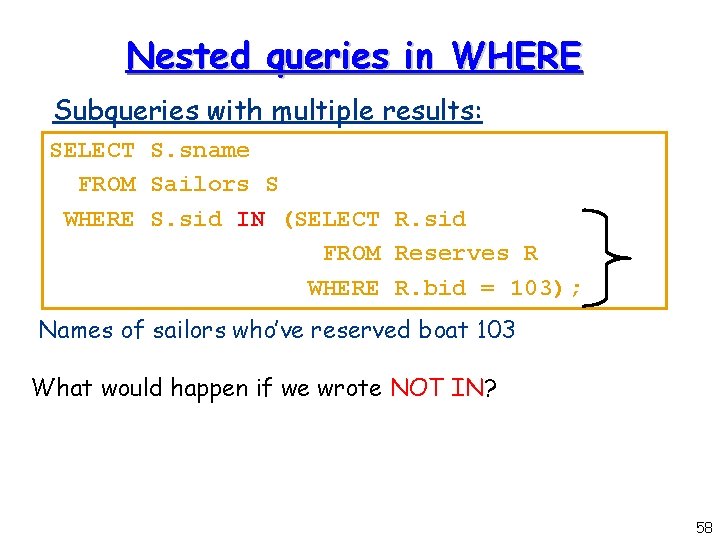
Nested queries in WHERE Subqueries with multiple results: SELECT S. sname FROM Sailors S WHERE S. sid IN (SELECT R. sid FROM Reserves R WHERE R. bid = 103); Names of sailors who’ve reserved boat 103 What would happen if we wrote NOT IN? 58
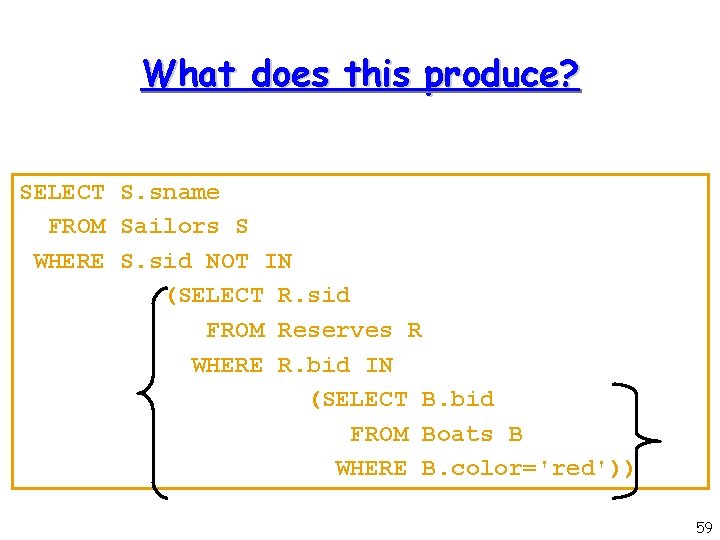
What does this produce? SELECT S. sname FROM Sailors S WHERE S. sid NOT IN (SELECT R. sid FROM Reserves R WHERE R. bid IN (SELECT B. bid FROM Boats B WHERE B. color='red')) 59
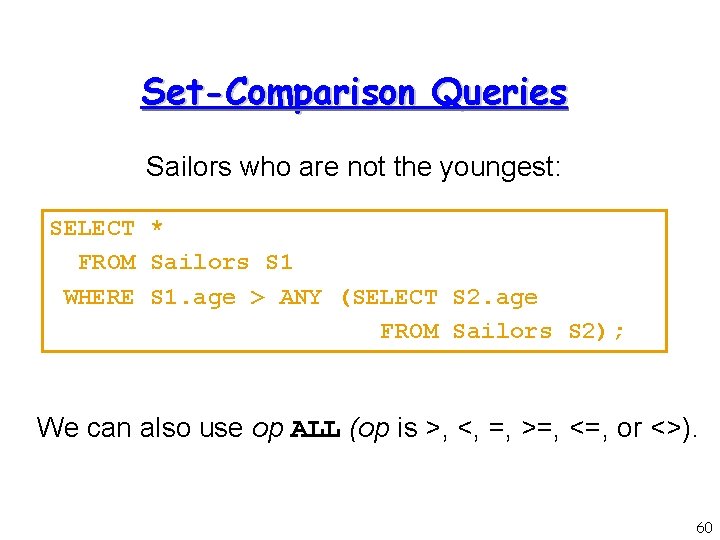
Set-Comparison Queries Sailors who are not the youngest: SELECT * FROM Sailors S 1 WHERE S 1. age > ANY (SELECT S 2. age FROM Sailors S 2); We can also use op ALL (op is >, <, =, >=, <=, or <>). 60
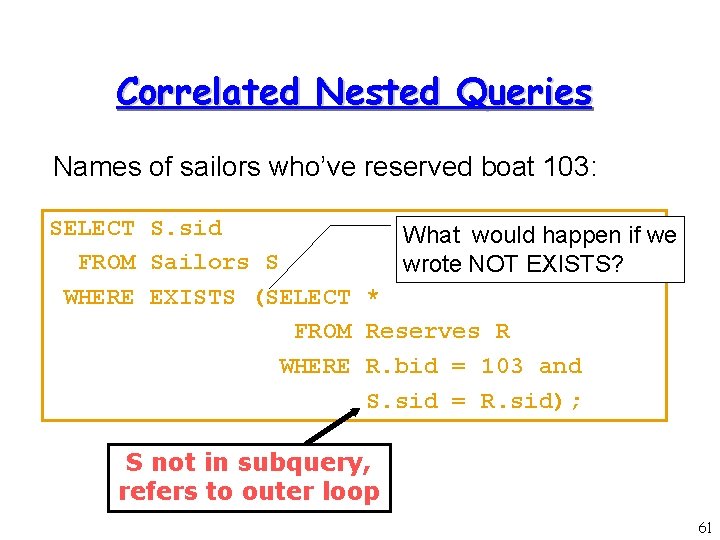
Correlated Nested Queries Names of sailors who’ve reserved boat 103: SELECT S. sid What would happen if we FROM Sailors S wrote NOT EXISTS? WHERE EXISTS (SELECT * FROM Reserves R WHERE R. bid = 103 and S. sid = R. sid); S not in subquery, refers to outer loop 61
Exists and Not Exists • Differ from In and Not In by not matching attributes. • Exists: For every tuple in the outer loop, the inner loop is tested. If the inner loop produces a result, the outer tuple is added to the result. 62
- Slides: 62