
Table Alteration 1 Altering Tables l Table definition
Table Alteration 1
Altering Tables l Table definition can be altered after its creation l l l Adding columns Changing columns’ definition Dropping columns Adding constraints And more… Use the reserved word ALTER 2

Altering Tables (continues) l Adding a column: ALTER TABLE Employee ADD ( Mname VARCHAR 2(20), Birthday DATE ); l Cannot be NOT NULL unless the table is empty Changing columns’ definition: ALTER TABLE Emplyee Modify ( Mname VARCHAR 2(10) ); 3
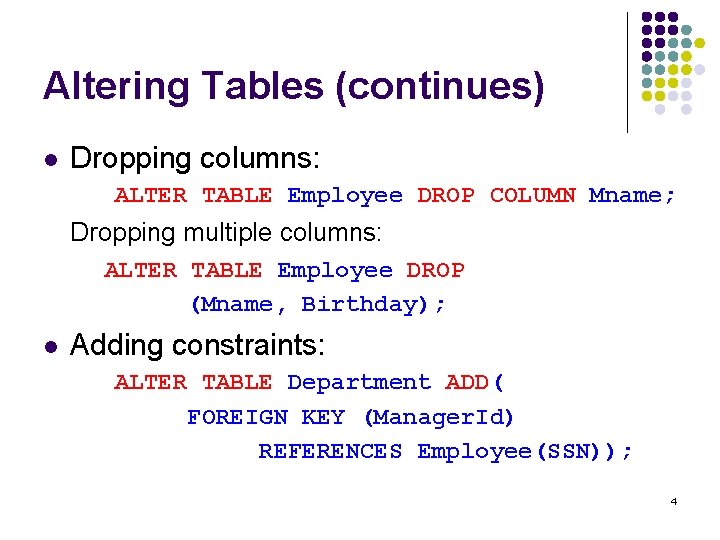
Altering Tables (continues) l Dropping columns: ALTER TABLE Employee DROP COLUMN Mname; Dropping multiple columns: ALTER TABLE Employee DROP (Mname, Birthday); l Adding constraints: ALTER TABLE Department ADD( FOREIGN KEY (Manager. Id) REFERENCES Employee(SSN)); 4
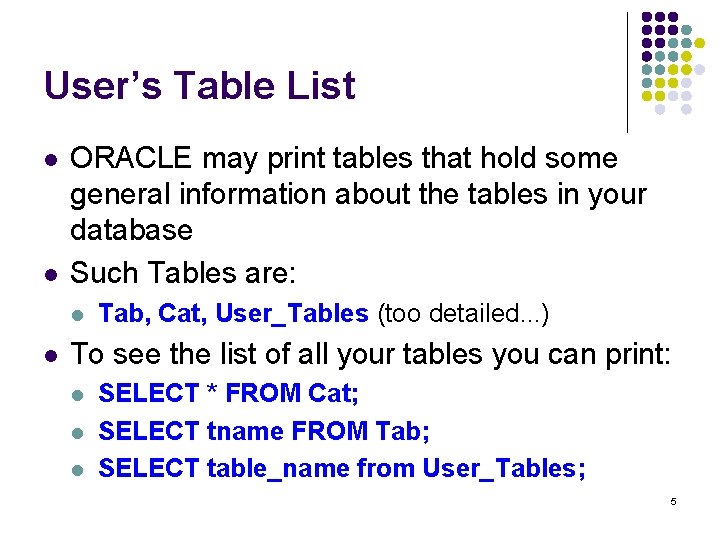
User’s Table List l l ORACLE may print tables that hold some general information about the tables in your database Such Tables are: l l Tab, Cat, User_Tables (too detailed. . . ) To see the list of all your tables you can print: l l l SELECT * FROM Cat; SELECT tname FROM Tab; SELECT table_name from User_Tables; 5
Table Data Maintenance 6
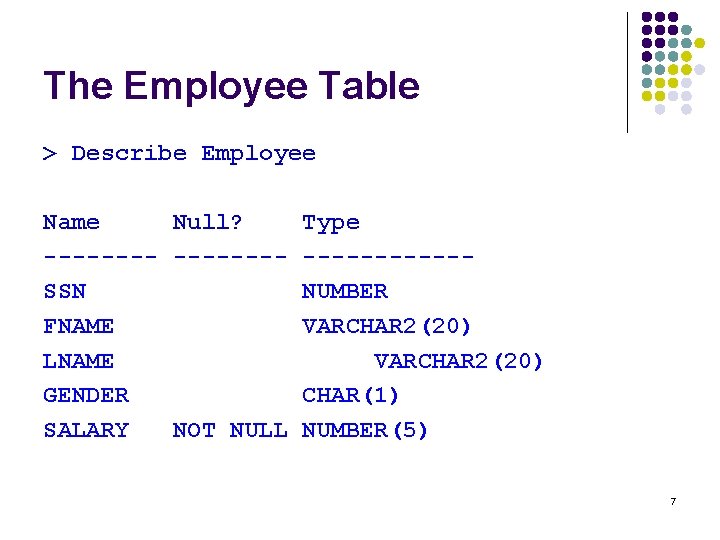
The Employee Table > Describe Employee Name Null? -------SSN FNAME LNAME GENDER SALARY NOT NULL Type ------NUMBER VARCHAR 2(20) CHAR(1) NUMBER(5) 7
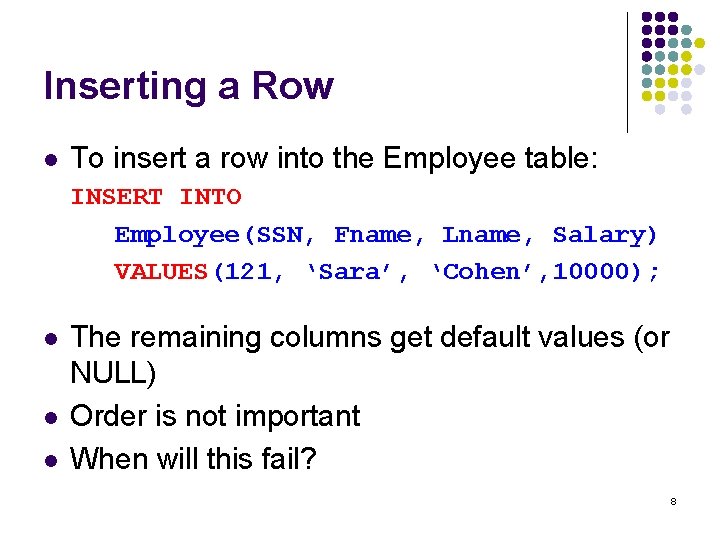
Inserting a Row l To insert a row into the Employee table: INSERT INTO Employee(SSN, Fname, Lname, Salary) VALUES(121, ‘Sara’, ‘Cohen’, 10000); l l l The remaining columns get default values (or NULL) Order is not important When will this fail? 8
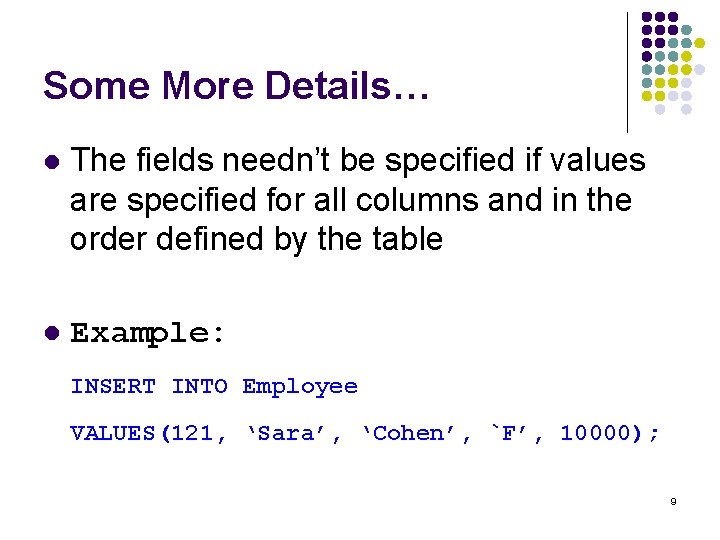
Some More Details… l The fields needn’t be specified if values are specified for all columns and in the order defined by the table l Example: INSERT INTO Employee VALUES(121, ‘Sara’, ‘Cohen’, `F’, 10000); 9
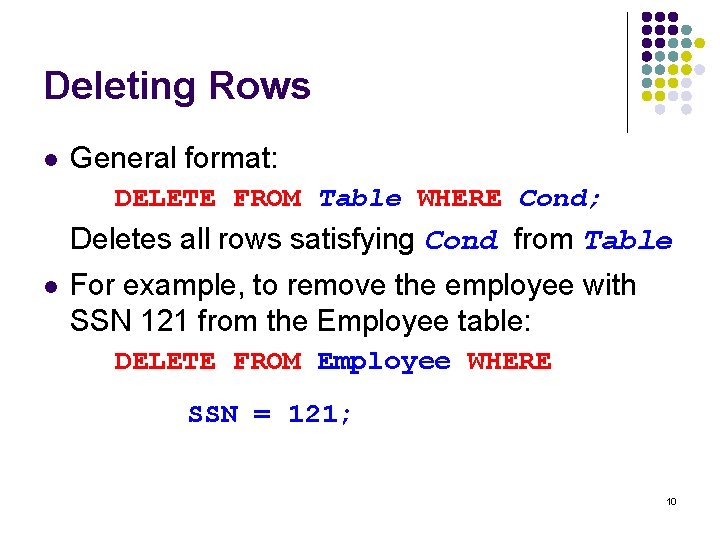
Deleting Rows l General format: DELETE FROM Table WHERE Cond; Deletes all rows satisfying Cond from Table l For example, to remove the employee with SSN 121 from the Employee table: DELETE FROM Employee WHERE SSN = 121; 10
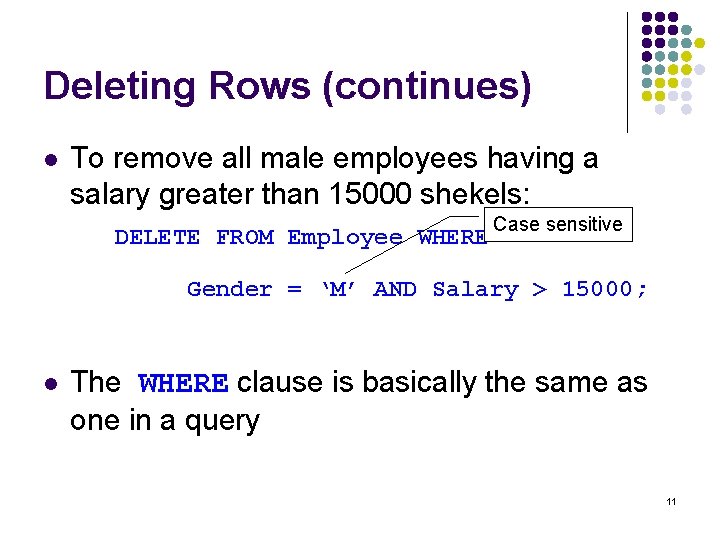
Deleting Rows (continues) l To remove all male employees having a salary greater than 15000 shekels: DELETE FROM Employee WHERE Case sensitive Gender = ‘M’ AND Salary > 15000; l The WHERE clause is basically the same as one in a query 11
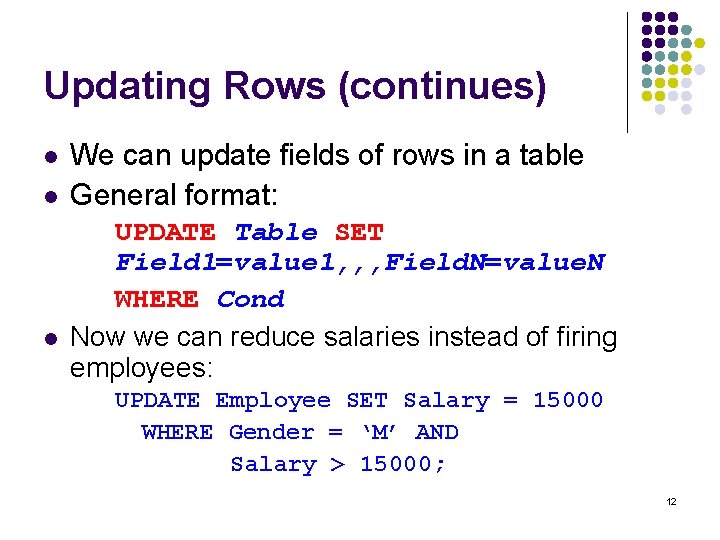
Updating Rows (continues) l l l We can update fields of rows in a table General format: UPDATE Table SET Field 1=value 1, , , Field. N=value. N WHERE Cond Now we can reduce salaries instead of firing employees: UPDATE Employee SET Salary = 15000 WHERE Gender = ‘M’ AND Salary > 15000; 12
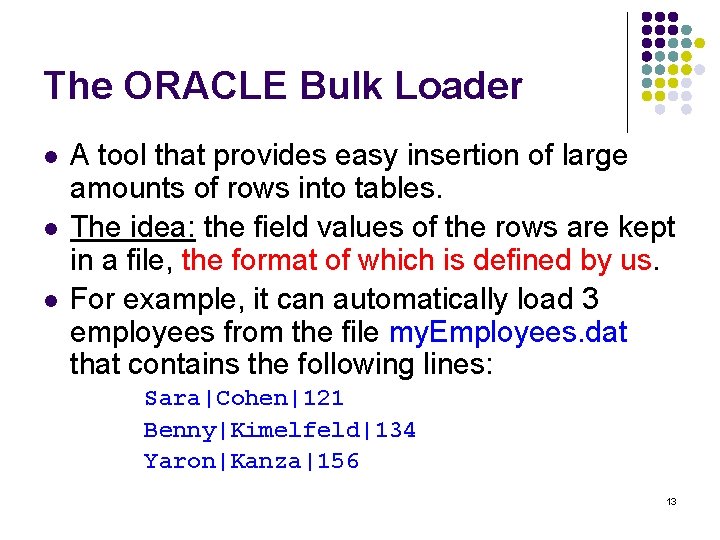
The ORACLE Bulk Loader l l l A tool that provides easy insertion of large amounts of rows into tables. The idea: the field values of the rows are kept in a file, the format of which is defined by us. For example, it can automatically load 3 employees from the file my. Employees. dat that contains the following lines: Sara|Cohen|121 Benny|Kimelfeld|134 Yaron|Kanza|156 13
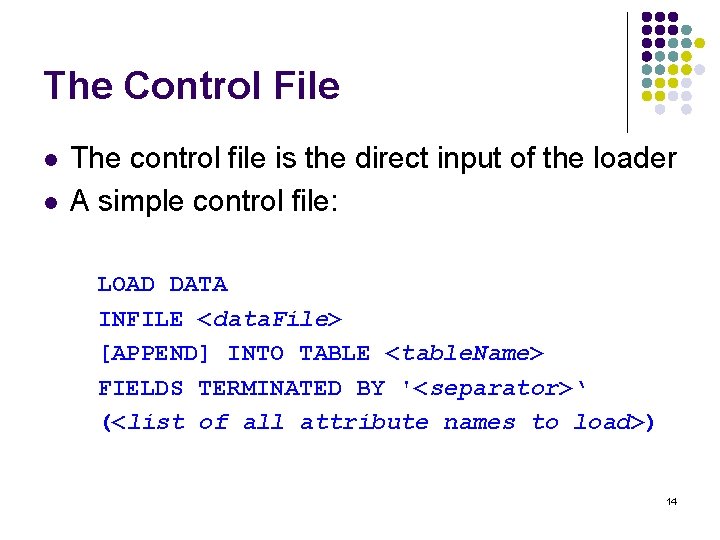
The Control File l l The control file is the direct input of the loader A simple control file: LOAD DATA INFILE <data. File> [APPEND] INTO TABLE <table. Name> FIELDS TERMINATED BY '<separator>‘ (<list of all attribute names to load>) 14
The Control File (continues) l <data. File>: The name of the data file l <table. Name>: The name of the table into which the data will be loaded (appended if APPEND is specified, or else the table must be empty) l <separator>: A string that separates two field values of a row l The attributes are separated by commas and enclosed in parentheses 15
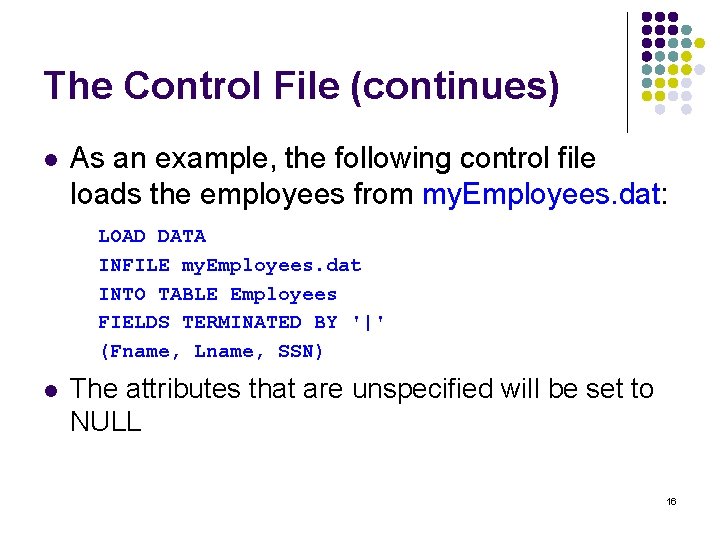
The Control File (continues) l As an example, the following control file loads the employees from my. Employees. dat: LOAD DATA INFILE my. Employees. dat INTO TABLE Employees FIELDS TERMINATED BY '|' (Fname, Lname, SSN) l The attributes that are unspecified will be set to NULL 16
The Data File l The Bulk Loader considers every single line to represent one row in the table l l Spaces are not ignored in the data file! l l Even an empty line! (which will usually result in an error) thus the rows sara| cohen|121 and sara|cohen|121 define different functionalities The NULL value is implied by the NULL keyword or the empty string 17
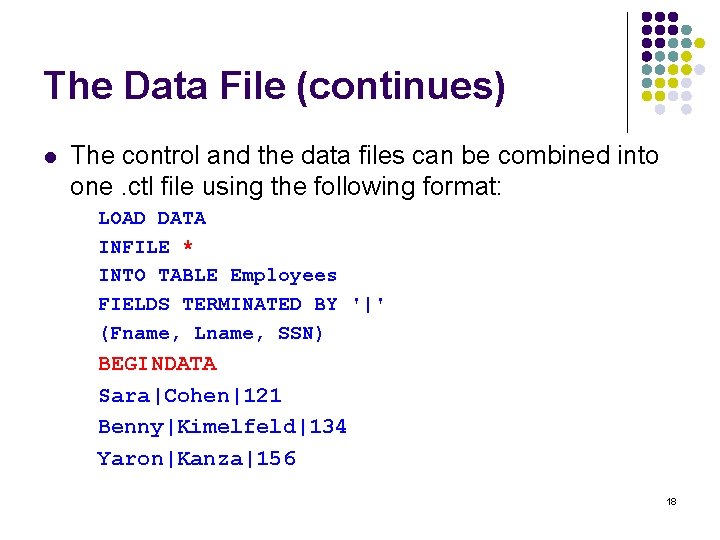
The Data File (continues) l The control and the data files can be combined into one. ctl file using the following format: LOAD DATA INFILE * INTO TABLE Employees FIELDS TERMINATED BY '|' (Fname, Lname, SSN) BEGINDATA Sara|Cohen|121 Benny|Kimelfeld|134 Yaron|Kanza|156 18
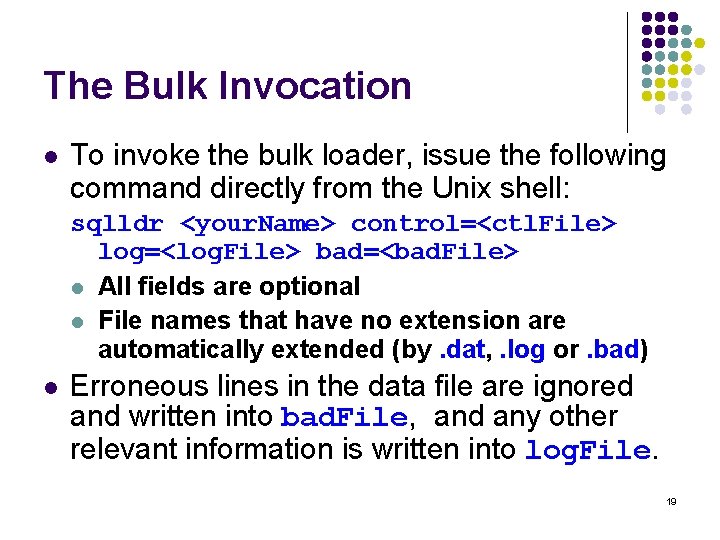
The Bulk Invocation l To invoke the bulk loader, issue the following command directly from the Unix shell: sqlldr <your. Name> control=<ctl. File> log=<log. File> bad=<bad. File> l All fields are optional l File names that have no extension are automatically extended (by. dat, . log or. bad) l Erroneous lines in the data file are ignored and written into bad. File, and any other relevant information is written into log. File. 19
Bulk Loader Important Remarks l l l Before using the Bulk Loader, make sure your personal ORACLE environment is properly set up The tables you fill using the Bulk Loader should be created prior to the loader invocation Before invoking the Bulk Loader you have to make sure that NO SQLPLUS SESSIONS ARE OPEN! 20
- Slides: 20