
TA 2 Unix Signals 1 OPERATING SYSTEMS COURSE


- Slides: 30
TA 2 - Unix Signals 1 OPERATING SYSTEMS COURSE THE HEBREW UNIVERSITY SPRING 2014
Today’s Plan 2 �Reminder: interrupts �Signals
Reminder from Last TA Class 3
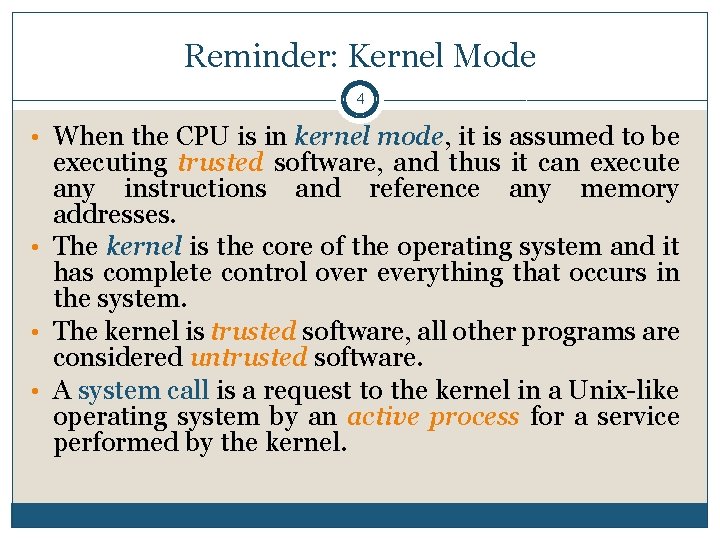
Reminder: Kernel Mode 4 • When the CPU is in kernel mode, it is assumed to be executing trusted software, and thus it can execute any instructions and reference any memory addresses. • The kernel is the core of the operating system and it has complete control over everything that occurs in the system. • The kernel is trusted software, all other programs are considered untrusted software. • A system call is a request to the kernel in a Unix-like operating system by an active process for a service performed by the kernel.
Some Definitions 5 • A process is an executing instance of a program. An active process is a process that is currently advancing in the CPU (while other processes are waiting in memory for their turns to use the CPU). • The execution of a process can be interrupted by an interrupt. • An interrupt is a notification to the operating system that an event has occurred, which results in changes in the sequence of instructions that is executed by the CPU.
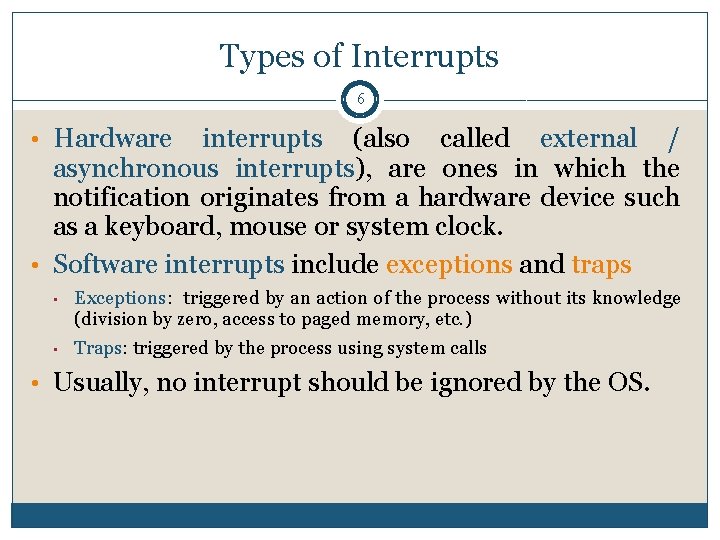
Types of Interrupts 6 • Hardware interrupts (also called external / asynchronous interrupts), are ones in which the notification originates from a hardware device such as a keyboard, mouse or system clock. • Software interrupts include exceptions and traps • Exceptions: triggered by an action of the process without its knowledge (division by zero, access to paged memory, etc. ) • Traps: triggered by the process using system calls • Usually, no interrupt should be ignored by the OS.
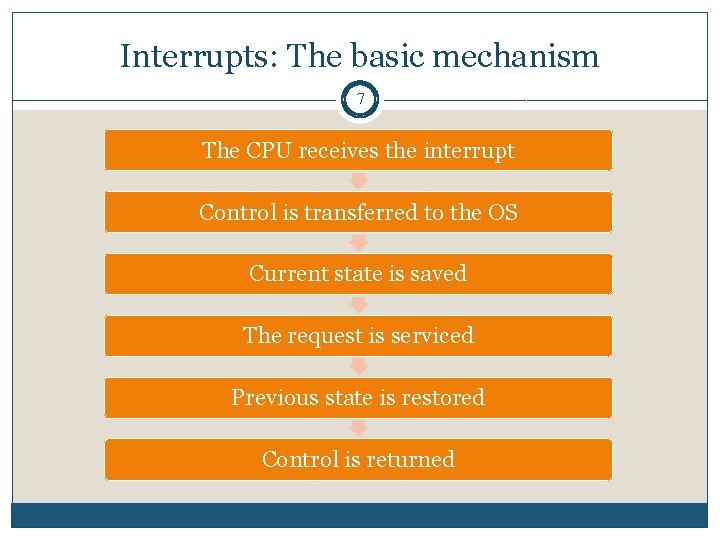
Interrupts: The basic mechanism 7 The CPU receives the interrupt Control is transferred to the OS Current state is saved The request is serviced Previous state is restored Control is returned
Signals 8 DEFAULT HANDLERS, SETTING PERSONALIZED HANDLERS, BLOCKING SIGNALS
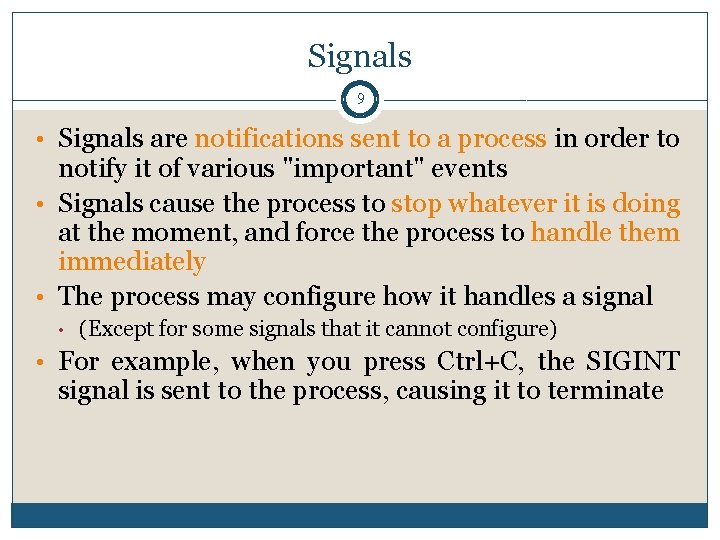
Signals 9 • Signals are notifications sent to a process in order to notify it of various "important" events • Signals cause the process to stop whatever it is doing at the moment, and force the process to handle them immediately • The process may configure how it handles a signal • (Except for some signals that it cannot configure) • For example, when you press Ctrl+C, the SIGINT signal is sent to the process, causing it to terminate
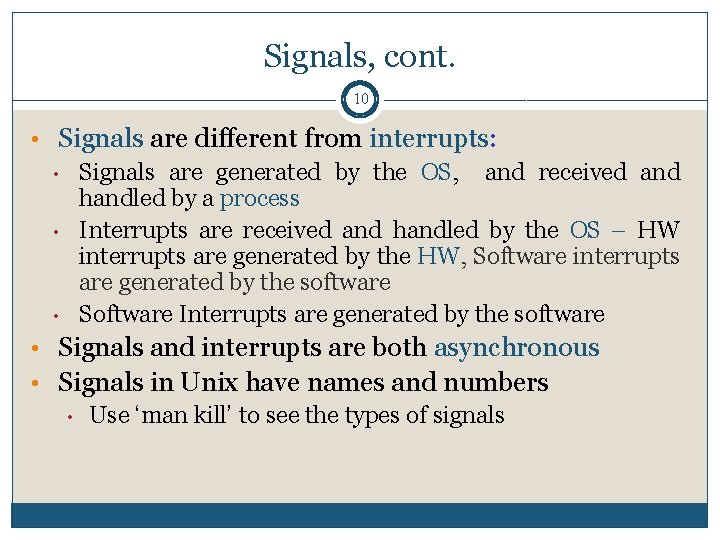
Signals, cont. 10 • Signals are different from interrupts: • Signals are generated by the OS, and received and handled by a process • Interrupts are received and handled by the OS – HW interrupts are generated by the HW, Software interrupts are generated by the software • Software Interrupts are generated by the software • Signals and interrupts are both asynchronous • Signals in Unix have names and numbers • Use ‘man kill’ to see the types of signals
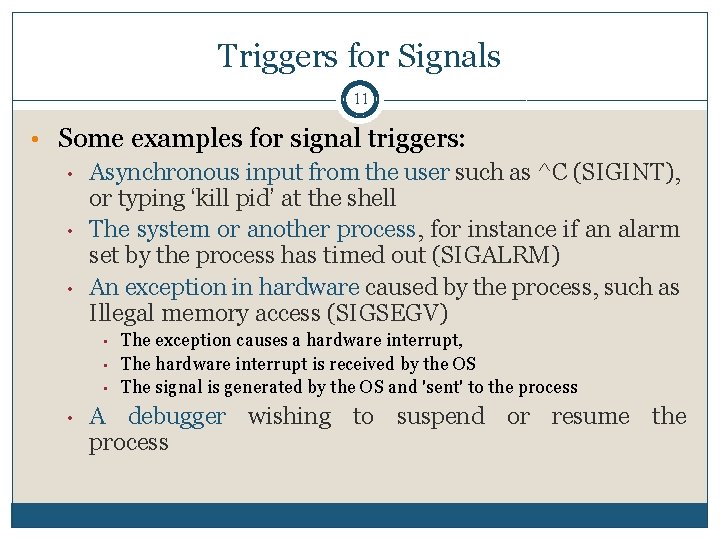
Triggers for Signals 11 • Some examples for signal triggers: • Asynchronous input from the user such as ^C (SIGINT), or typing ‘kill pid’ at the shell • The system or another process, for instance if an alarm set by the process has timed out (SIGALRM) • An exception in hardware caused by the process, such as Illegal memory access (SIGSEGV) • • The exception causes a hardware interrupt, The hardware interrupt is received by the OS The signal is generated by the OS and 'sent' to the process A debugger wishing to suspend or resume the process
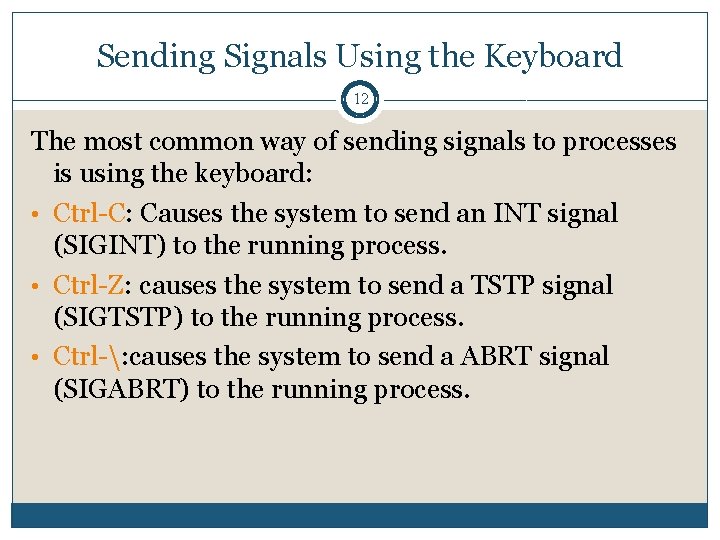
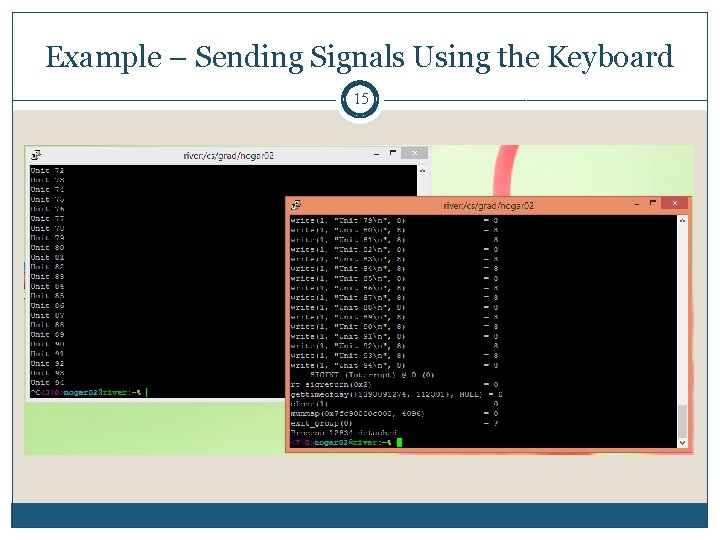
Sending Signals Using the Keyboard 12 The most common way of sending signals to processes is using the keyboard: • Ctrl-C: Causes the system to send an INT signal (SIGINT) to the running process. • Ctrl-Z: causes the system to send a TSTP signal (SIGTSTP) to the running process. • Ctrl-: causes the system to send a ABRT signal (SIGABRT) to the running process.
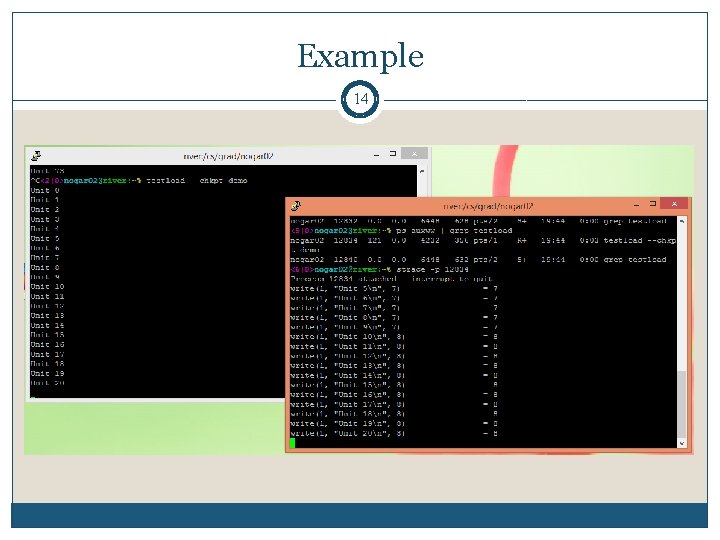
Reminder from Last Week - strace 13 strace is a debugging utility to monitor the system calls Easy to use. Fast debugginng strace command Shows system calls, arguments, and return values -t to display when each call is executed -T to display the time spent in the call -e to limit the types of calls -o to redirect the output to a file -s limit the length of print strings.
Example 14
Example – Sending Signals Using the Keyboard 15
Sending Signals from the Command Line 16 • The kill command sends a signal to a process. kill [options] pid -l lists all the signals you can send -signal defines the signal to send • the default is to send a TERM signal to the process. • The fg command resumes execution of a process (that was suspended with Ctrl-Z), by sending it a CONT signal.
Sending a Signal From One Process To Another 17 • As mentioned before, signals can used to send messages from one process to another • This is done using int kill(pid_t pid, int sig) • The messages that are sent in this manner are predefined • We cannot send any data • More about that in the next TA regarding inter- process communication
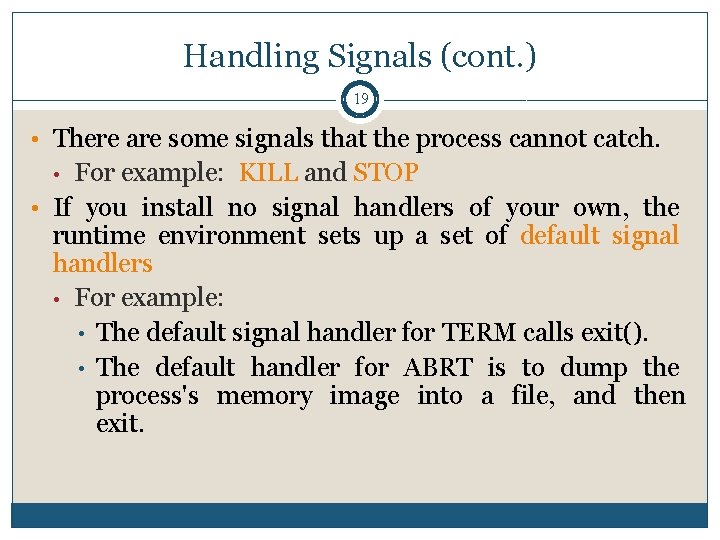
Handling Signals 18 • The kernel handles signals in the context of the process that receives them, so a process must run to handle signals • There are three types of handling for signals: • The process exits. (default for some signals) • The process ignores. (default for some other signals) • The process executes a signal handler: oldfun = signal(signum, newfun);
Handling Signals (cont. ) 19 • There are some signals that the process cannot catch. For example: KILL and STOP • If you install no signal handlers of your own, the runtime environment sets up a set of default signal handlers • For example: • The default signal handler for TERM calls exit(). • The default handler for ABRT is to dump the process's memory image into a file, and then exit. •
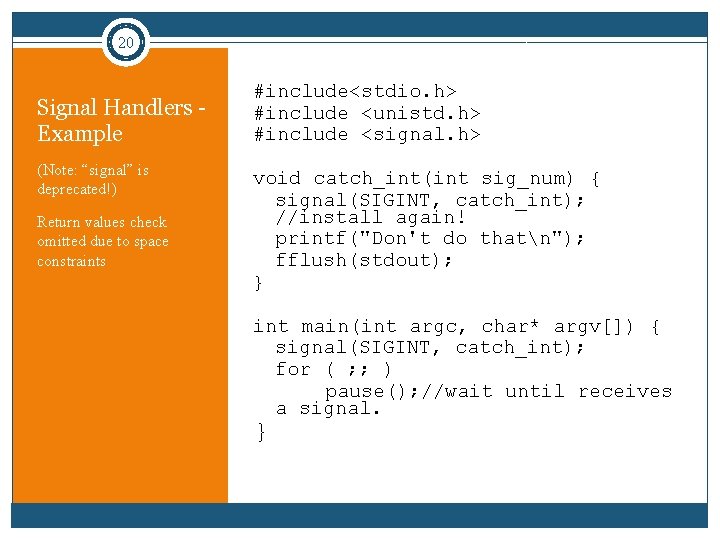
20 Signal Handlers - Example (Note: “signal” is deprecated!) Return values check omitted due to space constraints #include<stdio. h> #include <unistd. h> #include <signal. h> void catch_int(int sig_num) { signal(SIGINT, catch_int); //install again! printf("Don't do thatn"); fflush(stdout); } int main(int argc, char* argv[]) { signal(SIGINT, catch_int); for ( ; ; ) pause(); //wait until receives a signal. }
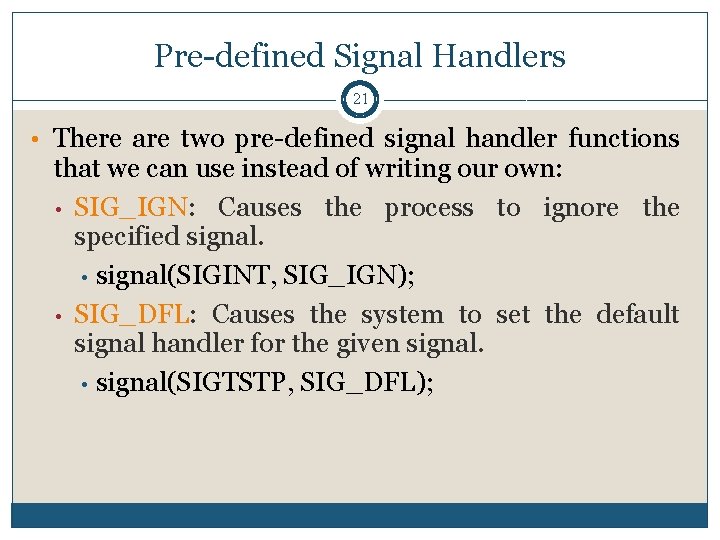
Pre-defined Signal Handlers 21 • There are two pre-defined signal handler functions that we can use instead of writing our own: • SIG_IGN: Causes the process to ignore the specified signal. • signal(SIGINT, SIG_IGN); • SIG_DFL: Causes the system to set the default signal handler for the given signal. • signal(SIGTSTP, SIG_DFL);
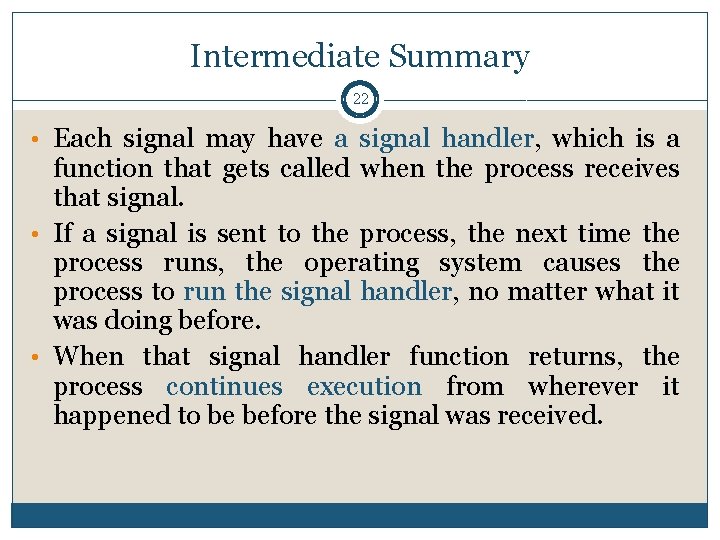
Intermediate Summary 22 • Each signal may have a signal handler, which is a function that gets called when the process receives that signal. • If a signal is sent to the process, the next time the process runs, the operating system causes the process to run the signal handler, no matter what it was doing before. • When that signal handler function returns, the process continues execution from wherever it happened to be before the signal was received.
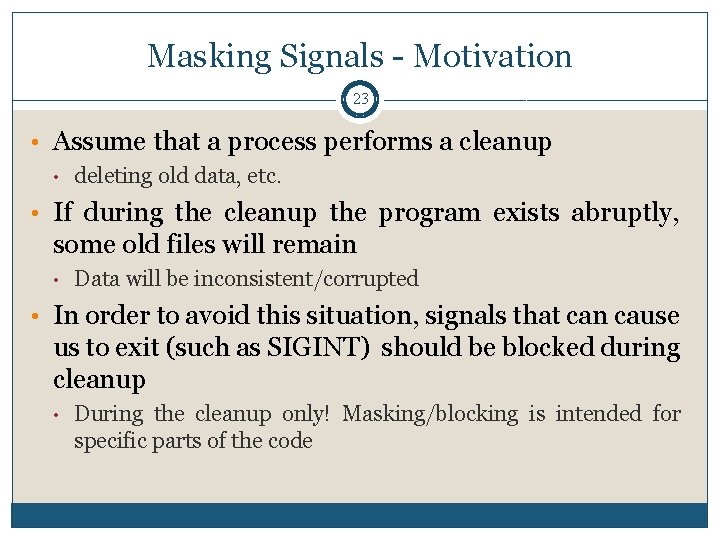
Masking Signals - Motivation 23 • Assume that a process performs a cleanup • deleting old data, etc. • If during the cleanup the program exists abruptly, some old files will remain • Data will be inconsistent/corrupted • In order to avoid this situation, signals that can cause us to exit (such as SIGINT) should be blocked during cleanup • During the cleanup only! Masking/blocking is intended for specific parts of the code
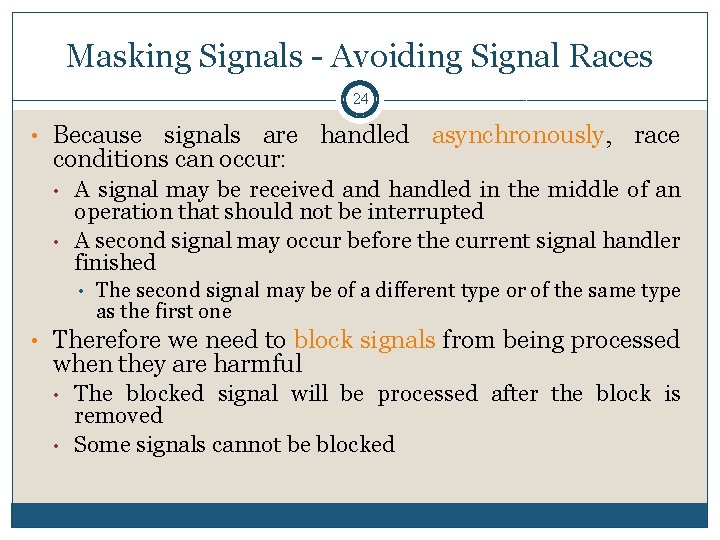
Masking Signals - Avoiding Signal Races 24 • Because signals are handled asynchronously, race conditions can occur: • • A signal may be received and handled in the middle of an operation that should not be interrupted A second signal may occur before the current signal handler finished • The second signal may be of a different type or of the same type as the first one • Therefore we need to block signals from being processed when they are harmful • • The blocked signal will be processed after the block is removed Some signals cannot be blocked
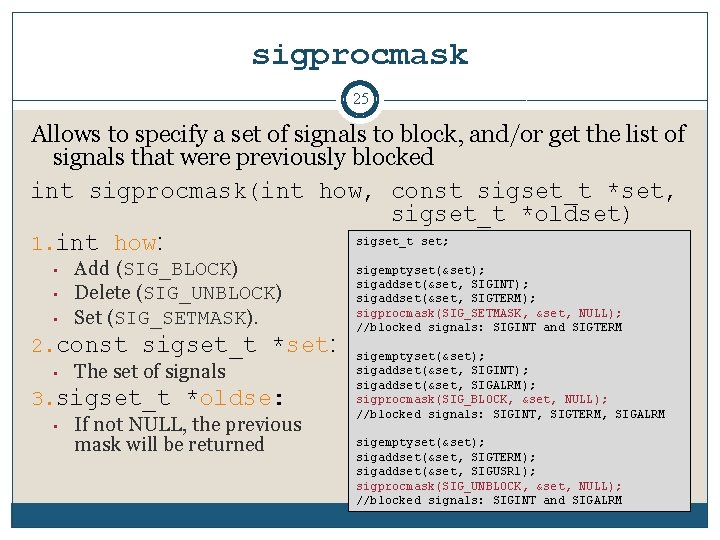
sigprocmask 25 Allows to specify a set of signals to block, and/or get the list of signals that were previously blocked int sigprocmask(int how, const sigset_t *set, sigset_t *oldset) sigset_t set; 1. int how: • • • Add (SIG_BLOCK) Delete (SIG_UNBLOCK) Set (SIG_SETMASK). 2. const sigset_t *set: • The set of signals 3. sigset_t *oldse: • If not NULL, the previous mask will be returned sigemptyset(&set); sigaddset(&set, SIGINT); sigaddset(&set, SIGTERM); sigprocmask(SIG_SETMASK, &set, NULL); //blocked signals: SIGINT and SIGTERM sigemptyset(&set); sigaddset(&set, SIGINT); sigaddset(&set, SIGALRM); sigprocmask(SIG_BLOCK, &set, NULL); //blocked signals: SIGINT, SIGTERM, SIGALRM sigemptyset(&set); sigaddset(&set, SIGTERM); sigaddset(&set, SIGUSR 1); sigprocmask(SIG_UNBLOCK, &set, NULL); //blocked signals: SIGINT and SIGALRM
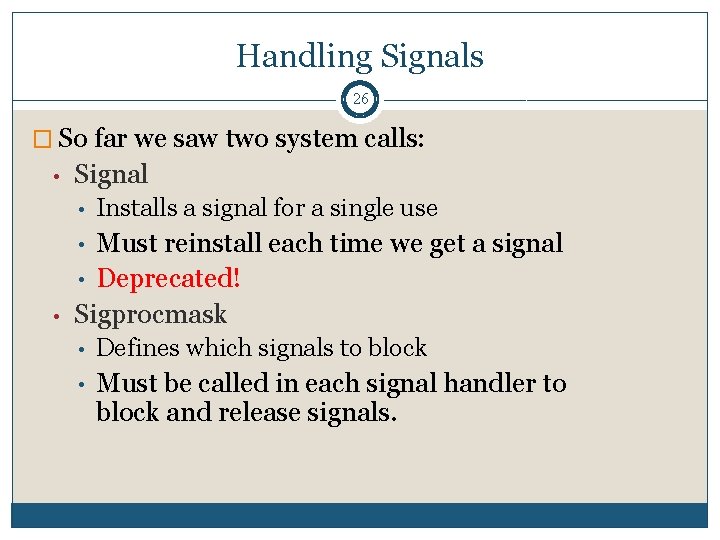
Handling Signals 26 � So far we saw two system calls: • Signal • Installs a signal for a single use Must reinstall each time we get a signal • Deprecated! Sigprocmask • • • Defines which signals to block • Must be called in each signal handler to block and release signals.
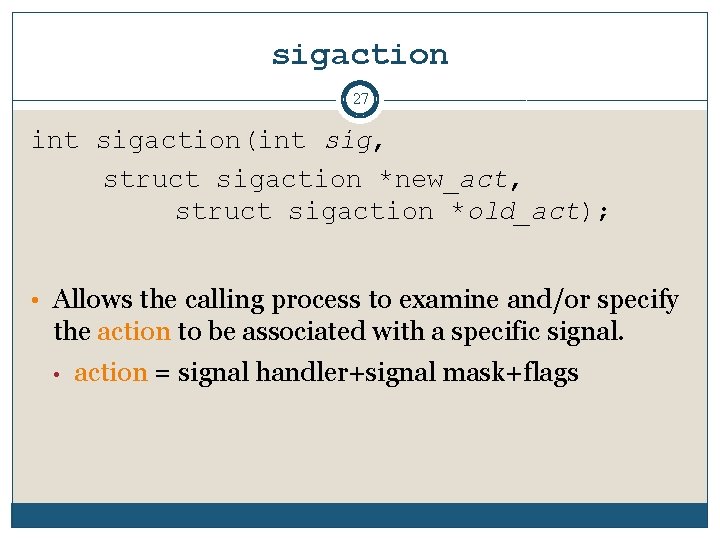
sigaction 27 int sigaction(int sig, struct sigaction *new_act, struct sigaction *old_act); • Allows the calling process to examine and/or specify the action to be associated with a specific signal. • action = signal handler+signal mask+flags
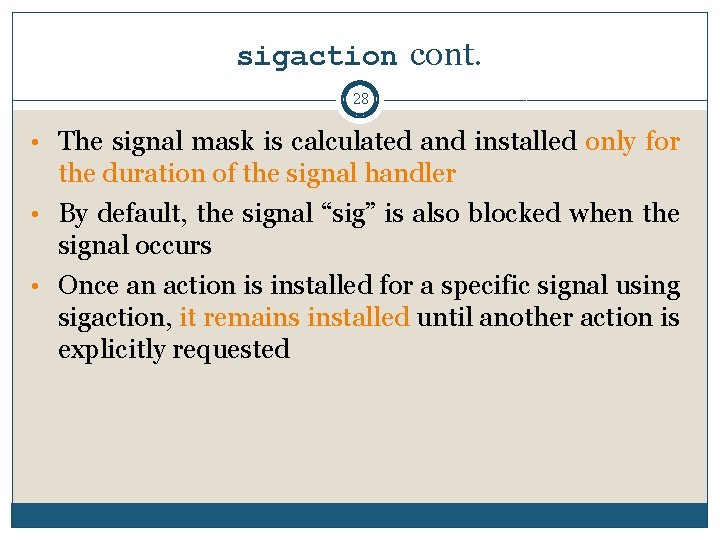
sigaction cont. 28 • The signal mask is calculated and installed only for the duration of the signal handler • By default, the signal “sig” is also blocked when the signal occurs • Once an action is installed for a specific signal using sigaction, it remains installed until another action is explicitly requested
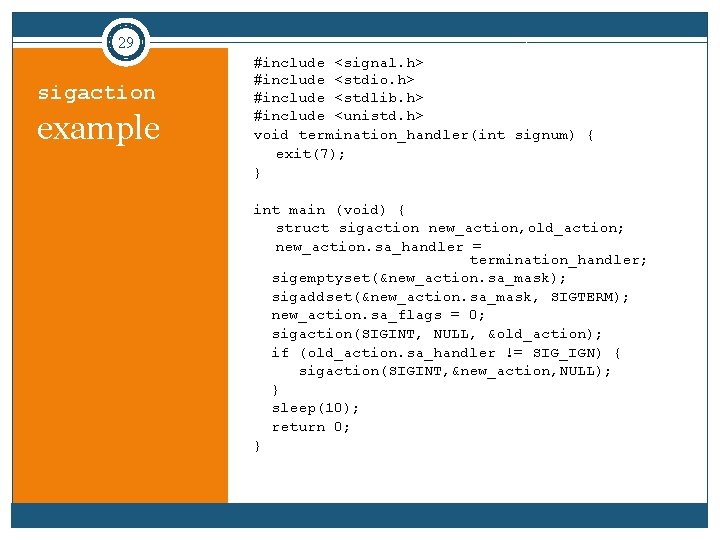
29 sigaction example #include <signal. h> #include <stdio. h> #include <stdlib. h> #include <unistd. h> void termination_handler(int signum) { exit(7); } int main (void) { struct sigaction new_action, old_action; new_action. sa_handler = termination_handler; sigemptyset(&new_action. sa_mask); sigaddset(&new_action. sa_mask, SIGTERM); new_action. sa_flags = 0; sigaction(SIGINT, NULL, &old_action); if (old_action. sa_handler != SIG_IGN) { sigaction(SIGINT, &new_action, NULL); } sleep(10); return 0; }
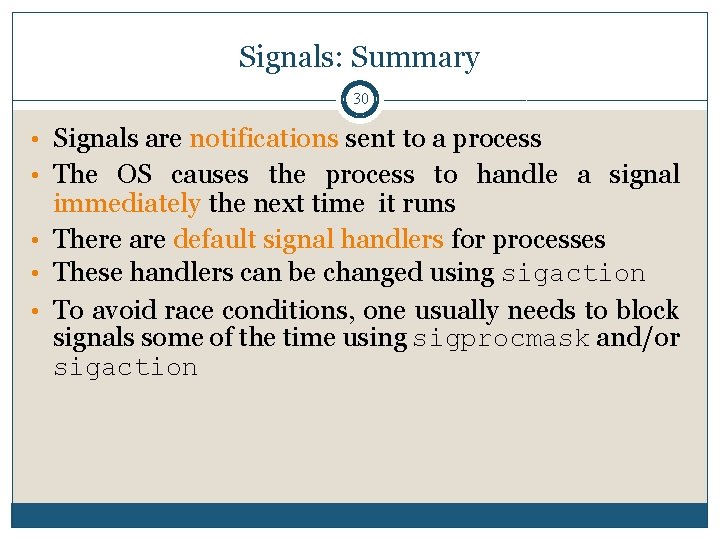
Signals: Summary 30 • Signals are notifications sent to a process • The OS causes the process to handle a signal immediately the next time it runs • There are default signal handlers for processes • These handlers can be changed using sigaction • To avoid race conditions, one usually needs to block signals some of the time using sigprocmask and/or sigaction