
T I X E D N A ENTER


- Slides: 38
T I X E D N A ENTER S A A V P S M THE PI N O I T C E L L CO M O O R E P ESCA ata! d S A A V P ty li a u q k c to unlo PIMS holds the keys
YOUR GAMEMASTERS Jennifer Ross PVAAS Statewide Team for PDE Lancaster-Lebanon IU 13 jennifer_ross@iu 13. org Candice Felton Educator Effectiveness Data Administrator Lancaster-Lebanon IU 13 c-cfelton@pa. gov
SESSION INTENT Many PIMS collections related to PVAAS reporting for your schools/district • Why are these collections needed? • Why are some needed more often? • Do they REALLY serve a meaningful purpose for your schools/district?
SO, WHAT IS PVAAS? • Pennsylvania Value-Added Assessment System • Web-based reporting; statistical analysis of state assessment data • Information about how groups of students are growing (what direction are they moving academically? ) • Information about how groups or individual students are likely to perform on future assessments (PSSA, Keystones, PSAT, ACT, SAT, AP) • Reports at the state, district, school, grade/subject, subgroup, teacher, and student levels • DATA TO HELP EDUCATORS MAKE INFORMED INSTRUCTIONAL DECISIONS TO BETTER SERVE STUDENTS! Click here to access the document, “What Should You Know About PVAAS? ”
FIND THE KEYS TO UNLOCK QUALITY PVAAS DATA • Key 1: Summer 2018 PIMS Submissions • Key 2: Fall 2018 PIMS Submissions • Key 3: Winter 2019 PIMS Submissions • Key 4: Spring 2019 PIMS Submissions • Key 5: Communications and Access to Information
DISCLAIMER • For Specific dates please be sure to reference: Elementary/Secondary Data Collection Calendar 2018 -19 on the PIMS webpage: https: //www. education. pa. gov> Data and Reporting>PIMS
KEY 1: SUMMER 2018 PIMS SUBMISSIONS
KEY 1: SUMMER 2018 PIMS SUBMISSION DUE DATE: TYPICALLY MID-SEPTEMBER AT NOON 9/19/18 • PIMS templates: • STAFF: create new PVAAS School User accounts (used to also access PEERS) • STUDENT AND SCHOOL ENROLLMENT: Update student enrollment in the web reporting. • EDNA data • All LEA configuration changes (e. g. , grade changes and school opening/closing)
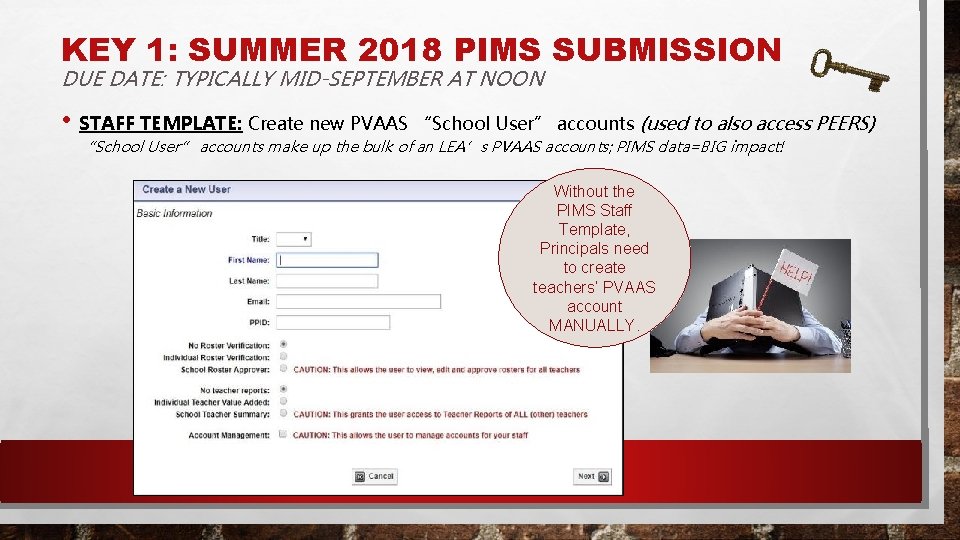
KEY 1: SUMMER 2018 PIMS SUBMISSION DUE DATE: TYPICALLY MID-SEPTEMBER AT NOON • STAFF TEMPLATE: Create new PVAAS “School User” accounts (used to also access PEERS) “School User” accounts make up the bulk of an LEA’s PVAAS accounts; PIMS data=BIG impact! Without the PIMS Staff Template, Principals need to create teachers’ PVAAS account MANUALLY.
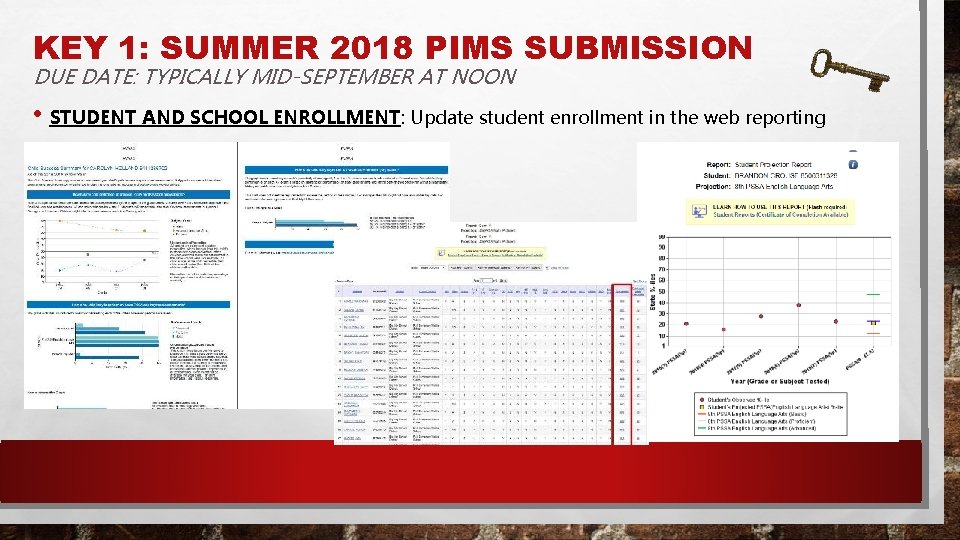
KEY 1: SUMMER 2018 PIMS SUBMISSION DUE DATE: TYPICALLY MID-SEPTEMBER AT NOON • STUDENT AND SCHOOL ENROLLMENT: Update student enrollment in the web reporting
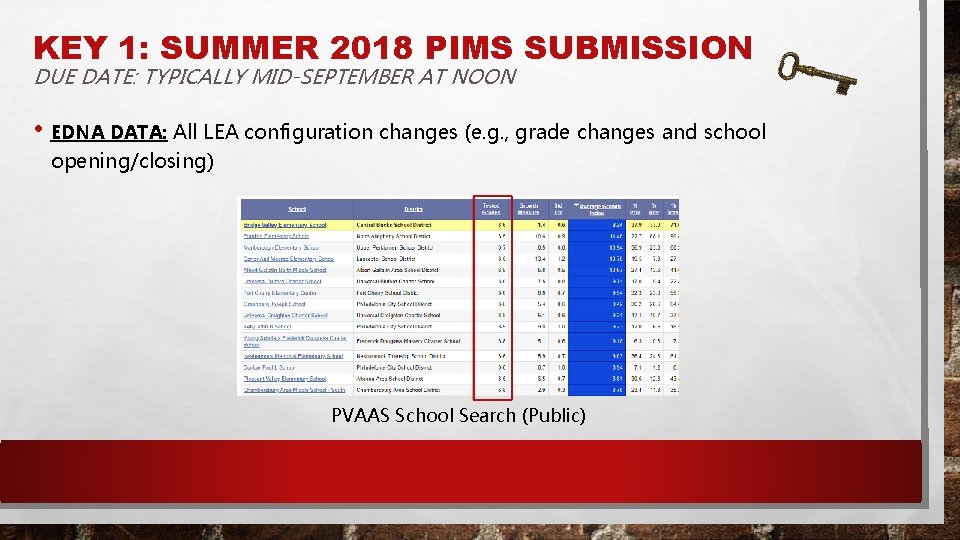
KEY 1: SUMMER 2018 PIMS SUBMISSION DUE DATE: TYPICALLY MID-SEPTEMBER AT NOON • EDNA DATA: All LEA configuration changes (e. g. , grade changes and school opening/closing) PVAAS School Search (Public)
KEY 2: FALL 2018 PIMS SUBMISSIONS
KEY 2: FALL 2018 PIMS SUBMISSIONS (OCT) DUE DATE: TYPICALLY MID OCTOBER AT NOON • PIMS templates: 10/11/18 • STAFF • Create new PVAAS School User accounts (also used with PEERS) • Move School User accounts within the LEA • STAFF & STAFF ASSIGNMENT: Pre-populate educators and form into PEERS • STUDENT AND SCHOOL ENROLLMENT: Update student enrollment in the web reporting
KEY 2: FALL 2018 PIMS SUBMISSIONS (OCT) DUE DATE: TYPICALLY MID OCTOBER AT NOON • STAFF • Create new PVAAS School User accounts (also used with PEERS) • Move School User accounts within the LEA …Teachers move, and PIMS can tell their PVAAS accounts to move with them!
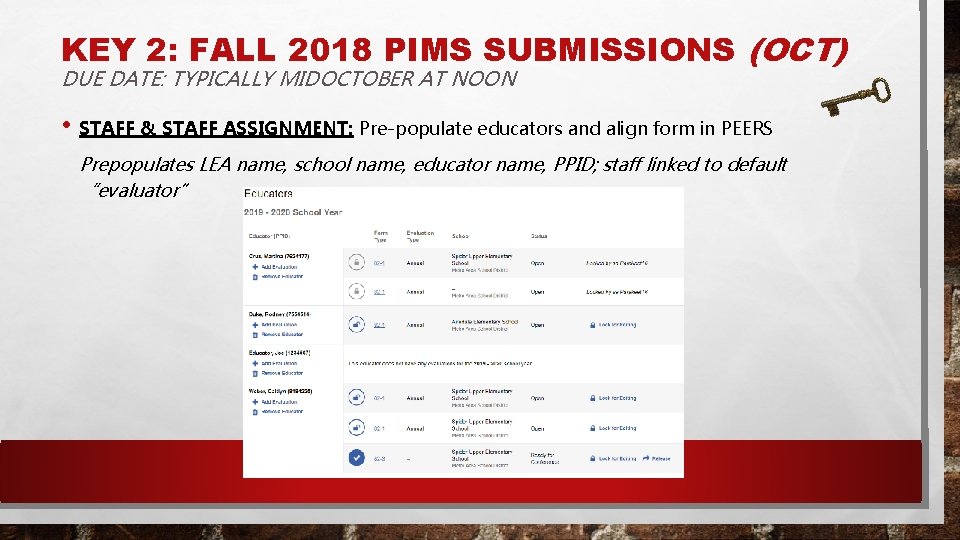
KEY 2: FALL 2018 PIMS SUBMISSIONS (OCT) DUE DATE: TYPICALLY MIDOCTOBER AT NOON • STAFF & STAFF ASSIGNMENT: Pre-populate educators and align form in PEERS Prepopulates LEA name, school name, educator name, PPID; staff linked to default “evaluator”
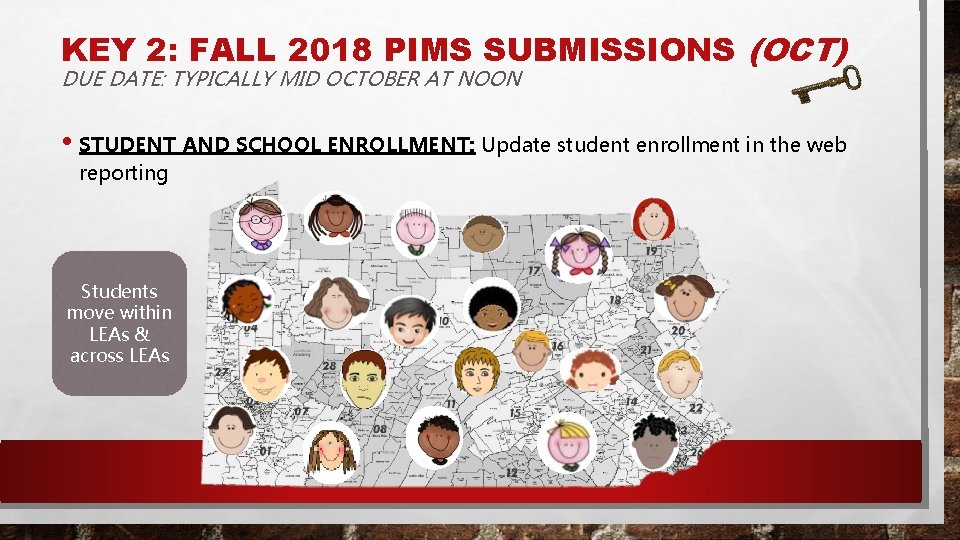
KEY 2: FALL 2018 PIMS SUBMISSIONS (OCT) DUE DATE: TYPICALLY MID OCTOBER AT NOON • STUDENT AND SCHOOL ENROLLMENT: Update student enrollment in the web reporting Students move within LEAs & across LEAs
KEY 2: FALL 2018 PIMS SUBMISSIONS (NOV) DUE DATE: TYPICALLY MID NOVEMBER AT NOON • PIMS templates 11/12/18 • STAFF: Create new PVAAS School User accounts (used to also access PEERS) • STUDENT AND SCHOOL ENROLLMENT: Update student enrollment in the web reporting
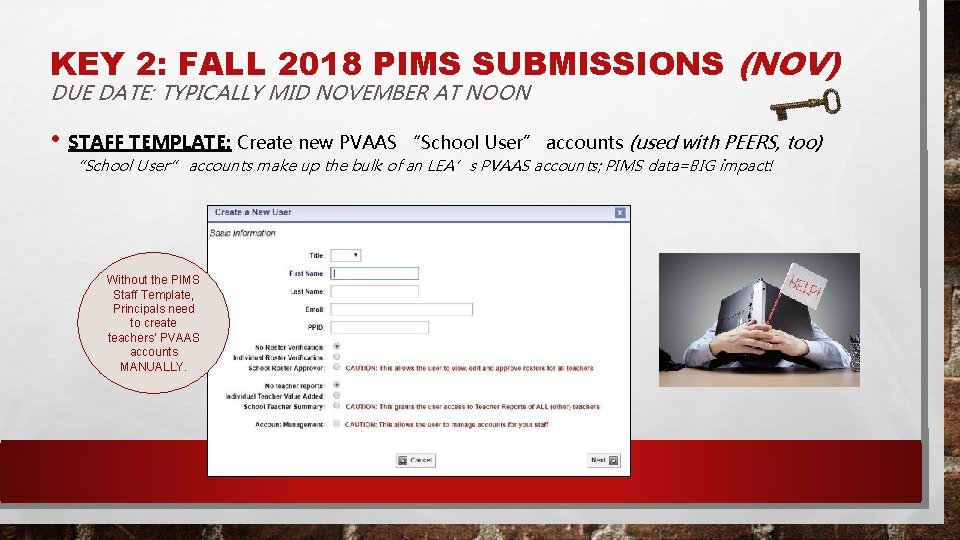
KEY 2: FALL 2018 PIMS SUBMISSIONS (NOV) DUE DATE: TYPICALLY MID NOVEMBER AT NOON • STAFF TEMPLATE: Create new PVAAS “School User” accounts (used with PEERS, too) “School User” accounts make up the bulk of an LEA’s PVAAS accounts; PIMS data=BIG impact! Without the PIMS Staff Template, Principals need to create teachers’ PVAAS accounts MANUALLY.
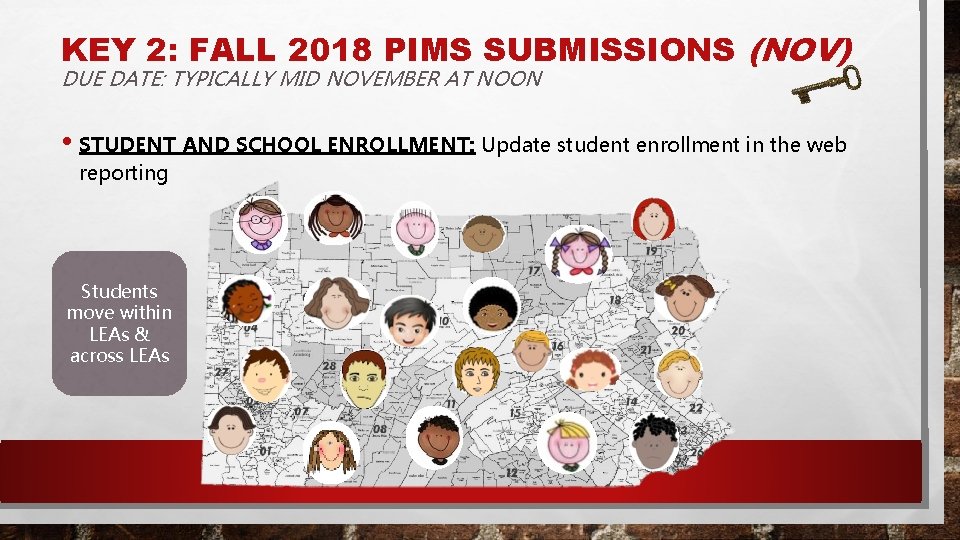
KEY 2: FALL 2018 PIMS SUBMISSIONS (NOV) DUE DATE: TYPICALLY MID NOVEMBER AT NOON • STUDENT AND SCHOOL ENROLLMENT: Update student enrollment in the web reporting Students move within LEAs & across LEAs
KEY 3: WINTER 2019 PIMS SUBMISSIONS
KEY 3: WINTER 2019 PIMS SUBMISSIONS DUE DATE: TYPICALLY LATE JANUARY AT NOON • PIMS templates: 1/29/19 • STAFF • Create new PVAAS School User accounts (also used with PEERS) • Move School User accounts within the LEA • Deactivate school user and district user accounts in PVAAS • STUDENT AND SCHOOL ENROLLMENT: Update student enrollment in the web reporting
KEY 3: WINTER 2019 PIMS SUBMISSIONS DUE DATE: TYPICALLY LATE JANUARY AT NOON • STAFF • • Create new PVAAS School User accounts (also used with PEERS) Move School User accounts within the LEA • Deactivate school user and district user accounts in PVAAS When staff retire (or otherwise leave your LEA), their account should be deactivated.
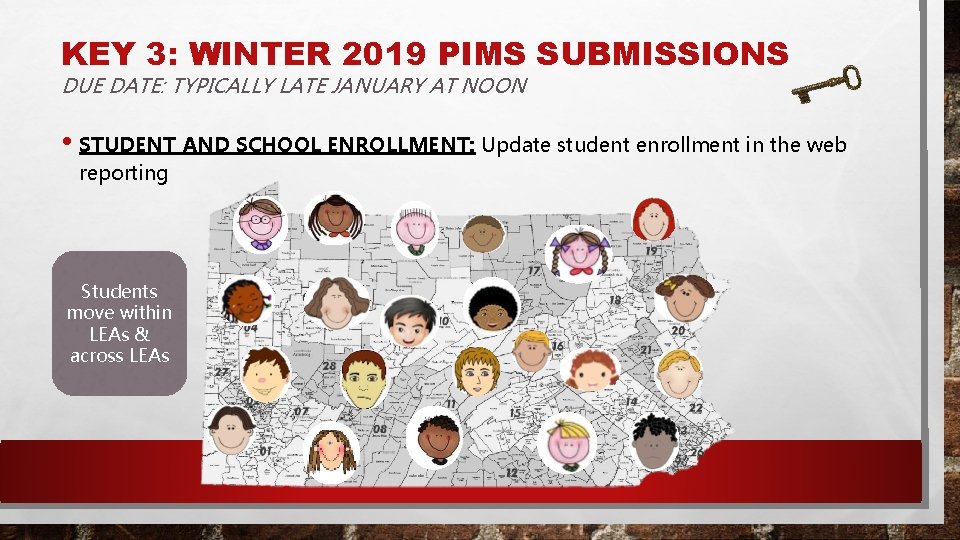
KEY 3: WINTER 2019 PIMS SUBMISSIONS DUE DATE: TYPICALLY LATE JANUARY AT NOON • STUDENT AND SCHOOL ENROLLMENT: Update student enrollment in the web reporting Students move within LEAs & across LEAs
KEY 4: SPRING 2019 PIMS SUBMISSIONS
KEY 4: SPRING 2019 PIMS SUBMISSIONS (MAR) DUE DATE: TYPICALLY MID-MARCH AT NOON • PIMS templates: 3/19/19 • STAFF • Create new PVAAS School User accounts (also used with PEERS) • Update email address for School User accounts • STUDENT AND SCHOOL ENROLLMENT: Update student enrollment in the web reporting • STAFF STUDENT SUBTEST: Initialize linkages in Roster Verification for users to complete Roster verification process • Right teachers, right students, right state-assessed subjects/grades/content areas, right % instructional responsibility
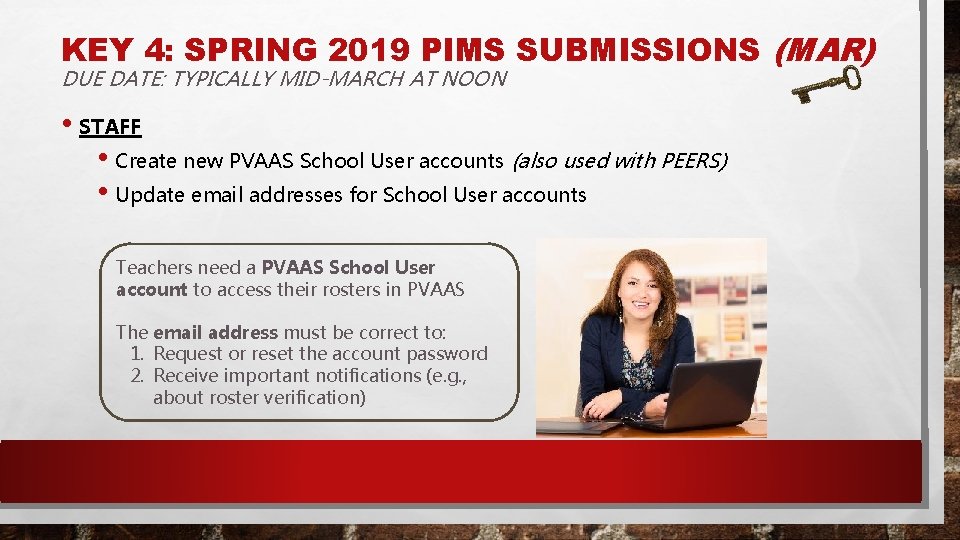
KEY 4: SPRING 2019 PIMS SUBMISSIONS (MAR) DUE DATE: TYPICALLY MID-MARCH AT NOON • STAFF • Create new PVAAS School User accounts (also used with PEERS) • Update email addresses for School User accounts Teachers need a PVAAS School User account to access their rosters in PVAAS The email address must be correct to: 1. Request or reset the account password 2. Receive important notifications (e. g. , about roster verification)
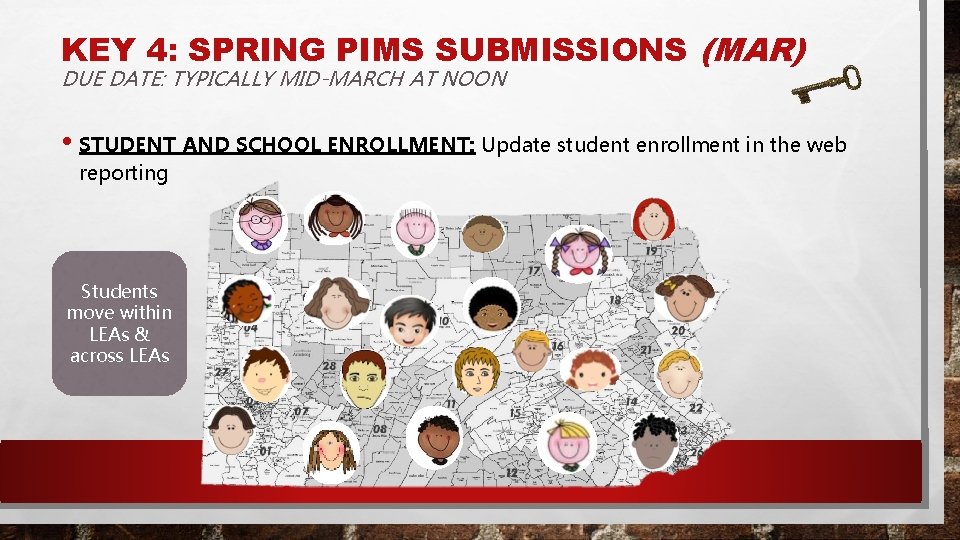
KEY 4: SPRING PIMS SUBMISSIONS (MAR) DUE DATE: TYPICALLY MID-MARCH AT NOON • STUDENT AND SCHOOL ENROLLMENT: Update student enrollment in the web reporting Students move within LEAs & across LEAs
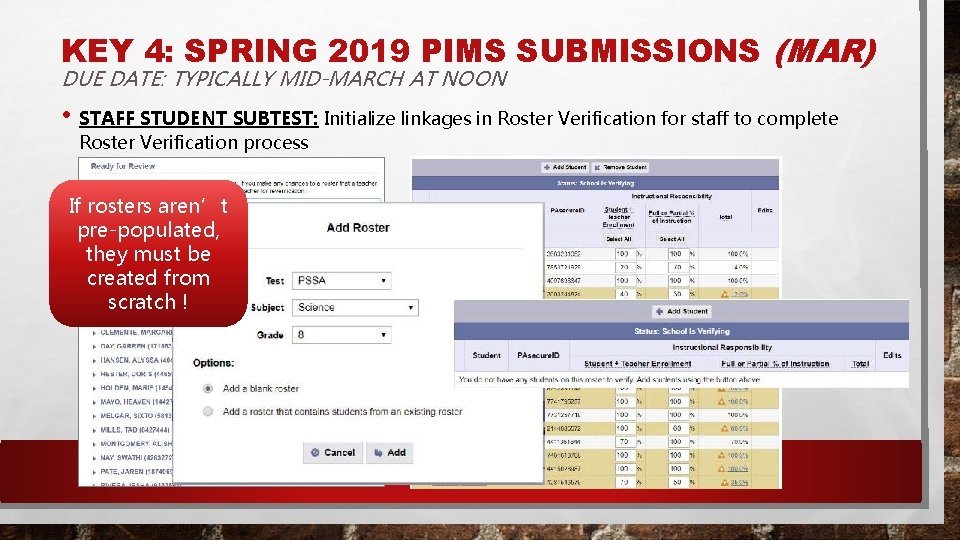
KEY 4: SPRING 2019 PIMS SUBMISSIONS (MAR) DUE DATE: TYPICALLY MID-MARCH AT NOON • STAFF STUDENT SUBTEST: Initialize linkages in Roster Verification for staff to complete Roster Verification process If rosters aren’t pre-populated, they must be created from scratch !
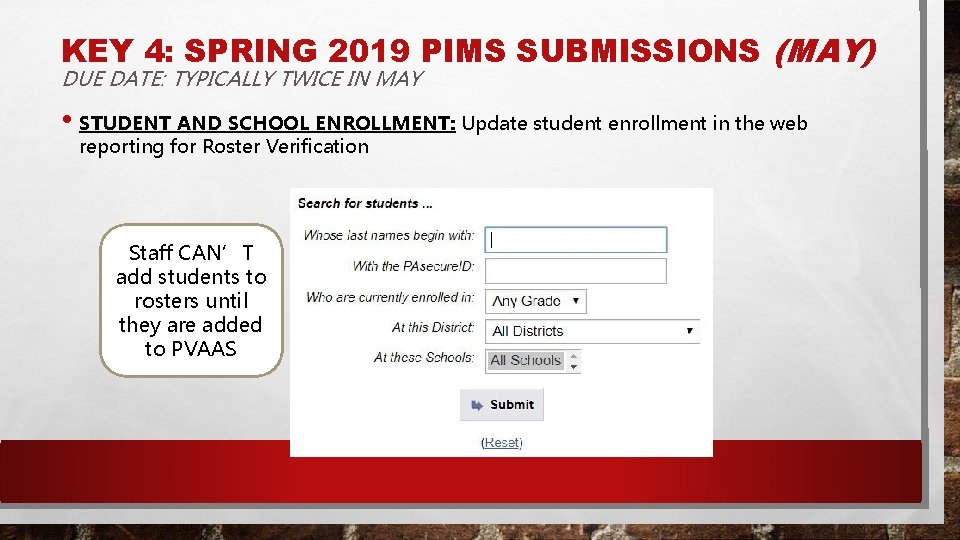
KEY 4: SPRING 2019 PIMS SUBMISSIONS (MAY) DUE DATE: TYPICALLY TWICE IN MAY 5/9/19 5/30/19 • GAP enrollment PIMS templates : • STUDENT AND SCHOOL ENROLLMENT: Update student enrollment in the web reporting for Roster Verification • Typically, first collection is due in early May; second is due in late May
KEY 4: SPRING 2019 PIMS SUBMISSIONS (MAY) DUE DATE: TYPICALLY TWICE IN MAY • STUDENT AND SCHOOL ENROLLMENT: Update student enrollment in the web reporting for Roster Verification Staff CAN’T add students to rosters until they are added to PVAAS
KEY 5: COMMUNICATIONS AND ACCESS
KEY 5: COMMUNICATIONS AND ACCESS • Updating PIMS Admins • PVAAS Account
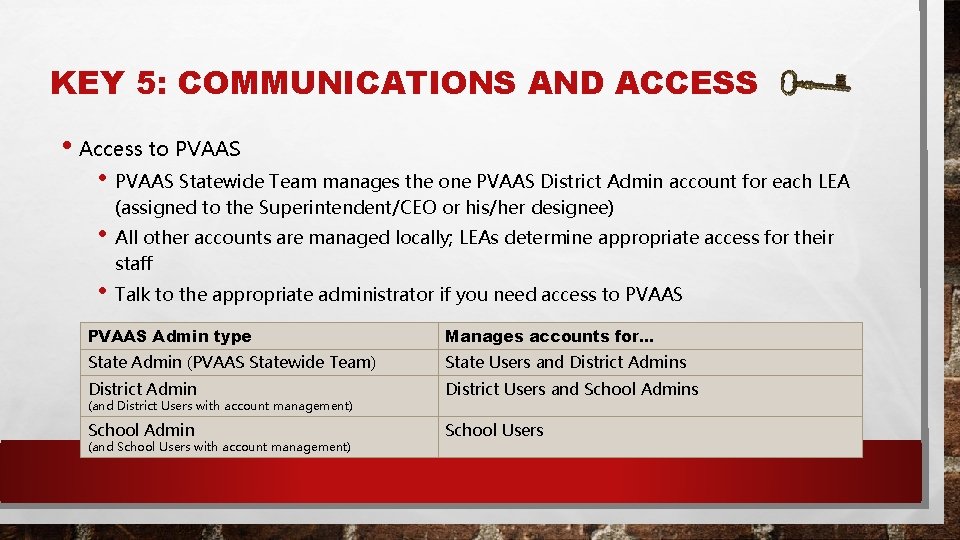
KEY 5: COMMUNICATIONS AND ACCESS • Access to PVAAS • PVAAS Statewide Team manages the one PVAAS District Admin account for each LEA (assigned to the Superintendent/CEO or his/her designee) • All other accounts are managed locally; LEAs determine appropriate access for their staff • Talk to the appropriate administrator if you need access to PVAAS Admin type Manages accounts for. . . State Admin (PVAAS Statewide Team) State Users and District Admins District Admin District Users and School Admins School Admin School Users (and District Users with account management) (and School Users with account management)
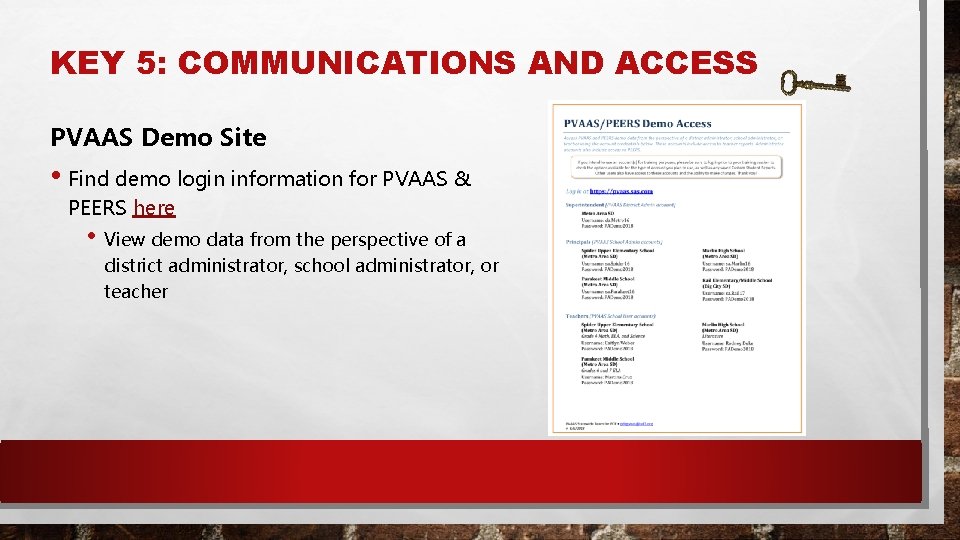
KEY 5: COMMUNICATIONS AND ACCESS PVAAS Demo Site • Find demo login information for PVAAS & PEERS here • View demo data from the perspective of a district administrator, school administrator, or teacher
KEY 5: COMMUNICATIONS AND ACCESS • Email communications from PDE is based on PIMS Administrator security access in MY PDE Suite • Editing user profile information and assistance with forgotten password: Users can edit their own profile information and get access to the forgotten password tool without local security administrator involvement. • Adding users to and deleting users from a group: Local security administrators can add, delete, and edit users • My. PDE Suite training documentation is located at http: //www. education. pa. gov > Data and Reporting> My PDE Suite
IN SUMMARY • Data in PIMS can save everyone time, allow for quality decisions about students, accurate data to make decisions
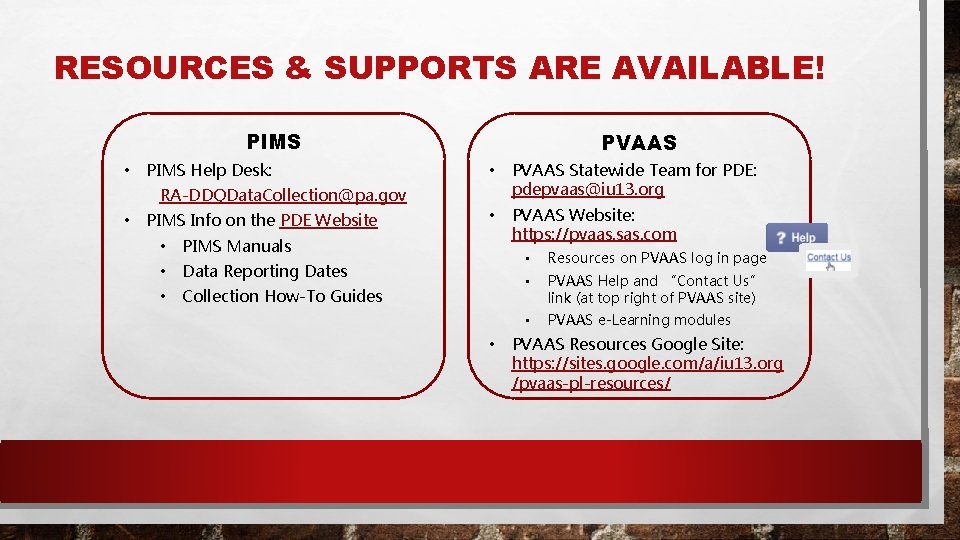
RESOURCES & SUPPORTS ARE AVAILABLE! PIMS • PIMS Help Desk: PVAAS • PVAAS Statewide Team for PDE: pdepvaas@iu 13. org • PVAAS Website: https: //pvaas. sas. com RA-DDQData. Collection@pa. gov • PIMS Info on the PDE Website • PIMS Manuals • Data Reporting Dates • Collection How-To Guides • • Resources on PVAAS log in page • PVAAS Help and “Contact Us” link (at top right of PVAAS site) • PVAAS e-Learning modules PVAAS Resources Google Site: https: //sites. google. com/a/iu 13. org /pvaas-pl-resources/
Thank you! Contact Us • PIMS Help Desk: RA-DDQData. Collection@pa. gov • PVAAS Statewide Team for PDE: pdepvaas@iu 13. org