
SYSTEMS DESIGN and ENGINEERING SECURITY SYSTEMS DESIGN PART





- Slides: 78
SYSTEMS DESIGN and ENGINEERING (SECURITY SYSTEMS DESIGN - PART II) Presented by Frank M. Carpency, P. E. , CPP, PSP, CSC Carpency and Associates, LLC 13425 Scottish Autumn Lane Gaithersburg, MD 20878 -3909 fmc@carpsecurity. com www. carpsecurity. com
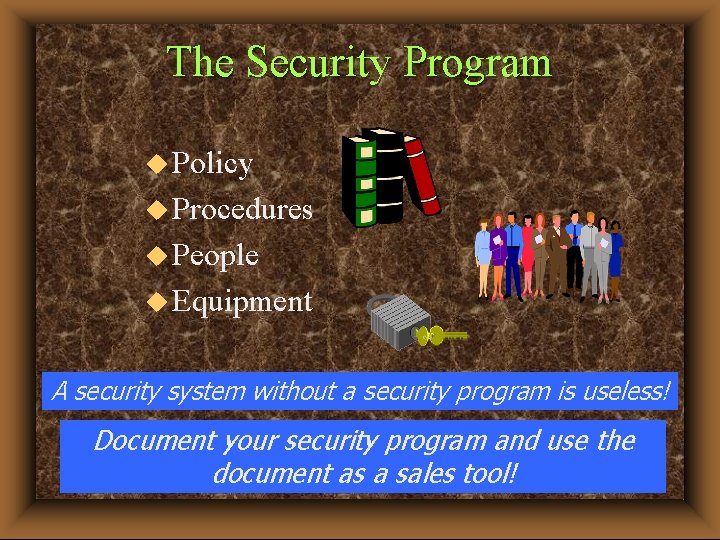
The Security Program u Policy u Procedures u People u Equipment A security system without a security program is useless! Document your security program and use the document as a sales tool!
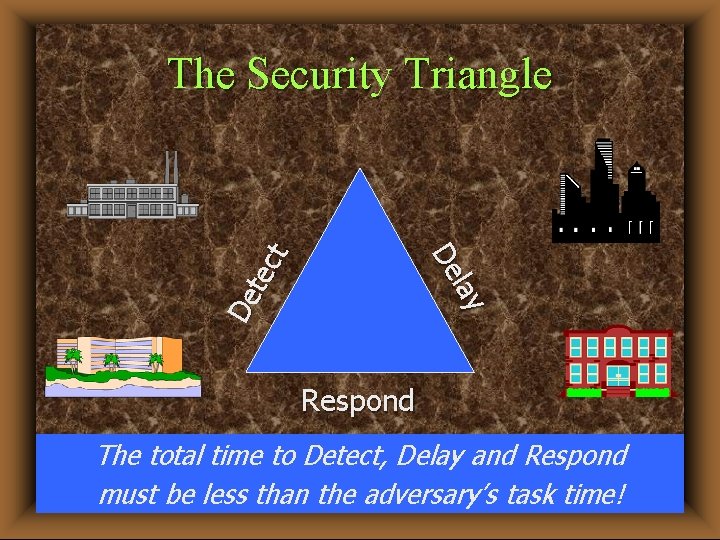
lay De De tec t The Security Triangle Respond The total time to Detect, Delay and Respond must be less than the adversary’s task time!
Security Terms/Concepts/Philosophies u Protection of Assets - People, Facilities, Equipment, Information, Raw Materials, Finished Products. u Defense-in-Depth - Adversary must avoid or defeat a number of protective devices in sequence. Design approach using multiple barriers, technologies and/or controls. u Balanced Protection – No matter how an adversary attempts to accomplish the goal, effective elements of the security system will be encountered.
Security Terms/Concepts/Philosophies u Crime Prevention Through Environmental Design (CPTED) - A branch of situational crime prevention which has as its basic premise that the physical environment can be changed or managed to produce behavioral effects that will reduce the incidence and fear of crime, thereby improving in the quality of life, and enhancing profitability for business. CPTED has as one of its primary aims to reduce the opportunity for specific crimes to occur. Where CPTED differs from traditional target hardening strategies is that the techniques employed seek to use environmental factors to affect the perceptions of all users of a given space – addressing not only the opportunity for the crime but also perceptions of fear on the part of those who may otherwise be victims.
Project Stages u Basis of Design - Study and Report Phase (SSD - Part I) u Preliminary Design (SSD - Part II) u Design Development (SSD - Part II) u Final Design (SSD - Part II) u Bidding, Negotiation & Procurement (SSD Part III) u Construction (SSD - Part III) u Operational (SSD - Part III)
Study & Report Phase u Develop Functional Requirements - What needs to be protected: people, information, facility/equipment, raw materials, finished products - Group assets into low, medium & high value categories - Tied to security policy and procedures u Determine Threat & Risk - Analyze local crime statistics and FBI threat data - Group threat & risk into low, medium & high probability categories (use metrics if possible) - Determine cost tradeoffs - Transfer risk if possible
Study & Report Phase (cont’d) u Assess Vulnerabilities - Think like a vandal, criminal, terrorist, etc. u Develop Risk Mitigation Strategies - Recommend effective countermeasures u Prioritize Recommendations u Estimate Cost for Each Recommendation
Replace or Upgrade? u Determine age and condition of existing equipment - What equipment can be reused and can it be integrated with new equipment? u What are the current maintenance costs? - How much time is now spent repairing system? - Are spare parts available? u Determine the impact of code compliance - ADA, NFPA and local codes u What other facility or organizational changes are planned for the near and long-term? u Share the cost - Enroll other organizations
SSD Part II Project Stages u Preliminary Design (design requirements tied to recognized standards such as UL, IEEE, ANSI, IES, Federal Government Standards) u Design Development u Final Design
PRELIMINARY DESIGN
Getting Started u Assign Responsibilities u Gather Data - Site Walkdowns, Existing Facility Drawings, and Existing Security Documents u Communicate with Key People - Conduct Interviews u Establish Functional Requirements (measure against security policy & procedures) u Define Tasks & Develop Realistic Project Scheduling u Prepare Report with Recommendations, Alternatives Initial Cost Estimate, and Concept Drawings u Establish Design Requirements (formal document tied to recognized standards)
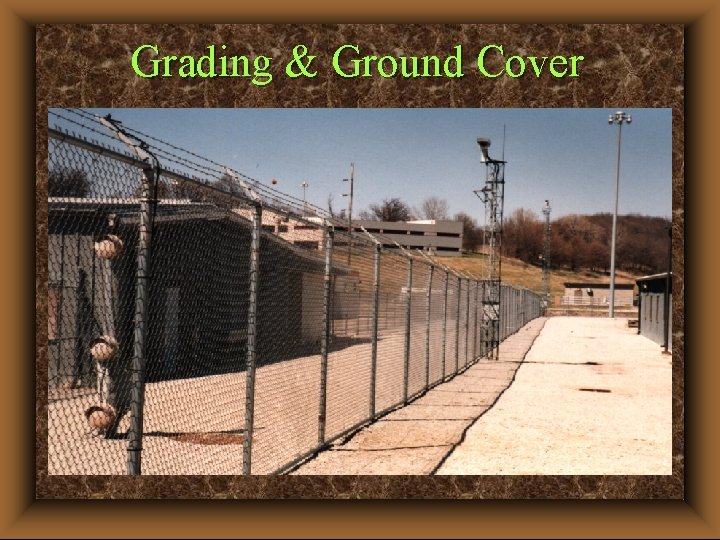
Getting the Facts u Note Grading & Ground Cover u Note Existing Equipment Types u Note Placement of Barriers, Fences, Access Points & Possible Breaches u Document Equipment Locations & Coverage - Intrusion Detection - CCTV - Access Control - Ancillary Systems (lighting, power, raceways, etc. ) u Determine Condition of Existing Equipment
Getting the Facts (cont’d) u Conduct Light Level Readings u Note Type, Condition and Length of Wire & Cable u Confirm Electrical Raceway Location, Condition & Fill u Confirm Power Source Location, Type & Capacity u Consider Weather Conditions (Year Round) u Be Aware of Facility Operational Nuances u Obtain Existing Drawings & Documentation
Design Requirements
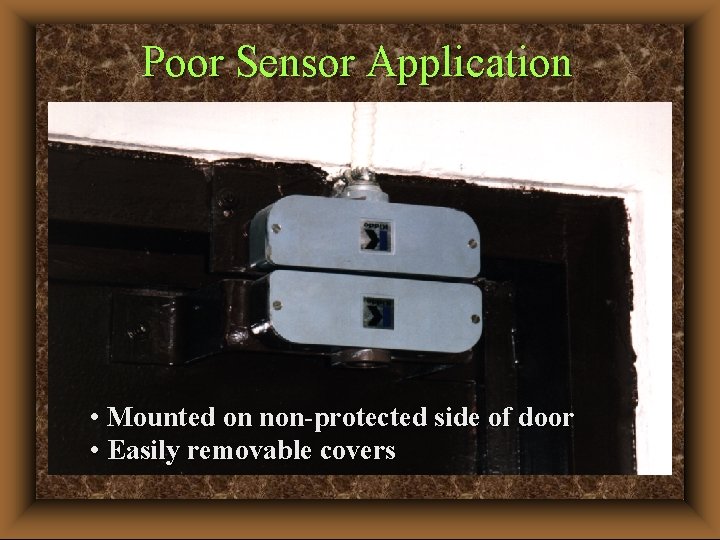
Poor Sensor Application • Mounted on non-protected side of door • Easily removable covers
Design Approach u Review Functional Requirements u Develop Design Requirements (design basis) u Develop Design Documentation – Preliminary Drawings (Site Plans & Floor Plan Backgrounds) – Outline Specifications (Select Type) – Design Analysis & Calculations – Total Project Cost Estimate u Present Design Concept to Client u Establish/Confirm Total Project Scope
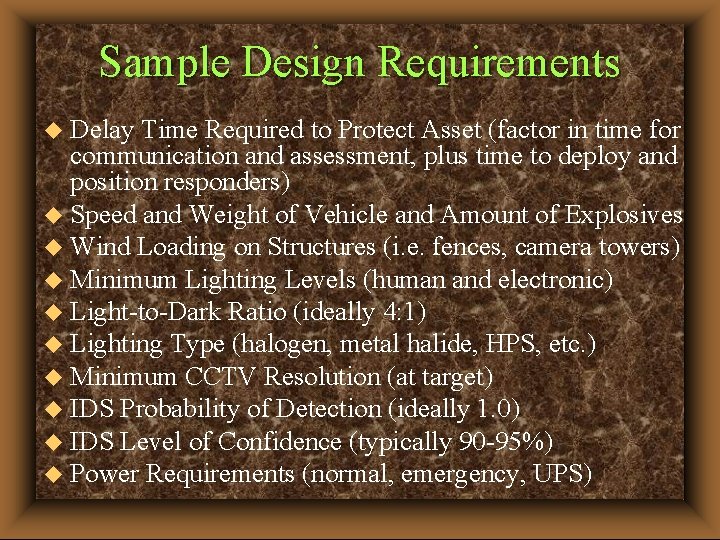
Sample Design Requirements Delay Time Required to Protect Asset (factor in time for communication and assessment, plus time to deploy and position responders) u Speed and Weight of Vehicle and Amount of Explosives u Wind Loading on Structures (i. e. fences, camera towers) u Minimum Lighting Levels (human and electronic) u Light-to-Dark Ratio (ideally 4: 1) u Lighting Type (halogen, metal halide, HPS, etc. ) u Minimum CCTV Resolution (at target) u IDS Probability of Detection (ideally 1. 0) u IDS Level of Confidence (typically 90 -95%) u Power Requirements (normal, emergency, UPS) u
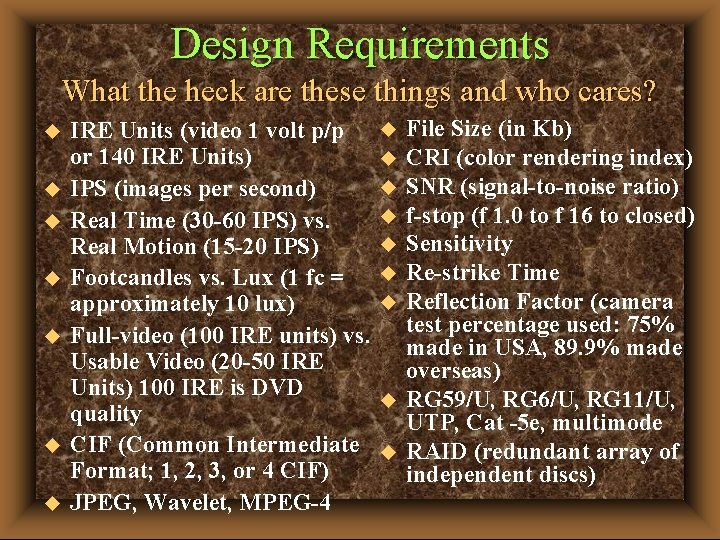
Design Requirements What the heck are these things and who cares? u u u u IRE Units (video 1 volt p/p or 140 IRE Units) IPS (images per second) Real Time (30 -60 IPS) vs. Real Motion (15 -20 IPS) Footcandles vs. Lux (1 fc = approximately 10 lux) Full-video (100 IRE units) vs. Usable Video (20 -50 IRE Units) 100 IRE is DVD quality CIF (Common Intermediate Format; 1, 2, 3, or 4 CIF) JPEG, Wavelet, MPEG-4 u u u u u File Size (in Kb) CRI (color rendering index) SNR (signal-to-noise ratio) f-stop (f 1. 0 to f 16 to closed) Sensitivity Re-strike Time Reflection Factor (camera test percentage used: 75% made in USA, 89. 9% made overseas) RG 59/U, RG 6/U, RG 11/U, UTP, Cat -5 e, multimode RAID (redundant array of independent discs)
Design Considerations u Incorporate CPTED Principles u Think Integration From the Start u Address Operational Issues u Incorporate Human Factors - Hardware - Software - Transition Planning - Maintenance - Training u Anticipate Change
Human Factors & Ergonomics
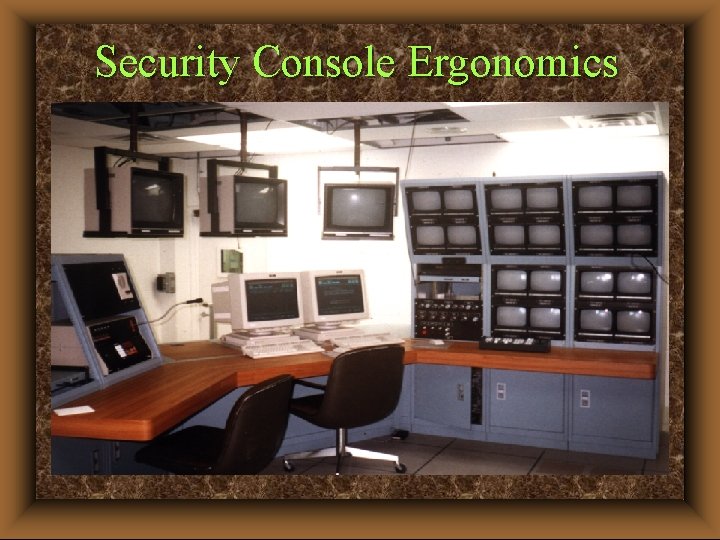
Security Console Ergonomics
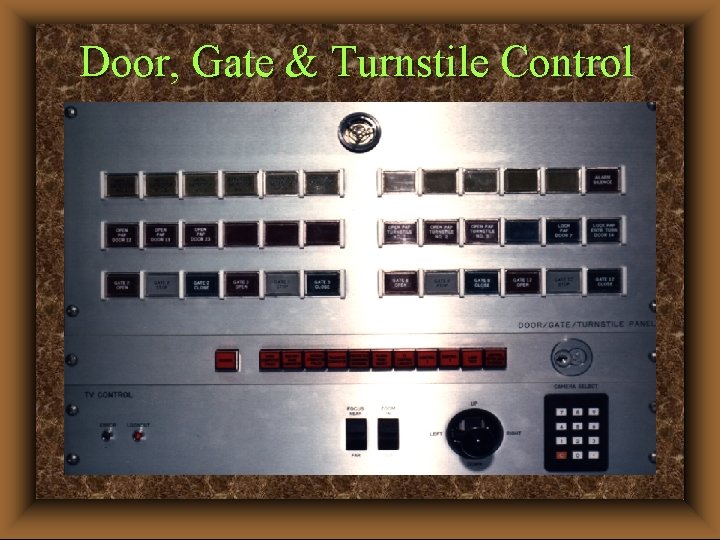
Door, Gate & Turnstile Control
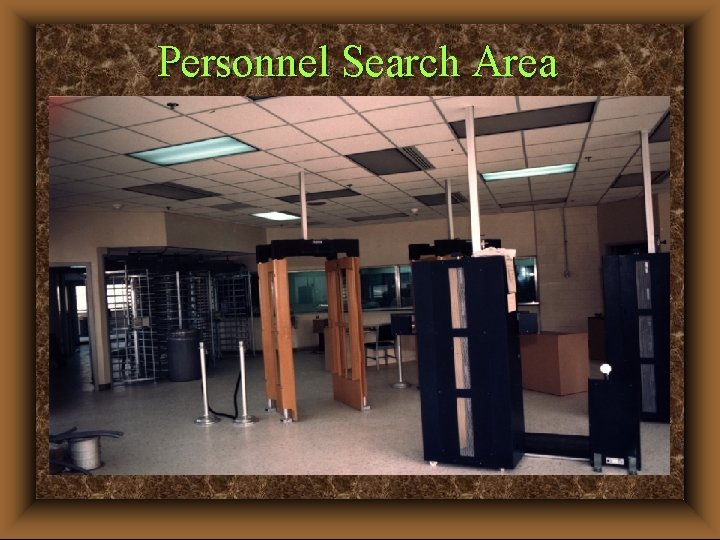
Personnel Search Area
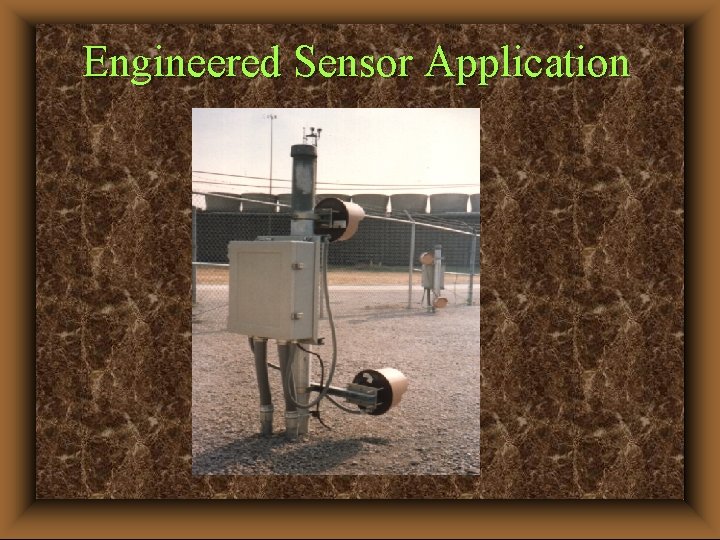
Engineered Sensor Application
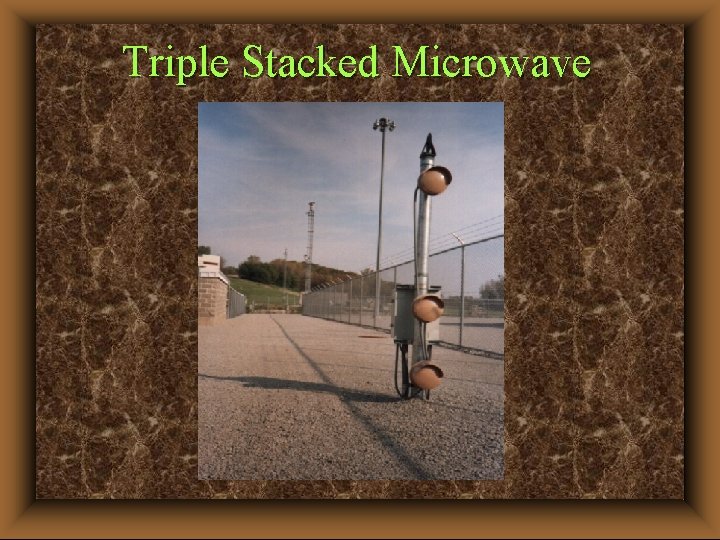
Triple Stacked Microwave
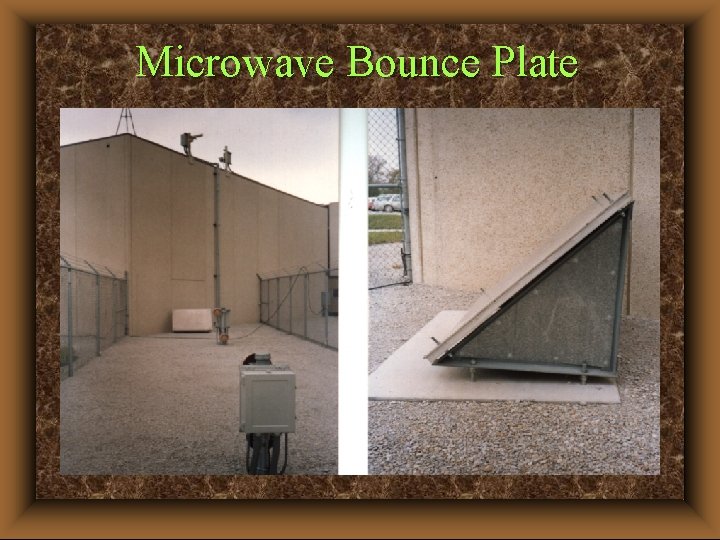
Microwave Bounce Plate
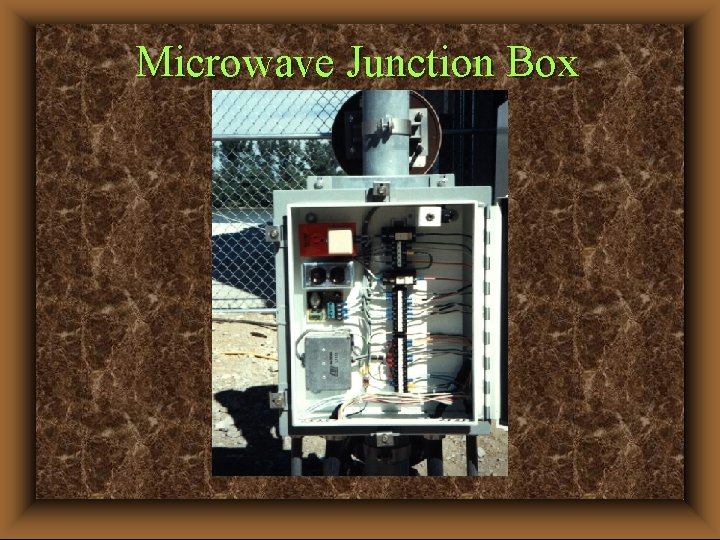
Microwave Junction Box
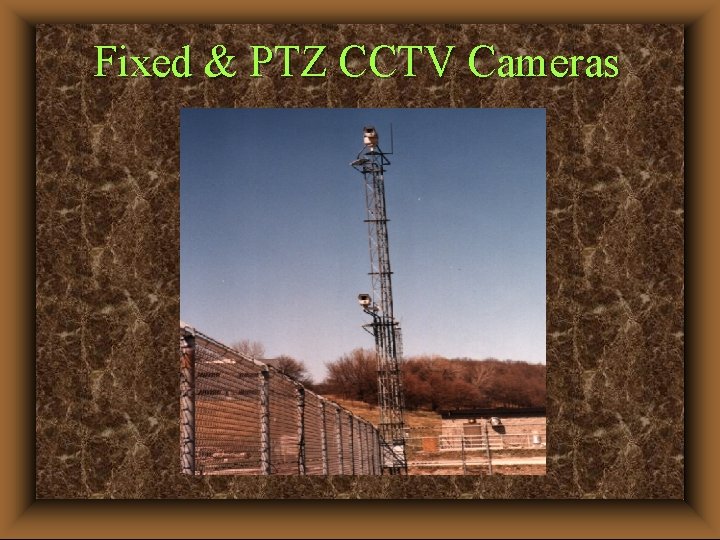
Fixed & PTZ CCTV Cameras
COST ESTIMATING
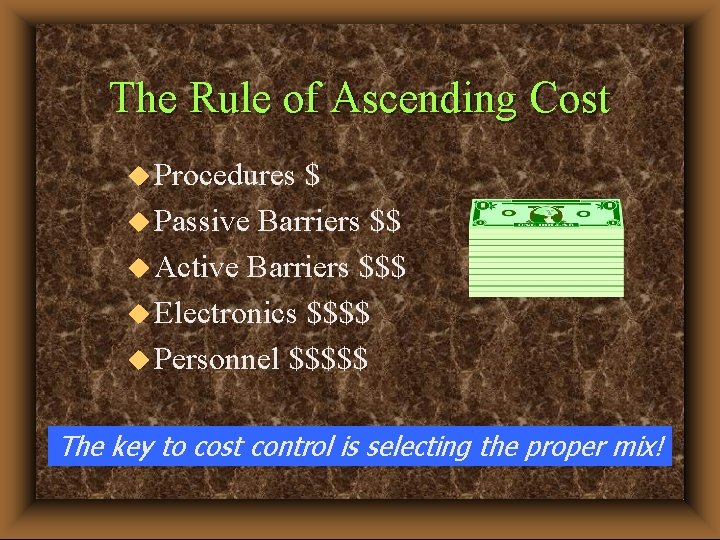
The Rule of Ascending Cost u Procedures $ u Passive Barriers $$ u Active Barriers $$$ u Electronics $$$$ u Personnel $$$$$ The key to cost control is selecting the proper mix!
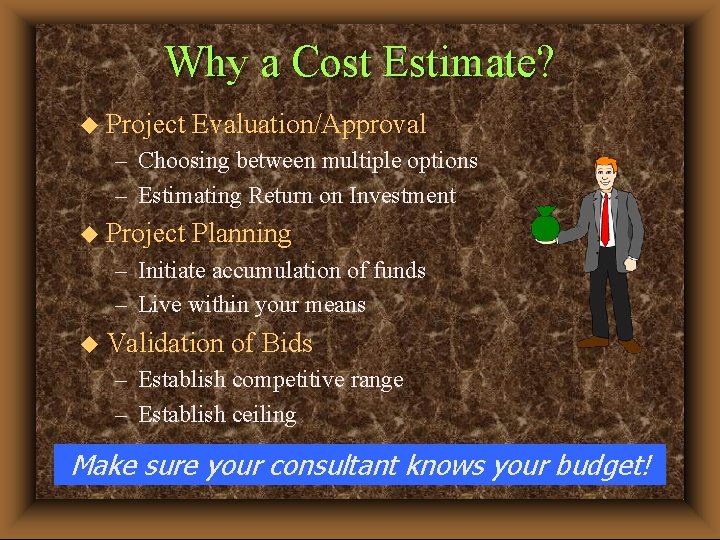
Why a Cost Estimate? u Project Evaluation/Approval – Choosing between multiple options – Estimating Return on Investment u Project Planning – Initiate accumulation of funds – Live within your means u Validation of Bids – Establish competitive range – Establish ceiling Make sure your consultant knows your budget!
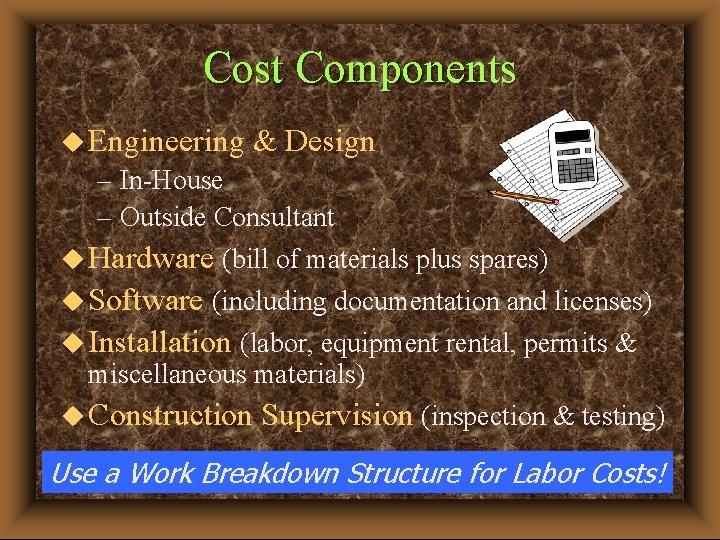
Cost Components u Engineering & Design – In-House – Outside Consultant u Hardware (bill of materials plus spares) u Software (including documentation and licenses) u Installation (labor, equipment rental, permits & miscellaneous materials) u Construction Supervision (inspection & testing) Use a Work Breakdown Structure for Labor Costs!
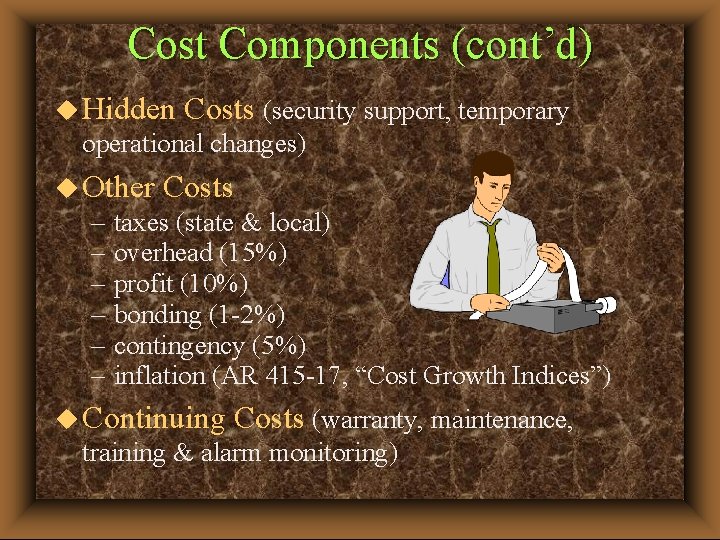
Cost Components (cont’d) u Hidden Costs (security support, temporary operational changes) u Other – – – Costs taxes (state & local) overhead (15%) profit (10%) bonding (1 -2%) contingency (5%) inflation (AR 415 -17, “Cost Growth Indices”) u Continuing Costs (warranty, maintenance, training & alarm monitoring)
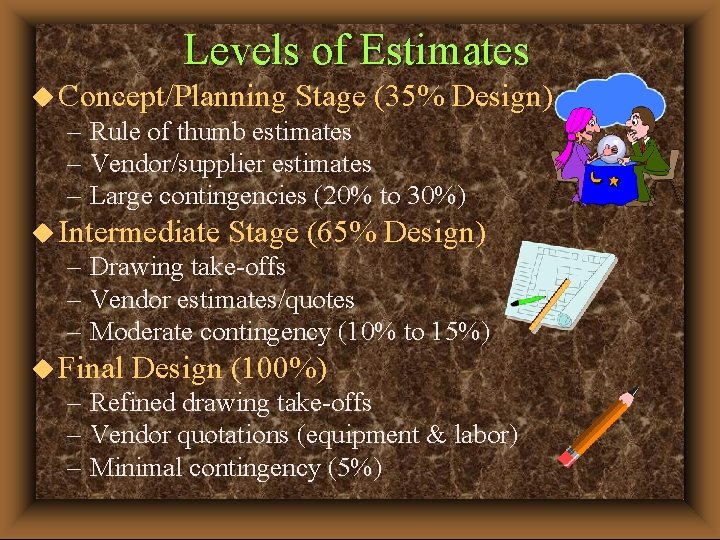
Levels of Estimates u Concept/Planning Stage (35% Design) – Rule of thumb estimates – Vendor/supplier estimates – Large contingencies (20% to 30%) u Intermediate Stage (65% Design) – Drawing take-offs – Vendor estimates/quotes – Moderate contingency (10% to 15%) u Final Design (100%) – Refined drawing take-offs – Vendor quotations (equipment & labor) – Minimal contingency (5%)
Conceptual Estimates u Based on Unit Prices u “Ballpark” - Budgetary Estimates – “Means Electrical Cost Data” R. S. Means Company, Inc. 100 Construction Plaza P. O. Box 800 Kingston, MA 02364 -0800 (Good for estimating conduit, cable and associated labor, not good for estimating security equipment and specialty applications, including labor)
Detailed Estimates u Identify & Group by Subsystems (stand-alone or supporting systems) u Develop a Bill of Materials (unit & quantity pricing) u Establish Material Prices (concrete, rebar, boxes) u Formulate Work Crews/Productivity/Rates u Identify Required Equipment and Rental Rates (trenching, scaffolds) u Combine with Bill of Materials (set up a spreadsheet and/or database) u Maintain contingency as a separate line item, do not build contingency into each item
Pitfalls u Incorrect or Improper Quantities u Not including all cost components (design, inflation, terminations, compensatory security measures) u Price Increases (especially from vendors) u Fixed Quantities (spools of cable) u Ongoing or Near Term Site Changes u Believing What You Hear Instead of Gathering Facts
Cost Estimating Summary u Use Current, Actual Cost Data/Quotes Wherever Possible u Industry Averages Are Useful at All Stages u Allow/Expect Differences at Bid Time u Use Spreadsheet Programs u Update Cost Estimate at all Design Submittal Stages (35%, 65%, 100%)
DESIGN DEVELOPMENT
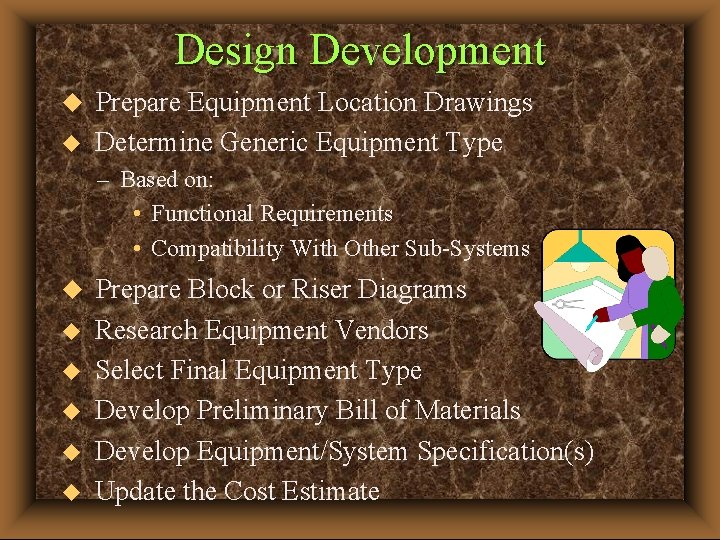
Design Development u u Prepare Equipment Location Drawings Determine Generic Equipment Type – Based on: • Functional Requirements • Compatibility With Other Sub-Systems u u u Prepare Block or Riser Diagrams Research Equipment Vendors Select Final Equipment Type Develop Preliminary Bill of Materials Develop Equipment/System Specification(s) Update the Cost Estimate
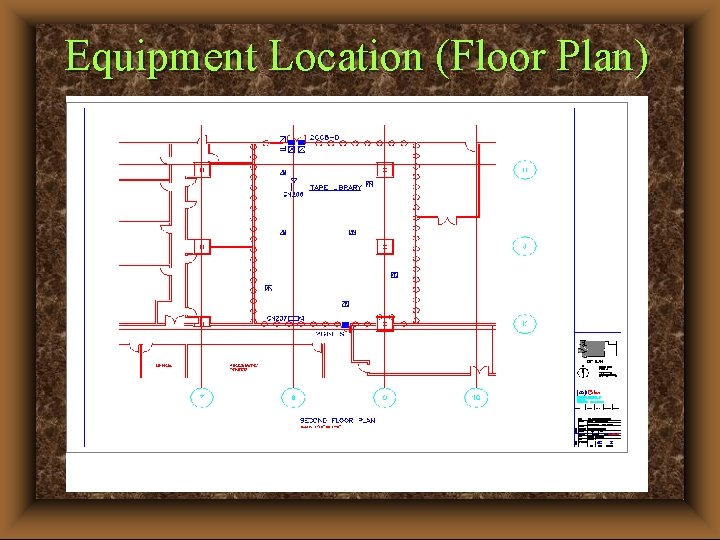
Equipment Location (Floor Plan)
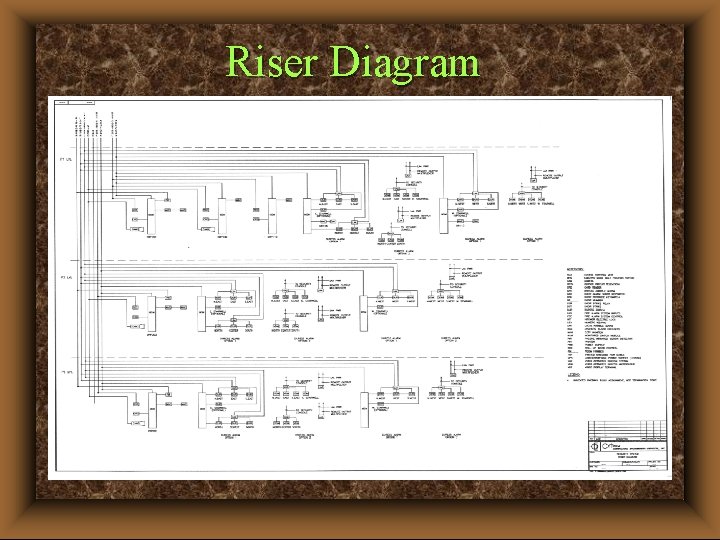
Riser Diagram
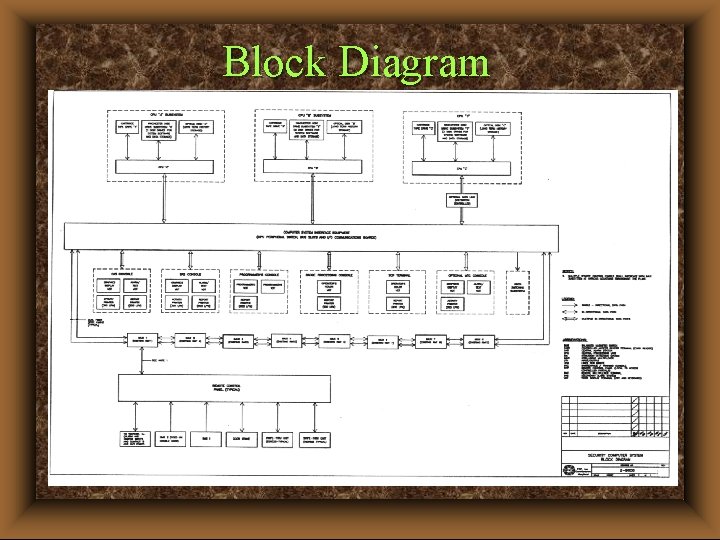
Block Diagram
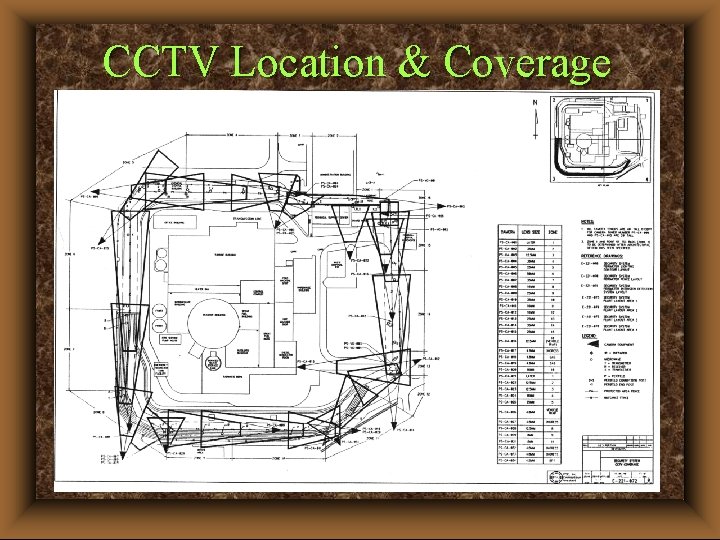
CCTV Location & Coverage
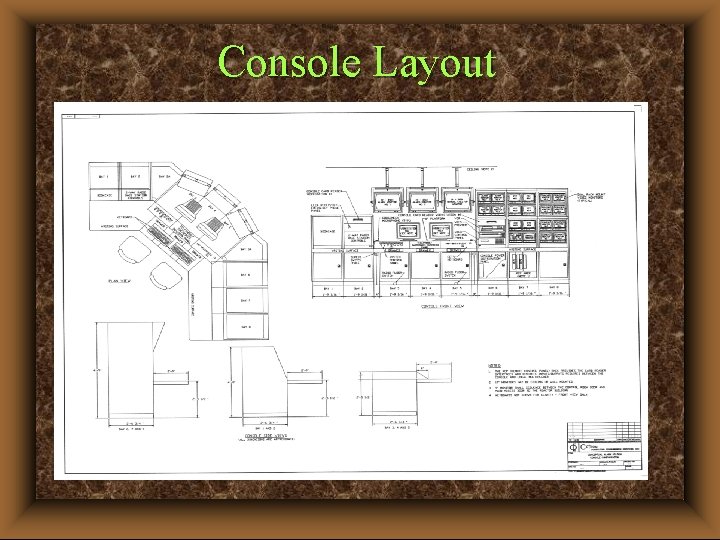
Console Layout
Design Development (cont’d) u Select Specific Equipment - Based on Design Requirements u Prepare Specifications (CSI or other format) u Conduct Bid Evaluations - Conformance to Specification - Ease of Installation - Maintainability - MTTF & MTTR - Vendor Experience, Documentation, Support & Warranty - Cost - Make Award Based on Best Value
MINIMIZING COST
Minimizing Cost u Let the security professionals do their jobs u Money spent in design will return many times over in installation cost savings (minimizes rework & change orders) u Consider life-cycle issues - design for maintenance u Implement Crime Prevention Through Environmental Design (CPTED) principles u Reuse conduit and cable and other equipment (such as CCTV lenses) where practicable u Use existing LAN where practicable (possible bandwidth issues)
Minimizing Cost (cont’d) u Use multi-technology, multi-function access cards u Pre-qualify bidders; consider weighted criteria u Prepare a specification with material takeoffs and requiring unit pricing for equipment, material and labor u Institute a design freeze at the 65% submittal (changes are a budget buster) u Establish a single-point of responsibility through the installer/contractor
Minimizing Cost (cont’d) u Conduct a thorough system burn-in and factory acceptance test u Resolve all software, firmware & hardware issues, and open items prior to shipment u Conduct thorough site acceptance testing u Obtain comprehensive operator, administrator, & maintenance training, and documentation u Develop realistic scheduling u Obtain thorough as-built documentation Communicate, document and revalidate requirements!
FINAL DESIGN
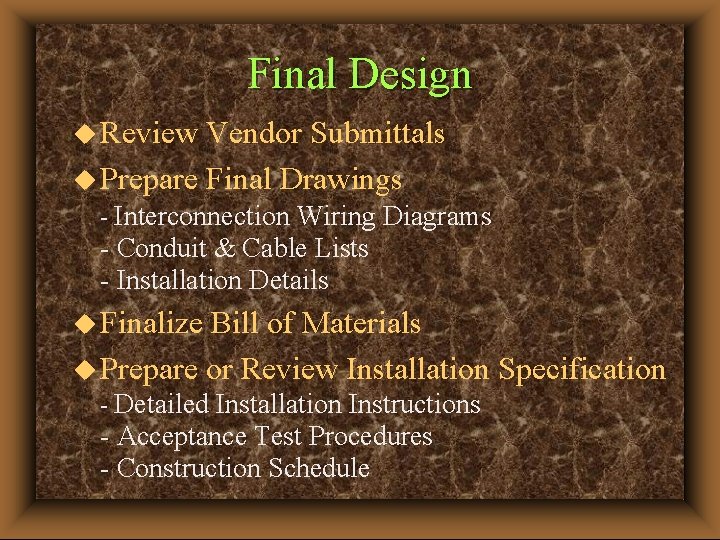
Final Design u Review Vendor Submittals u Prepare Final Drawings - Interconnection Wiring Diagrams - Conduit & Cable Lists - Installation Details u Finalize Bill of Materials u Prepare or Review Installation Specification - Detailed Installation Instructions - Acceptance Test Procedures - Construction Schedule
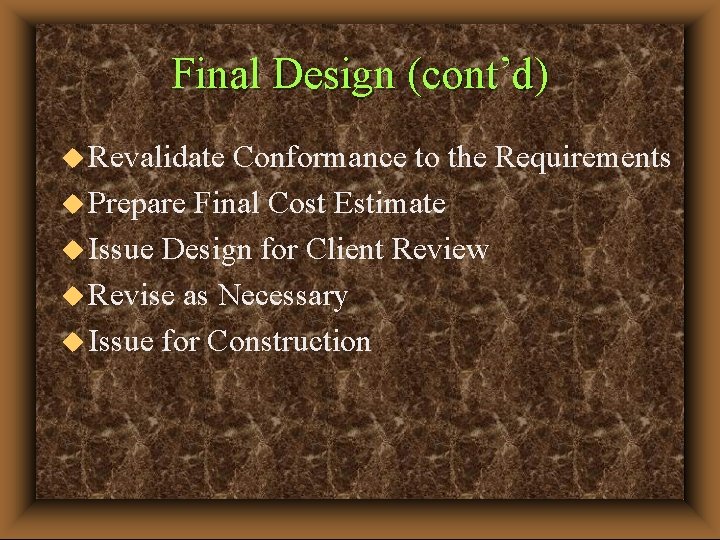
Final Design (cont’d) u Revalidate Conformance to the Requirements u Prepare Final Cost Estimate u Issue Design for Client Review u Revise as Necessary u Issue for Construction
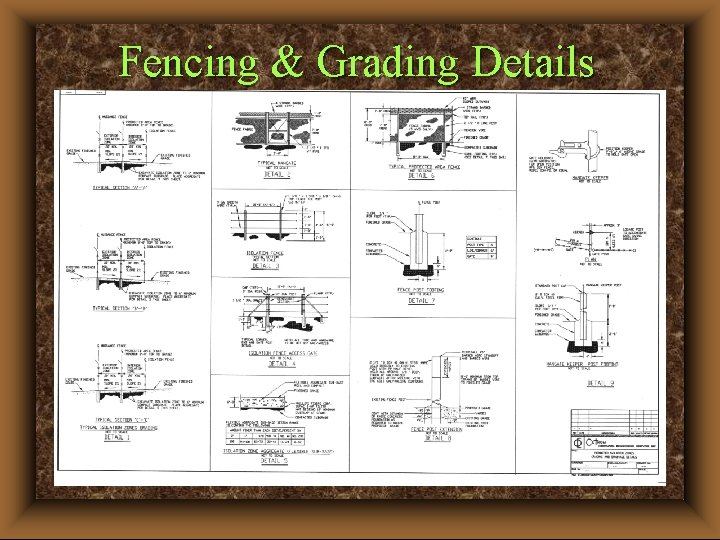
Fencing & Grading Details
Grading & Ground Cover
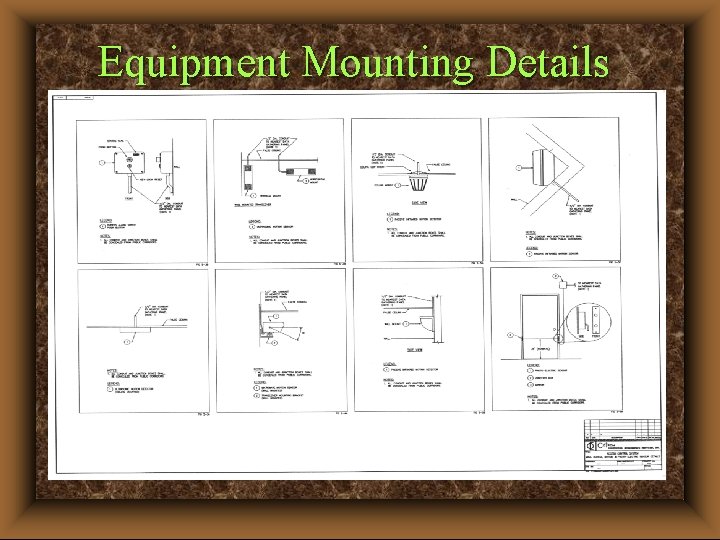
Equipment Mounting Details
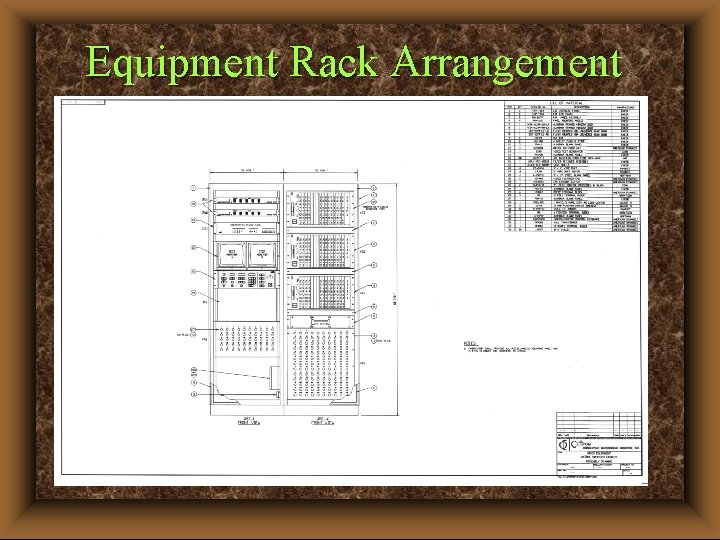
Equipment Rack Arrangement
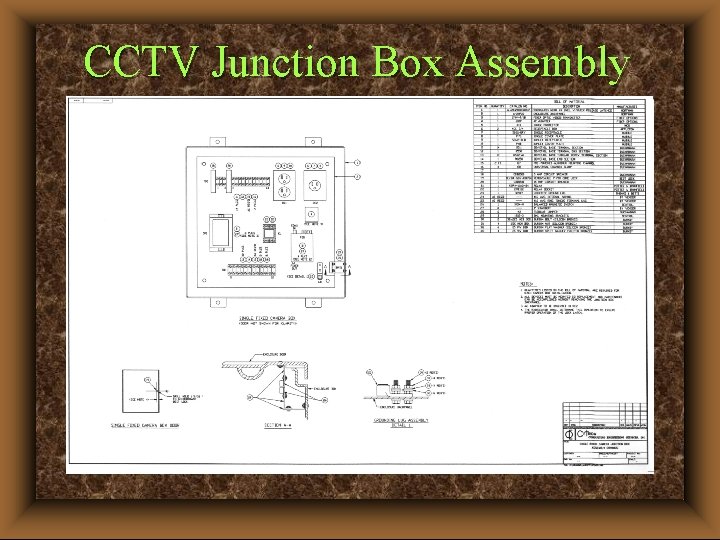
CCTV Junction Box Assembly
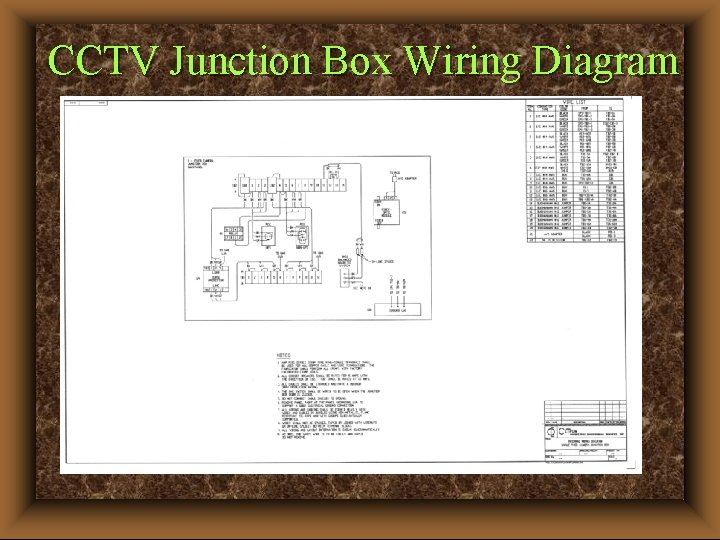
CCTV Junction Box Wiring Diagram
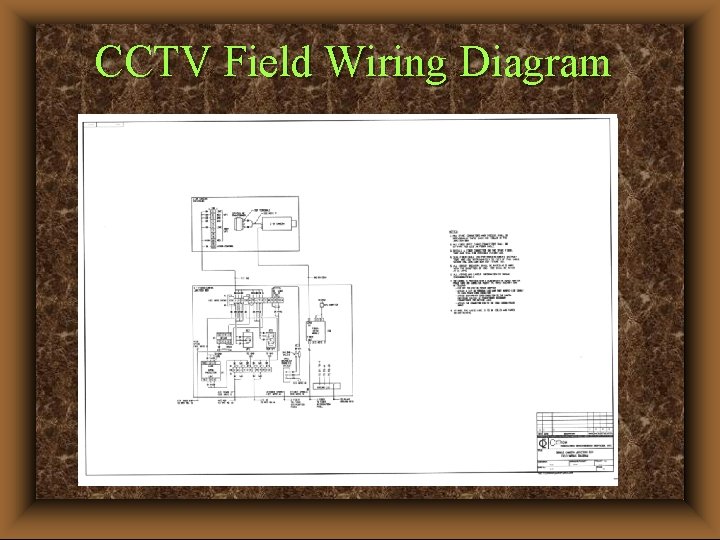
CCTV Field Wiring Diagram
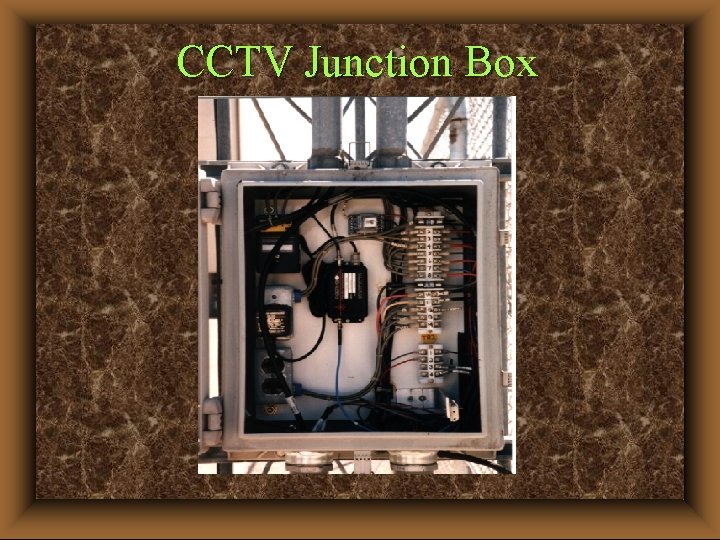
CCTV Junction Box
Other Design Documentation u System Descriptions (how it works) u Transition Plan (existing system to new system) u Factory Acceptance Test Plan and Results u Site Equipment Test Baseline Data and Results u System Acceptance Test Plan and Results
Testing u Factory Acceptance Test - Integrator to develop test plan, Engineer to review and approve plan, Engineer and Owner to witness test. - Test after system burn-in and do not ship until all deficiencies have been corrected. u Site Equipment Test - Installer to develop test data sheets (to record settings) with signoffs for each piece of equipment. u System Acceptance Test - Functional and performance test based on the FAT. Engineer/Owner to witness and signoff on each test.
Training u Who Needs It? - Console Operators - System Administrators - Security Supervisors - Maintenance Personnel (hardware and software) - Employees (awareness/user interface) u Planning - Initial (hands-on instruction, hard copy, interactive CD ROM) - Follow-on (retraining, new employees, software updates, equipment changes, operational changes)
SPECIFICATIONS
Specifications u Format - Construction Specifications Institute (CSI) Master. Format - AIA Master. Spec - Client/Industry Specific (Design Requirements as outline) u Content - Functional - Procurement u Evaluation Factors - Weighted Percentage (split technical from cost evaluation) - Includes: technical compliance to specification, past experience, documentation, personnel, workload, project management, warranty, follow-on support, etc.
CSI Format Specification Structure u Bidding Requirements (invitation, instructions, information, bid form, bid bond) u Contract Forms (agreement, performance bond, payment bond, certificates) u Contractor Conditions (general, supplementary) u Specification Drawings Addenda u Contract Modifications
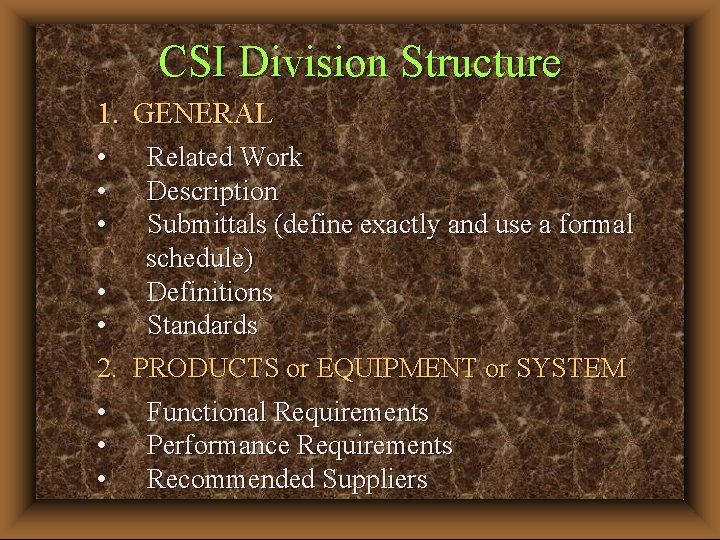
CSI Division Structure 1. GENERAL • • • Related Work Description Submittals (define exactly and use a formal schedule) Definitions Standards • • 2. PRODUCTS or EQUIPMENT or SYSTEM • Functional Requirements • Performance Requirements • Recommended Suppliers
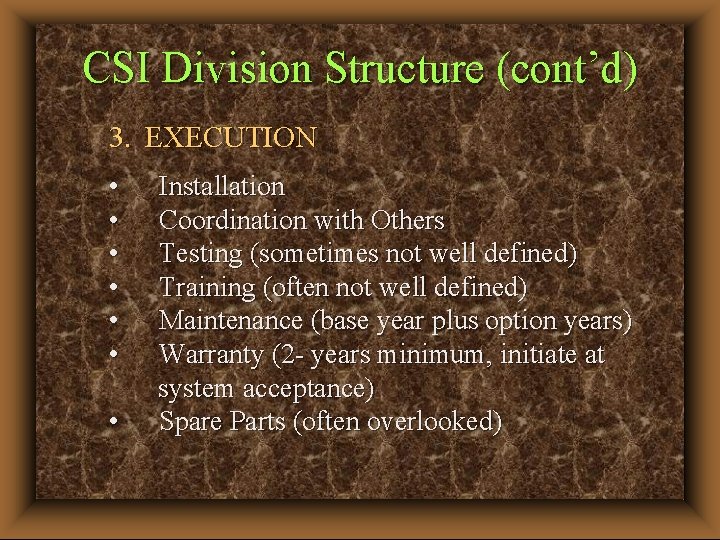
CSI Division Structure (cont’d) 3. EXECUTION • • Installation Coordination with Others Testing (sometimes not well defined) Training (often not well defined) Maintenance (base year plus option years) Warranty (2 - years minimum, initiate at system acceptance) Spare Parts (often overlooked)
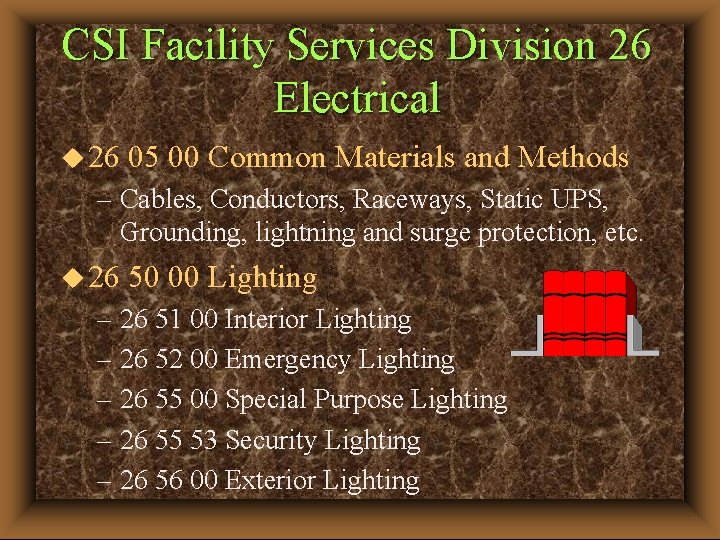
CSI Facility Services Division 26 Electrical u 26 05 00 Common Materials and Methods – Cables, Conductors, Raceways, Static UPS, Grounding, lightning and surge protection, etc. u 26 50 00 Lighting – 26 51 00 Interior Lighting – 26 52 00 Emergency Lighting – 26 55 00 Special Purpose Lighting – 26 55 53 Security Lighting – 26 56 00 Exterior Lighting
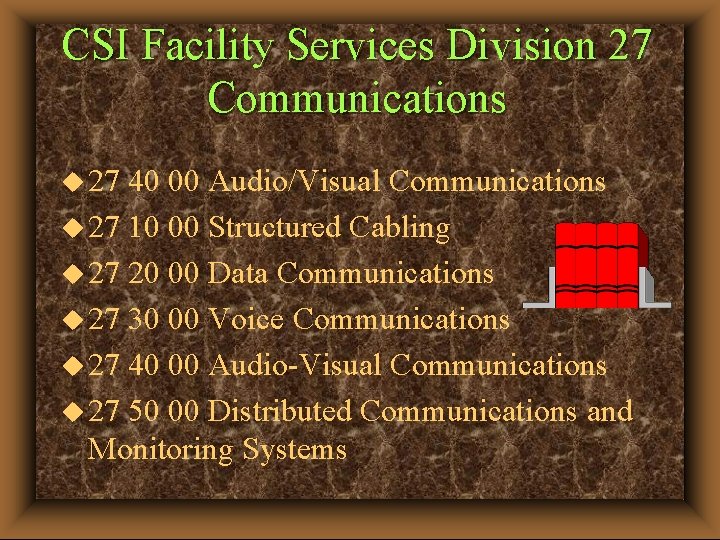
CSI Facility Services Division 27 Communications u 27 40 00 Audio/Visual Communications u 27 10 00 Structured Cabling u 27 20 00 Data Communications u 27 30 00 Voice Communications u 27 40 00 Audio-Visual Communications u 27 50 00 Distributed Communications and Monitoring Systems
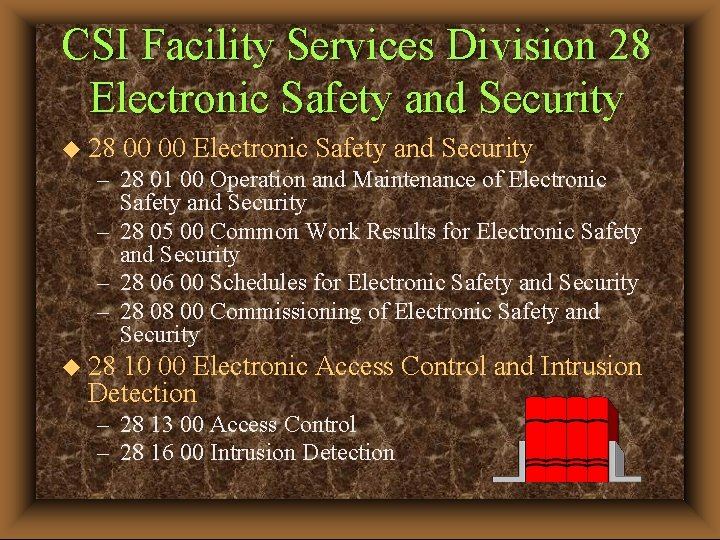
CSI Facility Services Division 28 Electronic Safety and Security u 28 00 00 Electronic Safety and Security – 28 01 00 Operation and Maintenance of Electronic Safety and Security – 28 05 00 Common Work Results for Electronic Safety and Security – 28 06 00 Schedules for Electronic Safety and Security – 28 08 00 Commissioning of Electronic Safety and Security u 28 10 00 Electronic Access Control and Intrusion Detection – 28 13 00 Access Control – 28 16 00 Intrusion Detection
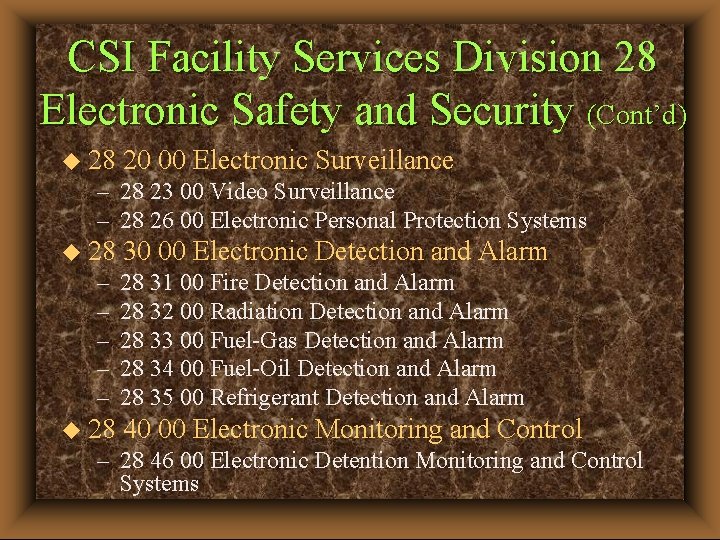
CSI Facility Services Division 28 Electronic Safety and Security (Cont’d) u 28 20 00 Electronic Surveillance – 28 23 00 Video Surveillance – 28 26 00 Electronic Personal Protection Systems u 28 – – – u 28 30 00 Electronic Detection and Alarm 28 31 00 Fire Detection and Alarm 28 32 00 Radiation Detection and Alarm 28 33 00 Fuel-Gas Detection and Alarm 28 34 00 Fuel-Oil Detection and Alarm 28 35 00 Refrigerant Detection and Alarm 40 00 Electronic Monitoring and Control – 28 46 00 Electronic Detention Monitoring and Control Systems
The Four Absolutes of Quality u Definition of Quality - Conformance to Requirements u System of Quality - Prevention of Defects u Personal Performance Standard - Commitment to Excellence - Zero Defects u Measure of Quality - Customer Satisfaction (make sure you know who your customer is!)
The design process described can be characterized as: u An Engineering Process u A Quality Process u A Risk Management Process u A Business Process The process assures that you get what you paid for!
Summary u Use a structured approach to design implement “the process” u Define the requirements u Gather sufficient, meaningful data u Plan the project u Develop a realistic budget and schedule u Pay attention to detail u Revalidate the requirements at all submittal stages and at the system acceptance test u Communicate among all team members
Contact Information Frank M. Carpency, P. E. , CPP, PSP, CSC Carpency and Associates, LLC 13425 Scottish Autumn Lane Gaithersburg, MD 20878 -3909 301 -560 -1069 fmc@carpsecurity. com www. carpsecurity. com