
Systems Analysis Design Sixth Edition Chapter 3 Requirement
- Slides: 43
Systems Analysis & Design Sixth Edition Chapter 3 Requirement Modeling
Phase Description ● Systems analysis is the second of five phases in the systems development life cycle (SDLC) ● Uses requirements modeling and data and process modeling to represent the new system ● Before proceeding to the next phase, systems design, you will consider system development strategies 2
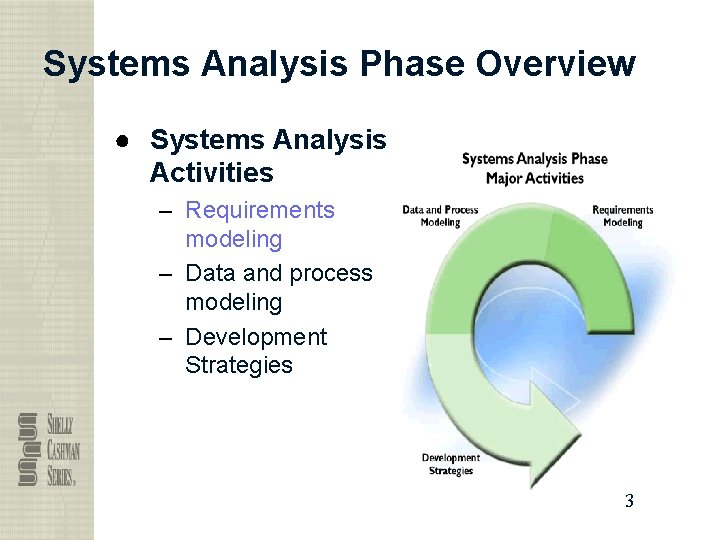
Systems Analysis Phase Overview ● Systems Analysis Activities – Requirements modeling – Data and process modeling – Development Strategies 3
Introduction ● This chapter describes requirements modeling techniques and team-based methods that systems analysts use to visualize and document new systems ● Fact-finding techniques include interviewing, documentation review, observation, surveys and questionnaires, sampling, and research 4
Systems Analysis Phase Overview ● The overall objective is to understand the proposed project, ensure that it will support business requirements, and build a solid foundation for system development ● You use models and other documentation tools to visualize and describe the proposed system 5
Systems Analysis Phase Overview ● Systems Analysis Skills – Analytical skills – Interpersonal skills ● Team-Oriented Methods and Techniques – Joint application development (JAD) – Rapid application development (RAD) 6
Joint Application Development ● User Involvement – Users have a vital stake in an information system, and they should participate fully – Successful systems must be user-oriented and users need to be involved 7
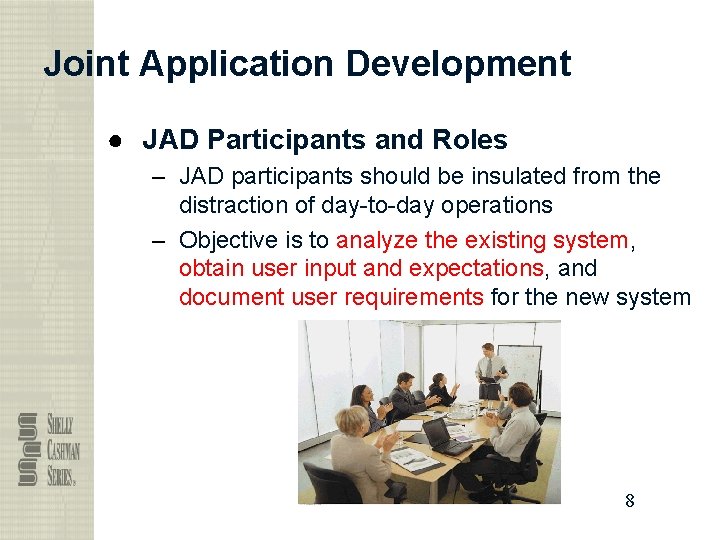
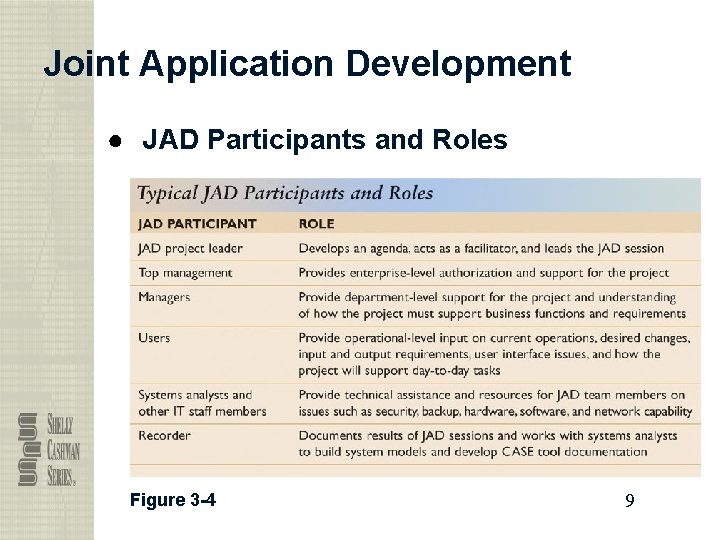
Joint Application Development ● JAD Participants and Roles – JAD participants should be insulated from the distraction of day-to-day operations – Objective is to analyze the existing system, obtain user input and expectations, and document user requirements for the new system 8
Joint Application Development ● JAD Participants and Roles Figure 3 -4 9
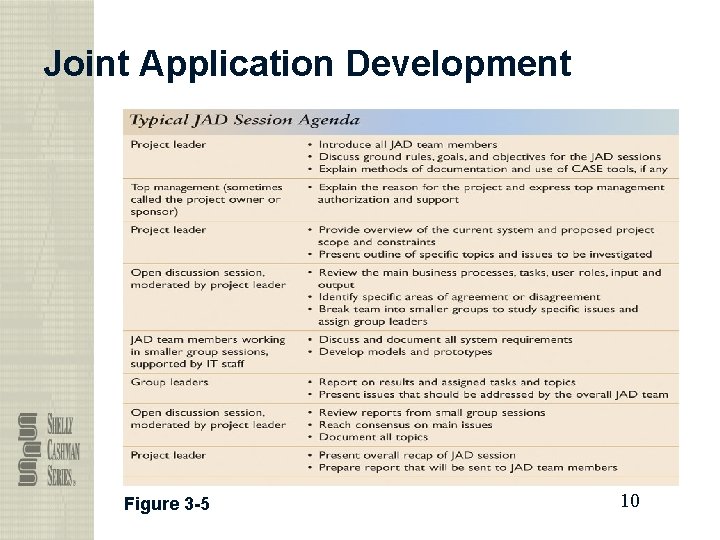
Joint Application Development Figure 3 -5 10
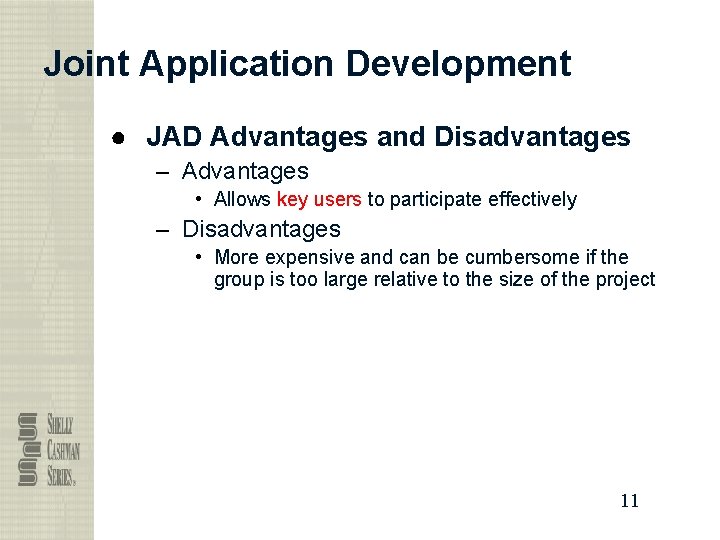
Joint Application Development ● JAD Advantages and Disadvantages – Advantages • Allows key users to participate effectively – Disadvantages • More expensive and can be cumbersome if the group is too large relative to the size of the project 11
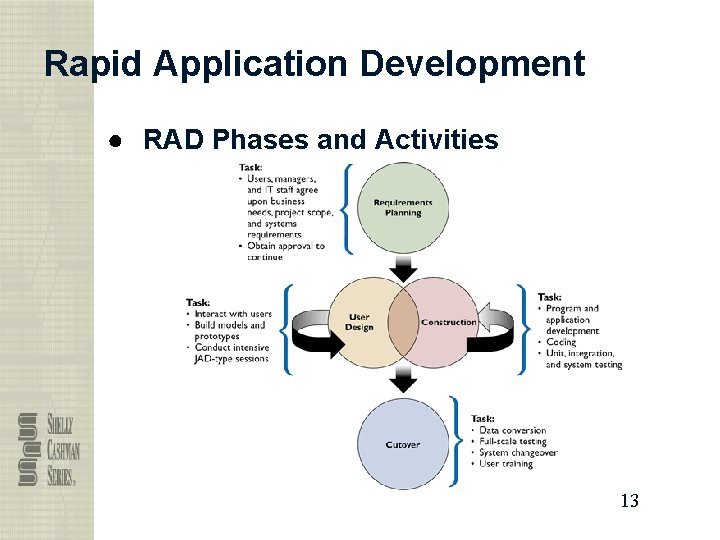
Rapid Application Development ● Rapid application development (RAD) is a team-based technique that speeds up information systems development and produces a functioning information system ● RAD uses a group approach, but goes much further ● The end product of RAD is the new information system 12
Rapid Application Development ● RAD Phases and Activities 13
Rapid Application Development ● RAD Advantages and Disadvantages – Advantages • Systems can be developed more quickly with significant cost savings – Disadvantages • RAD stresses the mechanics of the system itself and does not emphasize the company’s strategic business needs • Might allow less time to develop quality, consistency, and design standards 14
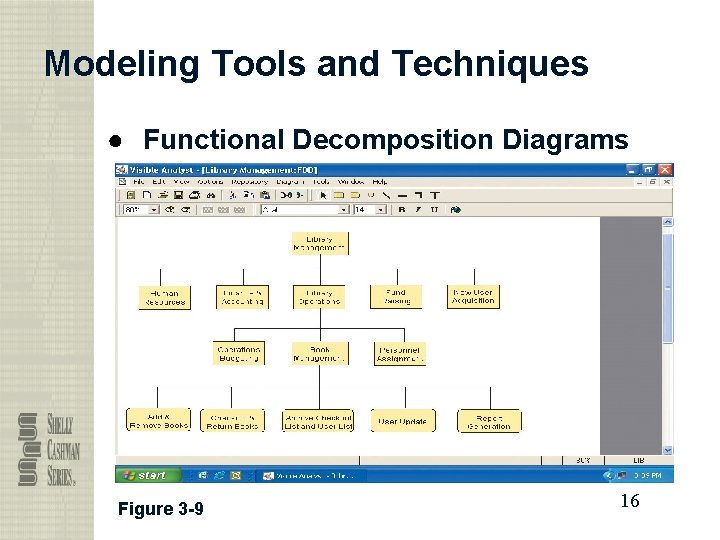
Modeling Tools and Techniques ● CASE Tools – Offer powerful modeling features – Systems analysts use modeling and fact-finding interactively ● Functional Decomposition Diagrams – Functional decomposition diagram (FDD) 15
Modeling Tools and Techniques ● Functional Decomposition Diagrams Figure 3 -9 16
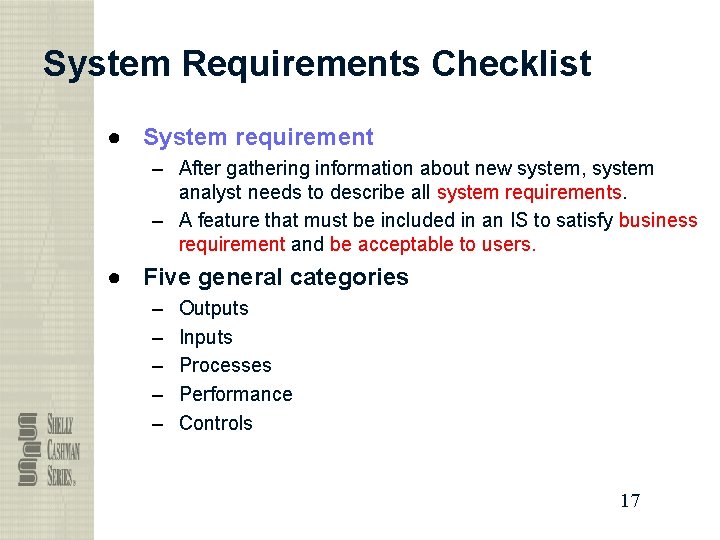
System Requirements Checklist ● System requirement – After gathering information about new system, system analyst needs to describe all system requirements. – A feature that must be included in an IS to satisfy business requirement and be acceptable to users. ● Five general categories – – – Outputs Inputs Processes Performance Controls 17
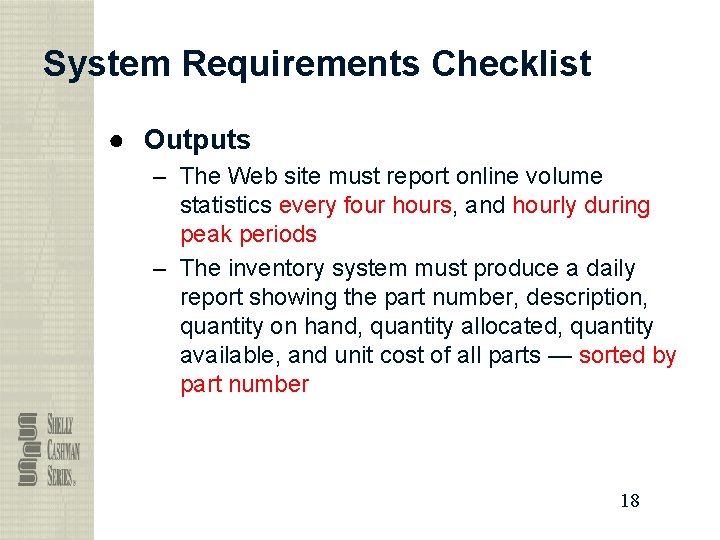
System Requirements Checklist ● Outputs – The Web site must report online volume statistics every four hours, and hourly during peak periods – The inventory system must produce a daily report showing the part number, description, quantity on hand, quantity allocated, quantity available, and unit cost of all parts — sorted by part number 18
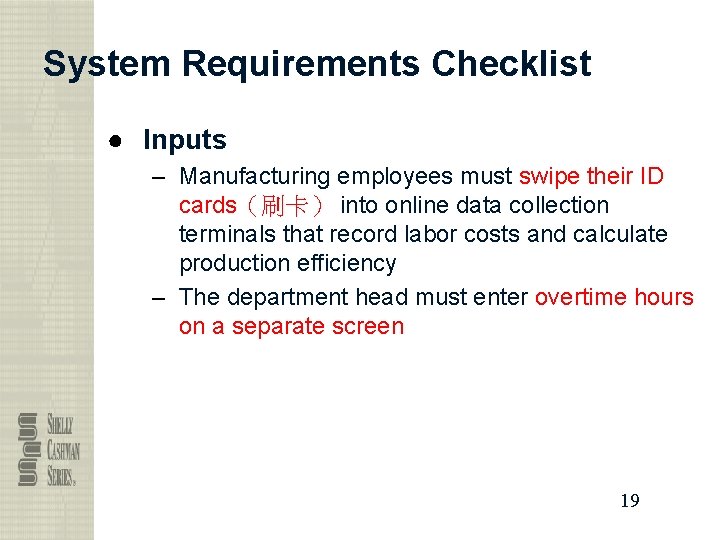
System Requirements Checklist ● Inputs – Manufacturing employees must swipe their ID cards(刷卡) into online data collection terminals that record labor costs and calculate production efficiency – The department head must enter overtime hours on a separate screen 19
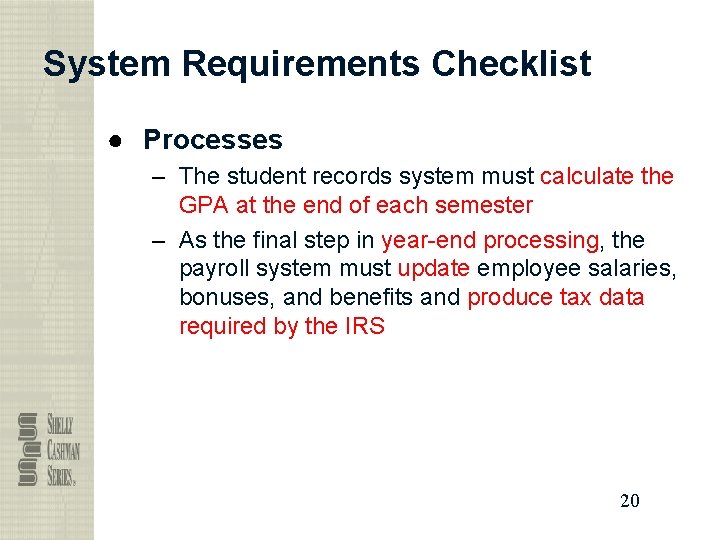
System Requirements Checklist ● Processes – The student records system must calculate the GPA at the end of each semester – As the final step in year-end processing, the payroll system must update employee salaries, bonuses, and benefits and produce tax data required by the IRS 20
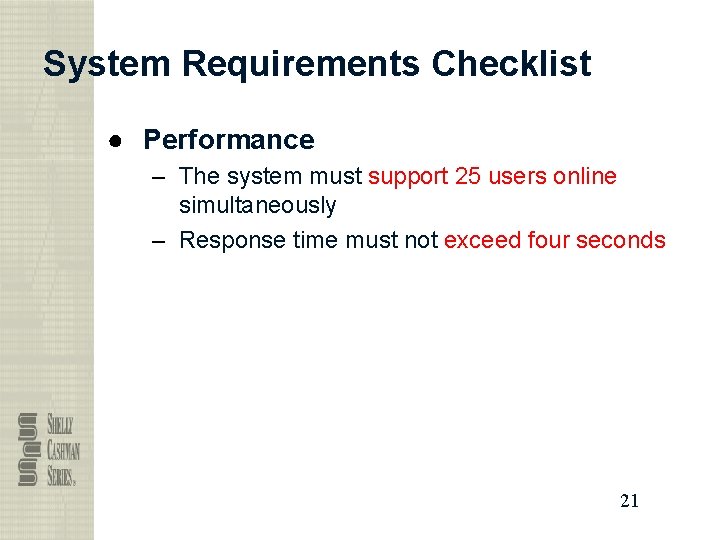
System Requirements Checklist ● Performance – The system must support 25 users online simultaneously – Response time must not exceed four seconds 21
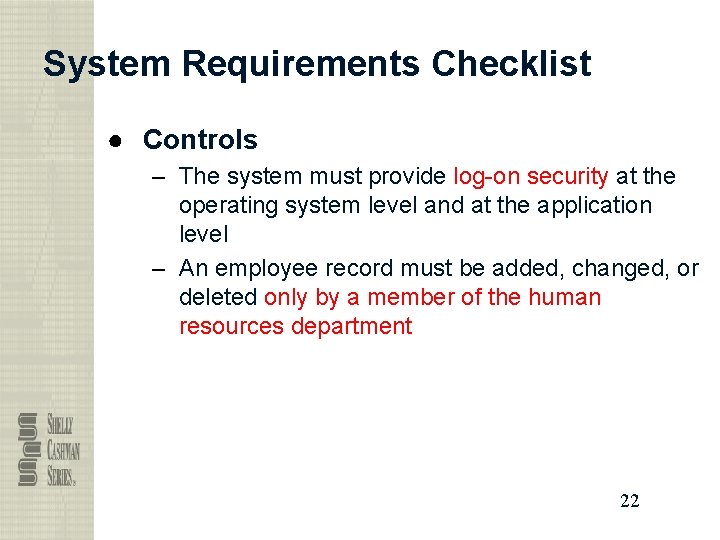
System Requirements Checklist ● Controls – The system must provide log-on security at the operating system level and at the application level – An employee record must be added, changed, or deleted only by a member of the human resources department 22
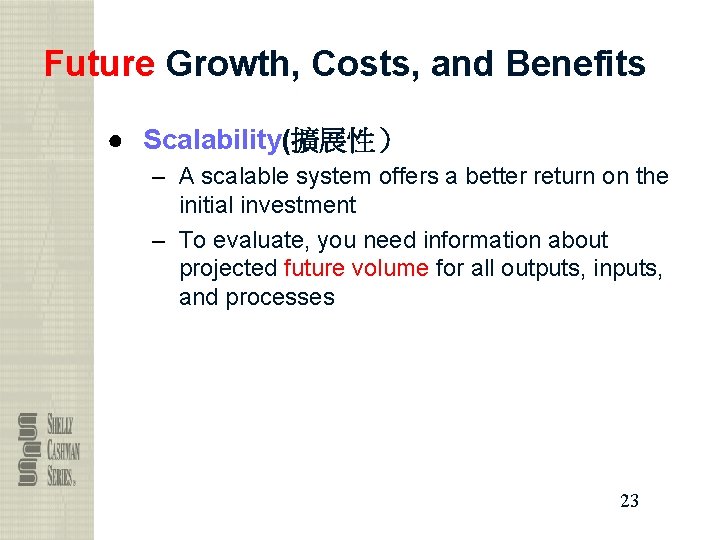
Future Growth, Costs, and Benefits ● Scalability(擴展性) – A scalable system offers a better return on the initial investment – To evaluate, you need information about projected future volume for all outputs, inputs, and processes 23
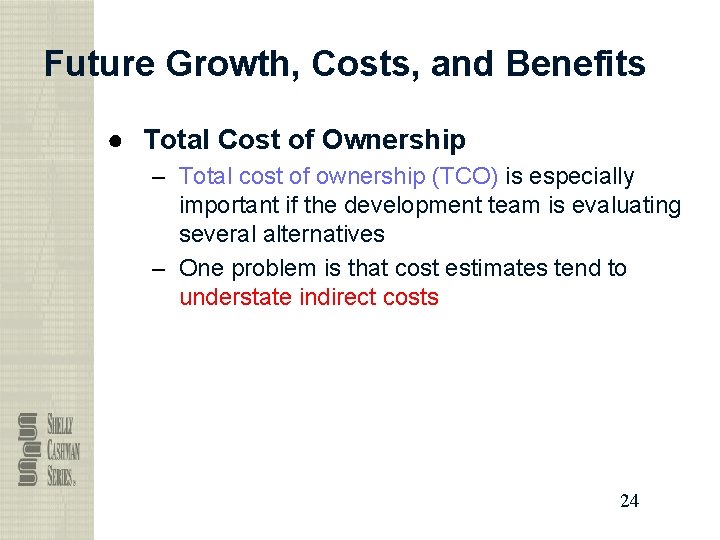
Future Growth, Costs, and Benefits ● Total Cost of Ownership – Total cost of ownership (TCO) is especially important if the development team is evaluating several alternatives – One problem is that cost estimates tend to understate indirect costs 24
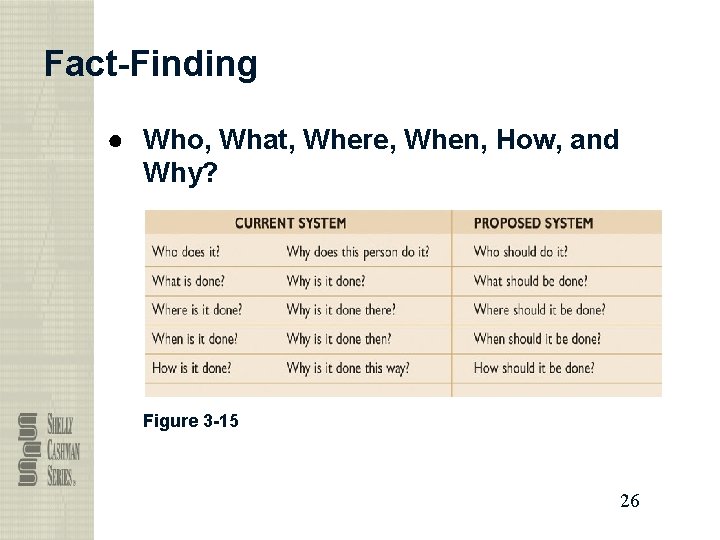
Fact-Finding ● Fact-Finding Overview – The first step is to identify the information you need ● Who, What, Where, When, How, and Why? – Difference between asking what is being done (current situation) and what could or should be done (future improvement) – Know first, and future comes later 25
Fact-Finding ● Who, What, Where, When, How, and Why? Figure 3 -15 26
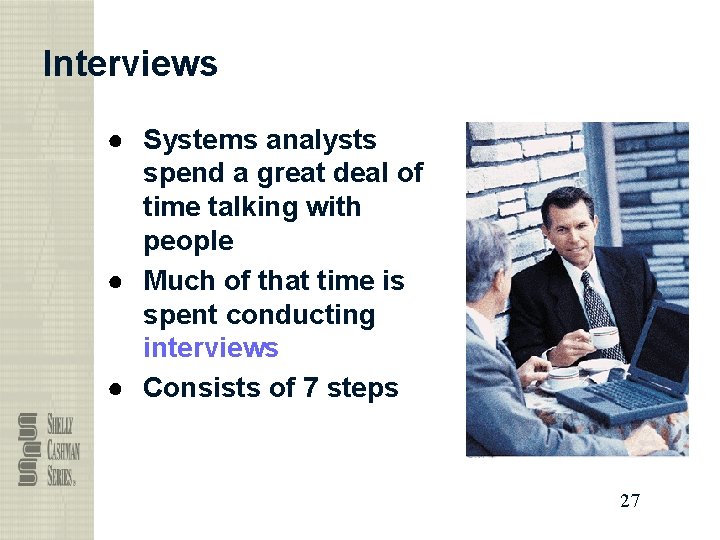
Interviews ● Systems analysts spend a great deal of time talking with people ● Much of that time is spent conducting interviews ● Consists of 7 steps 27
Interview ● Step 1: Determine the People to Interview – Informal structures: some people have more influence or knowledge than appears on an organization chart. ● Step 2: Establish Objectives for the Interview – Determine the general areas to be discussed – List the facts you want to gather 28
Interviews ● Step 3: Develop Interview Questions – Creating a standard list of interview questions helps to keep you on track and avoid unnecessary tangents – Avoid leading questions – Open-ended questions How is the task performed? – Closed-ended questions How many pc do you have in this department? – Range-of-response questions On a scale of 1 to 10, how effective was your training? 29
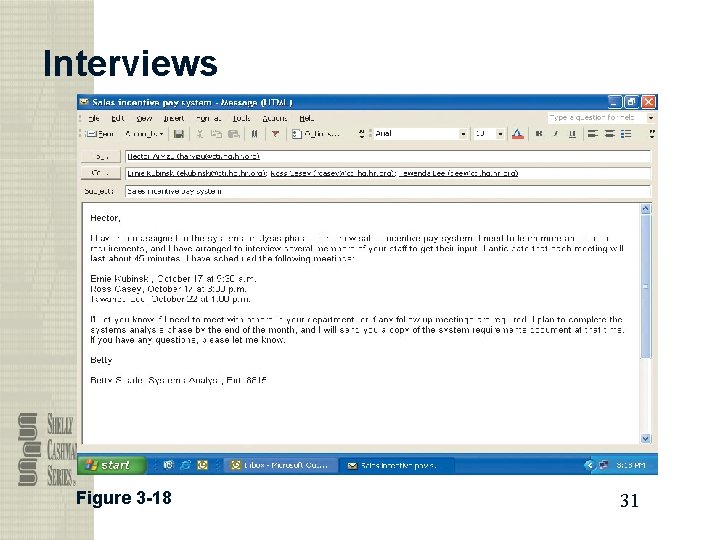
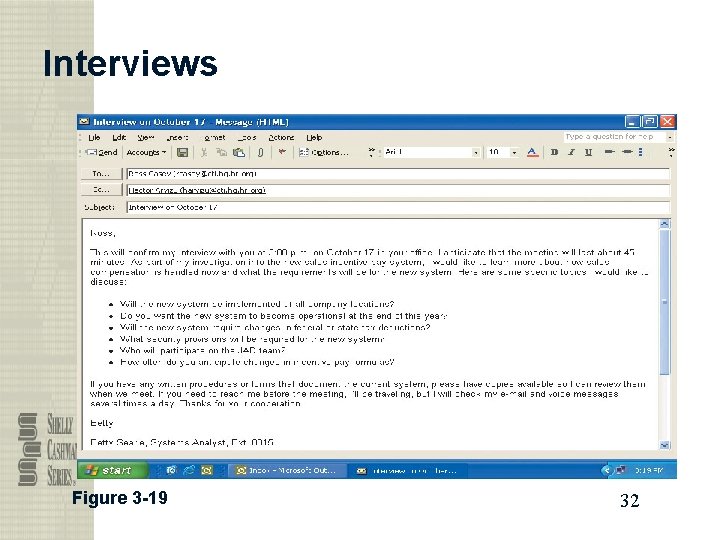
Interviews ● Step 4: Prepare for the Interview – Careful preparation is essential because an interview is an important meeting and not just a casual chat – Limit the interview to no more than one hour – Send a list of topics – Ask the interviewee to have samples available 30
Interviews Figure 3 -18 31
Interviews Figure 3 -19 32
Interviews ● Step 5: Conduct the Interview – Develop a specific plan for the meeting – Begin by introducing yourself, describing the project, and explaining interview objectives – Use engaged listening – Allow the person enough time to think about the question – Summarize main points – After interview, summarize the session and seek a confirmation 33
Interviews ● Step 6: Document the Interview – During the interview, note taking should be kept to a minimum – After the interview, record the information quickly • 50% of a conversation is forgotten within 30 minutes – After the interview, send memo expressing appreciation, including the main points discussed so the interviewee has a written summary and can offer additions or corrections 34
Interviews ● Step 7: Evaluate the Interview – In addition to recording the facts obtained in an interview, try to identify any possible biases ● Unsuccessful Interviews – No matter how well you prepare for interviews, some are not successful 35
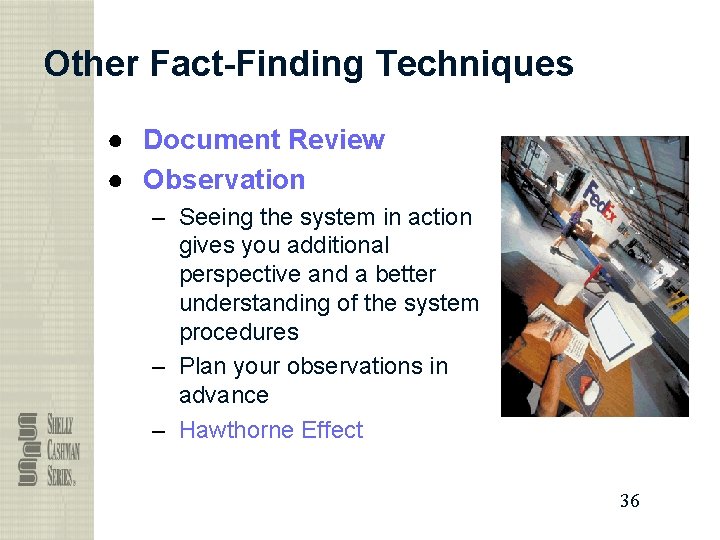
Other Fact-Finding Techniques ● Document Review ● Observation – Seeing the system in action gives you additional perspective and a better understanding of the system procedures – Plan your observations in advance – Hawthorne Effect 36
Other Fact-Finding Techniques ● Questionnaires and Surveys – When designing a questionnaire, the most important rule of all is to make sure that your questions collect the right data in a form that you can use to further your fact-finding 37
Other Fact-Finding Techniques ● Sampling – – Systematic sample Stratified (分層的)sample Random sample Main objective of a sample is to ensure that it represents the overall population accurately 38
Other Fact-Finding Techniques ● Research – Newsgroups – Site visit 39
Other Fact-Finding Techniques ● Interviews versus Questionnaires – Interview is more familiar and personal – Questionnaire gives many people the opportunity to provide input and suggestions ● Brainstorming – Structured brainstorming (take turn to speak) – Unstructured brainstorming (speak when you have an idea) 40
Documentation ● The Need for Recording the Facts – Record information as soon as you obtain it – Use the simplest recording method – Record your findings in such a way that they can be understood by someone else – Organize your documentation 41
Documentation ● Software Tools – CASE Tools – Productivity Software • Word processing, spreadsheets, database management, presentation graphics, histogram 42
Documentation ● Software Tools – Graphics modeling software – Personal information managers • Personal information manager (PIM) • Handheld computers • Personal digital assistants (PDAs) – Wireless communication devices 43