
Systems Analysis Design Data Flow Diagrams Data Flow
- Slides: 23
Systems Analysis & Design Data Flow Diagrams
Data Flow Diagrams – Definition u A data flow diagram is a pictorial model that shows the flow of data between the various subsystems or processes of a system u The purpose of the data flow diagram is to Home End highlight… the functions of a system and to show the system stores information and the how information is transferred between data stores
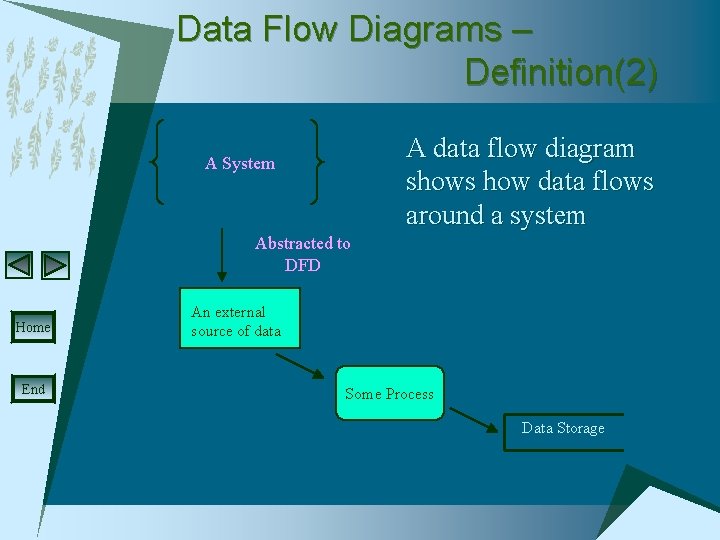
Data Flow Diagrams – Definition(2) A data flow diagram shows how data flows around a system A System Abstracted to DFD Home End An external source of data Some Process Data Storage
Data Flow Diagrams – Logical/Physical u Logical DFDs o Show the business operates o Show processes independently of the implemented system Home End u Physical DFDs o Show the system operates or how the system will be implemented o Processes are not independent of the implemented system
Data Flow Diagrams – General A data flow diagram is an important analysis tools for analysing data-oriented systems In a DFD, data is organized in several ways. We have… Home End • data stores • data flow • processes • data transfer to or from the external environment
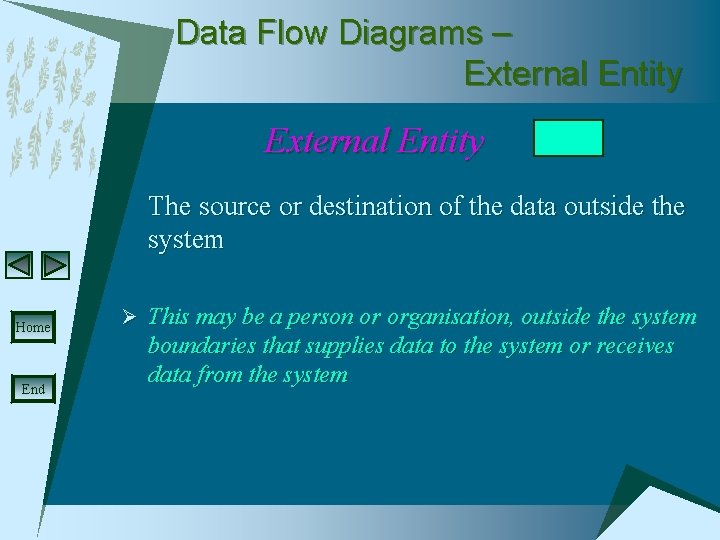
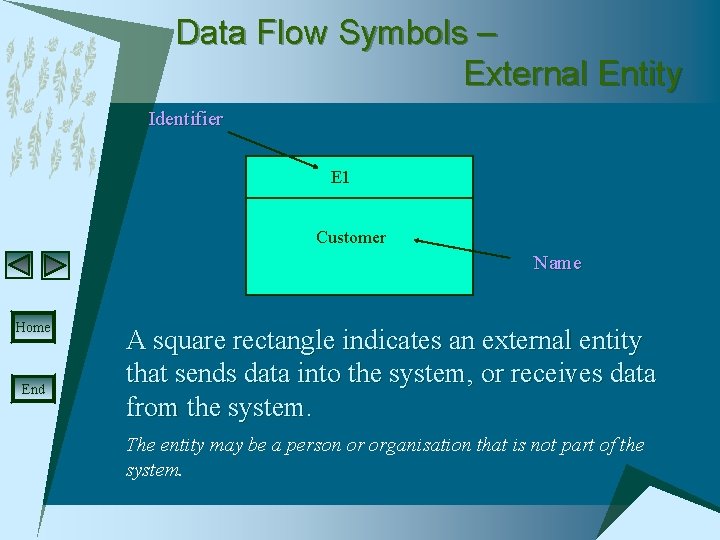
Data Flow Diagrams – External Entity The source or destination of the data outside the system Home End Ø This may be a person or organisation, outside the system boundaries that supplies data to the system or receives data from the system
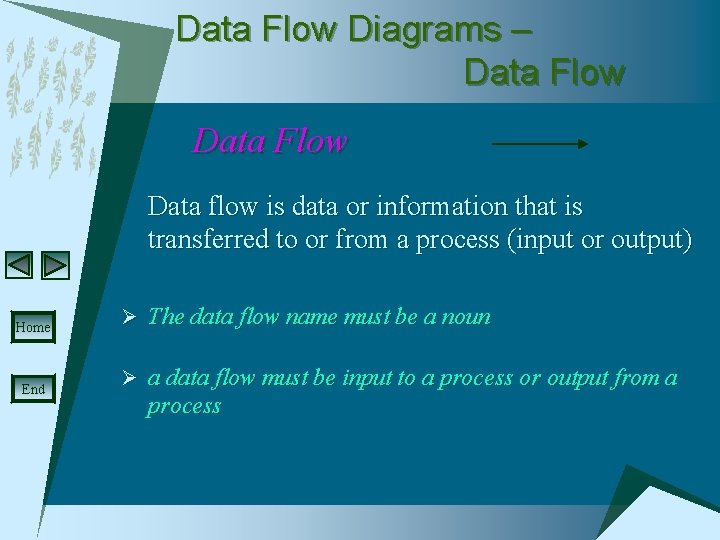
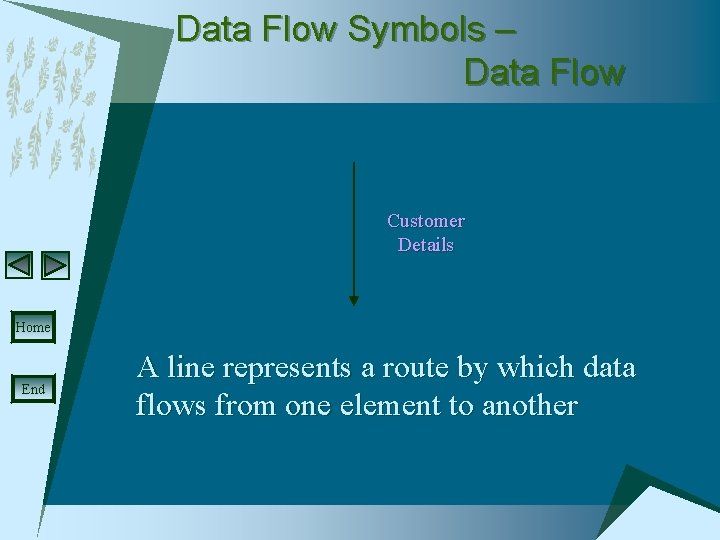
Data Flow Diagrams – Data Flow Data flow is data or information that is transferred to or from a process (input or output) Home End Ø The data flow name must be a noun Ø a data flow must be input to a process or output from a process
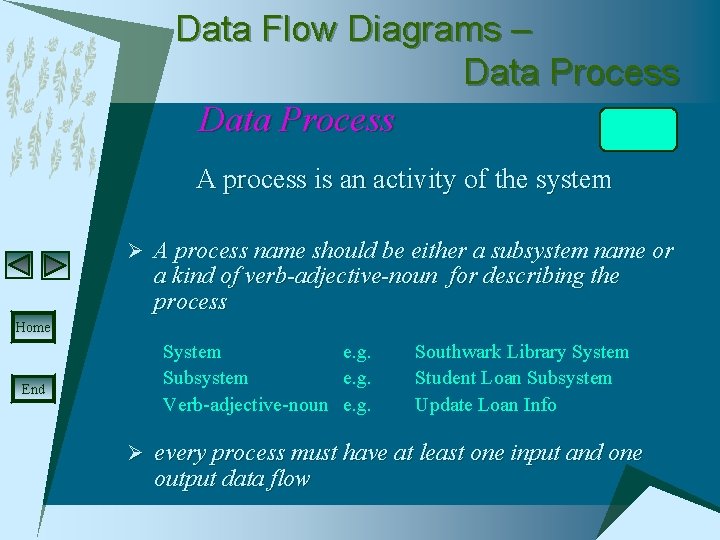
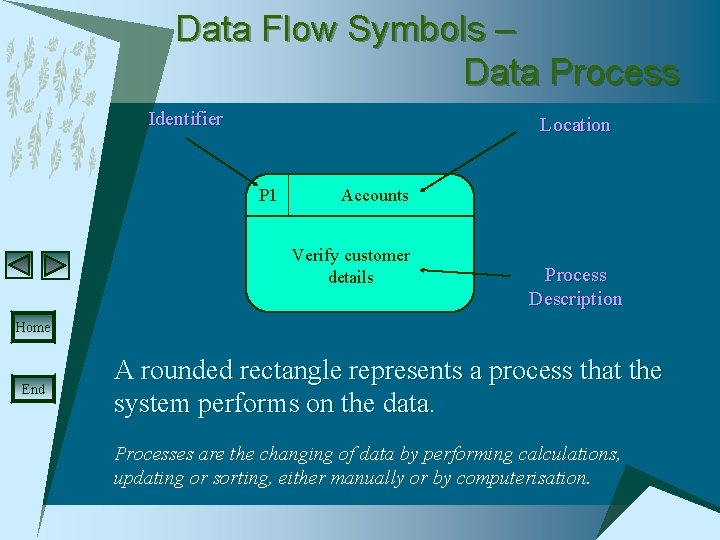
Data Flow Diagrams – Data Process A process is an activity of the system Ø A process name should be either a subsystem name or a kind of verb-adjective-noun for describing the process Home End System e. g. Subsystem e. g. Verb-adjective-noun e. g. Southwark Library System Student Loan Subsystem Update Loan Info Ø every process must have at least one input and one output data flow
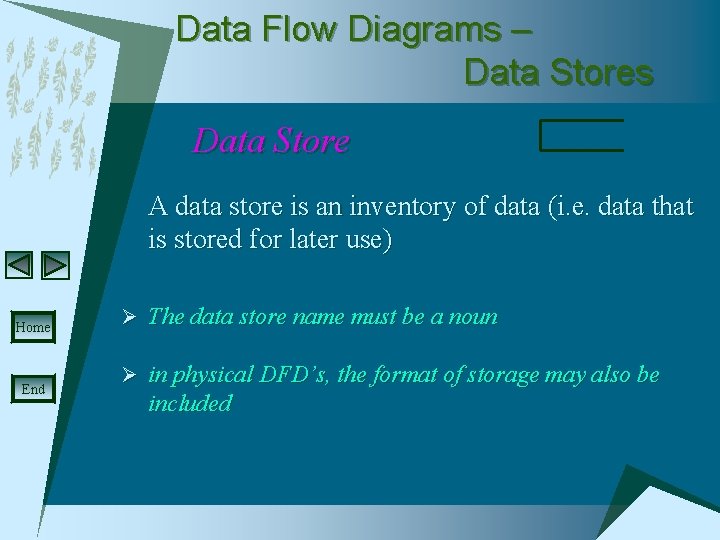
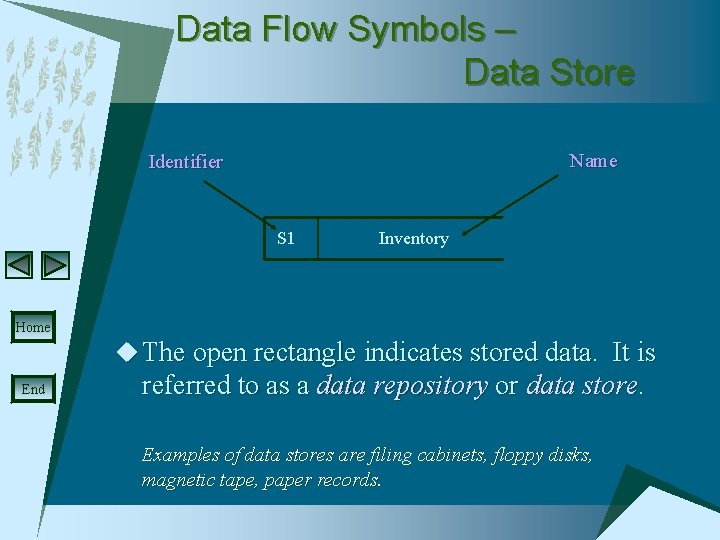
Data Flow Diagrams – Data Stores Data Store A data store is an inventory of data (i. e. data that is stored for later use) Home End Ø The data store name must be a noun Ø in physical DFD’s, the format of storage may also be included
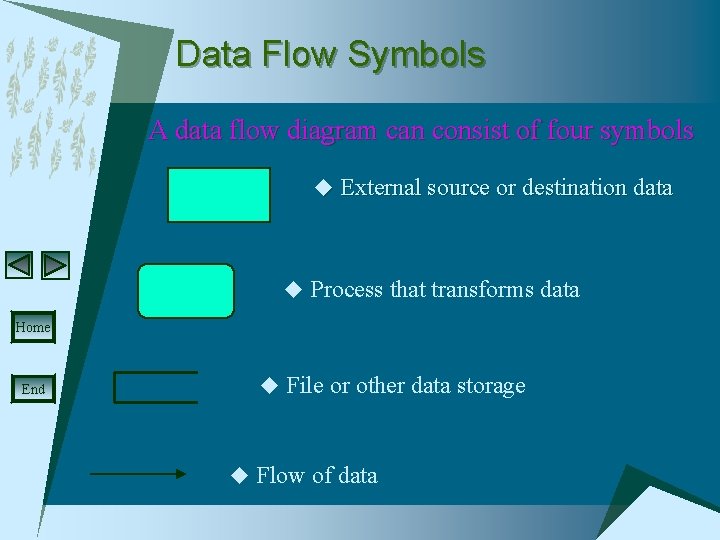
Data Flow Symbols A data flow diagram can consist of four symbols u External source or destination data u Process that transforms data Home End u File or other data storage u Flow of data
Data Flow Symbols – External Entity Identifier E 1 Customer Name Home End A square rectangle indicates an external entity that sends data into the system, or receives data from the system. The entity may be a person or organisation that is not part of the system.
Data Flow Symbols – Data Flow Customer Details Home End A line represents a route by which data flows from one element to another
Data Flow Symbols – Data Process Identifier Location P 1 Accounts Verify customer details Process Description Home End A rounded rectangle represents a process that the system performs on the data. Processes are the changing of data by performing calculations, updating or sorting, either manually or by computerisation.
Data Flow Symbols – Data Store Name Identifier S 1 Inventory Home u The open rectangle indicates stored data. It is End referred to as a data repository or data store. Examples of data stores are filing cabinets, floppy disks, magnetic tape, paper records.
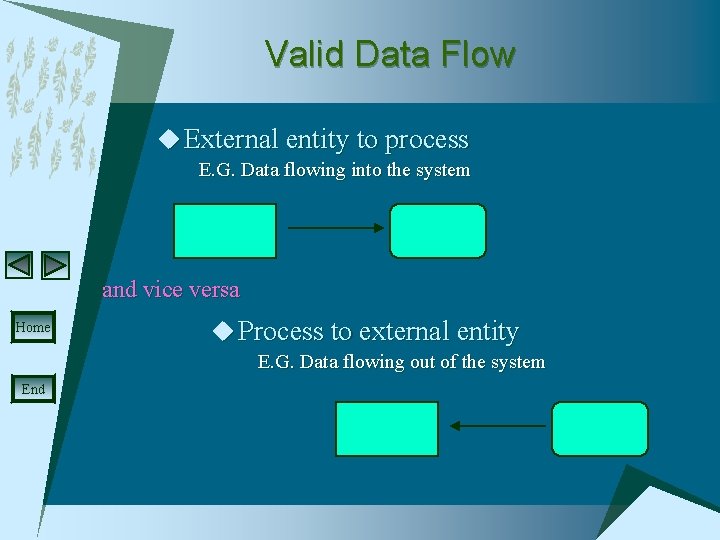
Valid Data Flow u External entity to process E. G. Data flowing into the system and vice versa Home u Process to external entity E. G. Data flowing out of the system End
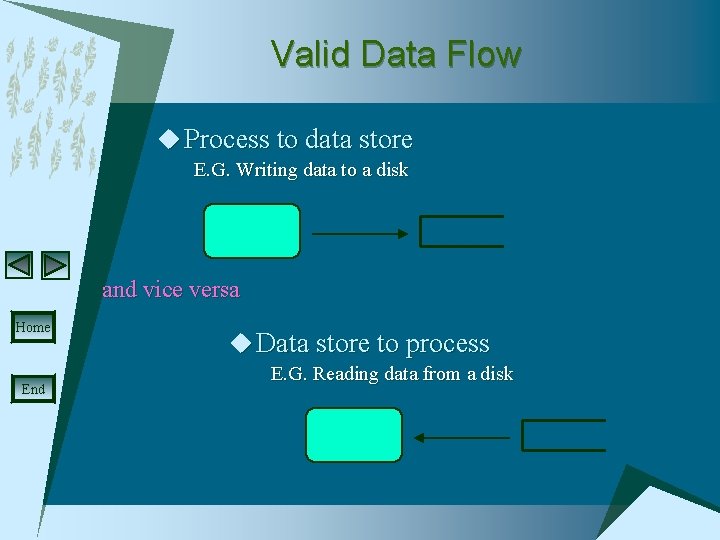
Valid Data Flow u Process to data store E. G. Writing data to a disk and vice versa Home End u Data store to process E. G. Reading data from a disk
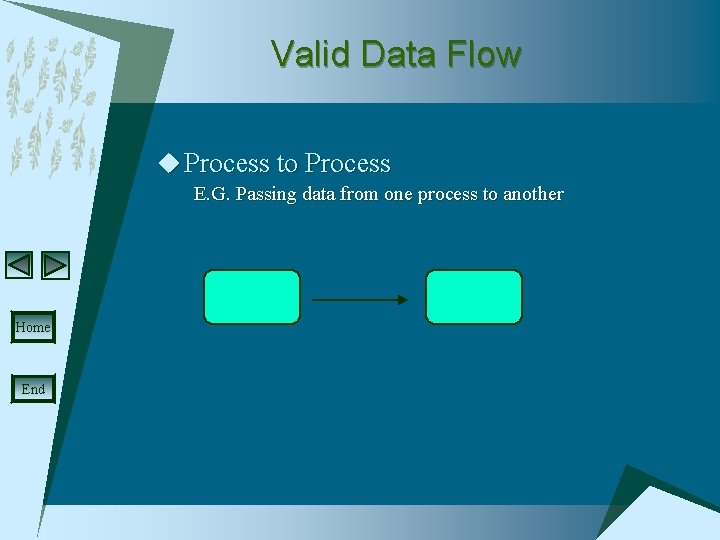
Valid Data Flow u Process to Process E. G. Passing data from one process to another Home End
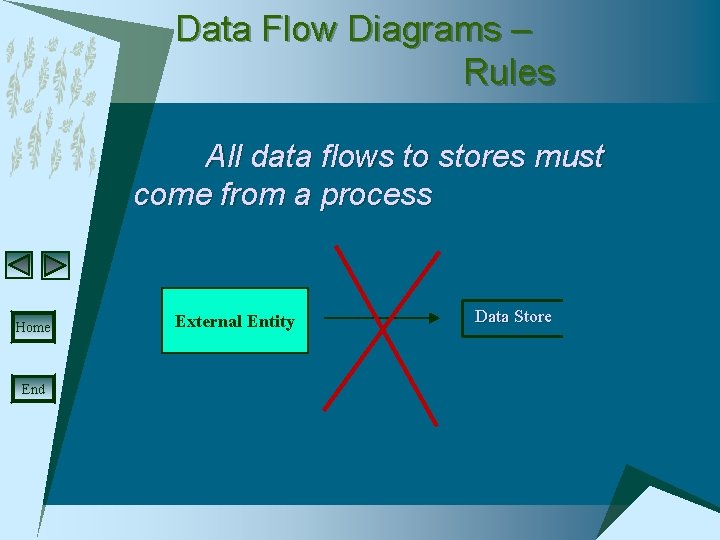
Data Flow Diagrams – Rules All data flows to stores must come from a process Home End External Entity Data Store
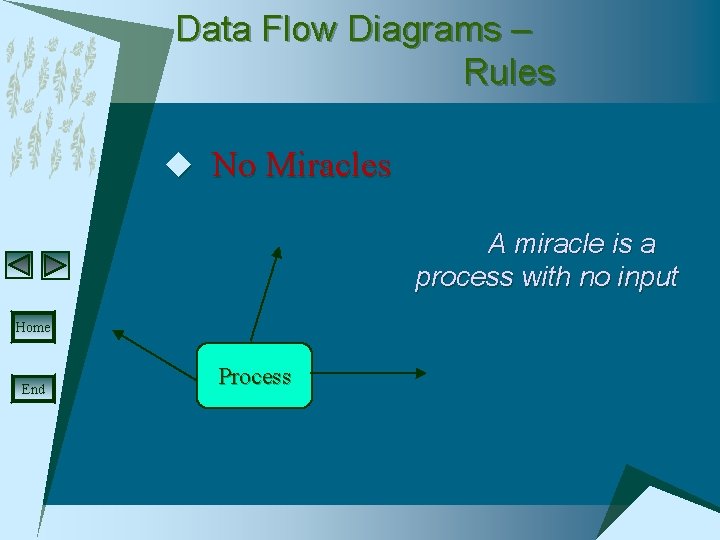
Data Flow Diagrams – Rules u No Miracles A miracle is a process with no input Home End Process
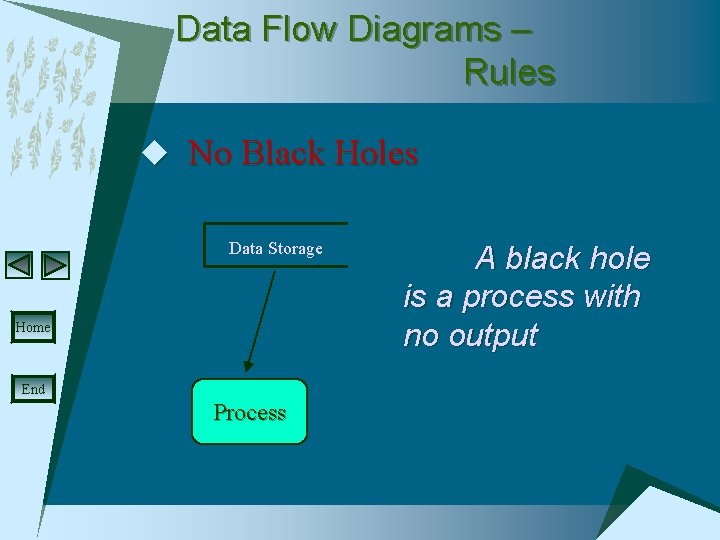
Data Flow Diagrams – Rules u No Black Holes Data Storage Home End Process A black hole is a process with no output
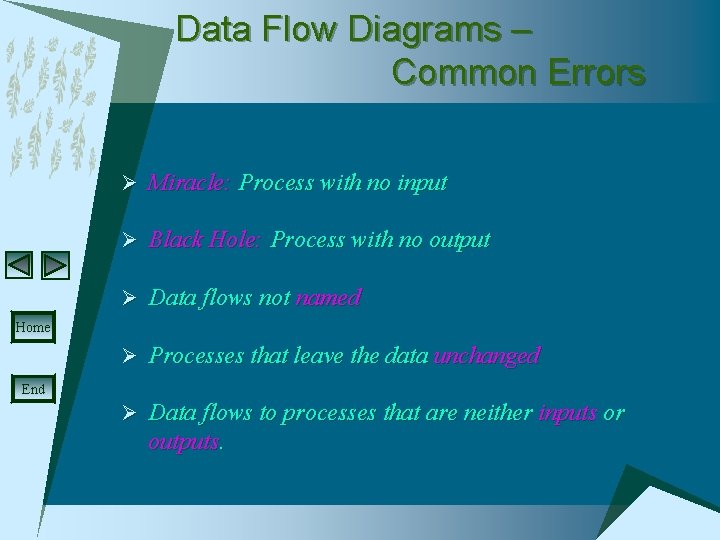
Data Flow Diagrams – Common Errors Ø Miracle: Process with no input Ø Black Hole: Process with no output Ø Data flows not named Home Ø Processes that leave the data unchanged End Ø Data flows to processes that are neither inputs or outputs.
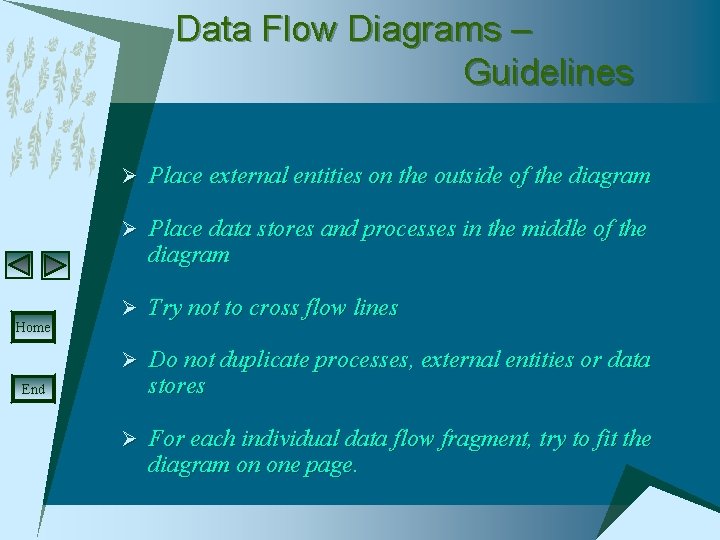
Data Flow Diagrams – Guidelines Ø Place external entities on the outside of the diagram Ø Place data stores and processes in the middle of the diagram Home Ø Try not to cross flow lines Ø Do not duplicate processes, external entities or data End stores Ø For each individual data flow fragment, try to fit the diagram on one page.
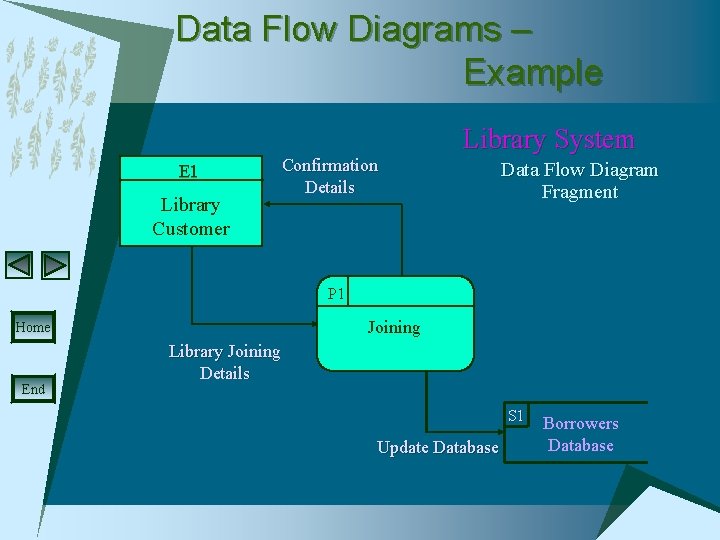
Data Flow Diagrams – Example E 1 Library Customer Confirmation Details Library System Data Flow Diagram Fragment P 1 Joining Home End Library Joining Details S 1 Update Database Borrowers Database