
Systems Analysis and Design with UML System Implementation

- Slides: 73
Systems Analysis and Design with UML: System Implementation
Contents 1. Introduction 2. Project Planning 3. System Analysis 4. System Design 5. System Implementation
5. SYSTEM IMPLEMENTATION
Learning Objectives • Be familiar with the system implementation, including system construction, testing, documentation and installation process • Understand different types of tests and when to use • Understand how to develop documentation
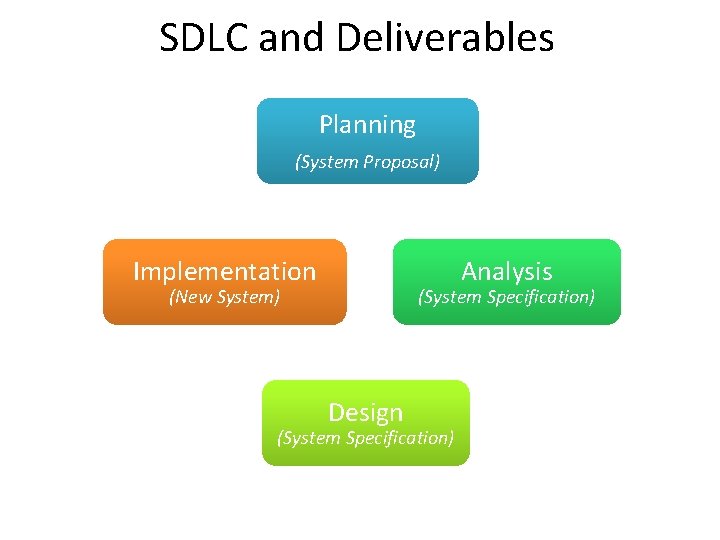
SDLC and Deliverables Planning (System Proposal) Implementation Analysis (New System) (System Specification) Design (System Specification)
Key Definitions • Construction: The development of all parts of the software itself, documentation, and new operating procedures. • Testing: A form of insurance. It’s cheaper to fix bugs earlier, rather than later. • Documentation: Provides information to make the system easier to use and maintain
Construction
Main Tasks of Managing the Programming Effort • Assigning the programmers • Coordinating the activities • Managing the schedule
Assigning Programmers • Start by looking at the package diagrams • Assign similar modules to the same programmer • Remember the "programmer paradox" – Can't just add more people • Fewer programmers is normally better
Coordinating Activities • Hold weekly project meetings – discuss changes to the system – discuss other issues of the past week • Create and follow standards • Set up separate workspace for – development, testing, production – as a minimum, separate files • Use change control – program log, sign-in/-out • Use CASE tools
Managing the Schedule • • • Use initial time estimates as a baseline Revise time estimates as construction proceeds Fight against scope creep Monitor “minor” slippage Create risk assessment and track changing risks – Risks change as deadline approaches • Fight the temptation to lower quality to meet unreasonable schedule demands
Avoid Classic Mistakes 1. Research-oriented development If you use state-of-the art technology, lengthen planned time 2. Using “low-cost” personnel You get what you pay for. If using a significant number of entry level personnel, lengthen planned time 3. Lack of code control Use source code library to keep programmers from changing the same code at the same time. Why? 4. Inadequate testing Always allocate sufficient time formal testing
Testing
Designing Tests • Testing can never prove there are no errors • The purpose is not to demonstrate that the system is free of errors • The purpose is to detect as many errors as possible • Question: – What are considered good test results?
Testing Philosophy • It is dangerous to test early modules without an overall testing plan • It may be difficult to reproduce sequence of events causing an error • Testing must be done systematically and results documented carefully
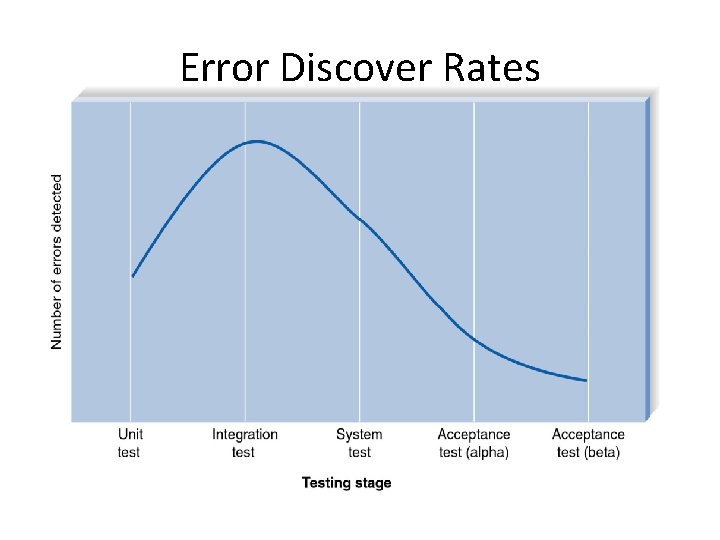
Error Discover Rates
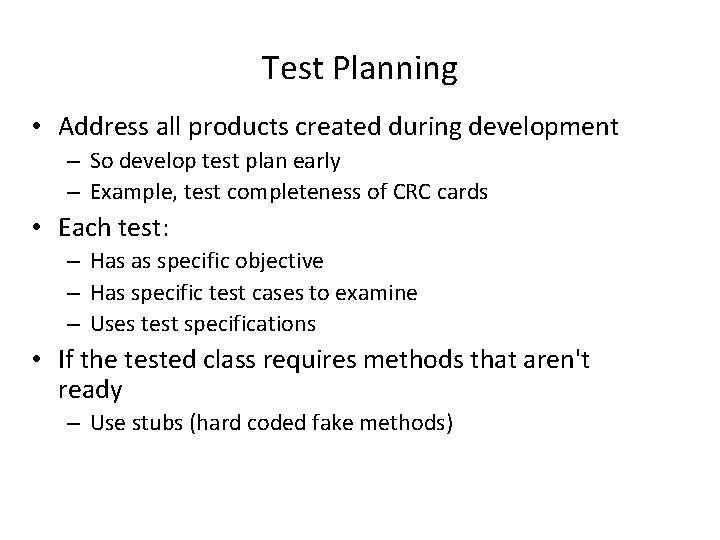
Test Planning • Address all products created during development – So develop test plan early – Example, test completeness of CRC cards • Each test: – Has as specific objective – Has specific test cases to examine – Uses test specifications • If the tested class requires methods that aren't ready – Use stubs (hard coded fake methods)
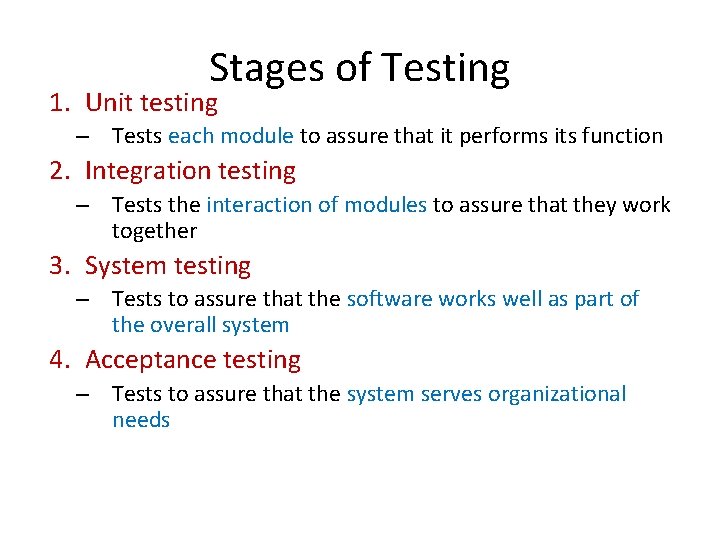
Stages of Testing 1. Unit testing – Tests each module to assure that it performs its function 2. Integration testing – Tests the interaction of modules to assure that they work together 3. System testing – Tests to assure that the software works well as part of the overall system 4. Acceptance testing – Tests to assure that the system serves organizational needs
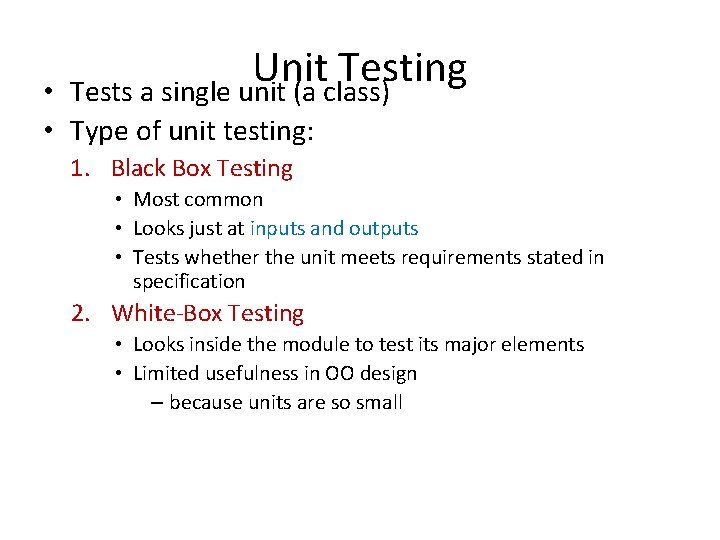
Unit Testing Tests a single unit (a class) • • Type of unit testing: 1. Black Box Testing • Most common • Looks just at inputs and outputs • Tests whether the unit meets requirements stated in specification 2. White-Box Testing • Looks inside the module to test its major elements • Limited usefulness in OO design – because units are so small
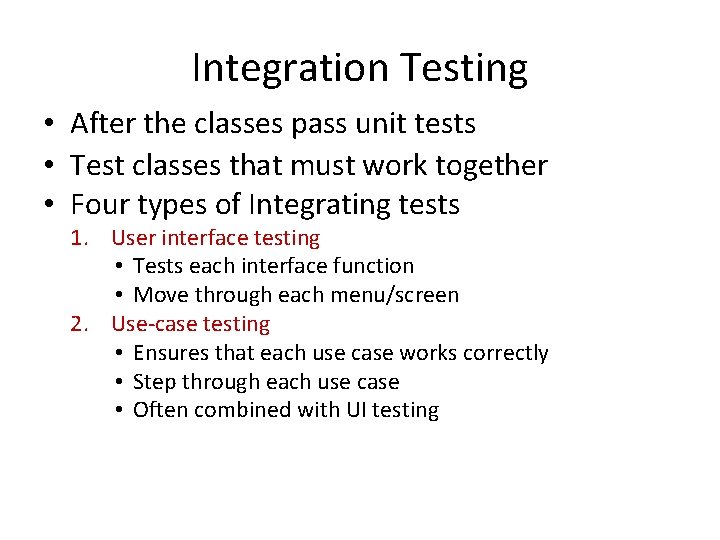
Integration Testing • After the classes pass unit tests • Test classes that must work together • Four types of Integrating tests 1. User interface testing • Tests each interface function • Move through each menu/screen 2. Use-case testing • Ensures that each use case works correctly • Step through each use case • Often combined with UI testing
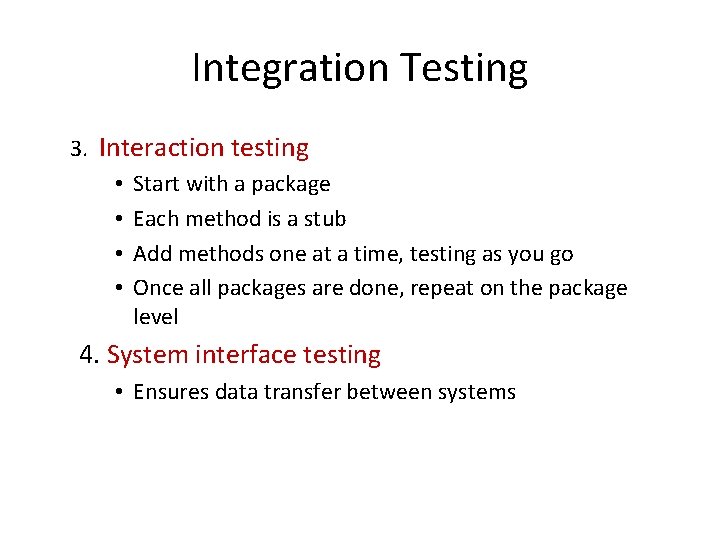
Integration Testing 3. Interaction testing • Start with a package • Each method is a stub • Add methods one at a time, testing as you go • Once all packages are done, repeat on the package level 4. System interface testing • Ensures data transfer between systems
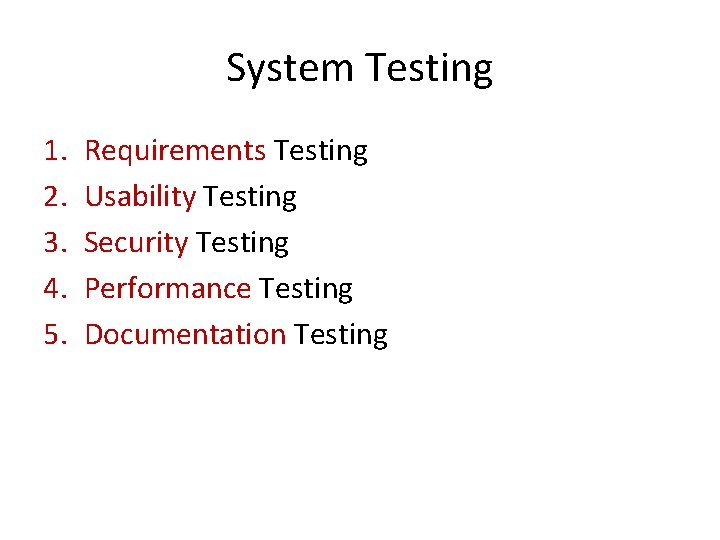
System Testing 1. 2. 3. 4. 5. Requirements Testing Usability Testing Security Testing Performance Testing Documentation Testing
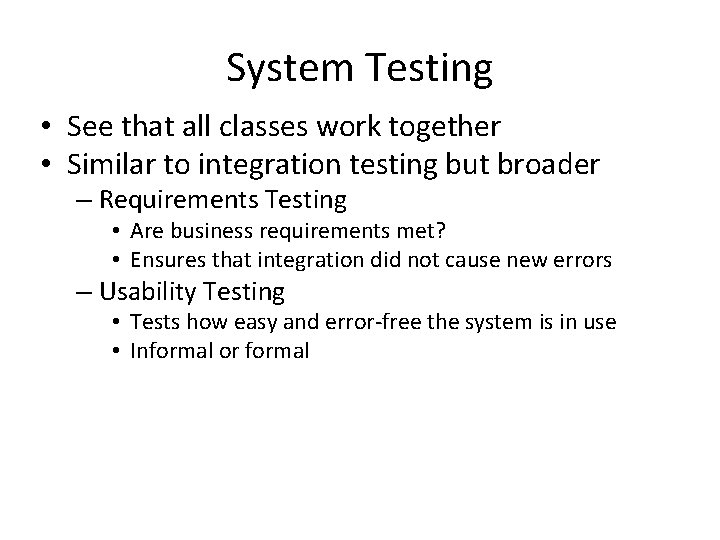
System Testing • See that all classes work together • Similar to integration testing but broader – Requirements Testing • Are business requirements met? • Ensures that integration did not cause new errors – Usability Testing • Tests how easy and error-free the system is in use • Informal or formal
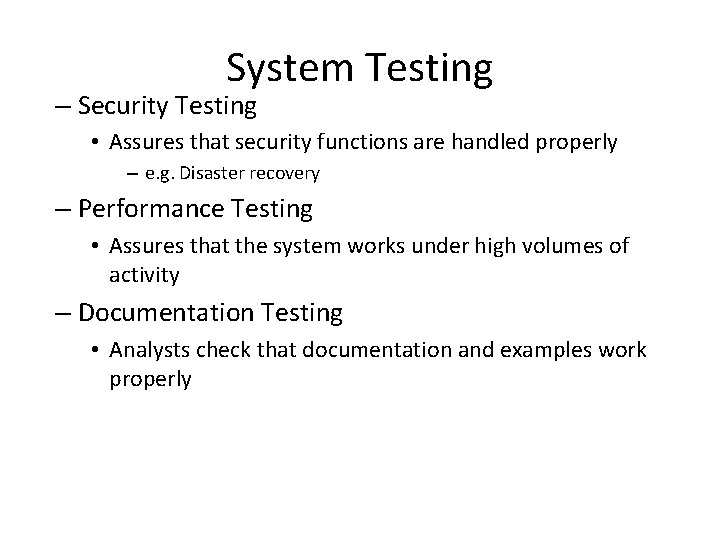
System Testing – Security Testing • Assures that security functions are handled properly – e. g. Disaster recovery – Performance Testing • Assures that the system works under high volumes of activity – Documentation Testing • Analysts check that documentation and examples work properly
Acceptance Testing • Done by users with support from project team • Ensure the system meets the originally stated requirements • Alpha Testing – Repeat tests by users to assure they accept the system, uses known data • Beta Testing – Uses real data, not test data
Documentation
Documentation • Developed throughout SDLC – Not left to the end of the project • Two types of documentation 1. System Documentation 2. User Documentation
System Documentation • Helps programmers and analysts understand the application • Used for development and maintenance • Largely a by product of the system analysis and design phases • Often stored in project binders • Often can be automated (Java. Doc)
User Documentation • Help users operate the system • High quality documentation takes about 3 hours per page to produce • Should not be left to the end of the project • Build into the schedule time needed • On-line documentation is growing in importance
Types of User Documentation 1. Reference documents (help system) – User needs to learn a specific task 2. Procedures manuals – How to perform a business function – May require several tasks 3. Tutorials – How to use major function of system
Installation
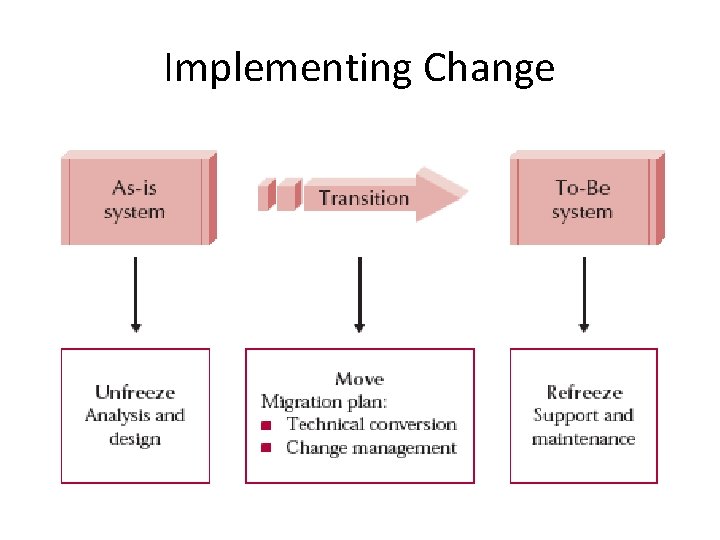
Key Ideas • Transitioning to new systems involves managing change from pre-existing norms and habits • Change management involves: 1. Unfreezing -- loosening up peoples’ habits and norms 2. Moving -- transition from old to new systems 3. Refreezing -- institutionalize and make efficient the new way of doing things
Implementing Change
Unfreezing
Unfreezing • Activities to date facilitate unfreezing • Users: – Already know of the new system – Helped in the analysis phase – Helped in the design • This probably has already unfreezed current habits and norms
Moving – Conversion
Migration Planning • Helps move people from As-Is system to To-Be system • What activities will be performed when and by whom – Technical aspects • Installing hardware and software • Converting data – Organizational aspects • Training users on the system • Motivating employees to use the new system to aid in their work
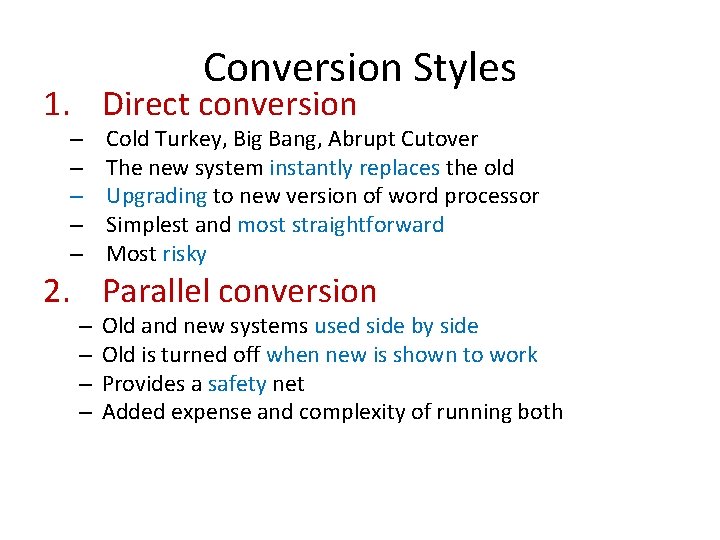
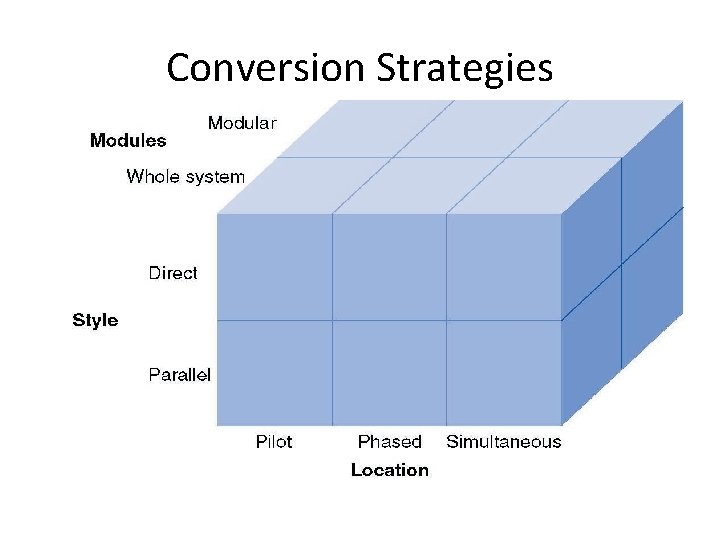
Conversion Styles 1. Direct conversion – – – Cold Turkey, Big Bang, Abrupt Cutover The new system instantly replaces the old Upgrading to new version of word processor Simplest and most straightforward Most risky 2. Parallel conversion – – Old and new systems used side by side Old is turned off when new is shown to work Provides a safety net Added expense and complexity of running both
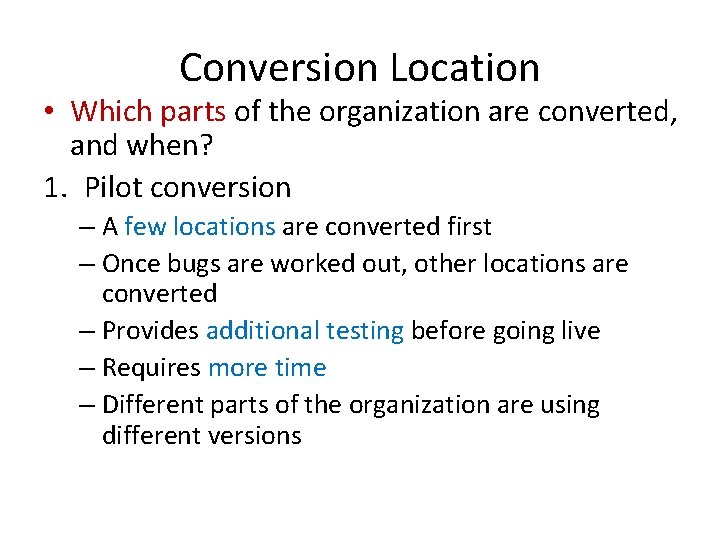
Conversion Location • Which parts of the organization are converted, and when? 1. Pilot conversion – A few locations are converted first – Once bugs are worked out, other locations are converted – Provides additional testing before going live – Requires more time – Different parts of the organization are using different versions
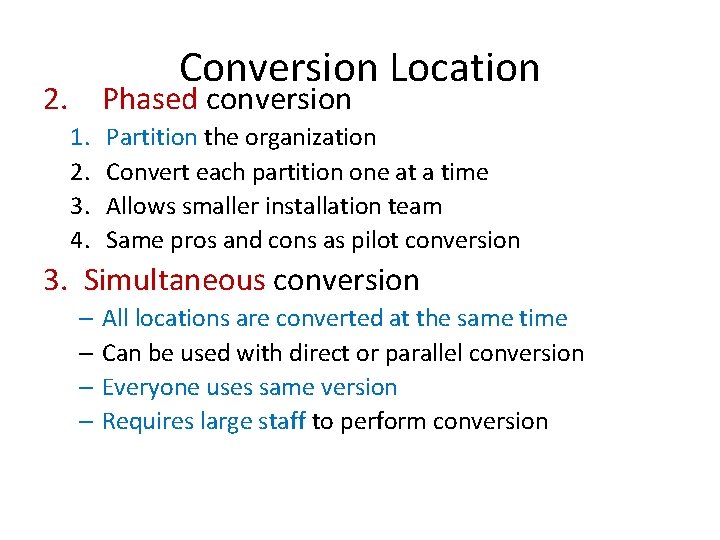
Conversion Location 2. Phased conversion 1. 2. 3. 4. Partition the organization Convert each partition one at a time Allows smaller installation team Same pros and cons as pilot conversion 3. Simultaneous conversion – All locations are converted at the same time – Can be used with direct or parallel conversion – Everyone uses same version – Requires large staff to perform conversion
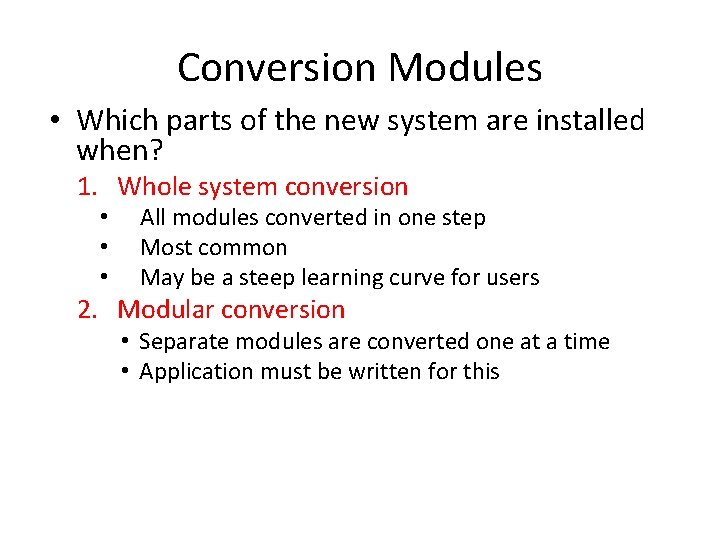
Conversion Modules • Which parts of the new system are installed when? 1. Whole system conversion • • • All modules converted in one step Most common May be a steep learning curve for users 2. Modular conversion • Separate modules are converted one at a time • Application must be written for this
Conversion Strategies
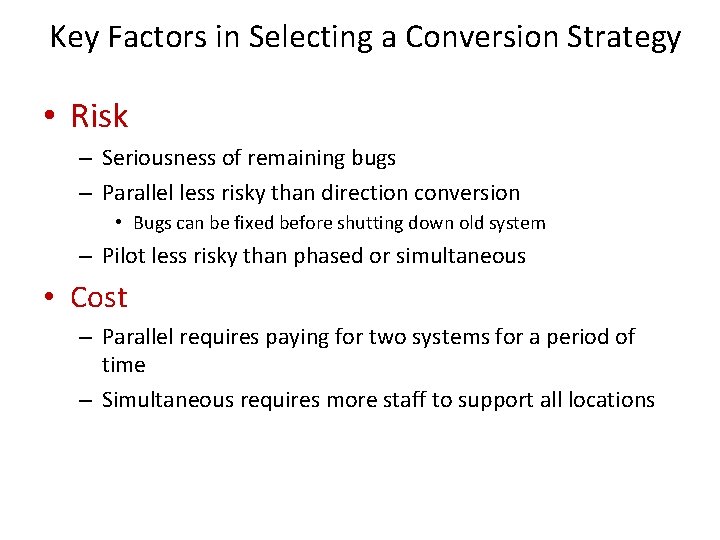
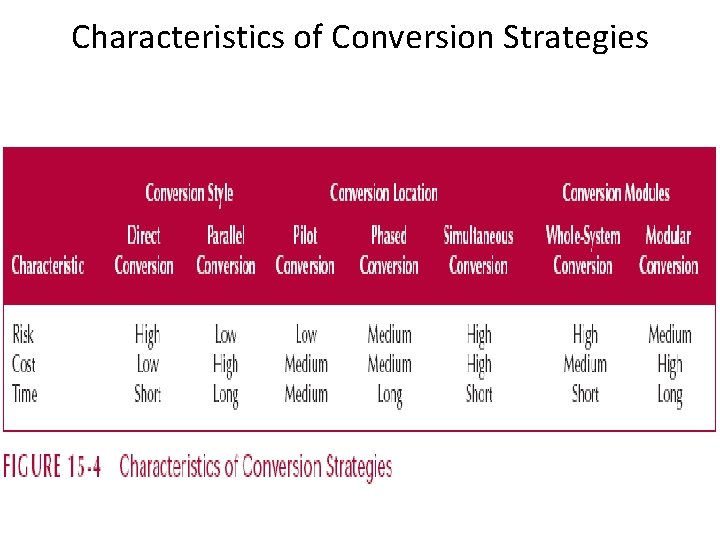
Key Factors in Selecting a Conversion Strategy • Risk – Seriousness of remaining bugs – Parallel less risky than direction conversion • Bugs can be fixed before shutting down old system – Pilot less risky than phased or simultaneous • Cost – Parallel requires paying for two systems for a period of time – Simultaneous requires more staff to support all locations
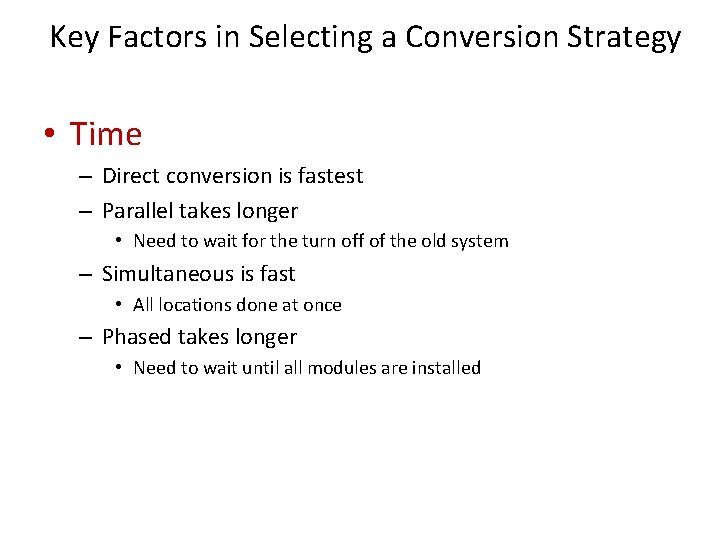
Key Factors in Selecting a Conversion Strategy • Time – Direct conversion is fastest – Parallel takes longer • Need to wait for the turn off of the old system – Simultaneous is fast • All locations done at once – Phased takes longer • Need to wait until all modules are installed
Characteristics of Conversion Strategies
Change Management
Change Management • Conversion was the technical aspect of moving to the new system • Change management is the organizational aspect of moving to the new system
Key Players in Change Management • The sponsor – The business person who initiated the request for the new system – Usually senior management – Must be visible leader of change – Development team doesn’t have the clout to change minds and hearts
Key Players in Change Management • The change agent – The person(s) leading the change effort – Plan and implement the change – Usually outside the business unit – Has no management authority • Potential adopter(s) – The people who must change – This is who the system is designed for
Resistance to Change • Good for the organization ≠ • Good for individual workers • Are workers paid more when they are more productive?
Revising Management Policies • Change management policies first • If policies don’t support the new system, it will fail • Management Policies: – Provide goals – Define work processes – Determine rewards
Management tools for supporting adoption • Standard operating procedures (SOPs) – Formal and informal – Become the norms for an organization – Formal SOPs must match To-Be system – Informal SOPs will then follow
Management tools for supporting adoption • Measurements and rewards – What does it mean to “do a good job” – Measurement and rewards help workers know – Measurements indicate what is important to the organization – Rewards enforces the measurements
Management tools for supporting adoption • Resource allocation – Put your money where your mouth is – Has tangible and symbolic impact • Tangible – the benefits of the resources • Symbolic – Shows that the new project is important to management
Motivating Adoption • Two strategies: – Informational – Political • Informational Strategy – Convince adopters that the change will benefit them – Write memos, hold seminars • Sell the new system – Similar to an advertising campaign
Motivating Adoption • Political Strategy – Organizational power is used to motivate change – Used when costs outweigh benefits for individuals – “Adopt the system or your fired” – “Adopt the system and you’ll gain new skills”
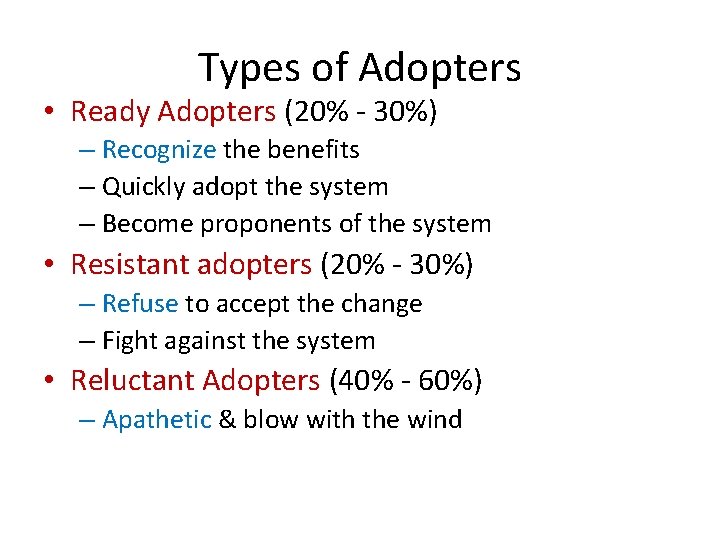
Types of Adopters • Ready Adopters (20% - 30%) – Recognize the benefits – Quickly adopt the system – Become proponents of the system • Resistant adopters (20% - 30%) – Refuse to accept the change – Fight against the system • Reluctant Adopters (40% - 60%) – Apathetic & blow with the wind
Enabling Adoption: Training • Users must be capable of adopting the system • They may need new skills • Learning these skills may involve use of the technology itself • New skills may be needed to handle the changed business processes
What to Train • Helping users accomplish their tasks – Don’t show off the new system • Show users how the system connects to the big picture • Use cases are a good place to look to see what to train
How to Train • Classroom Training – Trains many users with one instructor – Creates a shared experience among users – Efficient use of resources • One-on-One Training – – More expensive Has most impact on users Meets individual’s needs Used for important users or when there are very few users
How to Train • Computer Based Training (CBT) – Expensive to develop – Cheap to deliver – Has least impact on users • One size doesn’t fit all – Greatest reach • Train most users, over the greatest distance, in the shortest time
Refreezing
Goal • To institutionalize the use of the new system – Make it the normal, routine, accepted way of doing business • Three key activities 1. System support 2. System maintenance 3. Project assessment
System Support • On-demand training – At the time of users’ need • Online support – Frequently asked questions (FAQ) • Help desk – Phone service for known issues • 80% success with first call – Level 2 Support • For the other 20%
System Maintenance • Refining the system so it continues to meet business needs • More money spent on maintenance than initial development
Project Assessment • Determine what worked, and what didn’t • Important for future projects • Especially important for junior personnel
Project Team Review • Each member prepares 2 -3 pages – Reports his/her actions during the project • Reviewed by the project manager – Focus on improvement not penalties – Excellent behaviors are acknowledged and diffused to others – Team leader summarizes and distributes lessons learned
System Review • Was the cost/benefit estimate valid? • Start with system request and feasibility analysis • Helps improve future cost/benefit estimates • Helps initiators to be honest about the need for a new system
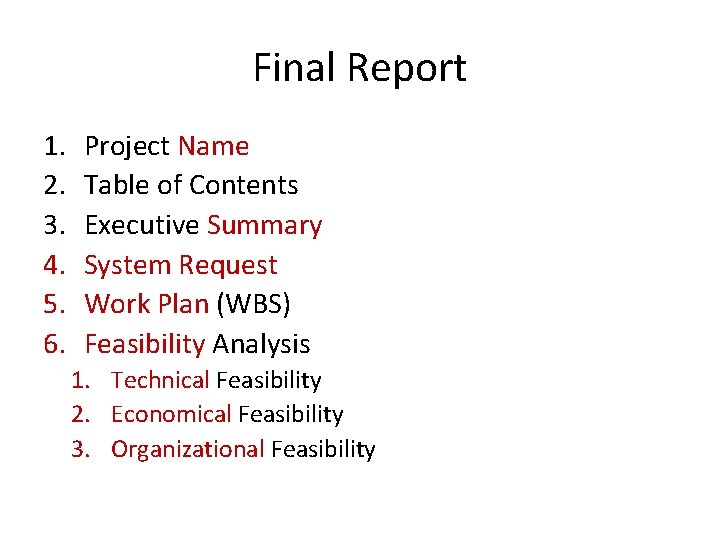
Final Report 1. 2. 3. 4. 5. 6. Project Name Table of Contents Executive Summary System Request Work Plan (WBS) Feasibility Analysis 1. Technical Feasibility 2. Economical Feasibility 3. Organizational Feasibility
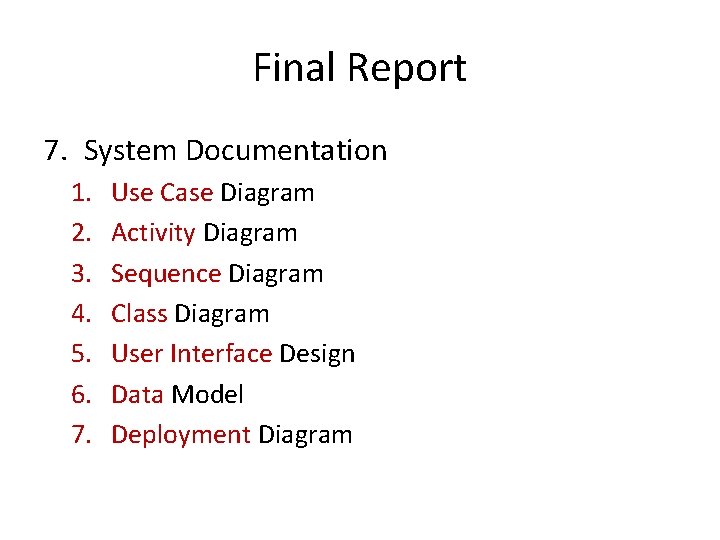
Final Report 7. System Documentation 1. 2. 3. 4. 5. 6. 7. Use Case Diagram Activity Diagram Sequence Diagram Class Diagram User Interface Design Data Model Deployment Diagram
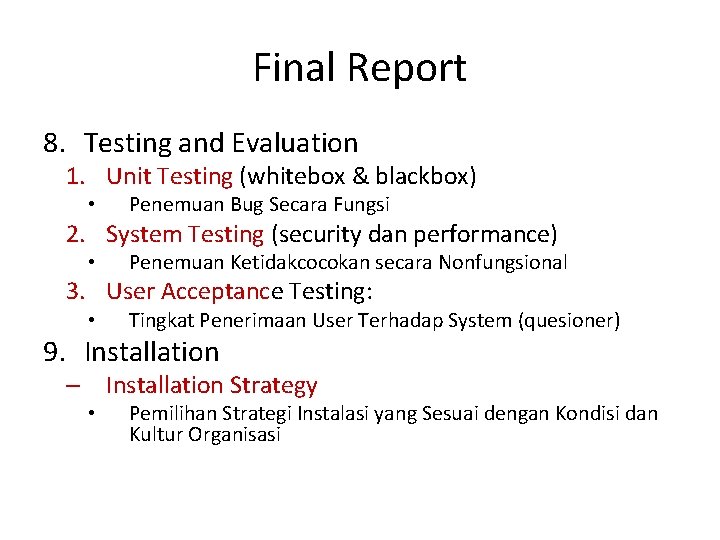
Final Report 8. Testing and Evaluation 1. Unit Testing (whitebox & blackbox) • Penemuan Bug Secara Fungsi 2. System Testing (security dan performance) • Penemuan Ketidakcocokan secara Nonfungsional 3. User Acceptance Testing: • Tingkat Penerimaan User Terhadap System (quesioner) 9. Installation – Installation Strategy • Pemilihan Strategi Instalasi yang Sesuai dengan Kondisi dan Kultur Organisasi
Exercise: Final Report 1. Lakukan pengecekan, editing dan finalisasi terhadap system proposal dan system specification yang sudah dibuat 2. Selesaikan dalam bentuk Final Report tentang project yang sudah kita kembangkan dan kita implementasikan
Referensi 1. Alan Dennis et al, Systems Analysis and Design with UML 4 th Edition, John Wiley and Sons, 2013 2. Kenneth E. Kendall and Julie E Kendall, Systems Analysis and Design 8 th Edition, Prentice Hall, 2010 3. Hassan Gomaa, Software Modeling and Design: UML, Use Cases, Patterns, and Software Architectures, Cambridge University Press, 2011 4. Gary B. Shelly and Harry J. Rosenblatt, Systems Analysis and Design 9 th Edition, Course Technology, 2011 5. Howard Podeswa, UML for the IT Business Analyst 2 nd Edition, Course Technology, 2009 6. Jeffrey A. Hoffer et al, Modern Systems Analysis and Design 6 th Edition, Prentice Hall, 2012