
System Startup Shutdown Objectives to interpret the Unix
System Startup & Shutdown • Objectives – to interpret the Unix startup and shutdown configuration files – to be able to create a customised run level • Contents – bootstrap procedure – single and multi-user run levels – system startup files (rc files) – standard system processes – clean shutdown procedure – maintenance mode • Practicals – to modify the startup sequence of a Unix system • Summary
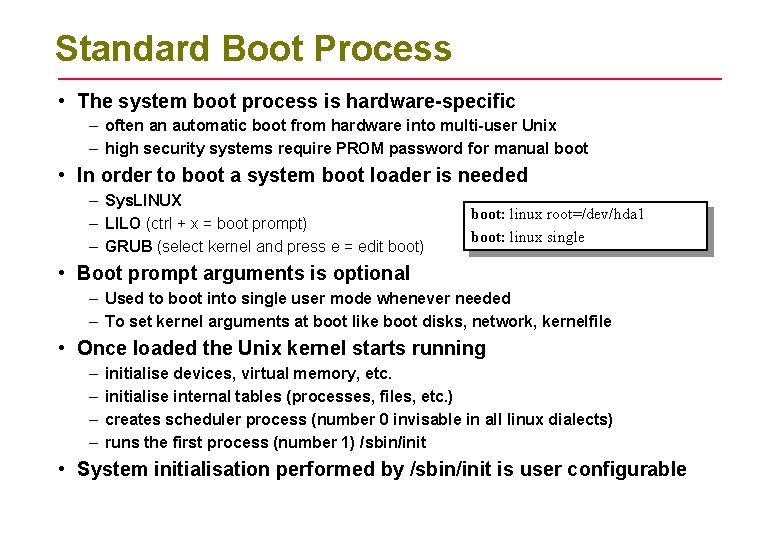
Standard Boot Process • The system boot process is hardware-specific – often an automatic boot from hardware into multi-user Unix – high security systems require PROM password for manual boot • In order to boot a system boot loader is needed – Sys. LINUX – LILO (ctrl + x = boot prompt) – GRUB (select kernel and press e = edit boot) boot: linux root=/dev/hda 1 boot: linux single • Boot prompt arguments is optional – Used to boot into single user mode whenever needed – To set kernel arguments at boot like boot disks, network, kernelfile • Once loaded the Unix kernel starts running – – initialise devices, virtual memory, etc. initialise internal tables (processes, files, etc. ) creates scheduler process (number 0 invisable in all linux dialects) runs the first process (number 1) /sbin/init • System initialisation performed by /sbin/init is user configurable
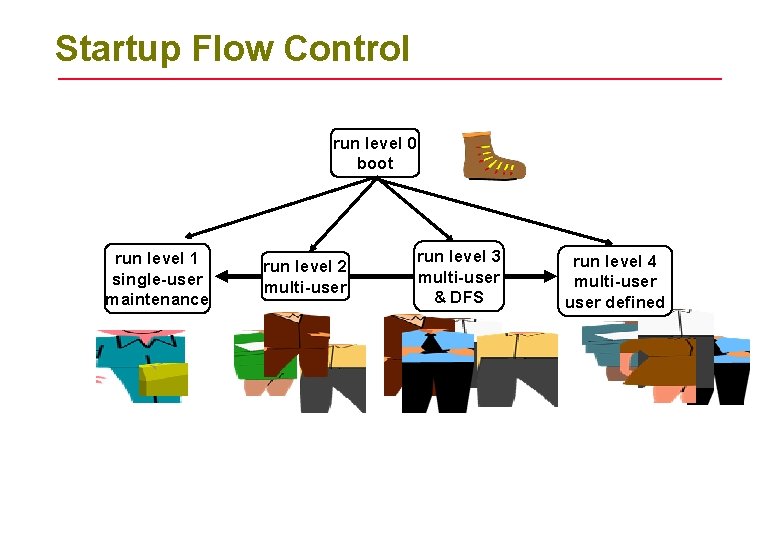
Startup Flow Control run level 0 boot run level 1 single-user maintenance run level 2 multi-user run level 3 multi-user & DFS run level 4 multi-user defined
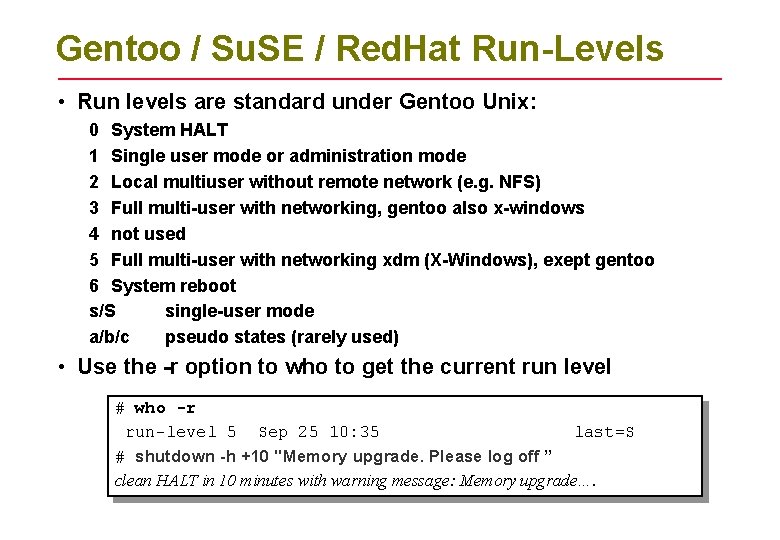
Gentoo / Su. SE / Red. Hat Run-Levels • Run levels are standard under Gentoo Unix: 0 System HALT 1 Single user mode or administration mode 2 Local multiuser without remote network (e. g. NFS) 3 Full multi-user with networking, gentoo also x-windows 4 not used 5 Full multi-user with networking xdm (X-Windows), exept gentoo 6 System reboot s/S single-user mode a/b/c pseudo states (rarely used) • Use the -r option to who to get the current run level # who -r run-level 5 Sep 25 10: 35 last=S # shutdown -h +10 "Memory upgrade. Please log off ” clean HALT in 10 minutes with warning message: Memory upgrade….
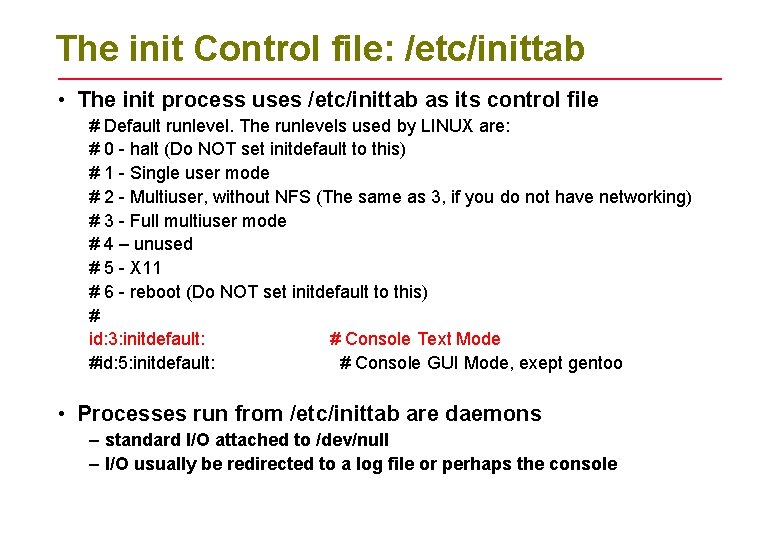
The init Control file: /etc/inittab • The init process uses /etc/inittab as its control file # Default runlevel. The runlevels used by LINUX are: # 0 - halt (Do NOT set initdefault to this) # 1 - Single user mode # 2 - Multiuser, without NFS (The same as 3, if you do not have networking) # 3 - Full multiuser mode # 4 – unused # 5 - X 11 # 6 - reboot (Do NOT set initdefault to this) # id: 3: initdefault: # Console Text Mode #id: 5: initdefault: # Console GUI Mode, exept gentoo • Processes run from /etc/inittab are daemons – standard I/O attached to /dev/null – I/O usually be redirected to a log file or perhaps the console
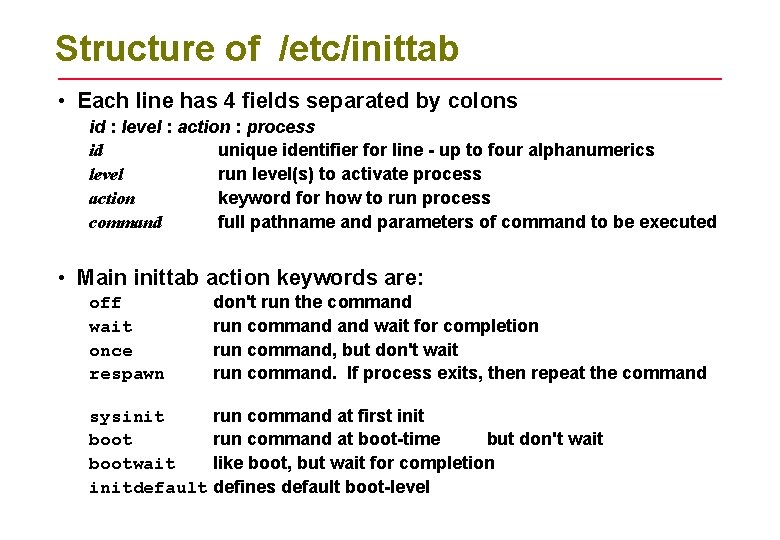
Structure of /etc/inittab • Each line has 4 fields separated by colons id : level : action : process id unique identifier for line - up to four alphanumerics level run level(s) to activate process action keyword for how to run process command full pathname and parameters of command to be executed • Main inittab action keywords are: off wait once respawn don't run the command run command wait for completion run command, but don't wait run command. If process exits, then repeat the command sysinit run command at first init boot run command at boot-time but don't wait bootwait like boot, but wait for completion initdefault defines default boot-level
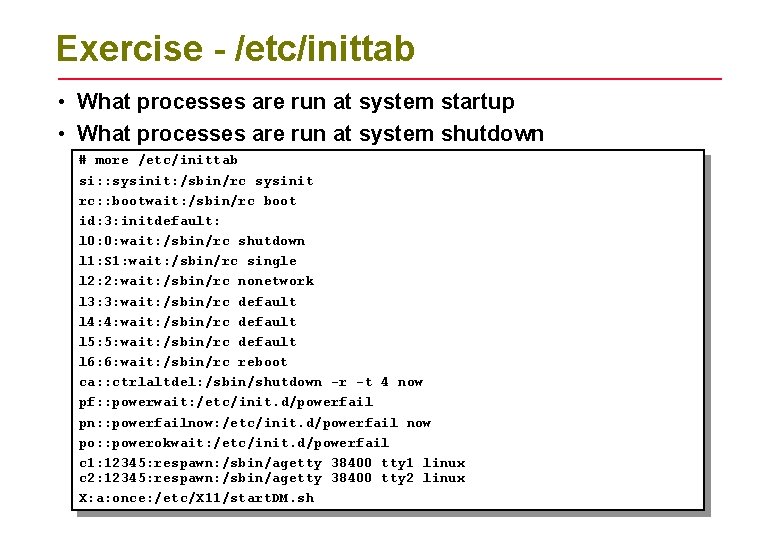
Exercise - /etc/inittab • What processes are run at system startup • What processes are run at system shutdown # more /etc/inittab si: : sysinit: /sbin/rc sysinit rc: : bootwait: /sbin/rc boot id: 3: initdefault: l 0: 0: wait: /sbin/rc shutdown l 1: S 1: wait: /sbin/rc single l 2: 2: wait: /sbin/rc nonetwork l 3: 3: wait: /sbin/rc default l 4: 4: wait: /sbin/rc default l 5: 5: wait: /sbin/rc default l 6: 6: wait: /sbin/rc reboot ca: : ctrlaltdel: /sbin/shutdown -r -t 4 now pf: : powerwait: /etc/init. d/powerfail pn: : powerfailnow: /etc/init. d/powerfail now po: : powerokwait: /etc/init. d/powerfail c 1: 12345: respawn: /sbin/agetty 38400 tty 1 linux c 2: 12345: respawn: /sbin/agetty 38400 tty 2 linux X: a: once: /etc/X 11/start. DM. sh
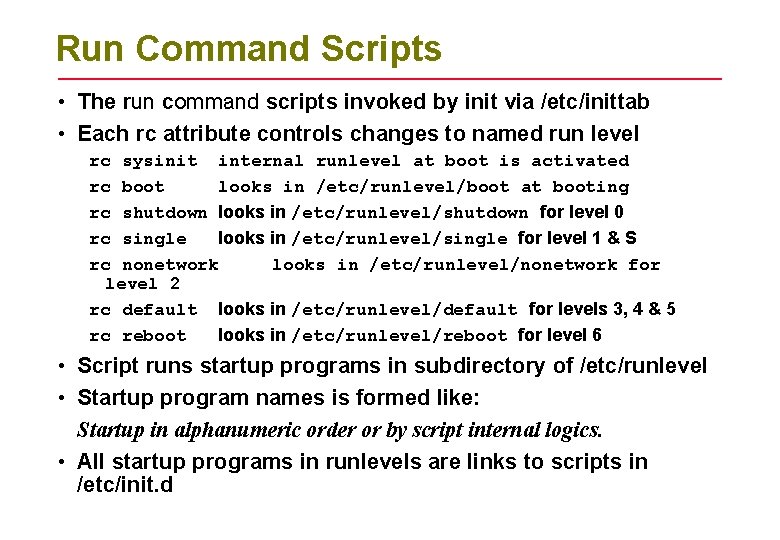
Run Command Scripts • The run command scripts invoked by init via /etc/inittab • Each rc attribute controls changes to named run level rc sysinit internal runlevel at boot is activated rc boot looks in /etc/runlevel/boot at booting rc shutdown looks in /etc/runlevel/shutdown for level 0 rc single looks in /etc/runlevel/single for level 1 & S rc nonetwork looks in /etc/runlevel/nonetwork for level 2 rc default looks in /etc/runlevel/default for levels 3, 4 & 5 rc reboot looks in /etc/runlevel/reboot for level 6 • Script runs startup programs in subdirectory of /etc/runlevel • Startup program names is formed like: Startup in alphanumeric order or by script internal logics. • All startup programs in runlevels are links to scripts in /etc/init. d
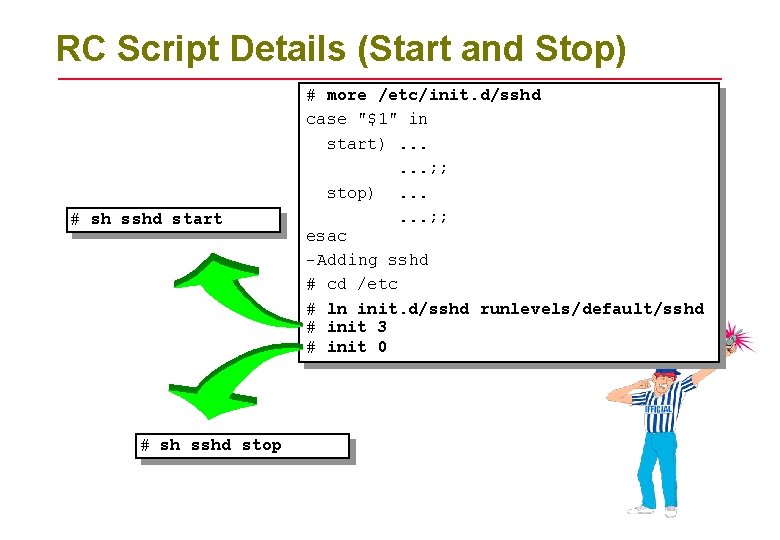
RC Script Details (Start and Stop) # sh sshd start # sh sshd stop # more /etc/init. d/sshd case "$1" in start). . . ; ; stop). . . ; ; esac -Adding sshd # cd /etc # ln init. d/sshd runlevels/default/sshd # init 3 # init 0
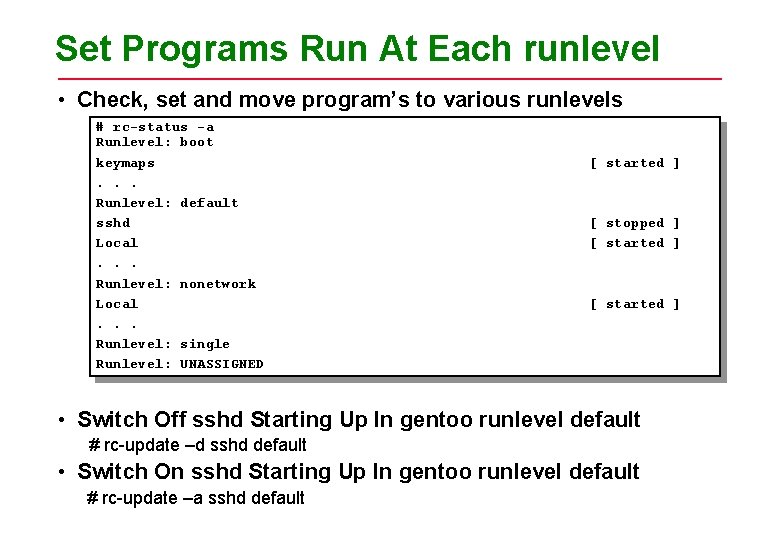
Set Programs Run At Each runlevel • Check, set and move program’s to various runlevels # rc-status -a Runlevel: boot keymaps. . . Runlevel: default sshd Local. . . Runlevel: nonetwork Local. . . Runlevel: single Runlevel: UNASSIGNED [ started ] [ stopped ] [ started ] • Switch Off sshd Starting Up In gentoo runlevel default # rc-update –d sshd default • Switch On sshd Starting Up In gentoo runlevel default # rc-update –a sshd default
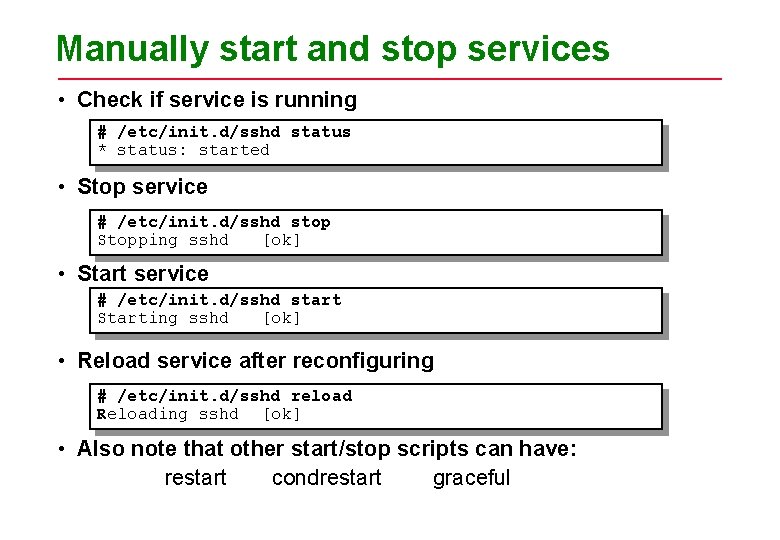
Manually start and stop services • Check if service is running # /etc/init. d/sshd status * status: started • Stop service # /etc/init. d/sshd stop Stopping sshd [ok] • Start service # /etc/init. d/sshd start Starting sshd [ok] • Reload service after reconfiguring # /etc/init. d/sshd reload Reloading sshd [ok] • Also note that other start/stop scripts can have: restart condrestart graceful
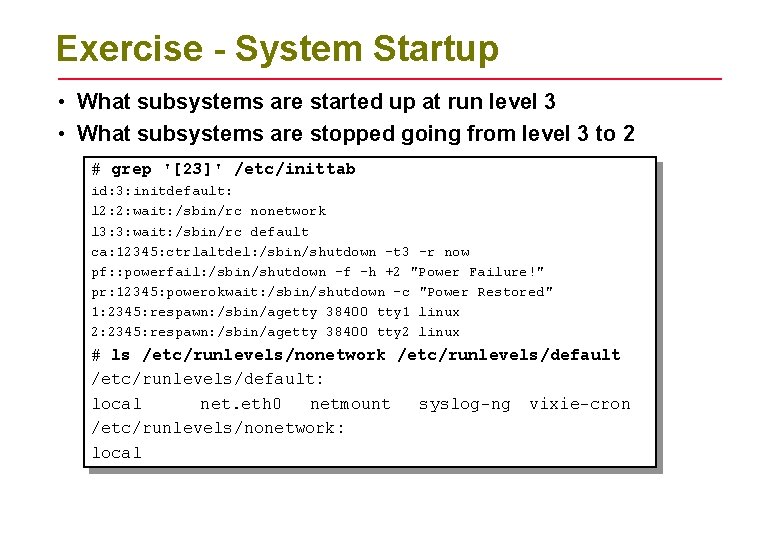
Exercise - System Startup • What subsystems are started up at run level 3 • What subsystems are stopped going from level 3 to 2 # grep '[23]' /etc/inittab id: 3: initdefault: l 2: 2: wait: /sbin/rc nonetwork l 3: 3: wait: /sbin/rc default ca: 12345: ctrlaltdel: /sbin/shutdown -t 3 -r now pf: : powerfail: /sbin/shutdown -f -h +2 "Power Failure!" pr: 12345: powerokwait: /sbin/shutdown -c "Power Restored" 1: 2345: respawn: /sbin/agetty 38400 tty 1 linux 2: 2345: respawn: /sbin/agetty 38400 tty 2 linux # ls /etc/runlevels/nonetwork /etc/runlevels/default: local net. eth 0 netmount syslog-ng vixie-cron /etc/runlevels/nonetwork: local
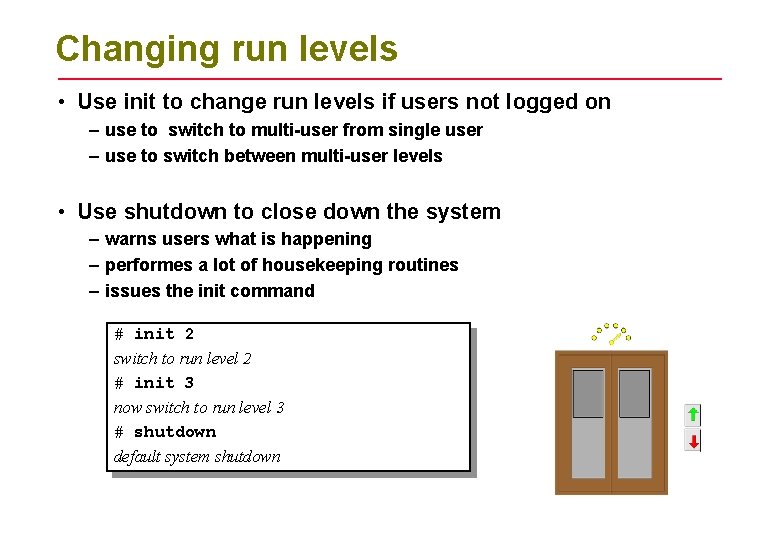
Changing run levels • Use init to change run levels if users not logged on – use to switch to multi-user from single user – use to switch between multi-user levels • Use shutdown to close down the system – warns users what is happening – performes a lot of housekeeping routines – issues the init command # init 2 switch to run level 2 # init 3 now switch to run level 3 # shutdown default system shutdown
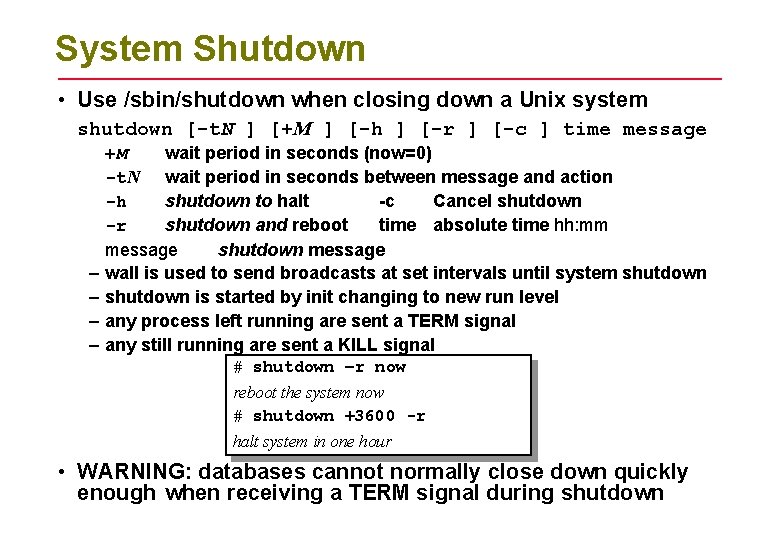
System Shutdown • Use /sbin/shutdown when closing down a Unix system shutdown [-t. N ] [+M ] [-h ] [-r ] [-c ] time message +M wait period in seconds (now=0) -t. N wait period in seconds between message and action -h shutdown to halt -c Cancel shutdown -r shutdown and reboot time absolute time hh: mm message shutdown message – wall is used to send broadcasts at set intervals until system shutdown – shutdown is started by init changing to new run level – any process left running are sent a TERM signal – any still running are sent a KILL signal # shutdown –r now reboot the system now # shutdown +3600 -r halt system in one hour • WARNING: databases cannot normally close down quickly enough when receiving a TERM signal during shutdown
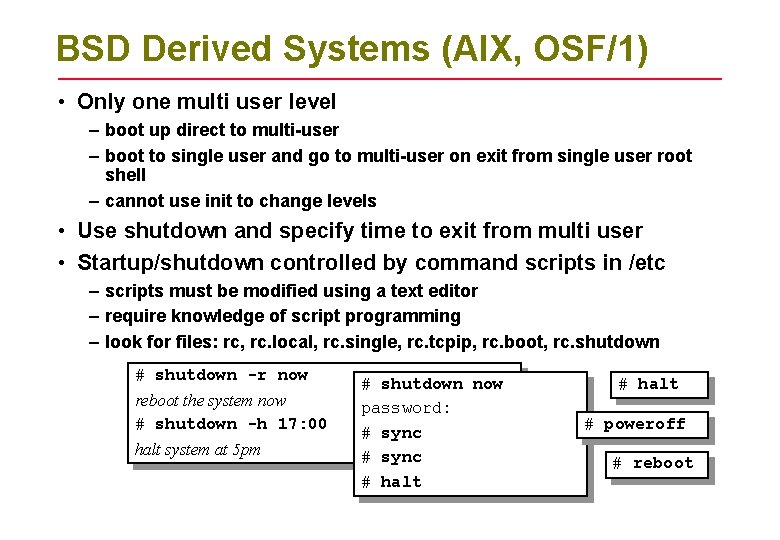
BSD Derived Systems (AIX, OSF/1) • Only one multi user level – boot up direct to multi-user – boot to single user and go to multi-user on exit from single user root shell – cannot use init to change levels • Use shutdown and specify time to exit from multi user • Startup/shutdown controlled by command scripts in /etc – scripts must be modified using a text editor – require knowledge of script programming – look for files: rc, rc. local, rc. single, rc. tcpip, rc. boot, rc. shutdown # shutdown -r now reboot the system now # shutdown -h 17: 00 halt system at 5 pm # shutdown now password: # sync # halt # poweroff # reboot
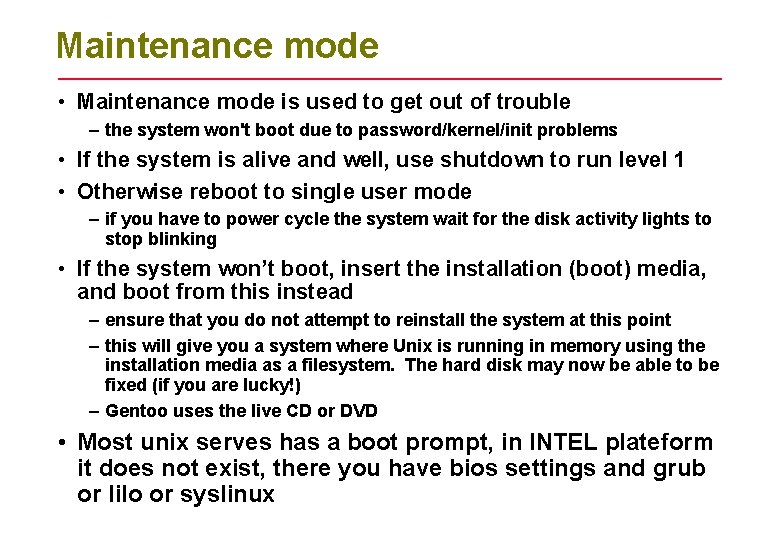
Maintenance mode • Maintenance mode is used to get out of trouble – the system won't boot due to password/kernel/init problems • If the system is alive and well, use shutdown to run level 1 • Otherwise reboot to single user mode – if you have to power cycle the system wait for the disk activity lights to stop blinking • If the system won’t boot, insert the installation (boot) media, and boot from this instead – ensure that you do not attempt to reinstall the system at this point – this will give you a system where Unix is running in memory using the installation media as a filesystem. The hard disk may now be able to be fixed (if you are lucky!) – Gentoo uses the live CD or DVD • Most unix serves has a boot prompt, in INTEL plateform it does not exist, there you have bios settings and grub or lilo or syslinux
Summary • Unix systems start up through a clearly defined sequence • The first configurable stage is with the init process using /etc/inittab • Run levels provide additional configuration through the run command scripts • Link and remove files from the /etc/init. d/rc*. d directories to enable/disable sub-systems for different run levels • Shutdown Unix using the shutdown command • AIX and OSF/1 (BSD) use a different mechanism to SVR 4 (SVR 3. 2) systems
- Slides: 17