
System Software Chapter 4 Computing Essentials 2014 System
- Slides: 19
System Software Chapter 4 Computing Essentials 2014 System Software Computing Essentials 2014 © 2014 by Mc. Graw-Hill Education. This proprietary material solely for authorized instructor use. Not authorized for salefor or sale distribution in any manner. This document may notmay be copied, Not authorized or distribution in any manner. This document not be copied, scanned, duplicated, forwarded, distributed, or posted on a website, in whole or part.
Competencies (Page 1 of 2) § Describe the differences between system software and application software. § Discuss the four types of system software. § Discuss the basic functions, features, and categories of operating systems. § Discuss mobile operating systems including Blackberry OS, i. OS, Android, Windows Phone , and Web. OS. System Software Computing Essentials 2014 © 2014 by Mc. Graw-Hill Education. This proprietary material solely for authorized instructor use. Not authorized for sale or distribution in any manner. This document may not be copied, scanned, duplicated, forwarded, distributed, or posted on a website, in whole or part. 2
Competencies (Page 2 of 2) § Describe Windows, Mac OS, UNIX, Linux, and virtualization. § Describe the purpose of utilities and utility suites. § Identify the four most essential utilities. § Discuss Windows utility programs. § Describe device drivers, including Windows’ Add a Device Wizard and Update. System Software Computing Essentials 2014 © 2014 by Mc. Graw-Hill Education. This proprietary material solely for authorized instructor use. Not authorized for sale or distribution in any manner. This document may not be copied, scanned, duplicated, forwarded, distributed, or posted on a website, in whole or part. 3
Introduction § Computers are ubiquitous in our lives and we expect them to “be there when we need them”. § We give little thought to the processes and programs running behind the scenes to keep them functioning effectively. § Such programs (i. e. operating systems, utility programs, and device drivers) are the system software you learn about here. System Software Computing Essentials 2014 © 2014 by Mc. Graw-Hill Education. This proprietary material solely for authorized instructor use. Not authorized for sale or distribution in any manner. This document may not be copied, scanned, duplicated, forwarded, distributed, or posted on a website, in whole or part. 4
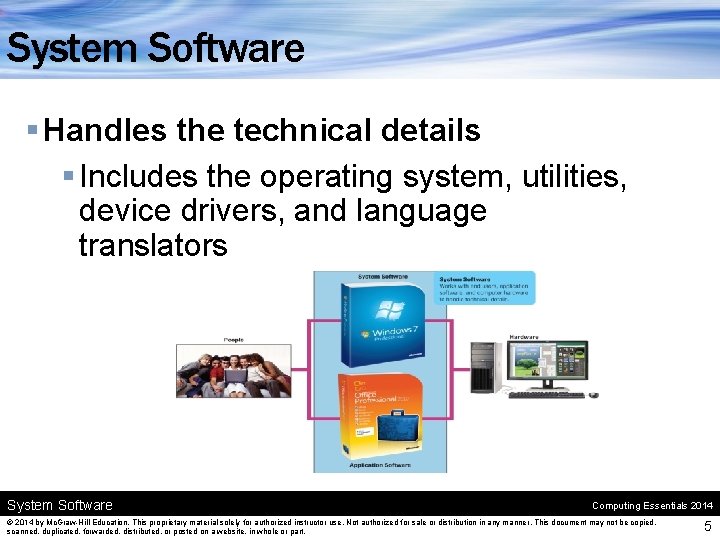
System Software § Handles the technical details § Includes the operating system, utilities, device drivers, and language translators System Software Computing Essentials 2014 © 2014 by Mc. Graw-Hill Education. This proprietary material solely for authorized instructor use. Not authorized for sale or distribution in any manner. This document may not be copied, scanned, duplicated, forwarded, distributed, or posted on a website, in whole or part. 5
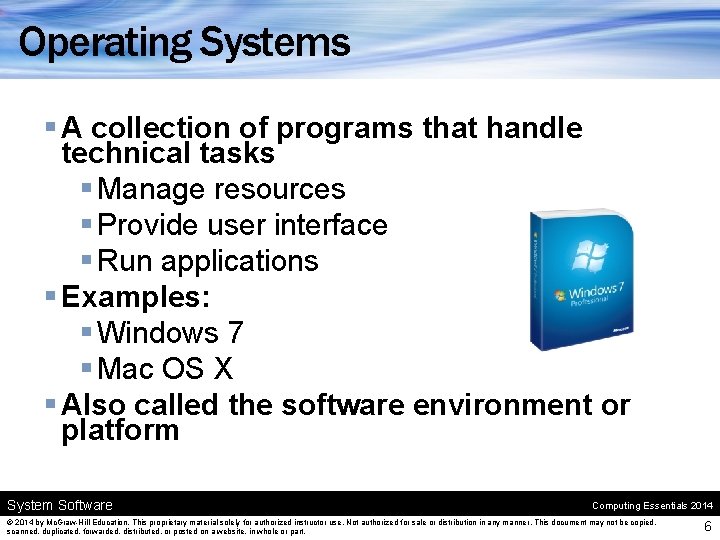
Operating Systems § A collection of programs that handle technical tasks § Manage resources § Provide user interface § Run applications § Examples: § Windows 7 § Mac OS X § Also called the software environment or platform System Software Computing Essentials 2014 © 2014 by Mc. Graw-Hill Education. This proprietary material solely for authorized instructor use. Not authorized for sale or distribution in any manner. This document may not be copied, scanned, duplicated, forwarded, distributed, or posted on a website, in whole or part. 6
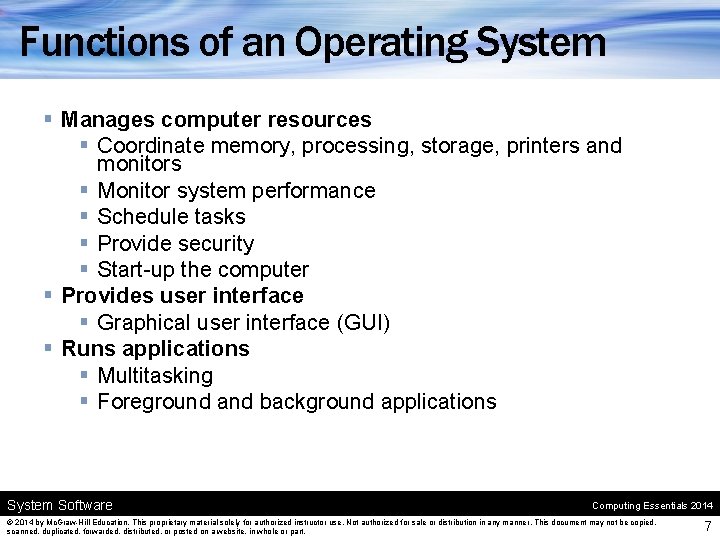
Functions of an Operating System § Manages computer resources § Coordinate memory, processing, storage, printers and monitors § Monitor system performance § Schedule tasks § Provide security § Start-up the computer § Provides user interface § Graphical user interface (GUI) § Runs applications § Multitasking § Foreground and background applications System Software Computing Essentials 2014 © 2014 by Mc. Graw-Hill Education. This proprietary material solely for authorized instructor use. Not authorized for sale or distribution in any manner. This document may not be copied, scanned, duplicated, forwarded, distributed, or posted on a website, in whole or part. 7
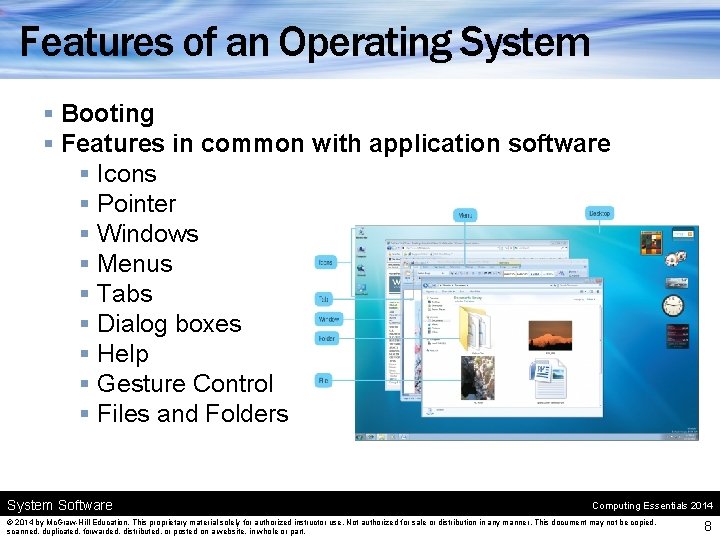
Features of an Operating System § Booting § Features in common with application software § Icons § Pointer § Windows § Menus § Tabs § Dialog boxes § Help § Gesture Control § Files and Folders System Software Computing Essentials 2014 © 2014 by Mc. Graw-Hill Education. This proprietary material solely for authorized instructor use. Not authorized for sale or distribution in any manner. This document may not be copied, scanned, duplicated, forwarded, distributed, or posted on a website, in whole or part. 8
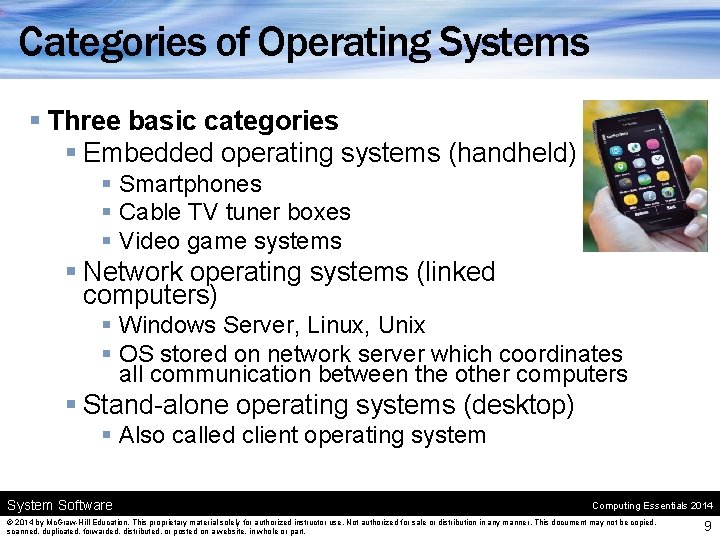
Categories of Operating Systems § Three basic categories § Embedded operating systems (handheld) § Smartphones § Cable TV tuner boxes § Video game systems § Network operating systems (linked computers) § Windows Server, Linux, Unix § OS stored on network server which coordinates all communication between the other computers § Stand-alone operating systems (desktop) § Also called client operating system Software Computing Essentials 2014 © 2014 by Mc. Graw-Hill Education. This proprietary material solely for authorized instructor use. Not authorized for sale or distribution in any manner. This document may not be copied, scanned, duplicated, forwarded, distributed, or posted on a website, in whole or part. 9
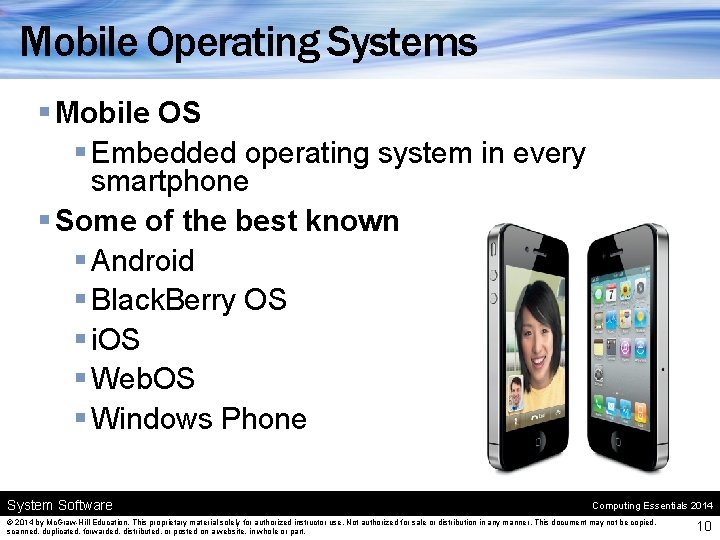
Mobile Operating Systems § Mobile OS § Embedded operating system in every smartphone § Some of the best known § Android § Black. Berry OS § i. OS § Web. OS § Windows Phone System Software Computing Essentials 2014 © 2014 by Mc. Graw-Hill Education. This proprietary material solely for authorized instructor use. Not authorized for sale or distribution in any manner. This document may not be copied, scanned, duplicated, forwarded, distributed, or posted on a website, in whole or part. 10
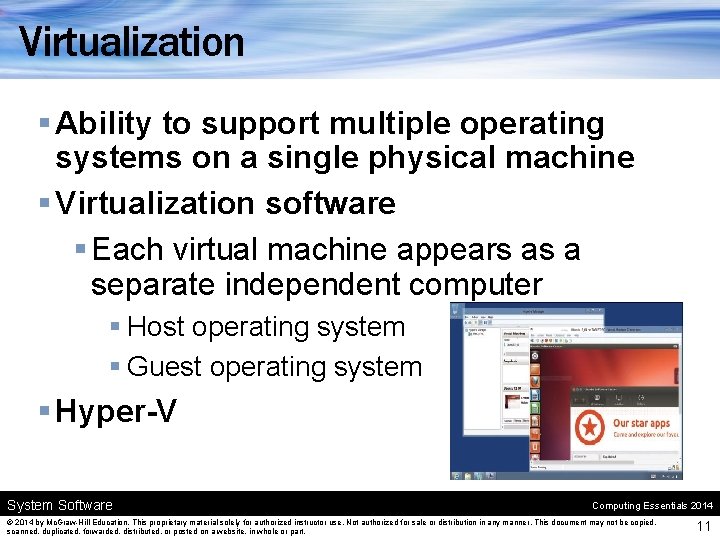
Virtualization § Ability to support multiple operating systems on a single physical machine § Virtualization software § Each virtual machine appears as a separate independent computer § Host operating system § Guest operating system § Hyper-V System Software Computing Essentials 2014 © 2014 by Mc. Graw-Hill Education. This proprietary material solely for authorized instructor use. Not authorized for sale or distribution in any manner. This document may not be copied, scanned, duplicated, forwarded, distributed, or posted on a website, in whole or part. 11
Utilities § Specialized programs to make computing easier § Most essential utilities § Troubleshooting or diagnostic programs § Antivirus programs § Backup programs § File compression programs System Software Computing Essentials 2014 © 2014 by Mc. Graw-Hill Education. This proprietary material solely for authorized instructor use. Not authorized for sale or distribution in any manner. This document may not be copied, scanned, duplicated, forwarded, distributed, or posted on a website, in whole or part. 12
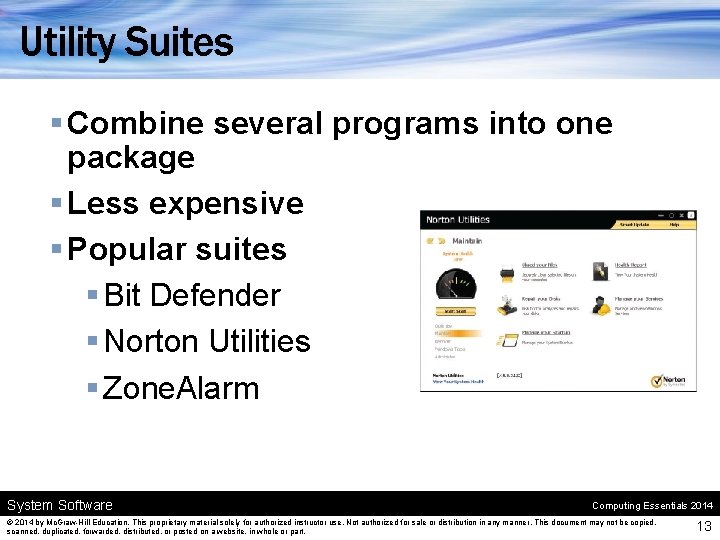
Utility Suites § Combine several programs into one package § Less expensive § Popular suites § Bit Defender § Norton Utilities § Zone. Alarm System Software Computing Essentials 2014 © 2014 by Mc. Graw-Hill Education. This proprietary material solely for authorized instructor use. Not authorized for sale or distribution in any manner. This document may not be copied, scanned, duplicated, forwarded, distributed, or posted on a website, in whole or part. 13
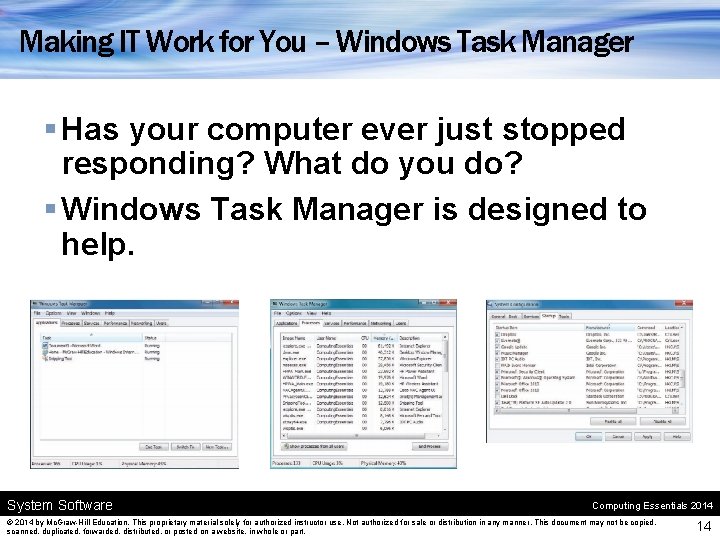
Making IT Work for You – Windows Task Manager § Has your computer ever just stopped responding? What do you do? § Windows Task Manager is designed to help. System Software Computing Essentials 2014 © 2014 by Mc. Graw-Hill Education. This proprietary material solely for authorized instructor use. Not authorized for sale or distribution in any manner. This document may not be copied, scanned, duplicated, forwarded, distributed, or posted on a website, in whole or part. 14
Device Drivers § Allow communication between a device and the computer § Loaded into memory each time a computer is started § When a new device is added, new device drivers must be installed § Add a Device Wizard – step-by-step § Windows already has many drivers within the system software System Software Computing Essentials 2014 © 2014 by Mc. Graw-Hill Education. This proprietary material solely for authorized instructor use. Not authorized for sale or distribution in any manner. This document may not be copied, scanned, duplicated, forwarded, distributed, or posted on a website, in whole or part. 15
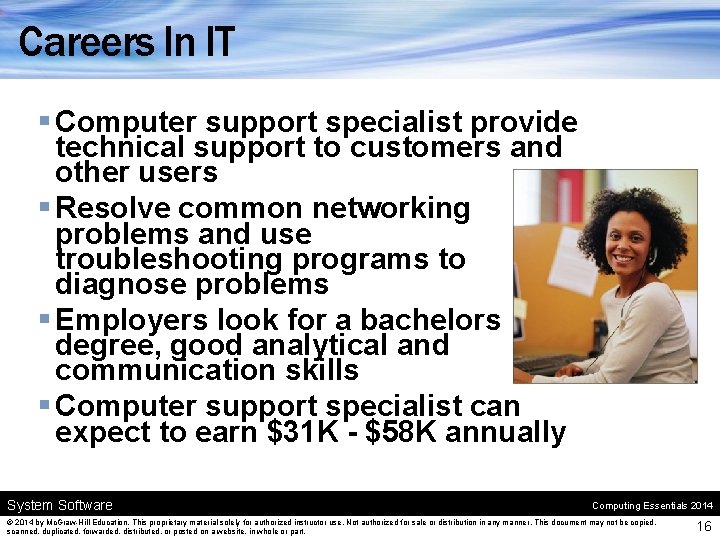
Careers In IT § Computer support specialist provide technical support to customers and other users § Resolve common networking problems and use troubleshooting programs to diagnose problems § Employers look for a bachelors degree, good analytical and communication skills § Computer support specialist can expect to earn $31 K - $58 K annually System Software Computing Essentials 2014 © 2014 by Mc. Graw-Hill Education. This proprietary material solely for authorized instructor use. Not authorized for sale or distribution in any manner. This document may not be copied, scanned, duplicated, forwarded, distributed, or posted on a website, in whole or part. 16
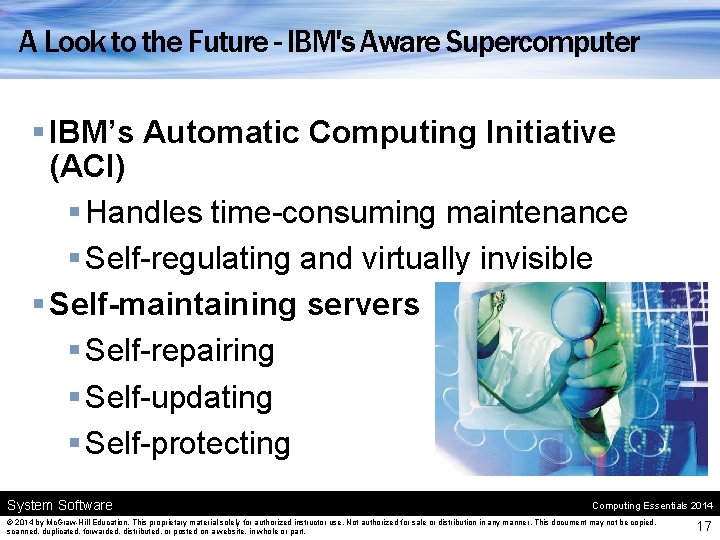
A Look to the Future - IBM's Aware Supercomputer § IBM’s Automatic Computing Initiative (ACI) § Handles time-consuming maintenance § Self-regulating and virtually invisible § Self-maintaining servers § Self-repairing § Self-updating § Self-protecting System Software Computing Essentials 2014 © 2014 by Mc. Graw-Hill Education. This proprietary material solely for authorized instructor use. Not authorized for sale or distribution in any manner. This document may not be copied, scanned, duplicated, forwarded, distributed, or posted on a website, in whole or part. 17
Open-Ended Questions (Page 1 of 2) § Describe system software. Discuss each of the system programs. § Define operating systems. Describe the basic features and the three categories of operating systems. § What are mobile operating systems? Describe six leading mobile operating systems. System Software Computing Essentials 2014 © 2014 by Mc. Graw-Hill Education. This proprietary material solely for authorized instructor use. Not authorized for sale or distribution in any manner. This document may not be copied, scanned, duplicated, forwarded, distributed, or posted on a website, in whole or part. 18
Open-Ended Questions (Page 2 of 2) § What are desktop operating systems? Compare Windows, Mac OS, Linux and Chrome OS. Discuss virtualization. § Discuss utilities. What are the most essential utilities? What is a utility suite? § Explain the role of device drivers. Discuss the Add a Device Wizard and Windows Update. System Software Computing Essentials 2014 © 2014 by Mc. Graw-Hill Education. This proprietary material solely for authorized instructor use. Not authorized for sale or distribution in any manner. This document may not be copied, scanned, duplicated, forwarded, distributed, or posted on a website, in whole or part. 19