
System Programming Practical session 10 Java sockets Streams
- Slides: 12
System Programming Practical session 10 Java sockets
Streams The program communicates with data sources and devices using streams. System. out – standard output stream. Communication between the program and the monitor. System. in – standard input stream. Communication between the keyboard and the program.
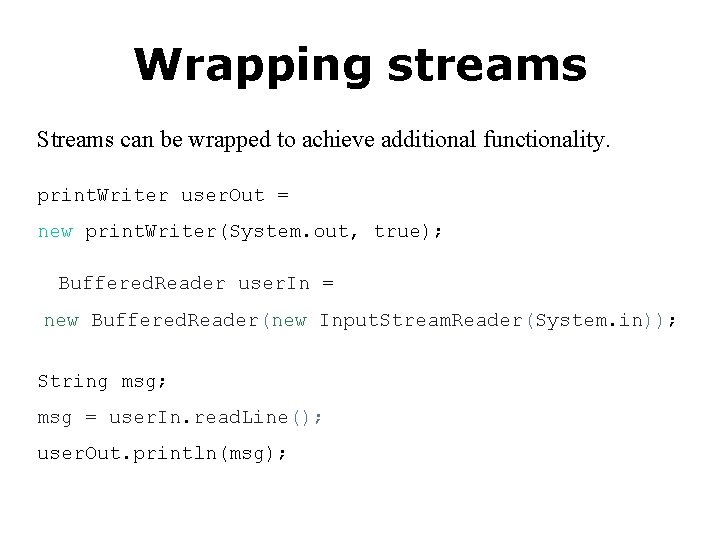
Wrapping streams Streams can be wrapped to achieve additional functionality. print. Writer user. Out = new print. Writer(System. out, true); Buffered. Reader user. In = new Buffered. Reader(new Input. Stream. Reader(System. in)); String msg; msg = user. In. read. Line(); user. Out. println(msg);
Networking A distributed application is an application running on several hosts in a network. Hosts communicate with each other by exchanging messages.
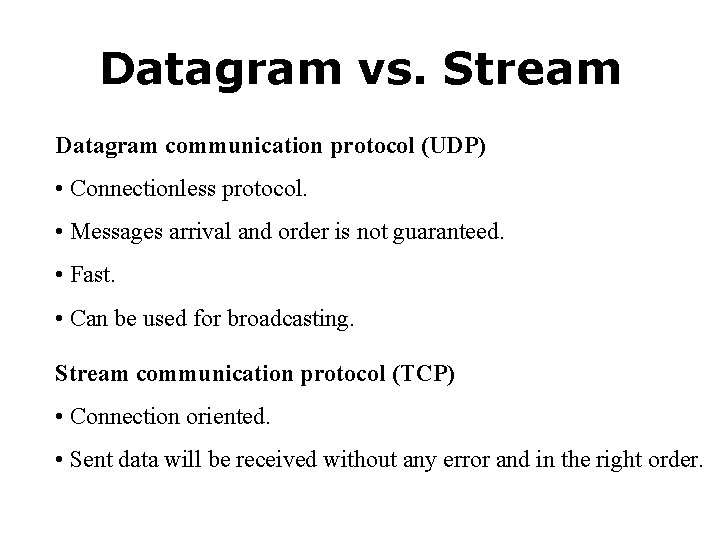
Datagram vs. Stream Datagram communication protocol (UDP) • Connectionless protocol. • Messages arrival and order is not guaranteed. • Fast. • Can be used for broadcasting. Stream communication protocol (TCP) • Connection oriented. • Sent data will be received without any error and in the right order.
Sockets Stream communication is performed using sockets. Host programs that have to communicate use Socket objects. To establish a connection, one host is set as a server, and waits for connections. Another host (a client) connects its socket to the server socket. Then, data can be transmitted using streams in both directions.
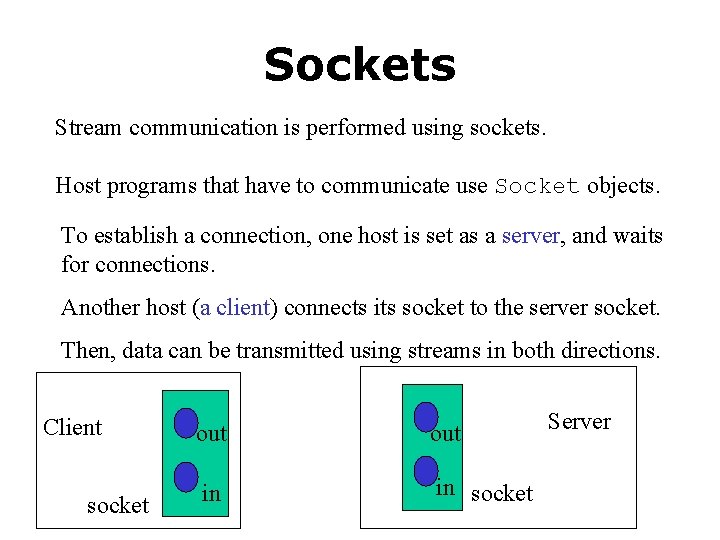
Sockets Stream communication is performed using sockets. Host programs that have to communicate use Socket objects. To establish a connection, one host is set as a server, and waits for connections. Another host (a client) connects its socket to the server socket. Then, data can be transmitted using streams in both directions. Client socket out in in socket Server
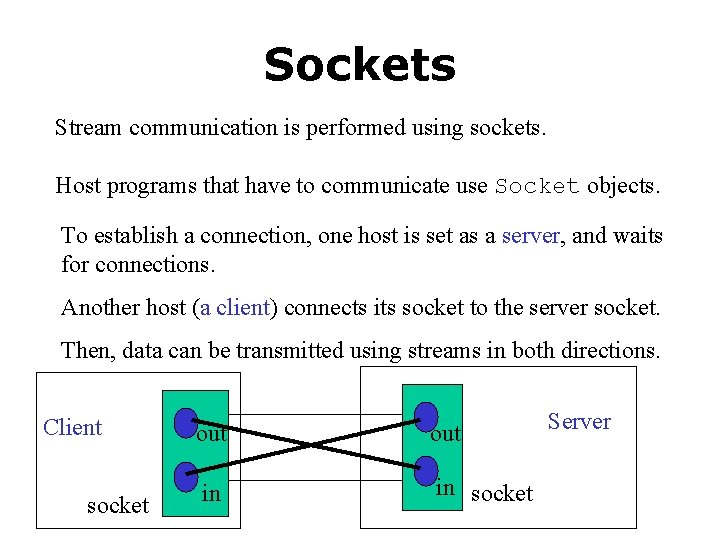
Sockets Stream communication is performed using sockets. Host programs that have to communicate use Socket objects. To establish a connection, one host is set as a server, and waits for connections. Another host (a client) connects its socket to the server socket. Then, data can be transmitted using streams in both directions. Client socket out in in socket Server
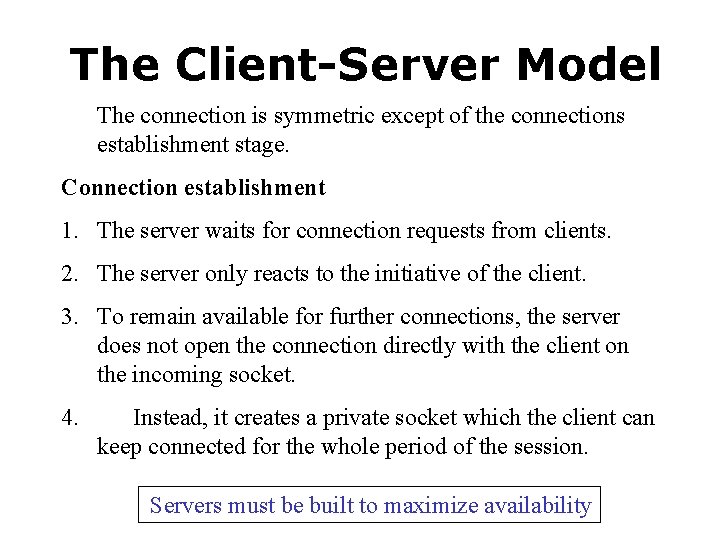
The Client-Server Model The connection is symmetric except of the connections establishment stage. Connection establishment 1. The server waits for connection requests from clients. 2. The server only reacts to the initiative of the client. 3. To remain available for further connections, the server does not open the connection directly with the client on the incoming socket. 4. Instead, it creates a private socket which the client can keep connected for the whole period of the session. Servers must be built to maximize availability
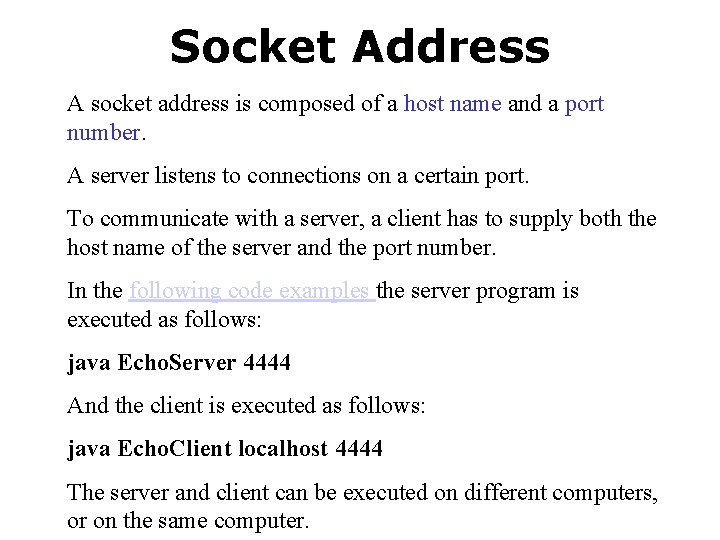
Socket Address A socket address is composed of a host name and a port number. A server listens to connections on a certain port. To communicate with a server, a client has to supply both the host name of the server and the port number. In the following code examples the server program is executed as follows: java Echo. Server 4444 And the client is executed as follows: java Echo. Client localhost 4444 The server and client can be executed on different computers, or on the same computer.
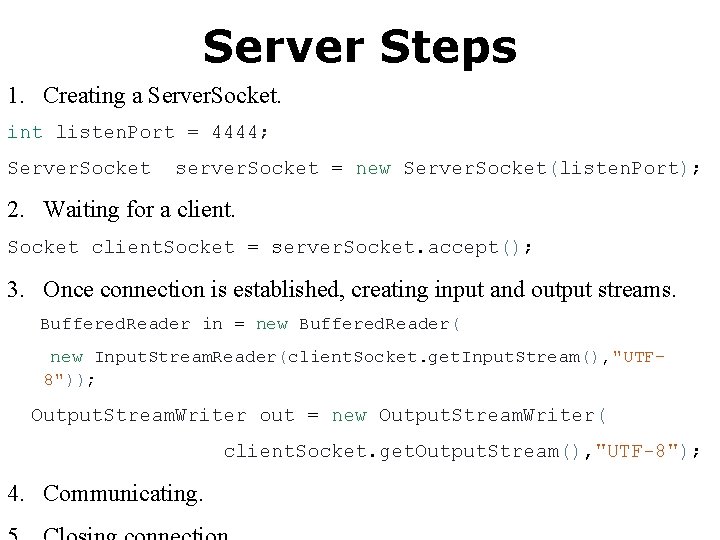
Server Steps 1. Creating a Server. Socket. int listen. Port = 4444; Server. Socket server. Socket = new Server. Socket(listen. Port); 2. Waiting for a client. Socket client. Socket = server. Socket. accept(); 3. Once connection is established, creating input and output streams. Buffered. Reader in = new Buffered. Reader( new Input. Stream. Reader(client. Socket. get. Input. Stream(), "UTF 8")); Output. Stream. Writer out = new Output. Stream. Writer( client. Socket. get. Output. Stream(), "UTF-8"); 4. Communicating.
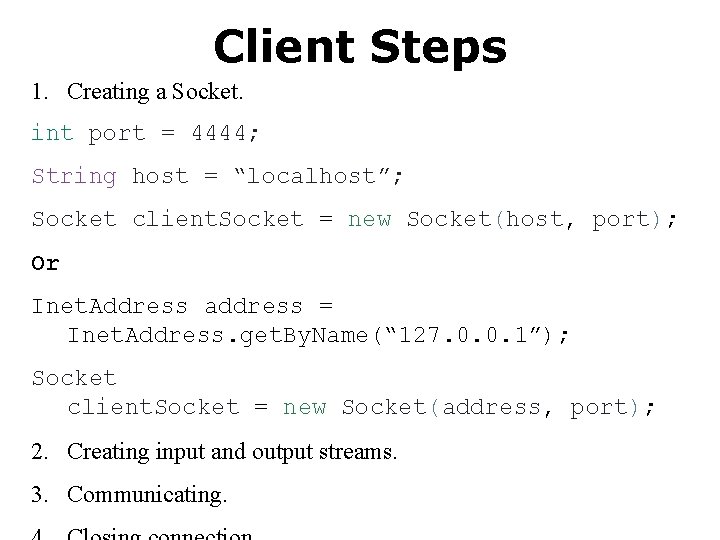
Client Steps 1. Creating a Socket. int port = 4444; String host = “localhost”; Socket client. Socket = new Socket(host, port); Or Inet. Address address = Inet. Address. get. By. Name(“ 127. 0. 0. 1”); Socket client. Socket = new Socket(address, port); 2. Creating input and output streams. 3. Communicating.