
SYSTEM MANAGEMENT TESTOUT PC PRO Task Manager Process
- Slides: 7
SYSTEM MANAGEMENT TESTOUT PC PRO
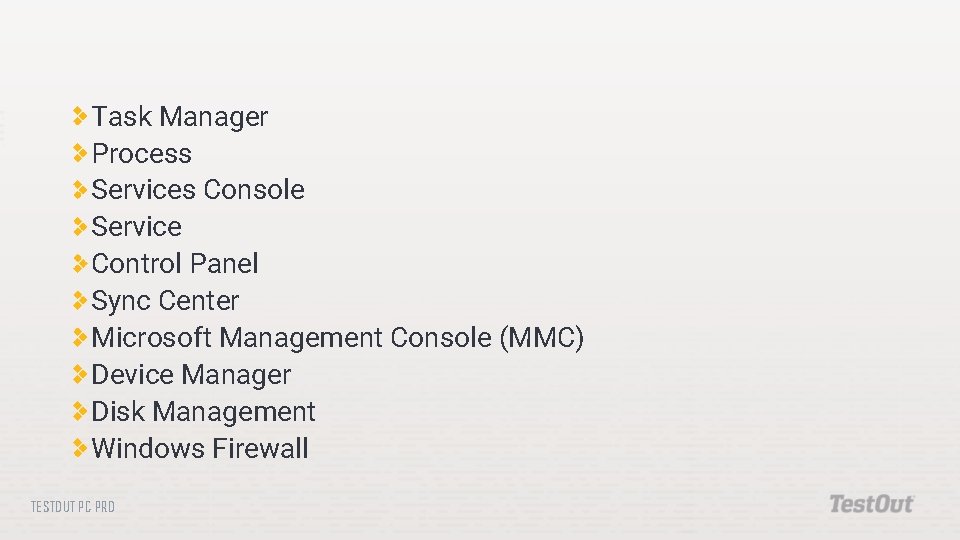
Task Manager Process Services Console Service Control Panel Sync Center Microsoft Management Console (MMC) Device Manager Disk Management Windows Firewall TESTOUT PC PRO
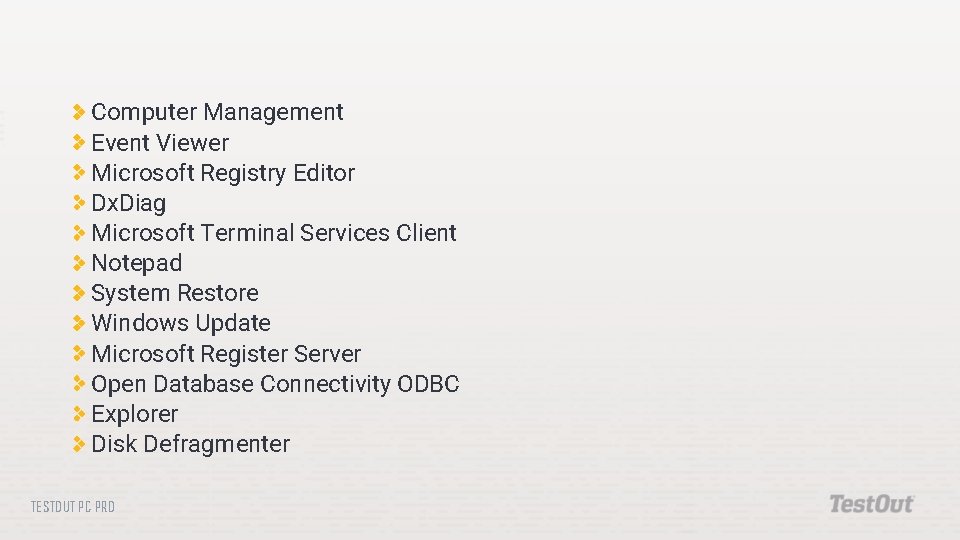
Computer Management Event Viewer Microsoft Registry Editor Dx. Diag Microsoft Terminal Services Client Notepad System Restore Windows Update Microsoft Register Server Open Database Connectivity ODBC Explorer Disk Defragmenter TESTOUT PC PRO
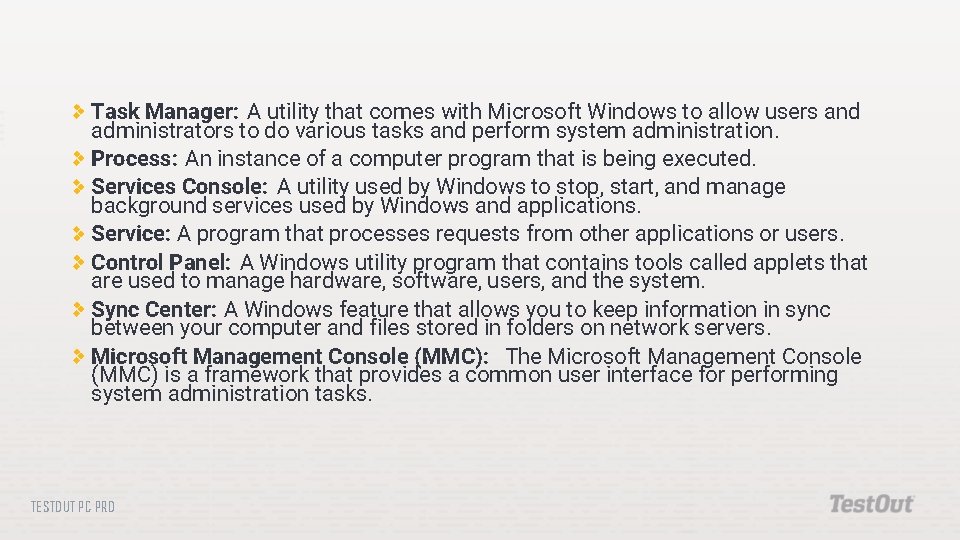
Task Manager: A utility that comes with Microsoft Windows to allow users and administrators to do various tasks and perform system administration. Process: An instance of a computer program that is being executed. Services Console: A utility used by Windows to stop, start, and manage background services used by Windows and applications. Service: A program that processes requests from other applications or users. Control Panel: A Windows utility program that contains tools called applets that are used to manage hardware, software, users, and the system. Sync Center: A Windows feature that allows you to keep information in sync between your computer and files stored in folders on network servers. Microsoft Management Console (MMC): The Microsoft Management Console (MMC) is a framework that provides a common user interface for performing system administration tasks. TESTOUT PC PRO
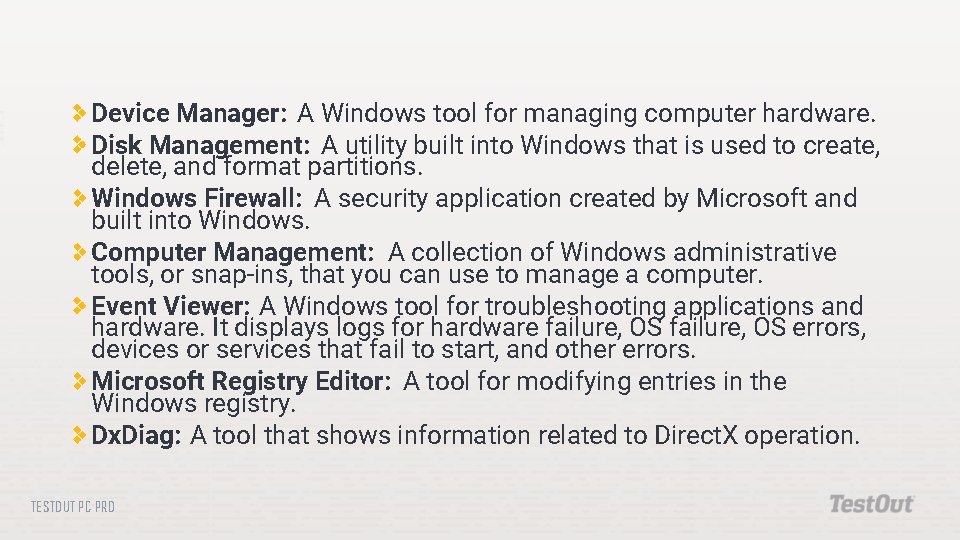
Device Manager: A Windows tool for managing computer hardware. Disk Management: A utility built into Windows that is used to create, delete, and format partitions. Windows Firewall: A security application created by Microsoft and built into Windows. Computer Management: A collection of Windows administrative tools, or snap-ins, that you can use to manage a computer. Event Viewer: A Windows tool for troubleshooting applications and hardware. It displays logs for hardware failure, OS errors, devices or services that fail to start, and other errors. Microsoft Registry Editor: A tool for modifying entries in the Windows registry. Dx. Diag: A tool that shows information related to Direct. X operation. TESTOUT PC PRO
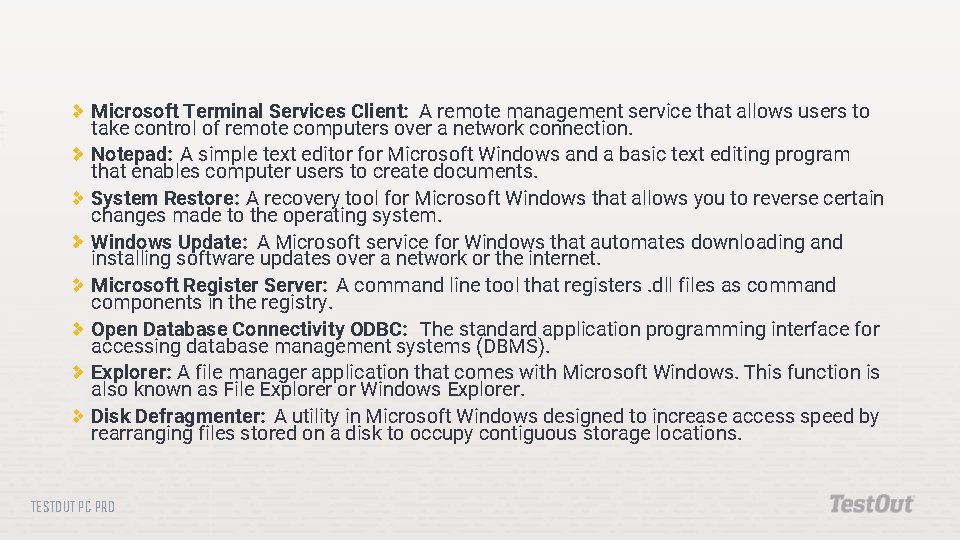
Microsoft Terminal Services Client: A remote management service that allows users to take control of remote computers over a network connection. Notepad: A simple text editor for Microsoft Windows and a basic text editing program that enables computer users to create documents. System Restore: A recovery tool for Microsoft Windows that allows you to reverse certain changes made to the operating system. Windows Update: A Microsoft service for Windows that automates downloading and installing software updates over a network or the internet. Microsoft Register Server: A command line tool that registers. dll files as command components in the registry. Open Database Connectivity ODBC: The standard application programming interface for accessing database management systems (DBMS). Explorer: A file manager application that comes with Microsoft Windows. This function is also known as File Explorer or Windows Explorer. Disk Defragmenter: A utility in Microsoft Windows designed to increase access speed by rearranging files stored on a disk to occupy contiguous storage locations. TESTOUT PC PRO
Do the following labs: 12. 1. 13 Use System Commands TESTOUT PC PRO