
System Design Design HOW to implement a system
![System Design l Defn: The high-level strategy for solving an [information flow] problem and](https://slidetodoc.com/presentation_image_h2/101c8dccfd7e8a939b89fa23e5854ecb/image-6.jpg "System Design l Defn: The high-level strategy for solving an [information flow] problem and")
- Slides: 53
System Design
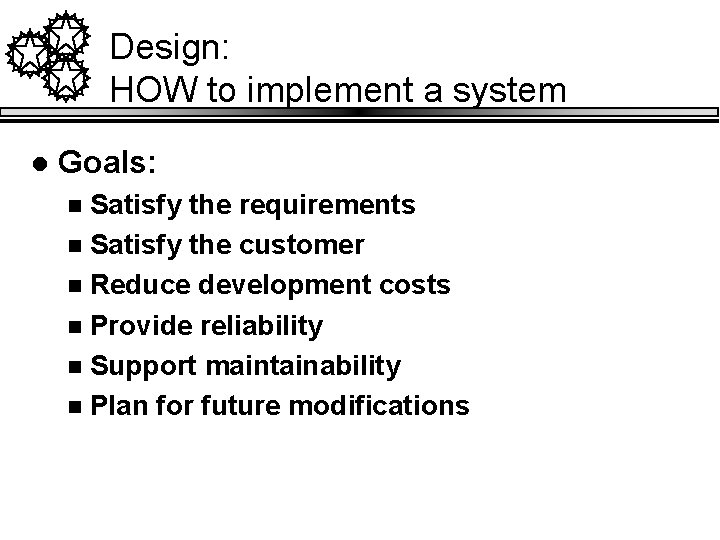
Design: HOW to implement a system l Goals: Satisfy the requirements n Satisfy the customer n Reduce development costs n Provide reliability n Support maintainability n Plan for future modifications n
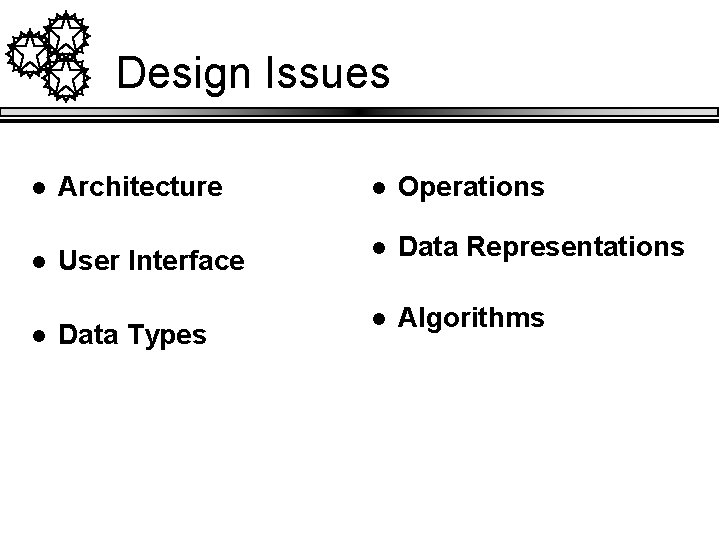
Design Issues l Architecture l Operations l User Interface l Data Representations l Algorithms l Data Types
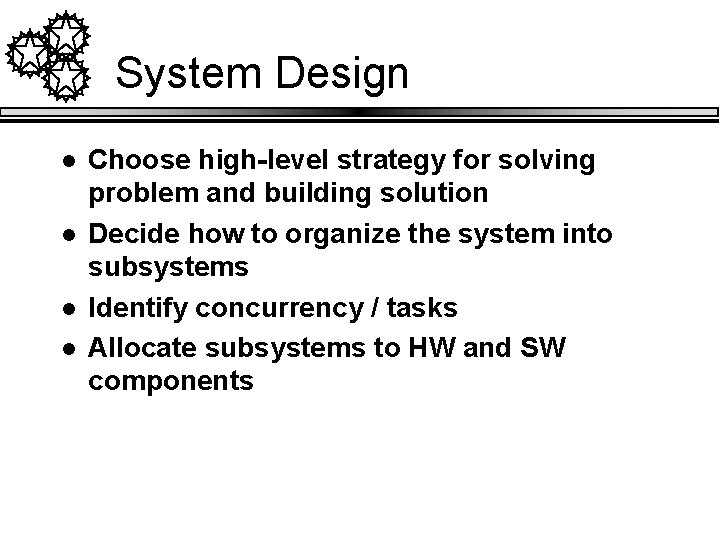
System Design l l Choose high-level strategy for solving problem and building solution Decide how to organize the system into subsystems Identify concurrency / tasks Allocate subsystems to HW and SW components
Strategic vs. Local Design Decisions l Defn: A high-level or strategic design decision is one that influences the form of (a large part) of the final code l Strategic decisions have the most impact on the final system l So they should be made carefully l Question: Can you think of an example of a strategic decision?
System Design l Defn: The high-level strategy for solving an [information flow] problem and building a solution n l Includes decisions about organization of functionality. Allocation of functions to hardware, software and people. Other major conceptual or policy decisions that are prior to technical design. Assumes and builds upon thorough requirements and analysis.
Taxonomy of System-Design Decisions l l l Devise a system architecture Choose a data management approach Choose an implementation of external control
System Architecture l l A collection of subsystems and interactions among subsystems. Should comprise a small number (<20) of subsystems A subsystem is a package of classes, associations, operations, events and constraints that are interrelated and that have a reasonably well-defined interface with other subsystems, Example subsystems: n n Database management systems (RDBMS) Interface (GUI) package
Architectural Design Principles l l Decompose into subsystems layers and partitions. Separate application logic from user interface Simplify the interfaces through which parts of the system will connect to other systems. In systems that use large databases: n n Distinguish between operational (transactional) and inquiry systems. Exploit features of DBMS
Taxonomy of System-Design Decisions l l l Devise a system architecture Choose a data management approach Choose an implementation of external control
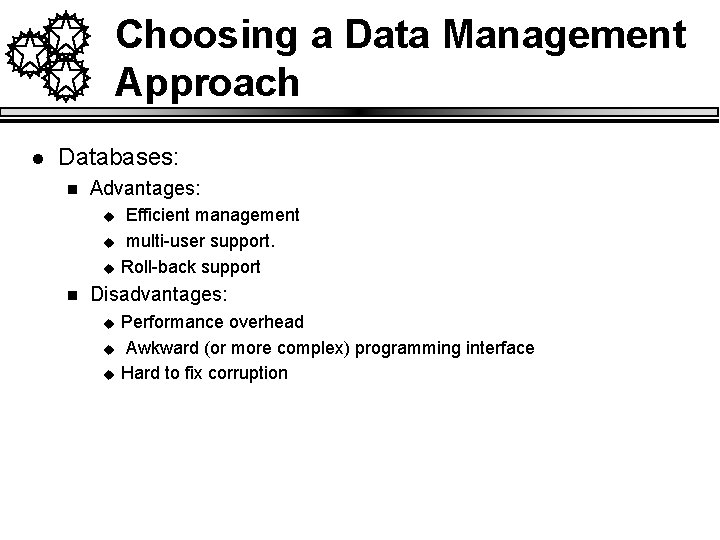
Choosing a Data Management Approach l Databases: n Advantages: u u u n Efficient management multi-user support. Roll-back support Disadvantages: u u u Performance overhead Awkward (or more complex) programming interface Hard to fix corruption
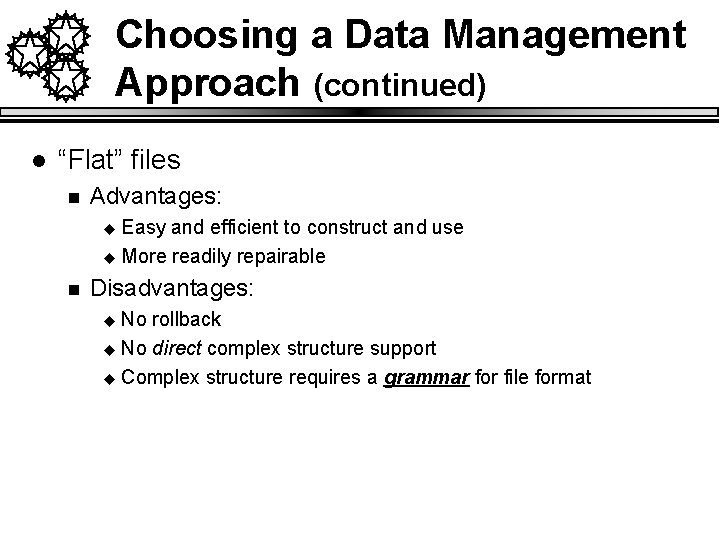
Choosing a Data Management Approach (continued) l “Flat” files n Advantages: Easy and efficient to construct and use u More readily repairable u n Disadvantages: No rollback u No direct complex structure support u Complex structure requires a grammar for file format u
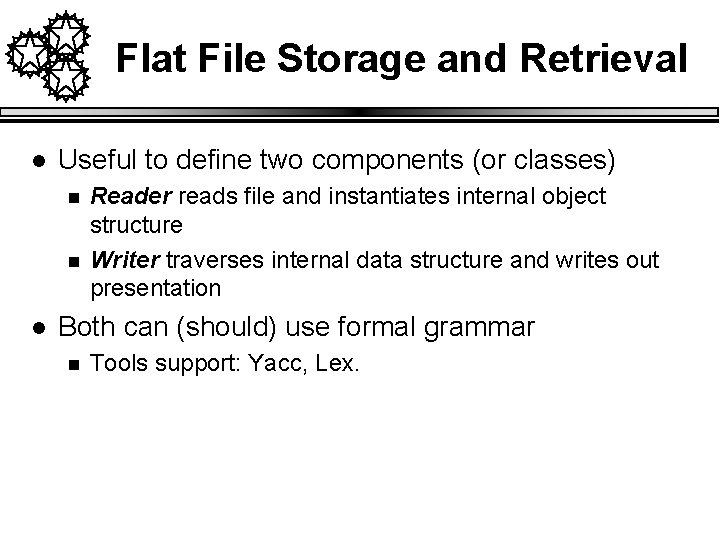
Flat File Storage and Retrieval l Useful to define two components (or classes) n n l Reader reads file and instantiates internal object structure Writer traverses internal data structure and writes out presentation Both can (should) use formal grammar n Tools support: Yacc, Lex.
Java Data Marshalling l l Provides a means of “serializing” a set of objects Requires classes to implement the “Serializable” interface. Stream can be written/read to a file Stream can be written/read to a network socket.
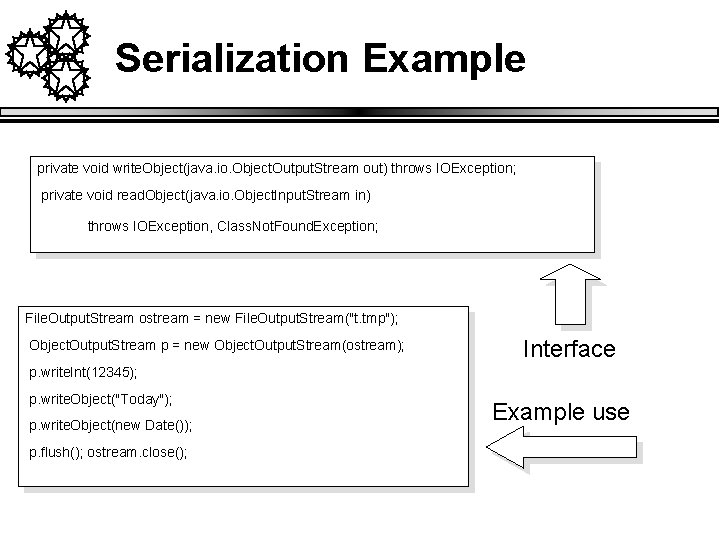
Serialization Example private void write. Object(java. io. Object. Output. Stream out) throws IOException; private void read. Object(java. io. Object. Input. Stream in) throws IOException, Class. Not. Found. Exception; File. Output. Stream ostream = new File. Output. Stream("t. tmp"); Object. Output. Stream p = new Object. Output. Stream(ostream); Interface p. write. Int(12345); p. write. Object("Today"); p. write. Object(new Date()); p. flush(); ostream. close(); Example use
Taxonomy of System-Design Decisions l l l Devise a system architecture Choose a data management approach Choose an implementation of external control
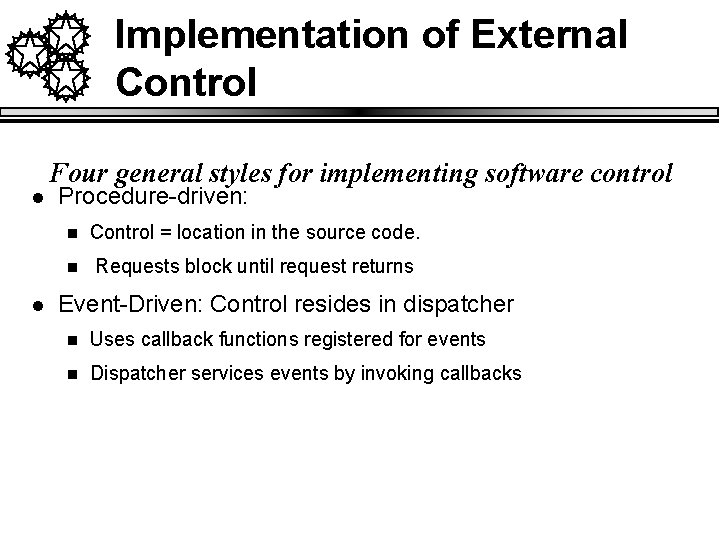
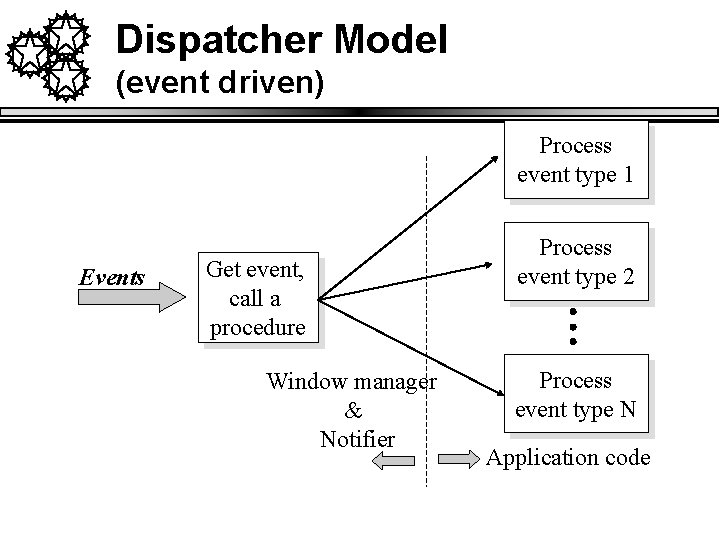
Implementation of External Control l l Four general styles for implementing software control Procedure-driven: n Control = location in the source code. n Requests block until request returns Event-Driven: Control resides in dispatcher n Uses callback functions registered for events n Dispatcher services events by invoking callbacks
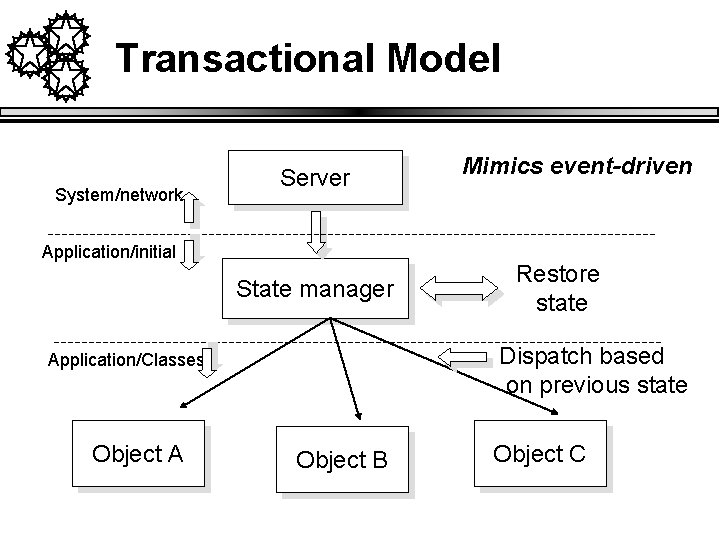
Implementation of External Control l Concurrent n n Control resides in multiple, concurrent objects Objects communicate by passing messages u l across busses, networks, or memory. Transactional n n Control resides in servers and saved state Many server-side E-systems are like this
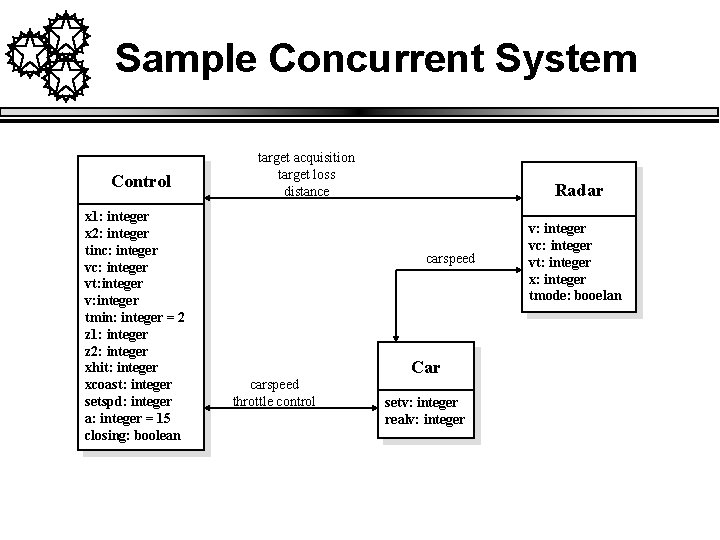
Sample Concurrent System Control x 1: integer x 2: integer tinc: integer vt: integer v: integer tmin: integer = 2 z 1: integer z 2: integer xhit: integer xcoast: integer setspd: integer a: integer = 15 closing: boolean target acquisition target loss distance Radar carspeed Car carspeed throttle control setv: integer realv: integer vc: integer vt: integer x: integer tmode: booelan
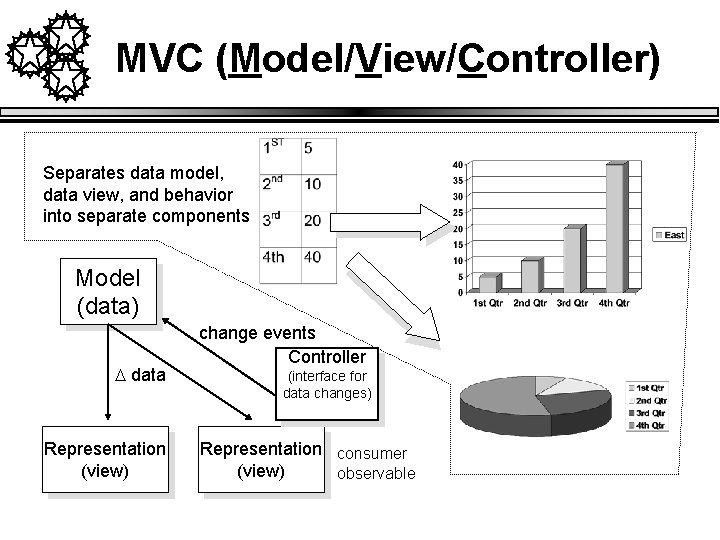
MVC (Model/View/Controller) Separates data model, data view, and behavior into separate components Model (data) D data Representation (view) change events Controller (interface for data changes) Representation consumer (view) observable
Dispatcher Model (event driven) Process event type 1 Events Get event, call a procedure Window manager & Notifier Process event type 2 Process event type N Application code
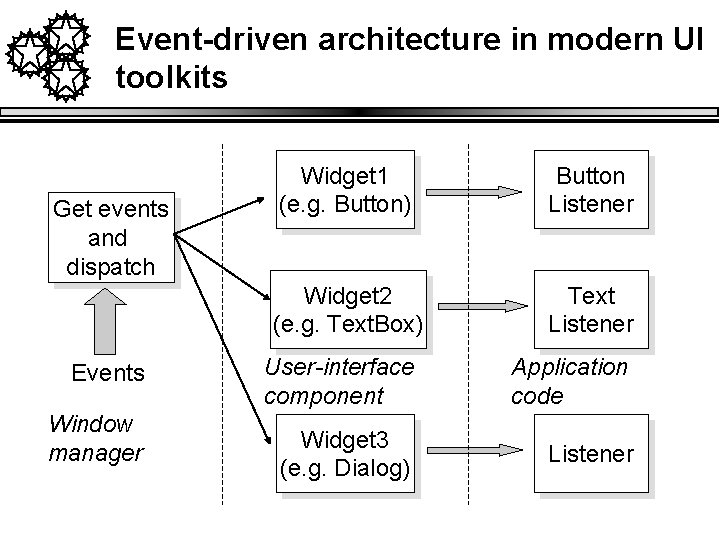
Event-driven architecture in modern UI toolkits Get events and dispatch Events Window manager Widget 1 (e. g. Button) Button Listener Widget 2 (e. g. Text. Box) Text Listener User-interface component Application code Widget 3 (e. g. Dialog) Listener
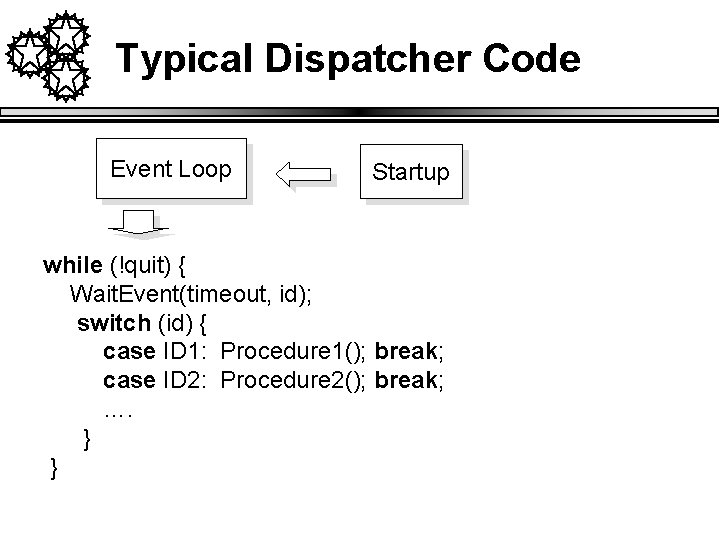
Typical Dispatcher Code Event Loop Startup while (!quit) { Wait. Event(timeout, id); switch (id) { case ID 1: Procedure 1(); break; case ID 2: Procedure 2(); break; …. } }
Transactional Model System/network Server Application/initial State manager Restore state Dispatch based on previous state Application/Classes Object A Mimics event-driven Object B Object C
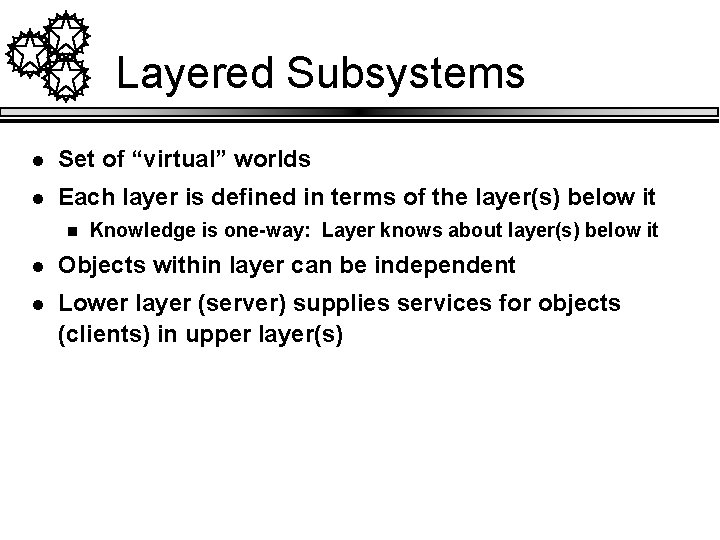
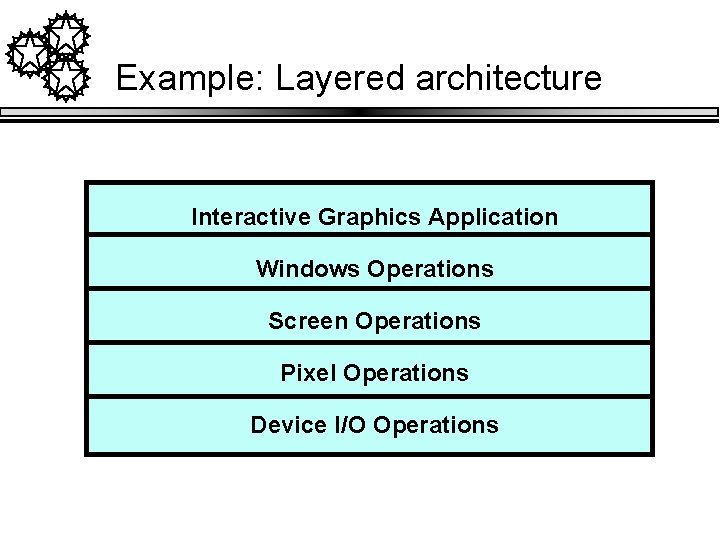
Layered Subsystems l Set of “virtual” worlds l Each layer is defined in terms of the layer(s) below it n Knowledge is one-way: Layer knows about layer(s) below it l Objects within layer can be independent l Lower layer (server) supplies services for objects (clients) in upper layer(s)
Example: Layered architecture Interactive Graphics Application Windows Operations Screen Operations Pixel Operations Device I/O Operations
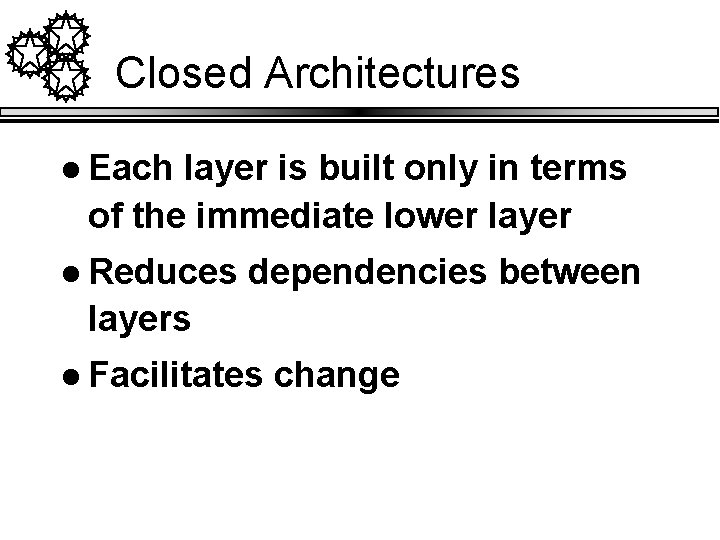
Closed Architectures l Each layer is built only in terms of the immediate lower layer l Reduces dependencies between layers l Facilitates change
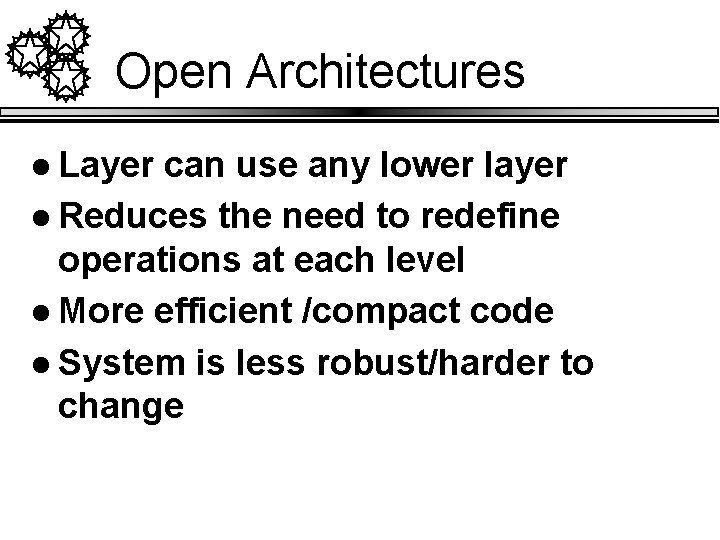
Open Architectures l Layer can use any lower layer l Reduces the need to redefine operations at each level l More efficient /compact code l System is less robust/harder to change
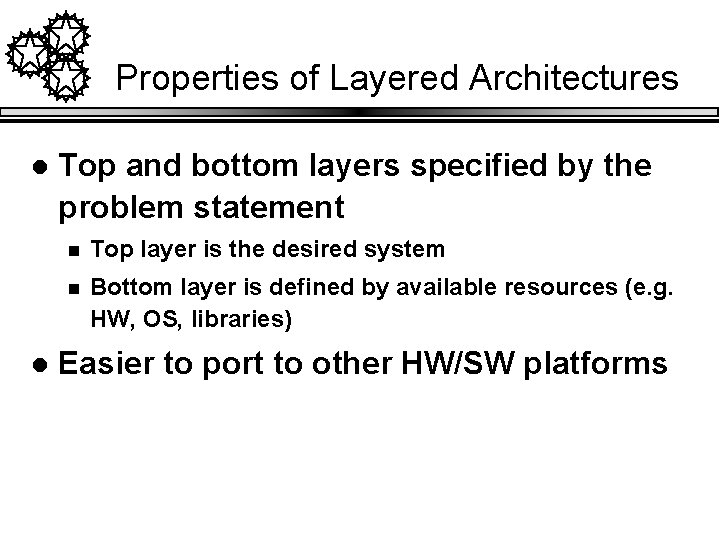
Properties of Layered Architectures l l Top and bottom layers specified by the problem statement n Top layer is the desired system n Bottom layer is defined by available resources (e. g. HW, OS, libraries) Easier to port to other HW/SW platforms
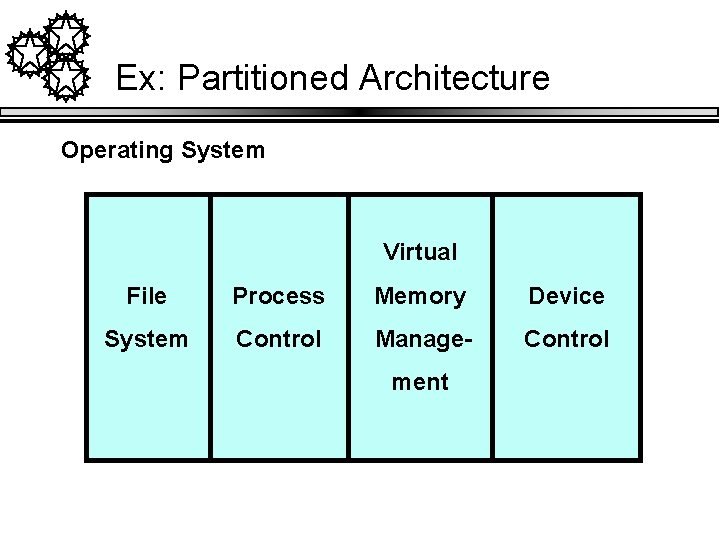
Partitioned Architectures l Divide system into weakly-coupled subsystems l Each provides specific services l Vertical decomposition of problem
Ex: Partitioned Architecture Operating System Virtual File Process Memory Device System Control Manage- Control ment
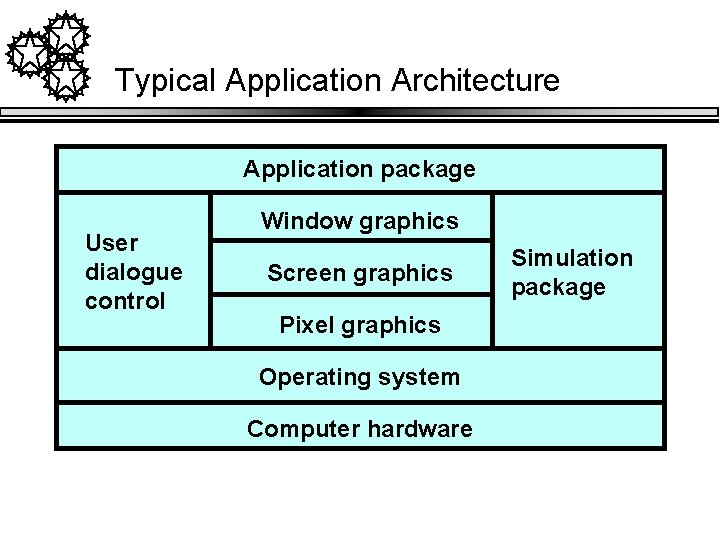
Typical Application Architecture Application package User dialogue control Window graphics Screen graphics Pixel graphics Operating system Computer hardware Simulation package
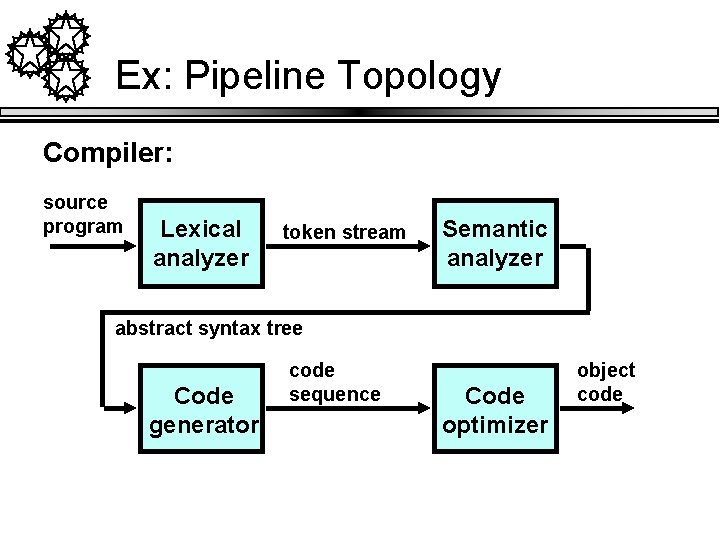
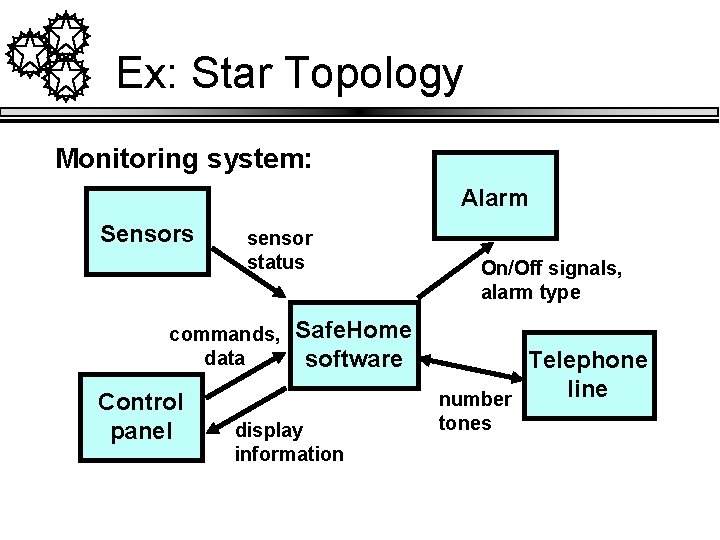
System Topology l Describe information flow n l Can use DFD to model flow Some common topologies n Pipeline (batch) n Star topology
Ex: Pipeline Topology Compiler: source program Lexical analyzer token stream Semantic analyzer abstract syntax tree Code generator code sequence Code optimizer object code
Ex: Star Topology Monitoring system: Alarm Sensors sensor status commands, data Control panel Safe. Home software display information On/Off signals, alarm type Telephone line number tones
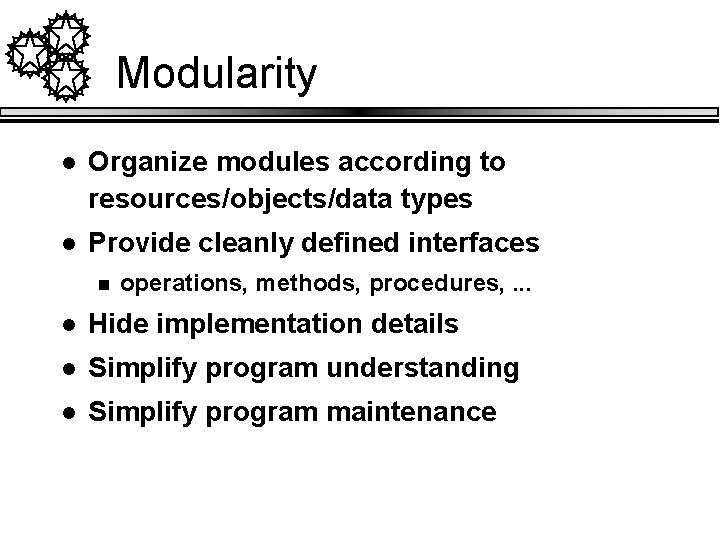
Modularity l Organize modules according to resources/objects/data types l Provide cleanly defined interfaces n operations, methods, procedures, . . . l Hide implementation details l Simplify program understanding l Simplify program maintenance
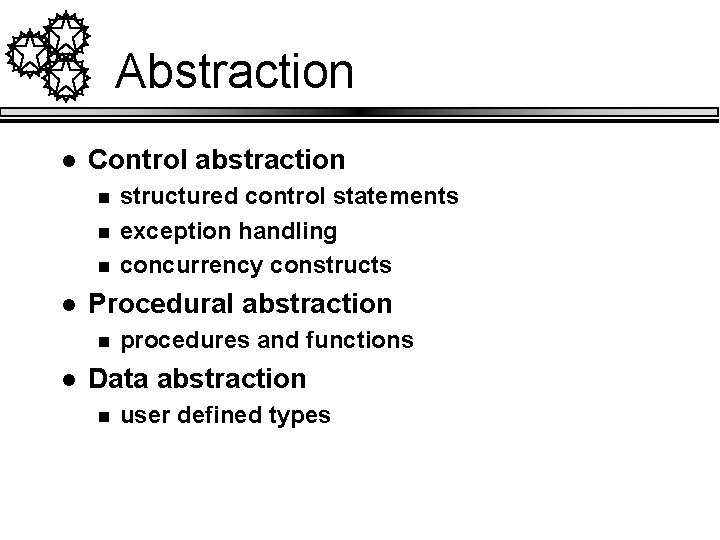
Abstraction l Control abstraction n l Procedural abstraction n l structured control statements exception handling concurrency constructs procedures and functions Data abstraction n user defined types
Abstraction (cont. ) l Abstract data types n l encapsulation of data Abstract objects n subtyping n generalization/inheritance
Cohesion l Contents of a module should be cohesive l Improves maintainability n Easier to understand n Reduces complexity of design n Supports reuse
(Weak) Types of cohesiveness l Coincidentally cohesive n l Logically cohesive n l contiguous lines of code not exceeding a maximum size all output routines Temporally cohesive n all initialization routines
(Better) Types of cohesiveness l Procedurally cohesive n l Communicationally cohesive n l routines called in sequence work on same chunk of data Functionally cohesive n work on same data abstraction at a consistent level of abstraction
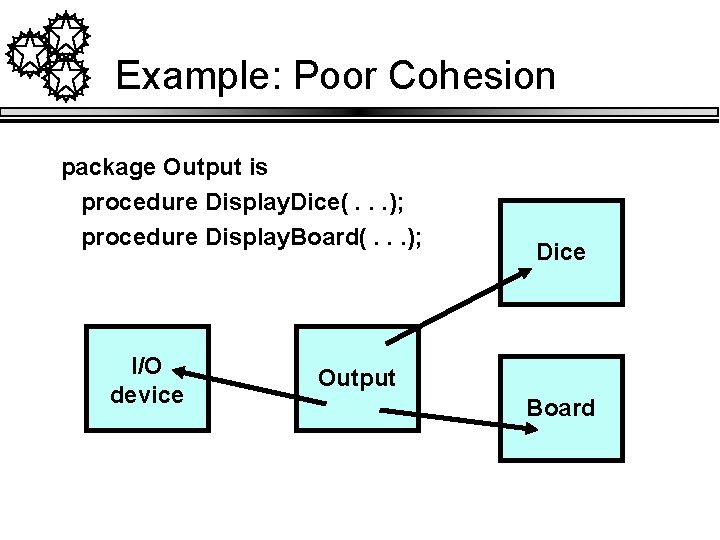
Example: Poor Cohesion package Output is procedure Display. Dice(. . . ); procedure Display. Board(. . . ); I/O device Dice Output Board
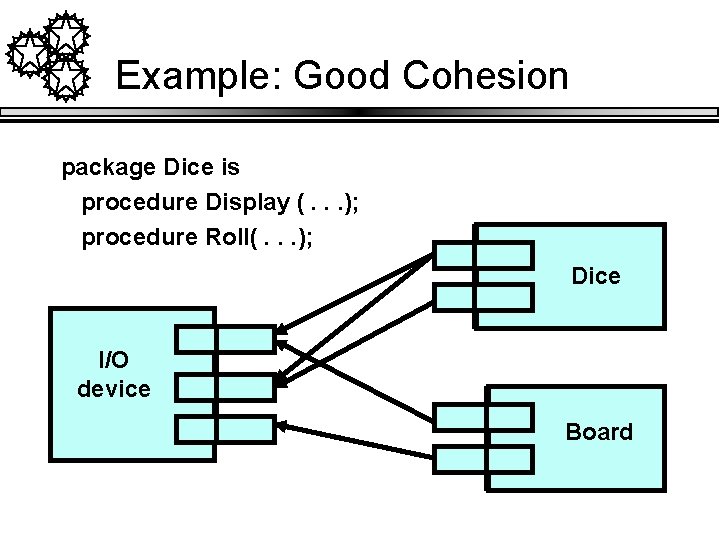
Example: Good Cohesion package Dice is procedure Display (. . . ); procedure Roll(. . . ); Dice I/O device Board
Coupling l Connections between modules l Bad coupling n Global variables n Flag parameters n Direct manipulation of data structures by multiple classes
Coupling (cont. ) l Good coupling n n n l Procedure calls Short argument lists Objects as parameters Good coupling improves maintainability n Easier to localize errors, modify implementations of an objects, . . .
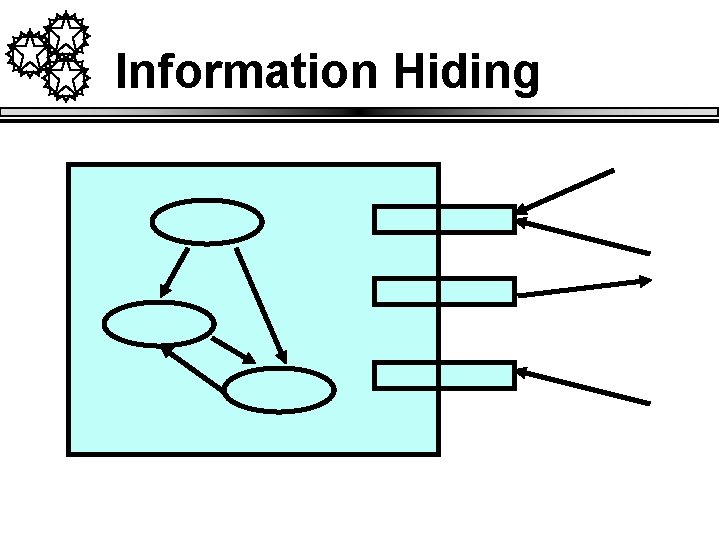
Information Hiding l Hide decisions likely to change n l Black box n n n l Data representations, algorithmic details, system dependencies Input is known Output is predictable Mechanism is unknown Improves maintainability
Information Hiding
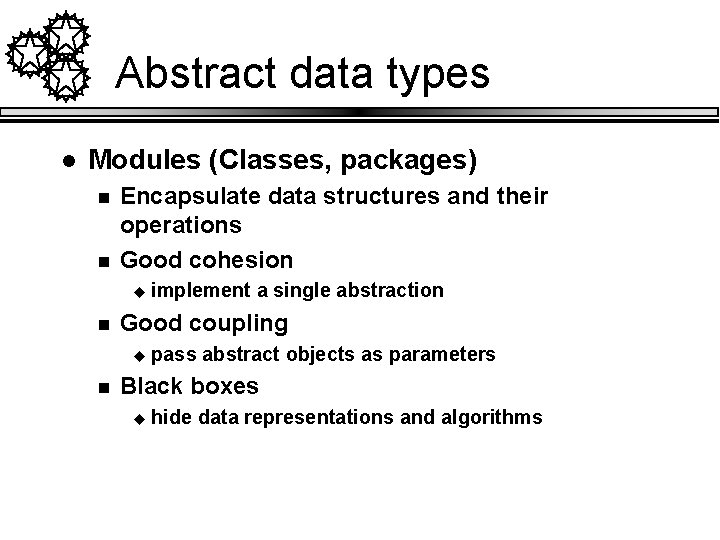
Abstract data types l Modules (Classes, packages) n n Encapsulate data structures and their operations Good cohesion u n Good coupling u n implement a single abstraction pass abstract objects as parameters Black boxes u hide data representations and algorithms
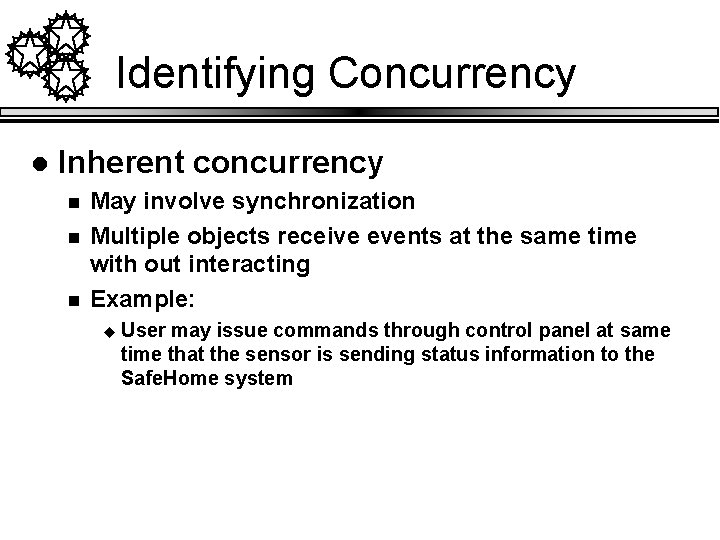
Identifying Concurrency l Inherent concurrency n n n May involve synchronization Multiple objects receive events at the same time with out interacting Example: u User may issue commands through control panel at same time that the sensor is sending status information to the Safe. Home system
Determining Concurrent Tasks l Thread of control n l Path through state diagram with only one active object at any time Threads of control are implemented as tasks n Interdependent objects n Examine state diagram to identify objects that can be implemented in a task
Global Resources Identify global resources and determine access patterns l Examples l n n physical units (processors, tape drives) available space (disk, screen, buttons) logical names (object IDs, filenames) access to shared data (database, file)
Boundary Conditions l Initialization n l Termination n l Constants, parameters, global variables, tasks, guardians, class hierarchy Release external resources, notify other tasks Failure n Clean up and log failure info
Identify Trade-off Priorities l l Establish priorities for choosing between incompatible goals Implement minimal functionality initially and embellish as appropriate Isolate decision points for later evaluation Trade efficiency for simplicity, reliability, . . .