
System Design Basics IB Computer Science HL Topics
System Design Basics IB Computer Science
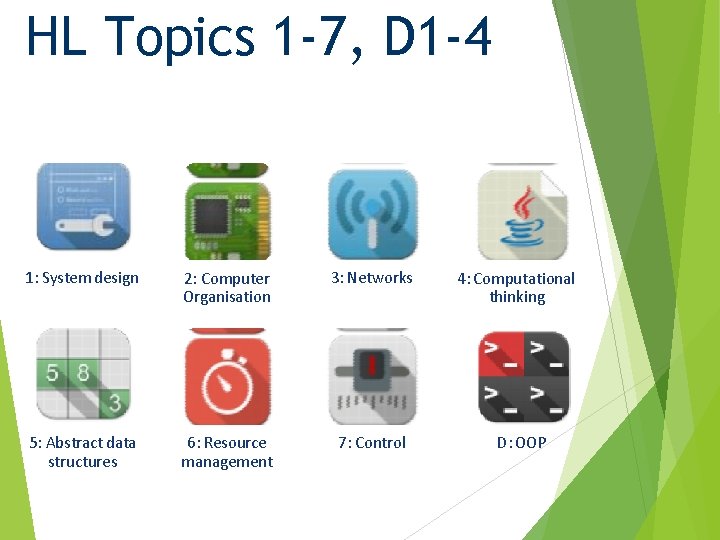
HL Topics 1 -7, D 1 -4 1: System design 2: Computer Organisation 3: Networks 5: Abstract data structures 6: Resource management 7: Control 4: Computational thinking D: OOP

HL & SL 1. 2 Overview Components of a computer system 1: System design 2: Computer Organisation 1. 2. 1 Define the terms: hardware, software, peripheral, network, human resources 1. 2. 2 Describe the roles that a computer can take in a networked world 1. 2. 3 Discuss the social and ethical issues associated with a networked world 3: Networks System design and analysis 1. 2. 4 Identify the relevant stakeholders when planning a new system 1. 2. 5 Describe methods of obtaining requirements from stakeholders 1. 2. 6 Describe appropriate techniques for gathering the information needed to arrive at a workable solution 1. 2. 7 Construct suitable representations to illustrate system requirements 1. 2. 8 Describe the purpose of prototypes to demonstrate the proposed system to the client 1. 2. 9 Discuss the importance of iteration during the design process 1. 2. 10 Explain the possible consequences of failing to involve the end-user in the design process 1. 2. 11 Discuss the social and ethical issues associated with the introduction of new IT systems 4: Computational thinking 5: Abstract data structures 6: Resource management Human interaction with the system 1. 2. 12 Define the term usability 1. 2. 13 Identify a range of usability problems with commonly used digital devices 1. 2. 14 Identify methods that can be used to improve the accessibility of systems 1. 2. 15 Identify a range of usability problems that can occur in a system 1. 2. 16 Discuss the moral, ethical, social, School economic and environmental implications of the Content developed by Dartford Grammar Computer Science Department interaction between humans and machines 7: Control D: OOP

Topic 1. 2. 1 Define the terms: • hardware • software • peripheral • network • human resources

5 key concepts • Hardware: anything within a computer you can physically touch. Software: the collection of programs and instructions that • • • • control the computer. Peripheral: the devices attached to the computer that allow it to interact with its environment and exchange information. Network: a group of computers connected together in some way to share resources such as documents or files and printers. Human resources: the humans operating the computers
Types of peripherals • Input peripherals: – – – Keyboard Mouse Microphone Webcam Scanner • Output peripherals: – Screen – Speakers – Printer
- Slides: 6