
System Dependency Maps Coming to an ITSM near


- Slides: 26
System Dependency Maps • Coming to an ITSM near you • September 3 rd!
Everyone does Who has…. ?
What is a CMDB?
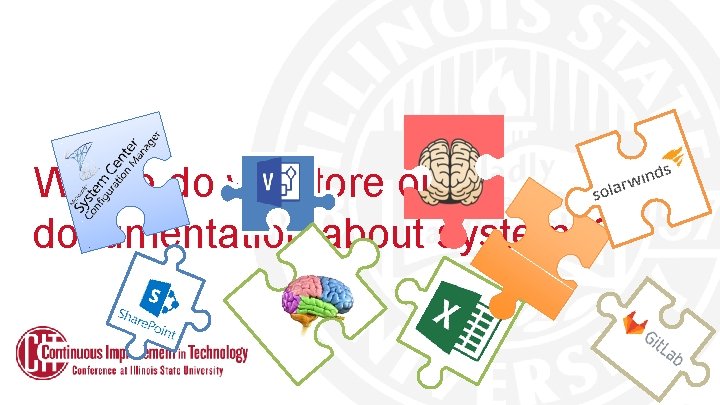
Where do we store our documentation about systems?
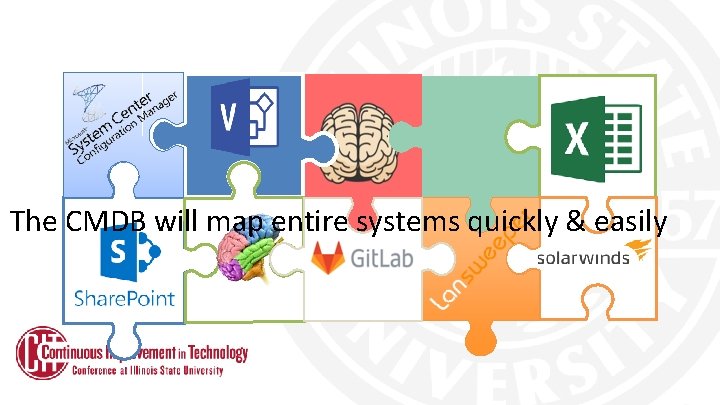
The CMDB will map entire systems quickly & easily
Services delivered with multiple systems can seem like…
The CMDB can make spaghetti into this…
Dependency & Impact Diagrams • How to read a Cherwell visualization • Two main visualizations • When would we use these?
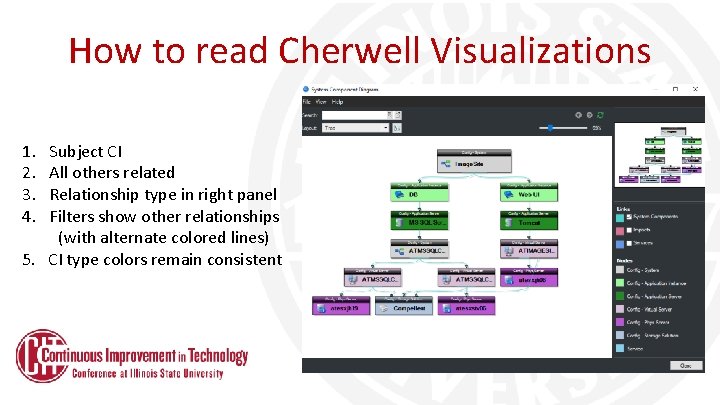
How to read Cherwell Visualizations 1. 2. 3. 4. Subject CI All others related Relationship type in right panel Filters show other relationships (with alternate colored lines) 5. CI type colors remain consistent
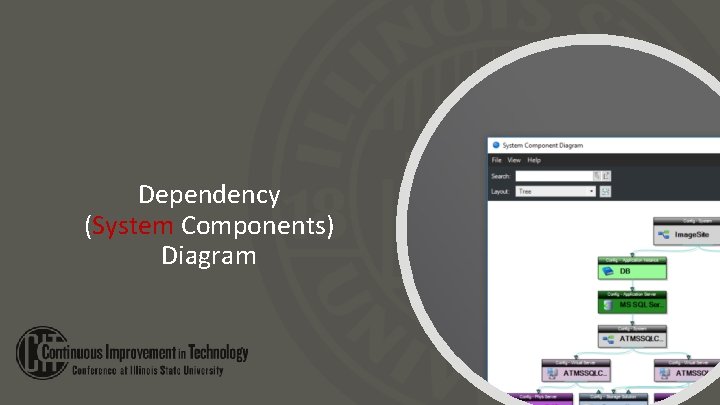
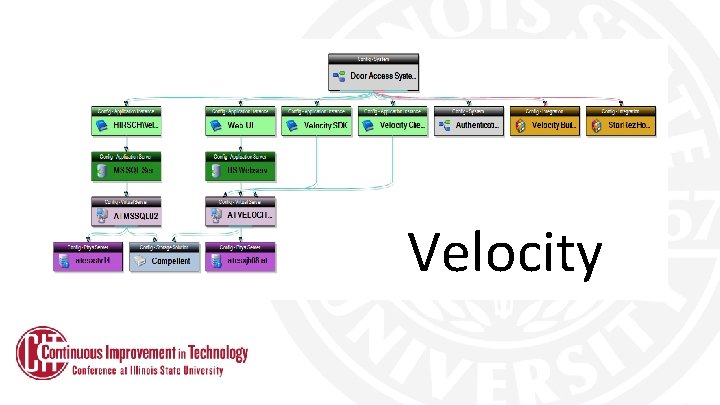
Dependency (System Components) Diagram
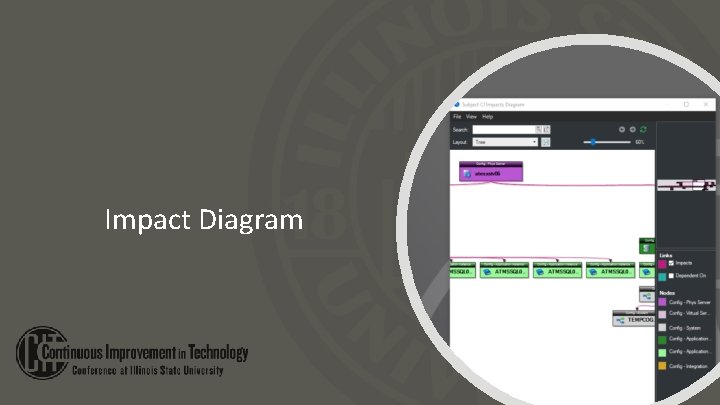
Impact Diagram
How do I find these diagrams? • • Within Cherwell, select tools/CMDB Select Config – System as a filter Search for your system & open it Click on the Visualize link in the left pane
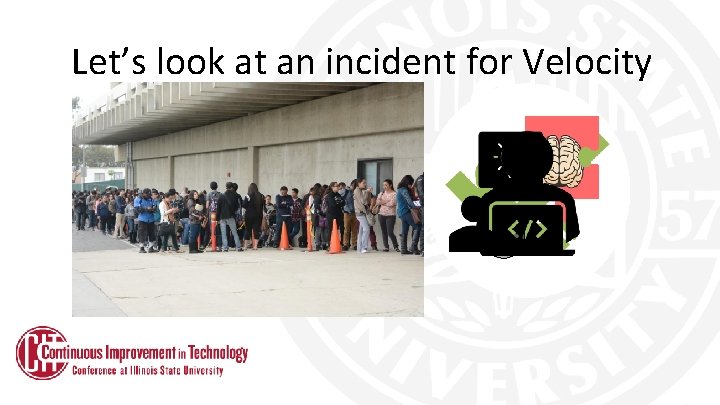
Let’s look at an incident for Velocity
Velocity
So how do you make an SDM? • Many have been working with the system CIs for over 2 years, associating -Incidents -Problems -Changes
(Meanwhile – behind the scenes…) • Working with the DBAs, App Admins, and CCA we have populated thousands of records – – – Physical Servers Virtual Servers Clusters Application Servers Databases
How to make an SDM (cont. ) Most mapping sessions consists of linking 1 or more application instances up, & down. Here’s what that looks like – “real-time”.
Significant value to assist Putting the CMDB to use troubleshooting during outages and service degradation. 1. Assist in troubleshooting during outages and service degradation.
Significant value to assist Putting the CMDB to use (cont. ) troubleshooting during outages and 2. Associate Incident, Problem, Change, and service degradation. Release records to CIs (more specific than system level) [We upgraded the database server to SQL 2016…] [We upgraded the web app to eliminate the use of Silverlight…]
Significant value to assist Putting the CMDB to use (cont. ) troubleshooting during outages and service degradation. 3. Assess changes for possible impact during the planning and Change/Release process.
Significant value to assist Putting the CMDB to use troubleshooting during outages and service degradation. 4. Identify system purpose and more easily illustrate duplication of systems.
Significant value to assist Putting the CMDB to use troubleshooting during outages and service degradation. 5. Illustrate the volume of CI we are responsible for, and… How components from many teams (tech silos) work together to provide functions, systems, services
Significant value to assist Putting the CMDB to use troubleshooting during outages and service degradation. 6. Help inform budget and planning processes by allowing vendors and contracts to be linked.
Significant value to assist Putting the CMDB to use troubleshooting during outages and service degradation. 7. Coordination between IT teams, both within AT and eventually across all IT units on campus.