
System Access Authentication Presented by SBS Cyber Security
System Access Authentication Presented by: SBS Cyber. Security © SBS Cyber. Security, LLC www. sbscyber. com Consulting Network Security IT Audit Education 1
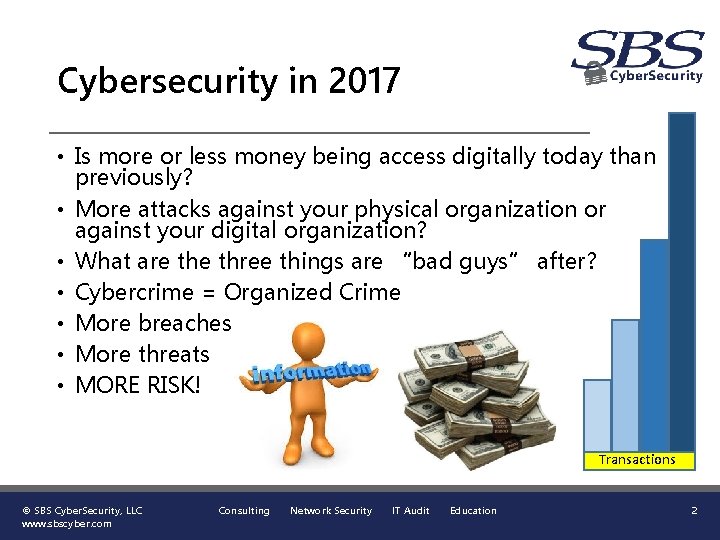
Cybersecurity in 2017 • Is more or less money being access digitally today than previously? • More attacks against your physical organization or against your digital organization? • What are three things are “bad guys” after? • Cybercrime = Organized Crime • More breaches • More threats • MORE RISK! Transactions © SBS Cyber. Security, LLC www. sbscyber. com Consulting Network Security IT Audit Education 2
What Are YOU to Do? • Protect your passwords and do not share them. • Do not use the same password for work and personal. • Change your passwords regularly. • Be cautious about free Wi-Fi. • Learn to recognize phishing emails. • Be aware of potential fraud situations. • Understand, anything you text or post online will never go away. • Use multifactor authentication to access systems. © SBS Cyber. Security, LLC www. sbscyber. com Consulting Network Security IT Audit Education 3
What is Multifactor Authentication? • There are three main factors of authentication. • Knowledge Factors - Something you know • Possession Factors - Something you have • Inherence Factors - Something you are • Financial Institutions are required by regulations to provide multifactor authentication for access to non public customer information. © SBS Cyber. Security, LLC www. sbscyber. com Consulting Network Security IT Audit Education 4
What is Multifactor Authentication? • What works as a factor of authentication? • Something you know – This is the most common factor and is easier to compromise. These are access credentials like user names, passwords, personal identification number (PIN), or security questions. • Something you have – Hardware token or a One-time passcode. A less secure item is a hardware cookie on your device. The hardware cookie may easily be compromise. • Something you are – Fingerprints, hand geometry, retinal or iris scans, handwriting, and voice analysis. © SBS Cyber. Security, LLC www. sbscyber. com Consulting Network Security IT Audit Education 5
What is Multifactor Authentication? • There are less common factors sometimes used. • Location Factor – Identifies the location you are gaining access from and initiates a computer call back to validate the remote user. May also be a GPS tracked device allowed to access the system based on the location of an approved device. • Time Factor – Uses an intelligence configuration to identify a combination of access times from two extended locations too far apart to be legitimate and may cause the access to be suspicious and block the access. © SBS Cyber. Security, LLC www. sbscyber. com Consulting Network Security IT Audit Education 6
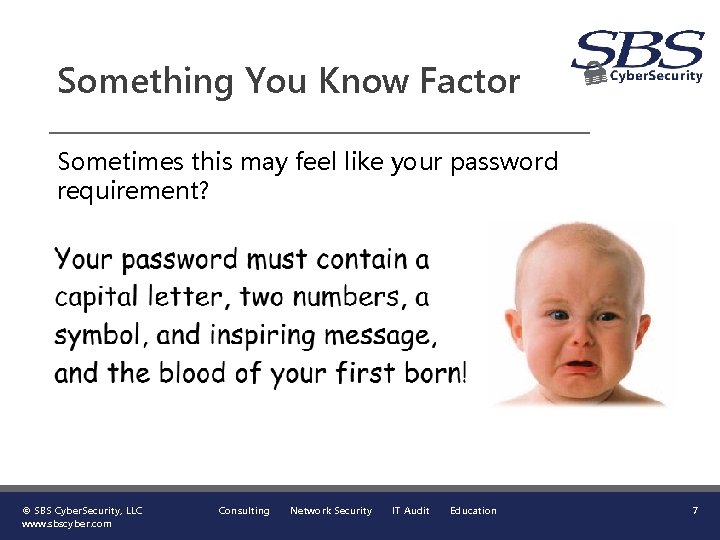
Something You Know Factor Sometimes this may feel like your password requirement? © SBS Cyber. Security, LLC www. sbscyber. com Consulting Network Security IT Audit Education 7
Something You Know Factor • We are all consumers and we like convenience! • User names should not be easily determined. • Passwords should be at least 8 characters (15, if possible) with 3 of the 4 characteristics of upper case letter, lower case letter, number, or symbol. • Do not use a dictionary word. • Do not set your internet browser to remember passwords. • Passwords should be replaced at least every 90 days. • Should not use a repeated password for at least 12 months. • Security questions should be out of wallet and not preselected standard questions. © SBS Cyber. Security, LLC www. sbscyber. com Consulting Network Security IT Audit Education 8
How Do You Keep Up With Access Credentials? • Do not write your access credentials down and keep them on your desk, on your computer, under your keyboard, or under your desk calendar. • Access credentials should be kept in a safe location and no one else should have access to your credentials. • Is writing them down and locking them in your desk ok? • Is a spreadsheet password protected ok to have? • How about using an application to manage your access credentials ? © SBS Cyber. Security, LLC www. sbscyber. com Consulting Network Security IT Audit Education 9
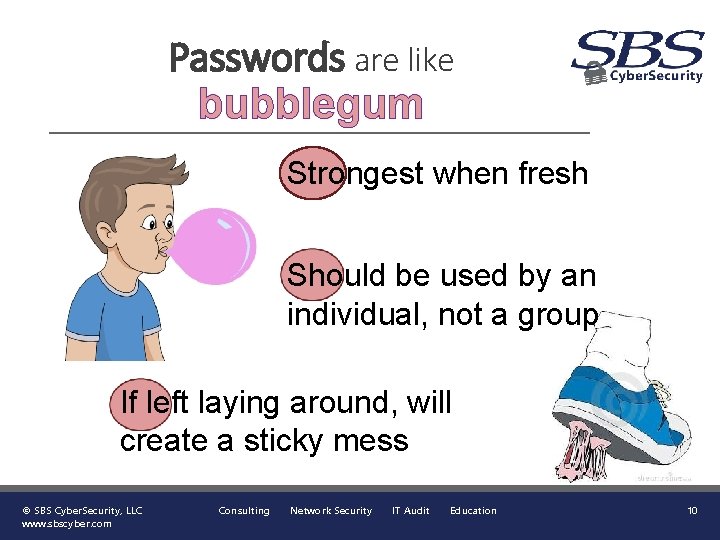
Passwords are like bubblegum Strongest when fresh Should be used by an individual, not a group If left laying around, will create a sticky mess © SBS Cyber. Security, LLC www. sbscyber. com Consulting Network Security IT Audit Education 10
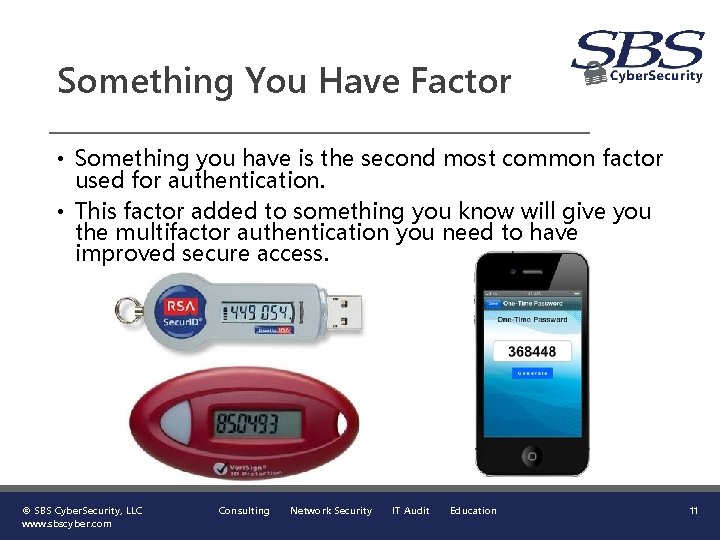
Something You Have Factor • Something you have is the second most common factor used for authentication. • This factor added to something you know will give you the multifactor authentication you need to have improved secure access. © SBS Cyber. Security, LLC www. sbscyber. com Consulting Network Security IT Audit Education 11
Use Multifactor Authentication • Using at least two factors of authentication dramatically increases your access security! • Many systems allow you to use a second authentication factor, what you have, by implementing the one-time passcode. Use it if available. © SBS Cyber. Security, LLC www. sbscyber. com Consulting Network Security IT Audit Education 12
Presented by SBS Cyber. Security (605) 923 -8722 sales@sbscyber. com www. sbscyber. com 700 S Washington Ave Ste 200, Madison, SD 57042 © SBS Cyber. Security, LLC www. sbscyber. com Consulting Network Security IT Audit Education Let’s Connect! 13
- Slides: 13