
SYNCHRO from TRAFFICWARE SYNCHRO Planning tool Network modelling
- Slides: 16
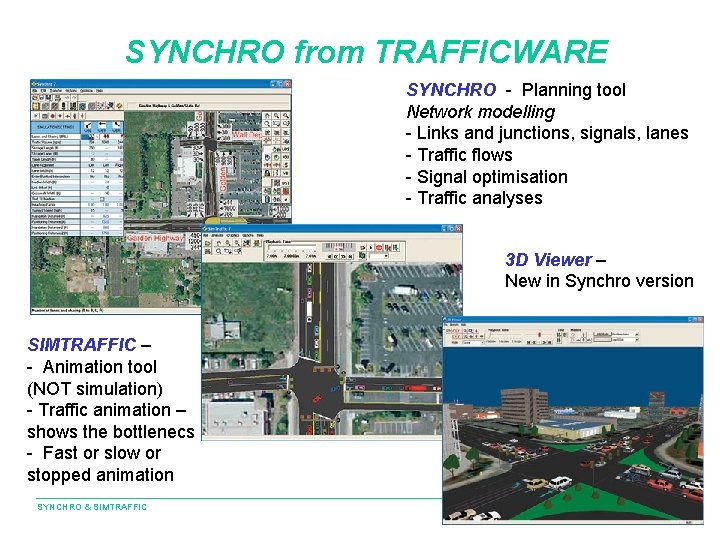
SYNCHRO from TRAFFICWARE SYNCHRO - Planning tool Network modelling - Links and junctions, signals, lanes - Traffic flows - Signal optimisation - Traffic analyses 3 D Viewer – New in Synchro version SIMTRAFFIC – - Animation tool (NOT simulation) - Traffic animation – shows the bottlenecs - Fast or slow or stopped animation SYNCHRO & SIMTRAFFIC
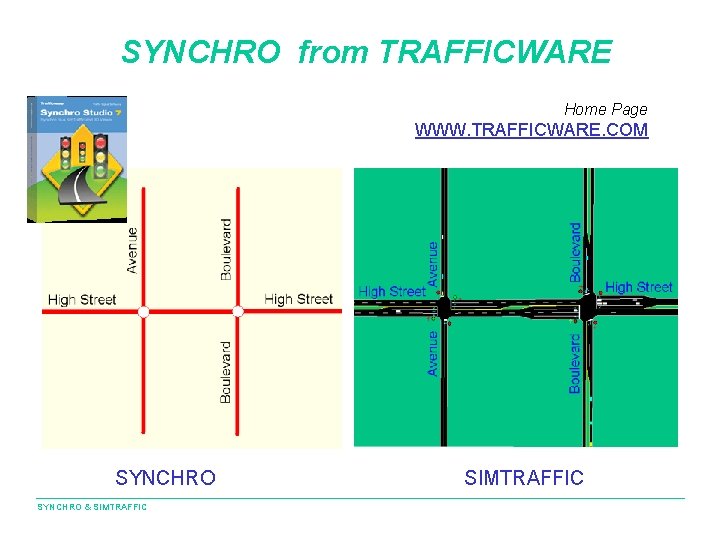
SYNCHRO from TRAFFICWARE Home Page WWW. TRAFFICWARE. COM SYNCHRO & SIMTRAFFIC
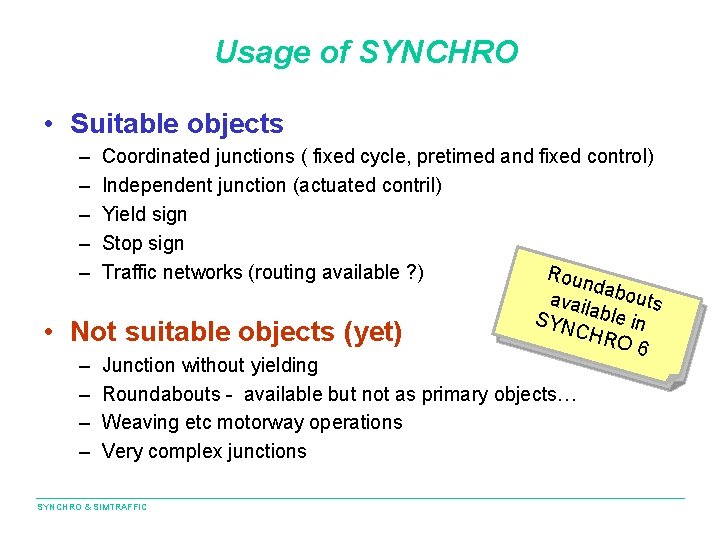
Usage of SYNCHRO • Suitable objects – – – • Coordinated junctions ( fixed cycle, pretimed and fixed control) Independent junction (actuated contril) Yield sign Stop sign Traffic networks (routing available ? ) Rou ndab ou avai lable ts SYN in C HRO Not suitable objects (yet) 6 – Junction without yielding – Roundabouts - available but not as primary objects… – Weaving etc motorway operations – Very complex junctions SYNCHRO & SIMTRAFFIC
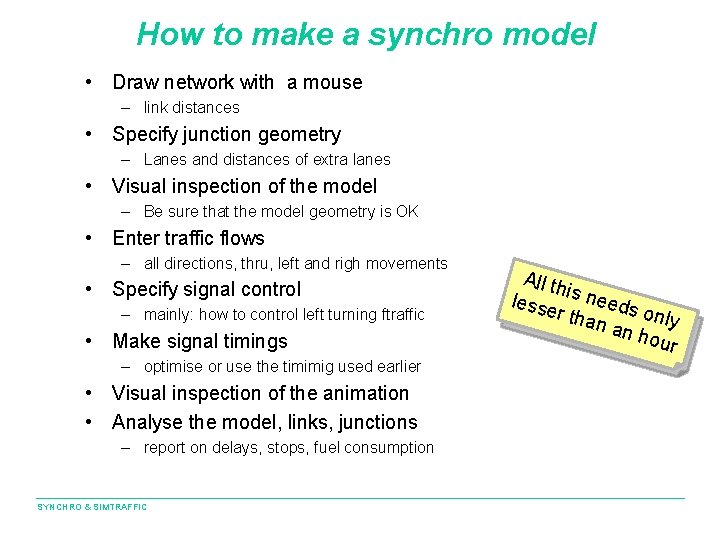
How to make a synchro model • Draw network with a mouse – link distances • Specify junction geometry – Lanes and distances of extra lanes • Visual inspection of the model – Be sure that the model geometry is OK • Enter traffic flows – all directions, thru, left and righ movements • Specify signal control – mainly: how to control left turning ftraffic • Make signal timings – optimise or use the timimig used earlier • Visual inspection of the animation • Analyse the model, links, junctions – report on delays, stops, fuel consumption SYNCHRO & SIMTRAFFIC All th lesse is needs o r tha n an nly hour
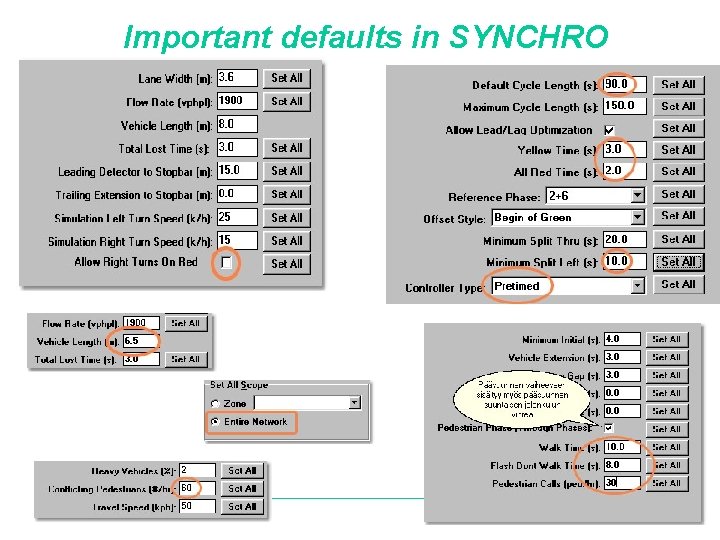
Important defaults in SYNCHRO & SIMTRAFFIC
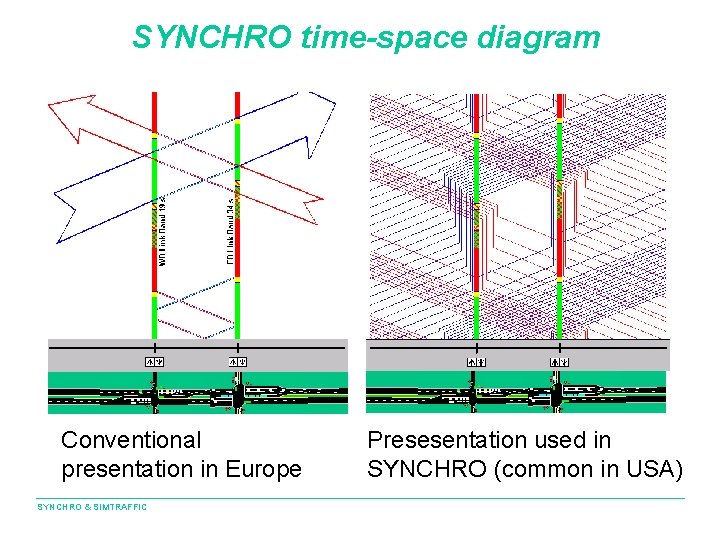
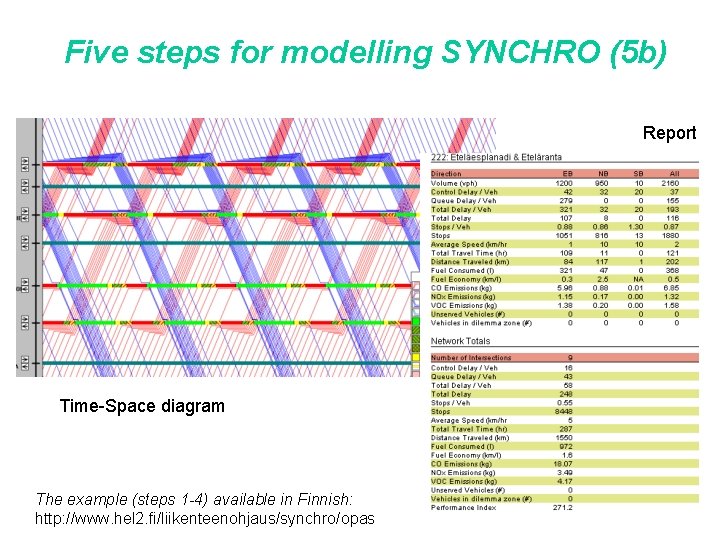
SYNCHRO time-space diagram Conventional presentation in Europe SYNCHRO & SIMTRAFFIC Presesentation used in SYNCHRO (common in USA)
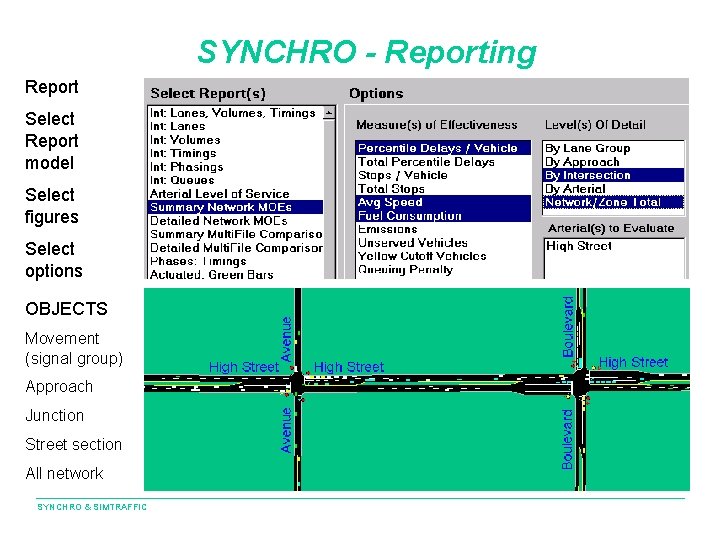
SYNCHRO - Reporting Report Select Report model Select figures Select options OBJECTS Movement (signal group) Approach Junction Street section All network SYNCHRO & SIMTRAFFIC
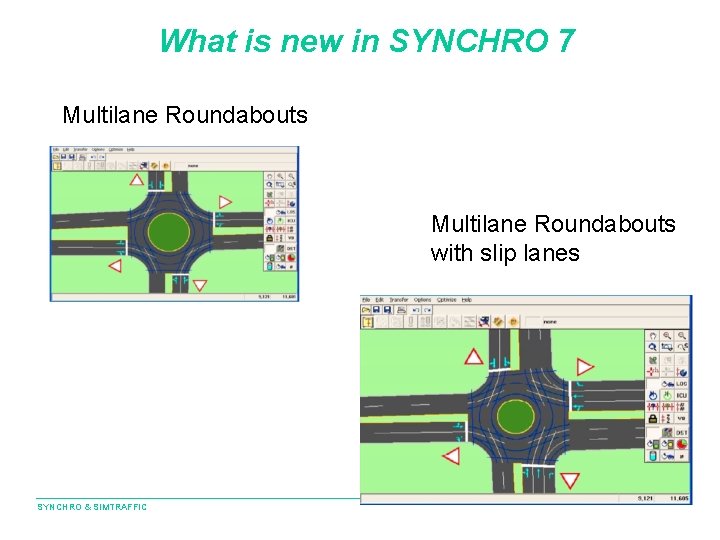
What is new in SYNCHRO 7 Multilane Roundabouts with slip lanes SYNCHRO & SIMTRAFFIC
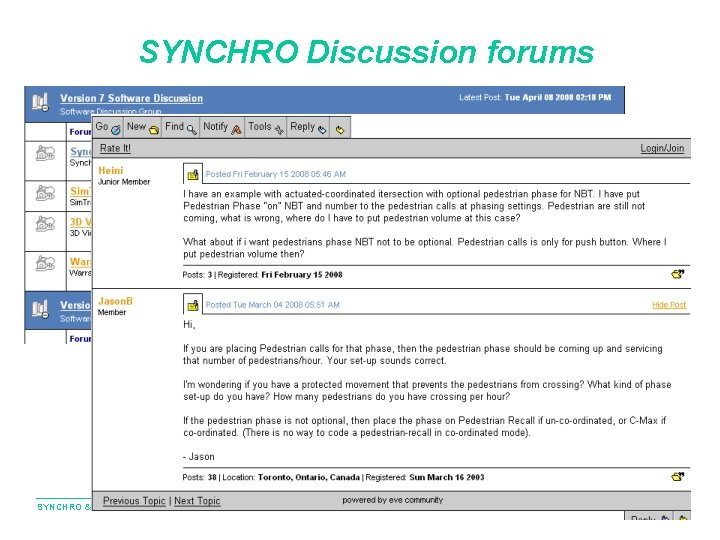
SYNCHRO Discussion forums SYNCHRO & SIMTRAFFIC
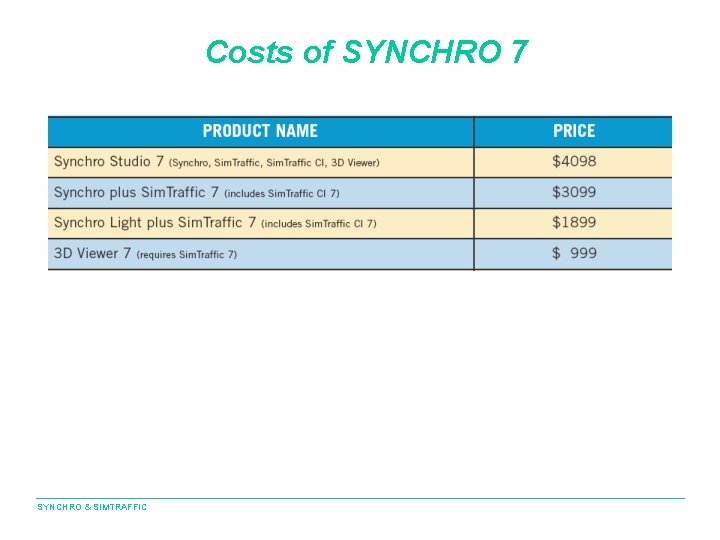
Costs of SYNCHRO 7 SYNCHRO & SIMTRAFFIC
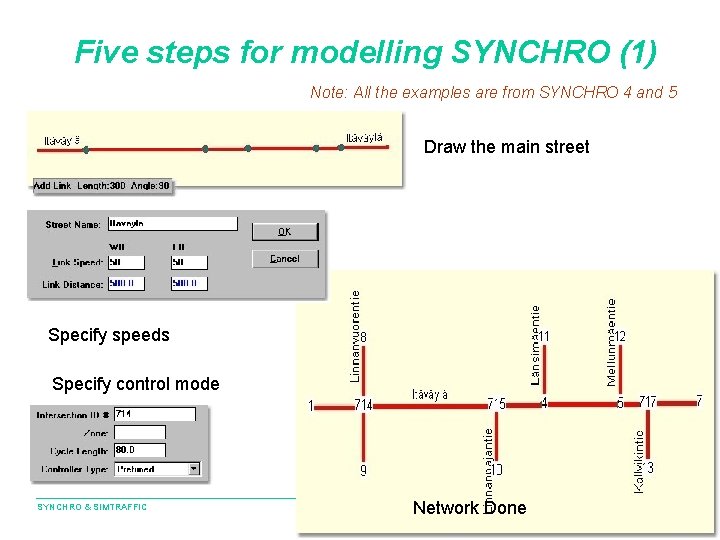
Five steps for modelling SYNCHRO (1) Note: All the examples are from SYNCHRO 4 and 5 Draw the main street Specify speeds Specify control mode SYNCHRO & SIMTRAFFIC Network Done
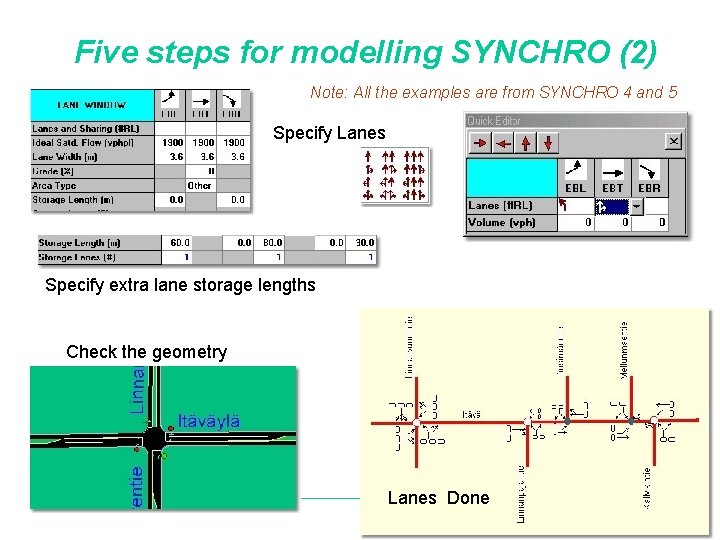
Five steps for modelling SYNCHRO (2) Note: All the examples are from SYNCHRO 4 and 5 Specify Lanes Specify extra lane storage lengths Check the geometry SYNCHRO & SIMTRAFFIC Lanes Done
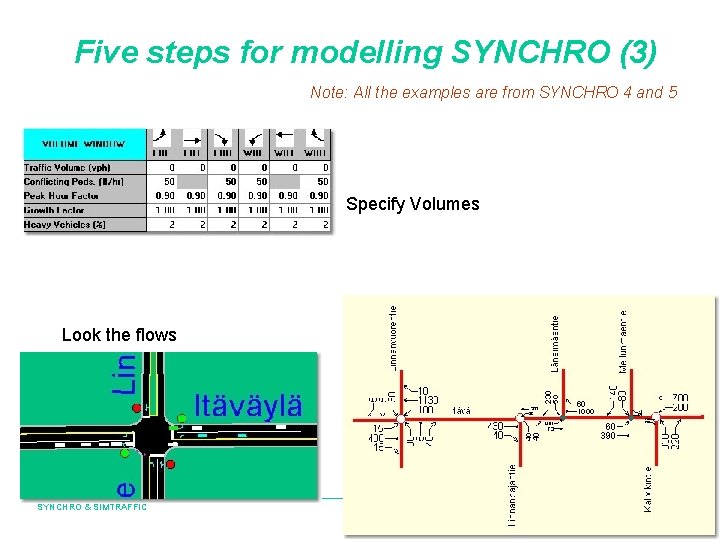
Five steps for modelling SYNCHRO (3) Note: All the examples are from SYNCHRO 4 and 5 Specify Volumes Look the flows SYNCHRO & SIMTRAFFIC Volumes Done
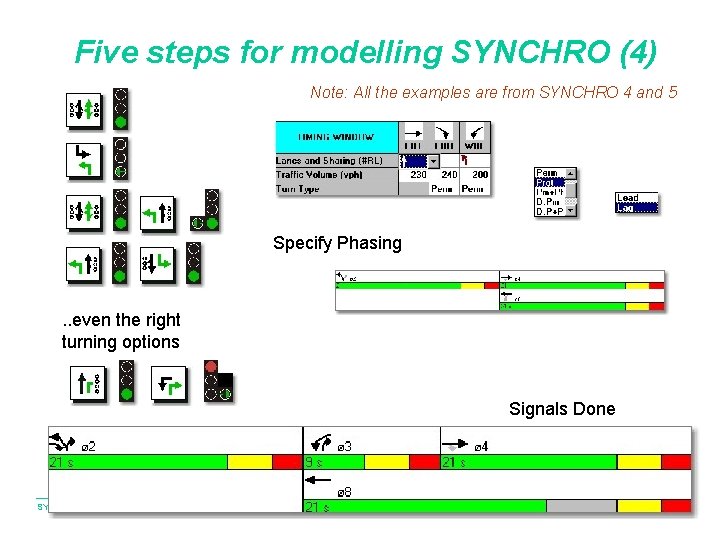
Five steps for modelling SYNCHRO (4) Note: All the examples are from SYNCHRO 4 and 5 Specify Phasing . . even the right turning options Signals Done SYNCHRO & SIMTRAFFIC
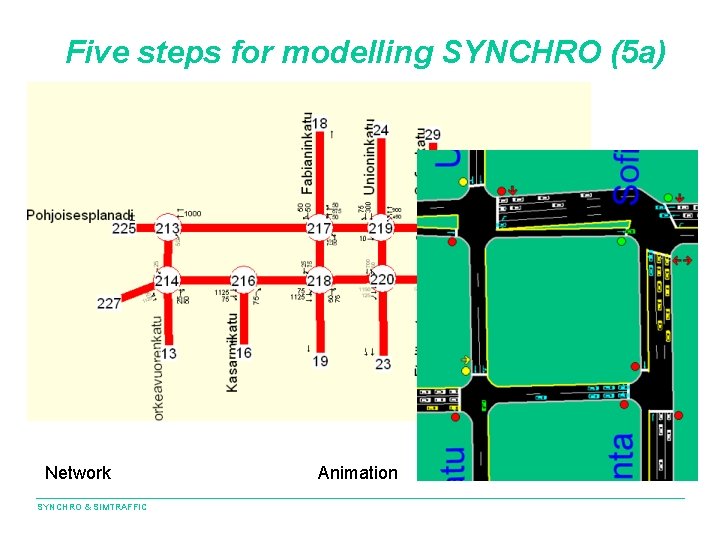
Five steps for modelling SYNCHRO (5 a) Network SYNCHRO & SIMTRAFFIC Animation
Five steps for modelling SYNCHRO (5 b) Report Time-Space diagram The example (steps 1 -4) available in Finnish: SYNCHRO & SIMTRAFFIC http: //www. hel 2. fi/liikenteenohjaus/synchro/opas