
SW Programming Languages Chapter 10 Where Your Software


- Slides: 44
S/W Programming & Languages Chapter 10 Where Your Software Comes From Ch 10 © The©Mc. Graw-Hill Companies, The Mc. Graw-Hill Companies, Inc. , 2000
Overview • Programming – five steps • Five generations • High-level programming • Object-oriented programming • Internet programming Ch 10 © The Mc. Graw-Hill Companies, Inc. , 2000 2
Programming • What are the five steps of the programdevelopment cycle? Ch 10 © The Mc. Graw-Hill Companies, Inc. , 2000 3
A Program • Also called software • List of instructions that processes data into information • Should include software engineering – only partly involves coding or using the programming vocabulary • Languages – Visual Basic, Java, C++, COBOL Ch 10 © The Mc. Graw-Hill Companies, Inc. , 2000 4
Programming Steps • • • Ch 10 Analysis Design Code Test Document Maintain © The Mc. Graw-Hill Companies, Inc. , 2000 5
Analysis • Clarify objectives and needs – on all levels of an organization that the program may affect • Clarify outputs – overall performance – response time – forms and reports Ch 10 © The Mc. Graw-Hill Companies, Inc. , 2000 6
Analysis Is Clarifying • Clarify inputs – kind and format of input data – insure exception data handled properly • ask again what exceptions or data is out of the norm – insure good data input through ranges, checks on validity • Clarify processing – ensure correct processing, including data storage and the passing of variables or messages between modules and individual programs Ch 10 © The Mc. Graw-Hill Companies, Inc. , 2000 7
Feasibility Analysis • Each programming step requires feasibility checks – economic – operational – technical Ch 10 © The Mc. Graw-Hill Companies, Inc. , 2000 8
Documentation of Analysis • Documentation – the outcome of analysis is the Requirements Statement • clarifies • well defines the inputs and outputs • is the basis for test cases Ch 10 © The Mc. Graw-Hill Companies, Inc. , 2000 9
Design the Program • Structured program – top-down approach, using hierarchy chart – designs in modules – starts with control structure – as each part is completed, it is tested preliminary to ensure functionality Ch 10 © The Mc. Graw-Hill Companies, Inc. , 2000 10
Rules of Modular Design • Manageable size – less than fifty or so lines each module • Independent with a single function • Functions of input and output are clearly defined • Single entry and exit point • Returns control to originating module Ch 10 © The Mc. Graw-Hill Companies, Inc. , 2000 11
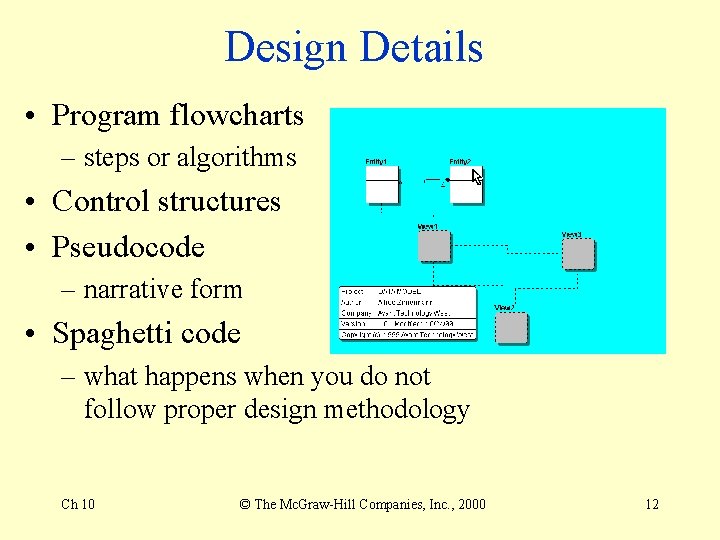
Design Details • Program flowcharts – steps or algorithms • Control structures • Pseudocode – narrative form • Spaghetti code – what happens when you do not follow proper design methodology Ch 10 © The Mc. Graw-Hill Companies, Inc. , 2000 12
Four Design Control Structures • Sequence – step-by-step • Selection – if-then-else • Case – single yes or no per choice • Iteration – looping until a condition is met – looping while a condition is met Ch 10 © The Mc. Graw-Hill Companies, Inc. , 2000 13
Design’s Walkthrough • A structured walkthrough – a formal meeting to review step by step – errors, omissions, duplications – general coding, interface, database, security, documentation, and network standards Ch 10 © The Mc. Graw-Hill Companies, Inc. , 2000 14
Coding • Select the programming language – consider language capabilities, execution speed, and interface capabilities • Follow syntax – the compiler understands exactly what you program Ch 10 © The Mc. Graw-Hill Companies, Inc. , 2000 15
Testing • Desk checking – walking through the code while keeping track of variables on a piece of paper, proofreading Ch 10 © The Mc. Graw-Hill Companies, Inc. , 2000 16
Code Debugging • Debugging – detecting, locating, and removing errors • syntax errors, using program diagnostics or debug utility • logical errors - incorrect control or functional errors Ch 10 © The Mc. Graw-Hill Companies, Inc. , 2000 17
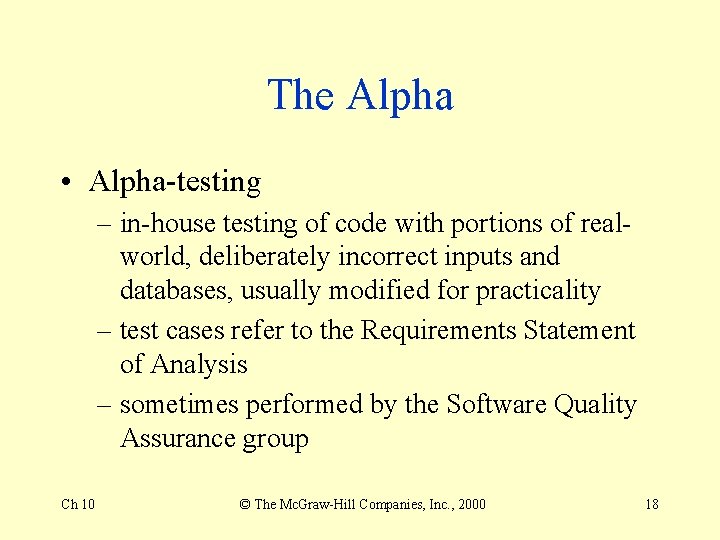
The Alpha • Alpha-testing – in-house testing of code with portions of realworld, deliberately incorrect inputs and databases, usually modified for practicality – test cases refer to the Requirements Statement of Analysis – sometimes performed by the Software Quality Assurance group Ch 10 © The Mc. Graw-Hill Companies, Inc. , 2000 18
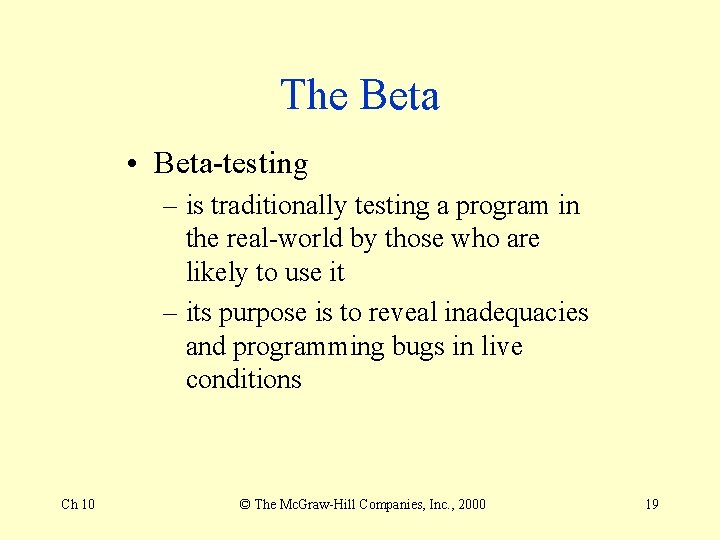
The Beta • Beta-testing – is traditionally testing a program in the real-world by those who are likely to use it – its purpose is to reveal inadequacies and programming bugs in live conditions Ch 10 © The Mc. Graw-Hill Companies, Inc. , 2000 19
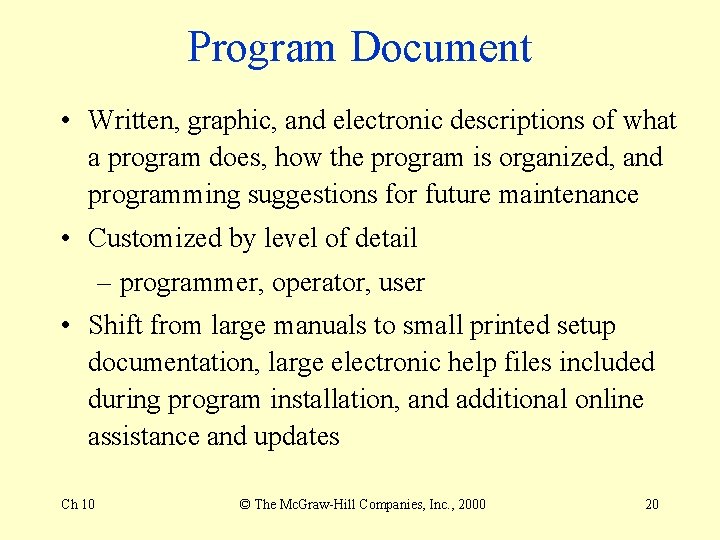
Program Document • Written, graphic, and electronic descriptions of what a program does, how the program is organized, and programming suggestions for future maintenance • Customized by level of detail – programmer, operator, user • Shift from large manuals to small printed setup documentation, large electronic help files included during program installation, and additional online assistance and updates Ch 10 © The Mc. Graw-Hill Companies, Inc. , 2000 20
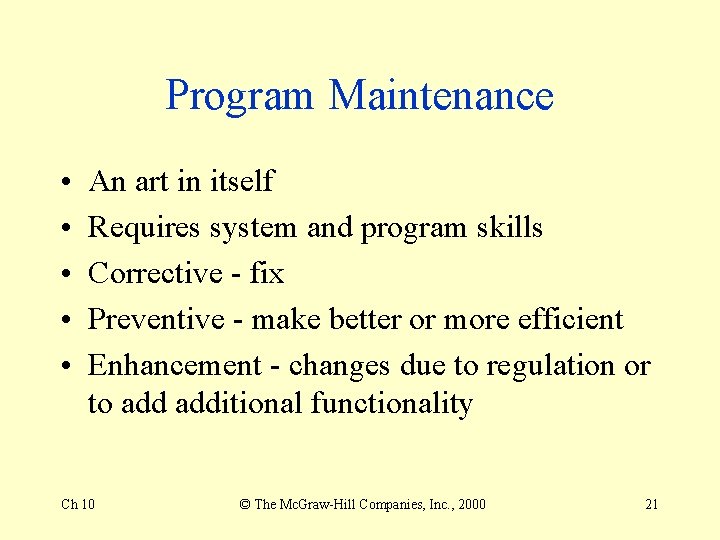
Program Maintenance • • • An art in itself Requires system and program skills Corrective - fix Preventive - make better or more efficient Enhancement - changes due to regulation or to additional functionality Ch 10 © The Mc. Graw-Hill Companies, Inc. , 2000 21
Programming Languages • • Machine language Assembly languages High-level languages Very high-level languages • Natural Languages Ch 10 © The Mc. Graw-Hill Companies, Inc. , 2000 22
First Generation • Machine language • Used to debug complex code problems by very experienced programmers • Compilers for the other generations translate to this level for execution Ch 10 © The Mc. Graw-Hill Companies, Inc. , 2000 23
Second Generation • Assembly language – more technical – less flexible and user friendly than higher-level languages – faster • Some embedded programs are written in assembly Ch 10 © The Mc. Graw-Hill Companies, Inc. , 2000 24
Third Generation • COBOL BASIC, C, compilers, interpreters • less technical, more flexible, more user friendly • slower • procedural • many large legacy systems in banking and finance Ch 10 © The Mc. Graw-Hill Companies, Inc. , 2000 25
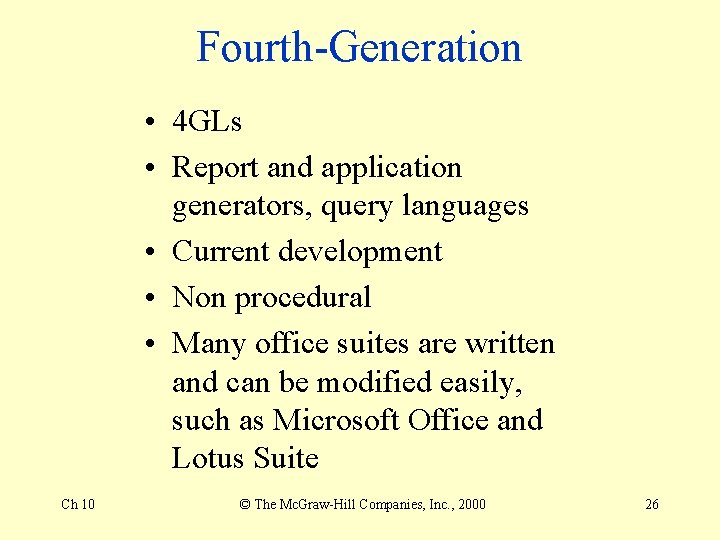
Fourth-Generation • 4 GLs • Report and application generators, query languages • Current development • Non procedural • Many office suites are written and can be modified easily, such as Microsoft Office and Lotus Suite Ch 10 © The Mc. Graw-Hill Companies, Inc. , 2000 26
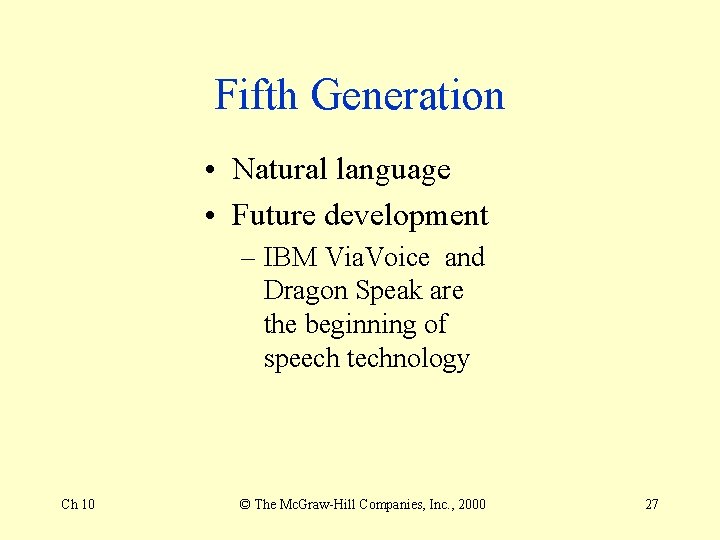
Fifth Generation • Natural language • Future development – IBM Via. Voice and Dragon Speak are the beginning of speech technology Ch 10 © The Mc. Graw-Hill Companies, Inc. , 2000 27
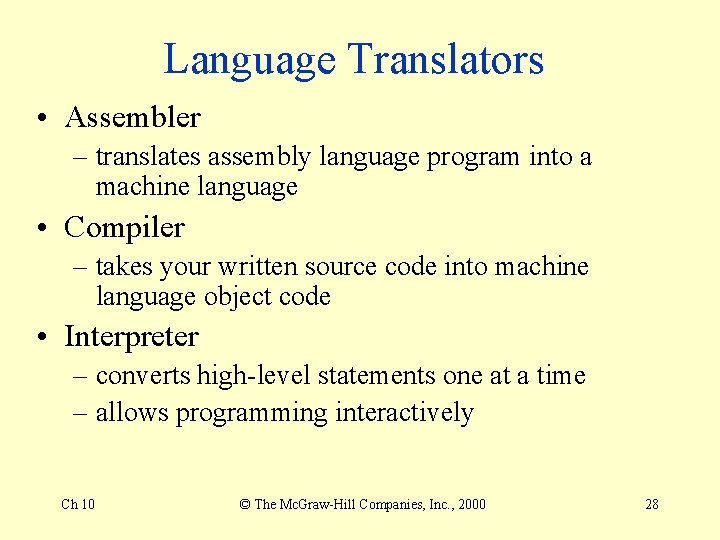
Language Translators • Assembler – translates assembly language program into a machine language • Compiler – takes your written source code into machine language object code • Interpreter – converts high-level statements one at a time – allows programming interactively Ch 10 © The Mc. Graw-Hill Companies, Inc. , 2000 28
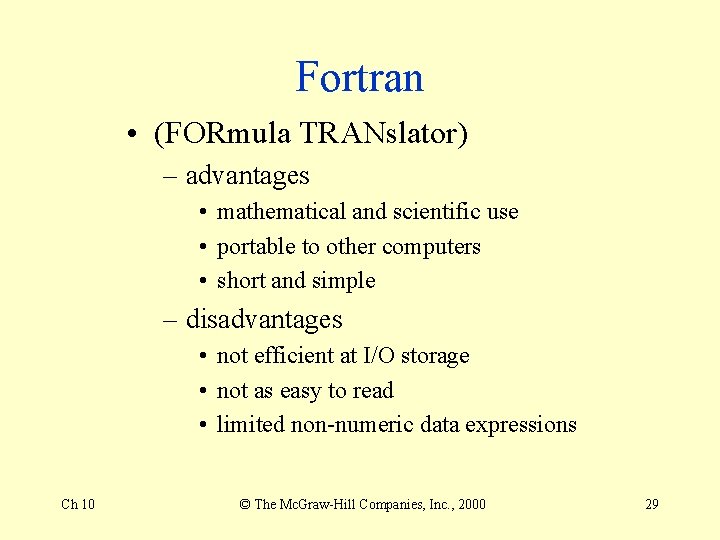
Fortran • (FORmula TRANslator) – advantages • mathematical and scientific use • portable to other computers • short and simple – disadvantages • not efficient at I/O storage • not as easy to read • limited non-numeric data expressions Ch 10 © The Mc. Graw-Hill Companies, Inc. , 2000 29
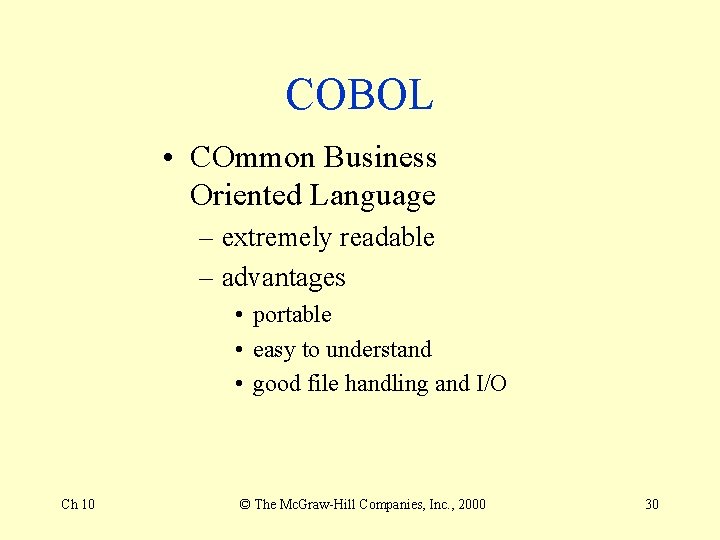
COBOL • COmmon Business Oriented Language – extremely readable – advantages • portable • easy to understand • good file handling and I/O Ch 10 © The Mc. Graw-Hill Companies, Inc. , 2000 30
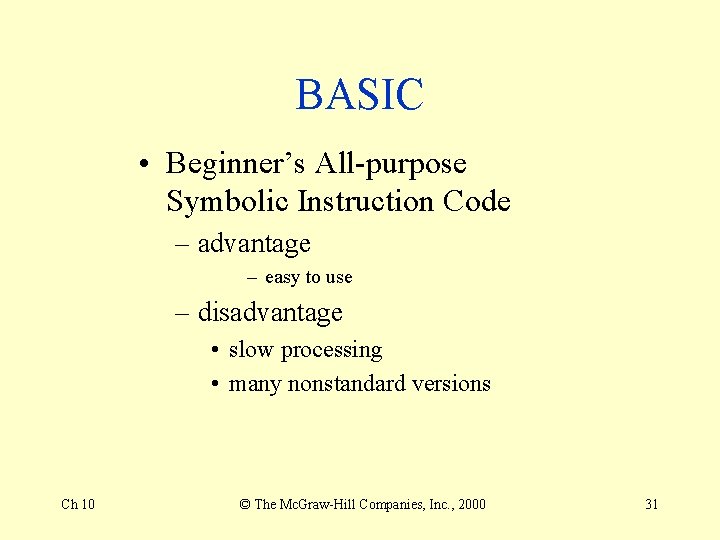
BASIC • Beginner’s All-purpose Symbolic Instruction Code – advantage – easy to use – disadvantage • slow processing • many nonstandard versions Ch 10 © The Mc. Graw-Hill Companies, Inc. , 2000 31
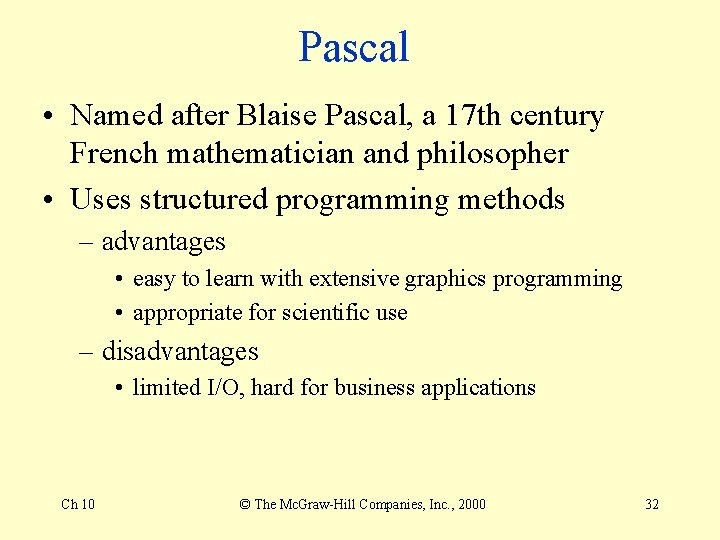
Pascal • Named after Blaise Pascal, a 17 th century French mathematician and philosopher • Uses structured programming methods – advantages • easy to learn with extensive graphics programming • appropriate for scientific use – disadvantages • limited I/O, hard for business applications Ch 10 © The Mc. Graw-Hill Companies, Inc. , 2000 32
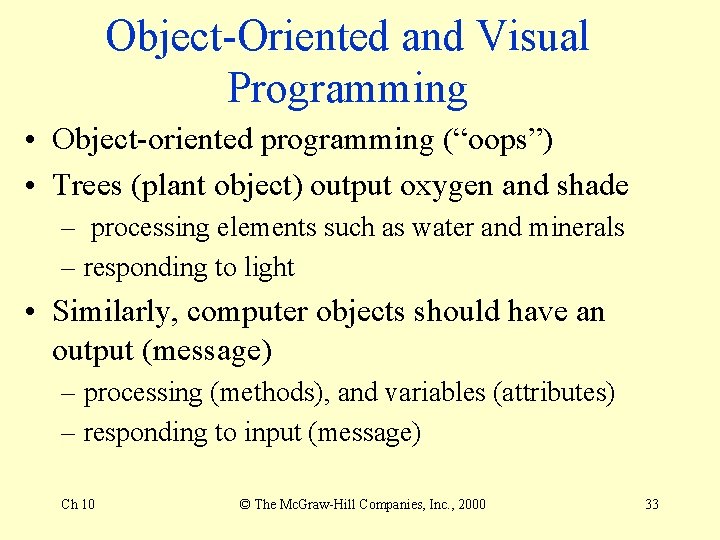
Object-Oriented and Visual Programming • Object-oriented programming (“oops”) • Trees (plant object) output oxygen and shade – processing elements such as water and minerals – responding to light • Similarly, computer objects should have an output (message) – processing (methods), and variables (attributes) – responding to input (message) Ch 10 © The Mc. Graw-Hill Companies, Inc. , 2000 33
Objects • Creating and using objects is a more natural process than structured programming – deal with and interact with objects every day – do not detail in a step-by-step method as often Ch 10 © The Mc. Graw-Hill Companies, Inc. , 2000 34
Object • Consists of preassembled code • Has methods and attributes • Is encapsulated – can operate without full dependency on other code • Can pass messages on to other objects • Can have objects that have inherited characteristics from the original object Ch 10 © The Mc. Graw-Hill Companies, Inc. , 2000 35
Object Advantages • Reuse if put into well-maintained libraries – called class libraries • Is not dependent on outcomes known in advance – polymorphism Ch 10 © The Mc. Graw-Hill Companies, Inc. , 2000 36
Even More Advantages • Can be quickly modified for similar uses – inheritance • Objects’s effectiveness has been scientifically proven by the Software Engineering Institute at Carnegie Mellon University Ch 10 © The Mc. Graw-Hill Companies, Inc. , 2000 37
Examples of OOP • Smalltalk – first OOP • C++ – allows additional flexibility of programming in C in a structured manner Ch 10 © The Mc. Graw-Hill Companies, Inc. , 2000 38
Visual Programming • Use of icons and other tools • Allows concentration on problem solving • Responsive to needs to program graphical user interface (GUI) Ch 10 © The Mc. Graw-Hill Companies, Inc. , 2000 39
Internet Programming • HTML – Hyper. Text Markup Language – creating basic Web pages, tables, and hyperlinks – Adobe Page. Mill, Microsoft Front. Page Ch 10 © The Mc. Graw-Hill Companies, Inc. , 2000 40
XML • Extensive markup language • Tags help define pages for searching and provide easier interface to databases • Soft. Quad’s XMetal Ch 10 © The Mc. Graw-Hill Companies, Inc. , 2000 41
VRML • Virtual Reality Markup Language, rhymes with “thermal” • 3 D creation • Netscape Live 3 D and Macromedia Dreamweaver Ch 10 © The Mc. Graw-Hill Companies, Inc. , 2000 42
Java • For interactive Web pages and small embedded systems • Can run small portions called applets • Most hardware platforms have Java virtual machines to interpret Java, allowing greater portability • Efficiency of Java’s processing increased Ch 10 © The Mc. Graw-Hill Companies, Inc. , 2000 43
Ch 10 © The Mc. Graw-Hill Companies, Inc. , 2000 44