
Supporting Individual Access to Universal Core Vocabulary 2016
Supporting Individual Access to Universal Core Vocabulary © 2016 Center for Literacy and Disability Studies, UNC at Chapel Hill www. project-core. com
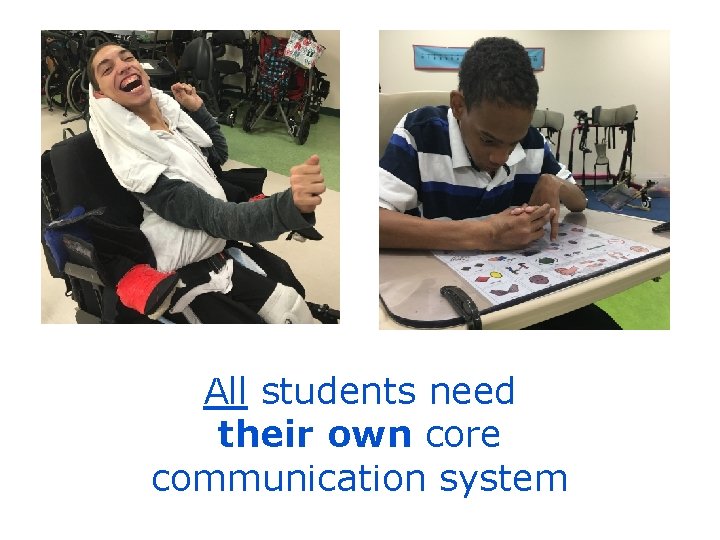
All students need their own core communication system
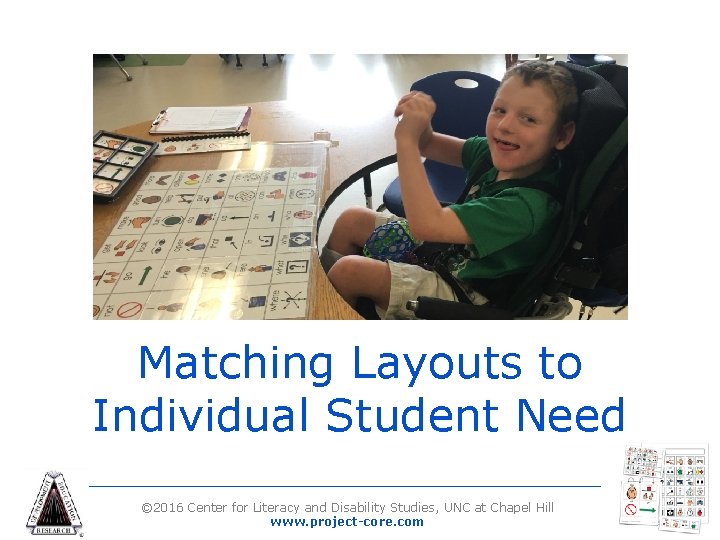
Matching Layouts to Individual Student Need © 2016 Center for Literacy and Disability Studies, UNC at Chapel Hill www. project-core. com
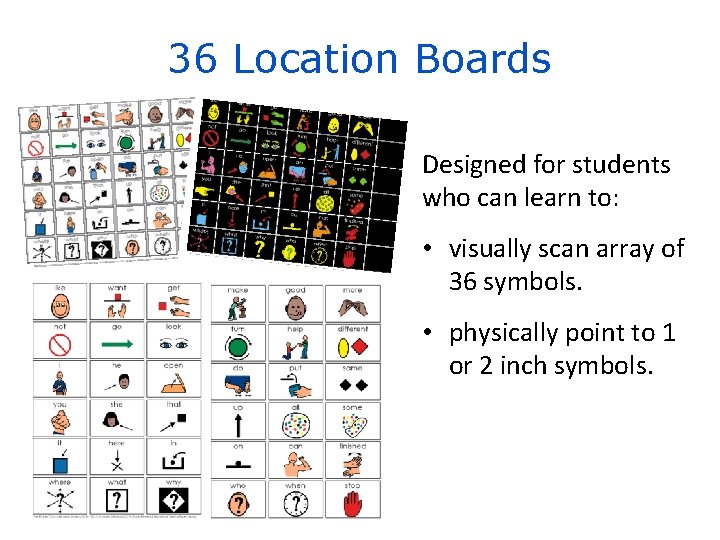
36 Location Boards Designed for students who can learn to: • visually scan array of 36 symbols. • physically point to 1 or 2 inch symbols.
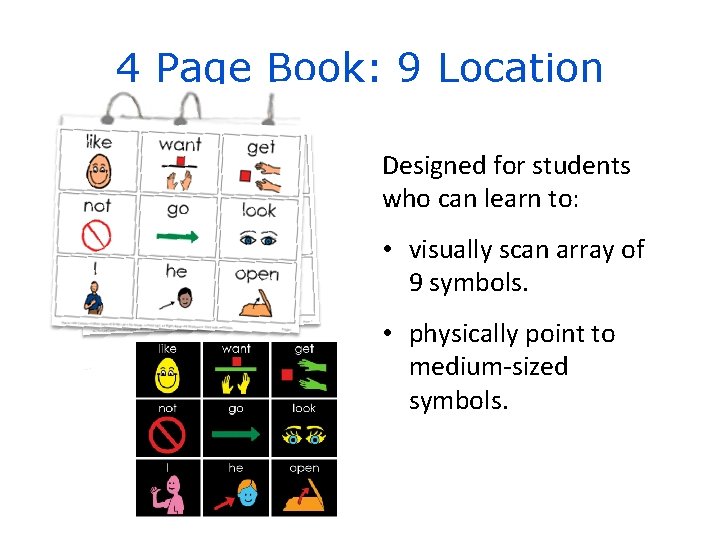
4 Page Book: 9 Location Designed for students who can learn to: • visually scan array of 9 symbols. • physically point to medium-sized symbols.
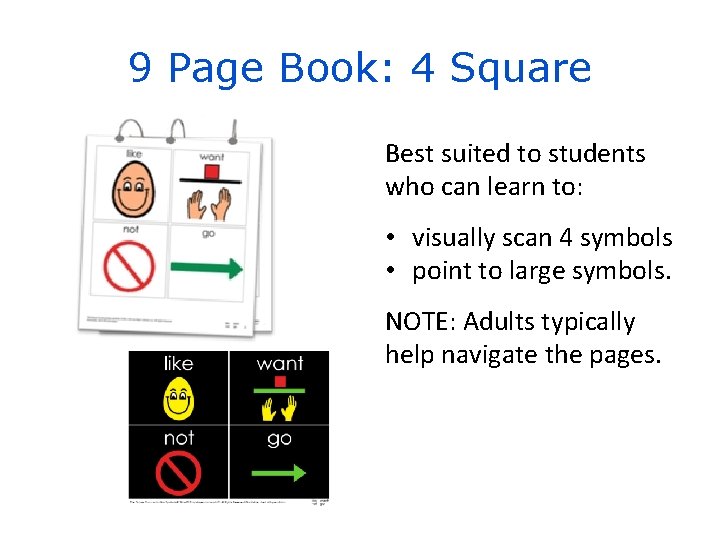
9 Page Book: 4 Square Best suited to students who can learn to: • visually scan 4 symbols • point to large symbols. NOTE: Adults typically help navigate the pages.
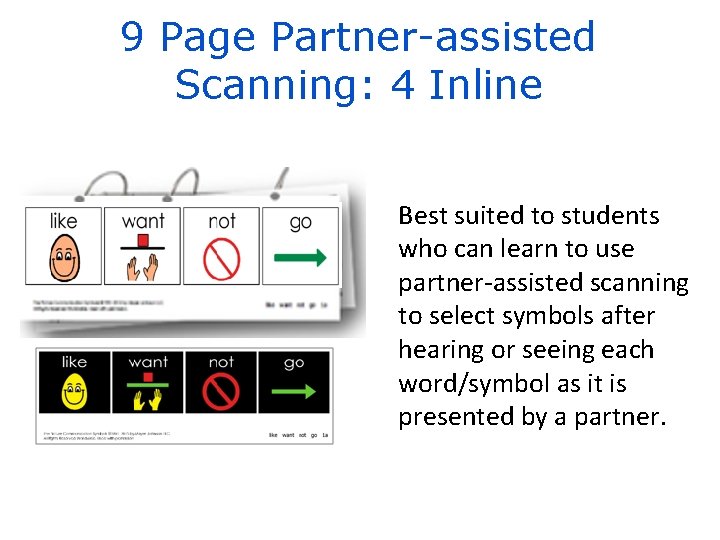
9 Page Partner-assisted Scanning: 4 Inline Best suited to students who can learn to use partner-assisted scanning to select symbols after hearing or seeing each word/symbol as it is presented by a partner.
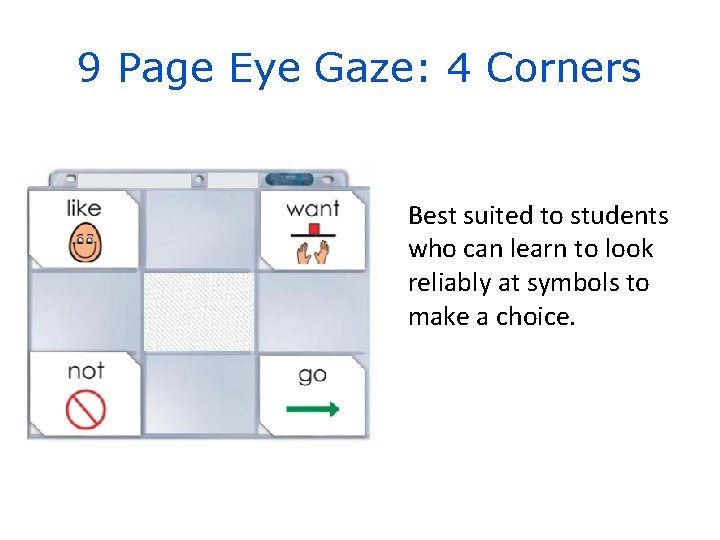
9 Page Eye Gaze: 4 Corners Best suited to students who can learn to look reliably at symbols to make a choice.
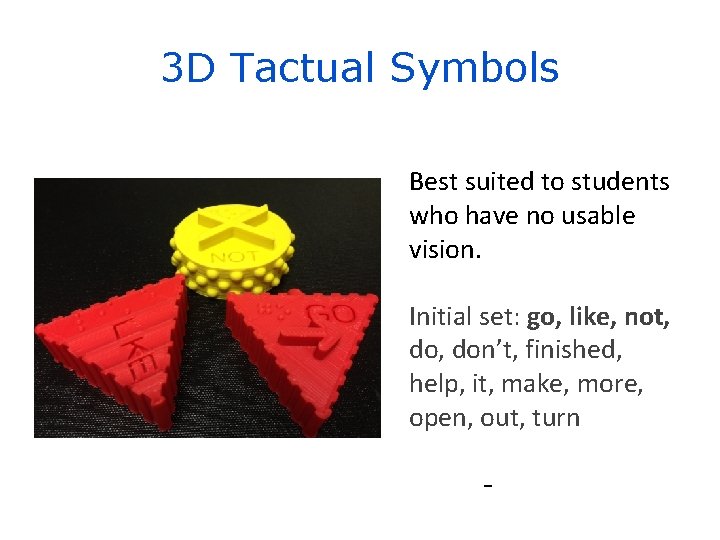
3 D Tactual Symbols Best suited to students who have no usable vision. Initial set: go, like, not, don’t, finished, help, it, make, more, open, out, turn
Universal Core Vocabulary Formats Available for FREE Download at: www. project-core. com © 2016 Center for Literacy and Disability Studies, UNC at Chapel Hill www. project-core. com
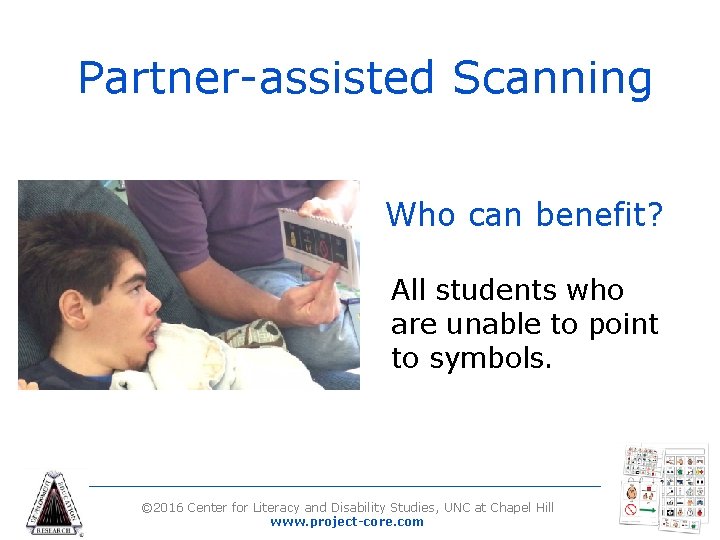
Partner-assisted Scanning Who can benefit? All students who are unable to point to symbols. © 2016 Center for Literacy and Disability Studies, UNC at Chapel Hill www. project-core. com
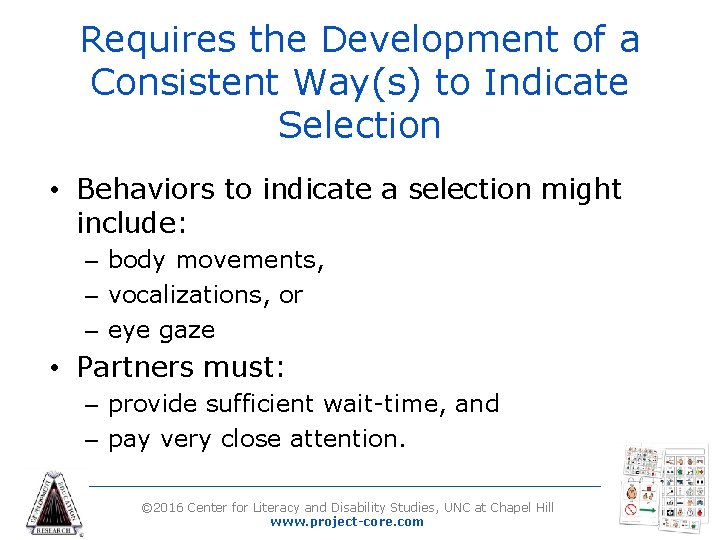
Requires the Development of a Consistent Way(s) to Indicate Selection • Behaviors to indicate a selection might include: – body movements, – vocalizations, or – eye gaze • Partners must: – provide sufficient wait-time, and – pay very close attention. © 2016 Center for Literacy and Disability Studies, UNC at Chapel Hill www. project-core. com
Partner-Assisted Scanning and Two-Step Scanning • Students indicate “go to the next one” and “that’s the one I want. ” • Students have: – have more control – maintain attention • Partners: – respond to students © 2016 Center for Literacy and Disability Studies, UNC at Chapel Hill www. project-core. com
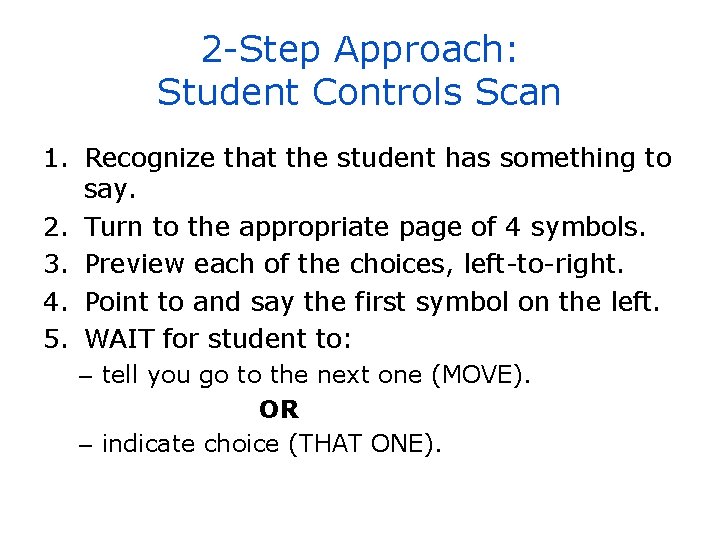
2 -Step Approach: Student Controls Scan 1. Recognize that the student has something to say. 2. Turn to the appropriate page of 4 symbols. 3. Preview each of the choices, left-to-right. 4. Point to and say the first symbol on the left. 5. WAIT for student to: – tell you go to the next one (MOVE). OR – indicate choice (THAT ONE).
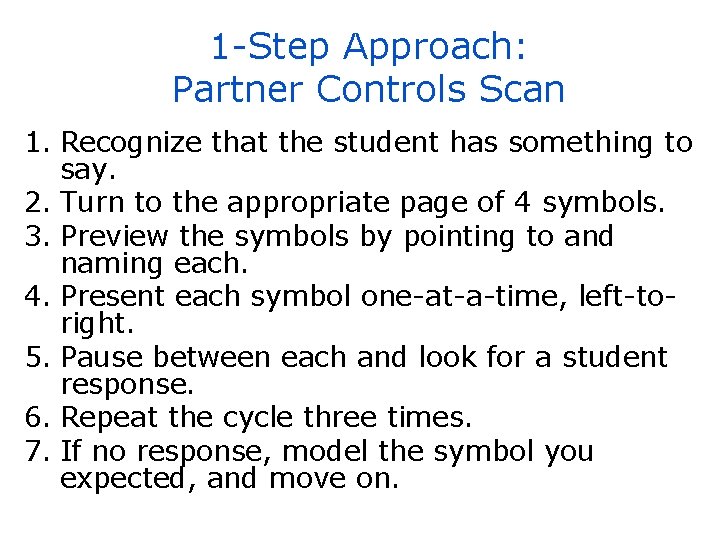
1 -Step Approach: Partner Controls Scan 1. Recognize that the student has something to say. 2. Turn to the appropriate page of 4 symbols. 3. Preview the symbols by pointing to and naming each. 4. Present each symbol one-at-a-time, left-toright. 5. Pause between each and look for a student response. 6. Repeat the cycle three times. 7. If no response, model the symbol you expected, and move on.
Yes and No with Partner Assisted Scanning • Unaided Yes and No is required for all students. • Be clear that this indicates choosing a word to say versus confirming a label. yes, that’s the one I want vs yes, that is the symbol for ‘go’ • Be consistent in stating rather than implying the question. © 2016 Center for Literacy and Disability Studies, UNC at Chapel Hill www. project-core. com
Eye Gaze Access • Efficient option for students who can reliably look at the word/symbol in a manner that you (and other partners) can reliably understand. • Important to keep in mind beginning communicators dependence on partners’ interpretation. © 2016 Center for Literacy and Disability Studies, UNC at Chapel Hill www. project-core. com
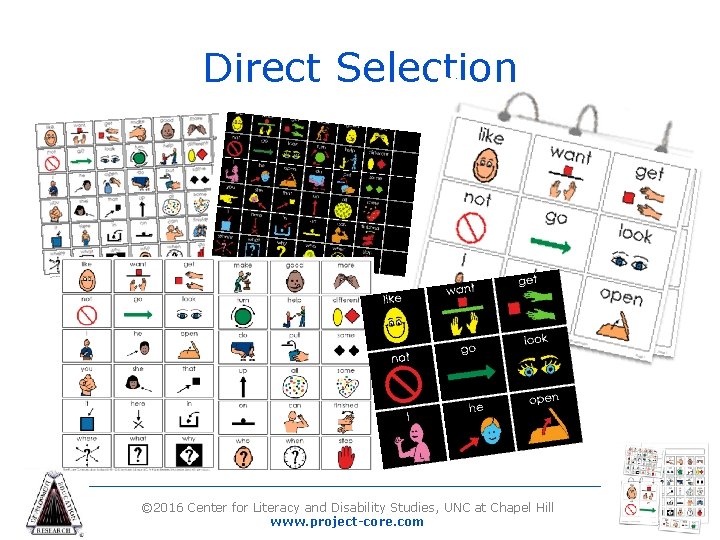
Direct Selection © 2016 Center for Literacy and Disability Studies, UNC at Chapel Hill www. project-core. com
Pause for Activity 1 © 2016 Center for Literacy and Disability Studies, UNC at Chapel Hill www. project-core. com
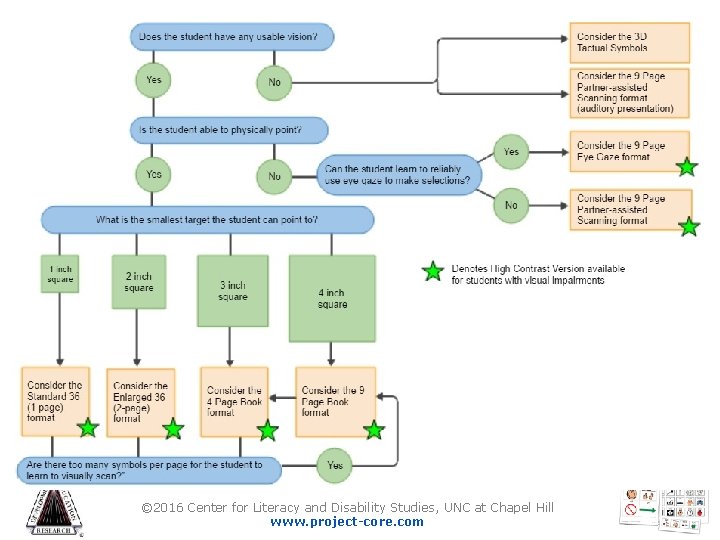
Flowchart: Common Universal Core Vocabulary Formats © 2016 Center for Literacy and Disability Studies, UNC at Chapel Hill www. project-core. com
Summary • All students need their own core communication system. • A variety of formats are available to support getting started with the universal core vocabulary today. © 2016 Center for Literacy and Disability Studies, UNC at Chapel Hill www. project-core. com
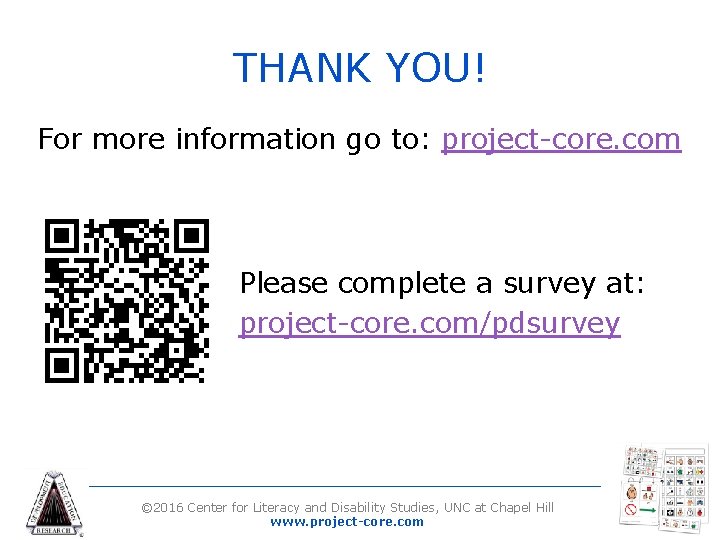
THANK YOU! For more information go to: project-core. com Please complete a survey at: project-core. com/pdsurvey © 2016 Center for Literacy and Disability Studies, UNC at Chapel Hill www. project-core. com
Disclaimer This presentation was produced under U. S. Department of Education, Office of Special Education Programs Grant No. H 327 S 140017. The views expressed herein do not necessarily represent the positions or polices of the Department of Education. No official endorsement by the U. S. Department of Education of any product, commodity, service or enterprise mentioned in this publication is intended or should be inferred. This product is public domain. Authorization to reproduce it in whole or in part is granted. While permission to reprint this publication is not necessary, the citation should be: The University of North Carolina at Chapel Hill, Center for Literacy and Disability Studies (2017). Supporting Individual Access to Universal Core Vocabulary. Professional Development Module. © 2016 Center for Literacy and Disability Studies, UNC at Chapel Hill www. project-core. com
- Slides: 23