
Supervisor Staff Training Review Tracking Monitoring Current and
- Slides: 14
Supervisor Staff Training Review Tracking & Monitoring Current and New Staff Training
Information Provided: The following review was developed to assist you with your role in monitoring and tracking your staff’s training. To finalize this review you will be required to complete an Acknowledgment Form at the end of this presentation. By the end of this review you will have the following information: q Tracking Process and Protocol for New Hire Training q For New Hires to work, what trainings are they required to have? q When can New Hires work alone? q What should New Hires be doing during the time they are not able to work alone? q Tracking ongoing training for current supervised staff
DSP Required Training: All the trainings provided by The Arc Prince George’s County are mandatory trainings required by DDA as well the agency. ALL staff that work directly with the individuals supported by The Arc are required to complete the specified trainings in order to safely and accurately complete the job in which they were hired for. During a New Hire’s first 2 weeks they must complete all their online training. Failure to complete their online training will result in Do Not Work status or Termination of Employment. It is the responsibility of the supervisor to ensure their New Hire completes ALL the required training AND does not work (especially alone) until the successful completion of all mandatory trainings is accomplished. Failure to ensure training is completed in the required time could result in disciplinary action for the New Hire AND Supervisor.
Trainings Provided During Day 1 & 2 of Orientation for New Hires: q q q Safety Training q Training completed on Day 1 of Orientation q Re-occurring training that must be renewed every year Arc Values and Community Integrationq Training is completed on Day 2 of Orientation q One-time only training completed during Day 2 of Orientation Incident Reporting and Abuse & Neglectq Completed during Orientation Day 2 q Training is renewed on an As Needed Basis per Department
2 Week New Hire DSP Online Training: q DDA Core Training: When staff are registered for the 5 online training listed below, their supervisors' email is connected to their registration and the supervisor will receive an email confirmation for each of the trainings the New Hire completes. If you were not the original supervisor, it will be your responsibility to contact Sarah Holmes at sholmes@thearcofpgc. org and inform her of this change so the contact information can be updated. q Fundamental Rights (1 -time only training) q General Characteristics (1 -time only training) q Individual Directed Plan (1 -time only training) q Lifting, Transferring, & Physical Escorting(1 -time only training) q Seizures Training (Does NOT apply to Residential Staff) (1 -time only training) q CPR/AED/First Aid Online Provisional Training q Mandt Systems Online Training: Chapters 1 -3 (1 -time only training) **Once New Hires complete all their 2 -week online trainings they are required to completed a review to confirm the completion of the training. They are also required to forward you a copy of the email confirmation of the review once it is completed.
New Hire 1 -Week Training Check-In Supervisors are required to do a 1 -week check-in with their staff. If they find that the New Hire has not completed few or no online trainings, they are encouraged to do the following: Ensure that the New Hire is not having technical or user issues with the trainings. If there is a need for additional training, contact the Training Department @ bramnarine@thearcofpgc. org to set the staff up 1: 1 training with the department. If there are username and password issues, make sure to submit an IT Request through Twinsis. **Please note that the Staffing Development Coordinator, Sarah Holmes, will be monitoring the status of the New Hire’s training as well and will be keeping you up to date regarding important statuses.
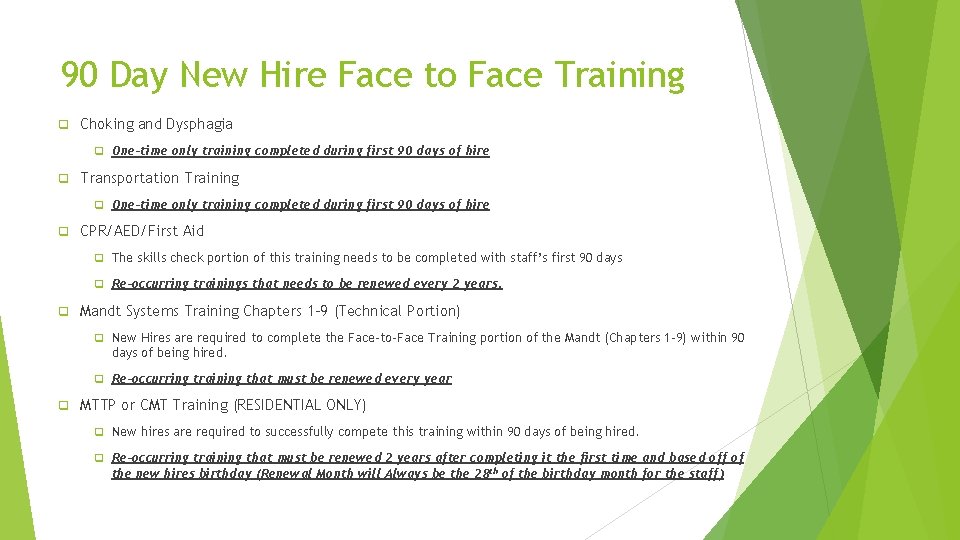
90 Day New Hire Face to Face Training q Choking and Dysphagia q One-time only training completed during first 90 days of hire q Transportation Training q One-time only training completed during first 90 days of hire q CPR/AED/First Aid q The skills check portion of this training needs to be completed with staff’s first 90 days q Re-occurring trainings that needs to be renewed every 2 years. q Mandt Systems Training Chapters 1 -9 (Technical Portion) q New Hires are required to complete the Face-to-Face Training portion of the Mandt (Chapters 1 -9) within 90 days of being hired. q Re-occurring training that must be renewed every year q MTTP or CMT Training (RESIDENTIAL ONLY) q New hires are required to successfully compete this training within 90 days of being hired. q Re-occurring training that must be renewed 2 years after completing it the first time and based off of the new hires birthday (Renewal Month will Always be the 28 th of the birthday month for the staff)
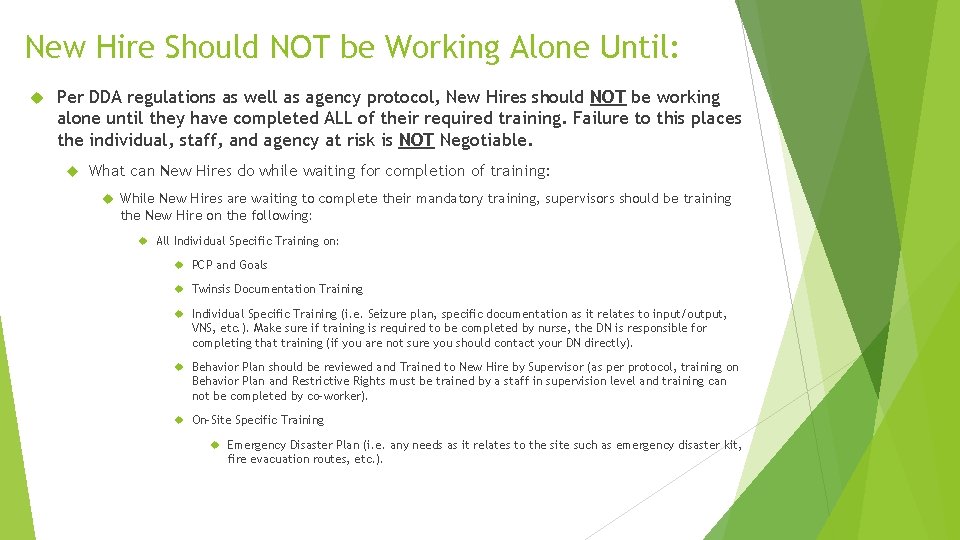
New Hire Should NOT be Working Alone Until: Per DDA regulations as well as agency protocol, New Hires should NOT be working alone until they have completed ALL of their required training. Failure to this places the individual, staff, and agency at risk is NOT Negotiable. What can New Hires do while waiting for completion of training: While New Hires are waiting to complete their mandatory training, supervisors should be training the New Hire on the following: All Individual Specific Training on: PCP and Goals Twinsis Documentation Training Individual Specific Training (i. e. Seizure plan, specific documentation as it relates to input/output, VNS, etc. ). Make sure if training is required to be completed by nurse, the DN is responsible for completing that training (if you are not sure you should contact your DN directly). Behavior Plan should be reviewed and Trained to New Hire by Supervisor (as per protocol, training on Behavior Plan and Restrictive Rights must be trained by a staff in supervision level and training can not be completed by co-worker). On-Site Specific Training Emergency Disaster Plan (i. e. any needs as it relates to the site such as emergency disaster kit, fire evacuation routes, etc. ).
Do Not Wait: Contact Training if you have a staff that needs specific training assistance Per DDA/OHCQ/Agency Protocol, staff should not be placed alone with the person they are supporting without completing all the trainings discussed. If have any questions about any of the information covered in this training please contact the Training Manager, Belinda Ramnarine at bramnarine@thearcofpgc. org OR Staff Development and Training Coordinator, Sarah Holmes at sholmes@thearcofpgc. org
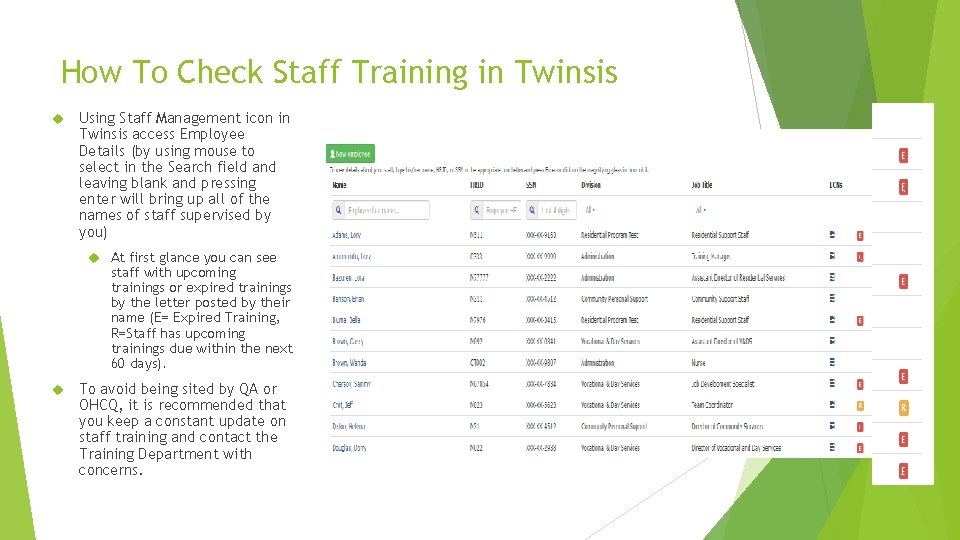
How To Check Staff Training in Twinsis Using Staff Management icon in Twinsis access Employee Details (by using mouse to select in the Search field and leaving blank and pressing enter will bring up all of the names of staff supervised by you) At first glance you can see staff with upcoming trainings or expired trainings by the letter posted by their name (E= Expired Training, R=Staff has upcoming trainings due within the next 60 days). To avoid being sited by QA or OHCQ, it is recommended that you keep a constant update on staff training and contact the Training Department with concerns.
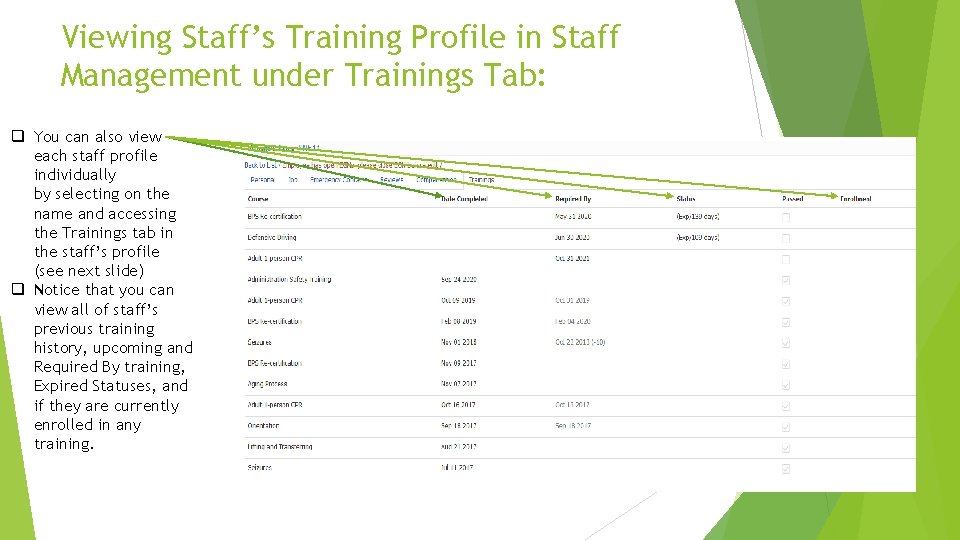
Viewing Staff’s Training Profile in Staff Management under Trainings Tab: q You can also view each staff profile individually by selecting on the name and accessing the Trainings tab in the staff’s profile (see next slide) q Notice that you can view all of staff’s previous training history, upcoming and Required By training, Expired Statuses, and if they are currently enrolled in any training.
Reoccurring Trainings For All Staff: q CPR/AED/First Aid q Currently this training is running as a blended training and requires staff to complete this training in 2 parts q CPR/AED/First Aid Online Provisional Training q Once Provisional is completed staff must schedule and complete the Face-to-Face Skills Check q Re-occurring trainings that needs to be renewed every 2 years. q Mandt Systems Training Chapters 1 -9 (Technical Portion) q All Staff must complete the online portion of the training before they can complete the Face to Face Chapters 1 - 9 q Re-occurring training that must be renewed every year q MTTP or CMT Training (RESIDENTIAL ONLY) q Staff and Supervisors are expected to monitor their CMT status on the MBON and report to Training if their status is showing anything other than Current. The following link can be used to search the certification on the MBON. Delegating Nurse and Training MUST be contacted if status of certification is expired. http: //lookup. mbon. org/verification/Search. aspx (Twinsis unfortunately does not always have the most correct renewal date especially if the staff is a new hire and is taking the MTTP training for the first time and will not be an acceptable excuse for allowing certification to expire). q Re-occurring training that must be renewed 2 years after completing it the first time and based off of the new hires' birthday (Renewal Month will Always be the 28 th of the birthday month for the staff) q Safety Training q Training completed on Day 1 of Orientation q Re-occurring training that must be renewed every year
Supervisor Resources: A copy of all of the trainings DSP are required to complete as well as a copy of this presentation can be found using this link. If you are unable to see your staff’s name under Staff Management then you will need to complete transfer documentation through HR. Follow this link for the form. For instructions on how to complete an IT Requests follow this link.
Supervisor Review Acknowledgement Form: This is a required review for all supervisors who are listed as the direct report for that DSP staff. To confirm your review and acknowledgement of this information you are required to complete the following Supervisor Review acknowledgement form. Once the form is completed you will receive an email copy of your responses which you will need to forward a copy of to your supervisor. Please follow this link to complete the form. Supervisor Review Acknowledgement Form