
Summer Procedures Justin Scheitlin Daisey Fahringer Session Agenda

- Slides: 19
Summer Procedures Justin Scheitlin Daisey Fahringer
Session Agenda What does summer mean to me? How do I work with finalsite to complete the summer procedure? What does finalsite do for the summer procedure? What do I need to do? Support Ticket Information Frequently Asked Questions
What are summers for? • Take a deep breath - Relaxation • Winding down from the school year • Closing out grades and escorting off graduating students • Building upon the foundation
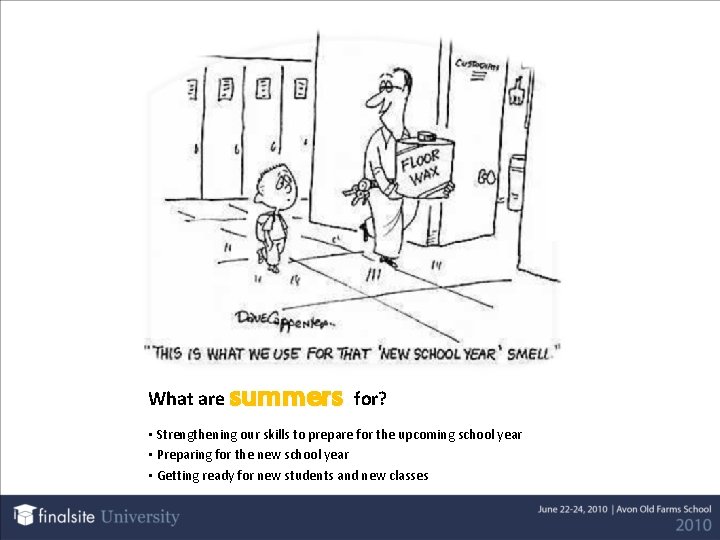
What are summers for? • Strengthening our skills to prepare for the upcoming school year • Preparing for the new school year • Getting ready for new students and new classes
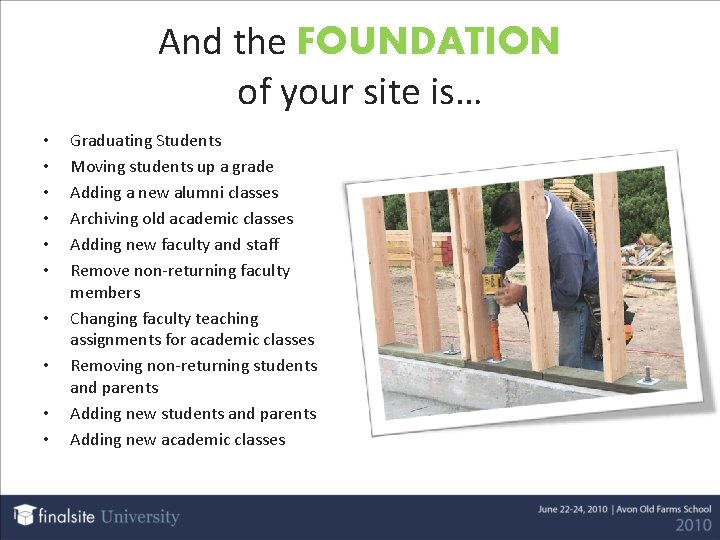
And the FOUNDATION of your site is… • • • Graduating Students Moving students up a grade Adding a new alumni classes Archiving old academic classes Adding new faculty and staff Remove non-returning faculty members Changing faculty teaching assignments for academic classes Removing non-returning students and parents Adding new academic classes
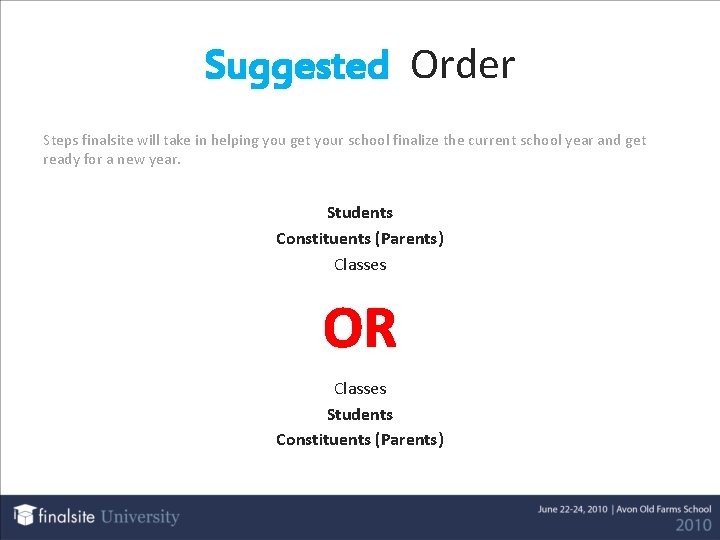
Suggested Order Steps finalsite will take in helping you get your school finalize the current school year and get ready for a new year. Students Constituents (Parents) Classes OR Classes Students Constituents (Parents)
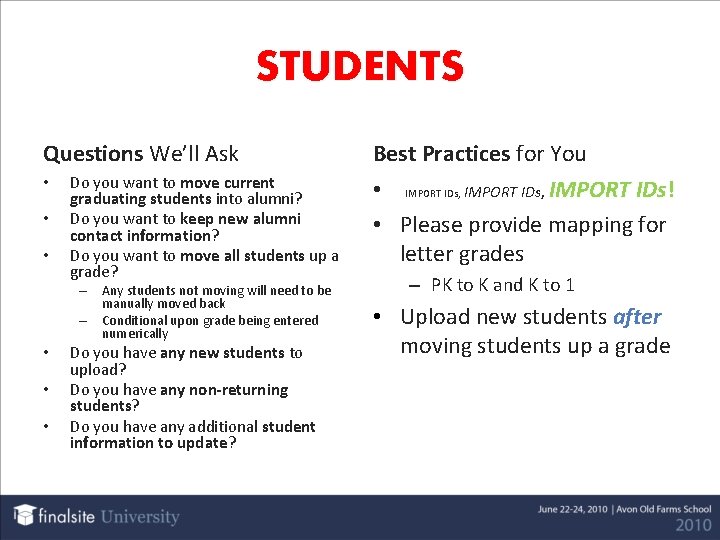
STUDENTS Questions We’ll Ask • • • Do you want to move current graduating students into alumni? Do you want to keep new alumni contact information? Do you want to move all students up a grade? – Any students not moving will need to be manually moved back – Conditional upon grade being entered numerically • • • Do you have any new students to upload? Do you have any non-returning students? Do you have any additional student information to update? Best Practices for You • IMPORT IDs, IMPORT IDs! • Please provide mapping for letter grades – PK to K and K to 1 • Upload new students after moving students up a grade
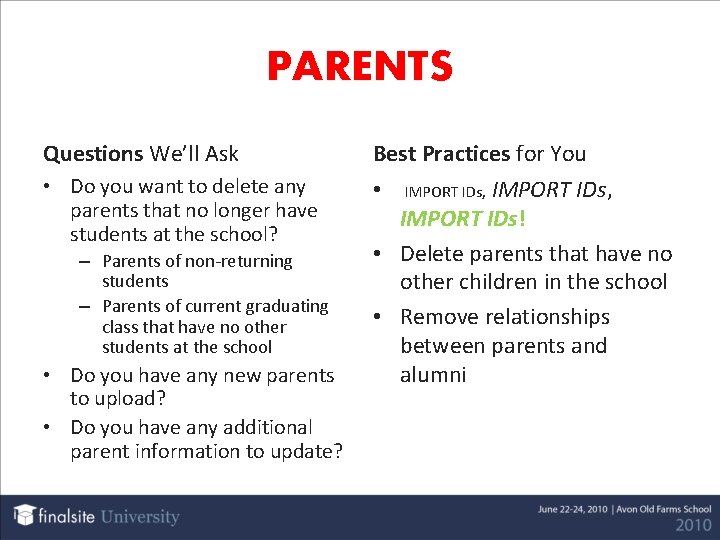
PARENTS Questions We’ll Ask Best Practices for You • Do you want to delete any parents that no longer have students at the school? • – Parents of non-returning students – Parents of current graduating class that have no other students at the school • Do you have any new parents to upload? • Do you have any additional parent information to update? IMPORT IDs, IMPORT IDs! • Delete parents that have no other children in the school • Remove relationships between parents and alumni IMPORT IDs,
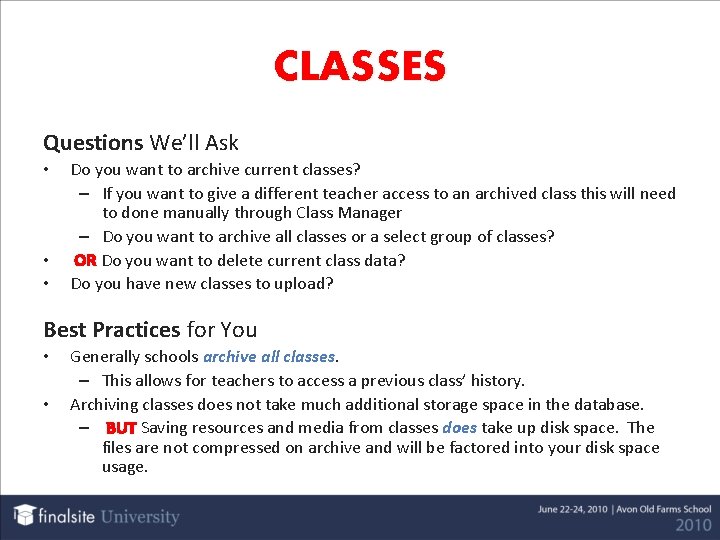
CLASSES Questions We’ll Ask • • • Do you want to archive current classes? – If you want to give a different teacher access to an archived class this will need to done manually through Class Manager – Do you want to archive all classes or a select group of classes? OR Do you want to delete current class data? Do you have new classes to upload? Best Practices for You • • Generally schools archive all classes. – This allows for teachers to access a previous class’ history. Archiving classes does not take much additional storage space in the database. – BUT Saving resources and media from classes does take up disk space. The files are not compressed on archive and will be factored into your disk space usage.
Integration What is an Integration? Some schools have integrated their Student Information Systems (SIS) with finalsite so they only have to manage the data in their SIS. Examples are: PCR, Senior Systems, Veracross. Questions We’ll Ask When is your end of year rollover planned in your SIS? - This helps us to coordinate the information in finalsite.
Integration F. Y. I. New Parents/Students may not be visible on the feed until the year-end rollover has occurred. This varies by SIS. finalsite does NOT purge constituents leaving the community, this will need to be done manually or a list of importids will need to be provided to finalsite to purge these constituents. Next year’s classes will appear on the feed immediately after the rollover has occurred in the SIS. This may look like classes have duplicated if 2009 classes are not yet archived. Roster will also appear on the feed immediately upon the rollover. Two options for not display the roster are. 1. 2. Remove the “My Groups” portal element from the student/parent portals Disable the Enrollment feed prior to rollover.
MEDIA Questions We’ll Ask • • Do you want to archive your group resources and media? – All classes or only specific classes? Following the archive, if these resources are not shared would you like them purged? Would you like to archive your media manager channels? Following the archive would you like the channels purged? Best Practices for You What is Media Archiving? • Archive means finalsite will provide a zip file containing all of the archived files as well as an excel file describing these files. • This zip file can be made available to clients via download. • • Media Review to determine what media can/should be removed from the site. Media is typically the biggest consumer of disk space so if you are looking to conserve, start here!
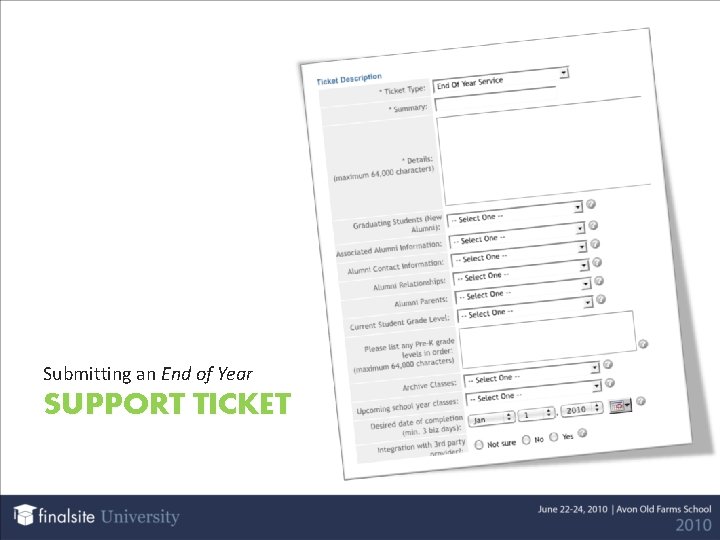
What do I need to do? Decide how you want to manipulate student data Decide how you want to manipulate parent data Decide how you want to approach class archiving Provide any necessary uploads for new students, faculty, or classes Submit a ticket at least 7 -10 business days prior to necessary date of completion. RELAX! It’s summer vacation… we’ll take care of the rest!
Timing is Everything Please allow a 7 -10 business day turnaround on all summer procedure activities Early bird gets the worm. We are currently working with all of our clients to update data. The sooner you submit your End of Year Ticket the easier it will be to schedule your data movement on your timelines. Tickets can be submitted without having all new constituent data uploaded at the same time A separate ticket would need to be created for adding or updating constituents closer to the beginning of the new school year PLEASE verify that all updates meet your expectations within 7 -10 business days following completion of the ticket
Submitting an End of Year SUPPORT TICKET
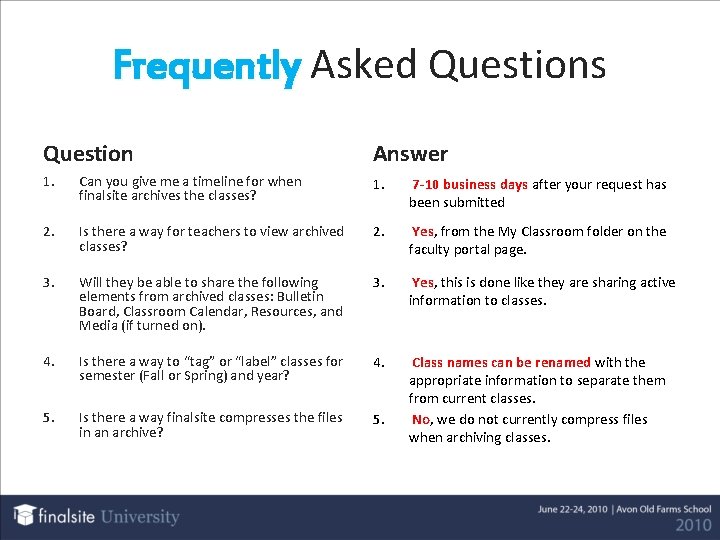
Frequently Asked Questions Question Answer 1. Can you give me a timeline for when finalsite archives the classes? 1. 7 -10 business days after your request has been submitted 2. Is there a way for teachers to view archived classes? 2. Yes, from the My Classroom folder on the faculty portal page. 3. Will they be able to share the following elements from archived classes: Bulletin Board, Classroom Calendar, Resources, and Media (if turned on). 3. Yes, this is done like they are sharing active information to classes. 4. Is there a way to “tag” or “label” classes for semester (Fall or Spring) and year? 4. 5. Is there a way finalsite compresses the files in an archive? 5. Class names can be renamed with the appropriate information to separate them from current classes. No, we do not currently compress files when archiving classes.
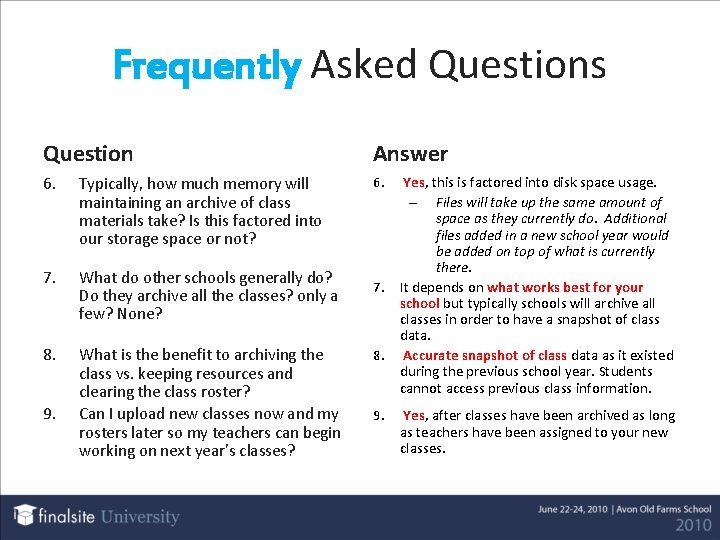
Frequently Asked Questions Question Answer 6. Typically, how much memory will maintaining an archive of class materials take? Is this factored into our storage space or not? 6. 7. What do other schools generally do? Do they archive all the classes? only a few? None? 8. What is the benefit to archiving the class vs. keeping resources and clearing the class roster? Can I upload new classes now and my rosters later so my teachers can begin working on next year’s classes? 9. 7. 8. 9. Yes, this is factored into disk space usage. – Files will take up the same amount of space as they currently do. Additional files added in a new school year would be added on top of what is currently there. It depends on what works best for your school but typically schools will archive all classes in order to have a snapshot of class data. Accurate snapshot of class data as it existed during the previous school year. Students cannot access previous class information. Yes, after classes have been archived as long as teachers have been assigned to your new classes.
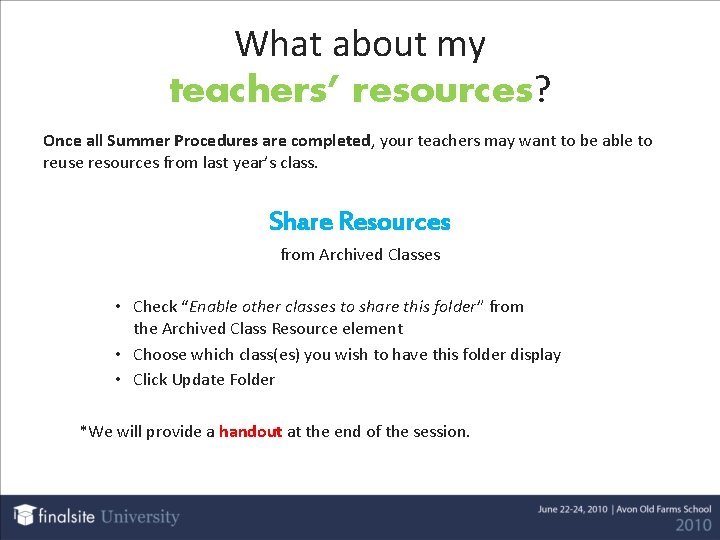
What about my teachers’ resources? resources Once all Summer Procedures are completed, your teachers may want to be able to reuse resources from last year’s class. Share Resources from Archived Classes • Check “Enable other classes to share this folder” from the Archived Class Resource element • Choose which class(es) you wish to have this folder display • Click Update Folder *We will provide a handout at the end of the session.
QUESTIONS