
SUMMER PAYROLL TRAINING 2021 PROCESSING SUMMER PAYROLL Forms


- Slides: 12
SUMMER PAYROLL TRAINING 2021 PROCESSING SUMMER PAYROLL
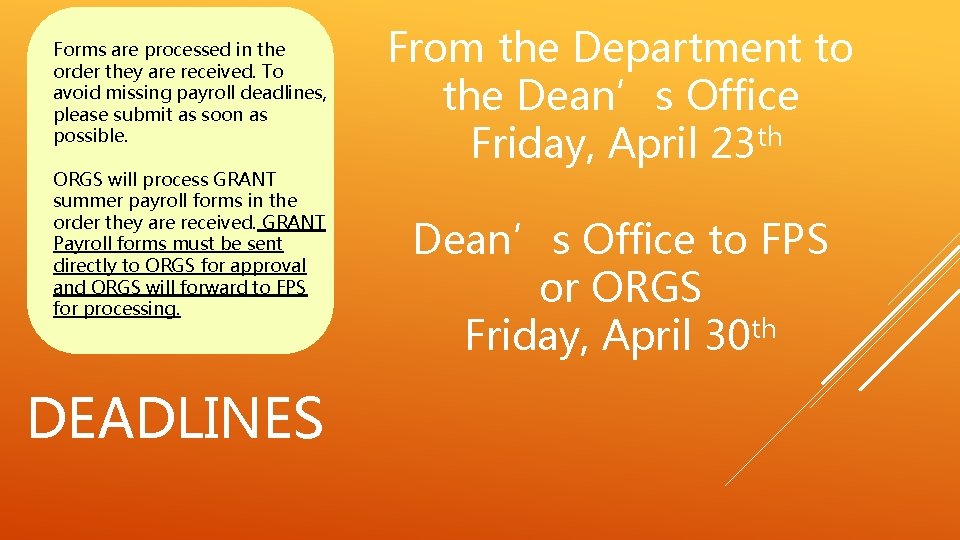
Forms are processed in the order they are received. To avoid missing payroll deadlines, please submit as soon as possible. ORGS will process GRANT summer payroll forms in the order they are received. GRANT Payroll forms must be sent directly to ORGS for approval and ORGS will forward to FPS for processing. DEADLINES From the Department to the Dean’s Office Friday, April 23 th Dean’s Office to FPS or ORGS Friday, April 30 th
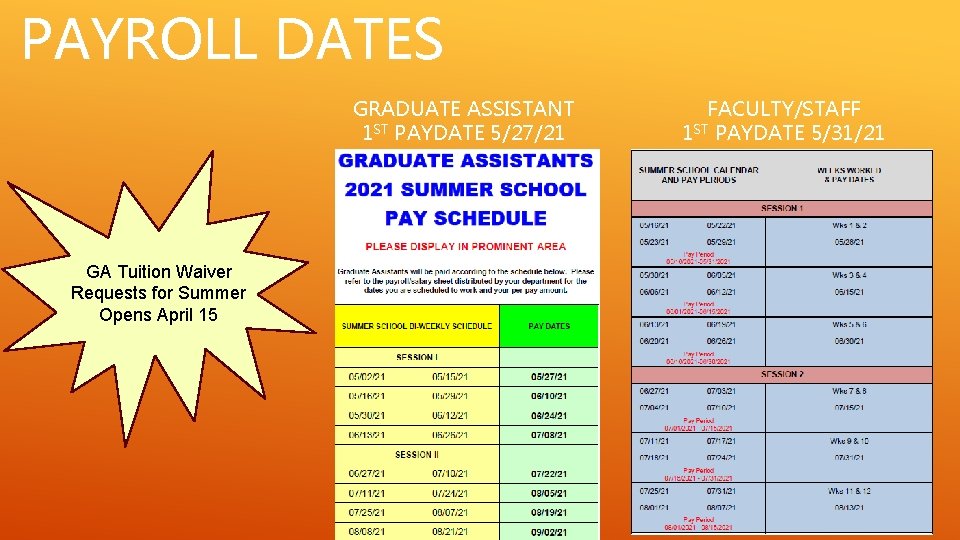
PAYROLL DATES GRADUATE ASSISTANT 1 ST PAYDATE 5/27/21 GA Tuition Waiver Requests for Summer Opens April 15 FACULTY/STAFF 1 ST PAYDATE 5/31/21
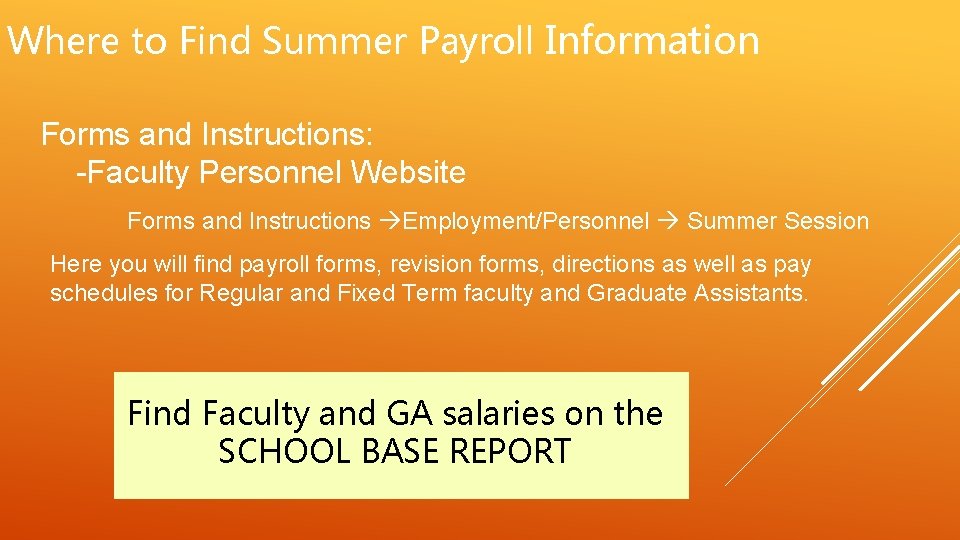
Where to Find Summer Payroll Information Forms and Instructions: -Faculty Personnel Website Forms and Instructions Employment/Personnel Summer Session Here you will find payroll forms, revision forms, directions as well as pay schedules for Regular and Fixed Term faculty and Graduate Assistants. Find Faculty and GA salaries on the SCHOOL BASE REPORT
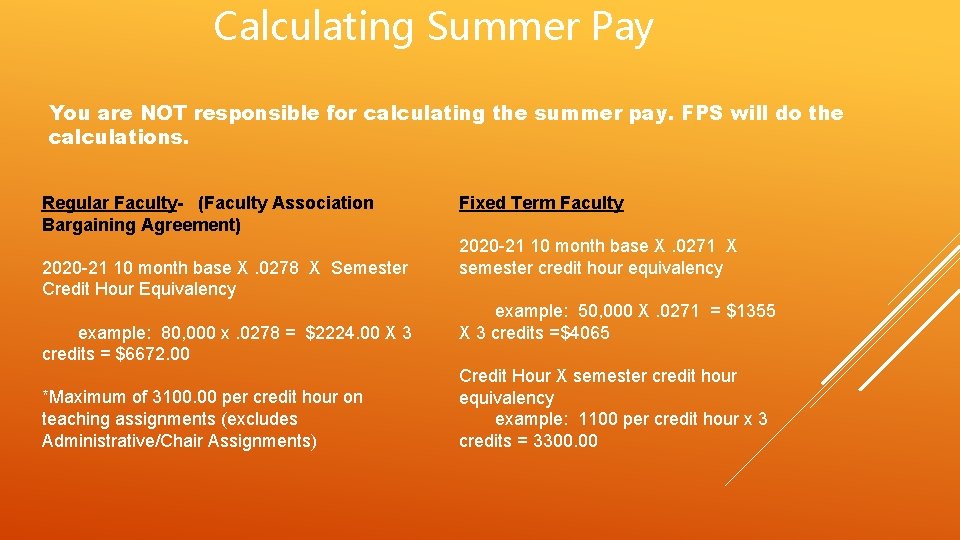
Calculating Summer Pay You are NOT responsible for calculating the summer pay. FPS will do the calculations. Regular Faculty- (Faculty Association Bargaining Agreement) 2020 -21 10 month base X. 0278 X Semester Credit Hour Equivalency example: 80, 000 x. 0278 = $2224. 00 X 3 credits = $6672. 00 *Maximum of 3100. 00 per credit hour on teaching assignments (excludes Administrative/Chair Assignments) Fixed Term Faculty 2020 -21 10 month base X. 0271 X semester credit hour equivalency example: 50, 000 X. 0271 = $1355 X 3 credits =$4065 Credit Hour X semester credit hour equivalency example: 1100 per credit hour x 3 credits = 3300. 00
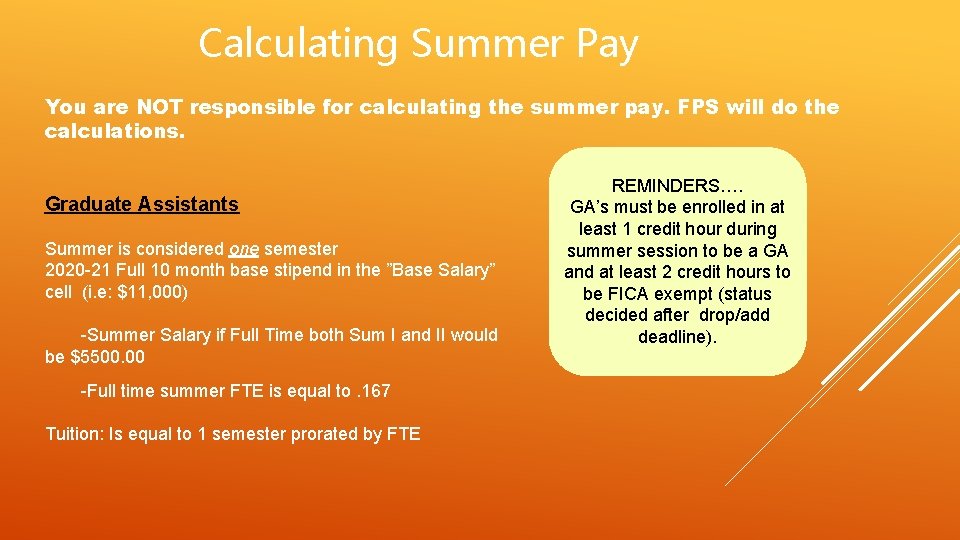
Calculating Summer Pay You are NOT responsible for calculating the summer pay. FPS will do the calculations. Graduate Assistants Summer is considered one semester 2020 -21 Full 10 month base stipend in the ”Base Salary” cell (i. e: $11, 000) -Summer Salary if Full Time both Sum I and II would be $5500. 00 -Full time summer FTE is equal to. 167 Tuition: Is equal to 1 semester prorated by FTE REMINDERS…. GA’s must be enrolled in at least 1 credit hour during summer session to be a GA and at least 2 credit hours to be FICA exempt (status decided after drop/add deadline).
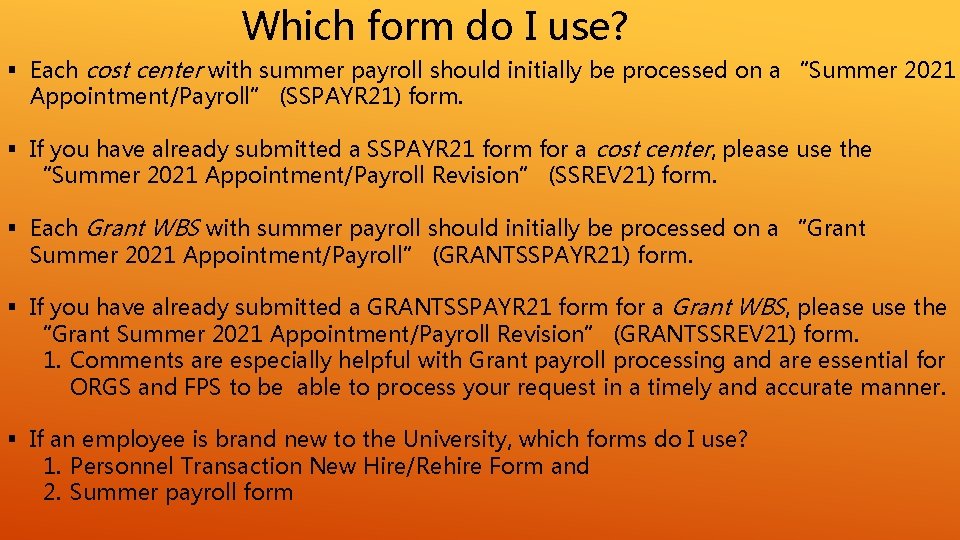
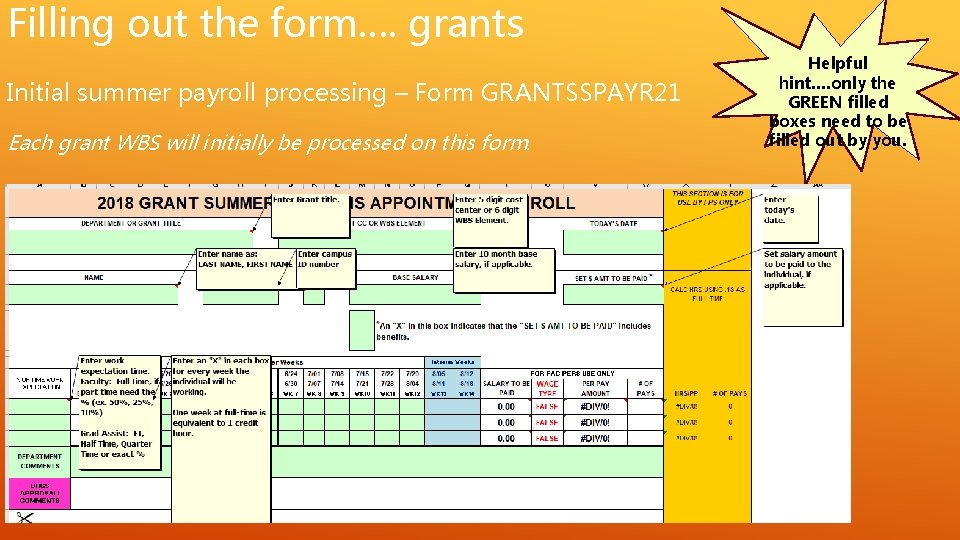
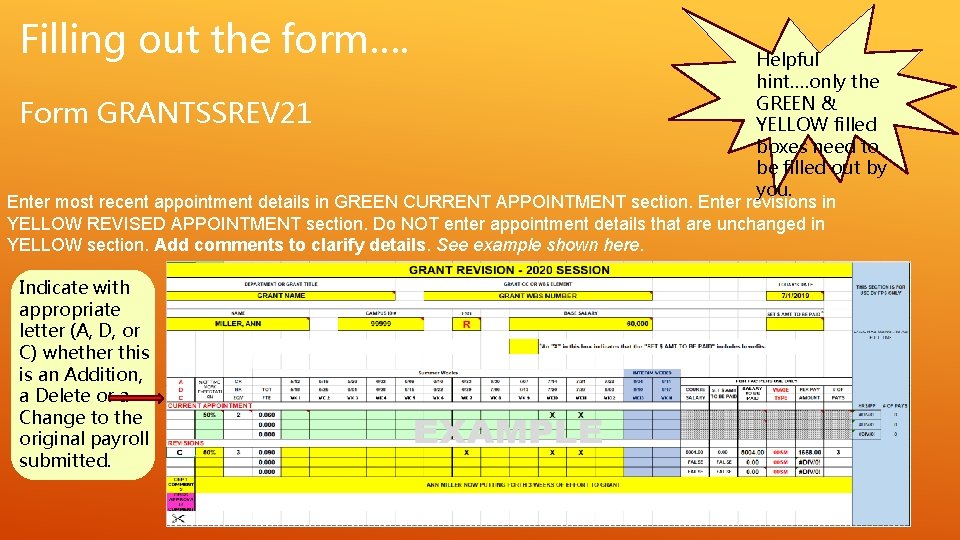
Which form do I use? § Each cost center with summer payroll should initially be processed on a “Summer 2021 Appointment/Payroll” (SSPAYR 21) form. § If you have already submitted a SSPAYR 21 form for a cost center, please use the “Summer 2021 Appointment/Payroll Revision” (SSREV 21) form. § Each Grant WBS with summer payroll should initially be processed on a “Grant Summer 2021 Appointment/Payroll” (GRANTSSPAYR 21) form. § If you have already submitted a GRANTSSPAYR 21 form for a Grant WBS, please use the “Grant Summer 2021 Appointment/Payroll Revision” (GRANTSSREV 21) form. 1. Comments are especially helpful with Grant payroll processing and are essential for ORGS and FPS to be able to process your request in a timely and accurate manner. § If an employee is brand new to the University, which forms do I use? 1. Personnel Transaction New Hire/Rehire Form and 2. Summer payroll form
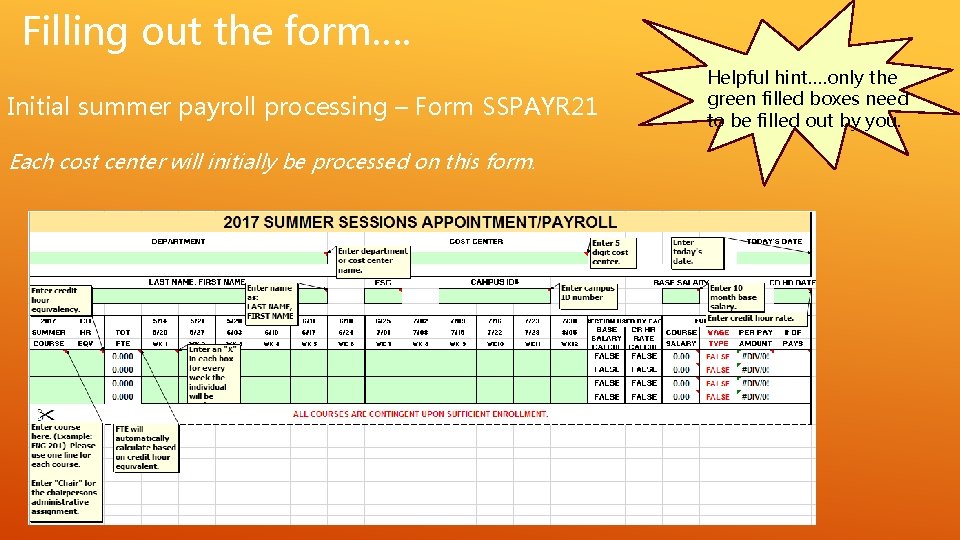
Filling out the form…. Initial summer payroll processing – Form SSPAYR 21 Each cost center will initially be processed on this form. Helpful hint…. only the green filled boxes need to be filled out by you.
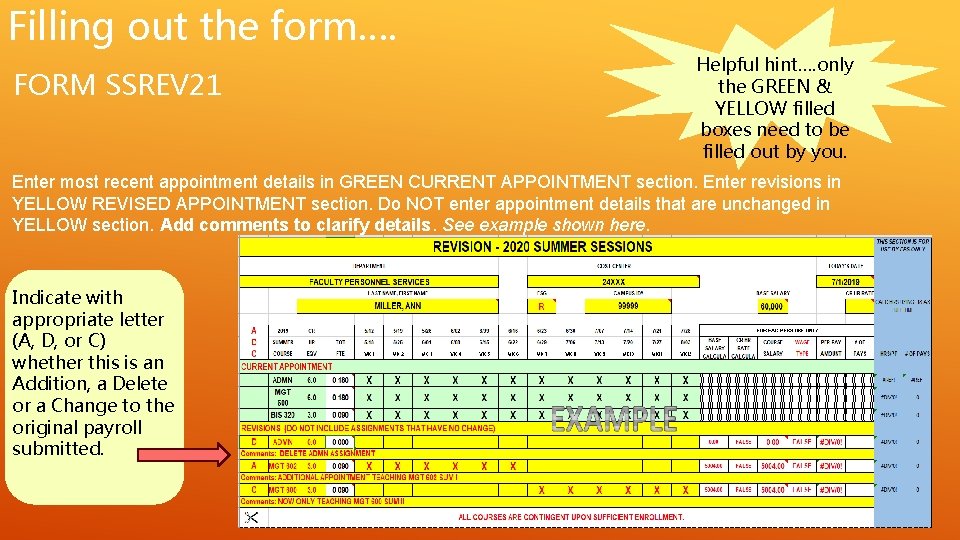
Filling out the form…. FORM SSREV 21 Helpful hint…. only the GREEN & YELLOW filled boxes need to be filled out by you. Enter most recent appointment details in GREEN CURRENT APPOINTMENT section. Enter revisions in YELLOW REVISED APPOINTMENT section. Do NOT enter appointment details that are unchanged in YELLOW section. Add comments to clarify details. See example shown here. Indicate with appropriate letter (A, D, or C) whether this is an Addition, a Delete or a Change to the original payroll submitted.
Filling out the form…. grants Initial summer payroll processing – Form GRANTSSPAYR 21 Each grant WBS will initially be processed on this form. Helpful hint…. only the GREEN filled boxes need to be filled out by you.
Filling out the form…. Helpful hint…. only the GREEN & Form GRANTSSREV 21 YELLOW filled boxes need to be filled out by you. Enter most recent appointment details in GREEN CURRENT APPOINTMENT section. Enter revisions in YELLOW REVISED APPOINTMENT section. Do NOT enter appointment details that are unchanged in YELLOW section. Add comments to clarify details. See example shown here. Indicate with appropriate letter (A, D, or C) whether this is an Addition, a Delete or a Change to the original payroll submitted.
QUESTIONS