
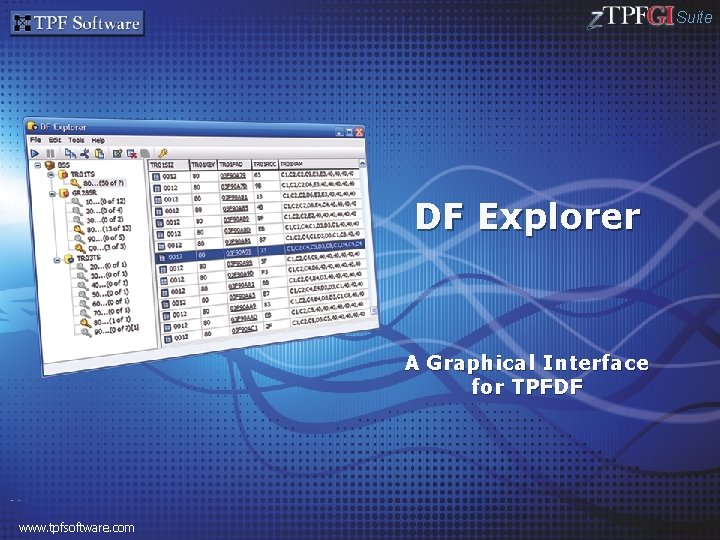
Suite DF Explorer A Graphical Interface for TPFDF
- Slides: 26
Suite DF Explorer A Graphical Interface for TPFDF www. tpfsoftware. com
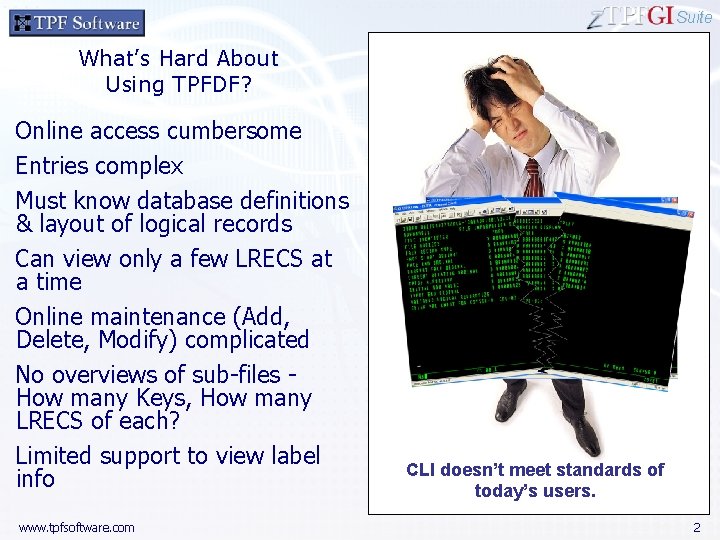
Suite What’s Hard About Using TPFDF? Online access cumbersome Entries complex Must know database definitions & layout of logical records Can view only a few LRECS at a time Online maintenance (Add, Delete, Modify) complicated No overviews of sub-files How many Keys, How many LRECS of each? Limited support to view label info www. tpfsoftware. com CLI doesn’t meet standards of today’s users. 2
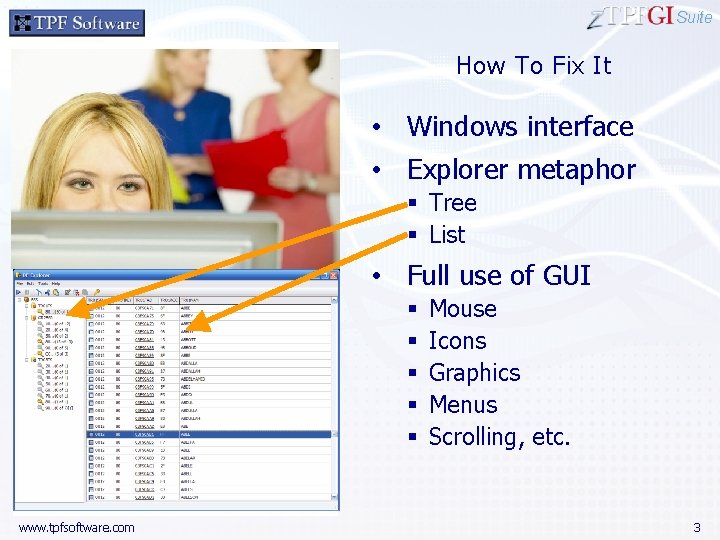
Suite How To Fix It • Windows interface • Explorer metaphor § Tree § List • Full use of GUI § § § www. tpfsoftware. com Mouse Icons Graphics Menus Scrolling, etc. 3
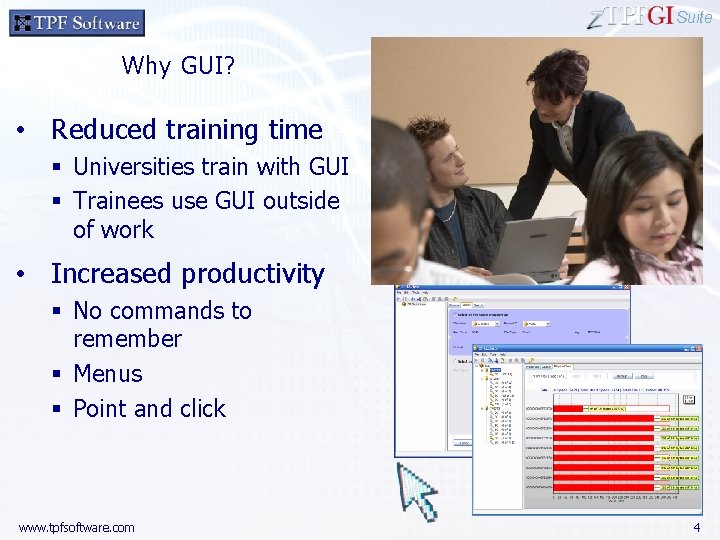
Suite Why GUI? • Reduced training time § Universities train with GUI § Trainees use GUI outside of work • Increased productivity § No commands to remember § Menus § Point and click www. tpfsoftware. com 4
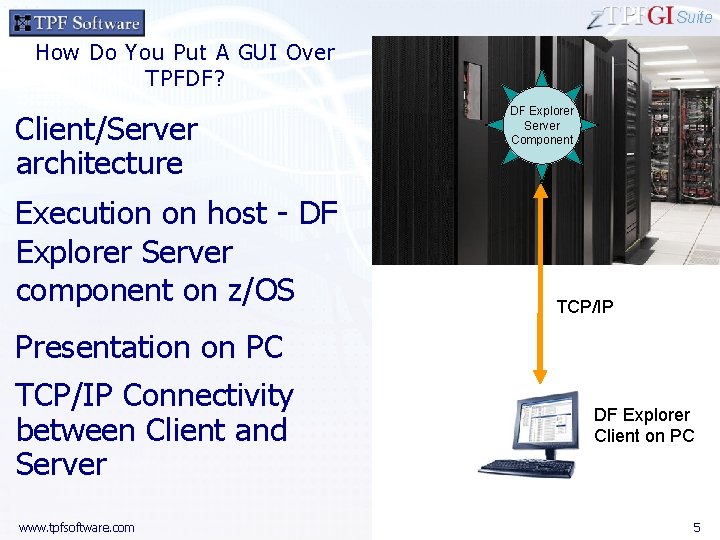
Suite How Do You Put A GUI Over TPFDF? Client/Server architecture Execution on host - DF Explorer Server component on z/OS DF Explorer Server Component TCP/IP Presentation on PC TCP/IP Connectivity between Client and Server www. tpfsoftware. com DF Explorer Client on PC 5
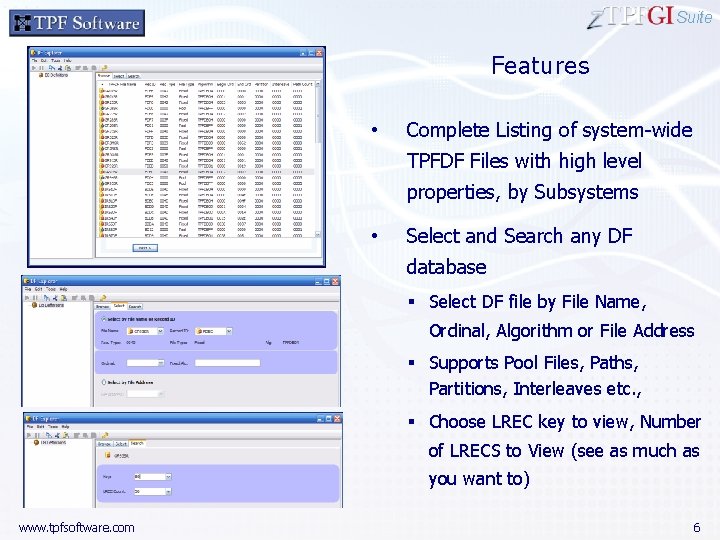
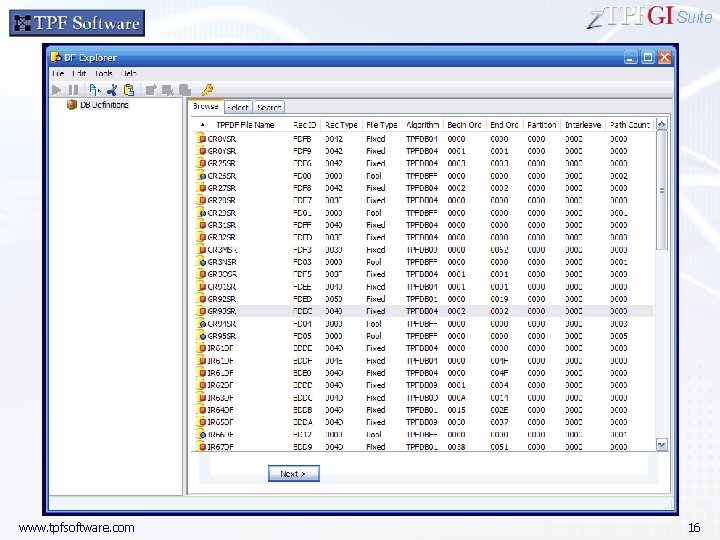
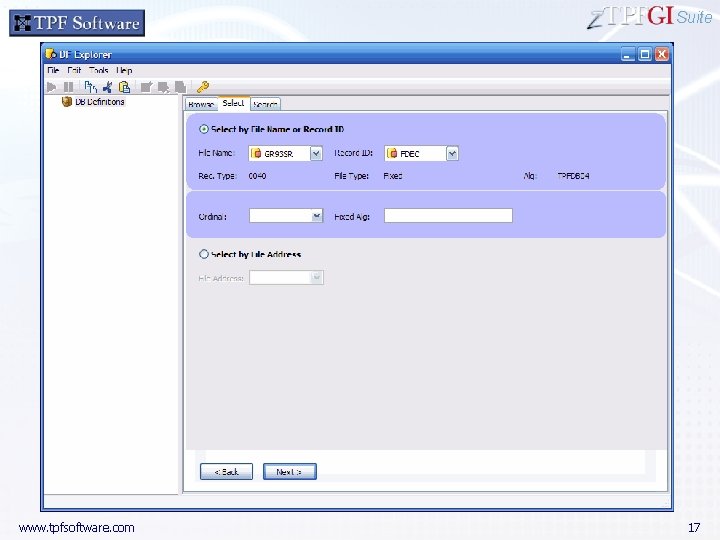
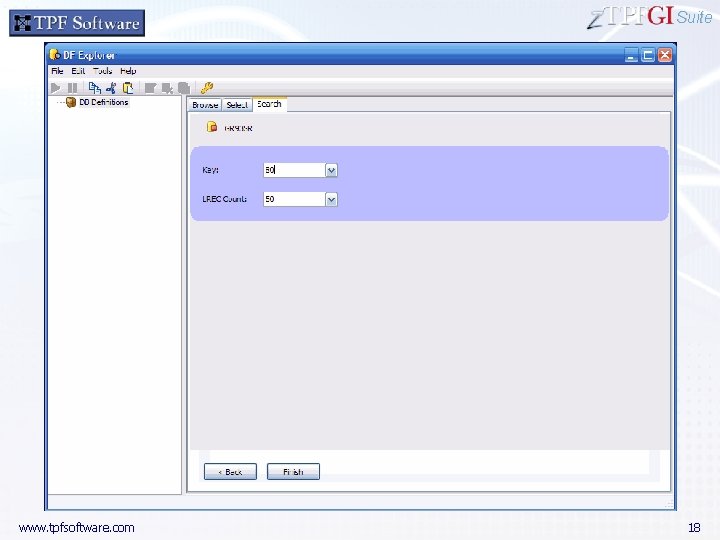
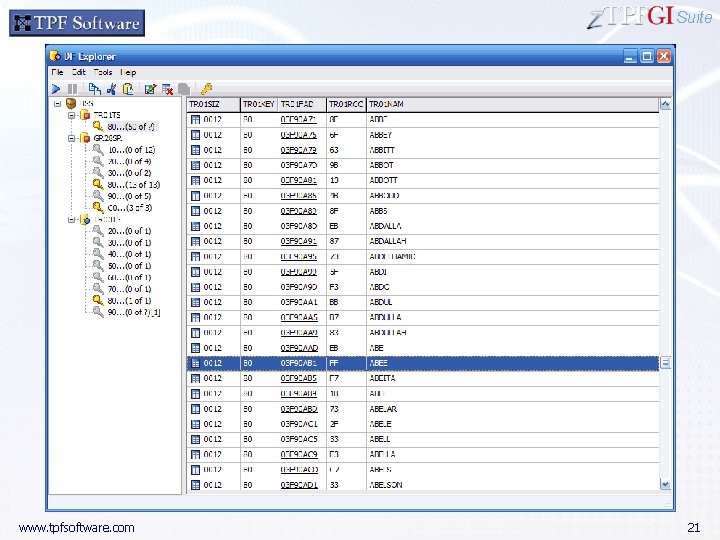
Suite Features • Complete Listing of system-wide TPFDF Files with high level properties, by Subsystems • Select and Search any DF database § Select DF file by File Name, Ordinal, Algorithm or File Address § Supports Pool Files, Paths, Partitions, Interleaves etc. , § Choose LREC key to view, Number of LRECS to View (see as much as you want to) www. tpfsoftware. com 6
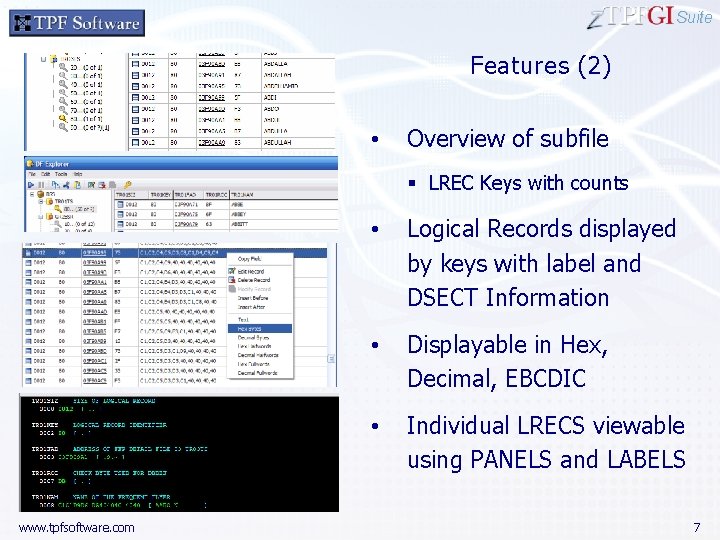
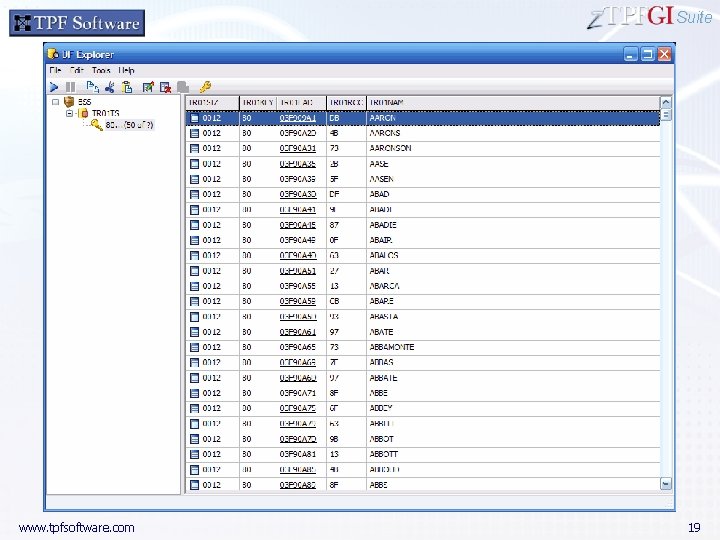
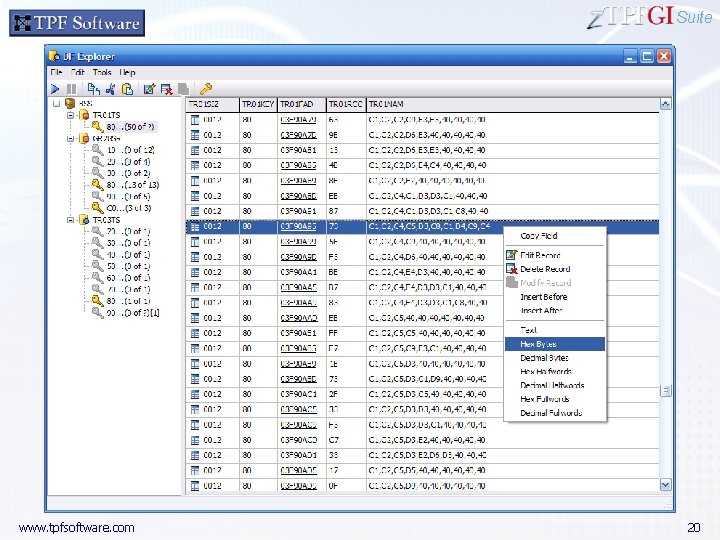
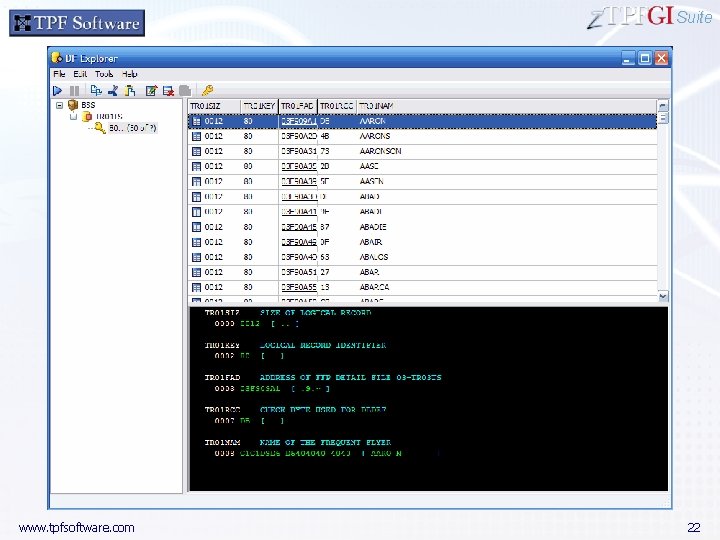
Suite Features (2) • Overview of subfile § LREC Keys with counts www. tpfsoftware. com • Logical Records displayed by keys with label and DSECT Information • Displayable in Hex, Decimal, EBCDIC • Individual LRECS viewable using PANELS and LABELS 7
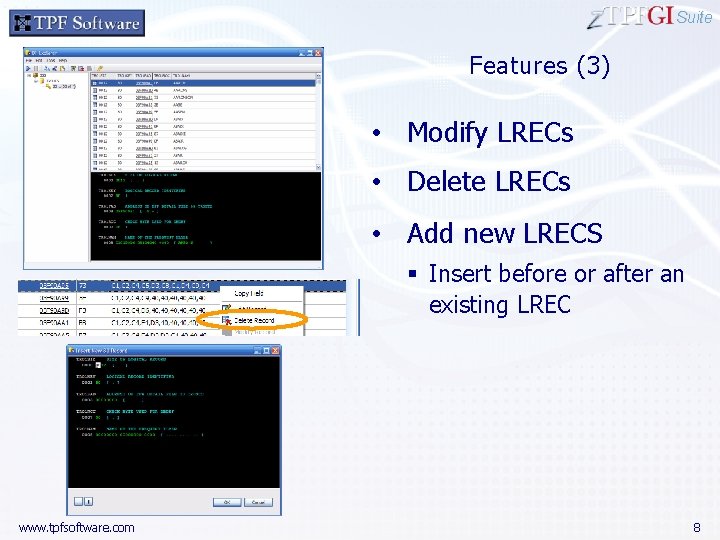
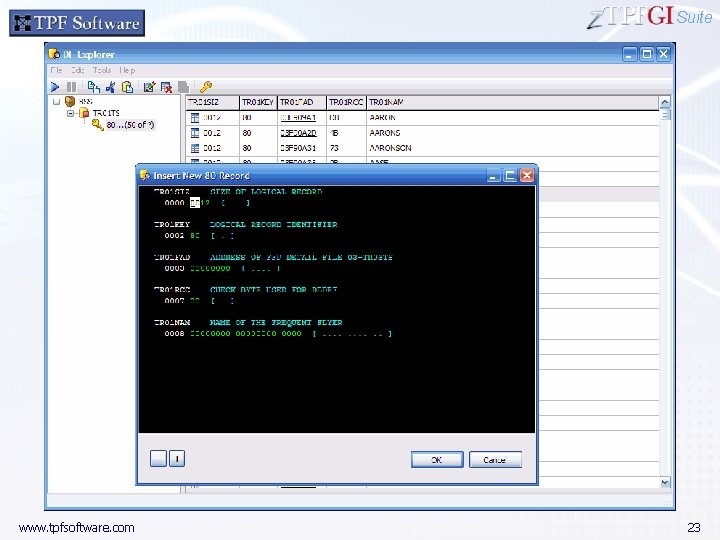
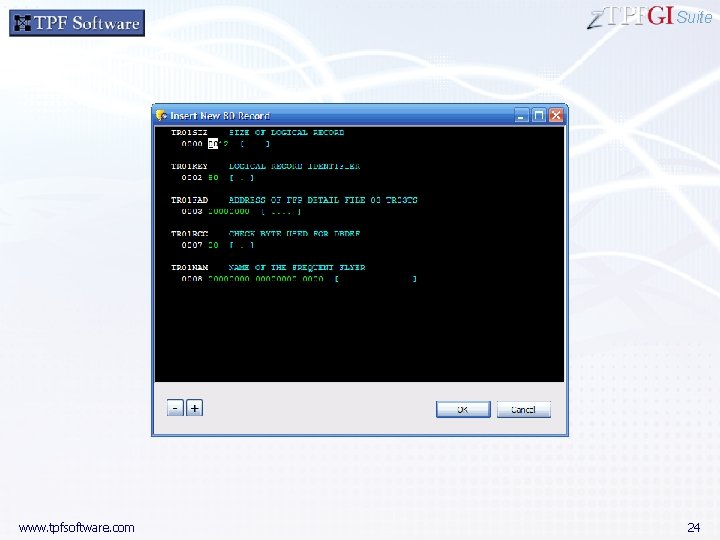
Suite Features (3) • Modify LRECs • Delete LRECs • Add new LRECS § Insert before or after an existing LREC www. tpfsoftware. com 8
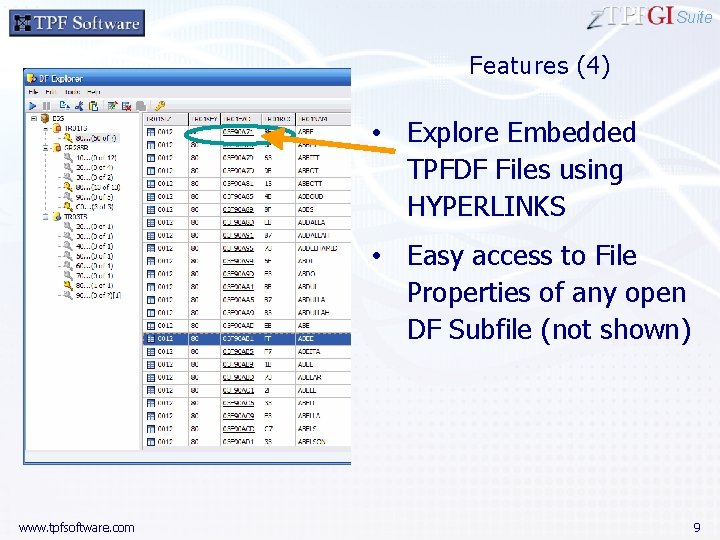
Suite Features (4) • Explore Embedded TPFDF Files using HYPERLINKS • Easy access to File Properties of any open DF Subfile (not shown) www. tpfsoftware. com 9
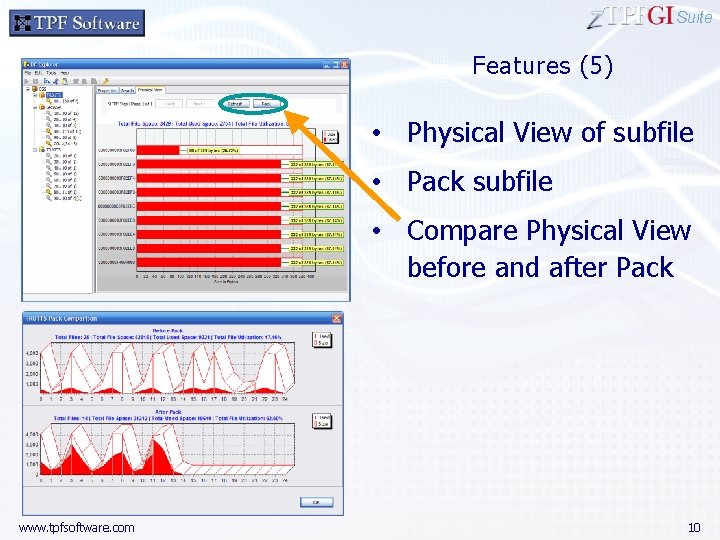
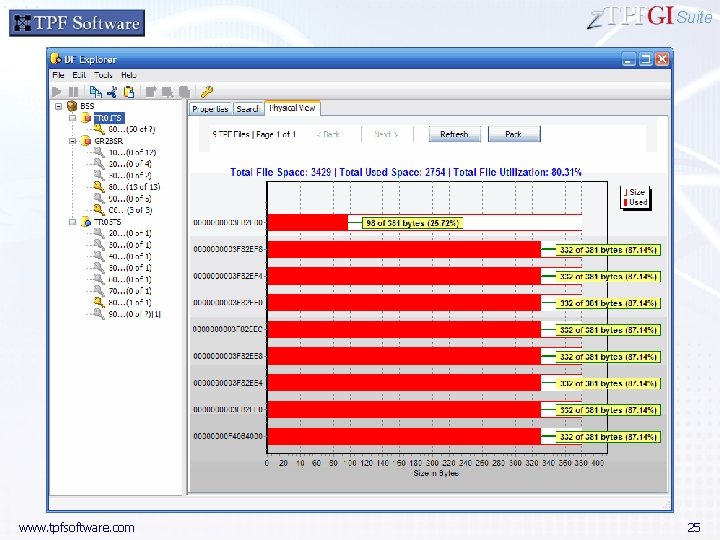
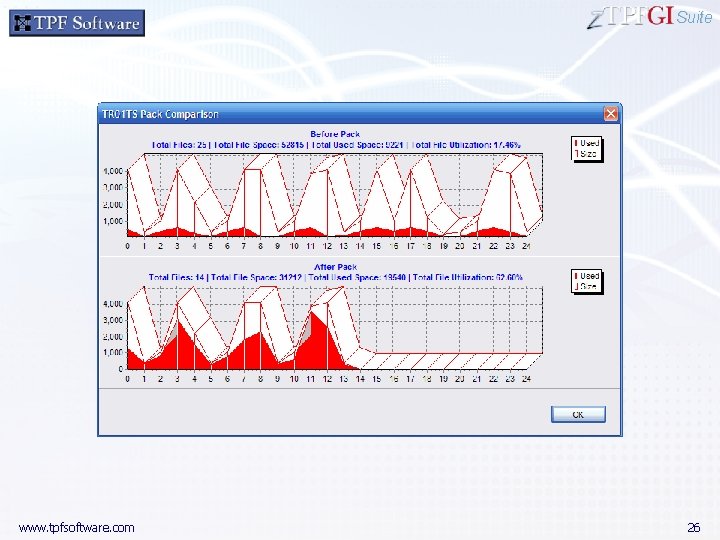
Suite Features (5) • Physical View of subfile • Pack subfile • Compare Physical View before and after Pack www. tpfsoftware. com 10
Suite Primary Factors for Benefits • Greater Efficiency • Enhanced Understanding of DF Structure § Access DF files efficiently using Windows-style forms § Gain holistic view of DF Subfile and any selected Primary Key § View any number of available LRECS of a particular key with full scroll and translation § View and edit LRECs with LABELS and DSECT Panels § Explore DF Indexed files and forward references with ease End result: Cost Savings • Reduced training time • Increased Productivity www. tpfsoftware. com 11
Suite • Export any DF File or Subfile from TPF to a PC • Convert any TPFDF database to a SQL database which can then be accessed using open system applications • Provide API for PC Applications to modify online TPFDF databases using the DF Explorer Interface www. tpfsoftware. com 12
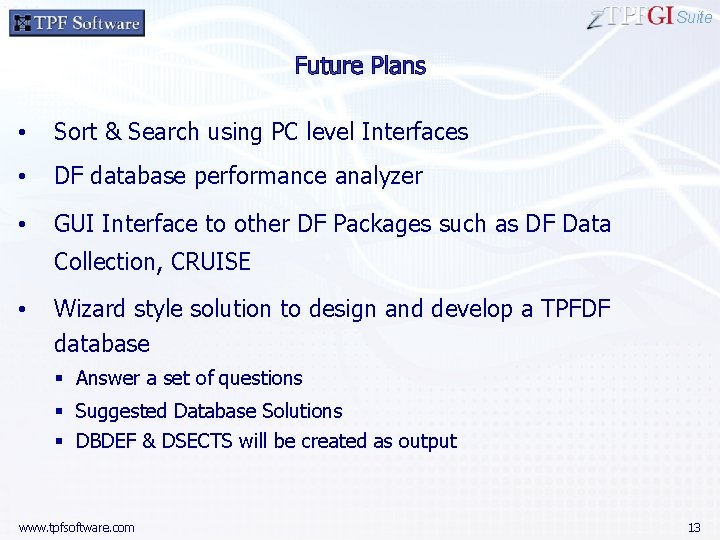
Suite • Sort & Search using PC level Interfaces • DF database performance analyzer • GUI Interface to other DF Packages such as DF Data Collection, CRUISE • Wizard style solution to design and develop a TPFDF database § Answer a set of questions § Suggested Database Solutions § DBDEF & DSECTS will be created as output www. tpfsoftware. com 13
Questions ? Suite For more information, contact: Thirupuvanam TPF Software, Inc. information@tpfsoftware. com 919 -676 -5501 http: //tpfsoftware. com http: //youtube. com/tpfsoftware www. tpfsoftware. com 14
Suite Screen Shots www. tpfsoftware. com 15
Suite www. tpfsoftware. com 16
Suite www. tpfsoftware. com 17
Suite www. tpfsoftware. com 18
Suite www. tpfsoftware. com 19
Suite www. tpfsoftware. com 20
Suite www. tpfsoftware. com 21
Suite www. tpfsoftware. com 22
Suite www. tpfsoftware. com 23
Suite www. tpfsoftware. com 24
Suite www. tpfsoftware. com 25
Suite www. tpfsoftware. com 26